Choosing a laptop for high school doesn't need to be overwhelming. The right machine balances durability, battery life, and enough power to handle four years of schoolwork. We've looked at what actually matters for students who need something that survives backpacks, lasts through long days, and doesn't break the bank.
Technobezz is supported by its audience. We may get a commission from retail offers.
The 7 Best Laptops for High School Students of 2026
Discover the best laptops for high school in 2026. Our top pick, the Apple MacBook Air M4, leads for power, battery, and durability.
T
Technobezz
Editorial Team
Updated September 5, 2026Sep 5, 2026
•8 min read

Get Deals Like These in Your Inbox
The best prices, checked by our editors.
At a Glance
| Category | Product | Why We Picked It |
|---|---|---|
| Best overall | Apple MacBook Air M5 | M5 performance, 512GB storage and a portable 13.6-inch design |
| Best value | Acer Swift Go 14 | Offering premium features at a mid-range price |
| Best for durability | Framework Laptop | Because you can actually repair and upgrade it |
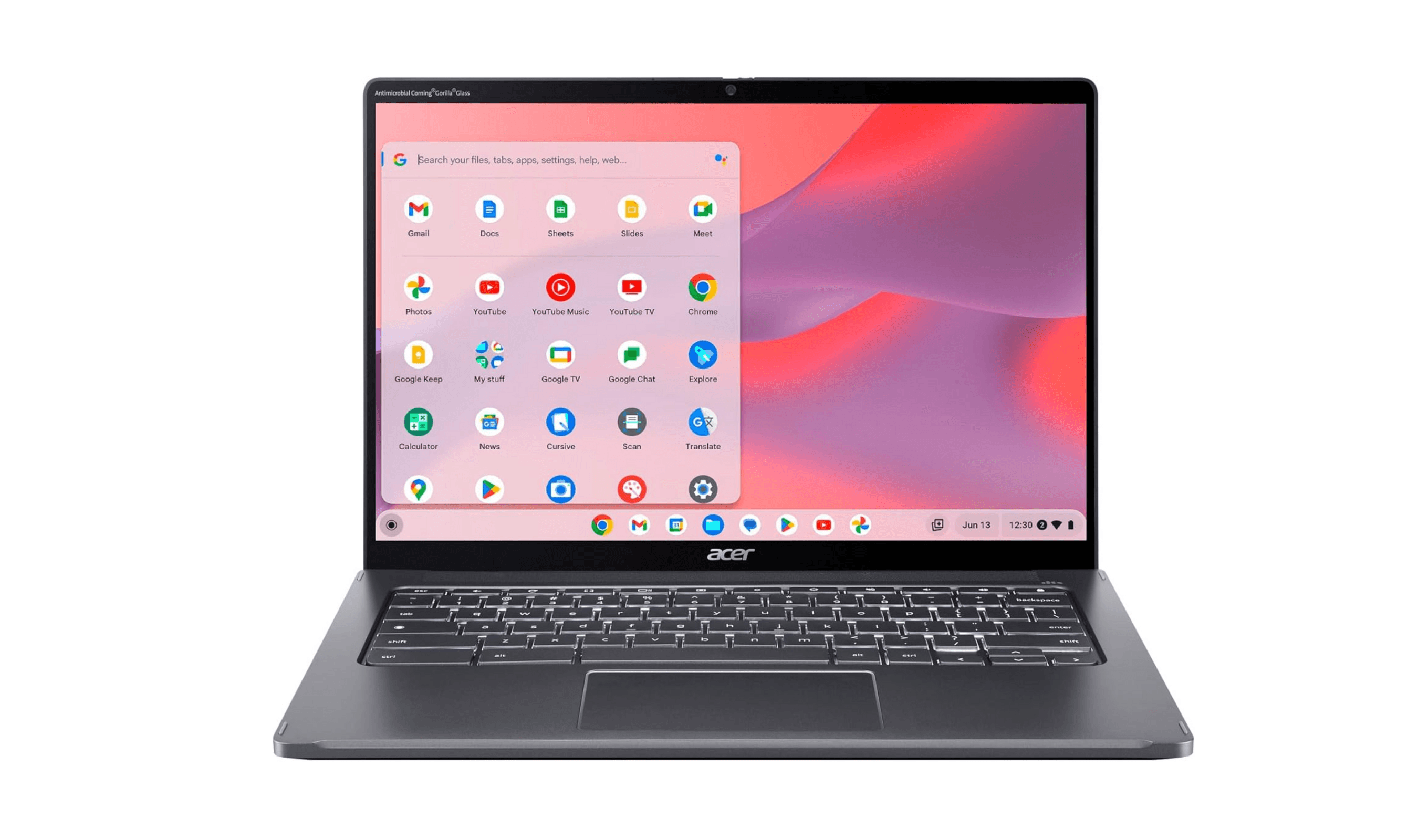
| Best Chromebook | Acer Chromebook Plus Spin 714 | Convertible touchscreen, Core Ultra 5 processor and 256GB SSD |
| Best budget Windows | Acer Aspire 3 | Capable basics without the premium price |
| Also recommended | HP OmniBook Ultra Flip | Premium build in a versatile 2-in-1 |
| Also recommended | Lenovo Yoga 9i | Great student pick with a stunning display |
How we chose
Our selection prioritized the core needs of a high school student. We looked for laptops with all-day battery life, durable construction, and reliable performance for schoolwork and projects.
The best laptops for high school students right now
Apple MacBook Air M5 - Best overall
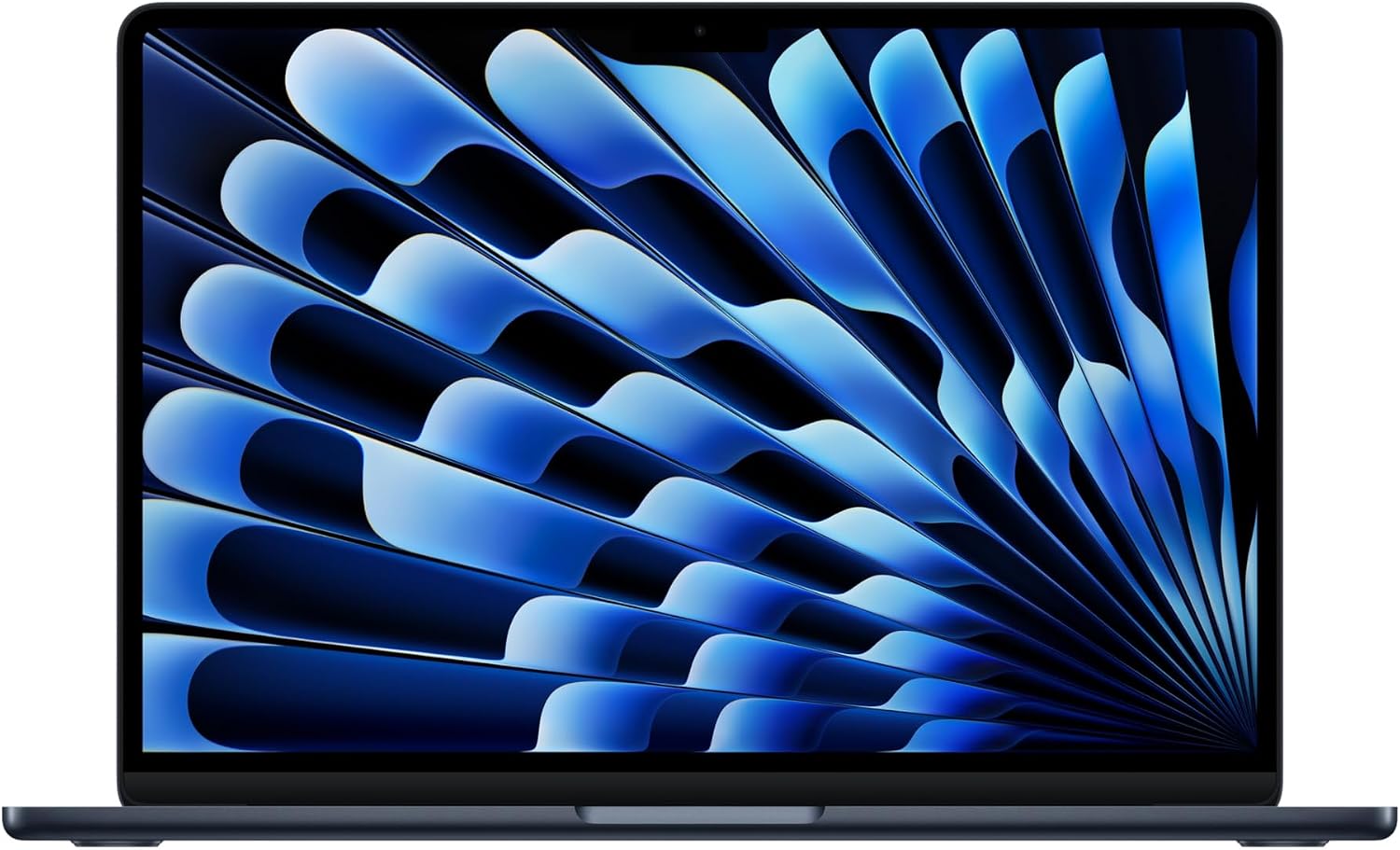
The MacBook Air M5 is our overall pick for students whose school software supports macOS. This 13-inch configuration pairs 16GB of unified memory with a 512GB SSD for coursework and creative projects.
Key highlights
- Apple M5 chip with 16GB unified memory
- 512GB SSD in the linked configuration
- 13.6-inch Liquid Retina display
- 12MP Center Stage camera
- Wi-Fi 7 and Bluetooth 6
Pros
- Apple rates battery life at up to 18 hours; actual runtime varies
- Supports up to two external displays
- MagSafe charging leaves both Thunderbolt 4 ports available
- Works with iPhone continuity features
Cons
- No built-in USB-A or HDMI ports
- School applications must support macOS
Who it is for: Students who want a reliable, long-lasting laptop that just works without fuss. It's perfect for general coursework, research, and creative projects.
Skip if
Your school requires specific Windows software, you need lots of ports, or your budget is tight.
Framework Laptop - Best for durability and upgradability
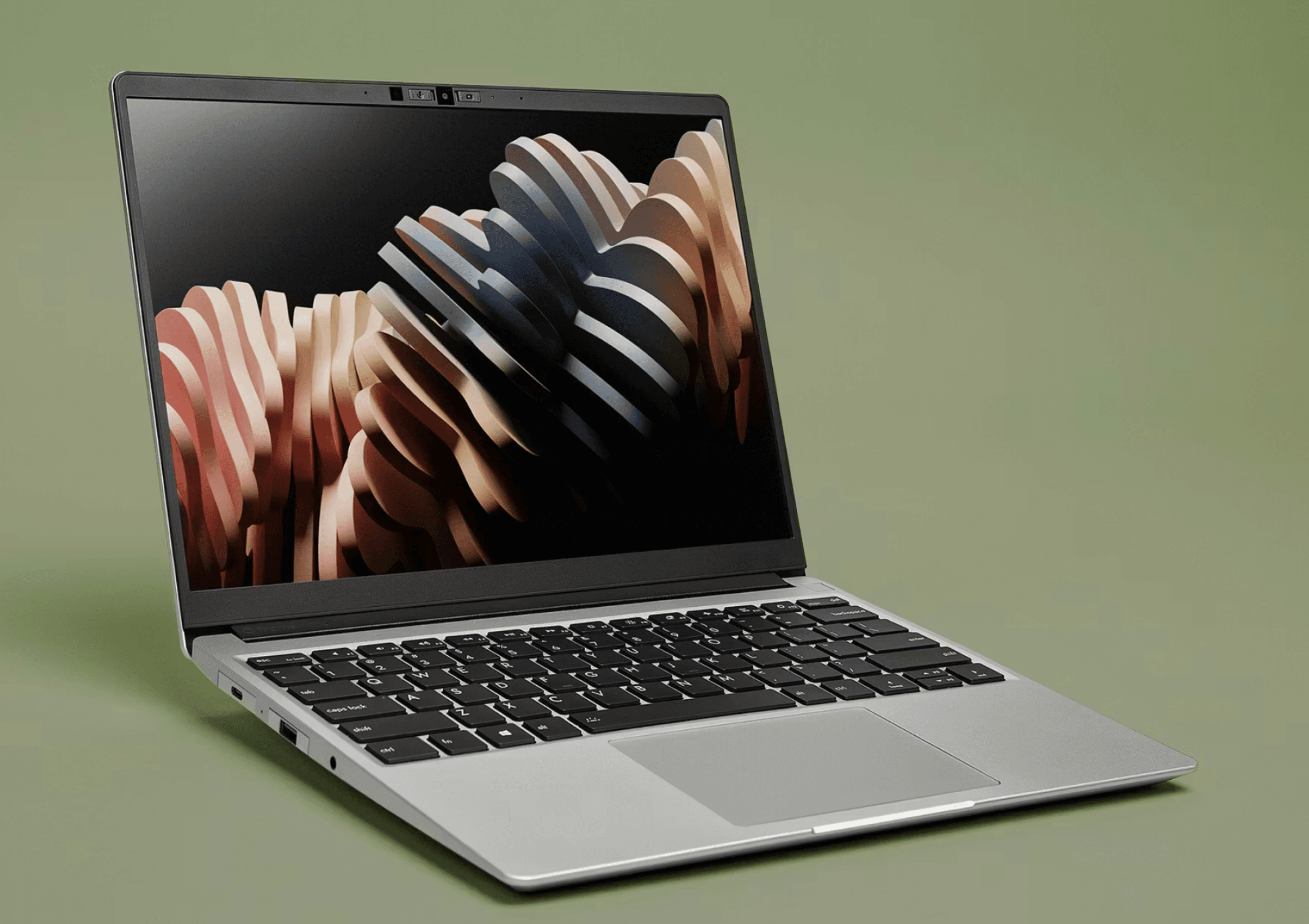
This laptop changes the game by being designed for repairs and upgrades. If you want a machine that can grow with you through high school and beyond, this is the smart choice.
Key highlights
- Modular ports you can swap as needs change
- User-replaceable components (RAM, storage, even motherboard)
- AMD Ryzen AI 300 Series processor options
- Repairable design means longer lifespan
- Environmentally friendly approach to tech
Pros
- Can upgrade components instead of buying new
- Easy to repair common issues yourself
- Good selection of port options
- Strong performance for the price
- Build quality feels premium
Cons
- Costs more than equivalent spec laptops
- Not as thin as some competitors
- Requires some technical comfort for upgrades
- Battery life is good but not exceptional
Who it is for: Tech-savvy students, future engineers, or anyone who wants a laptop that won't become obsolete in two years. It's also great for families who want to minimize e-waste.
Skip if
You want the absolute lightest laptop or prefer something that requires zero maintenance.
Acer Swift Go 14 - Best value
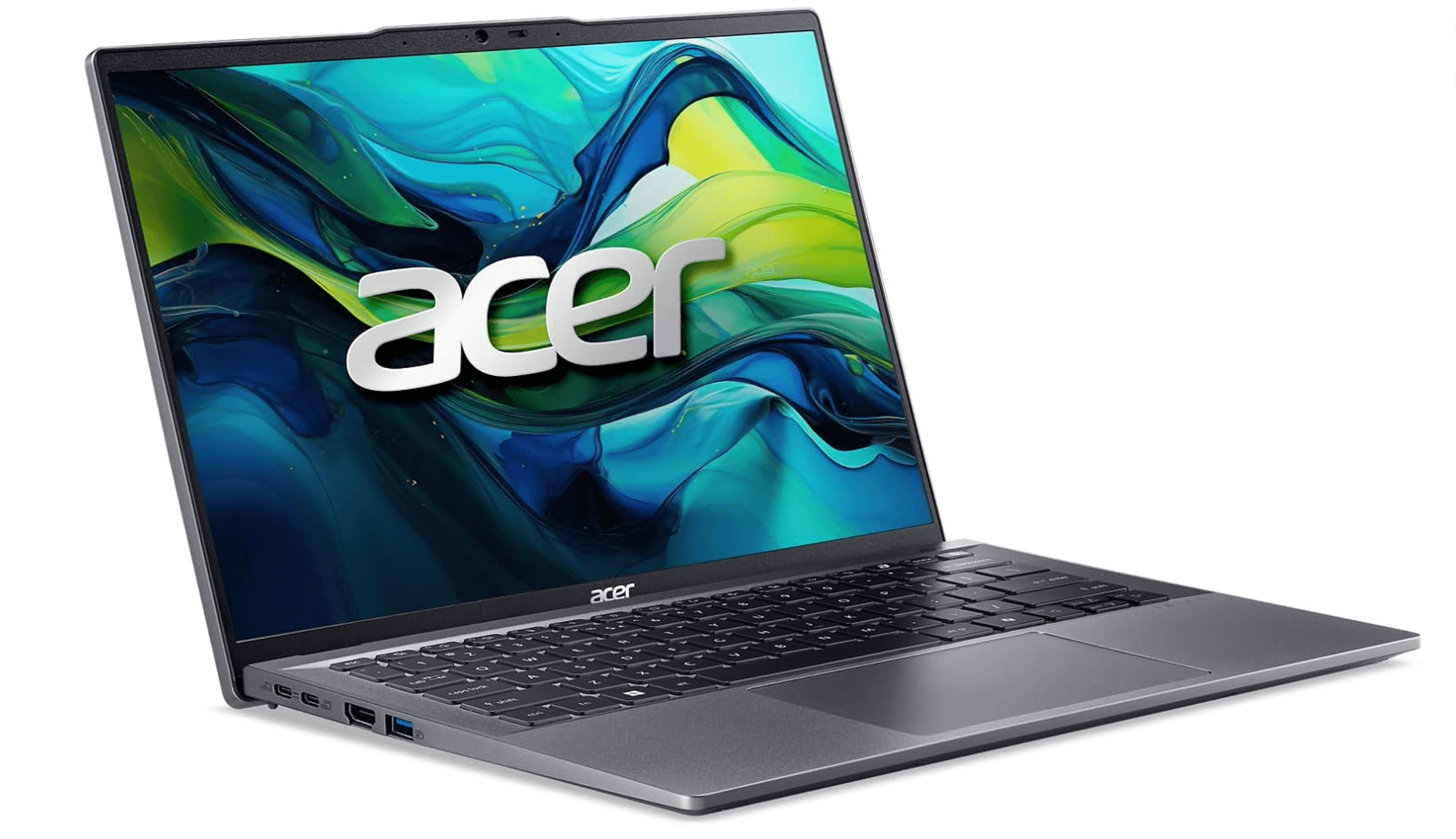
This Windows laptop delivers premium features at a mid-range price. It's the sweet spot for students who need good performance without the Apple price tag.
Key highlights
- AMD Ryzen 7 8845HS processor
- Lightweight aluminum chassis
- Good selection of ports including USB-A and HDMI
- 14-inch 1920 x 1200 touchscreen in the linked configuration
- Reasonable price for the specs
Pros
- Performance rivals more expensive laptops
- Build quality feels more premium than the price suggests
- Good battery life for a Windows machine
- Includes useful ports schools still use
- Often available with student discounts
Cons
- Display brightness could be better
- Speakers are just adequate
- Trackpad isn't as good as MacBooks
- Some bloatware comes pre-installed
Who it is for: Windows users who want good performance without spending MacBook money. It handles research, writing, and multimedia projects well.
Skip if
You're deeply invested in the Apple ecosystem or need extreme battery life.
Acer Chromebook Plus Spin 714 - Best Chromebook
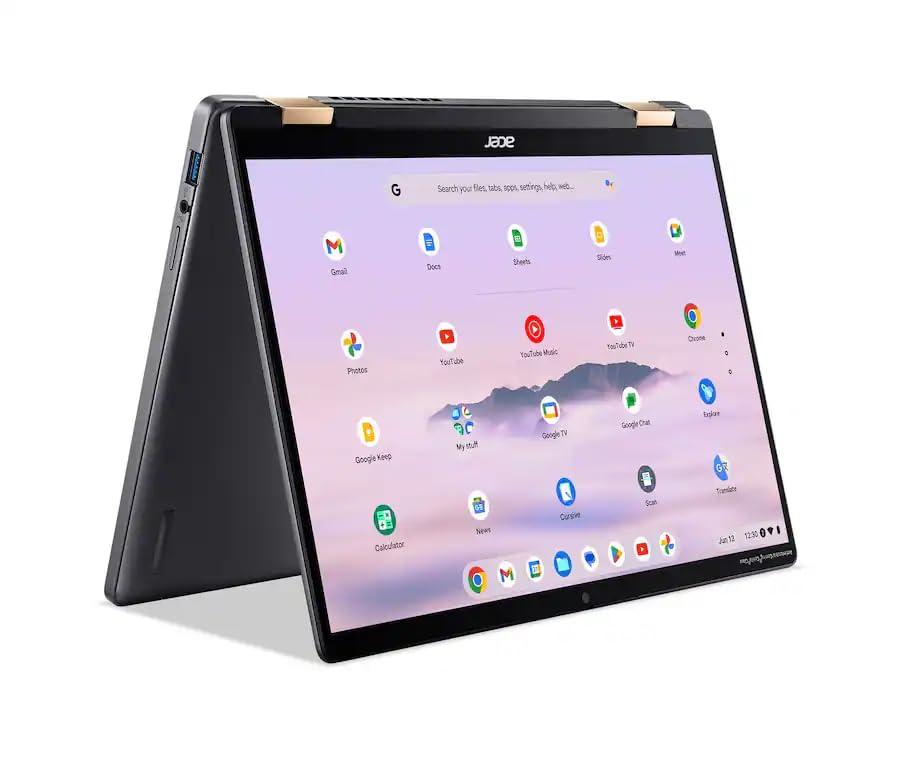
For Google Classroom and web-based coursework, the Chromebook Plus Spin 714 combines a convertible touchscreen with an Intel Core Ultra 5 115U processor, 8GB of memory and a 256GB SSD.
Key highlights
- Intel Core Ultra 5 115U processor
- 8GB LPDDR5 memory and 256GB SSD
- 14-inch 1920 x 1200 touchscreen
- 2-in-1 convertible design
- Backlit keyboard and Thunderbolt 4 connectivity
Pros
- Touchscreen folds into tablet mode for reading
- USB-A, HDMI and two Thunderbolt 4 ports
- 1440p webcam with a privacy shutter
- Display covers 100% of the sRGB color gamut
Cons
- Not suitable for required Windows or macOS desktop applications
- 8GB memory in the linked configuration
- 256GB local storage may need supplementing with cloud storage
Who it is for: Students in schools that use Google Classroom extensively. Also great for those who mainly need web browsing, document editing, and basic apps.
Skip if
You need to run specific Windows or Mac software, or want to play PC games.
Acer Aspire 3 - Best budget Windows laptop
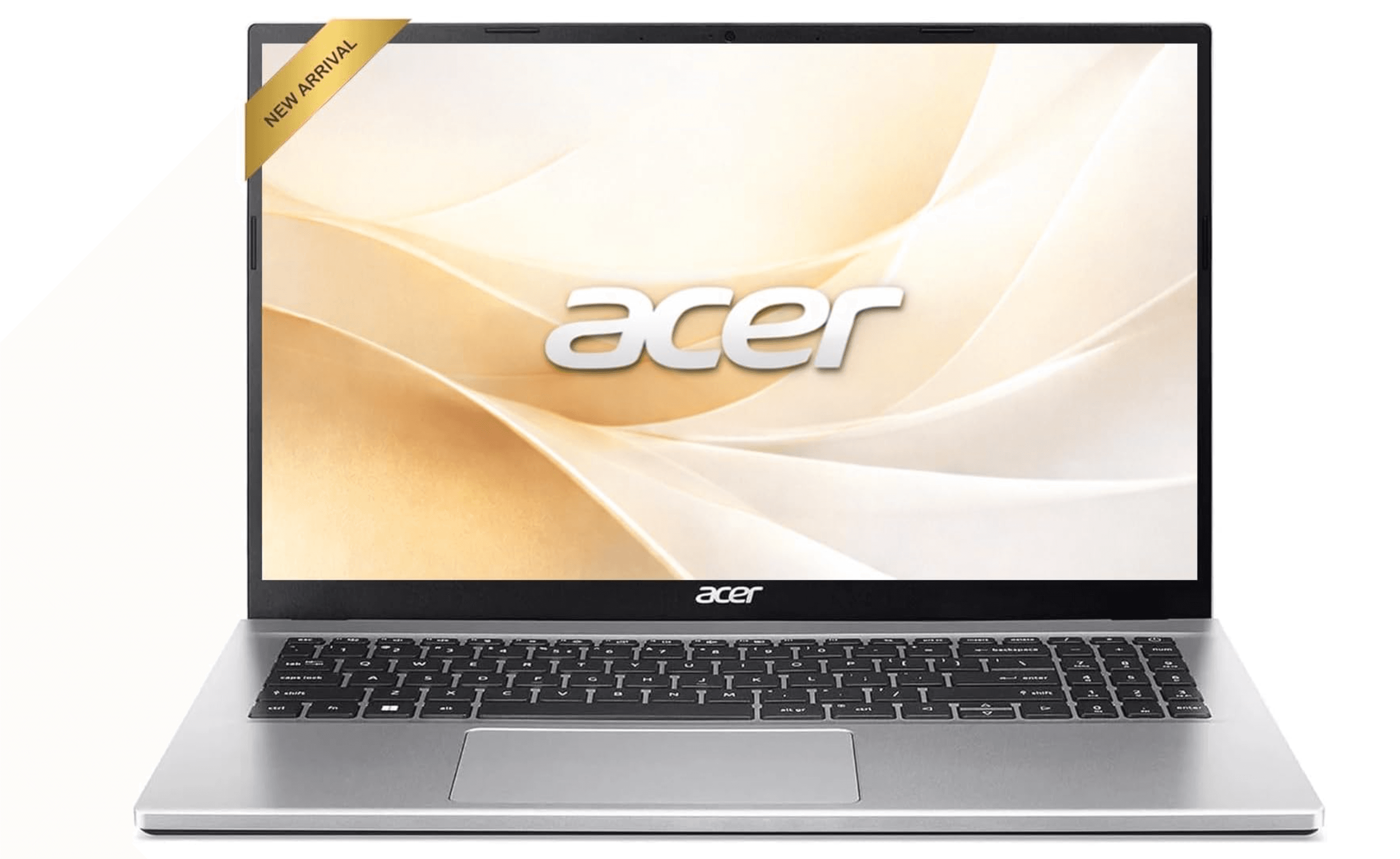
When money is tight but you need a capable Windows laptop, this is the most reliable choice. It makes smart compromises to hit a lower price point.
Key highlights
- AMD Ryzen or Intel Core processors available
- 15-inch screen good for multitasking
- Upgradeable RAM and storage
- Numeric keypad useful for math/science
- Decent battery life for the price
Pros
- Very affordable for what you get
- Easy to upgrade components later
- Screen size good for research and papers
- Durable enough for student use
- Includes necessary ports
Cons
- Build quality feels budget (plastic chassis)
- Display quality is basic
- Heavier than premium laptops
- Performance adequate but not fast
Who it is for: Students on tight budgets who need a Windows laptop for basic schoolwork. It handles documents, research, and presentations without trouble.
Skip if
You want something lightweight for carrying all day or need premium build quality.
Also Good
- HP OmniBook Ultra Flip - premium build in a versatile 2-in-1. Check Price on HP
- Lenovo Yoga 9i - great student pick with a stunning display. Check Price on Lenovo
How to Choose
- 1.Check school requirements first: Some schools specify operating systems or software. Don't buy a Mac if your school uses Windows-only applications.
- 2.Battery life matters most: Look for real-world battery tests, not manufacturer claims. 8+ hours is the minimum for a school day.
- 3.Durability over thinness: A slightly thicker laptop that survives drops is better than a super-thin one that breaks.
- 4.Future-proof with RAM and storage: 16GB RAM and 512GB storage will last through high school better than 8GB/256GB.
- 5.Consider the backpack test: Will it fit with textbooks, lunch, and sports gear? 13-14 inches is the sweet spot.
FAQ
What's the minimum I should spend?
Around $700-800 gets you a reliable laptop that should last through high school. Below $500 typically involves significant trade-offs in performance, display quality, and durability.
Chromebook or Windows/Mac?
Chromebooks work great if your school uses Google Classroom and cloud tools. Windows/Mac are better if you need specific software or want more flexibility.
How much RAM and storage do I need?
16GB RAM and 512GB storage is the sweet spot for lasting through high school. 8GB/256GB works but may feel slow in a couple years.
Should I get a 2-in-1 convertible?
Only if you'll actually use tablet mode for note-taking or reading. Otherwise, a traditional laptop is usually cheaper and more durable.
What about gaming?
Most student laptops aren't great for serious gaming. If gaming is important, you'll need to spend more for a dedicated GPU and better cooling.
Published February 6, 2026 Last updated September 5, 2026
Share this article
More in News
8 Best Chromebooks for Students in 2026
The best Chromebooks for students in 2026, from the Samsung Galaxy Chromebook Plus to budget picks under $200 and rugged, all-day classroom models.
3 min read
Top 7 High-End Laptops for 2026
MacBook Air M4 leads our 2026 high-end laptop picks. See the top 9 premium models for professionals and creators, including Dell XPS 14 and more.
3 min read
7 Best Budget Gaming Laptops for 2026
We rank the 8 best budget gaming laptops for 2026, from the $799 Acer Nitro V 15 to the RTX 5070 MSI Katana 15 HX, our top pick, plus an OLED Lenovo Legion 5i.
5 min read
6 Best Laptops for Engineering Students in 2026
Discover the best laptops for engineering students in 2026. Our top pick, the Asus ProArt P16, delivers workstation power in a portable form.
3 min read
7 Best Laptops for Stock Trading in 2026
5 min read
6 Best Laptops for Teachers in 2026
4 min read

AKG K 701 Ultra Reference Class Stereo discounted to $247.37
5 min read

Apple Watch SE 3 GPS 40mm Smartwatch discounted to $189.97
5 min read

Cleer Audio Enduro ANC Noise Canceling Headphones price drops to $94.99
3 min read

Lenovo coupon codes and deals
5 min read

Woot coupon codes and deals
3 min read

Samsung coupon codes and deals
5 min read