A Wi-Fi extender repeats the signal of the router you already own. A mesh system uses several units that work together as one network, with one name and one password. The two differ in how the network is named and in how the units pass data back to the router, a link the makers call backhaul.
How a Wi-Fi extender works
NETGEAR's extender comparison says extenders work by repeating the Wi-Fi signal of your router to other parts of the home. It describes them receiving and retransmitting data using the same radio and channel.
eero says some range extenders broadcast an entirely separate network with a different SSID from the router. TP-Link's extender setup guide says an extender may use the same Wi-Fi name as the router or add _EXT to it by default.
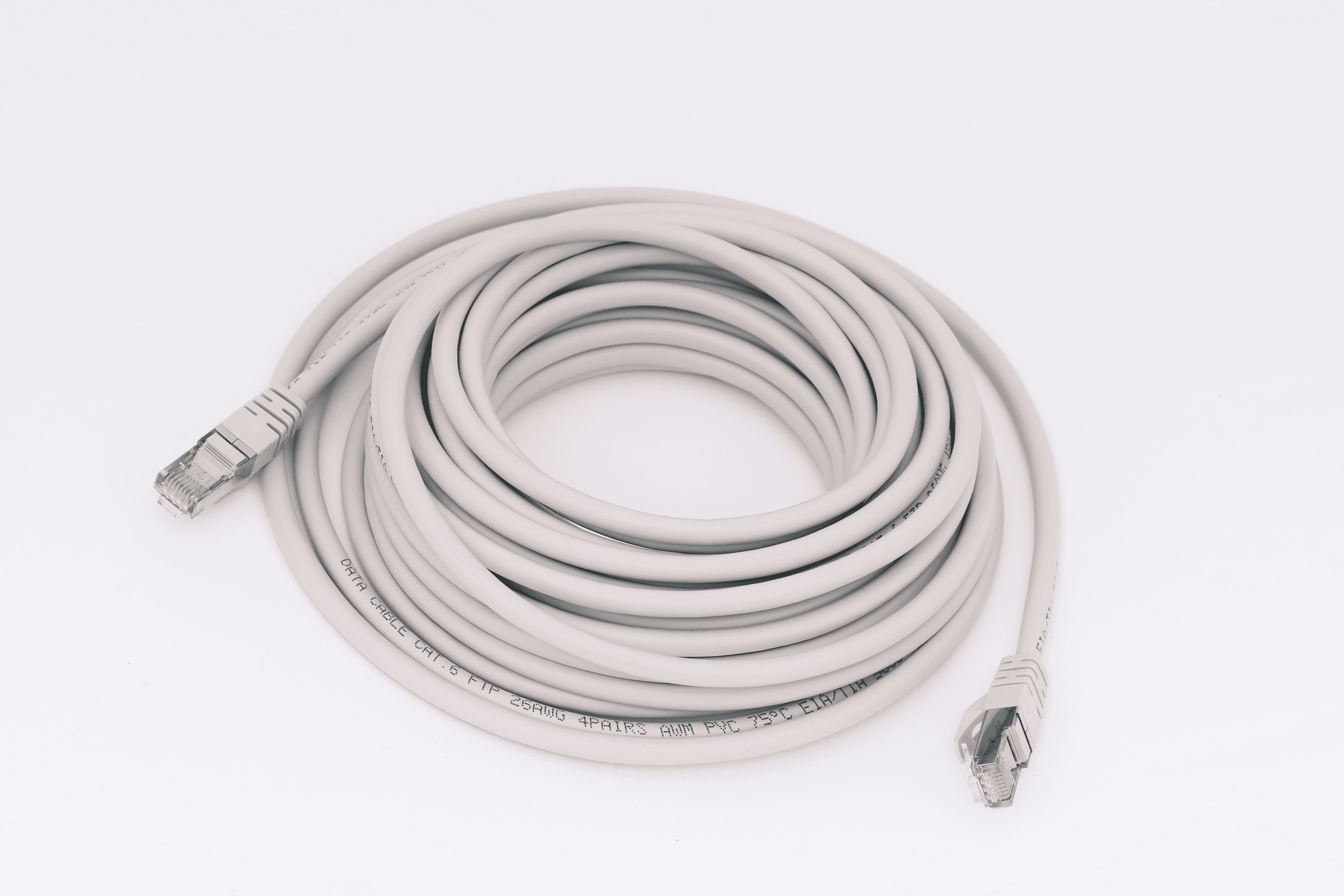
Some extenders can also be wired. TP-Link's guide separates wireless Repeater Mode from Access Point Mode, in which an extender with an Ethernet port connects to the router by cable. See What Is an Access Point?
How a mesh system works
TP-Link says one Deco node connects to the modem as the main hub, while additional nodes extend coverage (see Modem vs Router, What Is the Difference?). Google calls the first device in a Nest Wifi Pro, Nest Wifi or Google Wifi setup a router and the additional devices points.
eero says its system links all of your eeros under a single SSID. NETGEAR says an Orbi router and its satellites provide one network name and password. TP-Link says Deco devices share the same network name and password, and Google says one network name is used across all the bands.
Extender vs mesh at a glance
- Network name: an extender may share the router's name, add _EXT or broadcast a separate SSID. eero, Orbi, Deco and Google Nest systems each use one name.
- Wireless link: NETGEAR describes extenders receiving and retransmitting on the same radio and channel. Mesh backhaul varies by system, from a shared band to a reserved one.
- Wired option: some extenders offer an Access Point Mode over Ethernet. eero, Orbi, Deco and Google Nest support Ethernet between units that have the port.
How mesh backhaul differs by system
Some systems reserve a band for traffic between units. NETGEAR says the Orbi 970 gives communication between the router and satellites its own band. NETGEAR says the Orbi 770 uses Wi-Fi 7 Multi-Link Operation for backhaul rather than a separate backhaul-only band. TP-Link's Deco XE75 V1 user guide says its 6 GHz Wi-Fi is dedicated to backhaul by default, with an option to open it to client devices.
Other systems share. eero says the Pro 6E does not dedicate its 6 GHz band to backhaul, so compatible devices can use it too. Google's Nest Wifi Pro also carries both mesh traffic and compatible devices on 6 GHz. On the eero Pro 6, Pro 6E, Max 7 and Pro 7, eero's TrueMesh picks a backhaul band dynamically per connected device.
A cable can replace the wireless link. TP-Link says Deco units that talk over Ethernet do not use wireless bandwidth for that traffic, and that wired and wireless backhaul can be mixed in one network. eero supports Ethernet backhaul through a switch or a daisy chain, and an Orbi satellite can be cabled to the router or another satellite.
Not every unit has the port. eero Beacons and eero 6 Extenders have no Ethernet ports, and Google says Nest Wifi points can't be hardwired. Nest Wifi Pro, Nest Wifi routers and Google Wifi can.
Where EasyMesh blurs the line
TP-Link describes EasyMesh networks built from a main router plus compatible satellite routers or range extenders that share a single Wi-Fi name, and it notes that firmware upgrades may be required. NETGEAR describes EasyMesh as a Wi-Fi Certified standard for mesh hardware from different manufacturers, and says its Mesh WiFi 6 System works with EasyMesh devices from other makers. Mixing models within one brand has limits too. Google says Nest Wifi routers, Nest Wifi points and Google Wifi points can form one mesh, but Nest Wifi Pro can't be combined with them.
Which one fits
If you want to keep your current router and add coverage to it, an extender fits, because repeating an existing router's signal is what it does. Check how the model names its network first, since some broadcast a separate SSID or add _EXT. See What Is a Wi-Fi Extender and How Does It Work?
If you want one network name across the home, a mesh system fits, because eero, NETGEAR, TP-Link and Google each describe their systems that way. If your home has Ethernet runs between rooms, confirm that every unit has an Ethernet port, since eero and Google each list units without one. See Ethernet vs Wi-Fi, Which Should You Use at Home? If your router supports EasyMesh, a compatible extender may be able to join it under the same name, so check the maker's compatibility and firmware notes first.