USB-C is the connector on every iPhone, iPad and AirPods model Apple lists new in the US as of November 2026. Lightning remains on some accessories Apple still sells, including the first-generation Apple Pencil, EarPods with Lightning Connector and one Magic Keyboard. If you own Lightning gear, Apple sells cables and adapters that connect it to USB-C devices.
- Data on USB-C iPhones: USB 2 (up to 480Mb/s) or USB 3 (up to 10Gb/s), depending on the model.
- Data on Lightning: Apple describes its Lightning to USB cable as a USB 2 cable.
- Charging: Apple's fast-charge instructions for both connectors name USB Power Delivery adapters.
- Who defines it: USB-IF defines USB Type-C as a type of connector with reversible plug orientation and cable direction.
What Apple sells with each connector
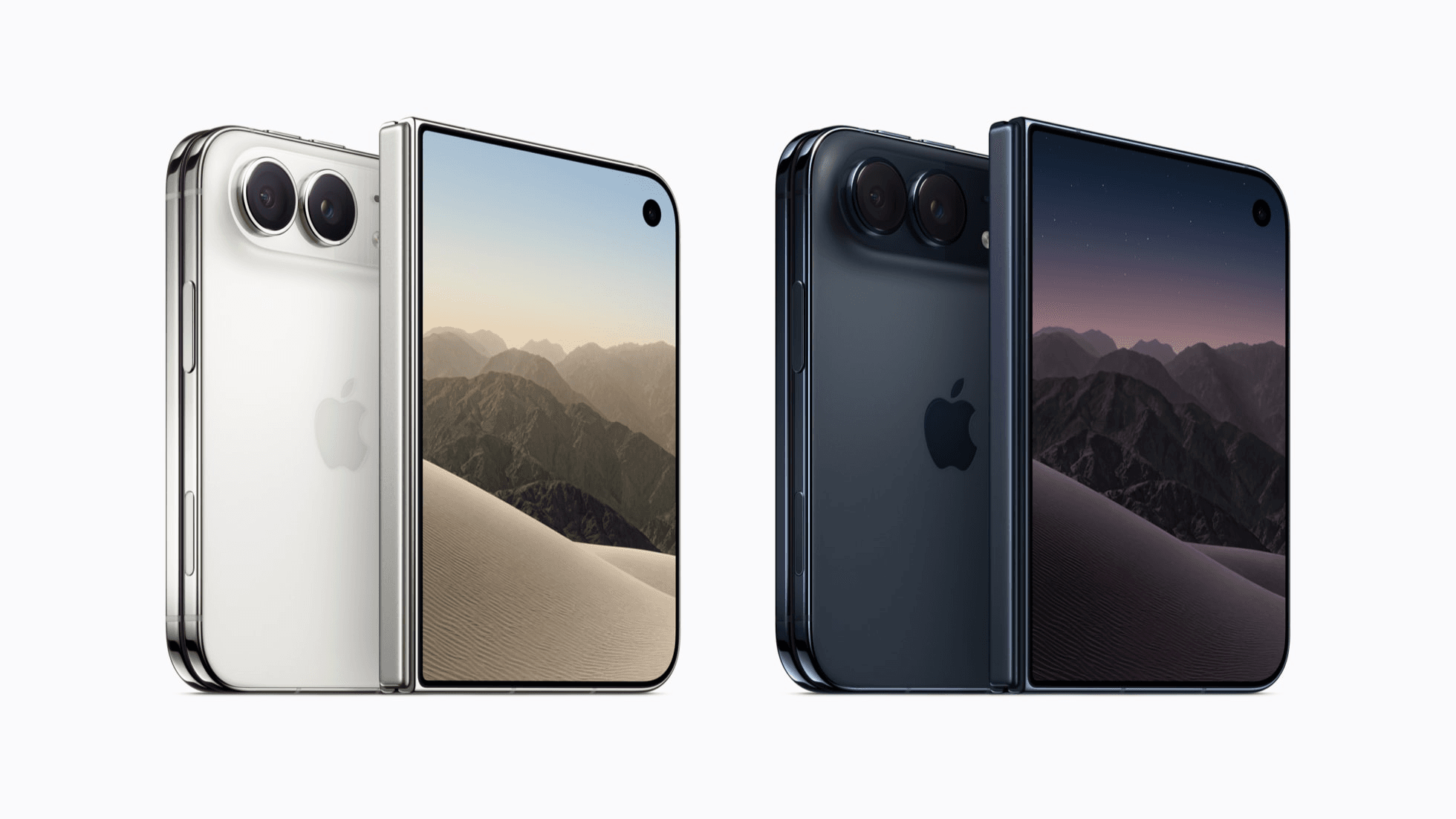
Apple's US store lists iPhone Duo, iPhone 18 Pro, iPhone 18 Pro Max, iPhone Air, iPhone 17, iPhone 17e and iPhone 16. Apple's spec pages show USB-C on each of them. The same goes for the iPad Pro (M5), iPad Air (M4), iPad (A16) and iPad mini (A20 Pro), and for AirPods 5, AirPods Pro 3 and AirPods Max 2.
Apple still sells the Apple Pencil (1st generation), which pairs and charges via Lightning, the EarPods with Lightning Connector, and the Magic Keyboard with Numeric Keypad without Touch ID, which has a Lightning port. Magic Mouse, Magic Trackpad and the Touch ID Magic Keyboards use USB-C.
In the European Union, common charger rules have applied since December 28, 2024 to phones, tablets, headphones, earbuds, keyboards, mice and several other device types, according to the European Commission. Directive (EU) 2022/2380 requires covered devices that charge by wire to have a USB Type-C receptacle.
Data speeds depend on the model and the cable
The USB-C port does not set the speed by itself. USB-IF says USB Type-C, USB 3.2, USB4 and USB Power Delivery are not interchangeable terms, and that USB 2.0 over Type-C supports data up to 480Mbps. See USB-C vs Thunderbolt.
On Apple's spec pages, iPhone Air, iPhone 17, iPhone 17e and iPhone 16 list USB 2 at up to 480Mb/s. iPhone Duo, iPhone 18 Pro and iPhone 18 Pro Max list USB 3 at up to 10Gb/s. On iPads, the iPad (A16) lists USB 2.0, the iPad Air and iPad mini list USB 3 at up to 10Gb/s, and the iPad Pro lists Thunderbolt 3 and USB 4 at up to 40Gb/s. Apple's USB-C iPhone support page says the cable included with an iPhone supports charging and USB 2 speeds, and that USB 3 speeds need an optional USB 3 cable rated for 10Gbit/s.
On the Lightning side, Apple says its USB-C to Lightning Adapter transfers data through a Lightning cable at up to 480 Mbps (USB 2). Apple also lists a Lightning to USB 3 Camera Adapter, which it says transfers data at USB 3 speeds on the 12.9-inch iPad Pro (1st and 2nd generations) and the 10.5-inch iPad Pro.
Charging on both connectors
Apple says USB-C iPhones charge with cables and power adapters that follow the USB-C standard, including USB Power Delivery. For iPhone 18 Pro models, Apple states about 50% charge in 15 minutes with the included cable and its 40W Dynamic Power Adapter with 60W Max. For iPhone 17e and iPhone Air, it is about 30 minutes with a 20W or higher adapter. Apple notes that actual results vary.
Some Lightning iPhones can fast charge as well. For earlier iPhones, Apple's instructions call for a USB-C to Lightning cable and an Apple 18W or greater USB-C adapter, or a comparable third-party adapter that supports USB-PD.
Adapters and cables Apple sells
These are Apple's regular US prices as of November 2026.
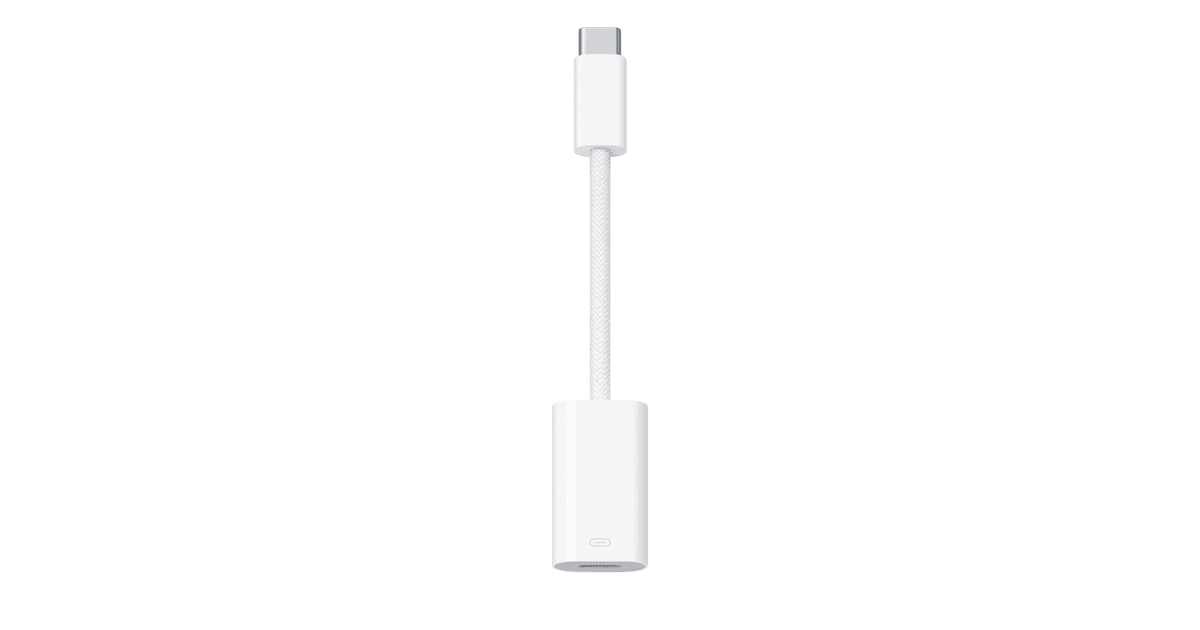
- USB-C to Lightning Adapter ($29): Connects Lightning accessories to a USB-C iPhone or iPad for charging, data and audio. Apple says it provides a maximum of 24W when charging.
- USB-C to Lightning Cable, 2 m ($29): Syncs and charges Lightning devices, with fast charging on selected models.
- Lightning to USB Cable, 1 m ($19): A USB 2 cable for syncing and charging Lightning devices.
- USB-C to Apple Pencil Adapter ($9): Required to pair and charge Apple Pencil (1st generation) with iPad (A16) and iPad (10th generation). It also comes in the box with that Pencil, which lists at $99.
Which one fits
If you are buying a new iPhone, iPad or AirPods from Apple, the choice is made, because Apple's current lineup is USB-C. If you move large files by cable, check the spec page first, since only some models list USB 3, and plan on a USB 3 cable.
If you already own Lightning accessories, the $29 adapter may fit, since Apple lists it for charging, data and audio. If you are buying EarPods, Apple lists a USB-C version and a Lightning version at $19 each. See USB-A vs USB-C.