FAT32 caps a single file at 4,294,967,295 bytes, one byte short of 4 GiB, according to Microsoft's documentation. exFAT and NTFS both raise that ceiling to 2^64 minus 1 bytes at the format level. NTFS adds journaling and permissions, but Apple says a Mac might be able to read an NTFS drive and cannot write to it.
- FAT32: files up to one byte under 4 GiB. The SD Association's format for SDHC cards over 2 GB and up to 32 GB.
- exFAT: a format-level file limit of 2^64 minus 1 bytes. The SD Association's format for SDXC and SDUC cards.
- NTFS: the same format-level file limit as exFAT, plus metadata journaling, a file change log, file owner tracking and access control lists.
File and volume size limits
Microsoft's file system comparison table gives the FAT32 volume limit as 2^32 blocks and does not print a byte total. With 512-byte blocks, that works out to 2 TiB.
For exFAT, the 2^64 minus 1 byte file limit is a figure for the format. It does not show that a particular device can store a file that large. Microsoft's exFAT specification puts its recommended volume ceiling at about 512 TB, using 32 MB clusters.
NTFS limits on Windows are smaller than the format figure and depend on cluster size. Microsoft's NTFS overview lists a maximum volume and file size of 16 TB with the default 4 KB clusters and 256 TB with 64 KB clusters. With 2048 KB clusters, it lists 8 PB on Windows 10 version 1709 and later and Windows Server 2019 and later.
Journaling and permissions
Microsoft's comparison table lists metadata-only journaling and a file change log for NTFS. It lists neither for exFAT or FAT32. The NTFS overview says the file system keeps a transaction log and checkpoint information, and uses that log at startup after a system failure to restore consistency.
The table lists file owner tracking and access control lists for NTFS, and not for the other two. On NTFS, those lists assign permissions such as read, write and modify to files and folders for particular users and groups.
What works on Windows and Mac
Microsoft names NTFS, exFAT and FAT32 among the main file systems supplied with Windows. The Windows format command accepts all three through its /FS parameter.
On a Mac, Disk Utility offers MS-DOS (FAT) and ExFAT, which Apple describes as file systems that are compatible with Windows. Apple's Disk Utility format guide says to use MS-DOS (FAT) for Windows volumes of 32 GB or less and ExFAT for Windows volumes over 32 GB. Apple also says Disk Utility does not support formatting a drive as NTFS.
Consoles and SD cards
Sony says a USB drive used to play video and music on a PS4 or PS5 should be formatted as exFAT or FAT32. PS5 game storage is a separate case. The console formats the drive itself through Format as USB Extended Storage, and a Format as exFAT option turns it back into a regular USB drive and erases the game data on it.
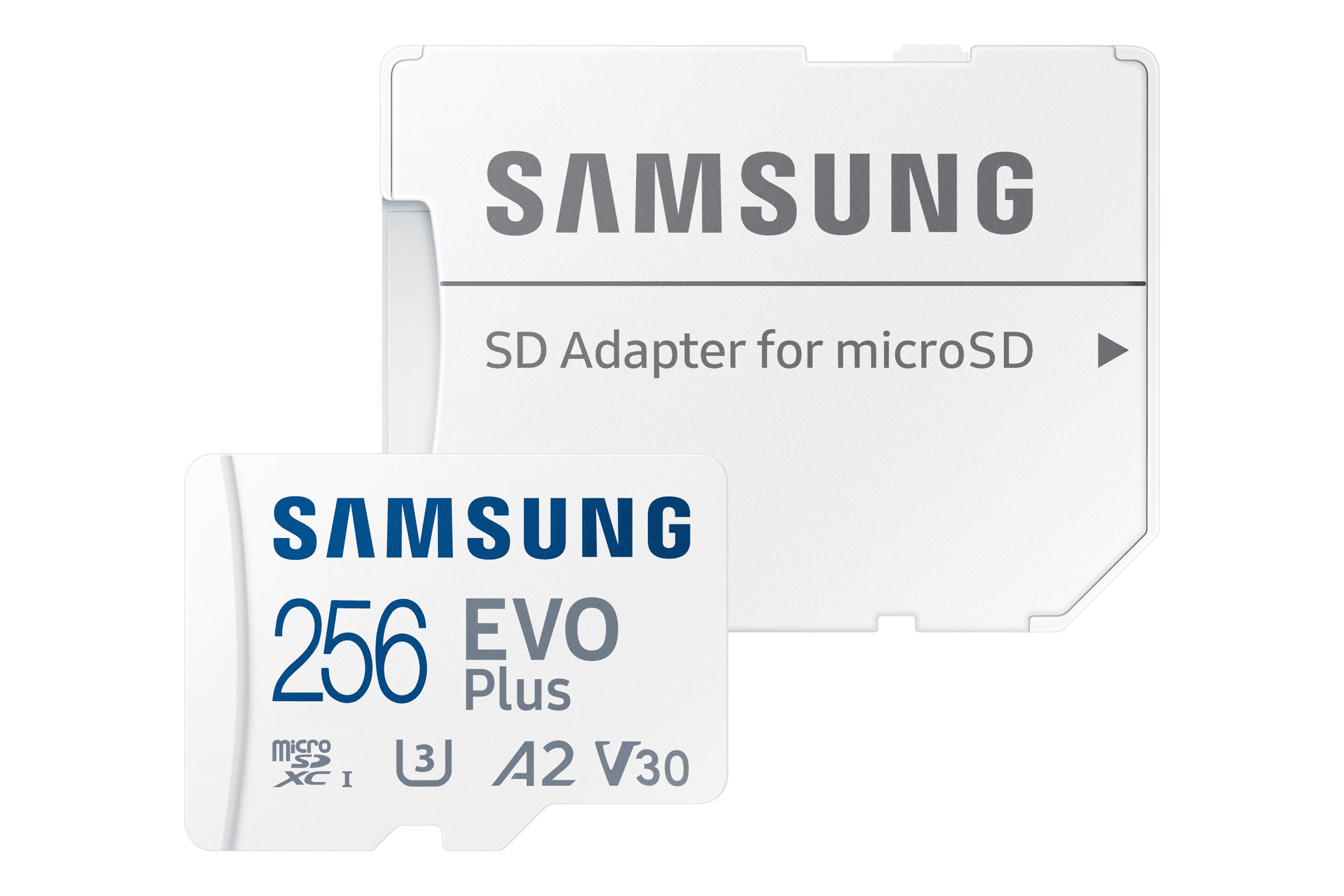
The SD Association assigns FAT32 to SDHC cards and exFAT to SDXC cards, which run from over 32 GB to 2 TB. SDUC cards, from over 2 TB to 128 TB, use exFAT as well.
Which one fits
If a drive moves between Windows and a Mac and holds any file of 4 GiB or larger, exFAT fits, because Apple lists ExFAT as compatible with Windows, FAT32 stops one byte short of 4 GiB per file and Apple says a Mac cannot write to NTFS. If the drive stays with Windows PCs and you want per-user permissions or the recovery log, NTFS is the one Microsoft lists with those features.
If the drive is for booting a Surface from USB, FAT32 fits, because Microsoft's Surface instructions say to make sure the USB drive is formatted as FAT32. See How to Fix a USB Drive That Will Not Format to FAT32.
For memory cards, the SD Association warns that reformatting a card with a file system outside its standard formats may restrict the card's data portability with other SD host products. If the card goes back into another SD host product, keeping the standard format for its capacity avoids that risk. See How to Format an SD Card and How to Format an SD Card to FAT32 When the Option Is Missing.