Refresh rate is how many times a display updates the image on the screen each second, and it is measured in hertz (Hz). A 60Hz screen updates 60 times a second and a 120Hz screen updates 120 times, so 120Hz is twice the refresh frequency of 60Hz. On a PC, Samsung says the refresh rate you can use is determined by the monitor, the graphics card and the selected resolution.
60Hz vs 120Hz and the other common numbers
Samsung lists 60Hz, 120Hz, 144Hz, 240Hz and 360Hz as common refresh rates. Each figure is simply the count of image updates per second, so the gap between 60Hz and 120Hz is a doubling of how often the picture is redrawn.
Makers' own spec pages show where each number turns up:
- Phones: Apple's iPhone 17 specifications list ProMotion with adaptive refresh rates up to 120Hz. Samsung's Galaxy S26, S26+ and S26 Ultra list a 120Hz adaptive refresh rate with a 1 to 120Hz range.
- 60Hz TV: Samsung's 65-inch U8000F 4K TV, from its 2025 range, lists a 60Hz refresh rate.
- 120Hz TV: Samsung's 55-inch S85F OLED 4K TV, also from the 2025 range, lists 120Hz.
- 144Hz TV: Samsung's 55-inch S90F OLED supports VRR gaming up to 4K at 144Hz. Samsung says 4K 144Hz is only available with PC connected games and graphics hardware that support it.
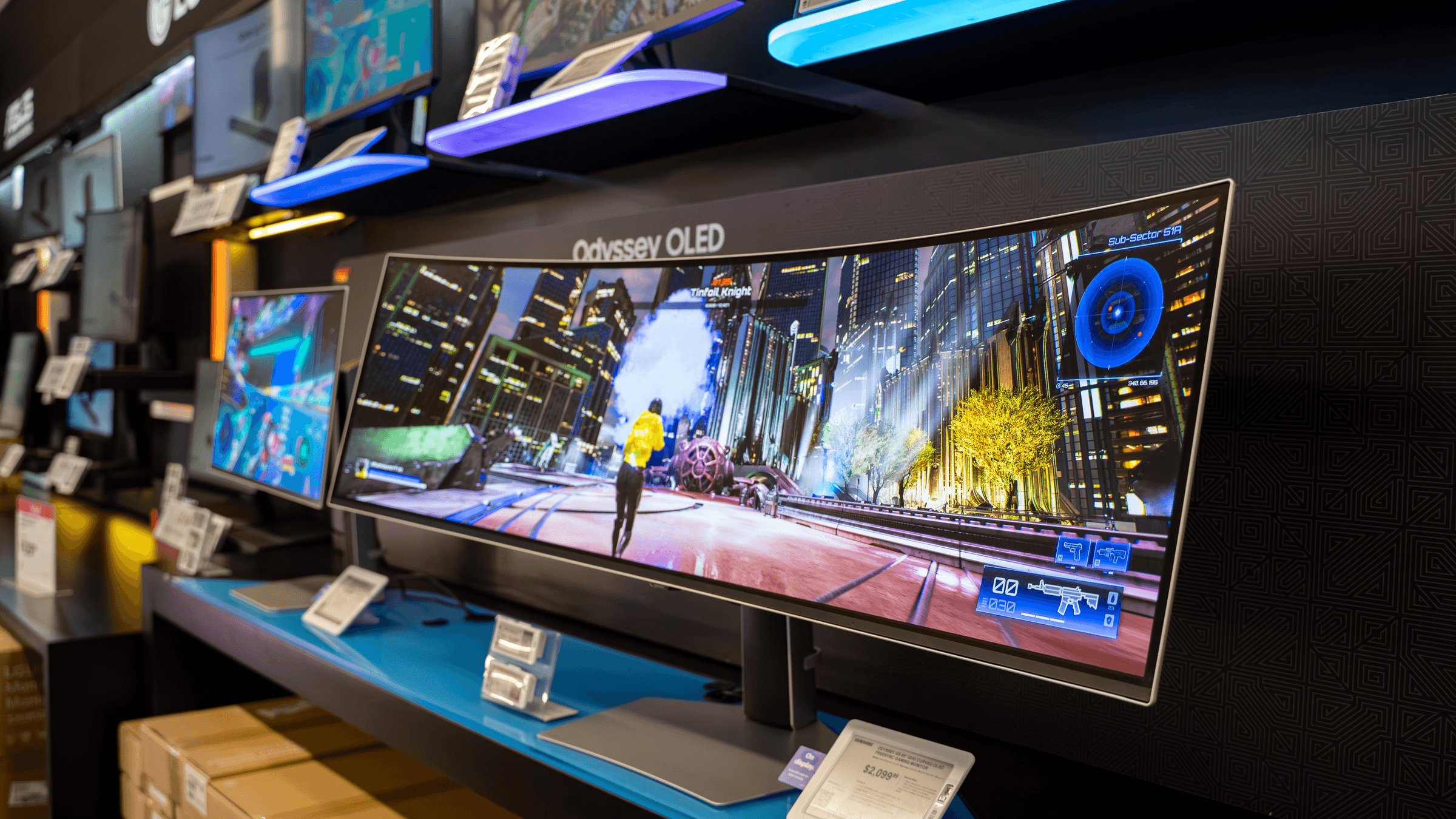
- 240Hz monitor: Samsung's 32-inch Odyssey OLED G8 G80SD lists 4K resolution at 240Hz, with HDMI 2.1 and DisplayPort connections.
Refresh rate vs frame rate
NVIDIA separates the two terms this way: frames per second (FPS) is the rate at which the graphics processor completes frames, and Hz is the rate at which the display shows completed frames. The graphics processor can finish frames faster or slower than the display can show them.
That is why a high refresh monitor does not guarantee a game will use its full refresh capability. The screen sets how often it can update, and the hardware behind it sets how many new frames arrive.
Variable refresh rate, ProMotion and adaptive sync
Variable refresh rate (VRR) lets the display follow the frames instead of a fixed schedule. HDMI Licensing Administrator explains that VRR waits until the next frame is ready before transporting it. It says this addresses the repeated or partially rendered frames that can cause judder and tearing.
VESA added Adaptive-Sync to DisplayPort 1.2a in May 2014, letting a display match the graphics processor's rendering rate frame by frame. AMD FreeSync builds on DisplayPort Adaptive-Sync and HDMI Variable Refresh Rate and works over either connection. NVIDIA G-SYNC matches the monitor's refresh rate to the frame rate, and NVIDIA says it requires a G-SYNC or G-SYNC Compatible display. The differences are covered in What Is FreeSync, G-SYNC and VRR?
Adaptive refresh also runs in the other direction. VESA says Adaptive-Sync can lower the refresh rate for static content, which reduces system power consumption and extends battery life. Apple supports an adaptive refresh rate up to 120Hz on certain devices, and on 14-inch and 16-inch MacBook Pro models with Apple silicon the setting is called ProMotion.
Ports and cables set a ceiling
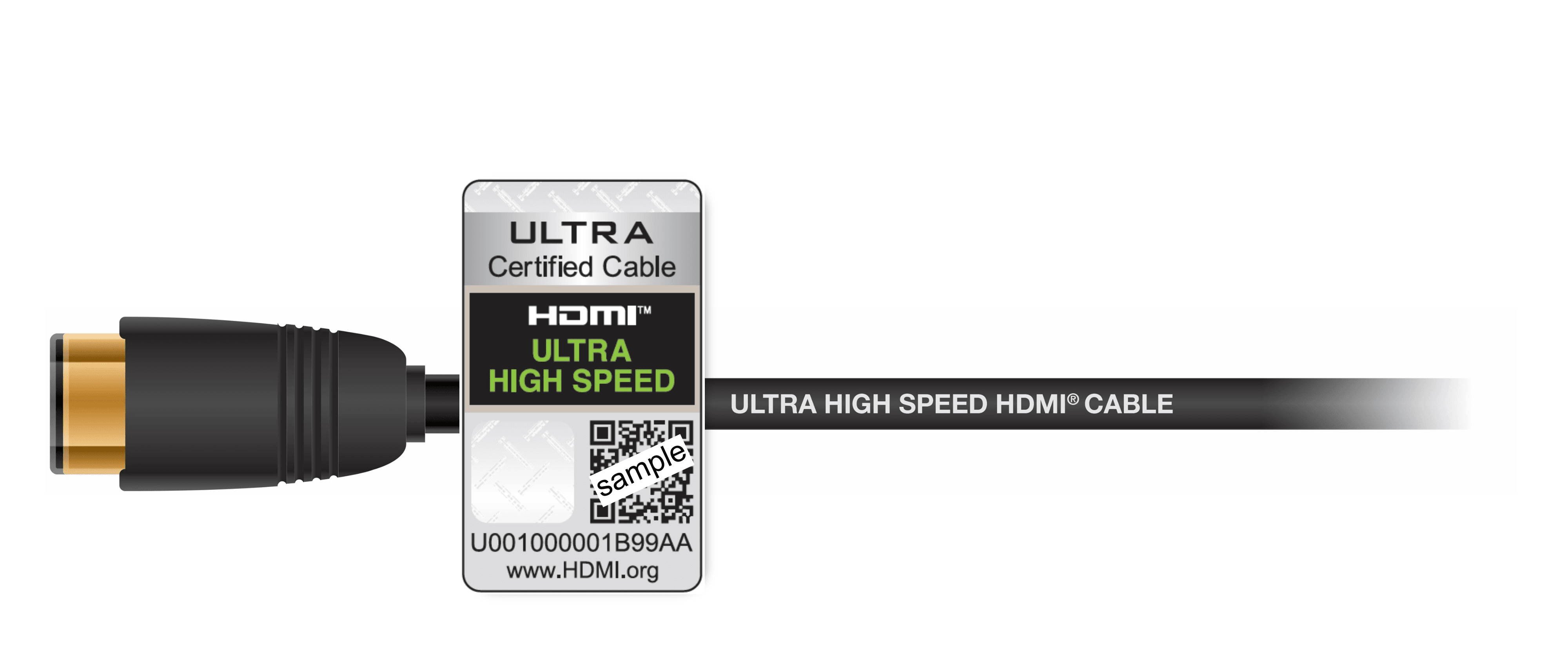
The port and the cable matter too. The HDMI 2.1 specification raises bandwidth capability up to 48Gbps and includes formats such as 4K at 120Hz and 8K at 60Hz. The Ultra High Speed HDMI Cable is the cable that supports that 48Gbps bandwidth.
VESA puts DisplayPort 1.4a at a maximum link bandwidth of 32.4Gbps, with a maximum payload of 25.92Gbps. DisplayPort 2.0 raises the maximum payload to 77.37Gbps. Under DisplayPort 2.1, DP40 cables carry up to 40Gbps and DP80 cables up to 80Gbps. VESA also says Display Stream Compression can reduce DisplayPort transport bandwidth by more than 67 percent without visual artifacts, so compression changes how much bandwidth a format needs.
What to check on your own screen
If you bought a 120Hz or faster monitor for a PC, confirm the rate is selected, because Samsung ties the available refresh rate to the monitor, the graphics card and the resolution. See How to Change Your Display Refresh Rate.
If you use a Galaxy phone, look at Motion smoothness. Samsung's support page says Standard sets 60Hz, High can lock some devices to 120Hz or 90Hz, and Adaptive adjusts the refresh rate dynamically up to 120Hz. The options depend on the model. On a Mac, Apple's refresh rate article covers the ProMotion setting.
If you are shopping for a variable refresh monitor, the VESA AdaptiveSync Display logo carries a number. VESA says that value is the maximum frame rate achieved during Adaptive-Sync operation, tested at native resolution with factory default settings. For related settings and panel types, see What Is VSync and Should You Turn It On? and IPS vs VA.