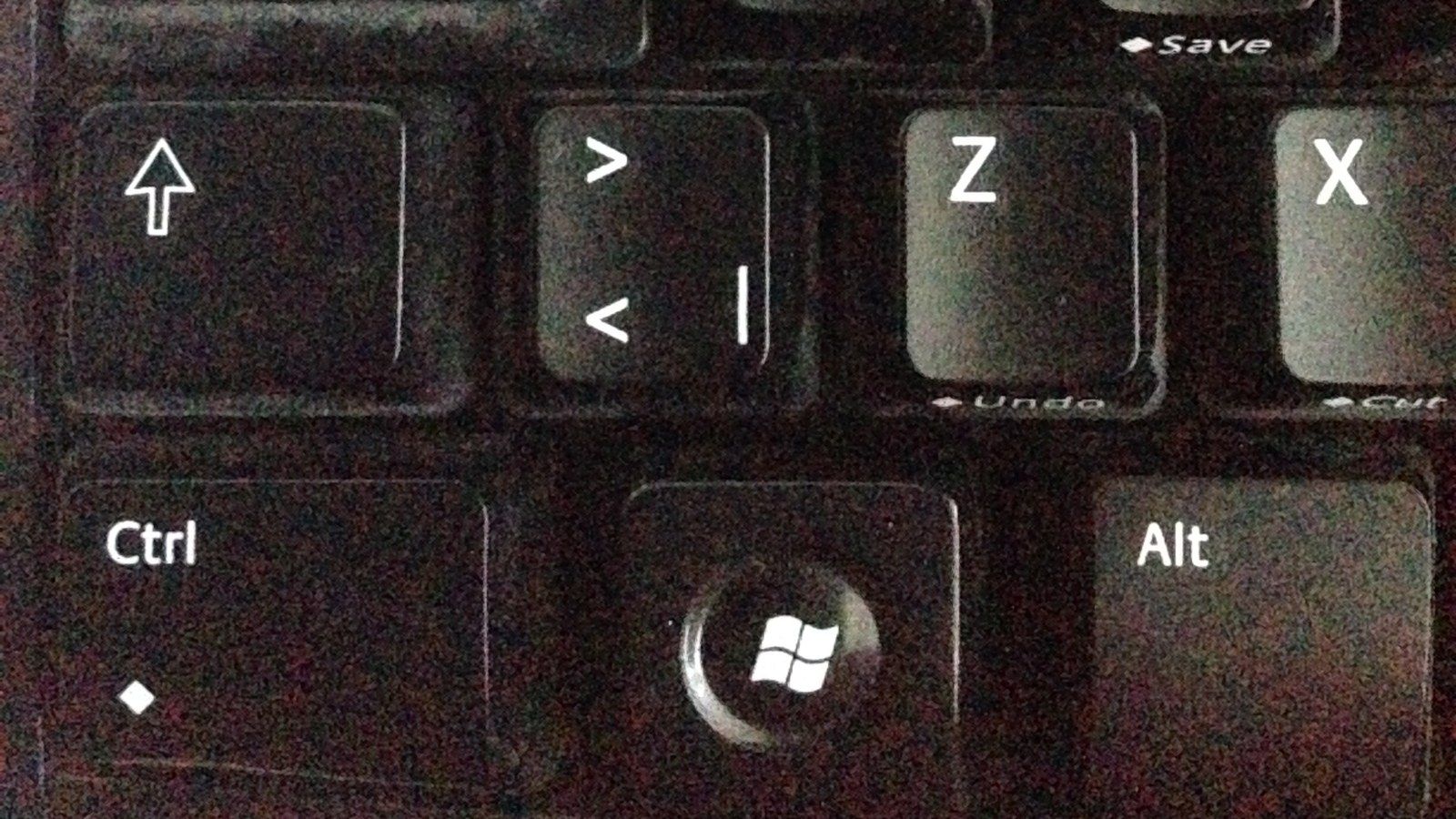
Windows 11 is testing a checkbox that lets you permanently stop the Sticky Keys prompt from inside the prompt itself. Microsoft added it to Beta Build 26320.9876 and Experimental Build 26340.9882 on November 6. The prompt appears when you press Shift five times, a shortcut that is easy to hit by accident while gaming or typing.
Filter Keys gets the same option. Microsoft says the dialogs that ask whether to turn on either feature are being updated so you can choose not to be asked again directly from the dialog. Both builds are based on Windows 11, version 26H2. In the Experimental channel, Microsoft rolls many features out to a subset of Insiders first, so some testers there might not see it yet.
One Checkbox Replaces the Settings Detour
Until now, stopping the Sticky Keys shortcut meant following a link from the prompt into Settings and switching off a toggle there. The new dialog keeps its Yes and No buttons and adds the checkbox above its settings link. Windows engineer Jen Gentleman shared the change publicly on November 7.
Windows Latest tried it on Build 26340.9882 in a virtual machine. After ticking the box and clicking No, pressing Shift five more times no longer brought the prompt back.
Microsoft hasn't given a date for the change to reach regular Windows 11 PCs, and it notes that features in Insider builds might never be released.
The Accessibility Features Stay
Sticky Keys itself isn't going away, and you can still switch it and its shortcut on or off in Settings > Accessibility > Keyboard. Our guide on how to turn off Sticky Keys in Windows 11 walks through that route.
The feature lets you enter key combinations one key at a time, so you can open Task Manager by pressing Ctrl, then Shift, then Esc instead of holding them together. That helps people who type with one finger or a mouthstick. Filter Keys ignores brief or repeated keystrokes, which helps people with tremors, and its prompt has a different shortcut: holding Right Shift for eight seconds.
The prompt dates back to Windows 95. Charles Oppermann, who joined Microsoft in 1994 as program manager for Windows accessibility, replied to Gentleman's post that the dialogs were written in early 1995, after Windows 95 lead Brad Silverberg's children kept turning on Sticky Keys while playing Space Cadet Pinball. Oppermann said the team considered a checkbox back then but chose to give Windows' accessibility features more visibility.
The dialog is still the older Win32 window. When a user under Gentleman's post asked Microsoft to modernize legacy dialogs, Marcus Ash, Microsoft's CVP of Design and Research for Windows and Devices, replied "Noted and working on that too." Partner Director of Design March Rogers has said the team is working through its list of older dialogs, but Ash didn't say the Sticky Keys dialog is next.