A USB Bluetooth adapter is the simplest way to add wireless headphones, keyboards, mice and controllers to a desktop that shipped without Bluetooth, or to give an older laptop a newer Bluetooth version. The right one depends mostly on your operating system, how many devices you plan to pair, and whether you need general connections or just better wireless audio.
Technobezz is supported by its audience. We may get a commission from retail offers.
5 Best Bluetooth Adapters for PC in 2026
The TP-Link UB600 leads our picks of the best Bluetooth adapters for PC in 2026, with options for Linux, wireless audio and a Bluetooth 5.4 nano dongle.
T
Technobezz
Editorial Team
Updated November 8, 2026Nov 8, 2026
•10 min read

Get Deals Like These in Your Inbox
The best prices, straight to your inbox.
Add Technobezz on Google:Preferred SourceGoogle Discover
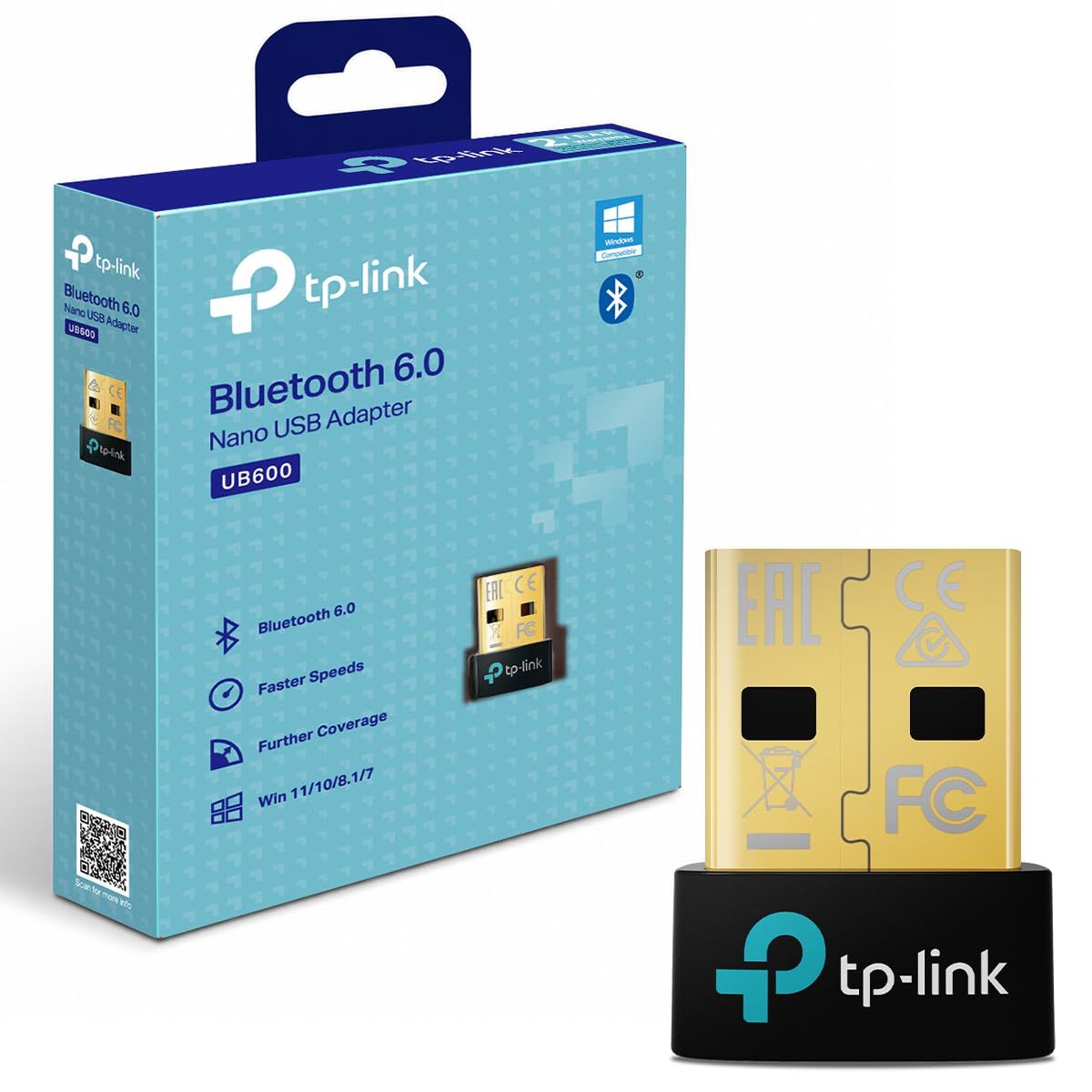
The TP-Link UB600 is the best overall pick. It adds Bluetooth 6.0 through a nano-sized adapter that can stay plugged in, supports up to 7 Bluetooth devices at once, and lists support for Windows 11, 10, 8.1 and 7.
This page is for Windows and Linux PC owners who want a plug-in adapter, plus gamers and music listeners who mainly care about headphone audio. The other picks cover Linux support, a second Bluetooth 6.0 option, high-quality wireless audio and a Bluetooth 5.4 nano option.
At a Glance
| Category | Product | Why We Picked It |
|---|---|---|
| Best overall | TP-Link UB600 Bluetooth 6.0 Nano USB Adapter | Bluetooth 6.0, up to 7 devices, and broad Windows support in a nano size |
| Best for Linux | ASUS USB-BT600 Bluetooth 6.0 Adapter | Lists Linux and Windows 10/11 support with clear range figures |
| Best Bluetooth 6.0 alternative | ORICO BTA-60 Bluetooth 6.0 USB Adapter | Bluetooth 6.0 with a stated 10 to 30 meter transmission distance |
| Best for wireless audio | Creative BT-W6 Bluetooth Audio Transmitter | LE Audio, aptX Lossless and low-latency gaming audio over USB-C |
| Best Bluetooth 5.4 nano pick | TP-Link UB500 Bluetooth 5.4 Nano USB Adapter | Same nano size and 7-device capacity as the UB600 on Bluetooth 5.4 |
How we chose
We compared each maker's published specifications for Bluetooth version, operating system support, stated range, device capacity, connector and size. We then checked that each pick is sold new on Amazon and matched every pick to a specific kind of PC user.
The best Bluetooth adapters for PC right now
TP-Link UB600 Bluetooth 6.0 Nano USB Adapter - Best overall
The TP-Link UB600 is the best fit for most Windows PCs. It brings Bluetooth 6.0 in a nano-sized USB adapter measuring 14.8 x 6.8 x 18.9 mm, small enough to leave in a laptop port, and TP-Link says it supports up to 7 Bluetooth devices at once. That is enough for a keyboard, mouse, headset and controller with room to spare.
TP-Link lists support for Windows 11, 10, 8.1 and 7, with a driver install required on Windows 7. The maker claims 2x faster transmission speeds and a farther transmission distance than earlier generations, but it notes that its speed, distance and capacity figures come from laboratory testing and that actual performance may vary. It does not give a range figure in meters.
Key highlights
- Bluetooth 6.0
- Nano USB design, 14.8 x 6.8 x 18.9 mm
- Up to 7 Bluetooth devices at once
- Windows 11, 10, 8.1 and 7 support
- Driver install required on Windows 7 only
- Rated for 32 to 104 degrees F operating temperature
Pros
- Bluetooth 6.0 in a size that can stay plugged in
- Seven-device capacity covers a full desk setup
- Supports older Windows versions as well as Windows 11
Cons
- TP-Link lists only Windows support, with no macOS or Linux listed
- Windows 7 needs a separate driver
- No range figure in meters, and speed claims are based on lab testing
Who it is for: Windows desktop and laptop owners who want a small, general-purpose Bluetooth 6.0 adapter for several devices.
Skip if
You run Linux, where the ASUS USB-BT600 is the adapter whose maker lists support.
ASUS USB-BT600 Bluetooth 6.0 Adapter - Best for Linux
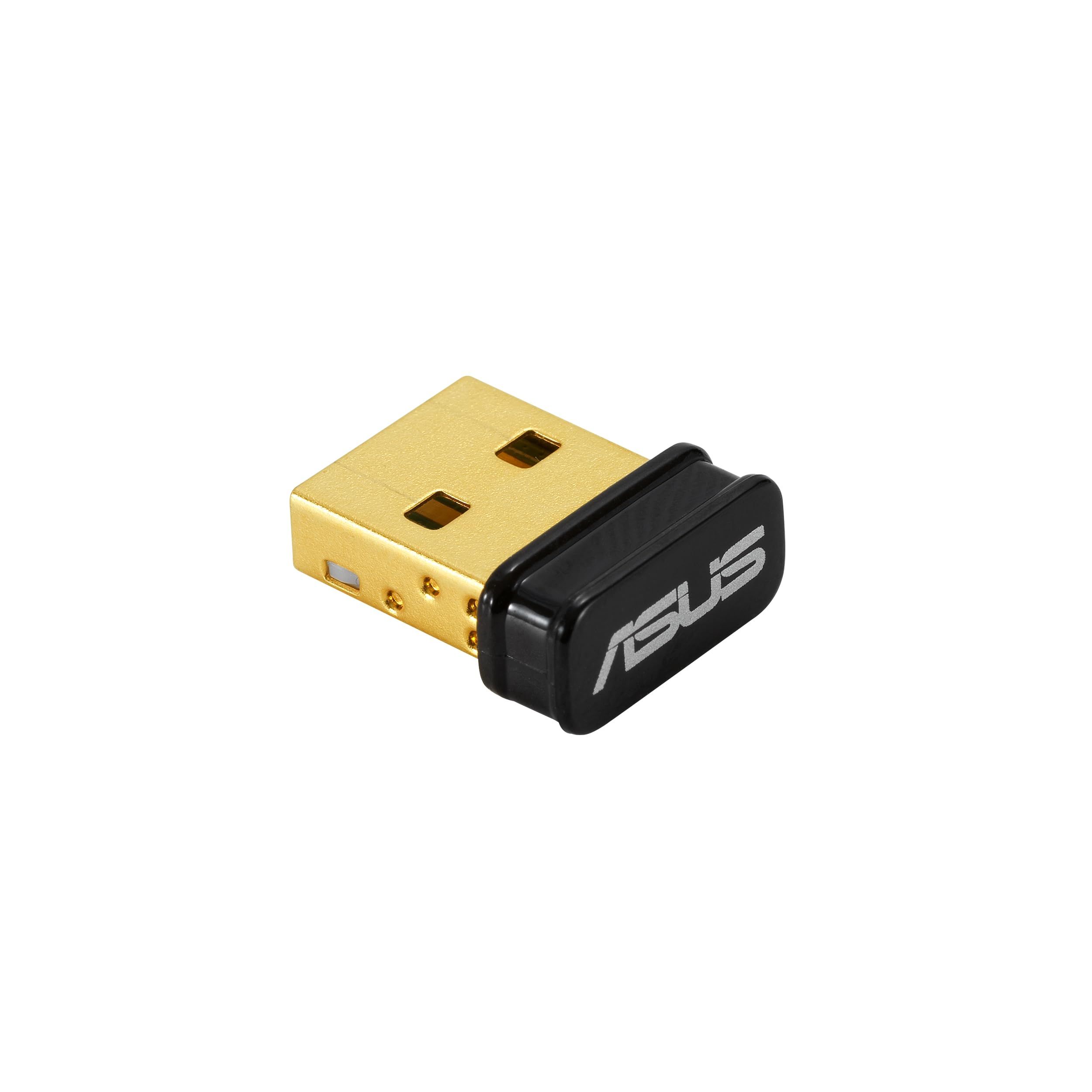
The ASUS USB-BT600 is the pick for Linux users, since it is the only general-purpose adapter here whose maker lists Linux alongside Windows 10 and 11. It supports Bluetooth 6.0 with both Bluetooth classic (BDR/EDR) and Bluetooth low energy, plugs into a USB 2.0 Type A port, lists dimensions of 14.9 x 17.4 x 7.1 and a weight of 1.9 g.
ASUS publishes clearer range and speed figures than most: up to 10 meters for classic Bluetooth and up to 40 meters for Bluetooth low energy in open space, with data rates up to 3 Mbps on classic and 2 Mbps on low energy. The 40-meter figure applies only to low energy connections in open space, so the 10-meter classic figure is the safer guide for planning. ASUS also notes that specifications are subject to change without notice.
Key highlights
- Bluetooth 6.0 with classic (BDR/EDR) and low energy (BLE)
- USB 2.0 Type A interface
- Up to 10 m classic range, up to 40 m BLE in open space
- Up to 3 Mbps classic, 2 Mbps BLE
- Windows 10/11 and Linux support
- 1.9 g
Pros
- Linux is listed as supported
- Detailed range and data rate specifications
- Small and very light
Cons
- No Windows 8.1 or Windows 7 support listed
- The ASUS spec page does not state how many devices can connect at once
- The 40 m range applies only to BLE in open space
Who it is for: Linux and dual-boot PC owners who want one Bluetooth 6.0 adapter that the maker lists for both systems.
Skip if
Your PC still runs Windows 8.1 or Windows 7, which ASUS does not list.
ORICO BTA-60 Bluetooth 6.0 USB Adapter - Best Bluetooth 6.0 alternative
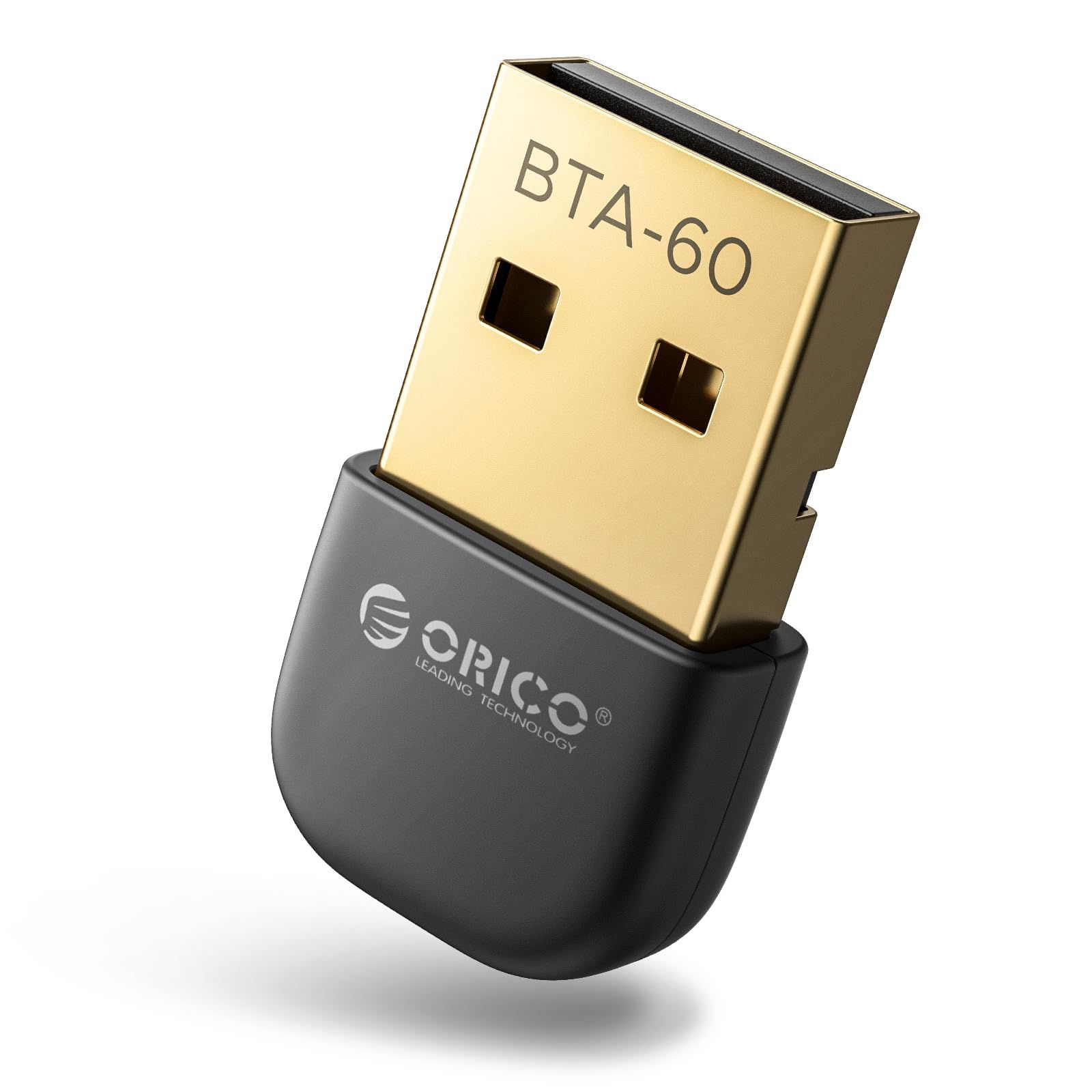
The ORICO BTA-60 is a straightforward Bluetooth 6.0 adapter for Windows PCs and a sensible alternative to the TP-Link UB600. ORICO lists support for Windows 7, 8.1, 10 and 11 and a transmission distance of 10 to 30 meters.
Its spec sheet is thin. ORICO's page gives the size, 24.5 x 14 x 7 mm, and the color, black, but does not state the USB connector type, data rate, how many devices it supports, or whether a driver is needed on any Windows version.
Key highlights
- Bluetooth 6.0
- 10 to 30 meter transmission distance
- Windows 7, 8.1, 10 and 11 support
- 24.5 x 14 x 7 mm
- Black finish
Pros
- Bluetooth 6.0 with a stated range in meters
- Covers Windows 7 through Windows 11
- Simple option if you only need Windows support
Cons
- Maker page omits the interface, data rate, device count and driver details
- Only Windows is listed, with no Linux or macOS
- Longer body than the TP-Link and ASUS adapters
Who it is for: Windows users who want a Bluetooth 6.0 adapter from a second brand and do not need detailed specifications.
Skip if
You want a confirmed device count or Linux support, which the TP-Link UB600 and ASUS USB-BT600 list respectively.
Creative BT-W6 Bluetooth Audio Transmitter - Best for wireless audio
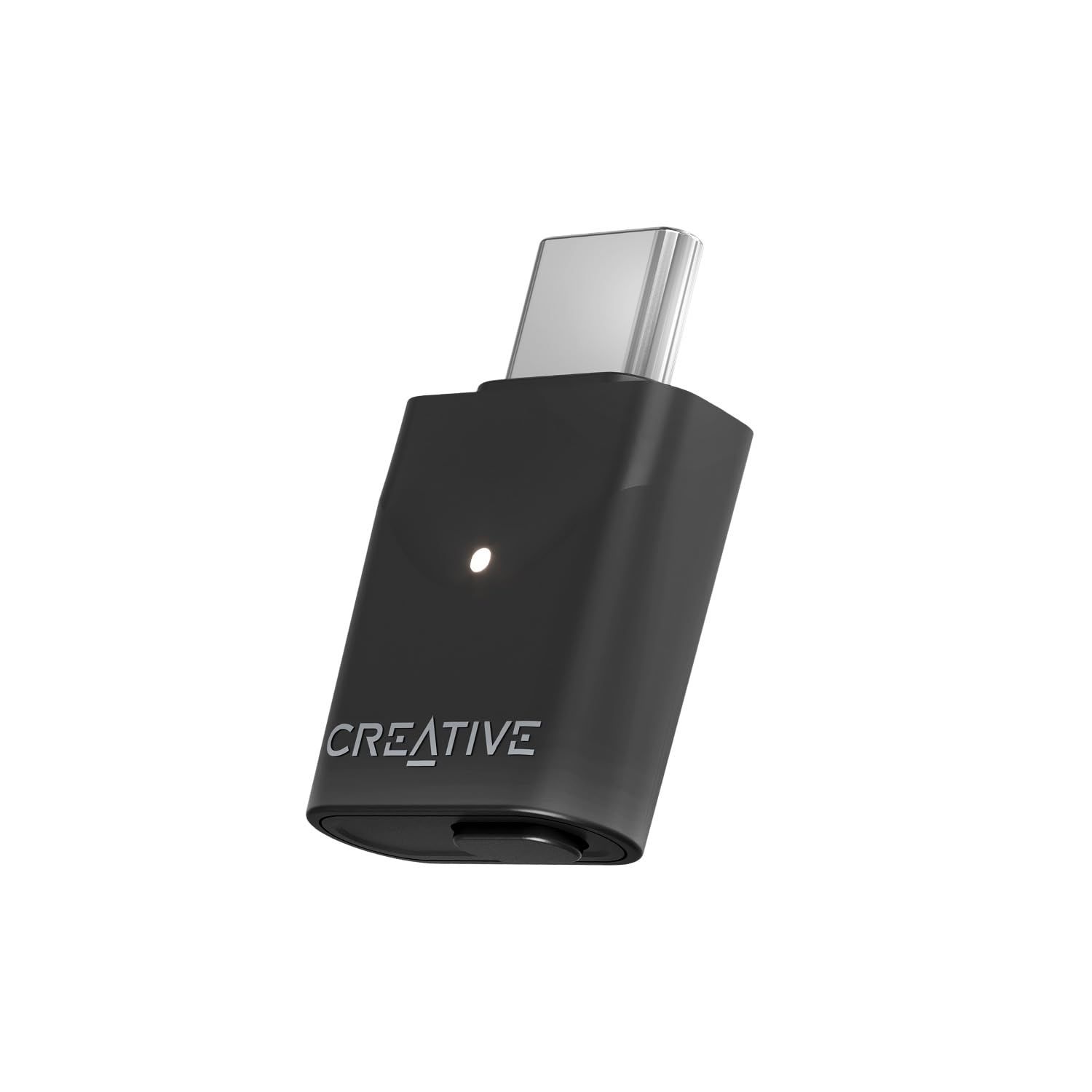
The Creative BT-W6 is not a general Bluetooth adapter. Creative describes it as a wireless audio transmitter, so it sends sound from your PC to headphones, earbuds or speakers rather than connecting a keyboard or mouse. For audio, it offers Bluetooth 5.4 with LE Audio and codec support including LC3, aptX Lossless, aptX Adaptive and aptX HD, plus high-resolution audio up to 24-bit 96 kHz.
It connects over USB-C and lists support for Windows 10 and 11 (version 1903 or later), macOS 10.15 or higher, PS4, PS5, Nintendo Switch and Switch 2. Creative quotes latency as low as about 20 ms through the GMAP gaming audio profile when a compatible device is paired, so the codec and latency you get depend on your headphones. It also provides a microphone input endpoint for calls and a broadcast mode for streaming to multiple supported devices.
Key highlights
- Bluetooth 5.4 with Classic Bluetooth and LE Audio
- LC3, aptX Lossless, aptX Adaptive and aptX HD
- High-resolution audio up to 24-bit 96 kHz
- Latency as low as about 20 ms with compatible devices via GMAP
- USB-C connector
- Windows, macOS, PS4, PS5, Switch and Switch 2 support
Pros
- Broad high-quality codec support for wireless headphones
- Low-latency gaming profile for compatible headsets
- Also works with Mac and game consoles
- Microphone endpoint for voice chat and calls
Cons
- Audio only, so it cannot pair keyboards, mice or controllers
- USB-C only, and a USB-A to USB-C adapter is not included
- Best codecs and lowest latency require compatible headphones
- No Linux support listed
Who it is for: PC gamers and music listeners who want better Bluetooth headphone audio than a standard adapter offers.
Skip if
You need to connect input devices, where the TP-Link UB600 is the better choice.
TP-Link UB500 Bluetooth 5.4 Nano USB Adapter - Best Bluetooth 5.4 nano pick
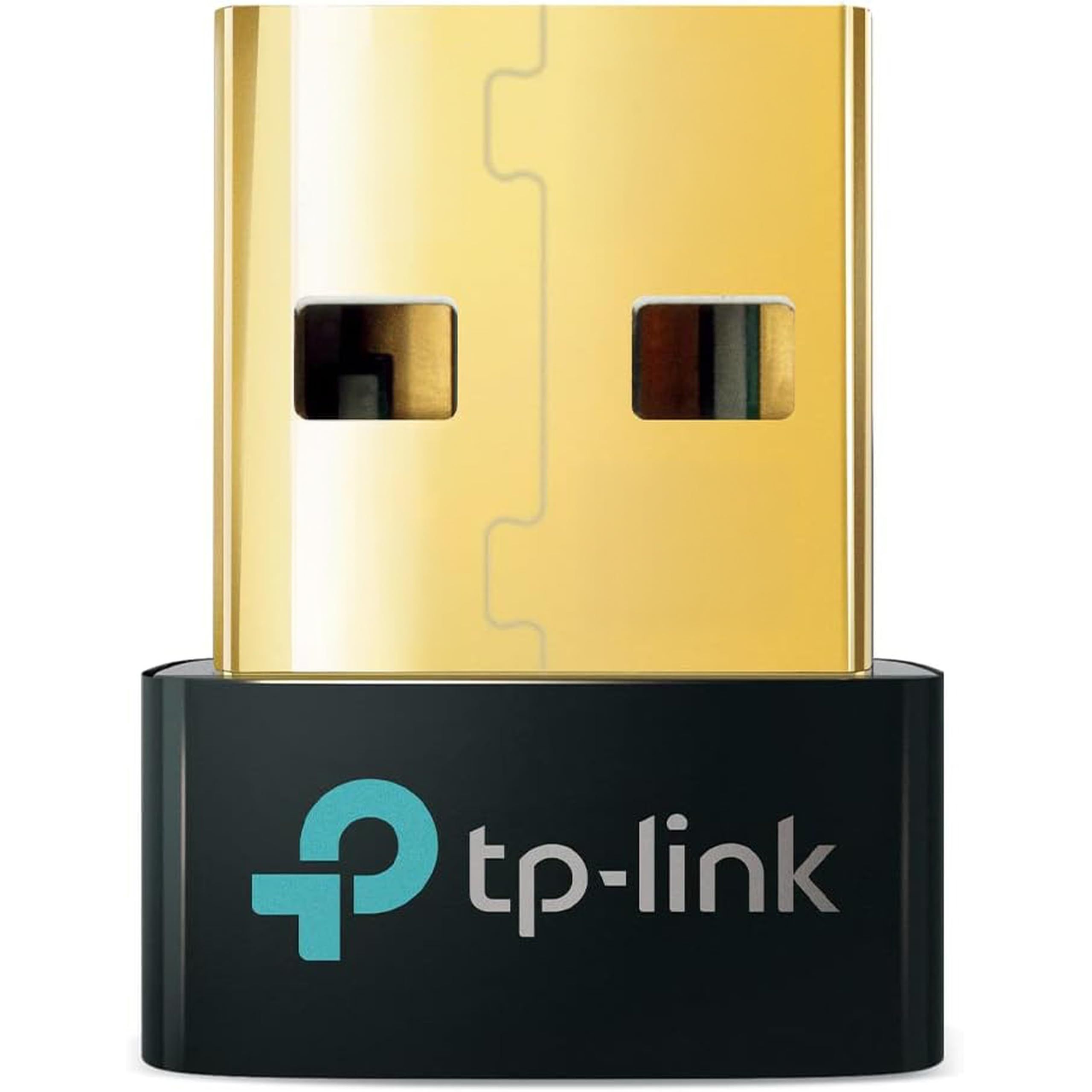
The TP-Link UB500 shares the UB600's nano body, 14.8 x 6.8 x 18.9 mm, and its support for up to 7 Bluetooth devices at once. It steps down to Bluetooth 5.4, which TP-Link describes as a security and reliability improvement over the previous generation.
TP-Link lists Windows 11, 10, 8.1 and 7 support, again with a driver install needed on Windows 7. One caveat: TP-Link's product page refers to Bluetooth 5.3 in several feature sections and Bluetooth 5.4 in its title and specifications, so check the version shown on the listing or box before buying. Like the UB600, it has no stated range in meters.
Key highlights
- Bluetooth 5.4 per TP-Link's specifications
- Nano USB design, 14.8 x 6.8 x 18.9 mm
- Up to 7 Bluetooth devices at once
- Windows 11, 10, 8.1 and 7 support
- Driver install required on Windows 7 only
Pros
- Same small size and device capacity as the UB600
- Broad Windows support
- A small nano dongle for adding Bluetooth to a desktop
Cons
- Bluetooth 5.4 rather than 6.0
- TP-Link's page mentions both 5.3 and 5.4, so the version may differ
- Only Windows is listed, with no macOS or Linux
Who it is for: Windows users who want a basic, small adapter for a keyboard, mouse or headset and do not need Bluetooth 6.0.
Skip if
You want Bluetooth 6.0 from the same maker, which the UB600 offers in the same size.
How to Choose
- Check your operating system first. TP-Link and ORICO list Windows only, ASUS lists Windows 10/11 and Linux, and Creative lists Windows, macOS and game consoles.
- Decide between an adapter and an audio transmitter. A general adapter pairs keyboards, mice, controllers and headphones. An audio transmitter such as the Creative BT-W6 only sends sound to headphones and speakers.
- Match the connector. The ASUS USB-BT600 uses a USB 2.0 Type A port, while the Creative BT-W6 uses USB-C and does not include a USB-A adapter.
- Read range figures carefully. Range claims can depend on the connection type and conditions. ASUS separates classic Bluetooth from low energy, and TP-Link notes its figures come from laboratory testing.
- Count your devices. TP-Link lists up to 7 devices at once for both the UB600 and UB500. ASUS and ORICO do not state a number on their spec pages.
FAQ
Do I need a Bluetooth adapter if my PC already has Bluetooth?
Usually not. An adapter makes most sense for desktops without built-in Bluetooth, for PCs whose built-in Bluetooth has stopped working, or when you want a newer Bluetooth version or better audio codecs.
Will a Bluetooth 6.0 adapter work with older Bluetooth devices?
Bluetooth is designed to be backward compatible, so a Bluetooth 6.0 adapter can pair with older headphones, keyboards and mice. Features specific to a newer version need support on both ends.
Which of these adapters work on Linux or a Mac?
ASUS lists Linux support for the USB-BT600. Creative lists macOS 10.15 or higher for the BT-W6, which handles audio only. TP-Link and ORICO list Windows only for their adapters.
Can the Creative BT-W6 connect a keyboard or mouse?
No. Creative describes the BT-W6 as a wireless audio transmitter, so it is built for headphones, earbuds and speakers. Choose a general adapter such as the TP-Link UB600 for input devices.
Do I need to install drivers?
It depends on the adapter and Windows version. TP-Link says the UB600 and UB500 need a driver on Windows 7. ORICO and ASUS do not cover drivers on their spec pages, so check the maker's support page if your PC does not detect the adapter.
Published November 8, 2026 Last updated November 8, 2026
Add Technobezz on Google:Preferred SourceGoogle Discover
More buying guides
Buying guide
6 Best Monitors for Photo Editing in 2026
Buying guide
7 Best Wireless Mice in 2026
Buying guide
5 Best Gaming Chairs in 2026
Buying guide
5 Best Vacuum Cleaners in 2026
Buying guide5 Best Car Chargers in 2026Buying guide5 Best RAM Kits in 2026Buying guide5 Best Compact Cameras in 2026Buying guide6 Best Microwaves in 2026Buying guide7 Best Microphones for Recording Vocals in 2026Buying guide7 Best Samsung Phones in 2026Buying guide6 Best In-Ceiling Speakers in 2026Buying guide7 Best Headsets for Work in 2026