A 24-inch monitor fits small desks, sits comfortably beside a laptop, and suits 1080p resolution better than larger screens do. Every model here measures between 23.8 and 24.1 inches, and each one is aimed at a different kind of desk: home office, competitive gaming, color work, or simple everyday use.
Technobezz is supported by its audience. We may get a commission from retail offers.
6 Best 24-Inch Monitors in 2026
The best 24-inch monitors in 2026, led by the Dell 24 Plus S2425HSM, with options for gaming, color work, USB-C laptops, eye comfort and everyday desks.
T
Technobezz
Editorial Team
Updated November 8, 2026Nov 8, 2026
•13 min read

Get Deals Like These in Your Inbox
The best prices, straight to your inbox.
Add Technobezz on Google:Preferred SourceGoogle Discover
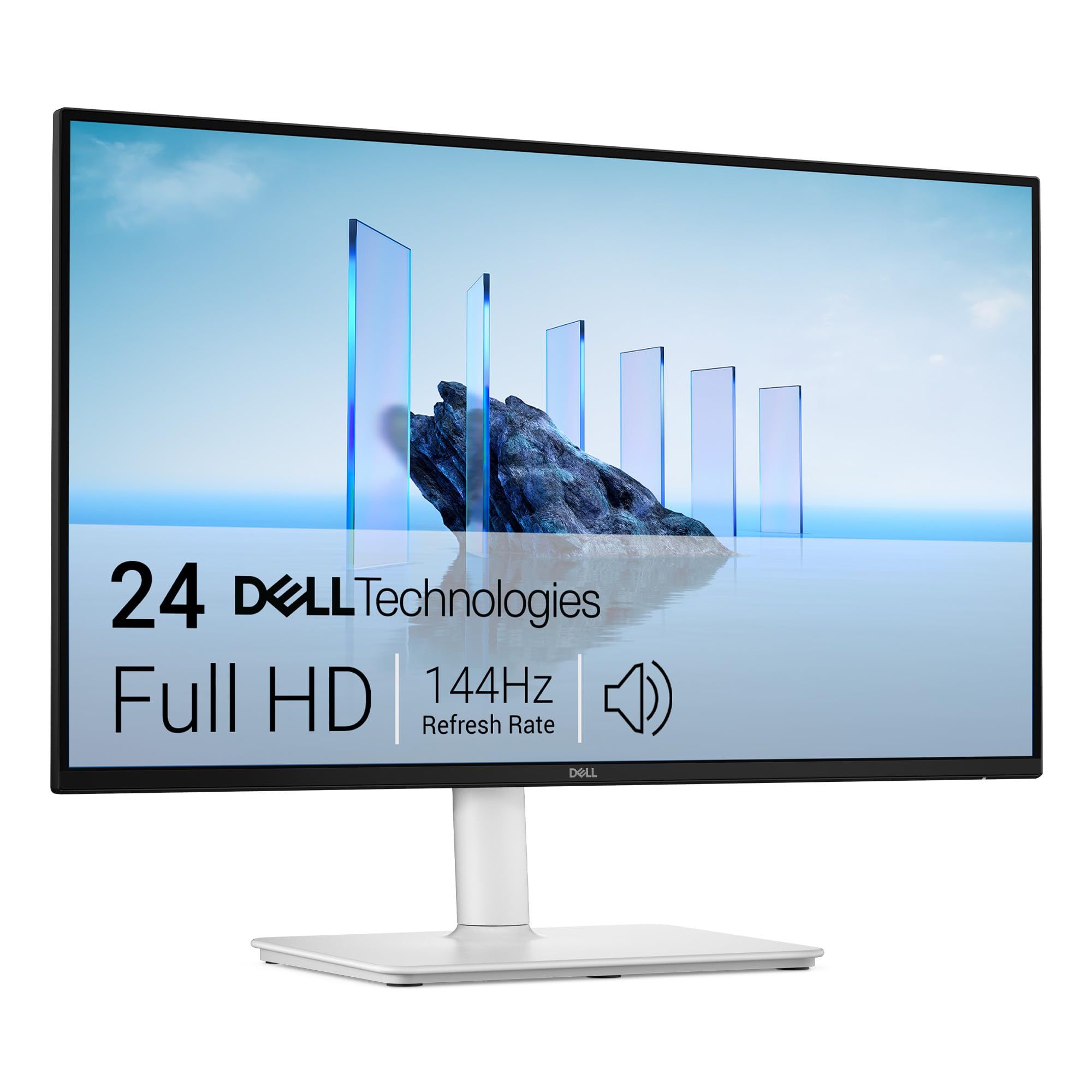
The Dell 24 Plus Monitor S2425HSM is the best overall pick because it pairs a 144Hz IPS panel with a stand that adjusts for height, tilt, swivel and pivot, plus two built-in speakers. It is the most balanced choice here for people who want one screen for work, streaming and casual games.
This page is for US buyers choosing a first monitor, a second screen, or a replacement for an older display. The other picks cover fast gaming, color-accurate creative work, single-cable USB-C laptop setups, eye comfort, and a plain monitor for basic tasks.
At a Glance
| Category | Product | Why We Picked It |
|---|---|---|
| Best overall | Dell 24 Plus Monitor S2425HSM | 144Hz IPS, a fully adjustable stand, and built-in speakers |
| Best for gaming | ASUS TUF Gaming VG249QML5A | 240Hz Fast IPS with ELMB Sync and adaptive sync support |
| Best for color work | ASUS ProArt Display PA248CRV | Factory calibration, 97% DCI-P3, 16:10 panel and 96W USB-C |
| Best for a simple USB-C hookup | BenQ GW2490TC | USB-C video and data, 144Hz, and a wide-range stand |
| Best for eye comfort | BenQ GW2491 | Low Blue Light Plus, Flicker-Free and ePaper reading mode |
| Best for simple setups | LG 24U411A-B | 24-inch class IPS screen with 120Hz and HDR10 |
How we chose
We compared the published specifications on each maker's US product and spec pages for monitors between 23.8 and 24.1 inches. We also checked that each pick is sold new on Amazon, then matched every model to the kind of buyer its specifications suit best.
The best 24-inch monitors right now
Dell 24 Plus Monitor S2425HSM - Best overall
The Dell 24 Plus Monitor S2425HSM uses a 23.8-inch IPS panel at 1920 x 1080 with a 144Hz refresh rate and AMD FreeSync support. Dell rates it at 300 nits, 99% sRGB coverage and a 1,500:1 native contrast ratio, and the screen has an anti-glare finish with 3H hardness.
The stand is what puts it at the top of this list. Dell lists up to 4.33 inches of height adjustment, tilt from -5 to 21 degrees, 30 degrees of swivel each way and 90 degrees of pivot, and two 3W speakers are built in. Response time depends on the monitor's mode: Dell quotes 8 ms gray to gray as standard, 5 ms in Fast mode, 4 ms in Extreme mode and 1 ms MPRT. Connections are two HDMI 1.4 ports.
Key highlights
- 23.8-inch IPS panel, 1920 x 1080
- 144Hz refresh rate with AMD FreeSync
- 300 nits and 99% sRGB
- Height, tilt, swivel and pivot adjustment
- Two 3W built-in speakers
- TUV 4-star Eye Comfort certification
Pros
- Fully adjustable stand, which several picks here lack
- 144Hz is smoother than the 100Hz BenQ GW2491 and 120Hz LG 24U411A-B
- Built-in speakers save desk space
- Anti-glare 3H coating suits bright offices
Cons
- Only two HDMI 1.4 inputs, with no DisplayPort or USB-C
- The fastest gray-to-gray figure needs Extreme mode
- 1080p resolution, like most picks here
Who it is for: Buyers who want one well-rounded 24-inch screen for office work, streaming and casual gaming, with a stand that adjusts to any desk.
Skip if
Your laptop connects over USB-C or DisplayPort only, or you need a dedicated high refresh rate gaming monitor.
ASUS TUF Gaming VG249QML5A - Best for gaming
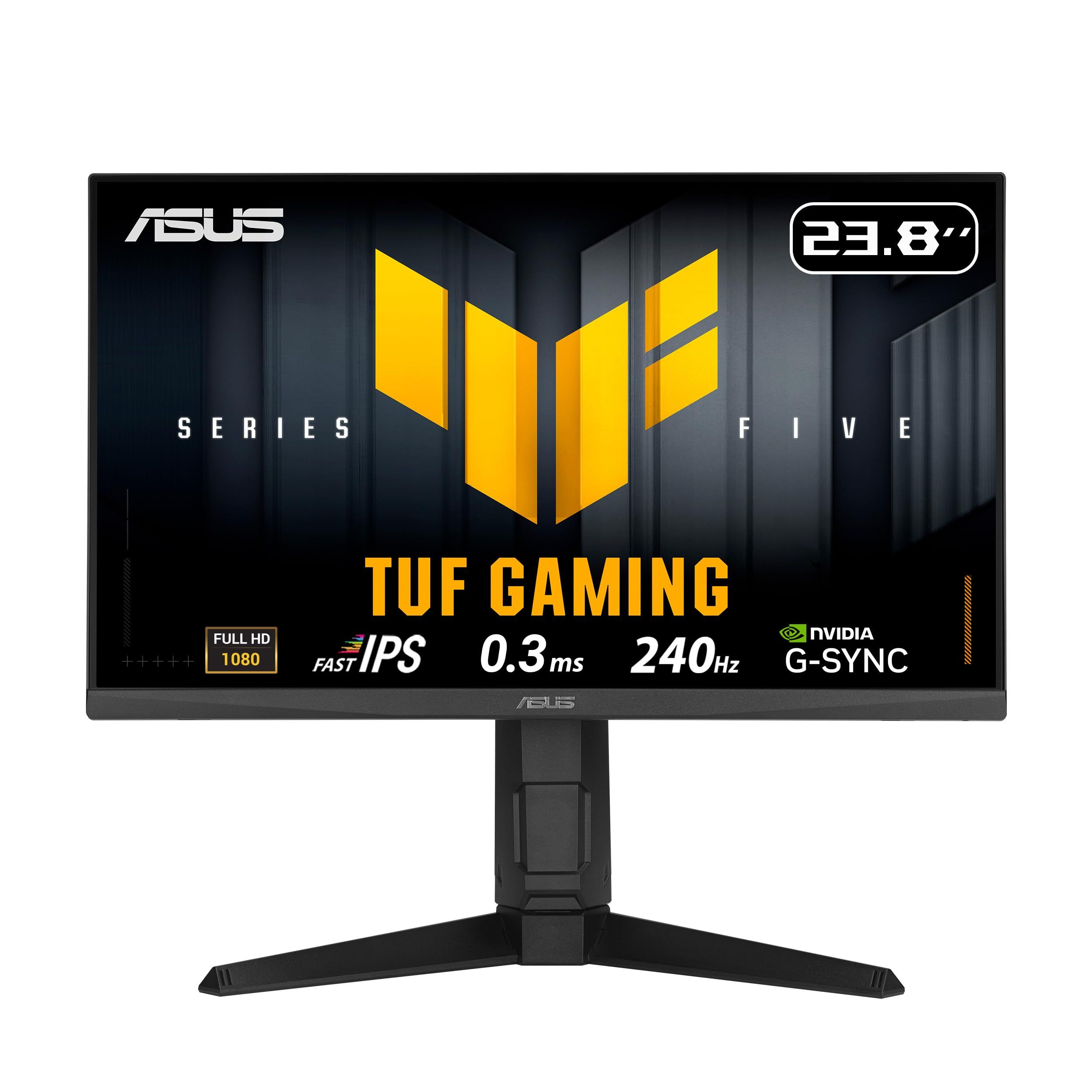
The ASUS TUF Gaming VG249QML5A is built for fast games. Its 23.8-inch Fast IPS panel runs at 1920 x 1080 with a 240Hz maximum refresh rate, and ASUS quotes a 1ms gray-to-gray and 0.3ms minimum response time. It supports both G-SYNC Compatible and AMD FreeSync Premium.
ELMB Sync lets the monitor's motion blur reduction run together with variable refresh rate, which ASUS says eliminates ghosting and tearing. The panel covers 99% sRGB and 88% DCI-P3, supports HDR10 at 300 nits typical brightness, and sits on a stand with 120mm of height adjustment, tilt, 15 degrees of swivel each way and full pivot. Inputs are two HDMI 2.0 ports and one DisplayPort 1.4, plus a 3.5mm earphone jack and 2W x 2 speakers.
Key highlights
- 23.8-inch Fast IPS panel, 1920 x 1080
- 240Hz maximum refresh rate
- 1ms gray to gray, 0.3ms minimum response time
- G-SYNC Compatible and AMD FreeSync Premium
- ELMB Sync
- Height, tilt, swivel and pivot adjustment
Pros
- Highest refresh rate among these picks
- Blur reduction works alongside variable refresh rate
- DisplayPort 1.4 plus two HDMI 2.0 ports
- Fully adjustable stand and built-in speakers
Cons
- 300 nits typical brightness gives HDR10 content limited headroom
- Swivel range of 15 degrees each way is narrower than the Dell or BenQ GW2490TC
- 1080p resolution, so fine text is not as sharp as on higher-resolution screens
Who it is for: PC gamers who play fast shooters or racing games and have a graphics card that can push high frame rates at 1080p.
Skip if
You mostly work in documents or edit photos, where a calibrated or 16:10 screen matters more than 240Hz.
ASUS ProArt Display PA248CRV - Best for color work
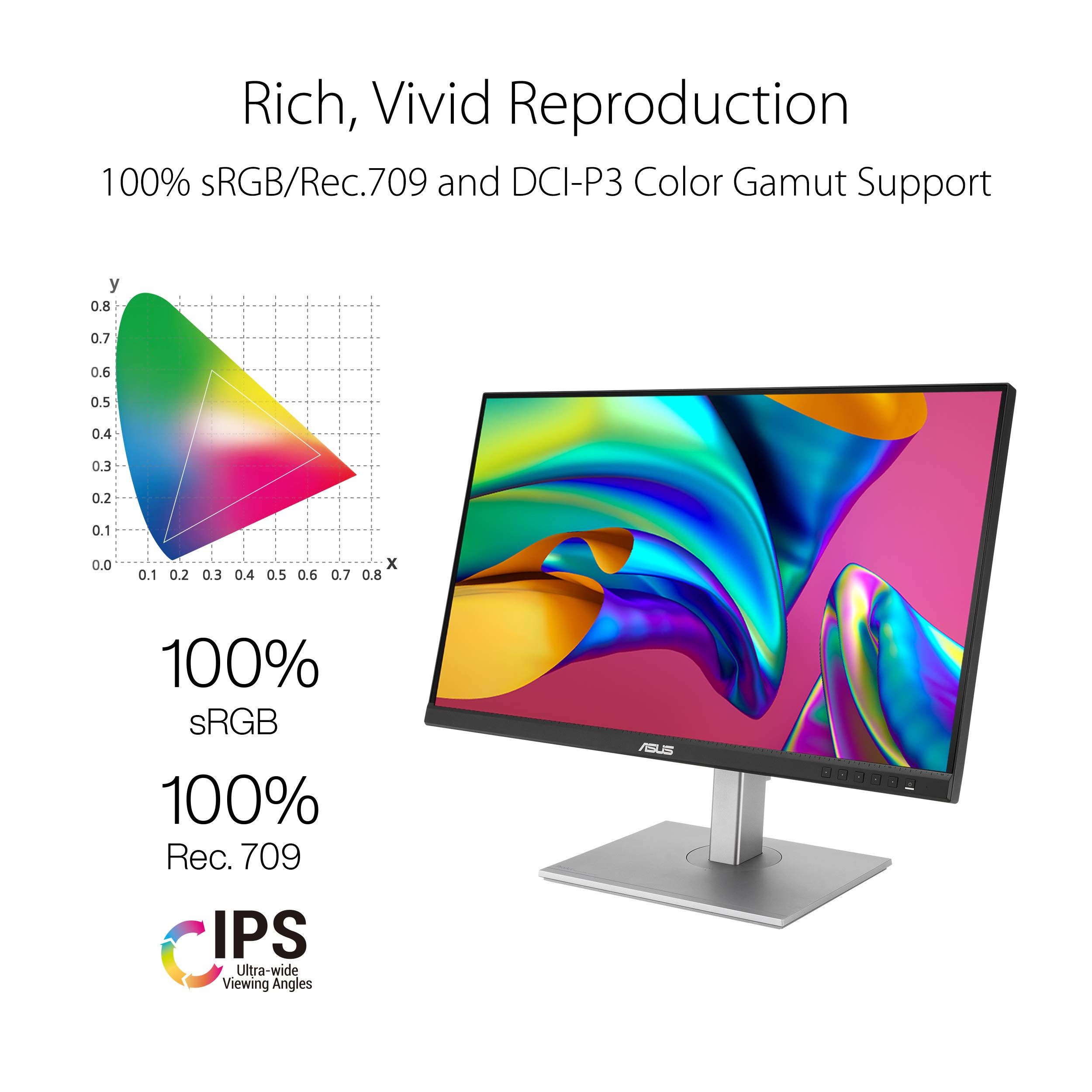
The ASUS ProArt Display PA248CRV is the pick for photo editing, design and other color-sensitive work. It uses a 24.1-inch IPS panel at 1920 x 1200, a 16:10 shape that adds vertical room over standard 1080p, and ASUS lists 100% sRGB and 97% DCI-P3 coverage. It is factory pre-calibrated to Delta E below 2 and is Calman Verified.
It is also the best-connected monitor here. A USB-C port with DisplayPort Alt Mode delivers up to 96W of power, and there are two DisplayPort 1.4 ports that allow daisy-chaining, two HDMI 1.4 ports, and a USB 3.2 Gen 1 hub with one Type-C and three Type-A downstream ports. Brightness is 350 nits typical with HDR10 support, the refresh rate tops out at 75Hz, and the stand offers 130mm of height adjustment, tilt, 30 degrees of swivel each way and pivot.
Key highlights
- 24.1-inch IPS panel, 1920 x 1200 (16:10)
- 100% sRGB and 97% DCI-P3
- Factory calibrated to Delta E below 2, Calman Verified
- USB-C with 96W power delivery
- DisplayPort daisy-chain support
- USB 3.2 Gen 1 hub
Pros
- Widest color coverage and only factory calibration claim among these picks
- 96W USB-C can power a laptop over a single cable
- 16:10 shape shows more of a document or timeline
- Brightest typical rating here at 350 nits
Cons
- 75Hz maximum refresh rate is the lowest in this list
- 1,000:1 contrast ratio is below the BenQ and Dell figures
- HDMI ports are version 1.4
Who it is for: Photographers, designers and laptop users who want accurate color and a one-cable USB-C desk setup.
Skip if
Gaming is a priority, since the 75Hz ceiling falls well short of the TUF Gaming VG249QML5A.
BenQ GW2490TC - Best for a simple USB-C hookup
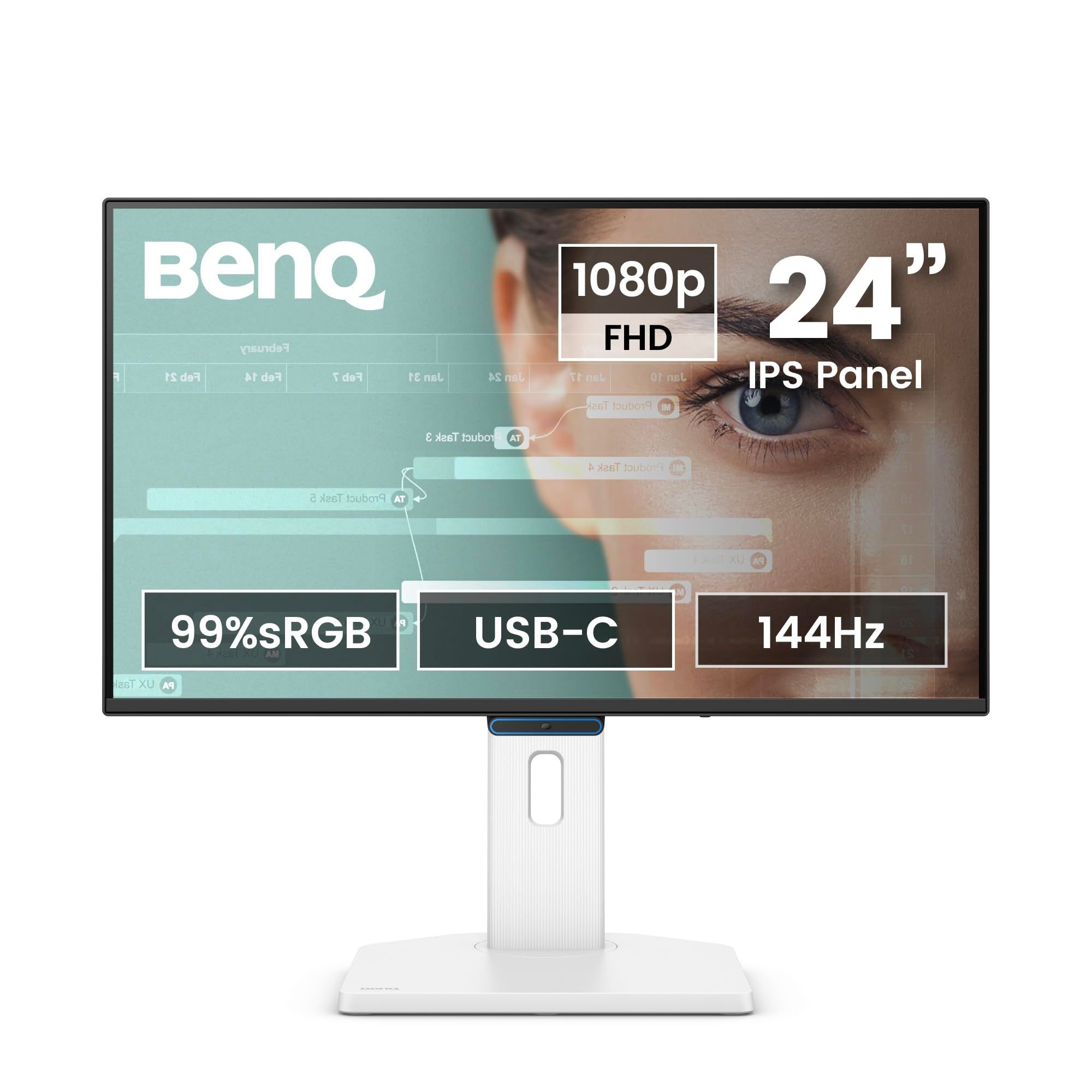
The BenQ GW2490TC is a home office monitor built around USB-C. Its USB-C port carries video through DisplayPort Alt Mode, handles data, and supplies 20W of power, and it is joined by one HDMI 1.4 and one DisplayPort 1.2 input. The 23.8-inch IPS panel runs at 1920 x 1080 and 144Hz, with 99% sRGB, 250 nits and a 1,500:1 contrast ratio.
The stand has the widest range in this group: 150mm of height adjustment, tilt from -5 to 35 degrees, 45 degrees of swivel each way and 90 degrees of pivot. BenQ adds a Visual Optimizer sensor that adjusts brightness and color temperature to the room, TUV-certified Low Blue Light and Flicker-Free technology, ePaper Mode for reading, and a Color Weakness Mode for red-green color deficiency. Two 2W speakers are built in.
Key highlights
- 23.8-inch IPS panel, 1920 x 1080
- 144Hz refresh rate
- USB-C with DisplayPort Alt Mode, data and 20W power
- 150mm height adjustment, 45-degree swivel, pivot
- Visual Optimizer ambient light sensor
- Two 2W speakers
Pros
- Single USB-C cable handles video and data
- Most flexible stand among these picks
- Automatic brightness and color temperature adjustment
- 144Hz matches the Dell for smooth scrolling
Cons
- 20W USB-C power is far below the ProArt's 96W and may not keep a laptop charged
- 250 nits is dimmer than the Dell, TUF and ProArt
- 5 ms response time is slower than the gaming-focused picks
Who it is for: Laptop users who want a clean one-cable connection for video and accessories, plus a stand that adjusts to any posture.
Skip if
You need the monitor to fully power a laptop, or you want a gaming-first display.
BenQ GW2491 - Best for eye comfort
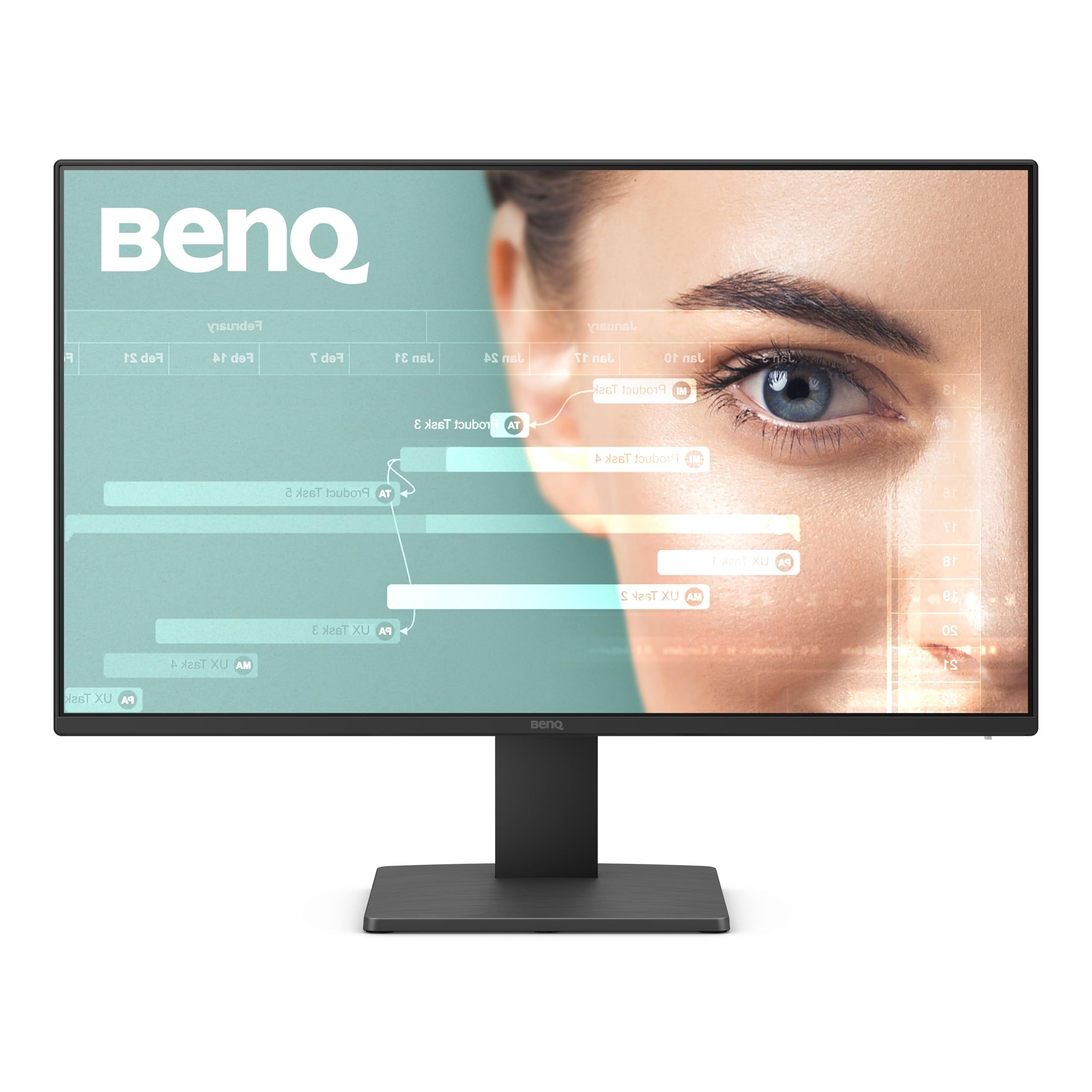
The BenQ GW2491 focuses on long reading and office sessions. BenQ's Low Blue Light Plus filters shorter, higher energy blue-violet light while keeping colors vivid, Flicker-Free technology works at all brightness levels, and ePaper Mode gives a black and white layout for reading. It carries TUV Rheinland and Eyesafe 2.0 certifications.
The 23.8-inch IPS panel runs at 1920 x 1080 and 100Hz, with 99% sRGB, 72% NTSC, 250 nits, a 1,300:1 contrast ratio and a 5 ms response time. Connections are one HDMI 1.4, one DisplayPort 1.2 and a headphone jack, and BenQ's Eye-CareU software handles on-screen settings. The stand tilts from -5 to 20 degrees, and a 100 x 100 mm VESA mount is available for an arm.
Key highlights
- 23.8-inch IPS panel, 1920 x 1080
- 100Hz refresh rate
- Low Blue Light Plus and Flicker-Free
- ePaper Mode
- TUV Rheinland and Eyesafe 2.0 certified
- HDMI 1.4 and DisplayPort 1.2
Pros
- Several eye-care modes aimed at long reading sessions
- Both HDMI and DisplayPort inputs
- 1,300:1 contrast ratio
- VESA mount makes a monitor arm easy to add
Cons
- Stand only tilts, with no height, swivel or pivot
- 100Hz is the second-lowest refresh rate here
- No built-in speakers listed in BenQ's specifications
Who it is for: Students and office workers who read and write on screen for hours and want straightforward eye-care features.
Skip if
You need height adjustment without buying a monitor arm, or a USB-C connection.
LG 24U411A-B - Best for simple setups
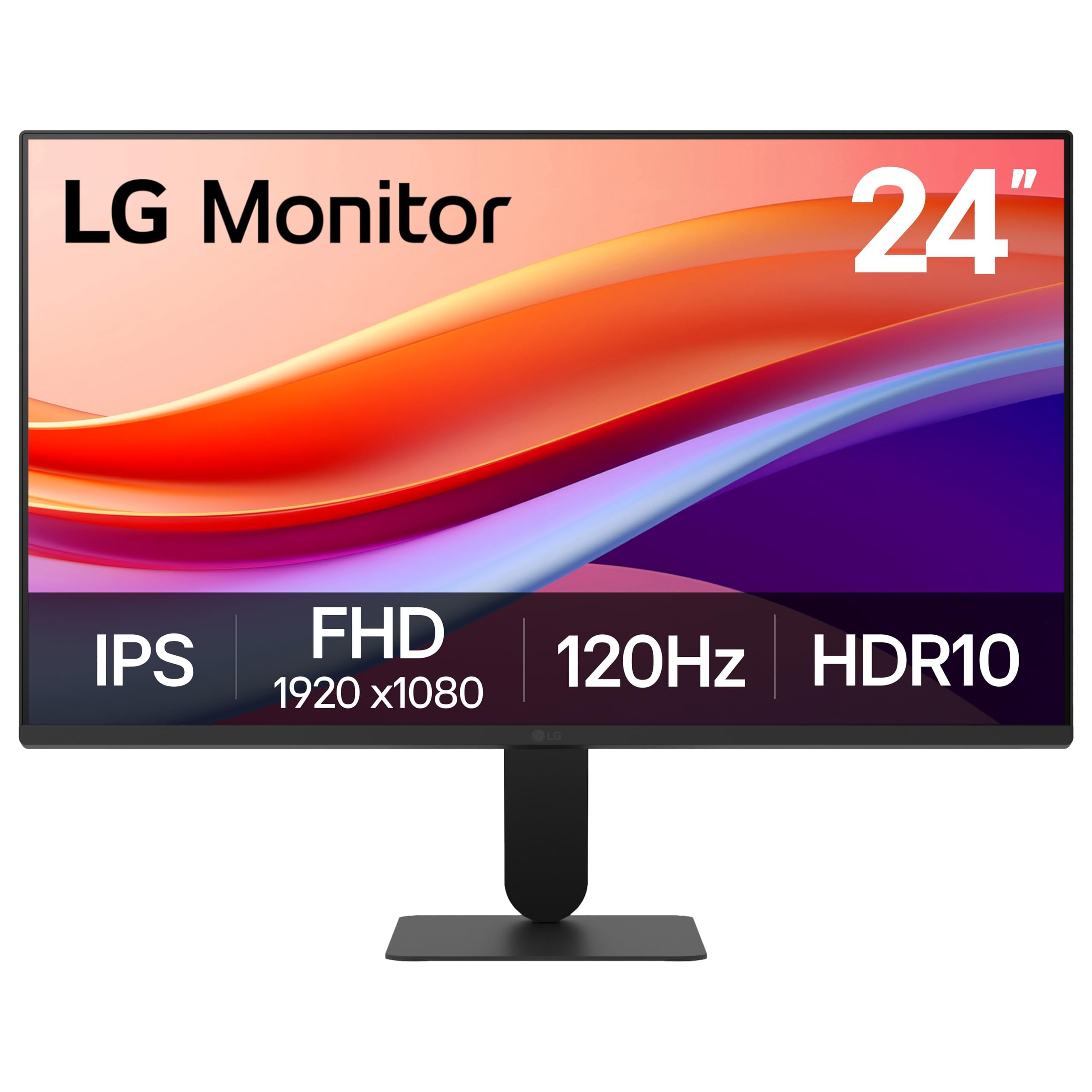
The LG 24U411A-B is a no-fuss 24-inch IPS monitor for everyday tasks. It runs at Full HD 1920 x 1080 with a 120Hz refresh rate, supports HDR10, and LG lists up to 99% sRGB color coverage.
LG adds a 1ms Motion Blur Reduction mode, Black Stabilizer to brighten dark game scenes, and Dynamic Action Sync. A 3-side borderless design and slim stand keep the footprint tidy, though the stand only adjusts for tilt.
Key highlights
- 24-inch IPS panel, Full HD 1920 x 1080
- 120Hz refresh rate
- HDR10 support
- Up to 99% sRGB
- 1ms Motion Blur Reduction
- Black Stabilizer and Dynamic Action Sync
Pros
- 120Hz is a step up from basic 60Hz office screens
- 3-side borderless design suits dual-monitor setups
- Black Stabilizer helps visibility in dark games
- Simple, slim design for small desks
Cons
- Stand adjusts for tilt only
- 120Hz trails the Dell, BenQ GW2490TC and TUF Gaming picks
- The 1ms figure refers to Motion Blur Reduction, not a gray-to-gray response time
Who it is for: Buyers who want a plain, slim 24-inch screen for browsing, office apps and light gaming.
Skip if
You want height adjustment, USB-C, or the fastest refresh rate for competitive games.
How to Choose
- Check the real screen size. Most 24-inch monitors measure 23.8 inches diagonally, while some, like the ProArt PA248CRV, measure 24.1 inches. The difference is small, but it matters if you are matching two screens side by side.
- Match the refresh rate to your use. 100Hz to 144Hz makes scrolling and casual games smoother, while 240Hz is aimed at competitive PC gaming with a graphics card that can keep up.
- Count the ports. Some models offer only HDMI, while others add DisplayPort or USB-C. If you plan to charge a laptop over USB-C, check the power delivery wattage, since 20W and 96W are very different.
- Look closely at the stand. Tilt-only stands are common at this size. Height, swivel and pivot adjustment help with posture and portrait use, or you can add a VESA arm instead.
- Consider 16:10 for documents. A 1920 x 1200 panel shows 120 more rows of pixels than 1920 x 1080, which helps with spreadsheets, code and editing timelines.
- Treat color specs by task. 99% sRGB is fine for office work and web content, while factory calibration and wide DCI-P3 coverage matter for photo and video work.
FAQ
Is a 24-inch monitor actually 24 inches?
Often not exactly. Many 24-inch class monitors have a 23.8-inch viewable diagonal, and a few measure 24 or 24.1 inches. All of them are sold and compared as 24-inch monitors.
Is 1080p sharp enough on a 24-inch monitor?
For most office work, browsing and gaming, yes. A 1920 x 1080 panel at 23.8 inches works out to roughly 92 pixels per inch, which is a common, comfortable density for this size.
Do I need 240Hz on a 24-inch monitor?
Only for fast competitive games on a PC that can produce very high frame rates. For office work and casual play, 100Hz to 144Hz is a noticeable step up from 60Hz.
Can a 24-inch monitor charge my laptop?
Only if it has USB-C with power delivery, and the wattage decides how well it works. The ProArt PA248CRV supplies up to 96W, while the BenQ GW2490TC supplies 20W.
Should I pick 16:9 or 16:10 at 24 inches?
16:9 is standard for games and video. 16:10 adds extra vertical space, which helps with documents, spreadsheets and creative software.
Published November 8, 2026 Last updated November 8, 2026
Add Technobezz on Google:Preferred SourceGoogle Discover
More on monitors
Buying guide
6 Best Monitors for Photo Editing in 2026
Buying guide
8 Best Blood Pressure Monitors for Home Use in 2026
Deal
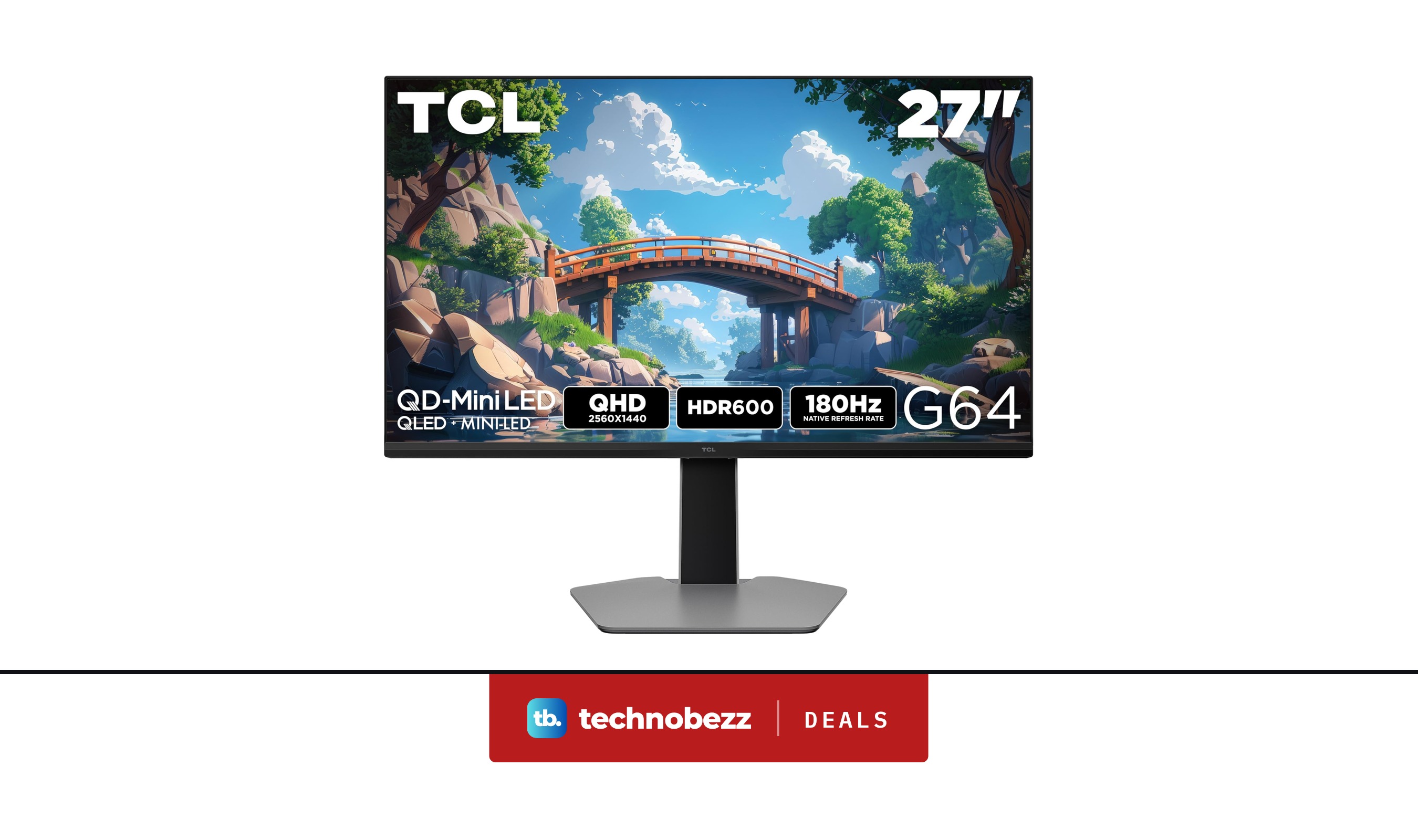
TCL 27G64 1440P QD Mini LED Gaming Monitor now $279.99, down from $399.99
Deal
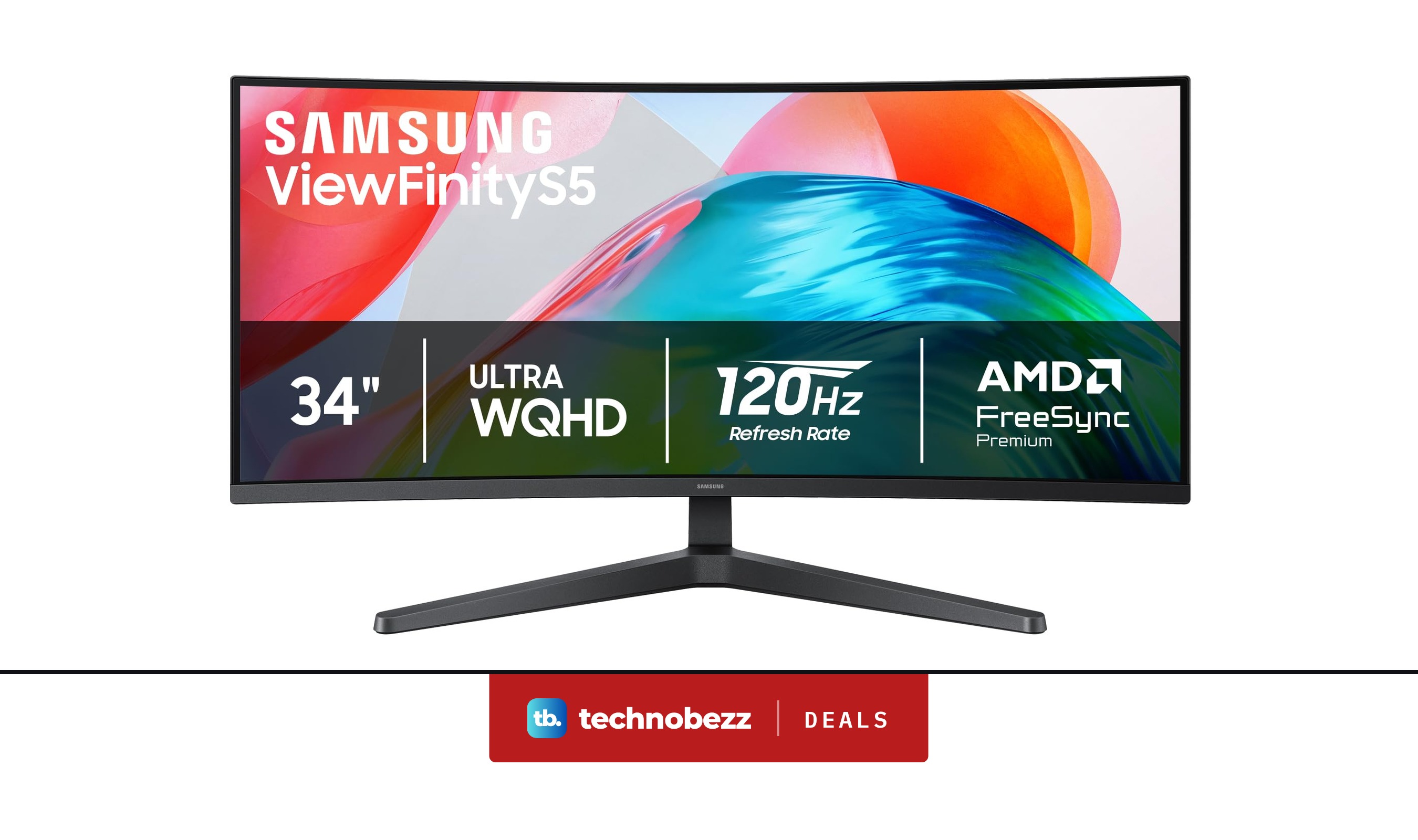
Samsung ViewFinity S5 Ultrawide QHD Curved Monitor is $279.99 ahead of Black Friday
More buying guides
Buying guide7 Best Wireless Mice in 2026Buying guide5 Best Gaming Chairs in 2026Buying guide5 Best Vacuum Cleaners in 2026Buying guide5 Best Car Chargers in 2026Buying guide5 Best RAM Kits in 2026Buying guide5 Best Compact Cameras in 2026Buying guide6 Best Microwaves in 2026Buying guide7 Best Microphones for Recording Vocals in 2026