A photo editing monitor has one main job: show color accurately and keep showing it that way. That takes wide gamut coverage, a reliable way to calibrate, and a screen surface that does not fight the lighting in your room.
Technobezz is supported by its audience. We may get a commission from retail offers.
6 Best Monitors for Photo Editing in 2026
The BenQ SW272U leads our picks of the best monitors for photo editing, with 99% Adobe RGB, hardware calibration, and a matte screen that reduces glare.
T
Technobezz
Editorial Team
Updated November 8, 2026Nov 8, 2026
•12 min read

Get Deals Like These in Your Inbox
The best prices, straight to your inbox.
Add Technobezz on Google:Preferred SourceGoogle Discover
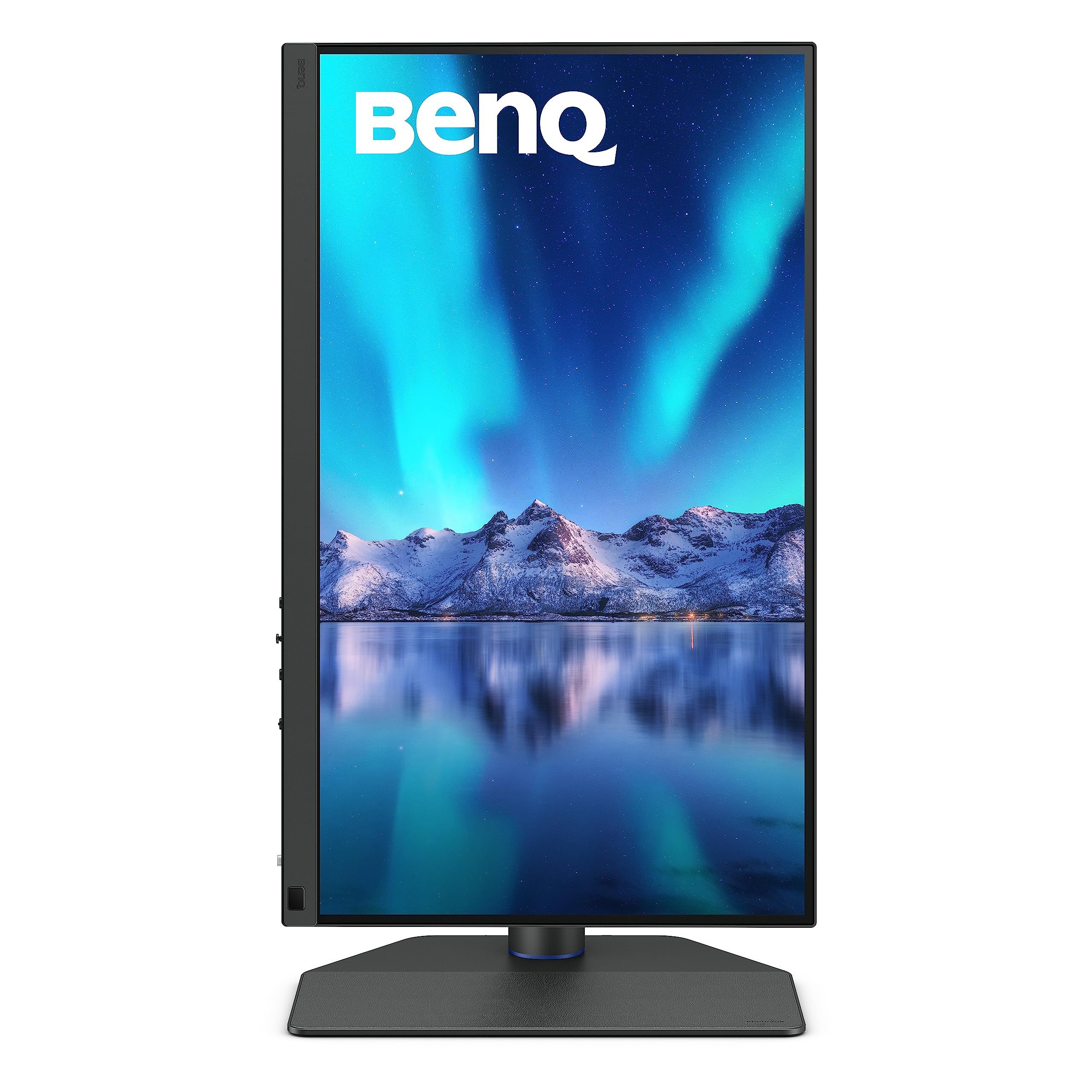
The BenQ SW272U is the best overall pick for most photographers. It pairs 99% Adobe RGB coverage and a Delta E rating of 1.5 or lower with hardware calibration, a Nano Matte anti-reflection screen, and a shading hood in the box.
This guide is for photographers, retouchers, and serious hobbyists who edit for print or the web and want a dedicated color-accurate display. The picks run from a budget ProArt to self-calibrating reference monitors, a mini-LED 5K screen for Mac users, and a 32-inch 6K option.
At a Glance
| Category | Product | Why We Picked It |
|---|---|---|
| Best overall | BenQ SW272U 27-inch 4K | 99% Adobe RGB, hardware calibration, and a Nano Matte screen |
| Best for professional studios | EIZO ColorEdge CG2700X 27-inch 4K | Built-in calibration sensor, uniformity correction, and a 5-year warranty |
| Best automatic calibration | ASUS ProArt PA27UCGE 27-inch 4K | Motorized colorimeter and a Delta E below 1 rating |
| Best budget pick | ASUS ProArt PA279CRV 27-inch 4K | 99% Adobe RGB and DCI-P3 with Calman Verified factory calibration |
| Best for Mac users | Apple Studio Display XDR 27-inch 5K | Mini-LED 5K panel with Photography reference modes |
| Best big screen | LG UltraFine evo 32U990A-S 32-inch 6K | 32-inch 6K panel with up to 99.5% Adobe RGB coverage |
How we chose
We compared each maker's published specifications for color gamut coverage, color accuracy ratings, calibration options, screen surface, resolution, and connections, then matched each monitor to a specific kind of photo editor. We also checked that every pick is sold new on Amazon.
The best monitors for photo editing right now
BenQ SW272U 27-inch 4K - Best overall
The BenQ SW272U is built around what photographers need from a screen. Its 27-inch IPS panel runs at 3840 x 2160, and BenQ lists 99% Adobe RGB, 99% P3, and 100% sRGB coverage, backed by a 16-bit 3D LUT and a Delta E rating of 1.5 or lower. The Nano Matte surface is designed to eliminate glare and reflection, and it carries TUV Rheinland Reflection-Free certification.
Hardware calibration is guided by on-screen menus and prompts, and BenQ uses full screen calibration to keep brightness and color consistent across the panel. A shading hood for landscape and portrait use, the cordless Hotkey Puck G3, and a factory calibration report come in the box. Connections include USB-C with 90W power delivery, two HDMI ports, one DisplayPort, and an SD card reader. Brightness is listed at 400 nits with 1000:1 contrast, so this is a color reference first and an HDR display second.
Key highlights
- 27-inch 4K (3840 x 2160) IPS panel
- 99% Adobe RGB, 99% P3, 100% sRGB
- 16-bit 3D LUT and Delta E of 1.5 or lower
- Nano Matte screen with TUV Rheinland Reflection-Free certification
- USB-C with 90W power delivery, two HDMI, one DisplayPort, SD card reader
- Shading hood, Hotkey Puck G3, and calibration report included
Pros
- Wide Adobe RGB coverage suits print-focused workflows
- Guided hardware calibration and full screen uniformity calibration
- Hood and puck are included rather than sold separately
- Stand offers 140 mm of height adjustment plus tilt, swivel, and pivot
Cons
- 400 nits and 1000:1 contrast limit HDR impact
- 60Hz refresh rate
- No built-in calibration sensor is listed
Who it is for: Photographers who print, shoot in Adobe RGB, and edit in rooms where window light or overhead lamps cause glare.
Skip if
You want a built-in calibration sensor or bright HDR, where the EIZO CG2700X or Apple Studio Display XDR fit better.
EIZO ColorEdge CG2700X 27-inch 4K - Best for professional studios
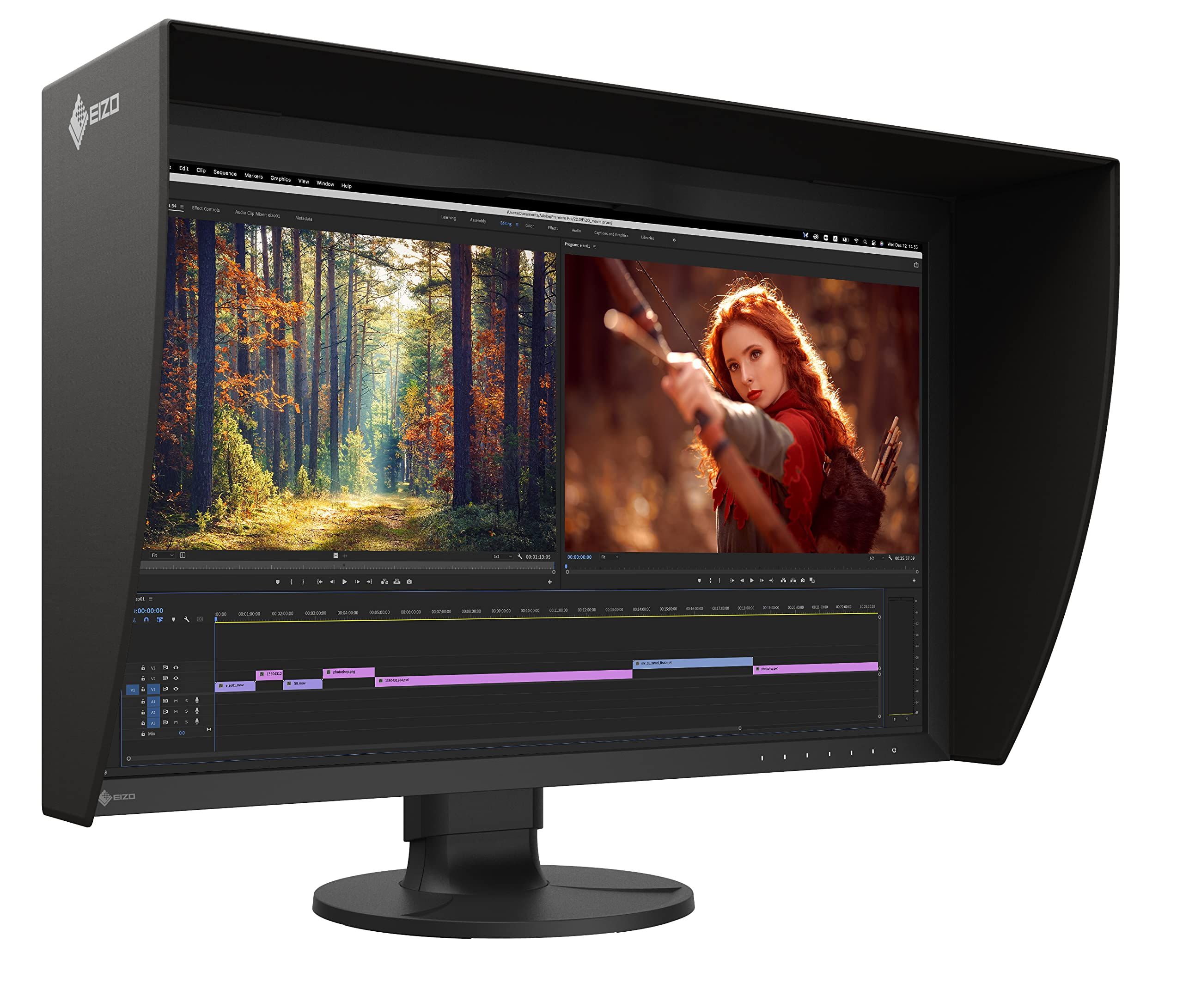
The EIZO ColorEdge CG2700X suits studios that need a monitor to stay calibrated with as little manual effort as possible. A built-in calibration sensor swings onto the screen when needed, and EIZO says you can keep working while calibration runs. The 27-inch class IPS panel (26.9 inches viewable) is 3840 x 2160 and covers 99% of Adobe RGB and 98% of DCI-P3, with 10-bit simultaneous display from a 16-bit LUT.
EIZO's Digital Uniformity Equalizer targets even brightness and color across the screen, and a light shielding hood comes bundled. HLG and PQ curves are supported for HDR editing, brightness is 500 cd/m2, and typical contrast is 1450:1. USB-C delivers 94W, a built-in LAN port helps laptops without Ethernet, and the monitor is backed by a 5-year manufacturer's warranty.
Key highlights
- 27-inch class 4K (3840 x 2160) IPS panel, 26.9 inches viewable
- 99% Adobe RGB and 98% DCI-P3
- Built-in calibration sensor
- 10-bit simultaneous display from a 16-bit LUT
- Digital Uniformity Equalizer and bundled light shielding hood
- USB-C with 94W power delivery, DisplayPort, HDMI, and LAN
Pros
- Self-calibration without an external device
- Uniformity correction and hood support consistent color
- 5-year manufacturer's warranty
- EIZO guarantees zero bright sub-pixels for six months from purchase
Cons
- 500 cd/m2 brightness is far below the 2000-nit HDR peak of the Apple Studio Display XDR
- EIZO lists a vertical frequency of up to 61 Hz
- No Thunderbolt connection is listed
Who it is for: Professional photographers, retouchers, and studios that calibrate often and want a long warranty.
Skip if
You mainly need HDR brightness, a 5K or 6K panel, or a lower-cost entry into wide-gamut editing.
ASUS ProArt PA27UCGE 27-inch 4K - Best automatic calibration
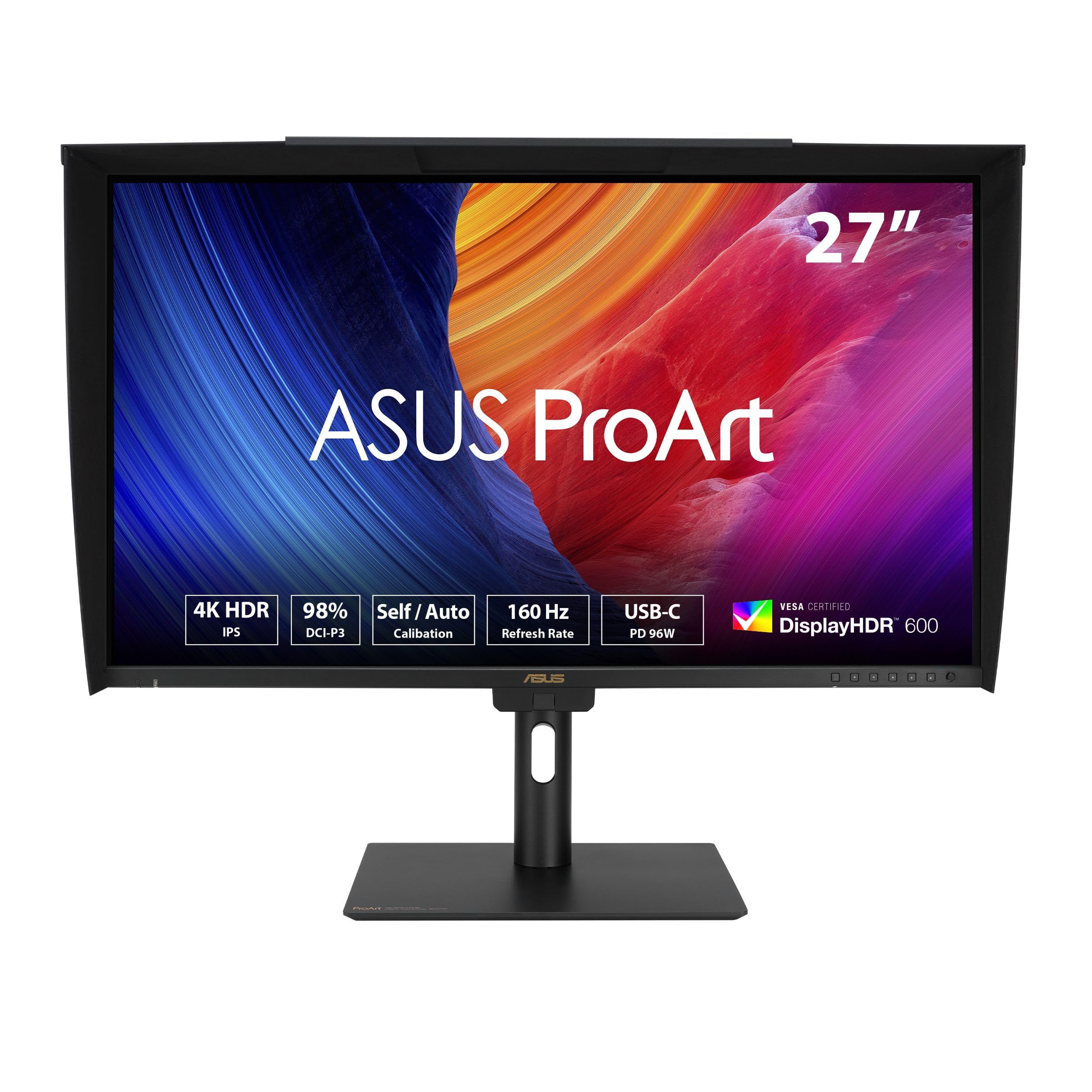
The ASUS ProArt PA27UCGE puts a motorized flip colorimeter inside the monitor, so self and auto calibration can run without a separate sensor. ASUS rates it at Delta E below 1, the tightest accuracy figure among these picks, and its 27-inch 4K IPS panel (163 PPI) uses a LuxPixel AGLR anti-glare, low-reflection surface.
ASUS lists the gamut as 98% DCI-P3 and 100% sRGB from a 10-bit panel. A 160Hz variable refresh rate, HDR-10 and HLG support, and VESA DisplayHDR 600 certification make it a flexible choice for photographers who also edit video. USB-C with 96W power delivery, HDMI 2.1, DisplayPort 1.4, and built-in Auto KVM for switching between two laptops round out the connections.
Key highlights
- 27-inch 4K (3840 x 2160) IPS panel, 163 PPI
- Built-in motorized flip colorimeter for self and auto calibration
- Delta E below 1
- 98% DCI-P3, 100% sRGB, 10-bit
- 160Hz variable refresh rate, HDR-10, HLG, DisplayHDR 600
- USB-C with 96W power delivery, HDMI 2.1, DisplayPort 1.4, Auto KVM
Pros
- Calibration runs without buying a separate colorimeter
- Lowest Delta E rating among these picks
- Anti-glare, low-reflection screen surface
- Auto KVM suits a two-laptop desk
Cons
- ASUS does not list Adobe RGB coverage on this page
- No Thunderbolt connection is listed
- 4K at 27 inches is less dense than the 5K Apple and 6K LG picks
Who it is for: Photographers who want hands-off calibration and also cut video or need smoother motion than a 60Hz panel.
Skip if
Your print workflow depends on confirmed Adobe RGB coverage, in which case the BenQ SW272U or EIZO CG2700X is the safer choice.
ASUS ProArt PA279CRV 27-inch 4K - Best budget pick
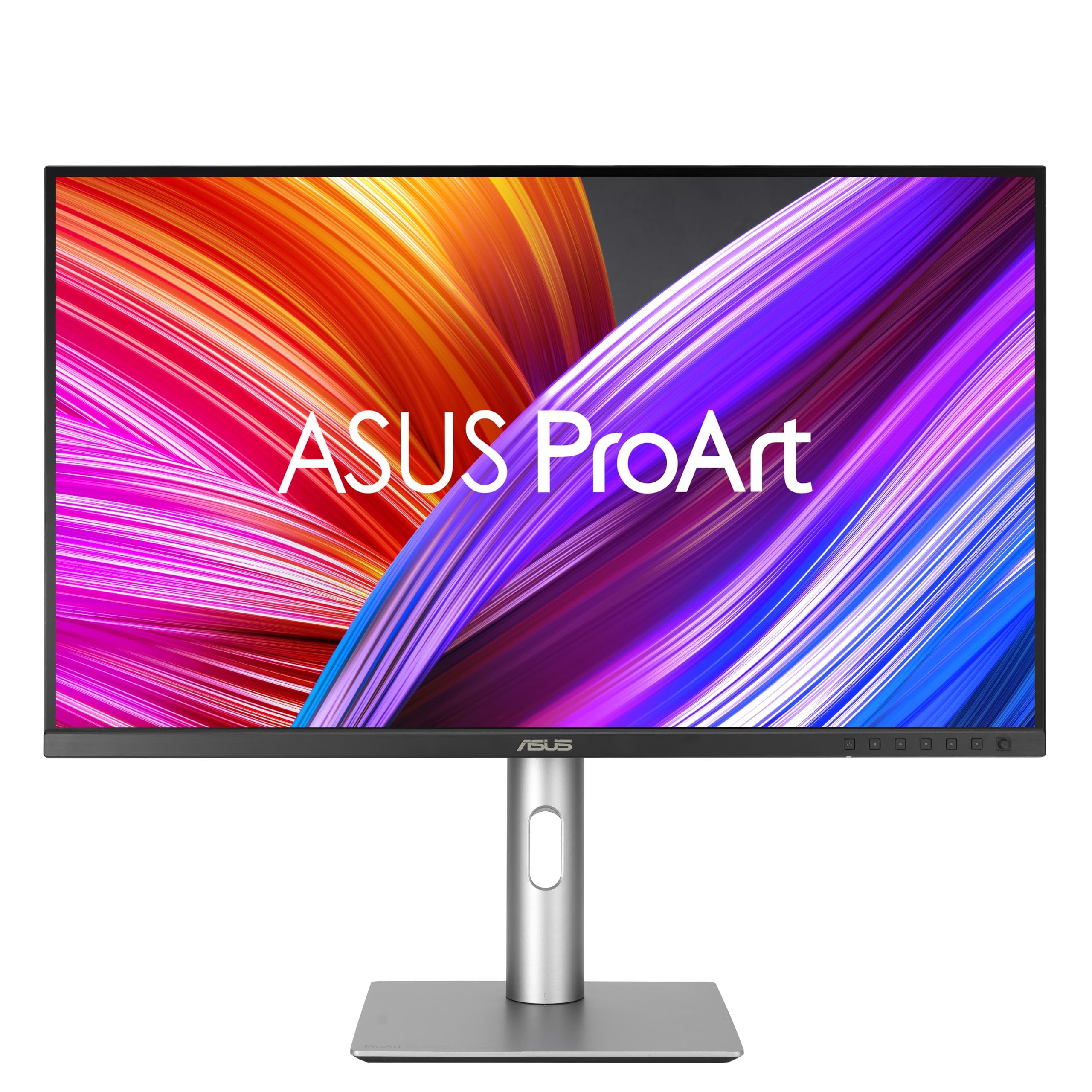
The ASUS ProArt PA279CRV is the most straightforward way into wide-gamut photo editing on this list. Its 27-inch 4K IPS panel covers 99% DCI-P3 and 99% Adobe RGB, and ASUS describes it as Calman Verified and factory pre-calibrated to Delta E below 2.
ASUS uses a three-scale factory calibration process and grayscale tracking aimed at smoother gradations and better uniformity. HDR10 and VESA DisplayHDR 400 support, USB-C with 96-watt power delivery, and DisplayPort daisy-chaining for multi-monitor setups make it a practical desk monitor, and the stand offers tilt, swivel, pivot, and height adjustments.
Key highlights
- 27-inch 4K (3840 x 2160) IPS panel
- 99% DCI-P3 and 99% Adobe RGB
- Calman Verified, factory pre-calibrated to Delta E below 2
- HDR10 and VESA DisplayHDR 400
- USB-C with 96-watt power delivery
- DisplayPort daisy-chaining
Pros
- Adobe RGB and DCI-P3 coverage on par with pricier picks
- Factory calibrated for accurate color out of the box
- Single-cable connection and charging for laptops
- Tilt, swivel, pivot, and height adjustment
Cons
- Delta E below 2 is a looser rating than the BenQ SW272U or PA27UCGE
- No built-in colorimeter; ASUS pairs it with an external ProArt CaliContrO colorimeter for hardware calibration
- DisplayHDR 400 is an entry-level HDR certification
Who it is for: Hobbyists and working photographers who want real Adobe RGB coverage and factory calibration without paying for reference-grade extras.
Skip if
You need built-in calibration, a matte anti-reflection panel, or stronger HDR.
Apple Studio Display XDR 27-inch 5K - Best for Mac users
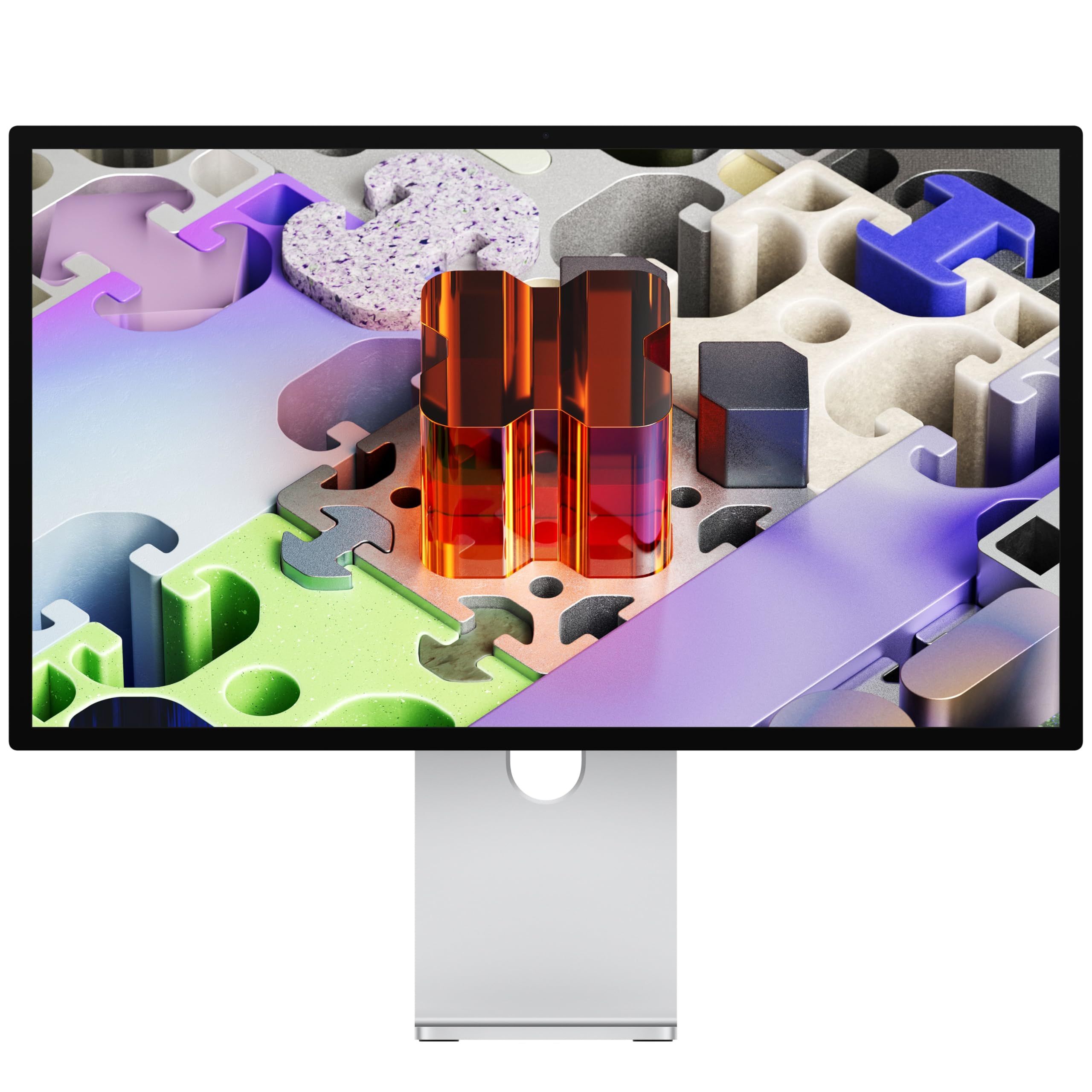
The Apple Studio Display XDR pairs a 27-inch 5K Retina panel (5120 x 2880 at 218 pixels per inch) with a mini-LED backlight and 2304 dimming zones. Apple lists up to 1000 nits for SDR, 2000 nits peak for HDR, P3 and Adobe RGB wide color gamuts, and a 120Hz refresh rate with Adaptive Sync.
For photographers, the reference modes matter most: Apple includes Photography modes for P3-D65 and Adobe RGB-D65, Design and Print modes for P3-D50 and Adobe RGB-D50, and an HDR Photography mode. This listing is the standard glass version with the tilt- and height-adjustable stand; nano-texture glass and a VESA mount adapter are separate configurations. Two Thunderbolt 5 ports, two USB-C ports, 140W host charging, a 12MP Center Stage camera, and a six-speaker system complete the package.
Key highlights
- 27-inch 5K Retina (5120 x 2880), 218 pixels per inch
- Mini-LED backlight with 2304 dimming zones
- Up to 1000 nits SDR, 2000 nits peak HDR
- P3 and Adobe RGB wide color gamuts with Photography reference modes
- 120Hz refresh rate with Adaptive Sync
- Two Thunderbolt 5 ports, two USB-C ports, 140W host charging
Pros
- Highest listed HDR brightness among these picks
- Dedicated Photography and Design and Print reference modes
- 5K resolution gives sharper detail than the 27-inch 4K picks
- Single Thunderbolt 5 cable connects and charges a Mac laptop
Cons
- Apple's compatibility list covers Mac models only and does not mention Windows PCs
- This standard glass version lacks the reflection-reducing nano-texture option
- Apple does not give a coverage percentage for Adobe RGB
Who it is for: Mac photographers who edit HDR images or want a 5K screen with built-in Photography reference modes.
Skip if
You edit on a Windows PC or work in a bright room where reflections are a concern.
LG UltraFine evo 32U990A-S 32-inch 6K - Best big screen
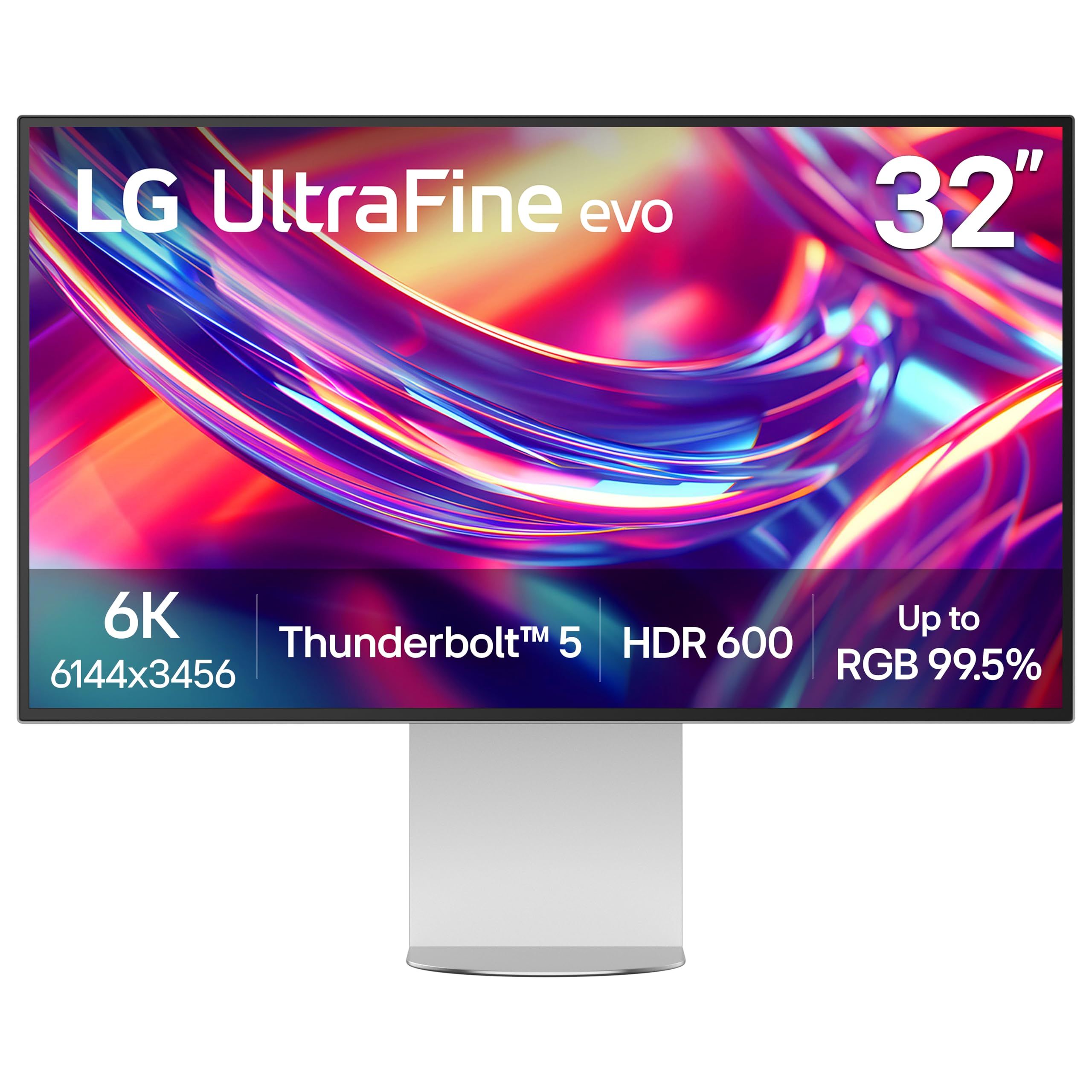
The LG UltraFine evo 32U990A-S is the only 32-inch pick here, and it goes beyond 4K with a 6K panel at 224 pixels per inch. That leaves more room for a full-size image alongside editing panels. LG lists up to 98% DCI-P3 and up to 99.5% Adobe RGB coverage.
The Nano IPS Black panel is rated at 2000:1 contrast and carries VESA DisplayHDR 600 certification. Thunderbolt 5 sits alongside DisplayPort 2.1, HDMI, and USB-C, and the stand tilts, pivots, rotates, and adjusts for height. Mac users get Studio Mode presets and Mac keyboard control. LG's page does not detail calibration features, refresh rate, or power delivery wattage.
Key highlights
- 32-inch 6K panel, 224 pixels per inch
- Nano IPS Black with 2000:1 contrast
- Up to 98% DCI-P3 and up to 99.5% Adobe RGB
- VESA DisplayHDR 600
- Thunderbolt 5, DisplayPort 2.1, HDMI, USB-C
- Tilt, pivot, rotate, and height adjustment
Pros
- Largest and highest-resolution screen among these picks
- High listed Adobe RGB coverage
- Higher rated contrast than the other IPS picks
- Mac-friendly presets and keyboard control
Cons
- LG's page gives no calibration details and no built-in sensor is listed
- Refresh rate and power delivery wattage are not listed on the page
- Gamut figures are given as "up to" values
Who it is for: Photographers who want the most screen space and pixel density for detailed retouching and large catalogs.
Skip if
Calibration features matter more to you than size, where the EIZO CG2700X or PA27UCGE is a better match.
How to Choose
- Match the gamut to your output. Adobe RGB coverage matters most if you print, DCI-P3 or P3 matters for screens and HDR, and sRGB still covers most web viewing.
- Decide how you will calibrate. A built-in sensor, as on the EIZO CG2700X and ASUS PA27UCGE, automates the job. Other monitors rely on factory calibration or hardware calibration with a separate device.
- Control reflections. Matte or low-reflection surfaces and a shading hood keep room light from shifting how colors and shadows look on screen.
- Pick the right pixel density. A 27-inch 4K panel works out to about 163 PPI, while 5K at 27 inches and 6K at 32 inches land around 218 to 224 PPI for finer detail.
- Treat HDR as a separate need. Most photo work is SDR. Buy for HDR brightness only if you edit HDR images or video.
- Check single-cable power. If you edit on a laptop, look at USB-C or Thunderbolt power delivery so one cable handles video, data, and charging.
FAQ
Do I need Adobe RGB coverage for photo editing?
Not always. If you print or shoot in Adobe RGB, wide Adobe RGB coverage helps you see colors your printer can reproduce. If your work ends up on phones and websites, strong sRGB and P3 coverage matters more.
Do I need a hardware-calibrated monitor?
Factory calibration gives a good starting point, but every panel drifts over time. Hardware calibration, whether with a built-in sensor or a separate colorimeter, keeps colors consistent over the life of the monitor.
Is 4K enough for a 27-inch photo editing monitor?
Yes, 4K at 27 inches is sharp enough for most editing. A 5K or 6K panel adds finer detail and more room for tools, which helps with retouching and large previews.
Is a matte or glossy screen better for photo editing?
Matte and low-reflection screens are easier to work with in rooms with windows or overhead lights. Glossy screens can look punchier but show reflections, so they suit rooms where you can control the lighting.
Does HDR matter for photo editing?
Only if you edit or deliver HDR photos or video. For standard print and web work, color accuracy, uniformity, and calibration matter more than peak brightness.
Published November 8, 2026 Last updated November 8, 2026
Add Technobezz on Google:Preferred SourceGoogle Discover
More on monitors
Buying guide
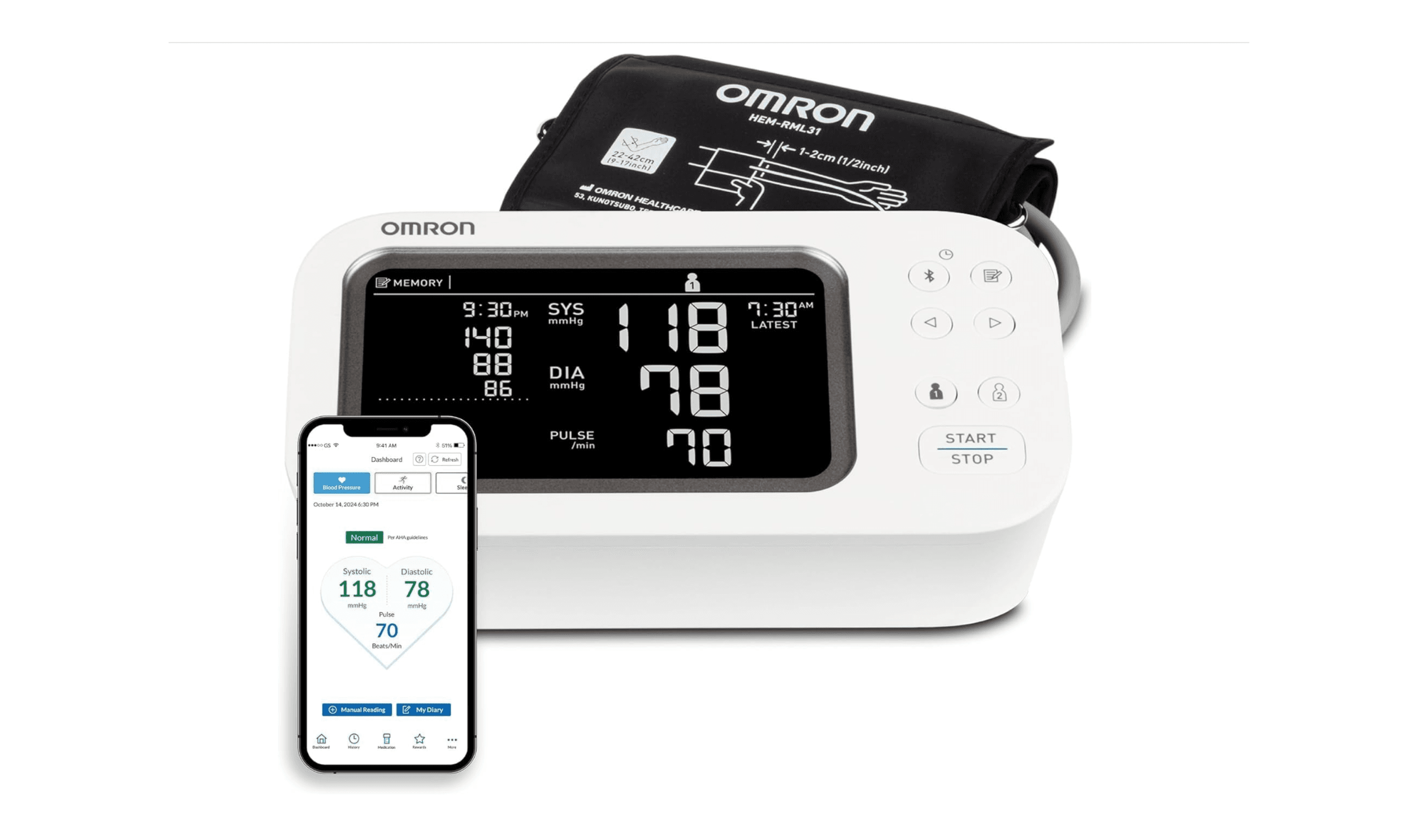
8 Best Blood Pressure Monitors for Home Use in 2026
Deal
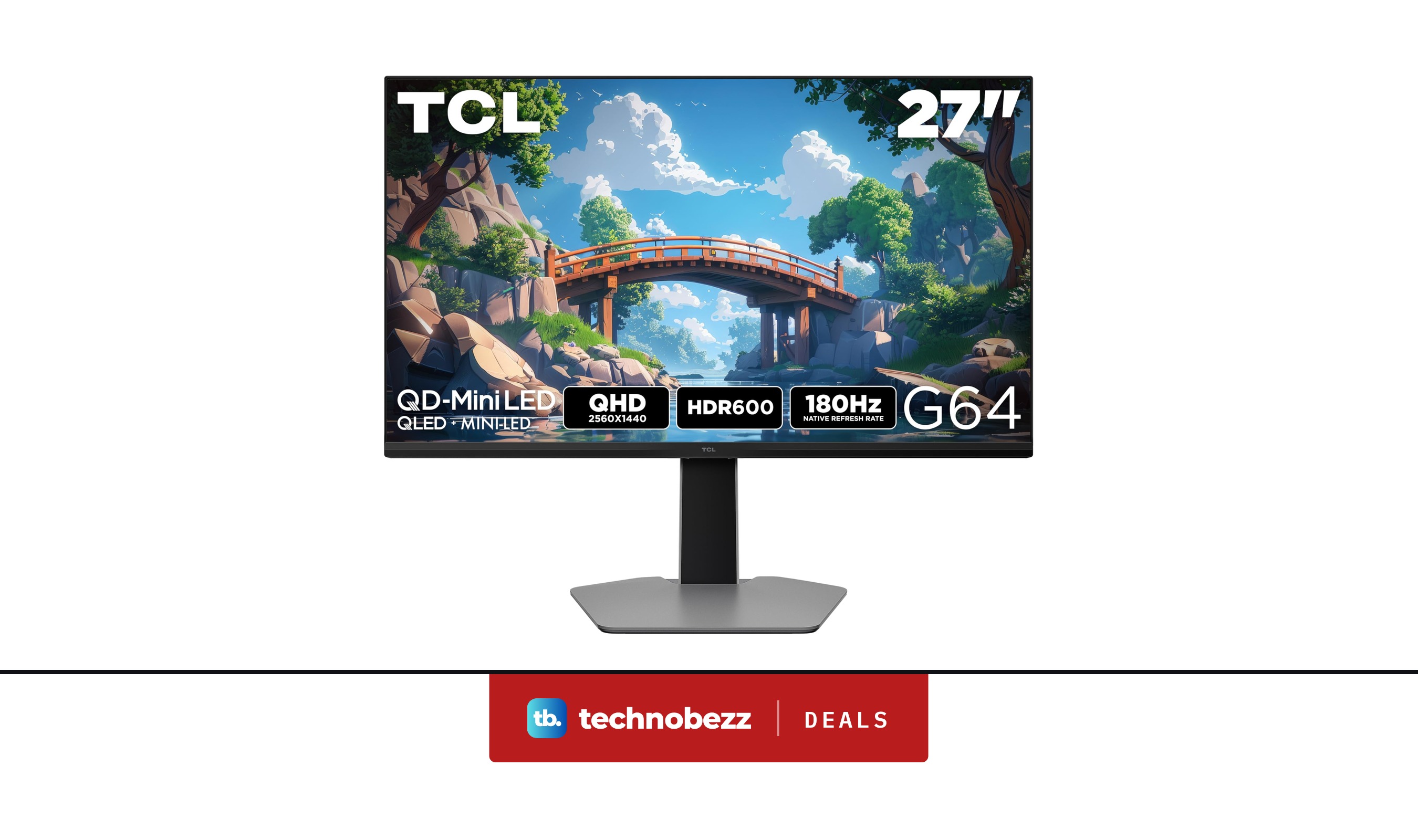
TCL 27G64 1440P QD Mini LED Gaming Monitor now $279.99, down from $399.99
Deal
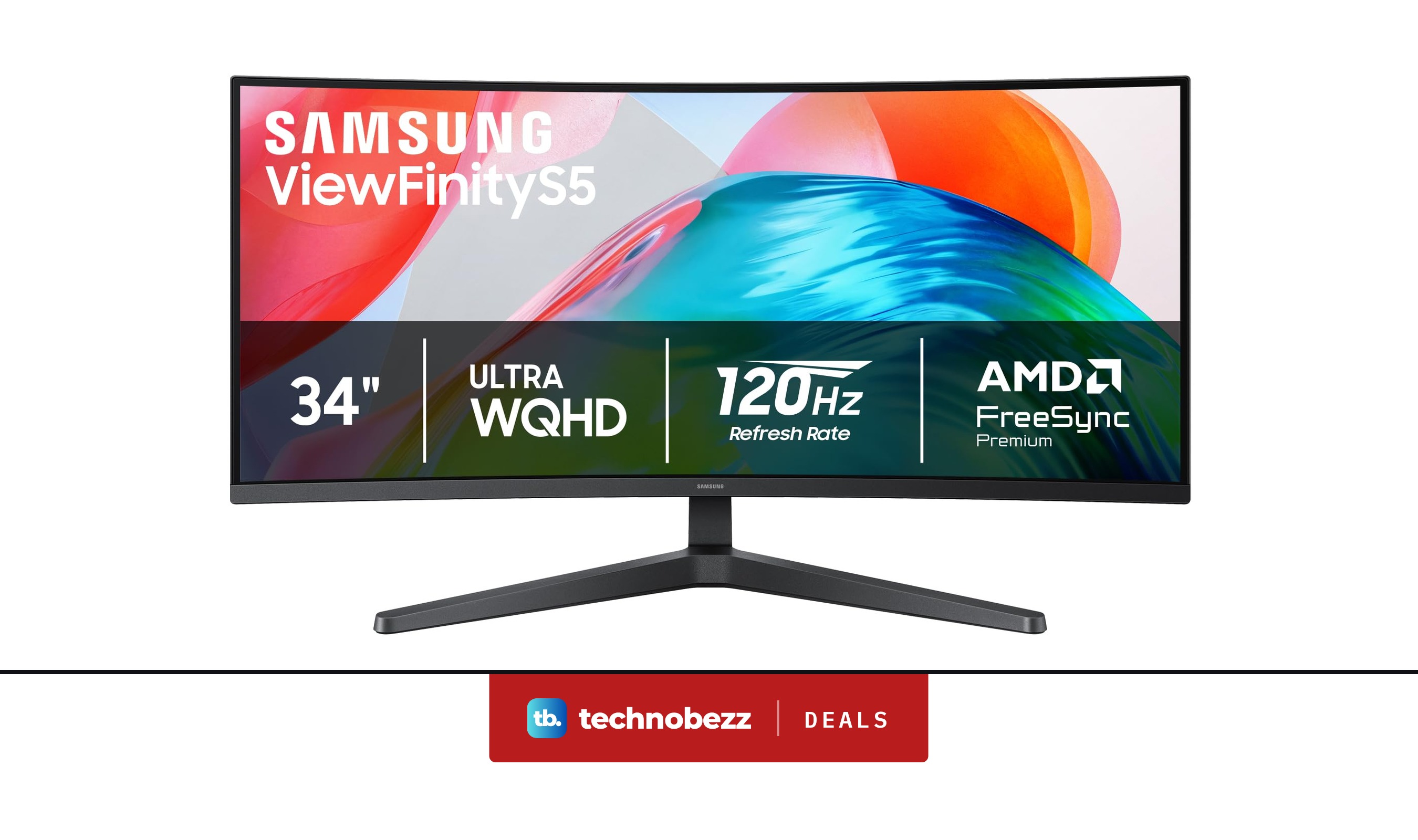
Samsung ViewFinity S5 Ultrawide QHD Curved Monitor is $279.99 ahead of Black Friday
Deal
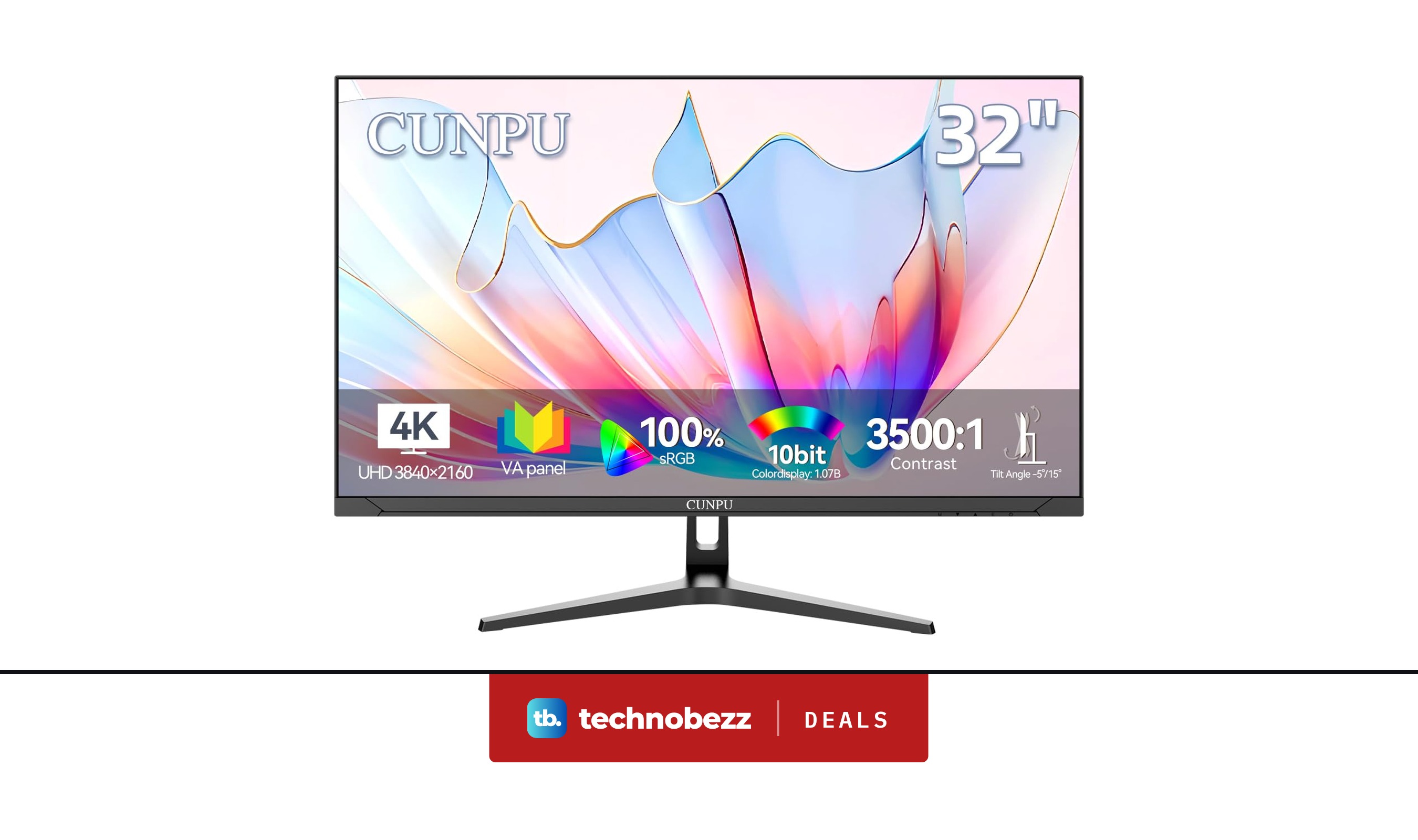
CUNPU 4K UHD VA Computer Monitor falls to $169.99
More buying guides
Buying guide7 Best Wireless Mice in 2026Buying guide5 Best Gaming Chairs in 2026Buying guide5 Best Vacuum Cleaners in 2026Buying guide5 Best Car Chargers in 2026Buying guide5 Best RAM Kits in 2026Buying guide5 Best Compact Cameras in 2026Buying guide6 Best Microwaves in 2026Buying guide7 Best Microphones for Recording Vocals in 2026