A wireless mouse gets used for hours every day, so the right one depends on where you work, how your hand likes to rest, and whether you play games. A desk mouse built for shortcuts, a slim gesture mouse for a Mac, a vertical or trackball design for comfort, and a lightweight gaming mouse all solve different problems.
Technobezz is supported by its audience. We may get a commission from retail offers.
7 Best Wireless Mice in 2026
Our top pick is the Logitech MX Master 4, plus six more wireless mice for Mac users, ergonomic comfort, quiet budget use, trackball control and fast PC gaming.
T
Technobezz
Editorial Team
Updated November 8, 2026Nov 8, 2026
•12 min read

Get Deals Like These in Your Inbox
The best prices, straight to your inbox.
Add Technobezz on Google:Preferred SourceGoogle Discover
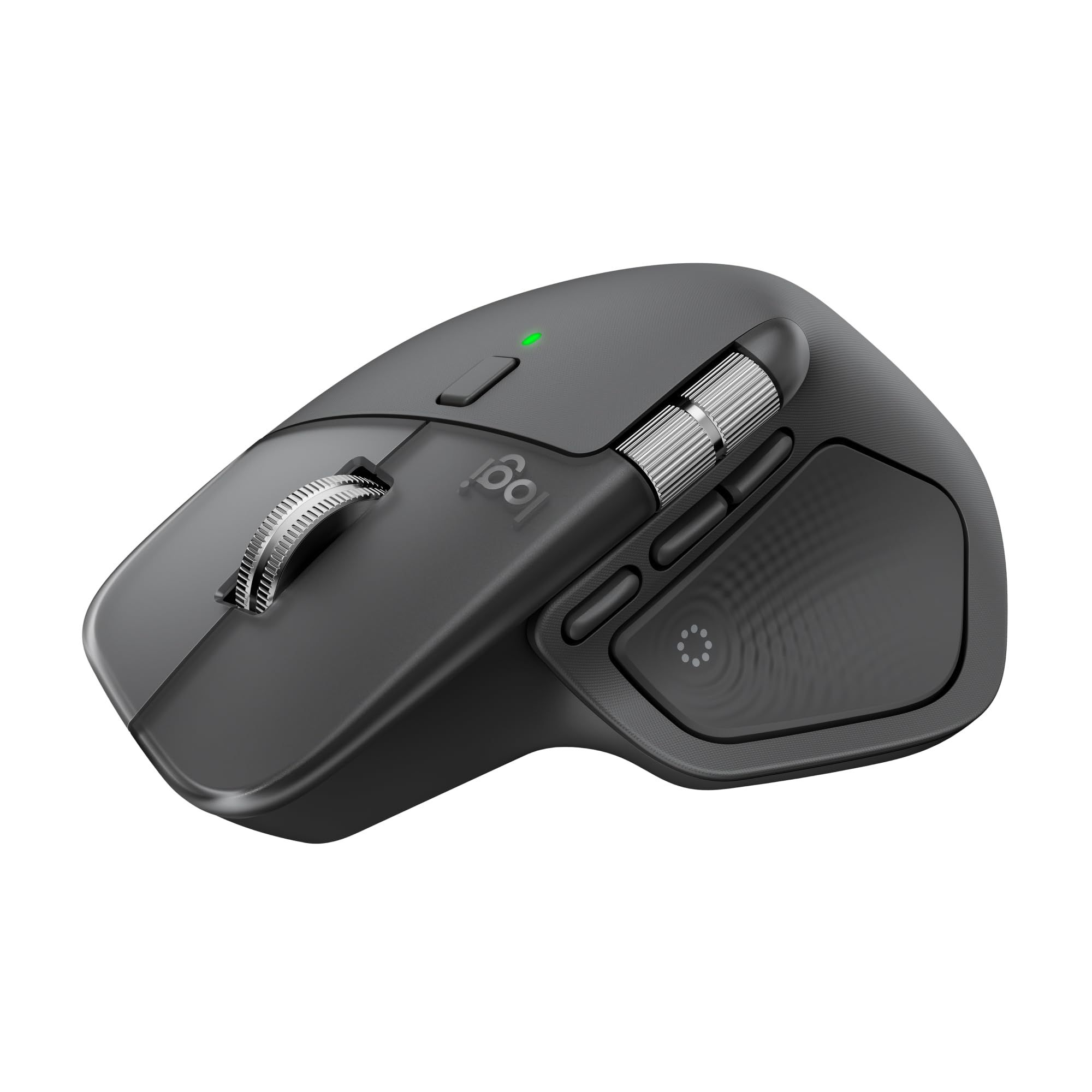
The Logitech MX Master 4 is our best overall pick. It combines an 8K DPI sensor that Logitech says tracks on almost any surface, including glass, with a MagSpeed scroll wheel rated at 1,000 lines per second, customizable haptic feedback, and Actions Ring shortcuts. It suits office workers, creators, and anyone who spends long days in spreadsheets, editors, and browsers.
The rest of this list covers specific needs: a gesture mouse for Mac users, a vertical ergonomic mouse, a thumb trackball, a quiet budget Bluetooth mouse, and two wireless gaming mice for PC players.
At a Glance
| Category | Product | Why We Picked It |
|---|---|---|
| Best overall | Logitech MX Master 4 | Haptic feedback, Actions Ring shortcuts, and a 1,000-lines-per-second wheel |
| Best for Mac users | Apple Magic Mouse (USB-C) | Multi-Touch gestures, USB-C charging and about a month per charge |
| Best vertical ergonomic | Logitech Lift Vertical Ergonomic Mouse | 57° handshake angle sized for small to medium hands |
| Best trackball | Logitech ERGO M575S Wireless Trackball | Thumb control that keeps your arm still, with quieter clicks |
| Best budget | Logitech M240 Silent Bluetooth Mouse | Quiet clicks, no dongle, and up to 18 months on one AA battery |
| Best for competitive gaming | Razer Viper V4 Pro | 49 g build, 50K DPI sensor, and 8000 Hz wireless polling |
| Best dual-mode gaming | SteelSeries Aerox 3 Wireless Gen 2 | 2.4 GHz and Bluetooth, IP54 protection, and 4K wireless polling |
How we chose
We compared the specifications and features each maker publishes on its own US product page, then matched every mouse to a specific kind of buyer. We also checked that each pick is sold new on Amazon.
The best wireless mice right now
Logitech MX Master 4 - Best overall
The Logitech MX Master 4 is built for people who live in productivity apps. Its standout feature is customizable haptic feedback, which Logitech says can respond to specific actions, shortcuts, and notifications, and Windows 11 users get native haptics integration.
The MagSpeed scroll wheel is rated at 1,000 lines per second, and Logitech describes the machined steel wheel as smooth, quiet, and weighted. The 8K DPI sensor is rated to track on virtually any surface, even glass, and Logitech says its Actions Ring shortcuts can save up to 33% of your time. Feedback, intensity, and third-party app plugins are set up in the Logi Options+ app.
Key highlights
- Customizable haptic feedback
- Native haptics on Windows 11
- Actions Ring shortcuts
- MagSpeed scroll wheel rated at 1,000 lines per second
- Machined steel scroll wheel
- 8K DPI sensor that tracks on almost any surface, including glass at least 4 mm thick, per Logitech
Pros
- Haptic feedback adds a feature most office mice lack
- Very fast scrolling for long documents and timelines
- Shortcut tools aimed at heavy multitaskers
- Works on glass desks at least 4 mm thick
Cons
- Native haptics integration is listed for Windows 11 specifically
- Haptic tuning and app plugins depend on the Logi Options+ software
- Premium choice for buyers who only need basic pointing
Who it is for: Office workers, creators, and power users who want one feature-rich desk mouse for long workdays.
Skip if
You need a small mouse for a laptop bag, where the M240 Silent makes more sense, or you want a gaming mouse with high polling rates.
Apple Magic Mouse (USB-C) - Best for Mac users
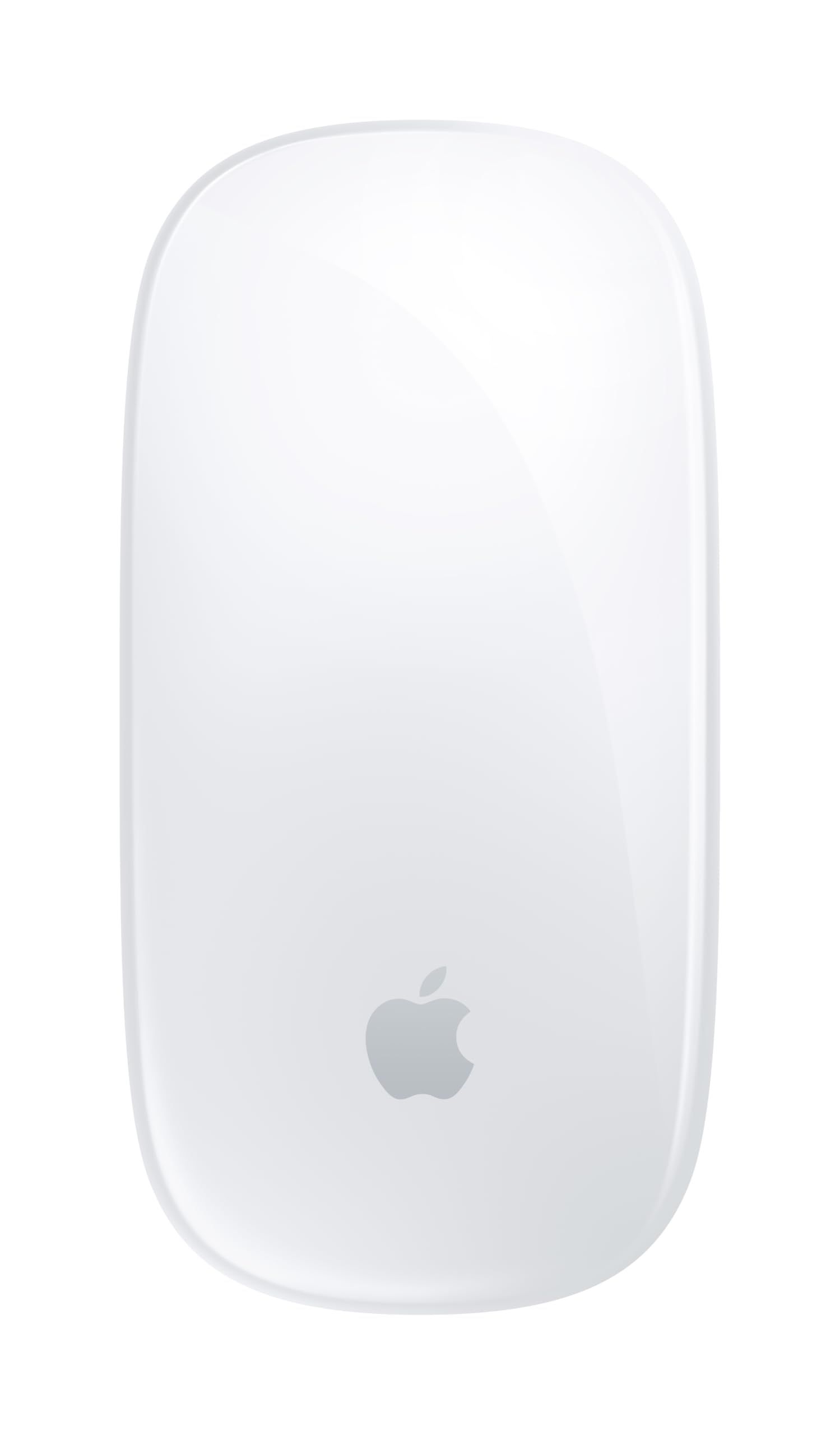
The Apple Magic Mouse (USB-C) is the pick for Mac and iPad owners who would rather use gestures than a scroll wheel. Apple says its Multi-Touch surface allows simple gestures such as swiping between web pages and scrolling through documents.
It connects over Bluetooth, charges through a USB-C port, and Apple rates the rechargeable battery for about a month or more between charges. It weighs 0.22 pound, and Apple lists a Mac with macOS 15.1 or later or an iPad with iPadOS 18.1 or later as requirements. A USB-C Charge Cable comes in the box.
Key highlights
- Multi-Touch surface for swiping and scrolling gestures
- Bluetooth connection
- USB-C charging port
- About a month or more between charges, per Apple
- 0.22 pound (0.099 kg)
- USB-C Charge Cable in the box
Pros
- Gestures built into the top surface
- Rechargeable, with no AA batteries to replace
- Light at 0.22 pound
- No USB receiver needed
Cons
- Apple lists macOS 15.1 or later or iPadOS 18.1 or later as requirements
- Scrolling is a touch gesture rather than a wheel
- Apple's tech specs page lists only Mac and iPad requirements
Who it is for: Mac and iPad users who want a slim, rechargeable mouse with gesture controls.
Skip if
You use Windows, or you want a scroll wheel and extra buttons.
Logitech Lift Vertical Ergonomic Mouse - Best vertical ergonomic
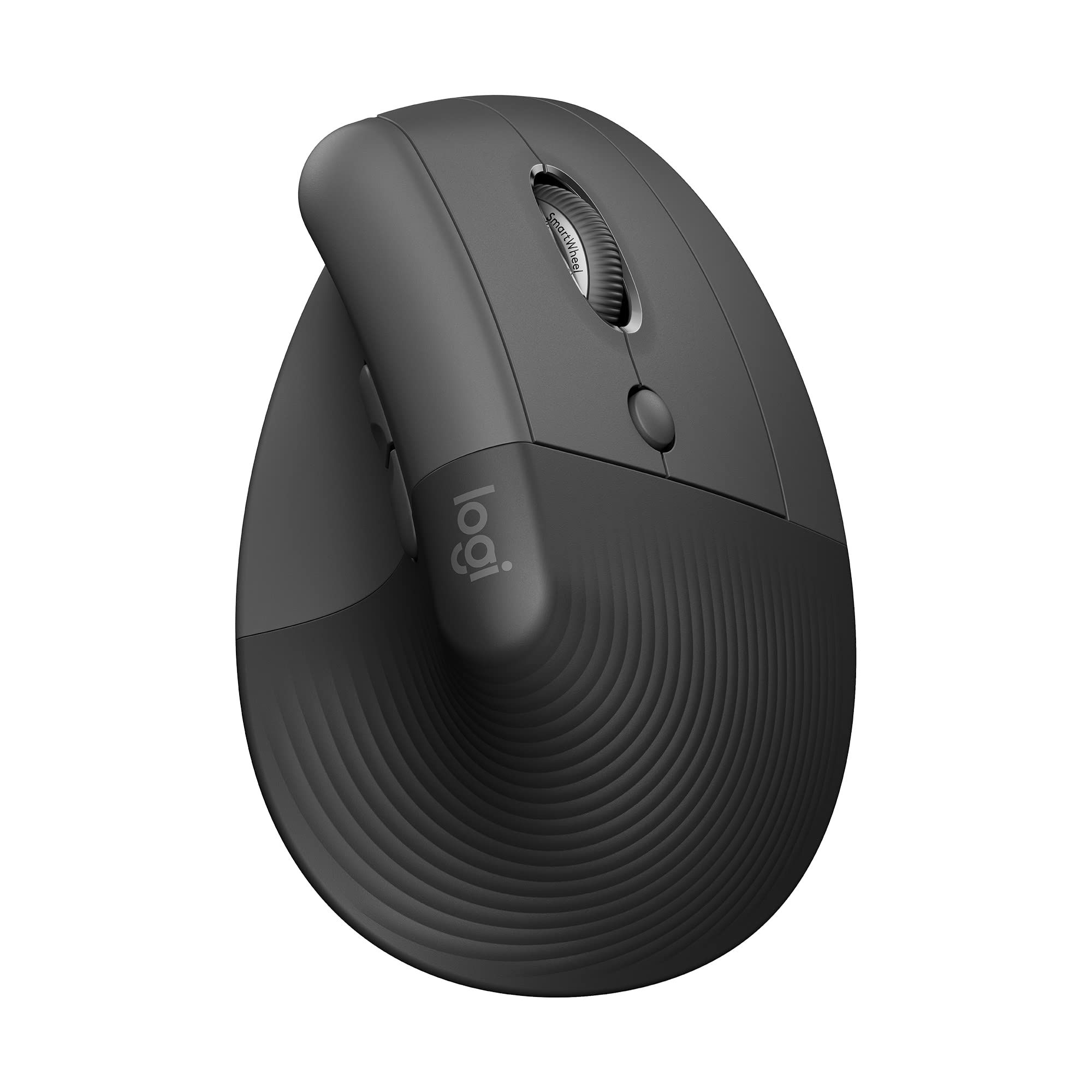
The Logitech Lift is a vertical mouse that tilts your hand to a 57° angle, which Logitech calls a natural handshake position. Logitech says it is designed for small to medium hands, with a softly textured grip, easy-to-reach buttons, and a thumb rest.
It also aims to stay out of the way in shared spaces: Logitech describes whisper-quiet clicks and a quiet scroll wheel, and the mouse is made with recycled plastic. This listing is the right-handed Graphite version, and Logitech also offers a left-handed version.
Key highlights
- 57° vertical angle
- Designed for small to medium hands
- Softly textured grip with thumb rest
- Whisper-quiet clicks and quiet scroll wheel
- Made with recycled plastic
- Left-handed version available separately
Pros
- Vertical design puts the hand in a handshake position
- Quiet operation suits shared offices
- Sized for small to medium hands
Cons
- Not designed around large hands
- This listing is right-handed only
- A vertical grip is a change from a standard flat mouse
Who it is for: People with small to medium hands who want to try a vertical mouse at a desk.
Skip if
You have large hands, or you prefer to keep your arm still and steer with your thumb, where the ERGO M575S fits better.
Logitech ERGO M575S Wireless Trackball - Best trackball
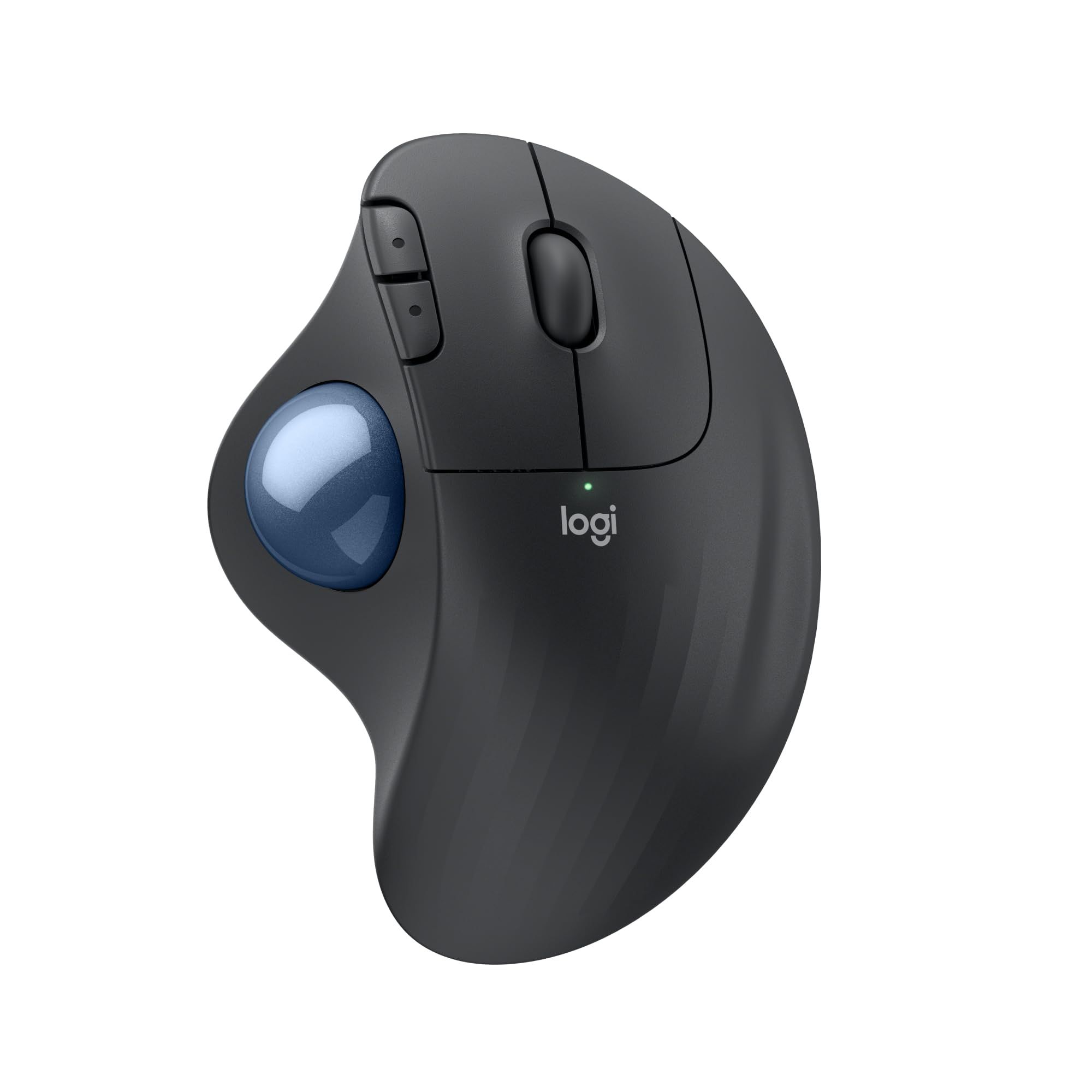
The Logitech ERGO M575S swaps a sliding mouse for a thumb-operated trackball, so you move the cursor without moving your arm. Logitech says it is certified by ergonomists to reduce muscle strain and work in a more natural posture, and claims it reduces muscle strain in your forearm by 25%.
The S version adds quiet clicks, with Logitech claiming 80% quieter click noise than the ERGO M575. It has 3 customizable buttons covering Back/Forward and the middle click of the scroll wheel, cursor speed can be adjusted in the Logi Options+ app, and Logitech describes the shape as a good and snug fit for most hand sizes.
Key highlights
- Thumb-controlled trackball
- Certified by ergonomists, according to Logitech
- 80% quieter clicks than the ERGO M575, per Logitech
- 3 customizable buttons
- Cursor speed adjustable in Logi Options+
- Designed to fit most hand sizes
Pros
- Arm stays still while the thumb moves the cursor
- Needs less desk space than a sliding mouse
- Quieter clicks than the earlier model
Cons
- Thumb trackball control is a different technique from a regular mouse
- Only 3 customizable buttons
- The quiet-click figure compares it only with the older ERGO M575
Who it is for: Desk workers with limited space or anyone who wants to stop sliding a mouse around all day.
Skip if
You want a conventional mouse feel or plan to play fast games.
Logitech M240 Silent Bluetooth Mouse - Best budget
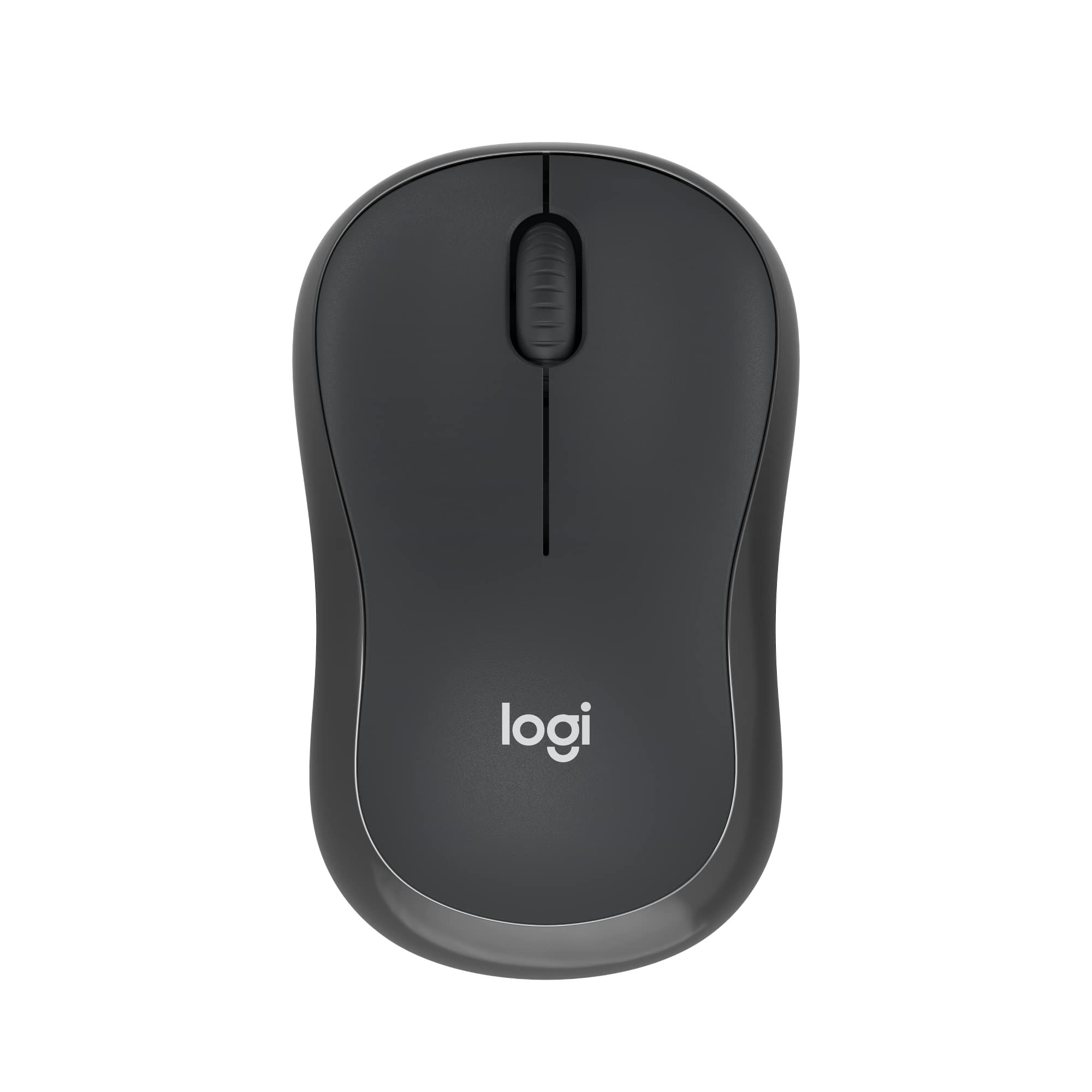
The Logitech M240 Silent is the simple, affordable pick. It pairs over Bluetooth with no dongle or port required, and Logitech lists support for Windows, macOS, ChromeOS, Linux, and Android, so it works with most laptops and tablets that have Bluetooth.
Logitech says its SilentTouch Technology reduces clicking sounds by 90% while keeping a familiar click feel. It runs on a single AA battery, which comes pre-installed, and Logitech rates battery life at 18 months with auto sleep. The compact, contoured shape is designed to suit both left- and right-handed users.
Key highlights
- Bluetooth connection with no dongle required
- SilentTouch Technology reduces clicking sounds by 90%
- Up to 18 months battery life with auto sleep
- Single AA battery, pre-installed
- Shape suits left- and right-handed users
- Works with Windows, macOS, ChromeOS, Linux, and Android
Pros
- Budget-friendly choice for basic everyday use
- Very quiet clicks for shared spaces
- Long battery life between changes
- Leaves USB ports free
Cons
- Bluetooth only, so a computer without Bluetooth cannot use it
- Uses a replaceable AA battery rather than a built-in rechargeable cell
- Basic feature set with no advanced scroll wheel or shortcut tools listed
Who it is for: Students, home users, and office workers who want a quiet, low-cost mouse that works with almost any Bluetooth device.
Skip if
Your computer lacks Bluetooth or you want shortcut and scrolling features like those on the MX Master 4.
Razer Viper V4 Pro - Best for competitive gaming
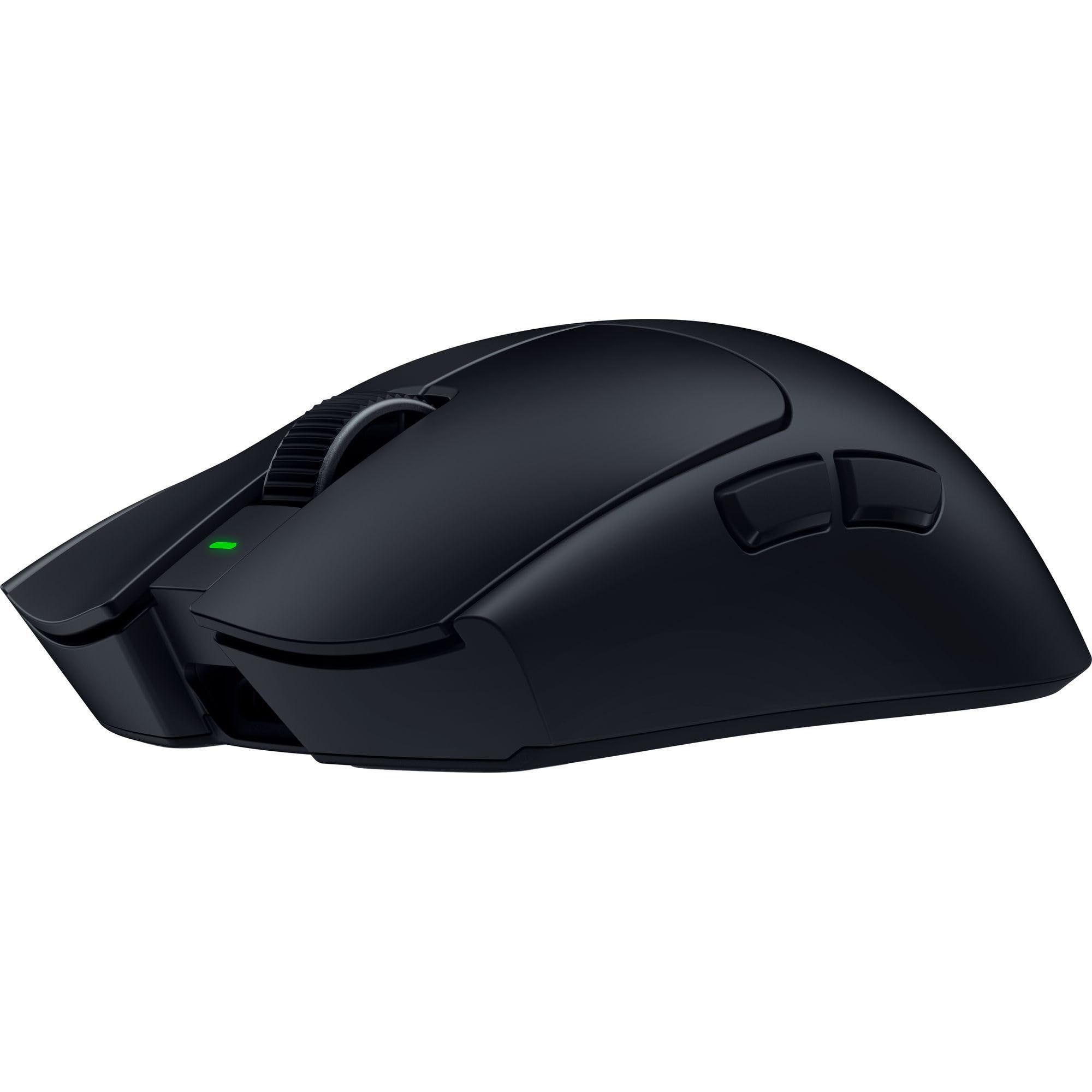
The Razer Viper V4 Pro is the competitive gaming pick, and the specs show it. The black edition weighs 49 g (Razer lists the white edition at 50 g), and it uses the Razer Focus Pro 50K Optical Sensor Gen-3, rated at 50K DPI, 930 IPS, and 90 G.
Razer says its wireless system enables true 8000 Hz polling, and the larger dongle houses a taller antenna for greater signal strength. It uses Razer Optical Mouse Switches Gen-4, built to withstand over 100 million clicks, and has 6 programmable controls, a right-handed symmetrical shape, and up to 180 hours of battery life.
Key highlights
- 49 g (black edition; white edition is 50 g)
- Razer Focus Pro 50K Optical Sensor Gen-3
- 50K DPI, 930 IPS, 90 G
- True 8000 Hz wireless polling
- Razer Optical Mouse Switches Gen-4, rated for over 100 million clicks
- Up to 180 hours of battery life
Pros
- Lightest pick on this list
- Highest listed sensor and polling specs here
- Durable optical switches
- 6 programmable controls
Cons
- Razer's page describes a dongle connection and does not mention Bluetooth
- Right-handed shape, so it does not suit left-handed players
- Built for gaming rather than office shortcut features
Who it is for: Competitive PC players who want the lowest weight and the highest polling rate in this group.
Skip if
You need Bluetooth for a laptop or tablet, where the Aerox 3 Wireless Gen 2 is the better gaming option.
SteelSeries Aerox 3 Wireless Gen 2 - Best dual-mode gaming
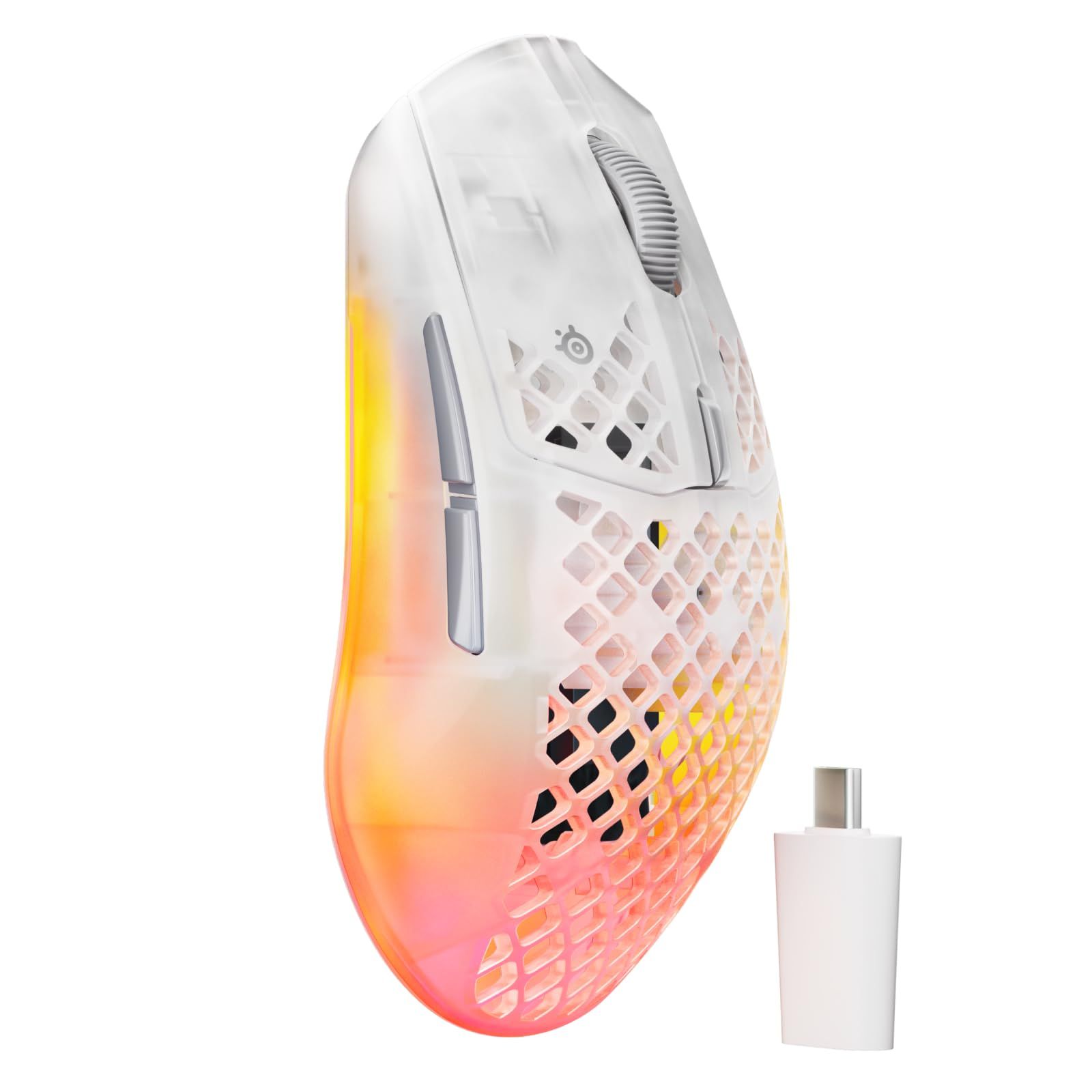
The SteelSeries Aerox 3 Wireless Gen 2 is a lightweight gaming mouse that also works over Bluetooth. It weighs 68 g, uses a TrueMove 26K sensor rated at 400 IPS and 40G, and supports 4K wireless polling with a 0.25ms response.
Battery life depends on the connection: SteelSeries rates it at 120 hours on 2.4 GHz wireless and 200 hours in Bluetooth mode. It carries an IP54 rating, and SteelSeries says its AquaBarrier protection seals out dust, sweat, and spills. The 80 million click mechanical switches have a listed click latency under 2ms.
Key highlights
- 68 g weight
- TrueMove 26K sensor, 400 IPS, 40G
- 4K wireless polling, 0.25ms response
- 2.4 GHz wireless and Bluetooth
- 120 hours on 2.4 GHz, 200 hours on Bluetooth
- IP54 rating with AquaBarrier protection
Pros
- Two wireless modes for gaming PC and laptop use
- IP54 dust and water resistance, which SteelSeries says sets it apart from other honeycomb shells
- Long Bluetooth battery life
- Durable 80 million click switches
Cons
- Battery life drops to 120 hours in the faster 2.4 GHz mode
- Heavier than the Razer Viper V4 Pro at 68 g versus 49 g
- Lower listed sensor and polling specs than the Viper V4 Pro
Who it is for: Gamers who want one light mouse for a gaming PC over 2.4 GHz and a laptop over Bluetooth.
Skip if
You only play competitively on one PC and want the lowest weight, where the Viper V4 Pro fits better.
How to Choose
- Start with the shape. A standard mouse suits most people, a vertical mouse like the Lift tilts the hand into a handshake position, and a trackball like the ERGO M575S keeps your arm still.
- Check how it connects. Bluetooth-only mice such as the M240 Silent need a computer with Bluetooth, while some mice rely on a USB receiver or dongle that takes a port.
- Decide between AA and rechargeable. AA-powered mice can run for many months between swaps, while rechargeable mice charge over a cable.
- Match the size to your hand. Compact mice travel well but give less to grip, and some ergonomic designs are made for specific hand sizes or only one hand.
- Think about noise. Quiet-click models from Logitech are worth a look for shared offices, libraries, and late-night work.
- Gamers should check weight and polling. Lower weight and higher wireless polling rates are the main specs gaming mice compete on, along with sensor ratings and switch durability.
FAQ
Do I need a USB receiver for a wireless mouse?
Not always. The M240 Silent and the Apple Magic Mouse use Bluetooth with no dongle. Gaming mice like the Viper V4 Pro use a dedicated dongle for their fastest wireless mode.
Is a vertical mouse or a trackball better for comfort?
They solve different problems. A vertical mouse like the Lift turns the hand to a 57° angle while you still move the mouse, while a trackball like the ERGO M575S keeps the mouse still and moves the cursor with your thumb.
Does a higher DPI number matter for office work?
Not much. DPI sets how far the cursor moves for a given hand movement, and the figures listed here, from 8,000 DPI up, are far beyond what everyday tasks need. Very high DPI figures and polling rates mainly matter to gamers.
Can I use a gaming mouse for everyday work?
Yes. A gaming mouse points and clicks like any other mouse, and the Aerox 3 Wireless Gen 2 adds Bluetooth for laptop use. It lacks the shortcut and haptic tools that the MX Master 4 offers for productivity apps.
Published November 8, 2026 Last updated November 8, 2026
Add Technobezz on Google:Preferred SourceGoogle Discover
More on mice
Deal
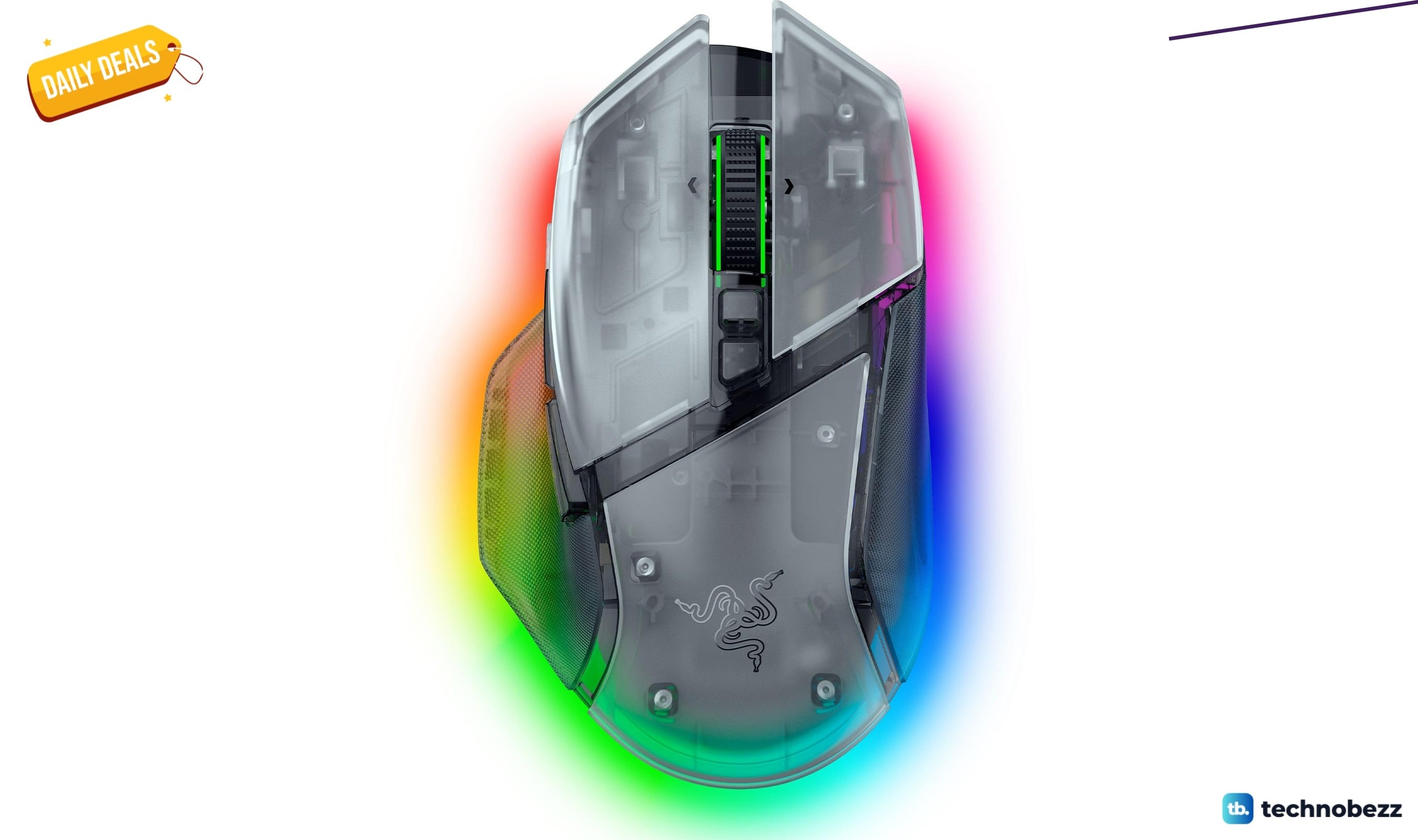
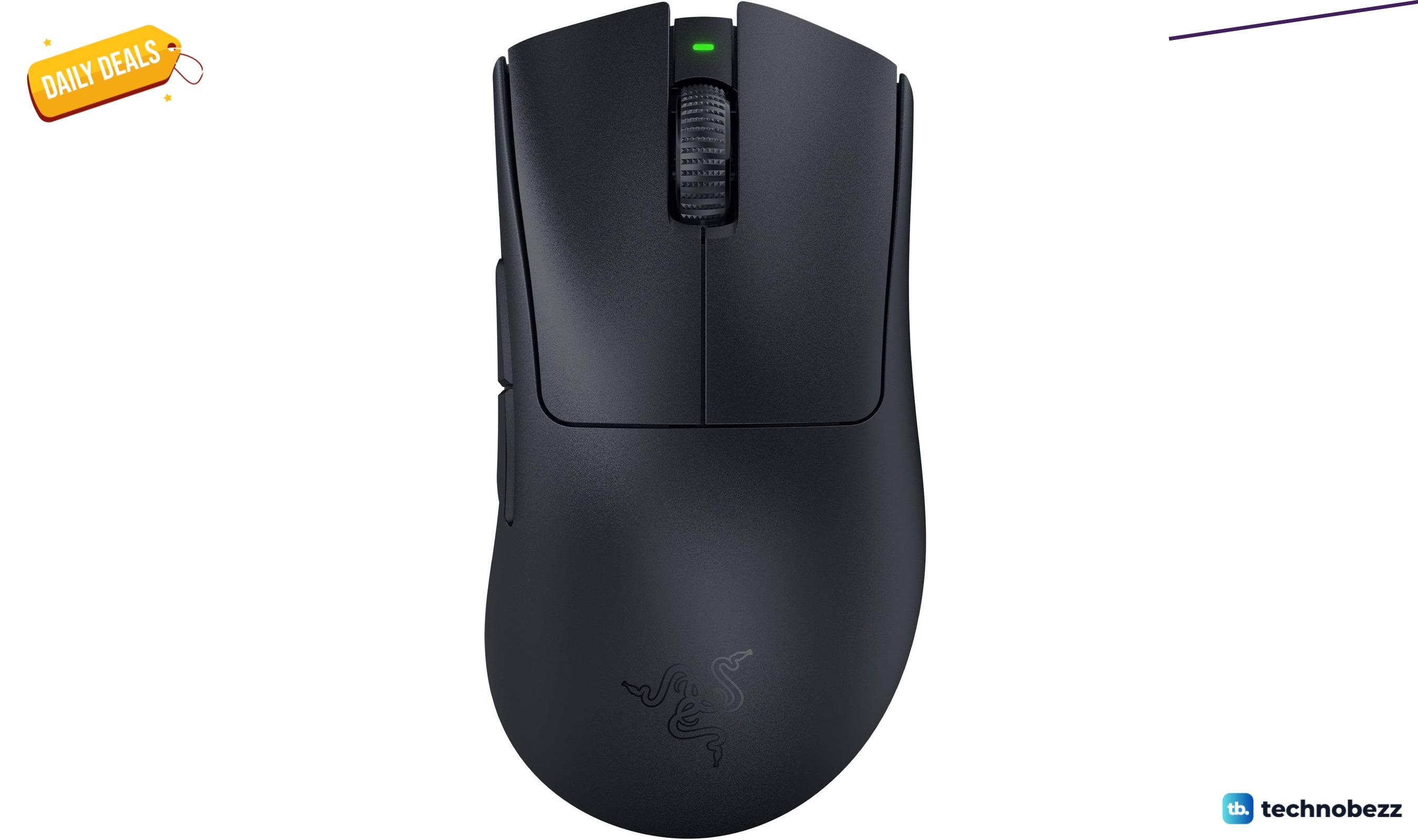
Razer Basilisk V3 Pro 35K Wireless Gaming Mouse gets a Prime Big Deal Days price cut to $113.99
Deal
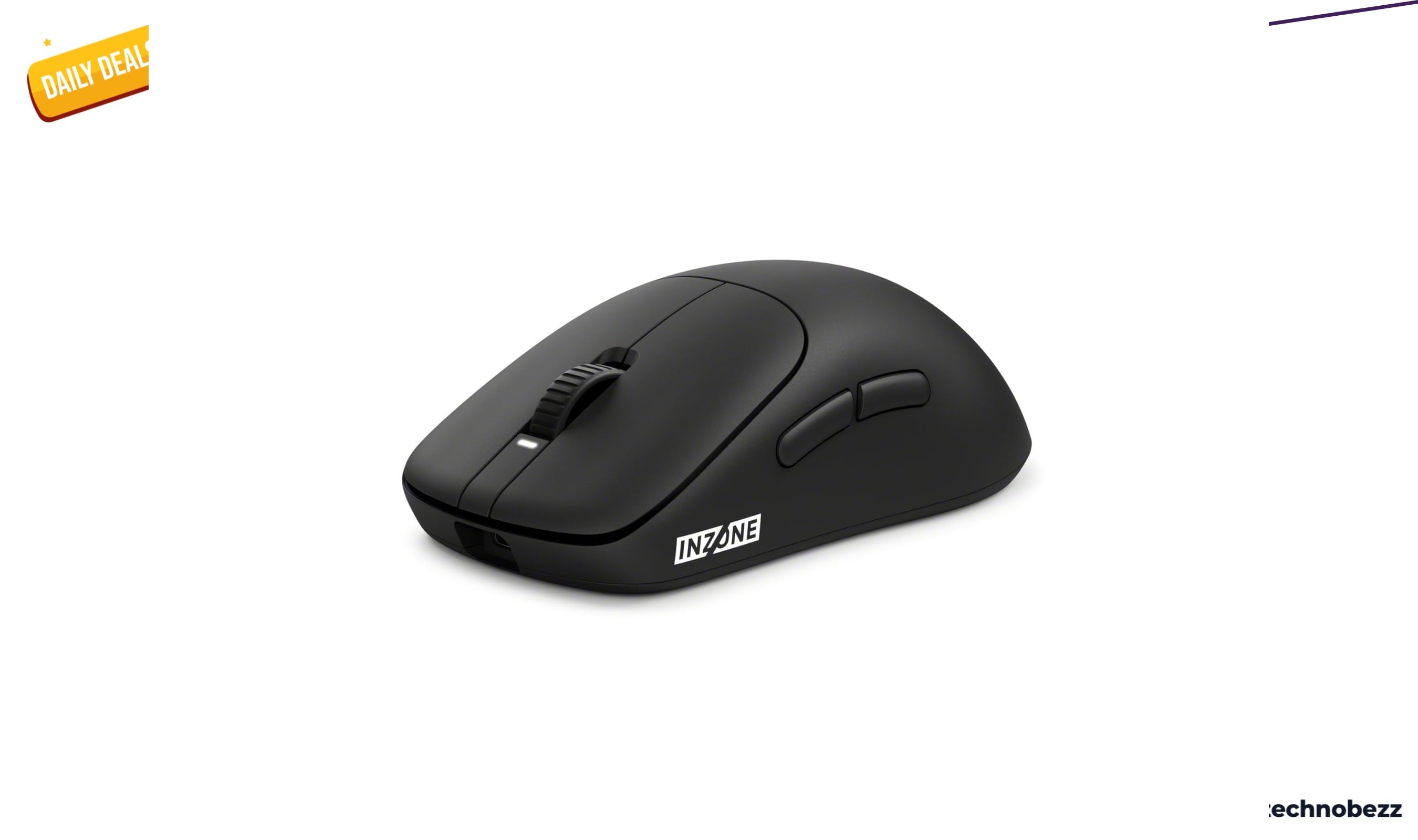
Razer DeathAdder V3 Pro Wireless Gaming Mouse gets a Prime Big Deal Days price cut to $61.74
Deal
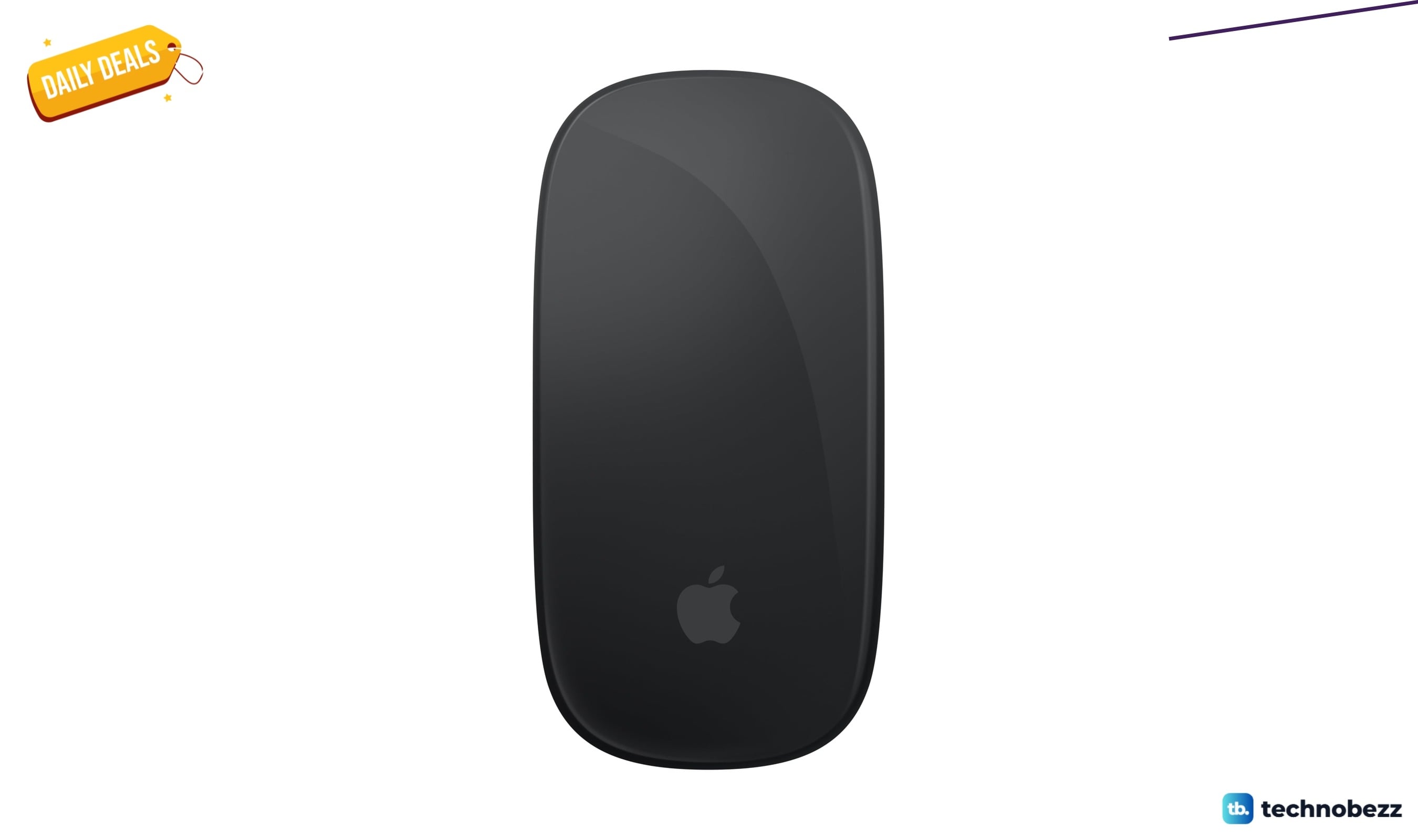
Sony INZONE Mouse-A Ultra-Lightweight 48g Wireless Esports gets an early Prime Big Deal Days price cut to $98
Deal
Apple Magic Mouse Black Multi-Touch Surface drops to $79.99 ahead of Prime Big Deal Days
More buying guides
Buying guide6 Best Monitors for Photo Editing in 2026Buying guide5 Best Gaming Chairs in 2026Buying guide5 Best Vacuum Cleaners in 2026Buying guide5 Best Car Chargers in 2026Buying guide5 Best RAM Kits in 2026Buying guide5 Best Compact Cameras in 2026Buying guide6 Best Microwaves in 2026Buying guide7 Best Microphones for Recording Vocals in 2026