Starlink is most likely to be worth it if you live where cable, fiber or a reliable 5G home plan can't reach you. Its home plans cost $55 to $130 a month in the US, with unlimited data, and you can set the dish up yourself. If you already have a fast wired connection at a similar price, Starlink is harder to justify, because a clear view of the sky, weather and peak hours all affect it.
Top image: RossHelen/Shutterstock.com
What Starlink costs for home use
Starlink sells three Residential plans in the US:
- Residential 100 Mbps: $55 a month, in select areas.
- Residential 200 Mbps: $85 a month, in select areas.
- Residential Max: $130 a month, with download speeds of up to 400+ Mbps and the highest network priority of the home plans.
All three include unlimited data. The 100 and 200 Mbps plans are capped at those download speeds and can slow down during peak hours, while Max gets priority.
The hardware price depends on your address. Starlink shows the kit price, the monthly price and any discounts when you enter your address and preview an order, and it advertises no upfront hardware cost in some areas. Some free-kit offers come with a 12 or 24 month commitment, and cancelling, moving or changing plans during that time triggers a $249 or $325 change fee, depending on the offer. Starlink also offers rental kits in some cases. Some high-demand areas add a one-time demand surcharge.
Speeds and latency
Starlink lists upload speeds of 15 to 35 Mbps on the 100 and 200 Mbps plans and 20 to 40 Mbps on Residential Max. Its specifications put latency at 25 to 60 ms on land, and at 100 ms or more in some remote locations, including Alaska. Starlink also says its advertised speeds are not guaranteed and can drop when the network is congested.
Roam plans if you travel
Residential service is tied to your registered address, and using it elsewhere can mean no connection or slower speeds. For travel, the Roam plans cost $55 a month for 100GB, $80 for 300GB and $175 for unlimited data, with download speeds up to 300+ Mbps. After the 100GB or 300GB allowance, Roam drops to unlimited low-speed data, and Roam plans get lower priority than home plans. The smaller Starlink Mini kit starts at $199.
Setting it up
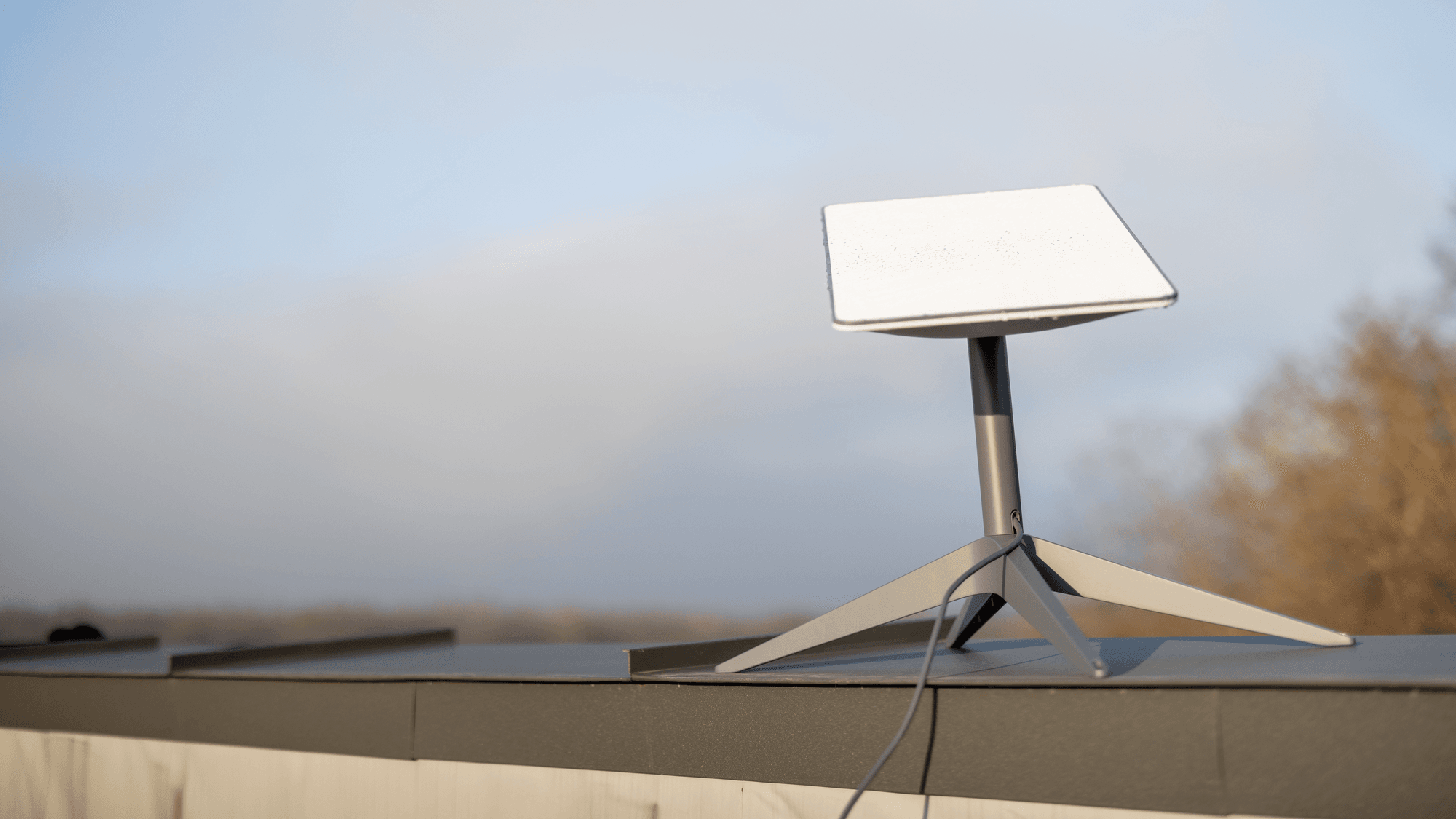
The standard kit includes the dish, a kickstand, a router, a 15 meter (50 foot) cable and the power supply. You place it where it can see the sky, and the Starlink app's obstruction check helps you find the spot. Residential 200 Mbps and Max include free professional installation. Installers don't do pole mounts, and long cable runs or trenching may cost extra.
A Standard kit, counting the router and power supply, draws 75 to 100 W on average and about 20 W when idle, which matters if you plan to run it from a battery or generator.
The catches
- Obstructions: trees, poles and roofs between the dish and the sky interrupt service.
- Weather: Starlink says moderate to heavy rain, snow and hail can cause brief dropouts.
- Peak hours: the cheaper plans and all Roam plans can slow down when the network is busy.
- Capacity: pausing service doesn't hold your place, and in a full area you may not get your old plan back.
Trying it before you commit
Starlink's US terms let you return an undamaged, untampered and unmodified kit within 30 days of the payment due date for a refund of the equipment and the first month of service, and returns in that window avoid the commitment fee. Shipping costs are not refunded. Rented kits have to be sent back within 30 days of cancelling, or Starlink charges the full retail price.
Who should skip it
If cable or fiber reaches your address at a similar price, compare them first, because Starlink depends on a clear view of the sky and can drop out briefly in heavy weather. If you need internet that moves with you, look at Roam rather than a home plan.