HDMI ARC stands for Audio Return Channel. It lets a TV send audio back down an HDMI cable to a soundbar or AV receiver, so a separate audio cable is not needed. eARC, the Enhanced Audio Return Channel, is the newer version with far more audio bandwidth, enough for uncompressed surround sound.
How ARC and eARC work
An HDMI cable normally carries picture and sound toward the TV. The HDMI Licensing Administrator describes ARC as allowing an HDMI-connected TV to send audio data "upstream" to a receiver or soundbar over that same cable. ARC arrived with HDMI 1.4.
eARC came with HDMI 2.1, released on November 28, 2017. The licensing body describes it as an advancement over ARC that sends audio from the sources connected to a TV on to a receiver or soundbar through one HDMI cable.
ARC vs eARC at a glance
HDMI's licensing body sets out the main differences.
- Compressed 5.1: supported by both.
- Uncompressed 5.1 and 7.1: supported by eARC, not by ARC.
- Top quality on eARC: audio up to 192 kHz and 24-bit, and up to 32 channels of uncompressed audio.
- Formats named for eARC: DTS-HD Master Audio, DTS:X, Dolby TrueHD and Dolby Atmos.
Dolby Atmos is not exclusive to eARC. Dolby's playback documentation describes Dolby Digital Plus with Dolby Atmos being passed over ARC to an Atmos-enabled receiver when the source product supports it. Dolby also documents Atmos in Dolby TrueHD, which it describes as a losslessly encoded sound mix, and TrueHD is one of the formats the HDMI body lists for eARC.
Where HDMI-CEC comes in
HDMI-CEC stands for Consumer Electronics Control. Sony describes it as a way to control compatible HDMI devices with one remote, including power and volume. TV makers give it their own names: Sony uses BRAVIA Sync, Samsung uses Anynet+, and LG's UK support guide calls it SIMPLINK.
CEC matters for both versions. HDMI-CEC lets one remote control linked devices, and Samsung, Sony and Vizio all include switching CEC on in their setup steps.
How TV makers say to set it up
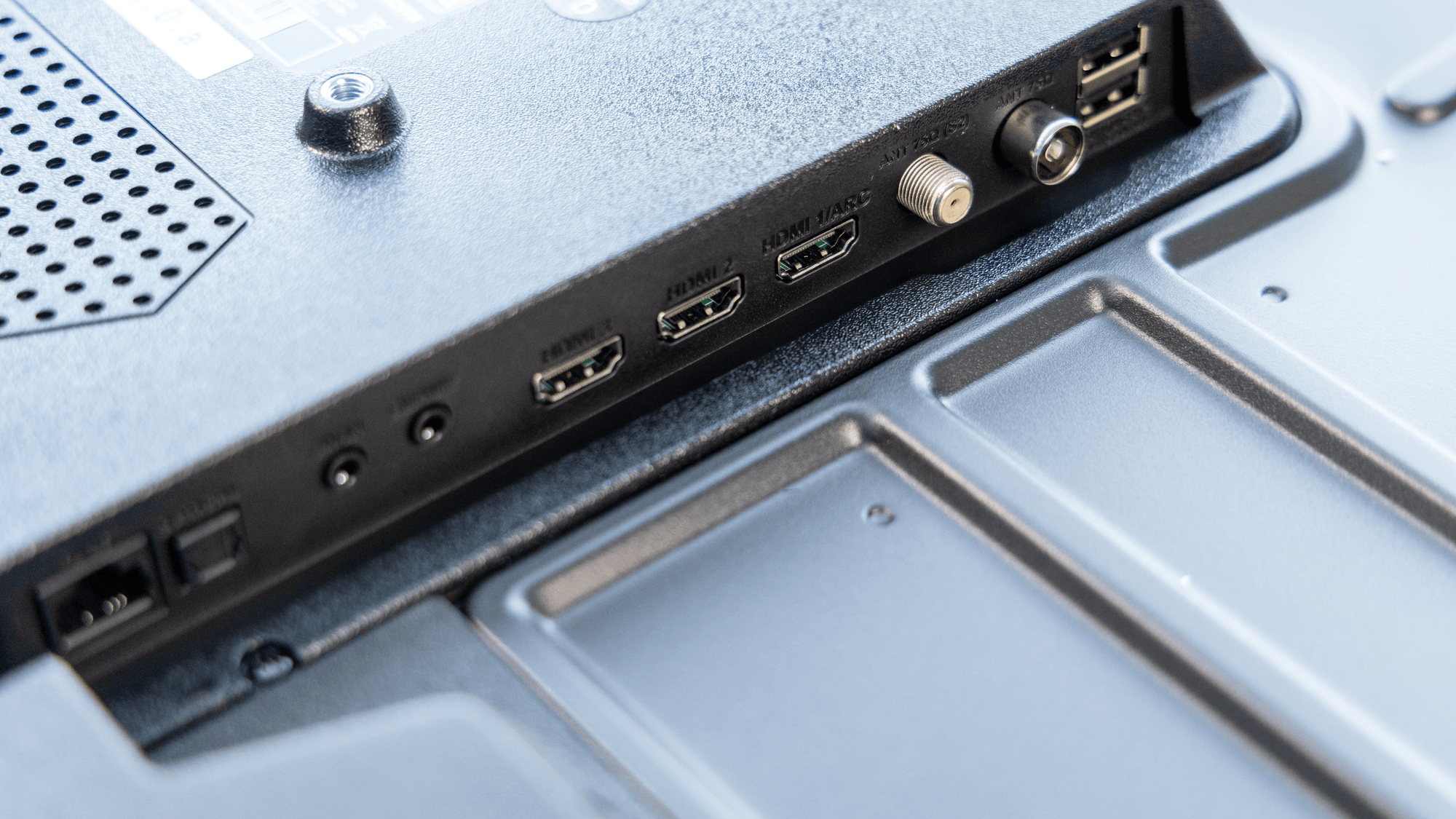
The steps share a pattern: use the TV's HDMI port labeled ARC or eARC, connect it to the HDMI OUT port on the soundbar or receiver, then choose the right input and sound output. Menus vary by model.
- Samsung: enable Anynet+ (HDMI-CEC) under Settings, General, External Device Manager. Then set HDMI eARC Mode to Auto under Settings, Sound, Expert Settings. On a Samsung soundbar, select the D.IN source.
- LG: connect the TV's HDMI eARC/ARC port to the soundbar's HDMI OUT and set the soundbar input to E-ARC or ARC. Then pick the matching output under Settings, All Settings, Sound, Sound Out.
- Sony: set Control for HDMI to on for both devices and select the audio system as the TV's speaker output. For eARC, enable it on the audio system and set the TV's eARC mode to Auto. One path Sony gives is Settings, Display & Sound, Audio output, eARC mode.
- Vizio: the M-Series Quantum manual says to connect the audio device to HDMI-1 (HDMI eARC), select HDMI ARC/eARC on that device and enable CEC under Menu, System, CEC. Those steps apply to the models in that manual.
Samsung's full walkthrough is on its eARC support page.
Which HDMI cable you need
For ARC, the HDMI Licensing Administrator's HDMI 1.4 material says ARC-enabled devices can use all existing categories of HDMI cable. ARC itself does not require a cable with Ethernet.
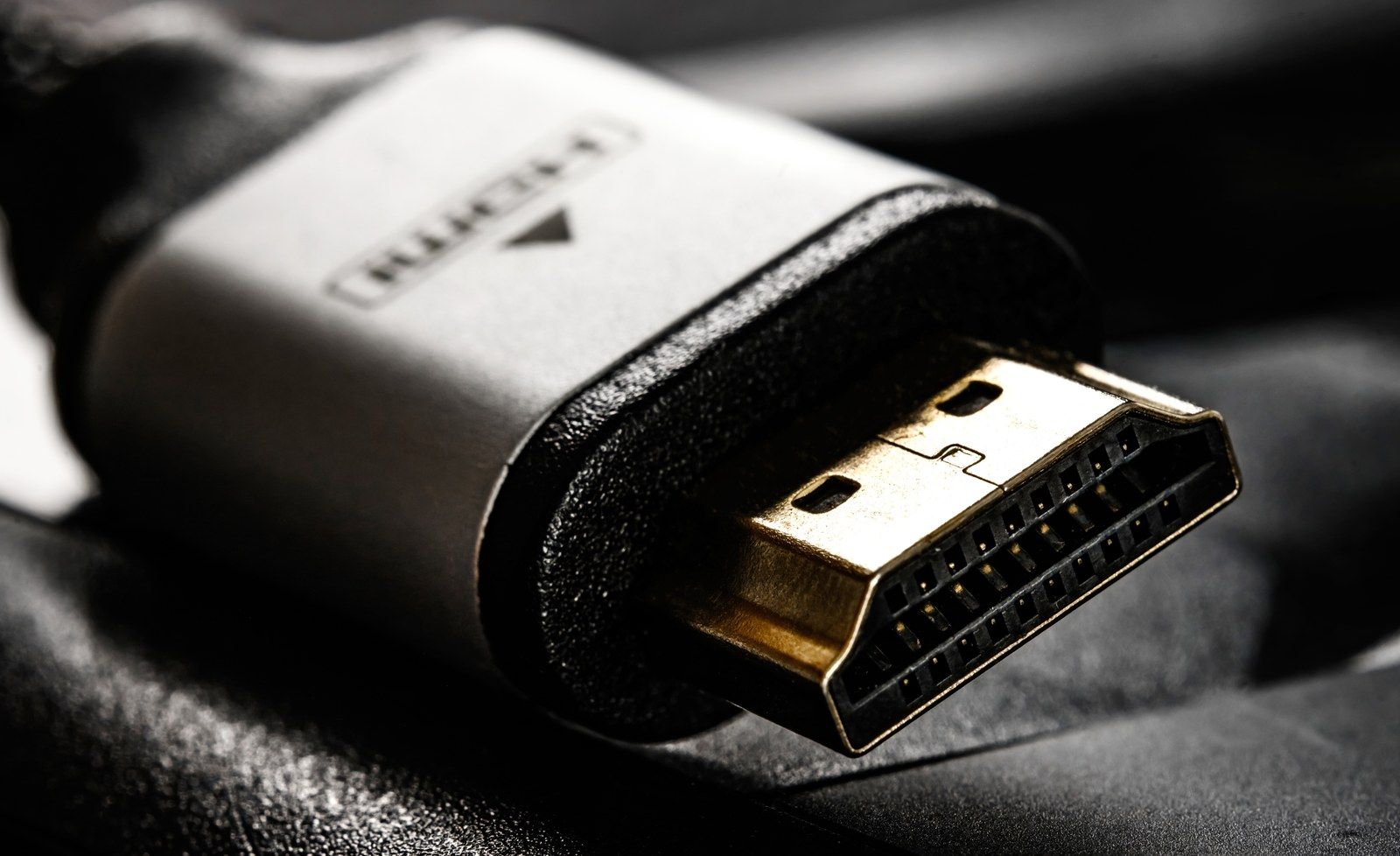
eARC is stricter. The licensing body's cable FAQ says the Ultra High Speed HDMI Cable and the Ultra96 HDMI Cable are both designed to support eARC. It adds that eARC may work with Standard or High Speed HDMI cables with Ethernet, but those types are not certified for eARC operation.
What to do
If your soundbar plays compressed 5.1 audio, ARC can carry compressed 5.1, though codec support still depends on the TV and soundbar. If you want uncompressed 5.1 or 7.1, look for eARC ports on both the TV and the audio system, because ARC does not support them. eARC is also where the HDMI body lists Dolby TrueHD and DTS-HD Master Audio.
If you are buying a cable for an eARC setup, the two Ultra cable types are the ones designed for it. Vizio owners can also follow these steps for a Vizio sound bar not working with HDMI ARC.