A Chromebook is a laptop that runs Google's ChromeOS instead of Windows or macOS. It suits people who spend most of their day in a web browser, want a simple machine that updates itself, and don't want to pay much. If you depend on a particular Windows or Mac program, play PC games installed on the machine, or edit a lot of video, a regular laptop is the safer buy.
A Chromebook can do more than many people expect. Many models run Android apps, every Chromebook can open and edit many Office files, and a lot of everyday tasks keep working offline.
What a Chromebook can run
A Chromebook runs web apps in the Chrome browser. On models that support it, you can also install Android apps from the Google Play Store, though Google notes that some apps don't work on some Chromebooks. There is also a Linux development environment, off by default, for code editors and other developer tools.
That covers a lot of everyday software, but not everything. Before you buy, check that each program you rely on has a web, Android or Linux version that does what you need.
Microsoft Office works, with a catch
You can open, edit and save Word, Excel and PowerPoint files on a Chromebook. One way is the Microsoft 365 app, but Google's help pages say it needs Microsoft OneDrive to open and edit files, and you're prompted to move a file there before you edit it. The other way needs no setup at all, since Google Docs, Sheets and Slides can open Office files directly.
It works offline more than you might expect
A Chromebook isn't useless without Wi-Fi. Google lists offline Gmail, Google Keep, Docs, Sheets and Slides, viewing Google Calendar, the built-in photo editor and the media player as things that keep working. You can mark Google Drive files to keep them available offline, and on a Chromebook Plus you can sync all of My Drive in one step. Google's Drive help lists Google Forms and Google Maps files among the files that aren't available offline.
Updates last up to 10 years
Google says Chromebooks receive 10 years of automatic updates, which bring security fixes and new features. Those 10 years count from when the model's platform was released, not from the day you buy it. You can see the exact end date on any Chromebook in Settings, under About ChromeOS, Additional details and Update schedule. Google points out that a model's "End of Sale" date is set by its maker and has nothing to do with how long updates last, so check the update date before you buy an older or heavily discounted model. Some Chromebooks from before 2021 can get extended updates, but taking them removes Android apps and the Play Store.
Chromebook Plus is the version to look for
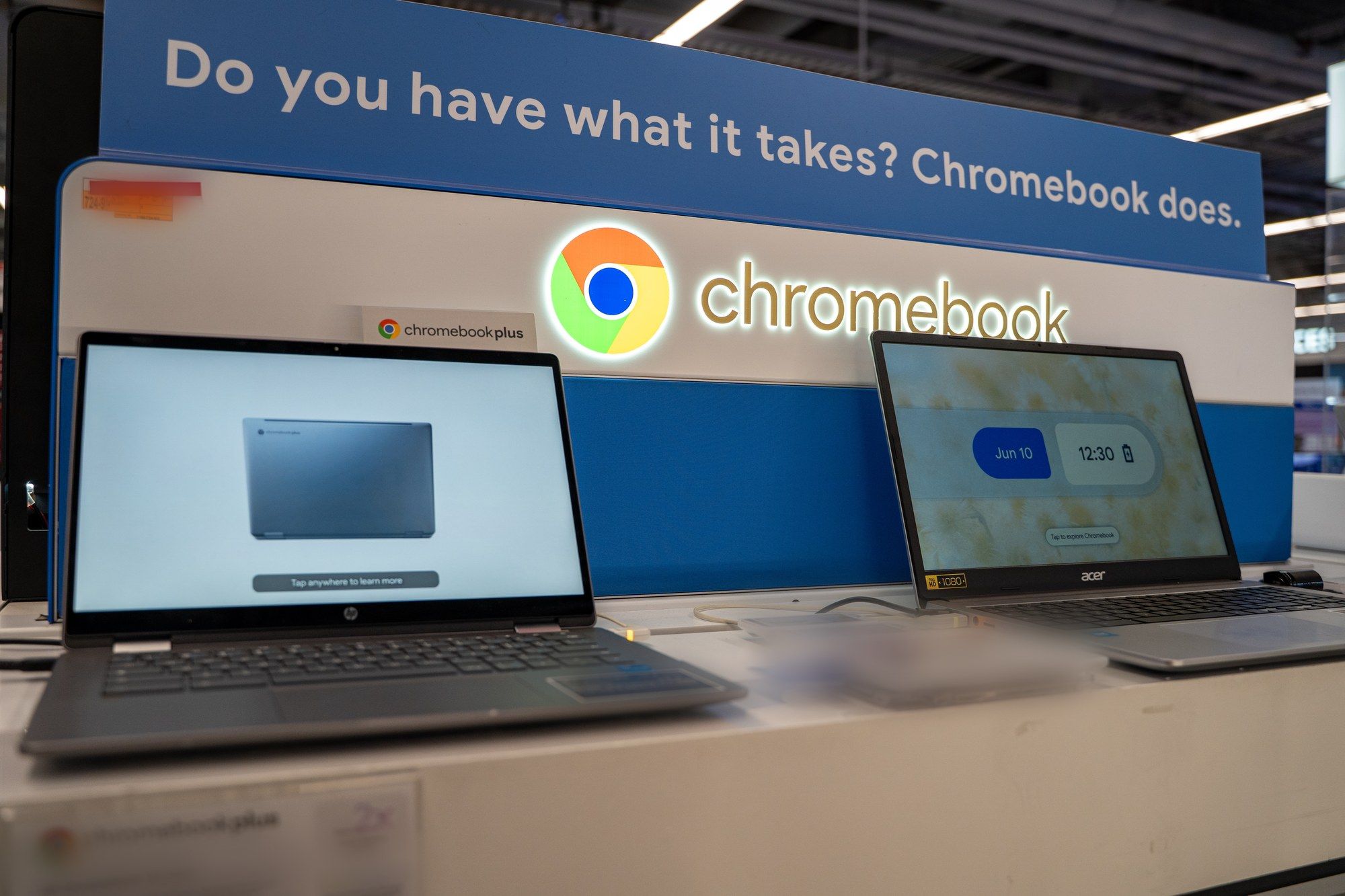
Specs vary a lot. Google's Chromebook catalog includes entry models such as an Acer Chromebook 315 with 4GB of RAM and 64GB of storage, listed from $179. Chromebook Plus models, which Google promotes for more performance and its AI features, come with at least 8GB of RAM and 128GB of storage, such as the Acer Chromebook Plus 515 listed from $429.99. If you are buying one Chromebook to use every day, Chromebook Plus is the level we'd aim for.
Gaming is possible, with limits
Chromebooks that support Google Play run Android games, and Google points to cloud services such as GeForce NOW, Xbox Cloud Gaming, Amazon Luna and Boosteroid for PC and console games, which stream over the internet and need a reliable connection. Steam for Chromebook also lets you install games directly, but Google still calls it a beta with known bugs and performance issues, and it only runs on select models with at least an Intel i3 or Ryzen 3 processor, 8GB of RAM and 128GB of storage. If PC gaming is a big part of why you're buying, a Windows laptop is the safer choice.
Who a Chromebook is really for
A Chromebook makes the most sense for students, for anyone whose work lives in Google Workspace or Microsoft 365 on the web, as a shared family laptop, or as a second machine for the couch or travel. It is a harder sell if your job runs on specific desktop software, if you game on PC, or if you edit large photo and video projects.
If you already have one, our guides cover setting up Linux on a Chromebook, browsing as a guest and recording your screen. If you are shopping for school, see our pick of the best Chromebooks for students.