Finding the right Chromebook for school means balancing performance, battery life, and durability without overspending. The Samsung Galaxy Chromebook Plus stands out as our top pick for most students, pairing a 15.6-inch AMOLED display with a lightweight design. This list covers everything from budget options under $300 to high-performance models that can handle demanding coursework.
Technobezz is supported by its audience. We may get a commission from retail offers.
8 Best Chromebooks for Students in 2026
The best Chromebooks for students in 2026, from the Samsung Galaxy Chromebook Plus to budget picks under $200 and rugged, all-day classroom models.
T
Technobezz
Editorial Team
Updated October 5, 2026Oct 5, 2026
•7 min read

Get Deals Like These in Your Inbox
The best prices, straight to your inbox.
On GoogleFollow Technobezz: add us as a preferred source.

At a Glance
| Category | Product | Why We Picked It |
|---|---|---|
| Best overall | Samsung Galaxy Chromebook Plus | 15.6-inch AMOLED display in a lightweight design |
| Best value | Asus Chromebook CM14 | Solid performance under $300 |
| Best for creative work | Acer Chromebook Plus Spin 514 | Versatile 2-in-1 with excellent display |
| Best for durability | Acer Chromebook Spin 311 R725T | R725T with spill-resistant keyboard and 8GB RAM |
| Best for gaming after class | Acer Chromebook Plus Spin 514 | Powerful enough for entertainment |
| Also recommended | Lenovo Chromebook Plus 14 | Vibrant 14-inch WUXGA display with 12GB RAM |
| Also recommended | HP Chromebook Plus 14-inch | 14-inch Full HD IPS display, Core i3-N305 and 128GB UFS |
| Also recommended | Lenovo Chromebook Plus 2-in-1 | 14-inch WUXGA IPS touchscreen, 8GB RAM and 256GB UFS storage |
How we chose
We evaluated Chromebooks based on real student needs: battery life for all-day campus use, durability for backpack transport, performance for research and multitasking, and value for tight budgets. Each model was assessed for its balance of features, build quality, and educational suitability, with particular attention to models that have proven reliable in academic settings.
The best Chromebooks for students right now
Samsung Galaxy Chromebook Plus - Best overall
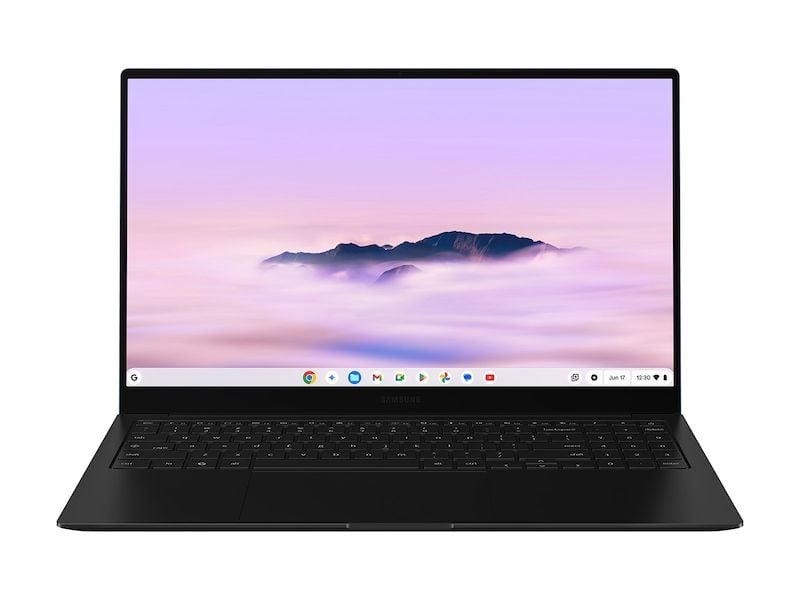
This 15.6-inch laptop combines a Full HD AMOLED display with 8GB RAM and 256GB eUFS storage for coursework and entertainment. Its 2.58-pound design makes it easy to carry between classes.
Key highlights
- 15.6-inch Full HD AMOLED display for coursework and media
- All-day battery life that easily handles campus days and late study sessions
- Lightweight design at just 2.6 pounds for easy portability
- AI-powered features and Quick Insert key for productivity
- Solid build quality that can withstand regular student use
Pros
- Excellent battery life lasts through full school days
- Premium display quality for both work and entertainment
- Lightweight and portable design
- Good balance of performance and price
Cons
- Higher price than basic Chromebooks
- 15.6-inch size may be too large for some backpacks
- Not a 2-in-1 convertible design
Who it is for: Students who want a premium Chromebook experience without overspending, particularly those who need reliable all-day performance for research papers, online classes, and media consumption.
Skip if
You need a 2-in-1 convertible for note-taking or have a strict budget under $400.
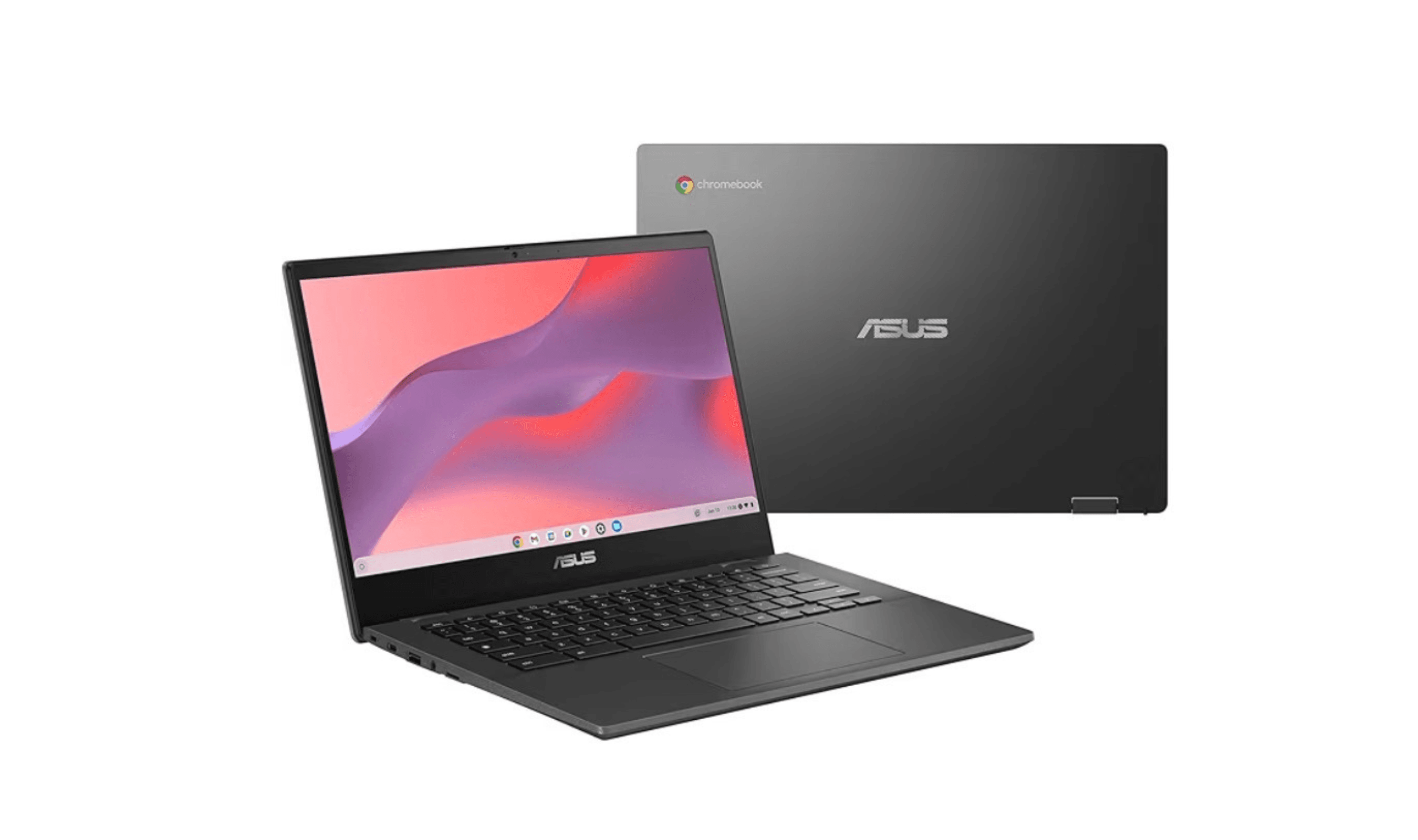
Asus Chromebook CM14 - Best value
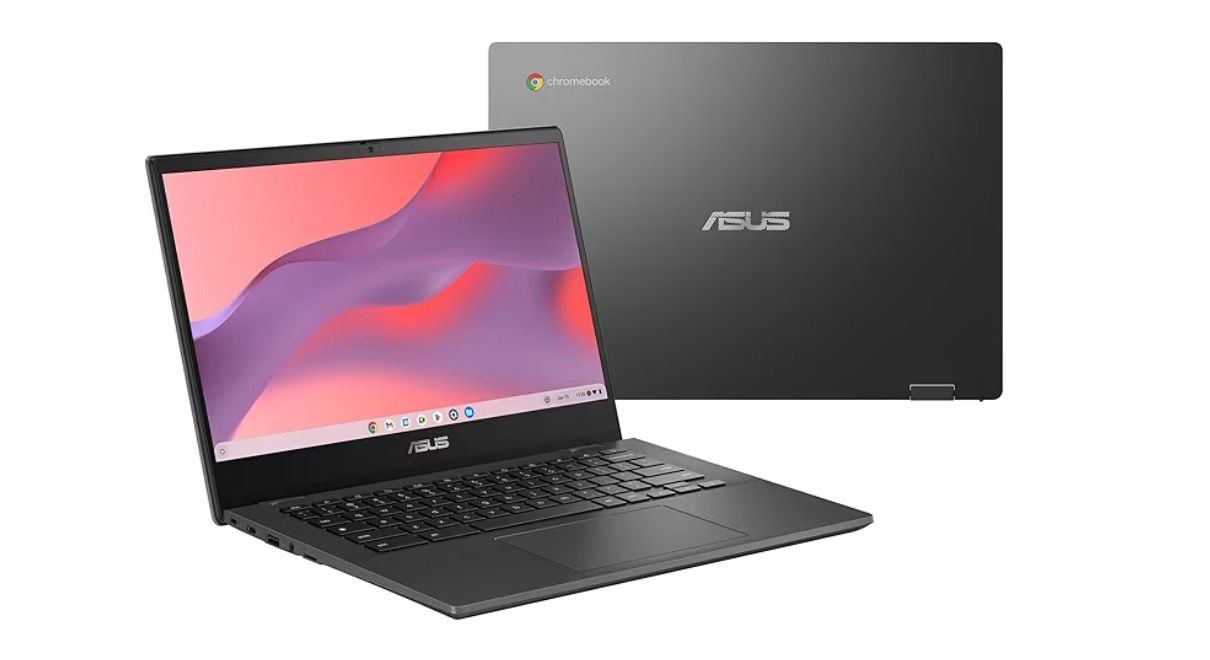
At under $300, this Chromebook proves you don't need to spend a lot to get reliable performance for basic student tasks. It's compact, offers solid battery life, and handles everyday schoolwork without frustration.
Key highlights
- Extremely affordable price point for tight student budgets
- Compact design that fits easily in backpacks and small spaces
- Decent battery life for a full day of classes
- Enough performance for web browsing, document editing, and research
- Simple, no-frills approach to Chromebook essentials
Pros
- Very affordable for students on tight budgets
- Compact and portable design
- Good battery life for the price
- Handles basic student tasks well
Cons
- Performance won't impress for demanding tasks
- Build quality reflects the low price
- Limited storage and RAM options
- Display quality is basic
Who it is for: Budget-conscious students who primarily need a device for writing papers, online research, and basic school applications without unnecessary features.
Skip if
You need to run multiple demanding applications simultaneously or want premium build quality.
Acer Chromebook Plus Spin 514 - Best for creative work
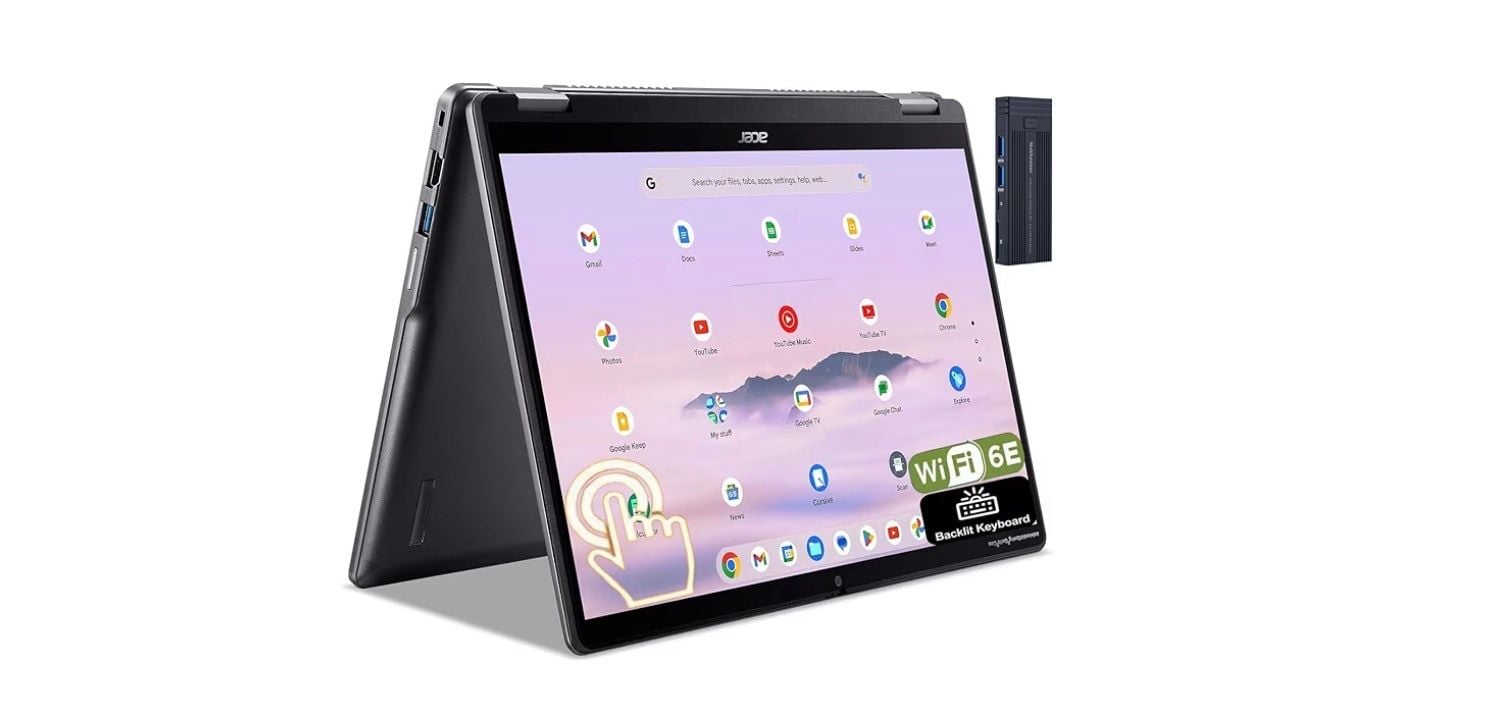
This versatile 2-in-1 convertible brings excellent display quality and flexible form factors to student workflows, making it perfect for note-takers, art students, and anyone who values screen quality.
Key highlights
- 2-in-1 convertible design with 360-degree hinge for multiple modes
- 14-inch WUXGA IPS touchscreen for coursework and creative apps
- Powered by an Intel Core i5-1334U processor for responsive performance
- Wi-Fi 6E and Bluetooth 5.2 for fast, reliable connectivity
- FHD webcam for clear video calls
Pros
- Versatile 2-in-1 design for different use cases
- Excellent display quality for media and creative work
- Future-proof connectivity options
- Good battery life for all-day use
Cons
- Higher price than basic clamshell models
- Convertible mechanism adds weight
- Performance good but not exceptional
- Premium features come at a cost
Who it is for: Students who need flexibility in how they use their device, particularly those in creative fields, note-takers who prefer tablet mode, or anyone who values display quality for media consumption.
Skip if
You prefer a traditional laptop design or have a very limited budget.
Acer Chromebook Spin 311 R725T - Best for durability
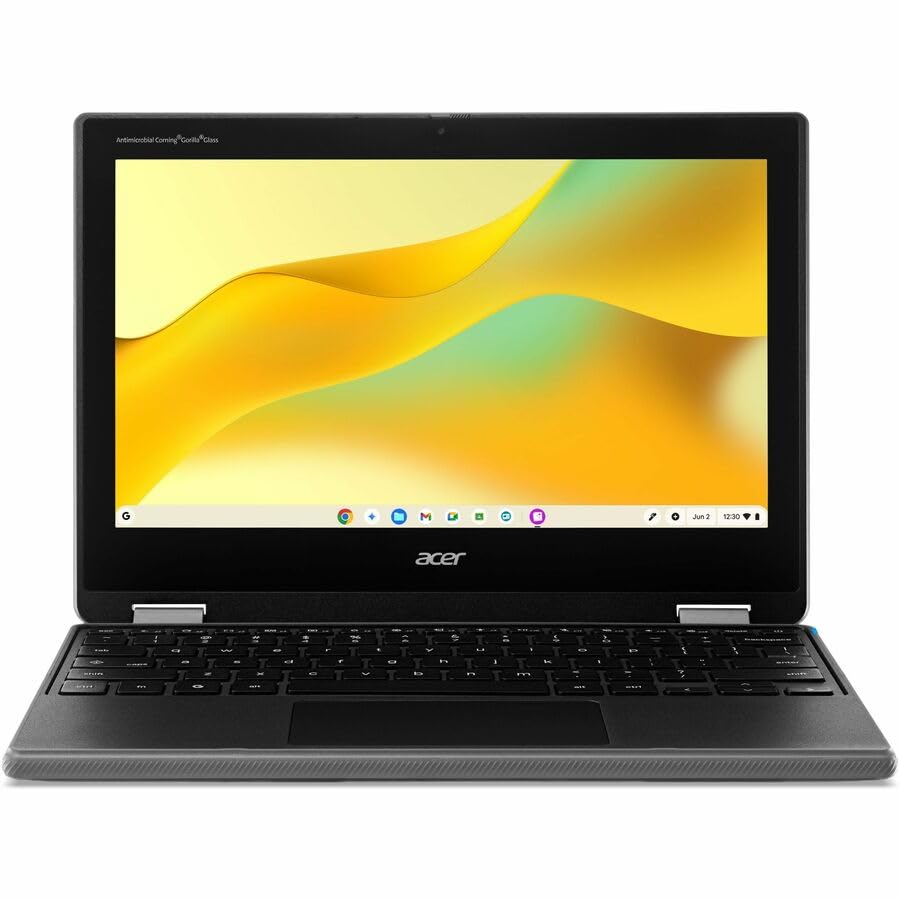
The R725T-808B is the education-focused Spin 311 with a MediaTek Kompanio 540 processor, 8GB RAM and 64GB storage. Its spill-resistant keyboard and serviceable components suit classroom use.
Key highlights
- 11.6-inch 1366 x 768 IPS touchscreen with a 360-degree hinge
- MediaTek Kompanio 540 processor, 8GB RAM and 64GB storage
- Keyboard drainage system designed for spills up to 330ml
- Meets MIL-STD 810H testing standards
- Serviceable keyboard secured by two screws
- Fanless design and Wi-Fi 7 connectivity
Pros
- Spill-resistant keyboard and reinforced construction
- Serviceable keyboard and modular USB-C port
- Quiet fanless operation
- Acer rates battery life at up to 15 hours of web browsing
Cons
- Small 11.6-inch screen with HD resolution
- Only 64GB of internal storage
- No backlit keyboard
Who it is for: Younger students, classroom environments with shared devices, or anyone who needs a Chromebook that can withstand rough handling and accidental damage.
Skip if
You need maximum performance for demanding applications or want a sleek, premium design.
Acer Chromebook Plus Spin 514 - Best for gaming after class
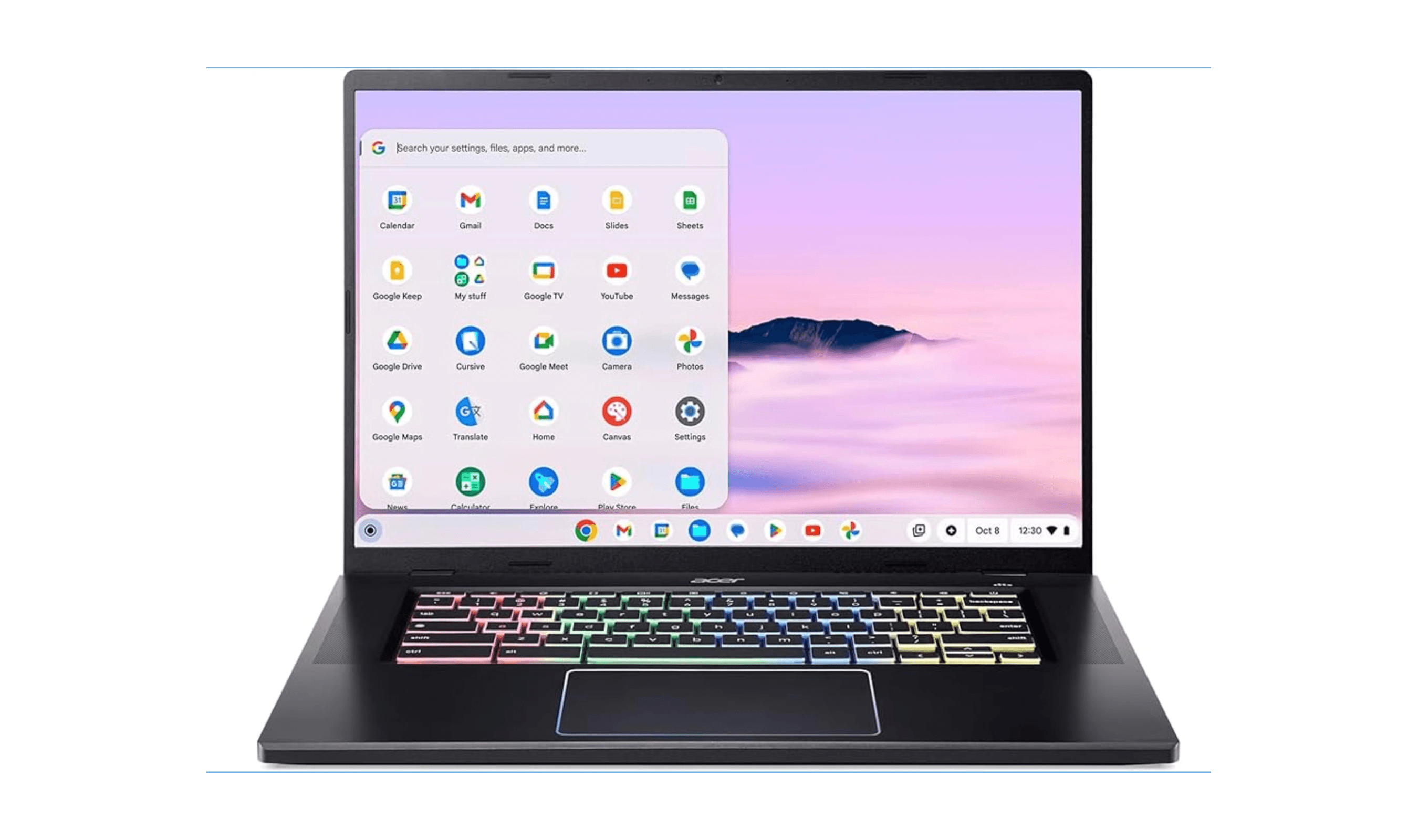
This Core i5 Chromebook bridges the gap between schoolwork and entertainment, offering enough performance for demanding applications and light cloud gaming while still serving educational needs.
Key highlights
- Powerful enough for resource-intensive applications and gaming
- 14-inch FHD+ touchscreen suitable for both work and entertainment
- Good balance of performance and Chromebook efficiency
- 8GB RAM and 512GB SSD for multitasking and local files
- Solid build quality for a device at this performance level
Pros
- Handles demanding applications well
- Good for both schoolwork and entertainment
- Large display for multitasking
- Better performance than typical Chromebooks
Cons
- Larger and heavier than standard models
- Higher power consumption affects battery life
- More expensive than basic Chromebooks
- Overkill for simple school tasks
Who it is for: Students whose coursework uses ChromeOS-compatible apps and who want a convertible laptop for schoolwork, streaming and cloud gaming. Check required course software before buying.
Skip if
You only need basic web browsing and document editing or prioritize maximum portability.
Also Good
- Lenovo Chromebook Plus 14 - vibrant 14-inch WUXGA display with 12GB RAM.
- HP Chromebook Plus 14-inch - a 14-inch Full HD IPS Chromebook with a Core i3-N305, 8GB RAM and 128GB UFS storage.
- Lenovo Chromebook Plus 2-in-1 - a 14-inch WUXGA IPS touchscreen convertible with an Intel Core 3 N355 processor, 8GB RAM and 256GB UFS storage.
How to Choose
Consider these factors when selecting a Chromebook for student use:
Battery life matters most for campus days. Look for at least 10 hours of real-world use, as you'll be moving between classes without charging opportunities.
Durability is crucial for backpack transport. Military-grade certifications (MIL-STD 810H) and spill-resistant keyboards add valuable protection against student life accidents.
Performance needs vary by major. Basic humanities work requires less power than STEM applications or creative software. Match the processor to your actual workload.
Form factor affects how you use the device. Traditional clamshells work for most, but 2-in-1 convertibles help note-takers and art students.
Budget determines your options. Under $300 gets basic functionality, $400-600 offers better performance and features, while $700+ enters premium territory with diminishing returns for most students.
FAQ
How long do Chromebooks typically last for student use?
Google provides 10 years of automatic updates from a Chromebook platform's release date, not from the purchase date. Check the exact model's automatic update expiration date before buying; physical lifespan depends on use and care.
Can Chromebooks run Microsoft Office for school assignments?
Yes, through the Microsoft 365 web apps, including Word, Excel and PowerPoint. Microsoft does not support the Android Office apps on Chromebooks, and the Windows and Mac desktop versions cannot be installed. Check whether your assignments require desktop-only features.
Are Chromebooks good for video editing classes?
Basic video editing works through web apps, but advanced editing requires specific Android apps or may be limited. Check your program's software requirements before choosing a Chromebook.
How much storage do students really need on a Chromebook?
Most student work lives in the cloud, so 64GB is usually sufficient. However, 128GB or more helps if you work with large files offline or want to store media locally.
Can Chromebooks connect to school printers and networks?
Yes, Chromebooks handle standard network printing and connect to school WiFi like any other device. Some specialized enterprise systems may require additional configuration.
Published January 30, 2026 Last updated October 6, 2026
Share this article
More on laptops
Deal
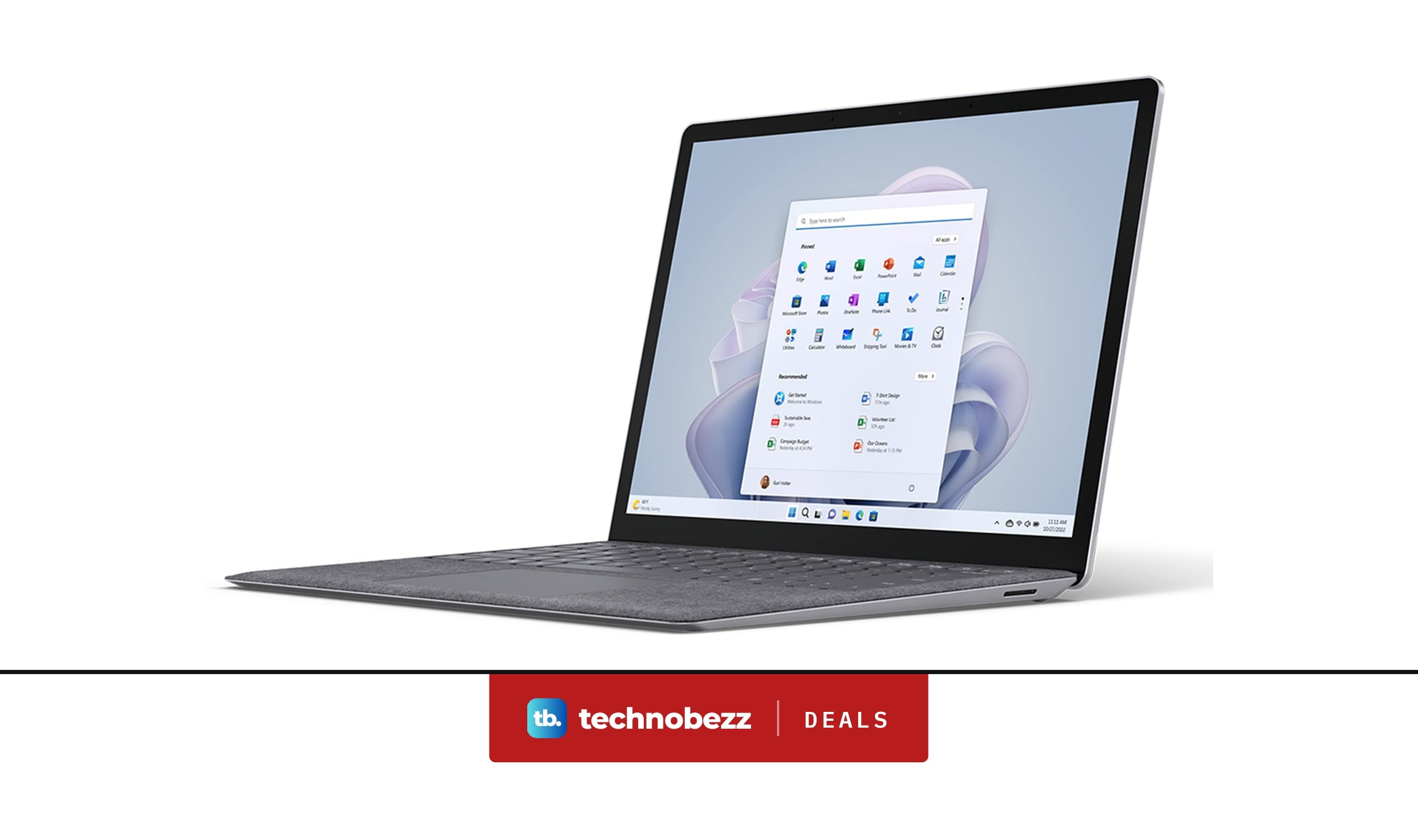
Microsoft Surface Laptop 5 slips to $608.84
Deal
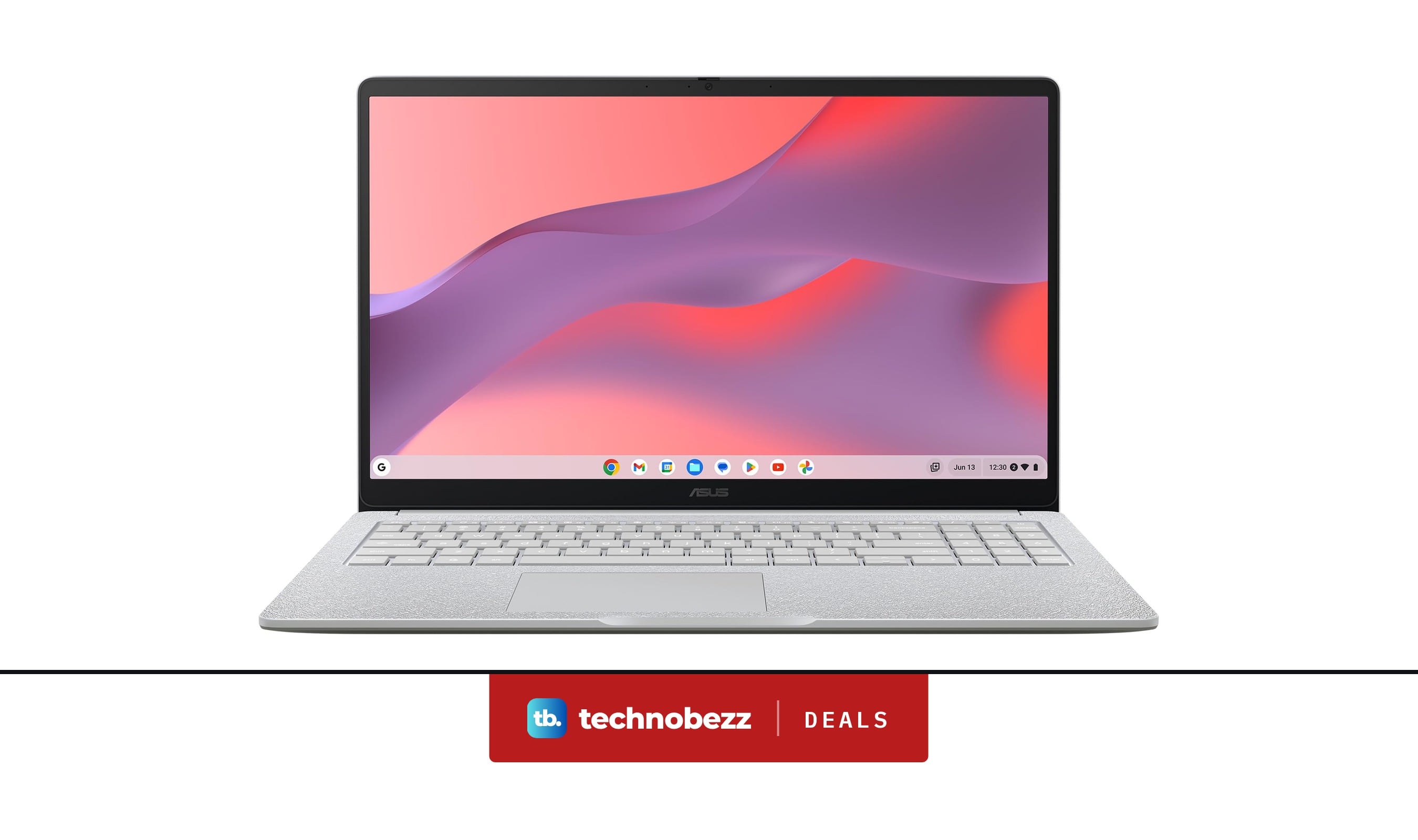
ASUS Chromebook CM15 dips to $370.99
Buying guide
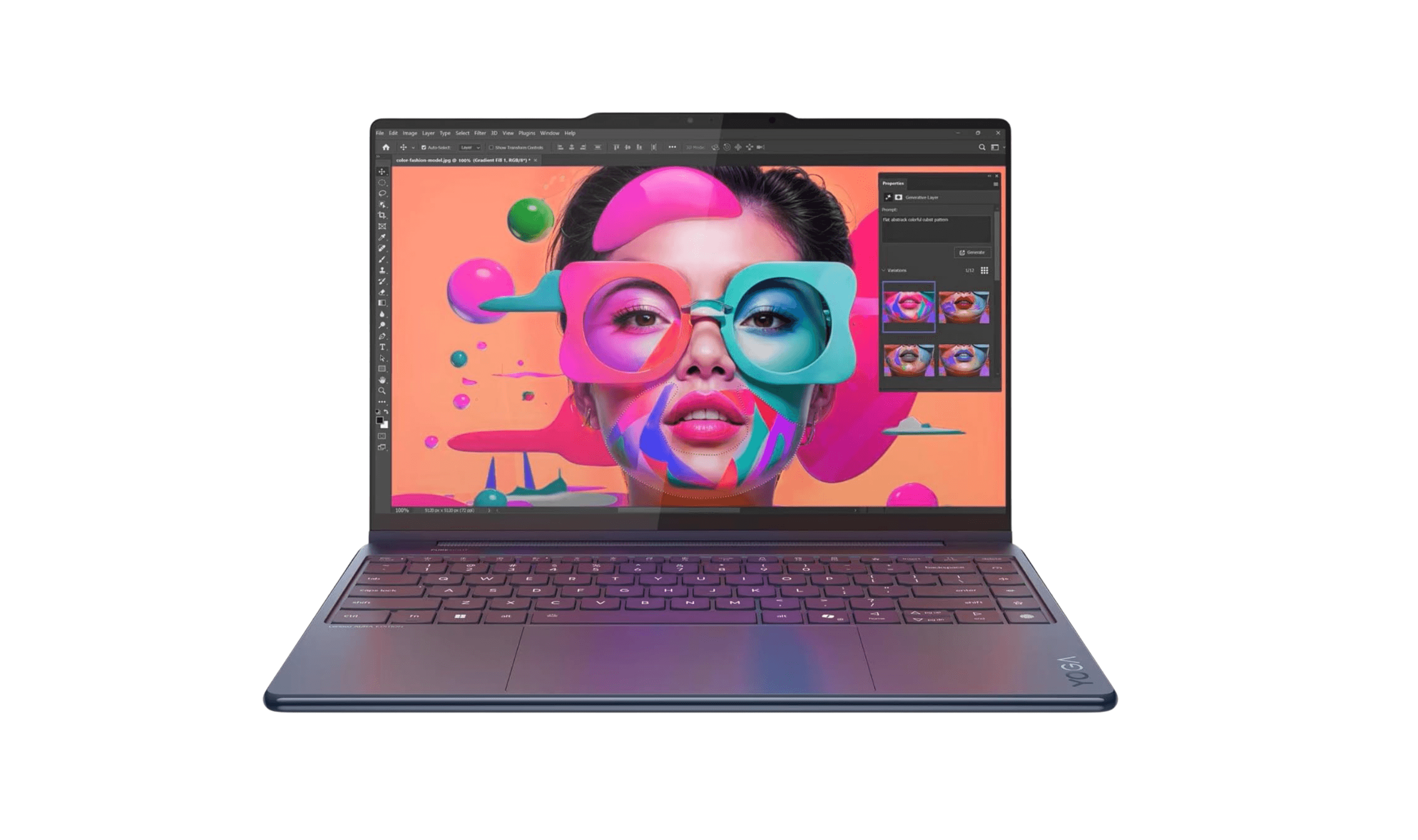
7 Best Laptops for Interior Designers in 2026
Buying guide
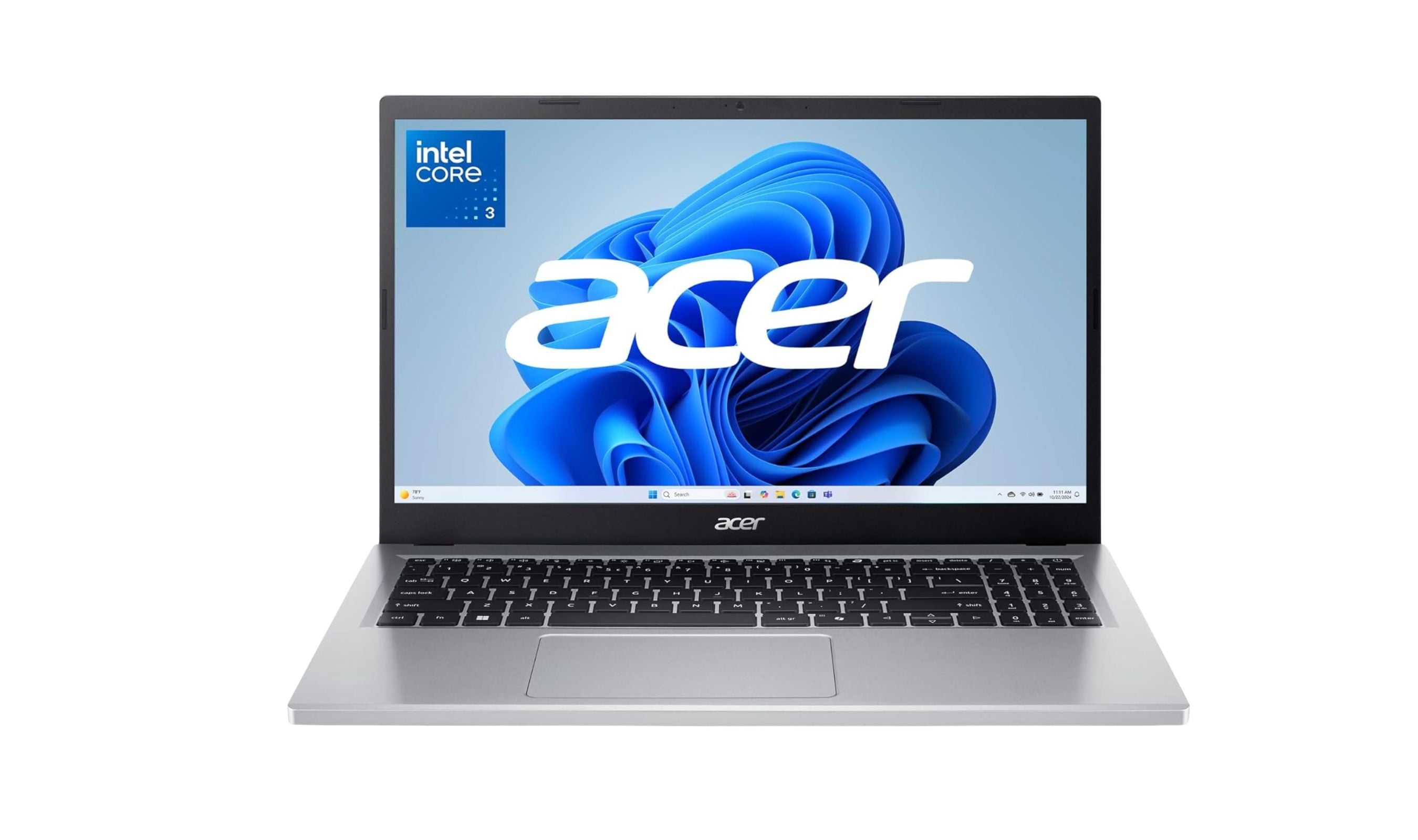
4 Best Budget Laptops Around $300 for 2026
More buying guides
Buying guide9 Best Keyboards From Top Brands in 2026Buying guide8 Best 60 Percent Keyboards of 2026Buying guideTop 7 Home Theater Systems for 2026Buying guide6 Best Handheld Gaming Consoles for 2026Buying guide5 Spy Cameras for Home and Portable Monitoring (2026)Buying guide6 Best Tablets for Gaming in 2026Buying guide7 Gaming Consoles for Every Budget in 2026Buying guideBest Lenovo ThinkPad Laptops in 2026