If you record videos, stream, or present online, a teleprompter with a built-in screen can transform your delivery. These all-in-one solutions eliminate the need for separate tablets or phones, giving you professional eye contact without extra devices. The Elgato Prompter stands out for its seamless PC integration, while the Neewer X11 offers excellent value with its versatile monitor. This list helps you find the right balance of convenience, quality, and cost for your setup.
Technobezz is supported by its audience. We may get a commission from retail offers.
7 Best Teleprompters With Built-In Screens for 2026
We tested the 7 best teleprompters with built-in screens, from the pro Elgato Prompter to value Neewer, Desview and Ambitful picks priced about $54 to $290.
T
Technobezz
Editorial Team
Updated June 15, 2026Jun 15, 2026
•6 min read

Get Deals Like These in Your Inbox
The best prices, straight to your inbox.
On GoogleFollow Technobezz: add us as a preferred source.

At a Glance
| Category | Product | Why We Picked It |
|---|---|---|
| Best overall | Elgato Prompter | Built-in 9" screen with direct PC/Mac integration |
| Best value | Neewer X11 | 9" monitor that doubles as a secondary computer display |
| Best for quick setup | Neewer Teleprompter X12II | Ready to use in minutes |
| Best budget option | Desview T3 Teleprompter | Affordable entry point with core features |
| Best for smartphones | Ambitful Teleprompter | Designed specifically for mobile creators |
| Also recommended | Glide Gear TMP100 | A reliable, well-built workhorse |
| Also recommended | Neewer X12 | Great for extra screen real estate |
How we chose
We evaluated teleprompters based on screen quality, setup simplicity, compatibility with different cameras, and overall value. Each model was assessed for its ability to deliver clear text reflection while maintaining natural eye contact. We considered factors like mounting options, software requirements, and real-world usability for various content creation scenarios.
The best teleprompter with built-in screen right now
Elgato Prompter - Best overall
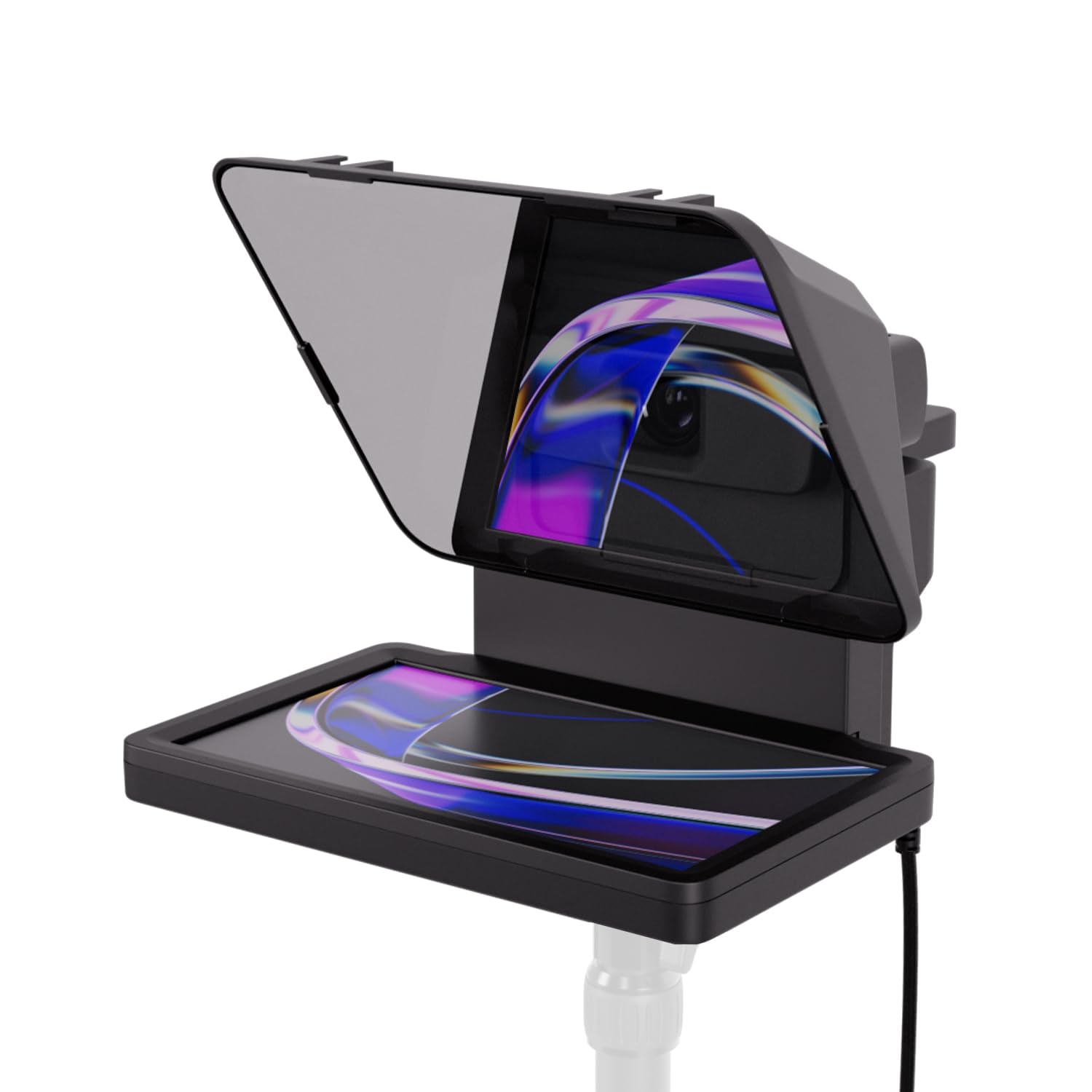
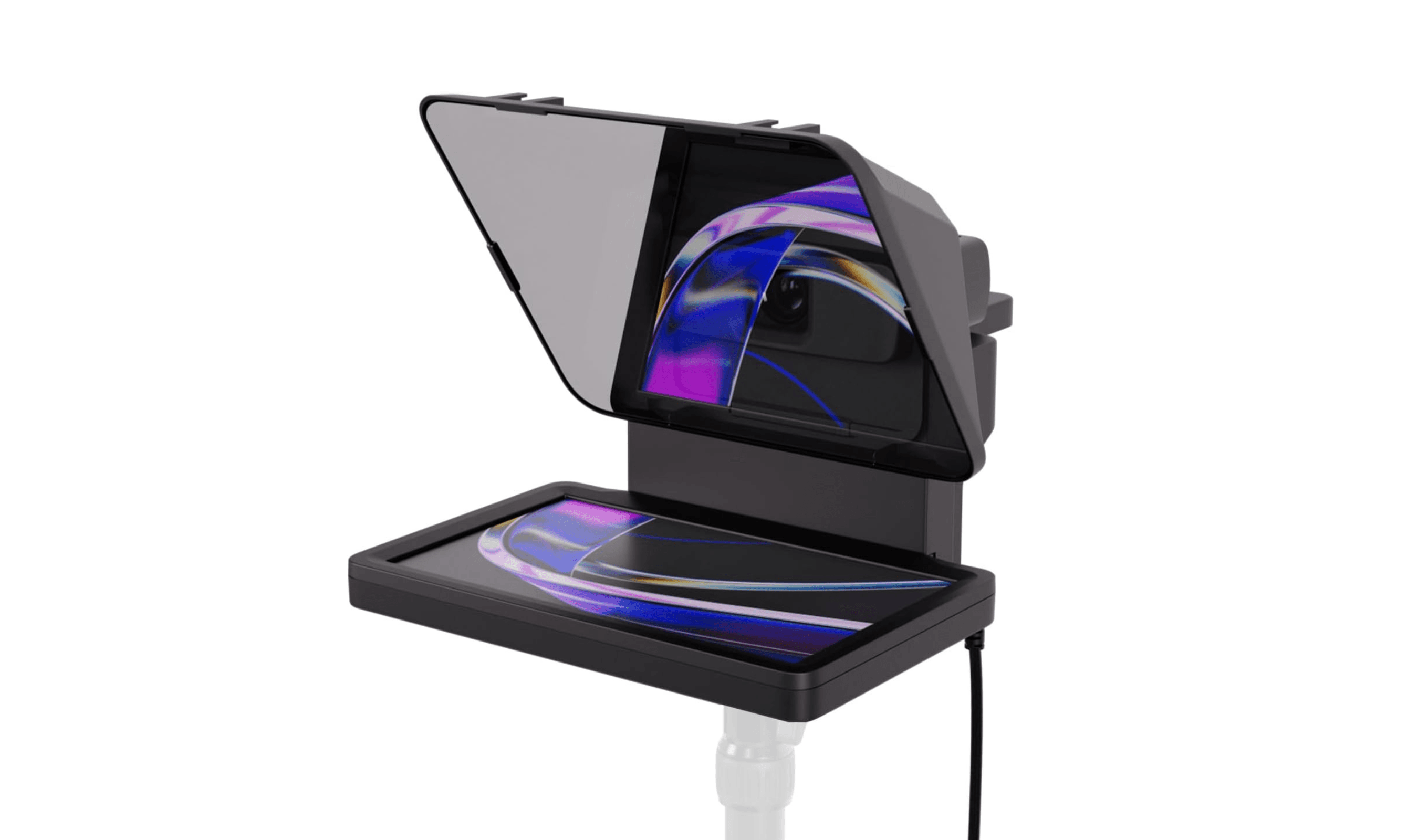
The Elgato Prompter delivers professional results with minimal fuss, thanks to its integrated 9-inch display and direct computer connection. You can drag any window onto its screen, making it work like a second monitor once Elgato's Camera Hub app is installed.
Key highlights
- 9-inch built-in display with 1024 x 600 resolution
- Works directly with PC or Mac without third-party apps
- Drag-and-drop functionality for any window or application
- Voice Sync technology that scrolls as you speak
- Compatible with Stream Deck for physical controls
Pros
- No separate tablet or phone needed
- Excellent software integration with Camera Hub
- Supports wide range of cameras with included step-up rings
- Professional build quality and design
Cons
- Higher price point than tablet-based alternatives
- Requires USB 3.0 connection to computer
- No included remote control
Who it is for: Professional creators, streamers, and presenters who want seamless integration with their computer workflow.
Skip if
You need a completely standalone solution without computer connection, or you're on a tight budget.
Neewer X11 - Best value
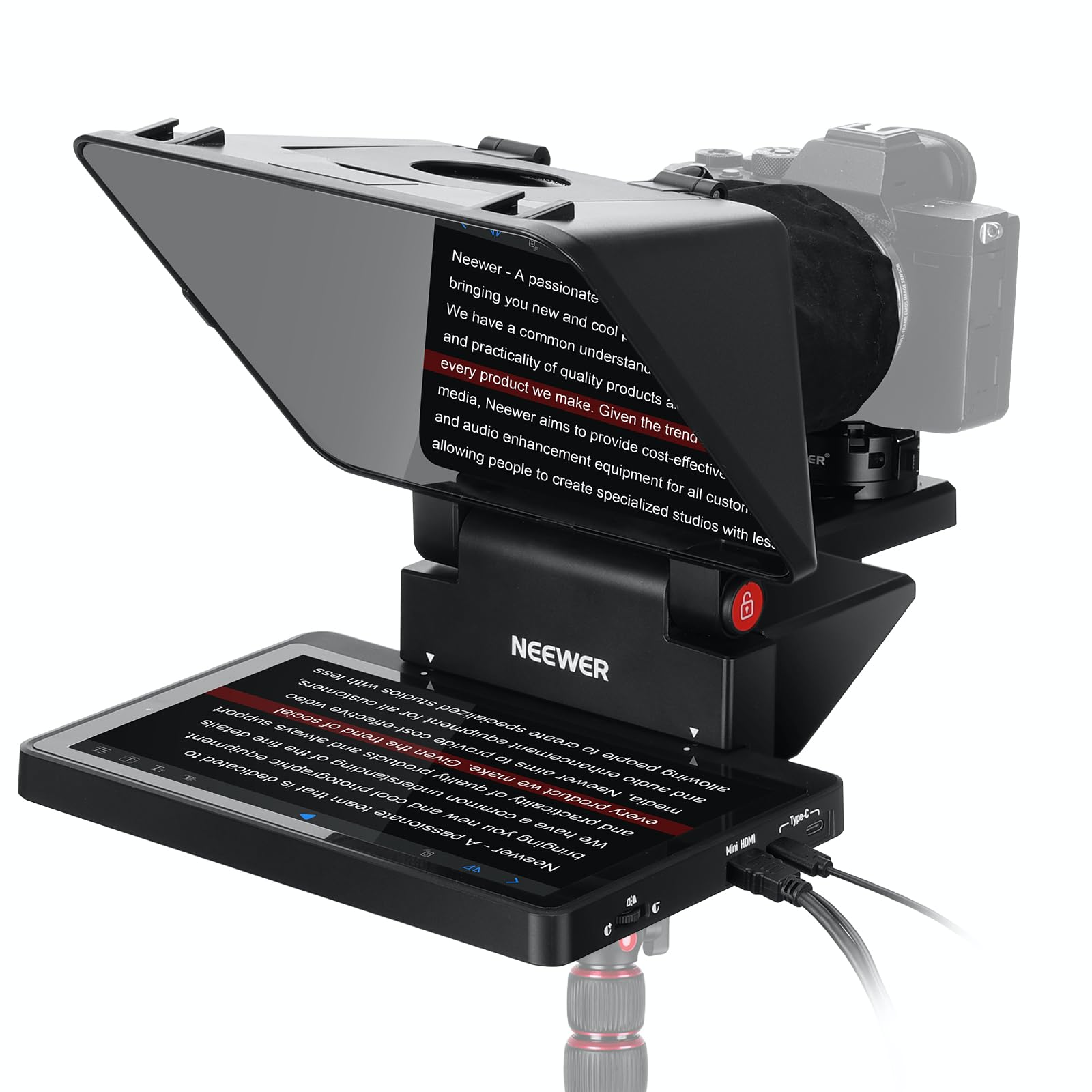
The Neewer X11 combines an 11-inch teleprompter with a 9-inch monitor, offering versatility at a reasonable price. It works as both a teleprompter and secondary computer display, making it ideal for multi-tasking creators.
Key highlights
- 9-inch HD built-in monitor (1024 x 768)
- Supports phone and tablet screen mirroring
- Functions as secondary computer display
- USB-C powered for simple setup
- Flexible mounting for various camera sizes
Pros
- Excellent value for the features offered
- Dual functionality as teleprompter and monitor
- No special software required for basic use
- Portable design with good build quality
Cons
- Lower resolution than dedicated monitors
- May require additional accessories for some setups
- Software experience less polished than premium options
Who it is for: Content creators, online teachers, and streamers who need versatility without breaking the bank.
Skip if
You require the highest screen resolution or need advanced software features.
Neewer Teleprompter X12II - Best for quick setup
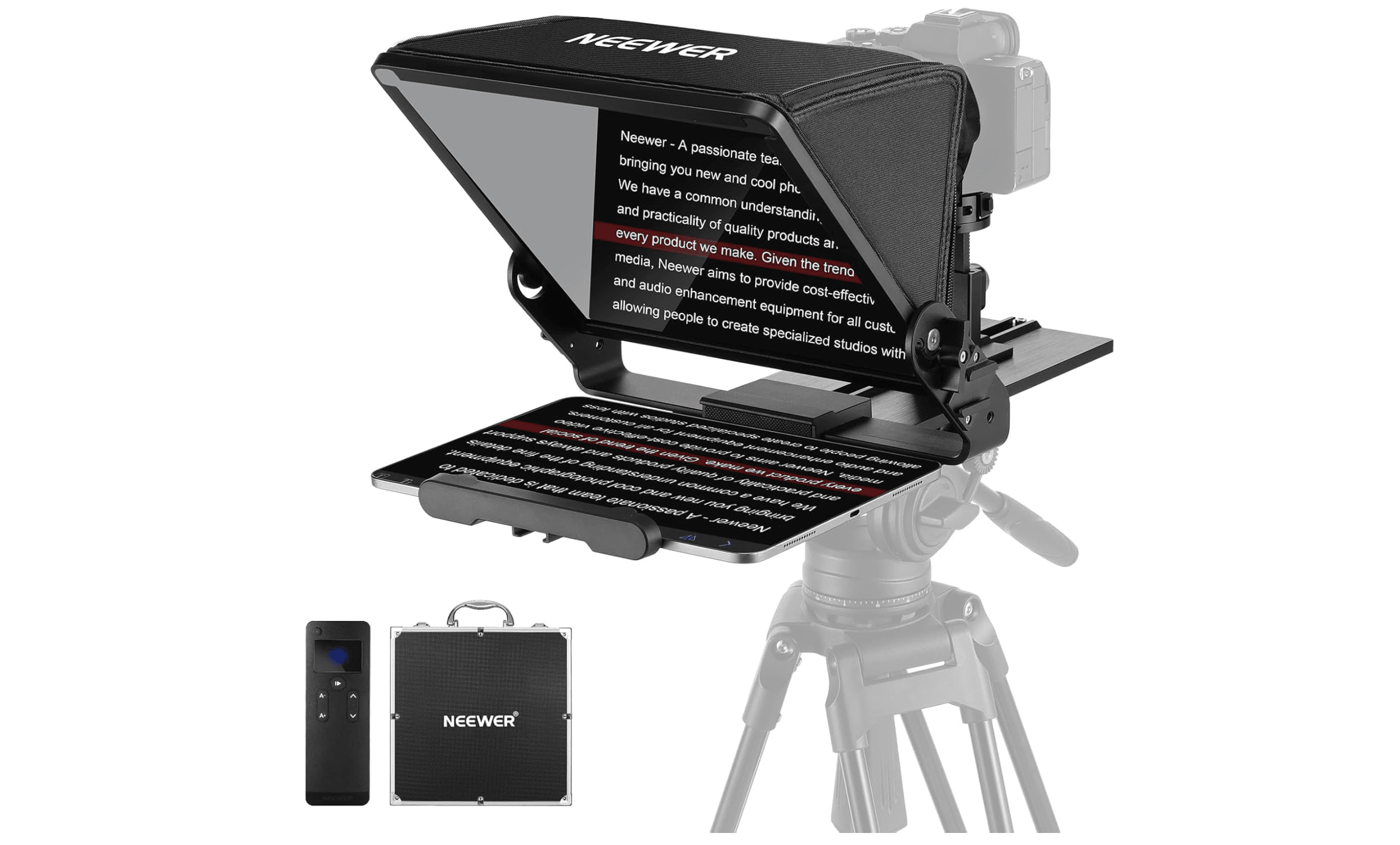
When you need to start recording fast, the X12II delivers with straightforward assembly and reliable performance. Its balanced design works well for both beginners and experienced users who value efficiency.
Key highlights
- Designed for rapid setup and teardown
- Compatible with various camera sizes
- Includes essential mounting hardware
- Reliable performance for consistent results
- Good balance of size and portability
Pros
- Gets you recording quickly
- Consistent, predictable results
- Good build quality for the price
- Works with standard teleprompter apps
Cons
- Requires separate tablet or phone
- Less feature-rich than integrated screen models
- Basic design without advanced features
Who it is for: Creators who frequently set up and break down their recording space, or those who prefer using their existing tablets.
Skip if
You want a completely integrated solution with built-in screen.
Desview T3 Teleprompter - Best budget option
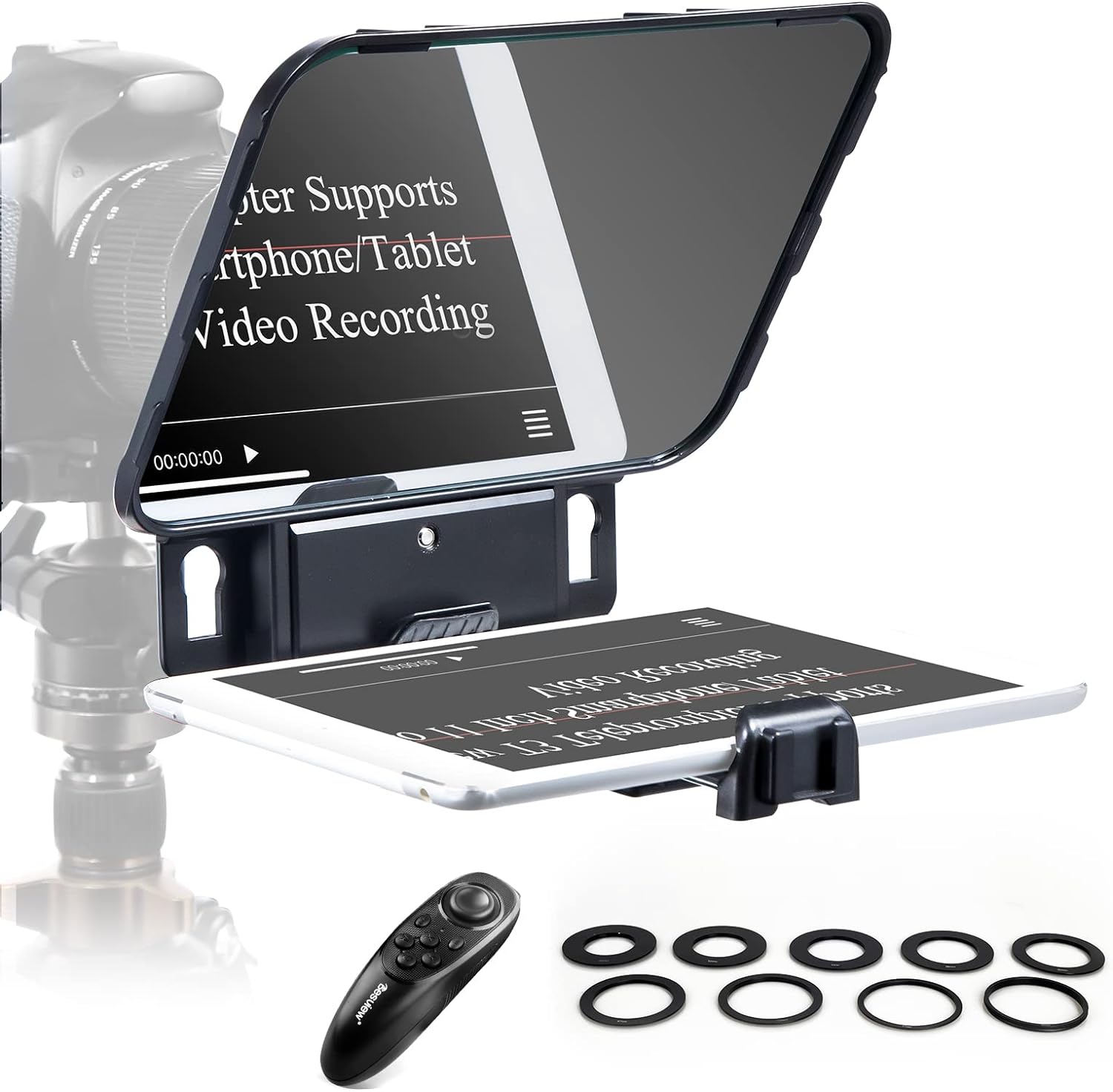
For those starting out or needing basic teleprompter functionality, the Desview T3 provides core features at an accessible price. It handles the fundamentals well while keeping costs low.
Key highlights
- Affordable entry point into teleprompters
- Lightweight and portable design
- Compatible with smartphones and tablets
- Includes basic mounting hardware
- Simple, straightforward operation
Pros
- Very affordable pricing
- Lightweight and easy to transport
- Gets the job done for basic needs
- Good for testing if teleprompters work for you
Cons
- Basic build quality and materials
- Limited features and adjustability
- May feel cheap compared to premium options
Who it is for: Beginners, occasional users, or those on a strict budget who need basic teleprompter functionality.
Skip if
You need professional build quality, advanced features, or plan to use it heavily.
Ambitful Teleprompter - Best for smartphones
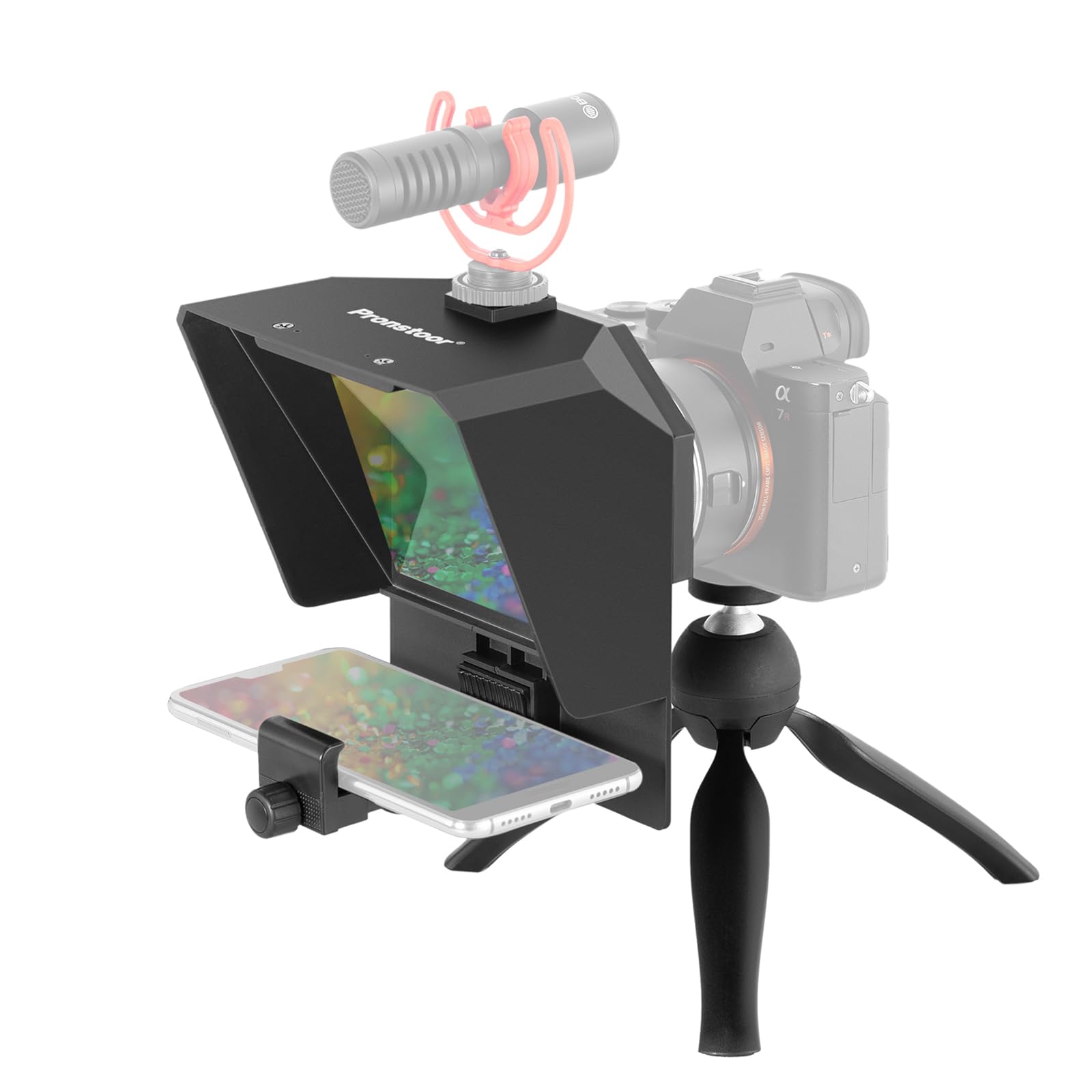
Designed specifically for mobile creators, the Ambitful kit makes smartphone teleprompter use practical and affordable. It's a solid choice for those who primarily create content with their phones.
Key highlights
- Optimized for smartphone use
- Portable and travel-friendly design
- Affordable complete kit
- Good for vloggers and mobile creators
- Simple setup process
Pros
- Excellent value for smartphone users
- Complete kit with needed accessories
- Very portable and easy to transport
- Good introduction to teleprompter use
Cons
- Limited to smartphone-sized devices
- Not suitable for larger cameras or tablets
- Basic features compared to professional models
Who it is for: Vloggers, social media creators, and mobile journalists who primarily use smartphones for content creation.
Skip if
You use DSLR cameras, need computer integration, or want professional-grade features.
Also Good
- Glide Gear TMP100 - a reliable, well-built workhorse.
- Neewer X12 - great for extra screen real estate.
How to Choose
Consider these factors when selecting a teleprompter with built-in screen:
Screen size and quality: Larger screens (9-inch+) show more text at once, reducing eye movement. Resolution matters for text clarity, especially with longer scripts.
Computer integration: Some models work like secondary monitors, letting you drag any window onto them. Others require specific apps or software. Choose based on your preferred workflow.
Camera compatibility: Check that the teleprompter works with your camera's lens size. Most include step-up rings for different diameters, but verify before purchasing.
Mounting flexibility: Consider how you'll position the teleprompter relative to your camera. Some offer more adjustment options than others, which matters for achieving perfect eye contact.
Software features: Voice Sync, remote control, and text customization can significantly improve your recording experience. Decide which features justify higher costs for your use case.
FAQ
Do I need a computer to use a teleprompter with built-in screen?
Most models with built-in screens require a computer connection to display content. Some can mirror phone or tablet screens wirelessly, but computer integration is common for these all-in-one solutions.
Can I use these teleprompters with any camera?
Most teleprompters support a wide range of cameras through included adapter rings. Check compatibility with your specific lens diameter.
How difficult is the setup process?
Models designed for quick setup can be ready in under 10 minutes. Integrated screen models typically require connecting to a computer and adjusting positioning, which takes 15-30 minutes initially.
Do these work with teleprompter apps on my phone?
Some models support screen mirroring from phones, while others are computer-only. Check the specific capabilities of each model if you prefer mobile workflows.
What's the advantage of a built-in screen over using a tablet?
Built-in screens eliminate the need for separate devices, reduce setup complexity, and often provide better integration with computer software. They also ensure consistent screen quality and positioning.
Published February 20, 2026 Last updated June 15, 2026
Share this article
More buying guides
Buying guide
9 Best Keyboards From Top Brands in 2026
Buying guide
8 Best 60 Percent Keyboards of 2026
Buying guide
Top 7 Home Theater Systems for 2026
Buying guide
6 Best Handheld Gaming Consoles for 2026
Buying guide5 Spy Cameras for Home and Portable Monitoring (2026)Buying guide6 Best Tablets for Gaming in 2026Buying guide7 Best Laptops for Interior Designers in 2026Buying guide4 Best Budget Laptops Around $300 for 2026Buying guide7 Gaming Consoles for Every Budget in 2026Buying guideBest Lenovo ThinkPad Laptops in 2026Buying guide5 Best AI and Digital Voice Recorders for 2026Buying guideBest DSLR Cameras for 2026