Choosing the right ThinkPad starts with the workload. Display quality, repairability, memory expansion, battery capacity and starting weight differ sharply across the X1, T, E, L and P families.
Technobezz is supported by its audience. We may get a commission from retail offers.
Best Lenovo ThinkPad Laptops in 2026
The Lenovo ThinkPad X1 Carbon Gen 14 is our top ThinkPad for 2026, with standout options for value, travel, repairability and professional graphics.
T
Technobezz
Senior Editor
Updated September 5, 2026Sep 5, 2026
•17 min read

Get Deals Like These in Your Inbox
The best prices, reviewed weekly.
The Lenovo ThinkPad X1 Carbon Gen 14 is our best overall pick, combining a starting weight under 1 kg with an OLED display and extensive connectivity. The E14 Gen 8 Intel delivers the strongest value, while the remaining picks address repairability, frequent travel, pen input, maximum portability, workstation software, professional graphics, big-screen office work and managed fleets.
At a Glance
| Category | Product | Why We Picked It |
|---|---|---|
| Best overall | Lenovo ThinkPad X1 Carbon Gen 14 | Premium 14-inch mobility with an OLED display and extensive connectivity |
| Best value | Lenovo ThinkPad E14 Gen 8 Intel | Upgradeable memory, expandable storage and strong business connectivity |
| Best for repairability | Lenovo ThinkPad T14 Gen 7 AMD | Replaceable memory and customer-replaceable components support a long service life |
| Best for frequent travel | Lenovo ThinkPad T14s Gen 7 Intel | A 2.35 lb 14-inch chassis with Wi-Fi 7 and a 5 MP camera |
| Best for pen and tablet use | Lenovo ThinkPad X1 2-in-1 Gen 11 | A 360-degree convertible design with an included rechargeable pen |
| Best for maximum portability | Lenovo ThinkPad X13 Gen 7 Intel | A compact 13.3-inch footprint with a 2.05 lb starting weight |
| Best for a portable workstation | Lenovo ThinkPad P14s Gen 7 AMD | Replaceable 64 GB memory and a wide-gamut OLED display in a compact workstation |
| Best for professional graphics | Lenovo ThinkPad P1 Gen 8 | RTX PRO graphics and ISV certifications for demanding professional applications |
| Best for big-screen office work | Lenovo ThinkPad E16 Gen 4 Intel | A roomy 16-inch workspace with expandable memory and storage |
| Best for IT-managed fleets | Lenovo ThinkPad L14 Gen 6 Intel | Serviceable components, standardized ports and practical fleet features |
How we chose and tested
We rank ThinkPads by how effectively each configuration serves a defined workload, weighing processor platform, display quality, memory, battery, weight and repairability. Every pick must provide a clear advantage for its intended buyer while accounting for tradeoffs like soldered memory or added weight.
The best Lenovo ThinkPad laptops right now
Lenovo ThinkPad X1 Carbon Gen 14 - Best overall
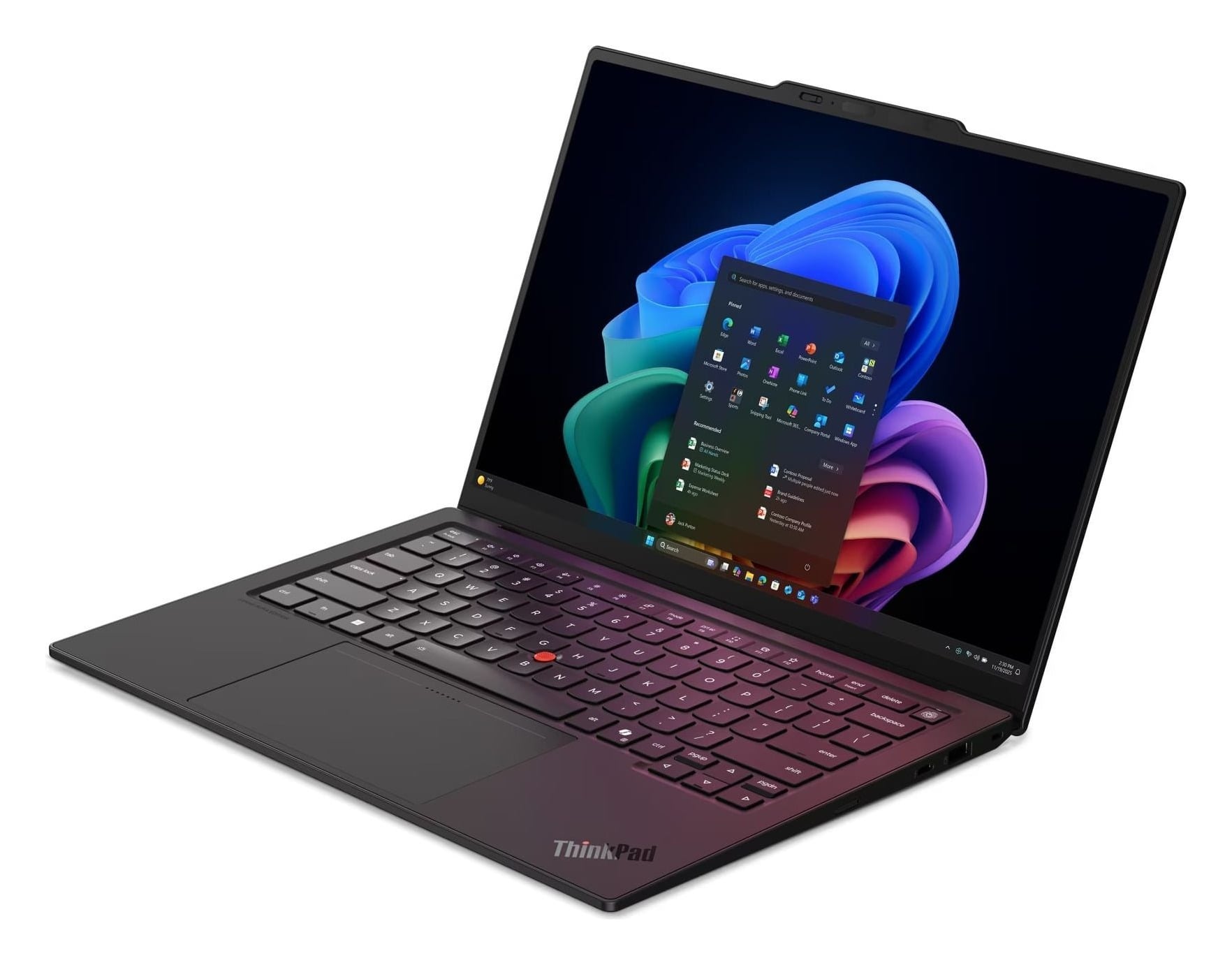
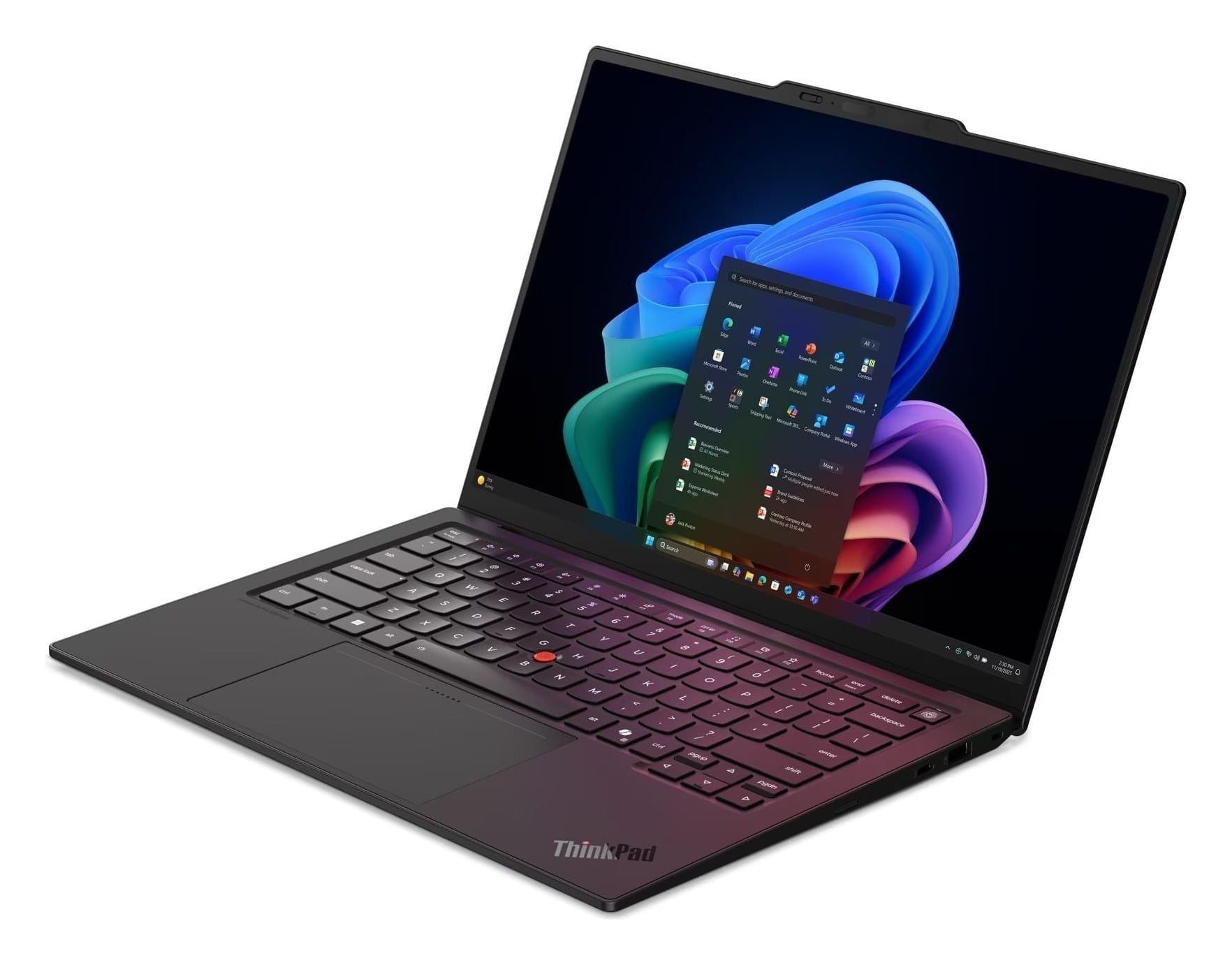
The X1 Carbon Gen 14 takes the top spot by combining a starting weight under 1 kg with a vivid 14-inch OLED display and excellent keyboard, navigation and wired connectivity. Its Intel Core Ultra X7 Series 3 processor includes Intel vPro, making this Lenovo's most complete premium ThinkPad for travel, office work and executive use.
Three Thunderbolt 4 ports, two USB-A ports, HDMI 2.1 and a 3.5mm audio connection provide broad wired connectivity. The redesigned chassis improves access to replaceable internal parts. The tradeoffs are a 512 GB SSD, a non-touch display and a position among Lenovo's most expensive ThinkPads.
The Amazon link is for configuration 21V700ALUS, which has a 500-nit WUXGA touchscreen and 32 GB of memory rather than the OLED non-touch panel described here.
Key highlights
- Intel Core Ultra X7 Series 3 with Intel vPro
- 14-inch OLED, non-touch
- 512 GB SSD
- Starting weight under 1 kg
- Three Thunderbolt 4 ports, two USB-A ports, HDMI 2.1 and 3.5mm audio
Pros
- Exceptionally light for a full-size 14-inch business laptop
- Vivid OLED display
- Excellent keyboard, navigation and wired connectivity
- Redesigned chassis improves access to replaceable internal parts
Cons
- One of the most expensive ThinkPads
- This exact configuration has only 512 GB of storage
- This exact OLED configuration is non-touch
Who it's for
Travelers, office professionals and executives seeking Lenovo's most complete premium ThinkPad.
Skip if
Value, upgradeable memory or workstation-class graphics matters more than minimum weight.
Lenovo ThinkPad E14 Gen 8 Intel - Best value
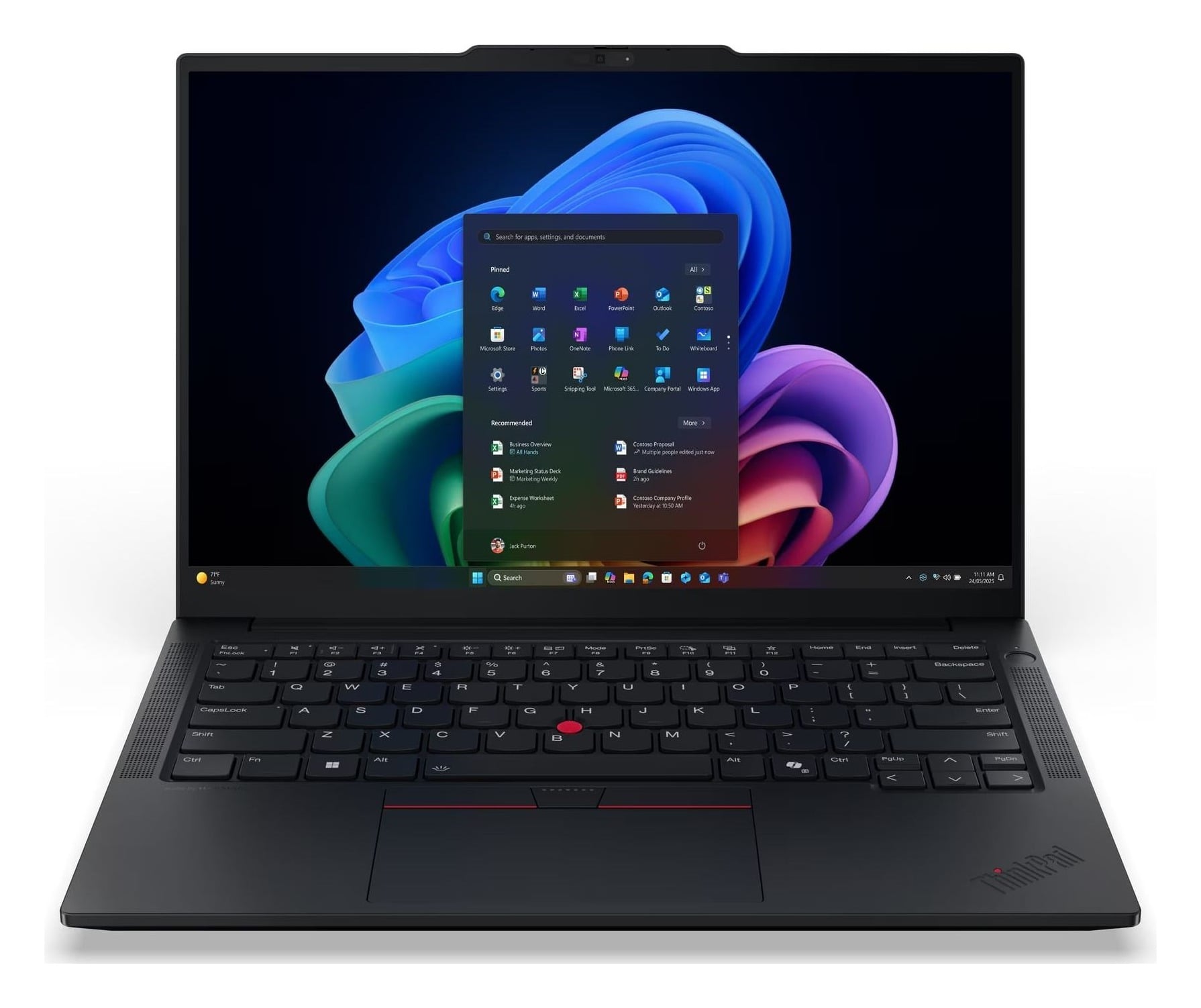
Value comes from practical hardware that can grow with your needs. The E14 Gen 8 Intel combines an Intel Core Ultra 5 325 processor, Copilot+ capability, 16 GB of DDR5-5600 memory and a 512 GB PCIe Gen4 SSD.
Two SODIMM slots provide memory expansion, and a second SSD slot adds room for more storage. The port selection includes two Thunderbolt 4 ports and Ethernet.
Its 14-inch antiglare display reaches 400 nits, making it usable in brighter offices. The 45% NTSC coverage is unsuitable for color-critical work, while the 48 Wh battery is smaller than several T-series alternatives. Its 2.95 lb starting weight also exceeds the X1 Carbon, T14s and X13.
Key highlights
- Intel Core Ultra 5 325
- 16 GB DDR5-5600, two SODIMM slots
- 512 GB PCIe Gen4 SSD with an expansion slot for a second SSD
- 14-inch 1920 x 1200 IPS, 400 nits, 45% NTSC, non-touch
- 48 Wh battery
- 2.95 lb starting weight
Pros
- Current-generation processor and Copilot+ capability
- Upgradeable memory and room for a second SSD
- Strong port selection including two Thunderbolt 4 ports and Ethernet
- 400-nit antiglare screen is usable in brighter offices
Cons
- 45% NTSC display is unsuitable for color-critical work
- Smaller battery than several T-series alternatives
- Heavier than the X1 Carbon, T14s and X13
Who it's for
General business users seeking a current, upgradeable ThinkPad without paying for an X1 or T-series model.
Skip if
You need a wide-gamut screen, maximum unplugged endurance or an ultralight chassis.
Lenovo ThinkPad T14 Gen 7 AMD - Best for repairability
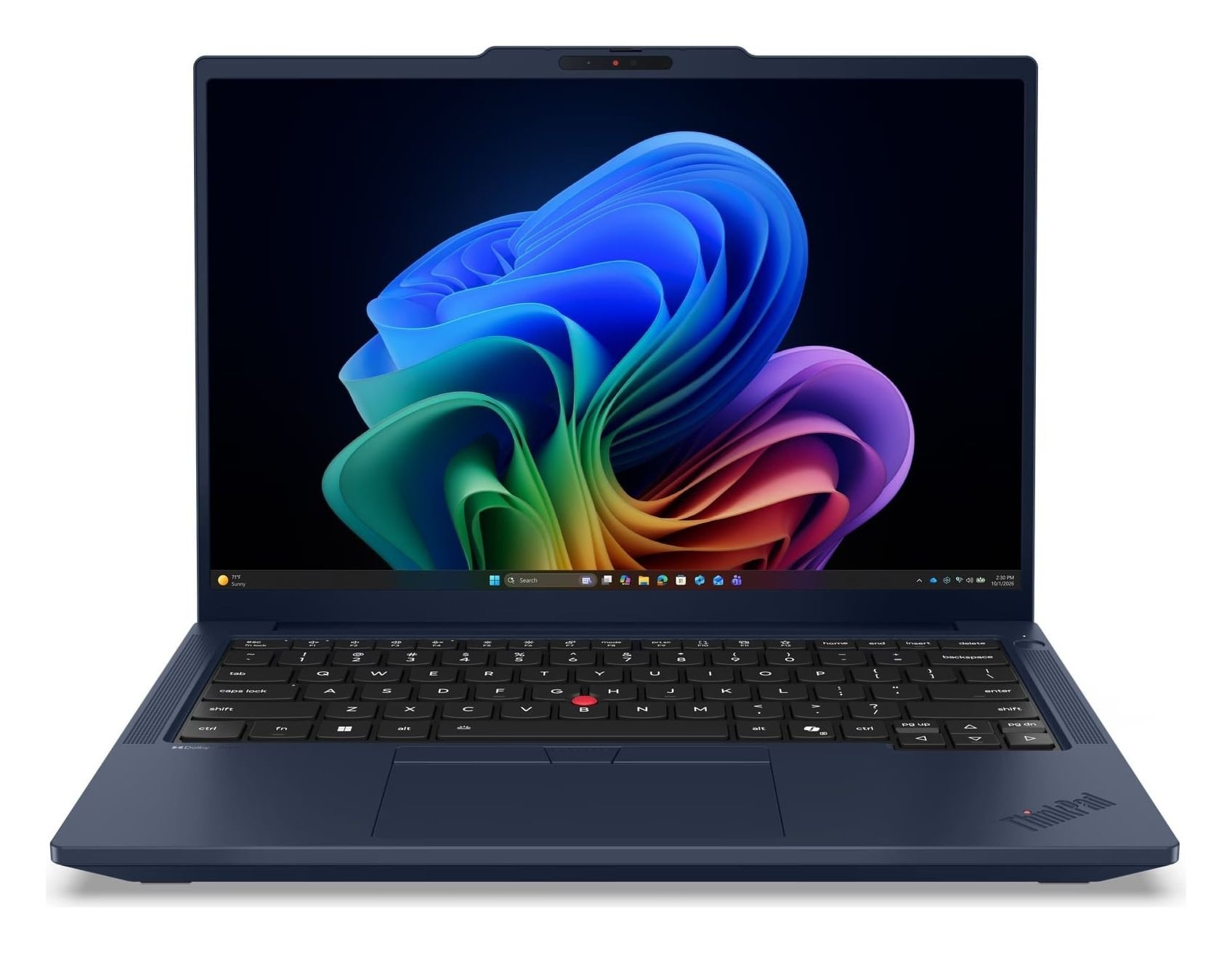
Repairability is the defining strength of the T14 Gen 7 AMD. It has two replaceable memory modules, numerous customer-replaceable components and a 10/10 iFixit repairability score. The AMD Ryzen AI 7 PRO 450 supplies eight cores and 16 threads, while the 75 Wh battery provides substantial capacity. Its 14-inch touchscreen reaches 500 nits and covers 100% sRGB, with USB-C, USB-A, HDMI and Ethernet ports available. The 2.84 lb chassis is heavier than Lenovo's premium ultraportables, and its integrated Radeon graphics cannot replace a discrete workstation GPU.
The Amazon link is for configuration 21WV003HUS, listed with a 400-nit display. The 500-nit touchscreen described here belongs to Lenovo configuration 21WV0007US.
Key highlights
- AMD Ryzen AI 7 PRO 450, 8 cores and 16 threads
- 16 GB DDR5-5600, two SODIMM slots
- 512 GB PCIe Gen4 SSD
- 14-inch 1920 x 1200 IPS touchscreen, 500 nits, 100% sRGB
- 75 Wh battery
- 2.84 lb starting weight
Pros
- Two replaceable memory modules and numerous customer-replaceable components
- Large 75 Wh battery
- Bright, full-sRGB touchscreen
- Excellent mix of USB-C, USB-A, HDMI and Ethernet ports
- Received a 10/10 iFixit repairability score
Cons
- Heavier than Lenovo's premium ultraportables
- Integrated Radeon graphics are not a substitute for a discrete workstation GPU
Who it's for
Business users prioritizing long service life, repairs and future memory upgrades.
Skip if
Minimum weight or certified discrete graphics is the primary requirement.
Lenovo ThinkPad T14s Gen 7 Intel - Best for frequent travel
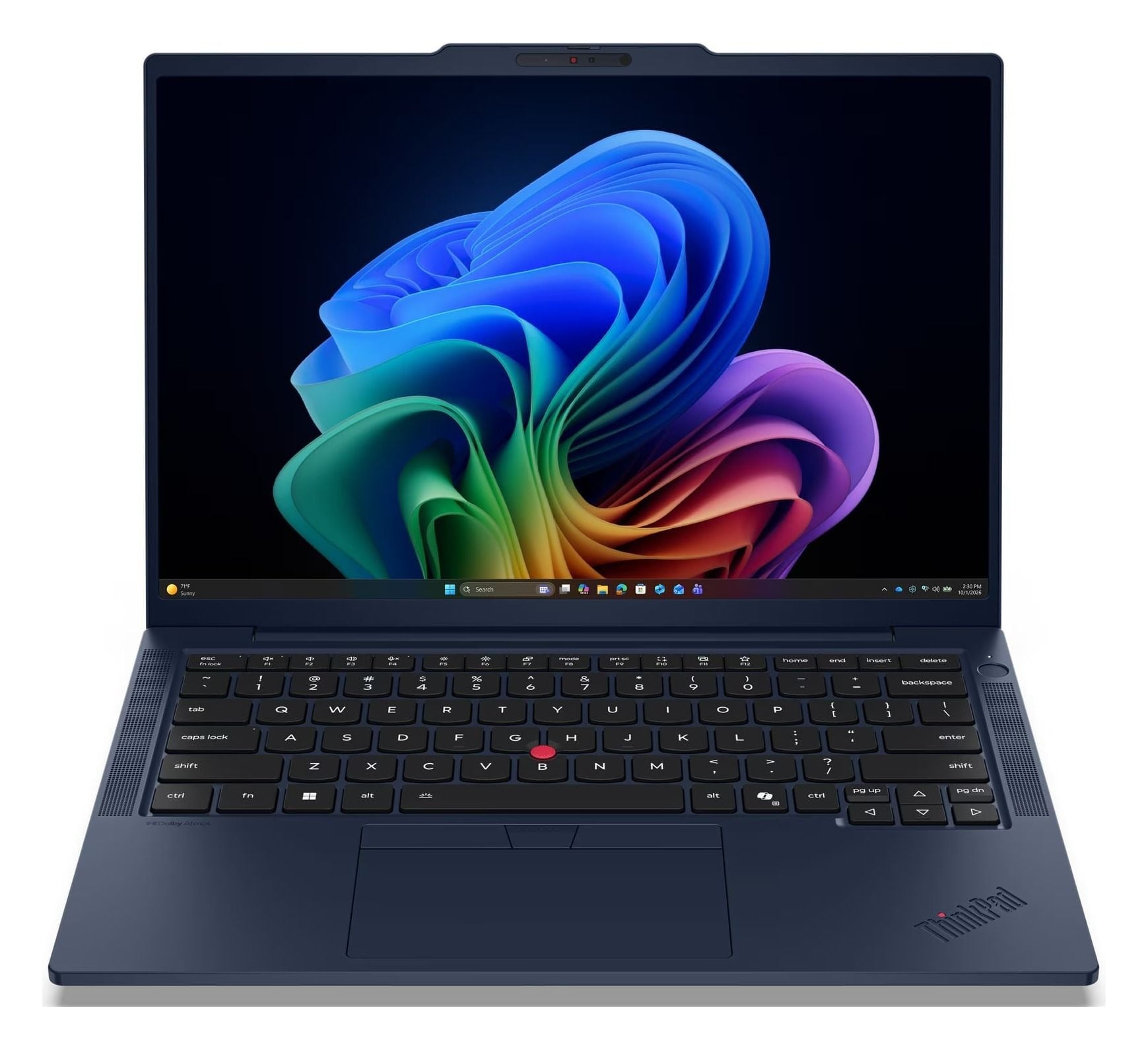
Frequent travelers get a full-size 14-inch workspace in a chassis starting at 2.35 lb. The T14s Gen 7 Intel is much lighter than the standard T14 and combines an Intel Core Ultra 5 325 processor with Wi-Fi 7.
A 5 MP RGB camera with a privacy shutter supports frequent meetings. This configuration has 16 GB of soldered memory and a 512 GB PCIe Gen4 SSD, so the RAM cannot be upgraded. The 400-nit display suits office use, but its 45% NTSC coverage limits color-sensitive work.
Key highlights
- Intel Core Ultra 5 325
- 16 GB LPDDR5X-7467, soldered
- 512 GB PCIe Gen4 SSD
- 14-inch 1920 x 1200 IPS, 400 nits, 45% NTSC, non-touch
- 5 MP RGB camera with privacy shutter
- 2.35 lb starting weight
Pros
- Much lighter than the standard T14
- Current Intel platform with Wi-Fi 7
- Good 5 MP camera for frequent meetings
- Full-size 14-inch workspace in a travel-friendly chassis
Cons
- 16 GB soldered memory cannot be upgraded
- 45% NTSC screen has limited color coverage
- Exact retail configuration is limited to 512 GB storage
Who it's for
Frequent travelers who prefer a 14-inch display and traditional clamshell design.
Skip if
You need replaceable RAM, a wide-gamut display or workstation graphics.
Lenovo ThinkPad X1 2-in-1 Gen 11 - Best for pen and tablet use
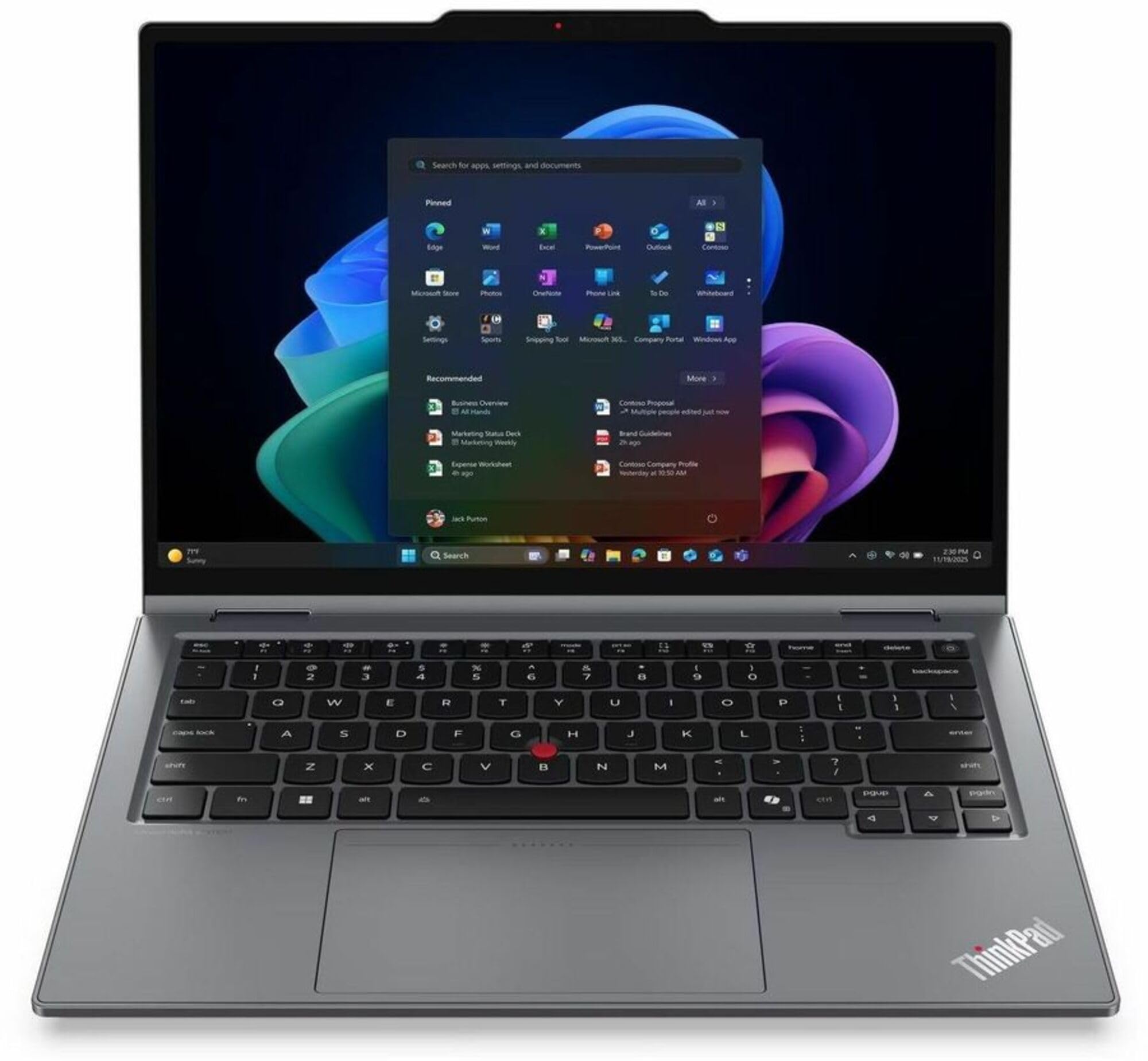
Pen input is the reason to choose the X1 2-in-1 Gen 11. Lenovo includes the rechargeable Slim Pen 2, and the 360-degree design supports handwritten notes, document markup, presentations and occasional tablet use. Its 14-inch touchscreen reaches 500 nits and covers 100% sRGB.
The Intel Core Ultra 7 365 vPro processor is paired with 32 GB of LPDDR5X-8533 memory and a 1 TB PCIe Gen4 SSD. A 5 MP RGB+IR camera includes computer vision and a privacy shutter.
Three Thunderbolt 4 ports strengthen connectivity, while the redesigned chassis improves access to the battery and keyboard. Memory is soldered, the 1920 x 1200 display is limited to 60 Hz and the convertible costs considerably more than conventional ThinkPads.
The Amazon link is for configuration 21V9001BUS with 32 GB of memory and a 512 GB SSD, rather than the 1 TB configuration described here.
Key highlights
- Intel Core Ultra 7 365 vPro
- 32 GB LPDDR5X-8533, soldered
- 1 TB PCIe Gen4 SSD
- 14-inch 1920 x 1200 IPS touchscreen, 500 nits, 100% sRGB
- 5 MP RGB+IR camera with computer vision and privacy shutter
- Lenovo Slim Pen 2 included
Pros
- Included rechargeable pen and 360-degree convertible design
- Bright full-sRGB touchscreen
- Generous 32 GB memory and 1 TB storage
- Three Thunderbolt 4 ports
- Redesigned chassis improves access to the battery and keyboard
Cons
- Very expensive compared with conventional ThinkPads
- Memory is soldered
- Display is limited to 60 Hz and 1920 x 1200
Who it's for
Professionals who rely on handwritten notes, document markup, presentations and occasional tablet use.
Skip if
Touch and pen input are not central to your workflow.
Lenovo ThinkPad X13 Gen 7 Intel - Best for maximum portability
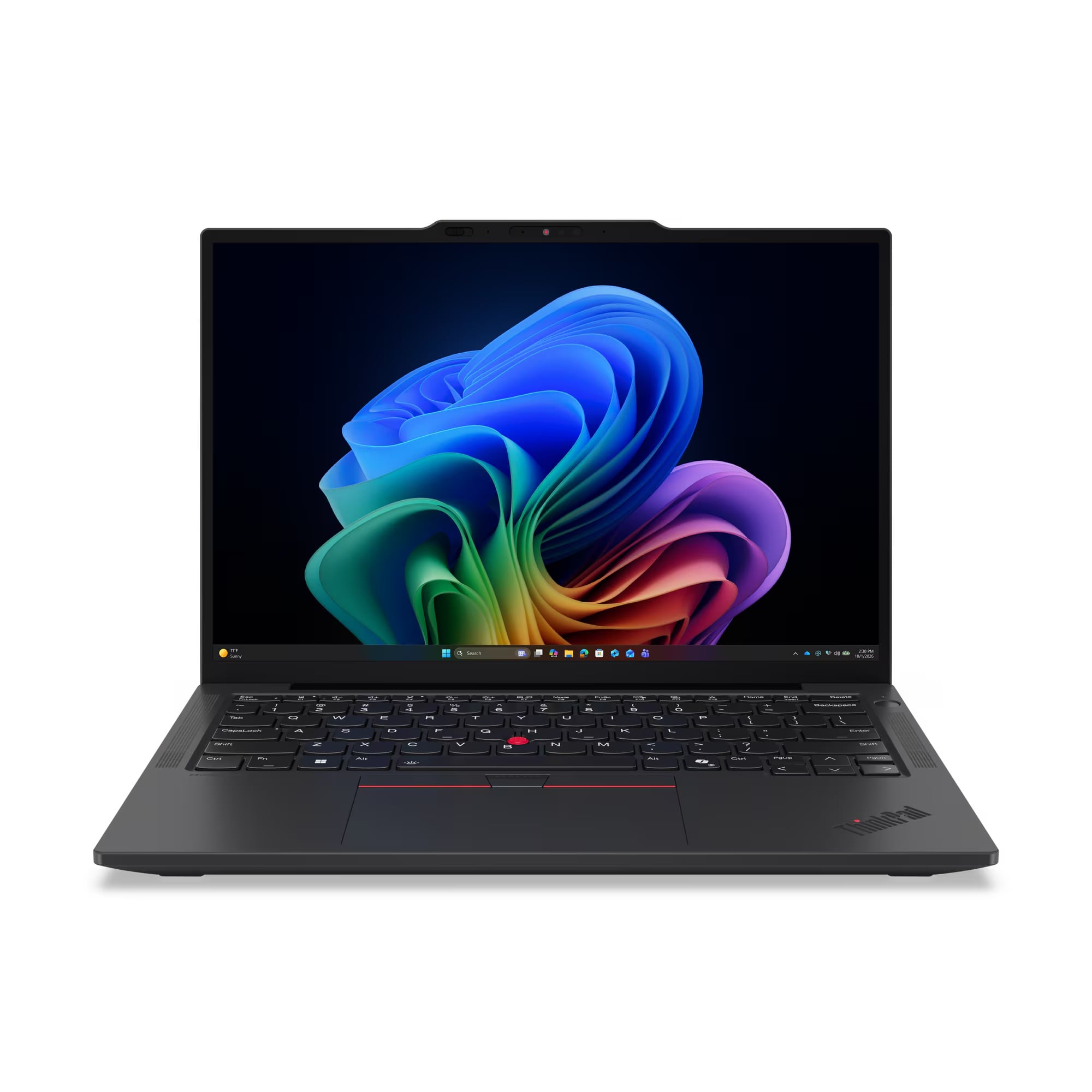
Portability peaks with the X13 Gen 7 Intel. It starts at 2.05 lb and pairs its compact footprint with a 13.3-inch 1920 x 1200 IPS display that reaches 400 nits and covers 100% sRGB.
The 54.7 Wh battery and SSD are replaceable, contributing to a 9/10 iFixit repairability score. Wi-Fi 7 and two Thunderbolt 4 ports cover wireless and high-speed wired connections. The 16 GB of soldered memory cannot be expanded, the smaller display is less comfortable for large spreadsheets and built-in Ethernet is absent.
Key highlights
- Intel Core Ultra 5 325
- 16 GB LPDDR5X-7467, soldered
- 512 GB PCIe Gen4 SSD
- 13.3-inch 1920 x 1200 IPS, 400 nits, 100% sRGB
- 54.7 Wh customer-replaceable battery
- 2.05 lb starting weight
Pros
- Extremely light and compact
- Good 400-nit, full-sRGB display
- Replaceable battery and SSD
- Wi-Fi 7 and two Thunderbolt 4 ports
- 9/10 iFixit repairability score
Cons
- 16 GB soldered memory limits long-term expansion
- Smaller display is less comfortable for large spreadsheets
- No built-in Ethernet port
Who it's for
Travelers who put minimum bag weight and a small footprint ahead of screen size.
Skip if
You spend all day in wide spreadsheets, need replaceable RAM or want a larger keyboard deck.
Lenovo ThinkPad P14s Gen 7 AMD - Best for a portable workstation
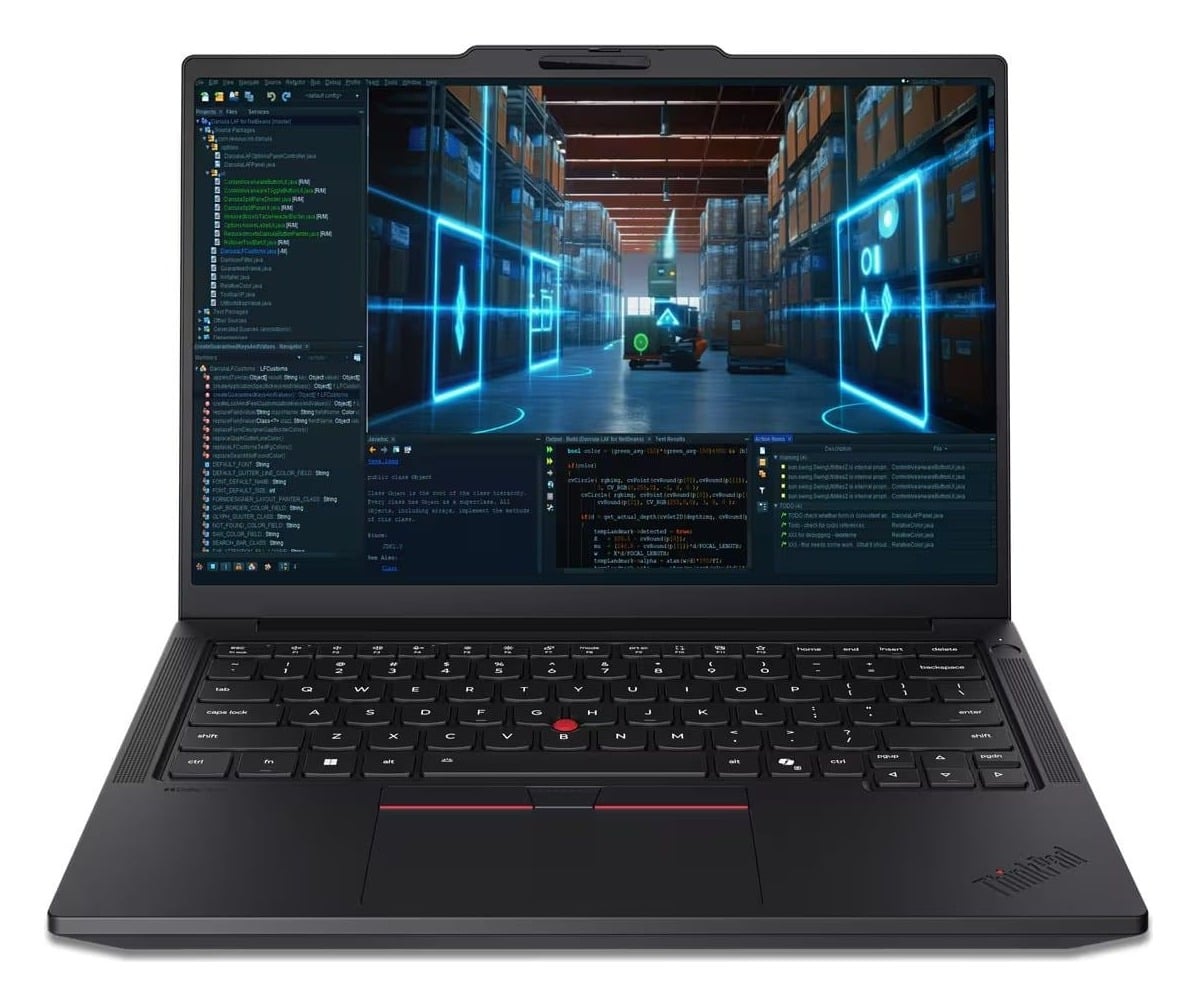
The P14s Gen 7 AMD stands apart with 64 GB of replaceable DDR5-5600 memory and workstation certifications for professional software. Its AMD Ryzen AI 7 PRO 450 has eight cores and 16 threads, supported by integrated Radeon 860M graphics and a 1 TB PCIe Gen4 SSD.
The 14-inch OLED display combines a 2880 x 1800 resolution, 120 Hz refresh rate, 500-nit brightness and 100% DCI-P3 coverage. It is non-touch.
The battery, keyboard, memory, storage and USB-C ports are customer replaceable. Ethernet and two Thunderbolt 4 ports provide strong connectivity. Integrated graphics remain the limitation for software requiring CUDA or a powerful discrete GPU, and this configuration costs considerably more than a similarly sized T14.
Key highlights
- AMD Ryzen AI 7 PRO 450, 8 cores and 16 threads
- Integrated AMD Radeon 860M
- 64 GB DDR5-5600, two 32 GB SODIMMs
- 1 TB PCIe Gen4 SSD
- 14-inch 2880 x 1800 OLED, 120 Hz, 500 nits, 100% DCI-P3
- 2.84 lb starting weight
Pros
- Unusually generous 64 GB of replaceable memory
- Sharp, wide-gamut 120 Hz OLED display
- Compact and light for a workstation-class ThinkPad
- Strong port selection including Ethernet and two Thunderbolt 4 ports
- Customer-replaceable battery, keyboard, memory, storage and USB-C ports
Cons
- This AMD configuration has integrated graphics rather than an NVIDIA workstation GPU
- OLED display is non-touch
- Costs considerably more than a similarly sized general-purpose T14
Who it's for
Professionals needing high memory capacity, workstation certifications and an accurate OLED display in a compact machine.
Skip if
Your software requires CUDA, a powerful discrete GPU or the lowest possible purchase price.
Lenovo ThinkPad P1 Gen 8 - Best for professional graphics
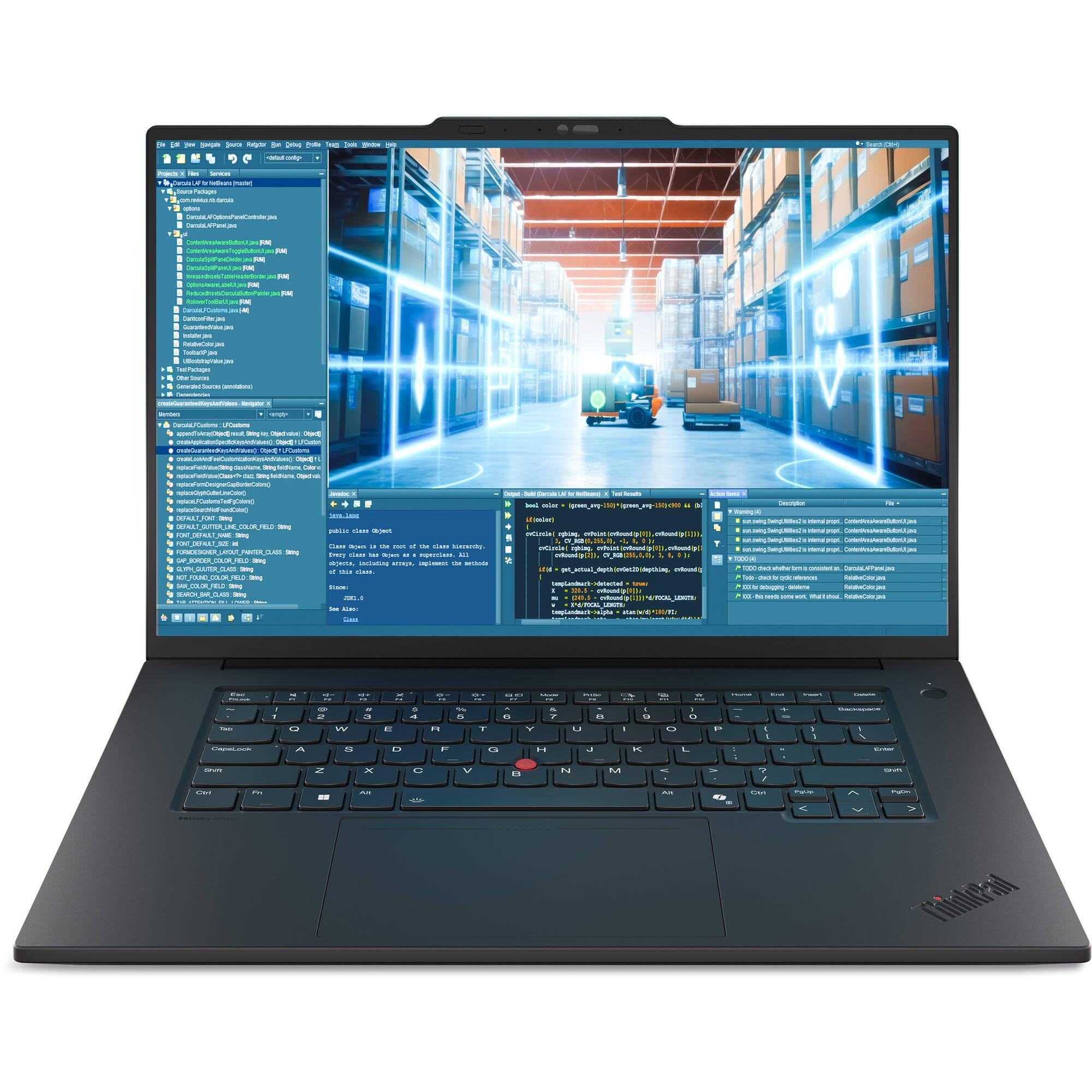
Professional graphics workloads are the P1 Gen 8's specialty. It combines an Intel Core Ultra 9 285H vPro processor with an NVIDIA RTX PRO 2000 Blackwell Laptop GPU carrying 8 GB of GDDR7 memory, 64 GB of replaceable CAMM2 memory and a 2 TB PCIe Gen5 SSD. Its 16-inch OLED touchscreen delivers a 3200 x 2000 resolution, a 40 to 120 Hz refresh range, 600-nit brightness and 100% DCI-P3 coverage. ISV certifications support major engineering and creative applications, while the CAMM2 memory, SSD, battery and right-side USB-C port are replaceable. The costs of that capability are an extremely expensive configuration, a 4.06 lb starting weight and a larger 140W power adapter.
Key highlights
- Intel Core Ultra 9 285H vPro
- NVIDIA RTX PRO 2000 Blackwell Laptop GPU with 8 GB GDDR7
- 64 GB LPDDR5X-7467 CAMM2
- 2 TB PCIe Gen5 SSD
- 16-inch 3200 x 2000 OLED touchscreen
- 40 to 120 Hz, 600 nits, 100% DCI-P3
Pros
- Powerful professional NVIDIA graphics
- Top-tier processor, 64 GB memory and 2 TB storage
- Excellent high-resolution, wide-gamut OLED touchscreen
- ISV certifications for major engineering and creative applications
- Replaceable CAMM2 memory, SSD, battery and right-side USB-C port
Cons
- Extremely expensive configuration
- Heavier and less travel-friendly than the P14s
- Requires a larger 140W power adapter
Who it's for
Professionals whose income depends on CAD, 3D, engineering, AI or creative applications that benefit from an RTX PRO GPU.
Skip if
Your work consists primarily of browser, Office or coding tasks that do not need certified professional graphics.
Lenovo ThinkPad E16 Gen 4 Intel - Best for big-screen office work
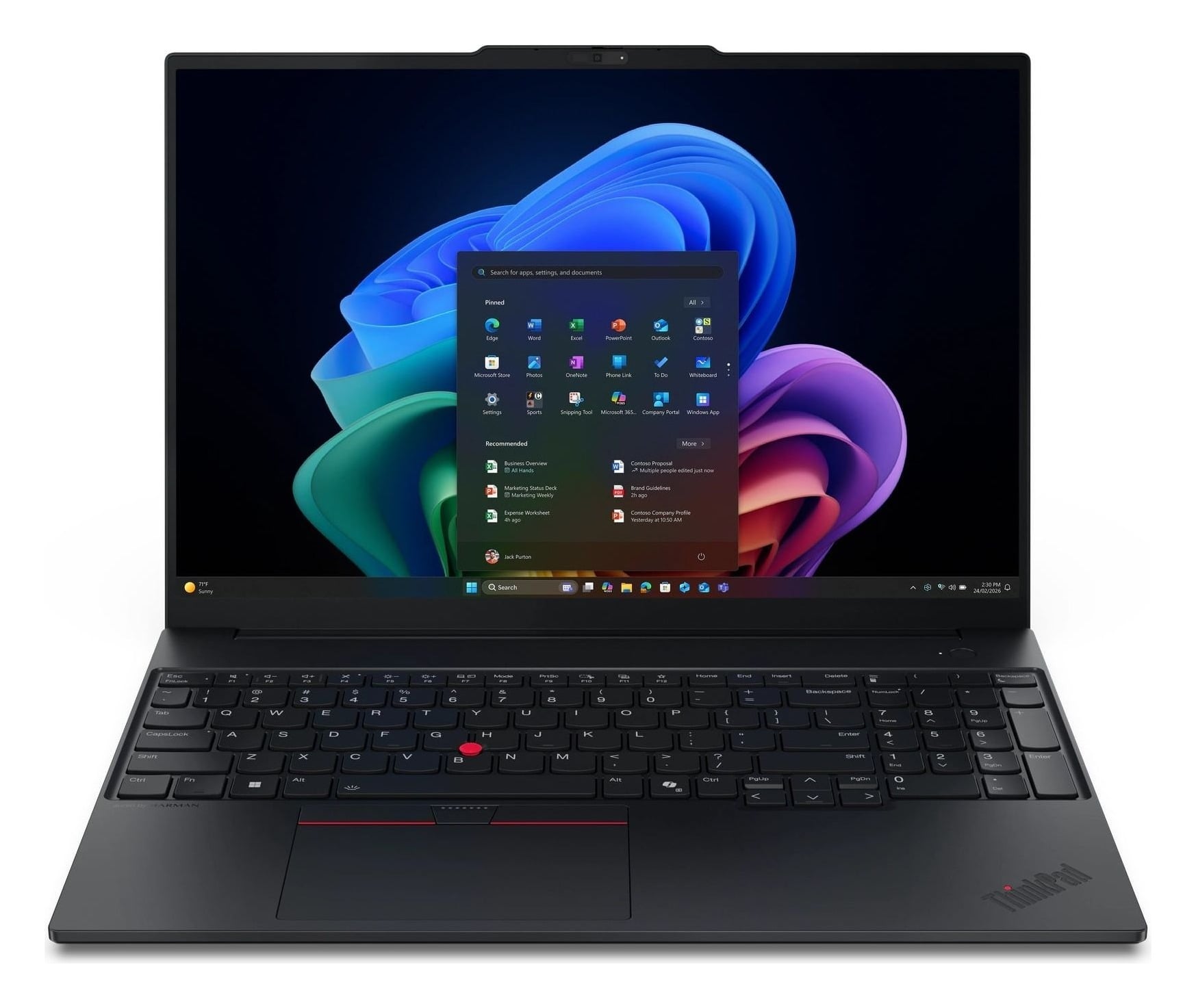
A 16-inch 16:10 screen and dedicated numeric keypad give the E16 Gen 4 Intel more room for spreadsheets, documents and side-by-side windows. The Intel Core Ultra 5 325 is joined by 16 GB of DDR5-5600 memory and a 512 GB PCIe Gen4 SSD.
Two SODIMM slots and an expansion slot for a second SSD provide room to grow. Connectivity includes two Thunderbolt 4 ports, Ethernet and Wi-Fi 7. The 400-nit display has limited 45% NTSC color coverage, the 48 Wh battery is modest for a 16-inch laptop and the 3.59 lb chassis is larger and heavier than every 13-inch and 14-inch pick.
Key highlights
- Intel Core Ultra 5 325
- 16 GB DDR5-5600, two SODIMM slots
- 512 GB PCIe Gen4 SSD with an expansion slot for a second SSD
- 16-inch 1920 x 1200 IPS, 400 nits, 45% NTSC, non-touch
- 48 Wh battery
- 3.59 lb starting weight
Pros
- Roomy 16:10 screen and dedicated numeric keypad
- Upgradeable memory and room for a second SSD
- Excellent connectivity with two Thunderbolt 4 ports and Ethernet
- Current Intel platform with Wi-Fi 7
Cons
- 45% NTSC panel has limited color coverage
- 48 Wh battery is modest for a 16-inch laptop
- Heavier and larger than every 13-inch and 14-inch pick
Who it's for
Desk-based workers who want more room for spreadsheets, documents and side-by-side windows.
Skip if
You commute daily, need color-accurate media work or prioritize battery capacity.
Lenovo ThinkPad L14 Gen 6 Intel - Best for IT-managed fleets
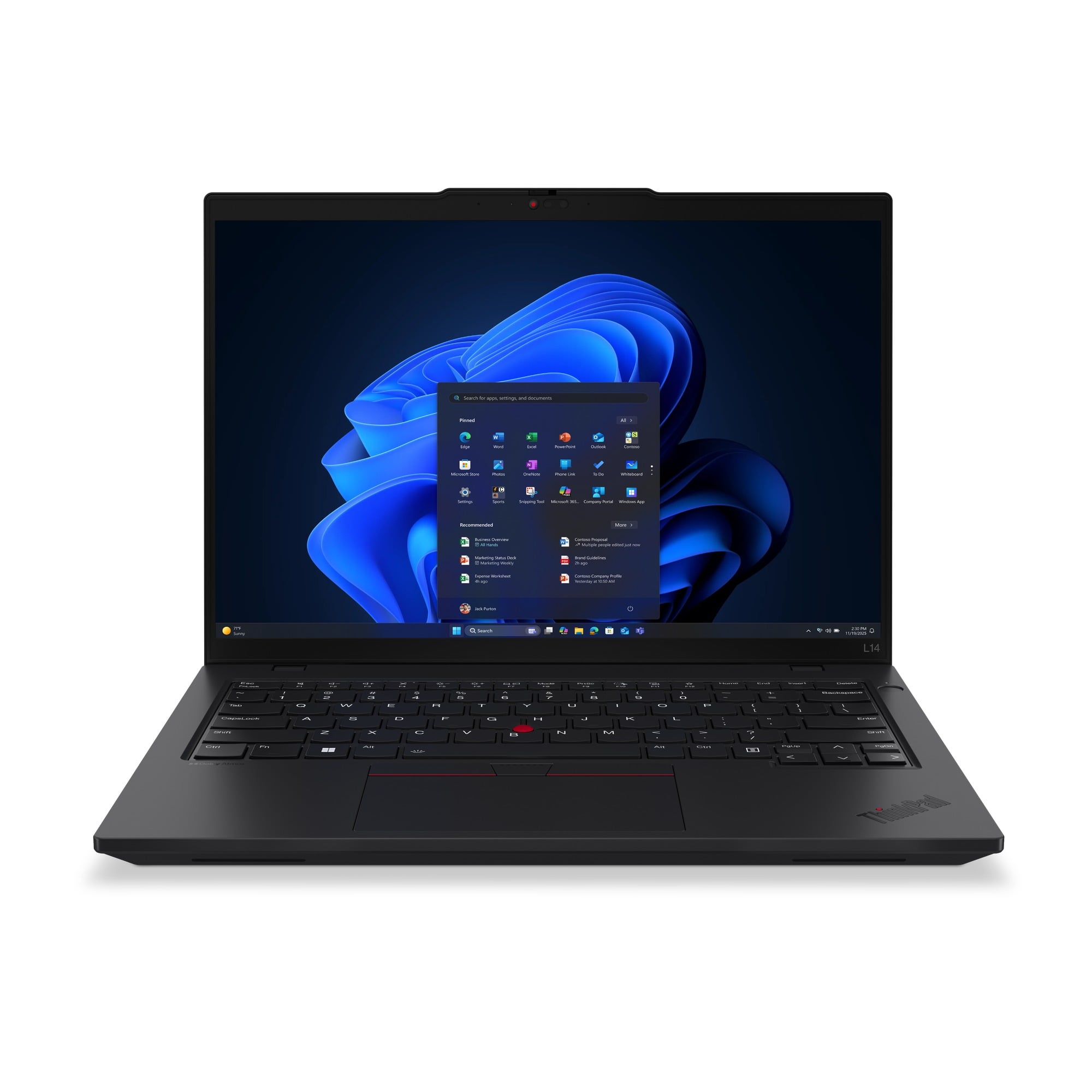
Fleet buyers get a practical business configuration built around an Intel Core Ultra 7 255U processor, 32 GB of DDR5-5600 SODIMM memory and a 512 GB PCIe Gen4 SSD.
The battery, keyboard, memory and SSD are replaceable. Ethernet and two Thunderbolt 4 ports provide broad office connectivity, while the 57 Wh battery is customer replaceable.
A 5 MP RGB+IR camera, privacy shutter, fingerprint reader and Windows 11 Pro suit managed business use. The 45% NTSC touchscreen is not intended for color-critical work, Wi-Fi is limited to Wi-Fi 6E and the starting weight is 3.05 lb.
The Amazon link is for configuration 21S60030US, which has 16 GB of memory and a non-touch display. The 32 GB touchscreen configuration described here is Lenovo part number 21S6003QUS.
Key highlights
- Intel Core Ultra 7 255U
- 32 GB DDR5-5600 SODIMM
- 512 GB PCIe Gen4 SSD
- 14-inch 1920 x 1200 IPS touchscreen, 400 nits, 45% NTSC
- 57 Wh customer-replaceable battery
- 5 MP RGB+IR camera with privacy shutter
Pros
- Well-equipped 32 GB retail configuration
- Replaceable battery, keyboard, memory and SSD
- Broad port selection including Ethernet and two Thunderbolt 4 ports
- IR camera, fingerprint reader and Windows 11 Pro suit managed business use
Cons
- 45% NTSC display is not intended for color-critical work
- Uses Wi-Fi 6E rather than Wi-Fi 7
- Starting weight is 3.05 lb
Who it's for
Organizations that value serviceability, standardized ports and practical fleet features more than minimum weight.
Skip if
You need a wide-gamut display or a lighter chassis.
How to Choose
- Choose the ThinkPad family first. X1 prioritizes premium materials and low weight, T balances mobility and serviceability, E emphasizes value, L targets managed fleets and P adds workstation certifications or discrete professional graphics.
- Match the exact part number. Configurations sharing one model name can differ substantially in display gamut, touch support, memory, battery, storage and camera. Verify the complete Lenovo SKU on both Lenovo and Amazon before buying.
- Prioritize display quality. A 45% NTSC business panel is adequate for documents but not accurate creative work. Choose 100% sRGB for general visual work or 100% DCI-P3 OLED for professional media. OLED panels and higher refresh rates can affect power consumption.
- Decide how much expansion matters. The T14, E14, E16, L14 and P-series models provide more replaceable components or memory expansion. The slim T14s and X13 use soldered memory, making the purchased capacity permanent.
- Buy enough memory for the long term. 16 GB is sufficient for ordinary office work. Development, large datasets, virtual machines and creative applications can justify 32 GB or 64 GB, especially when the memory is soldered.
- Reserve workstation hardware for professional workloads. The P14s suits certification-sensitive software and high-memory workloads, while the P1 adds a discrete RTX PRO GPU. Office, browser and general programming users get better value from the E14, T14 or X1.
Why does the exact ThinkPad part number matter?
One model name can cover configurations with different display gamut, touch support, memory, battery, storage and camera hardware. Check the complete Lenovo SKU before buying.
Is 16 GB of memory enough for a ThinkPad?
16 GB is sufficient for ordinary office work. Development, large datasets, virtual machines and creative applications can justify 32 GB or 64 GB, especially on models with soldered memory.
Is a 45% NTSC display suitable for photo or video work?
No. A 45% NTSC panel is adequate for documents but not color-accurate creative work. Choose 100% sRGB for general visual work or 100% DCI-P3 for professional media.
Which included ThinkPads provide replaceable or expandable memory?
The E14 Gen 8 Intel, T14 Gen 7 AMD, P14s Gen 7 AMD, P1 Gen 8, E16 Gen 4 Intel and L14 Gen 6 Intel provide replaceable or expandable memory. The T14s Gen 7 Intel, X1 2-in-1 Gen 11 and X13 Gen 7 Intel use soldered memory.
Who should choose RTX PRO graphics instead of integrated graphics?
RTX PRO graphics suit CAD, 3D, engineering, AI and professional creative applications that benefit from certified professional graphics. Office, browser and general programming workloads do not require that hardware.
Published July 13, 2026 Last updated September 5, 2026
Share this article
More in News
7 Best TVs for PS5 Pro in 2026
The LG C6 OLED 65-inch is our top PS5 Pro TV pick for OLED contrast, 4K 120Hz gaming, VRR, and four HDMI inputs.
3 min read

9 Smartwatches and Fitness Trackers for Prime Day
The best Prime Day smartwatch and fitness tracker deals across every budget, from flagship Apple and Samsung watches to rugged Garmin GPS models and affordable Fitbit trackers.
4 min read
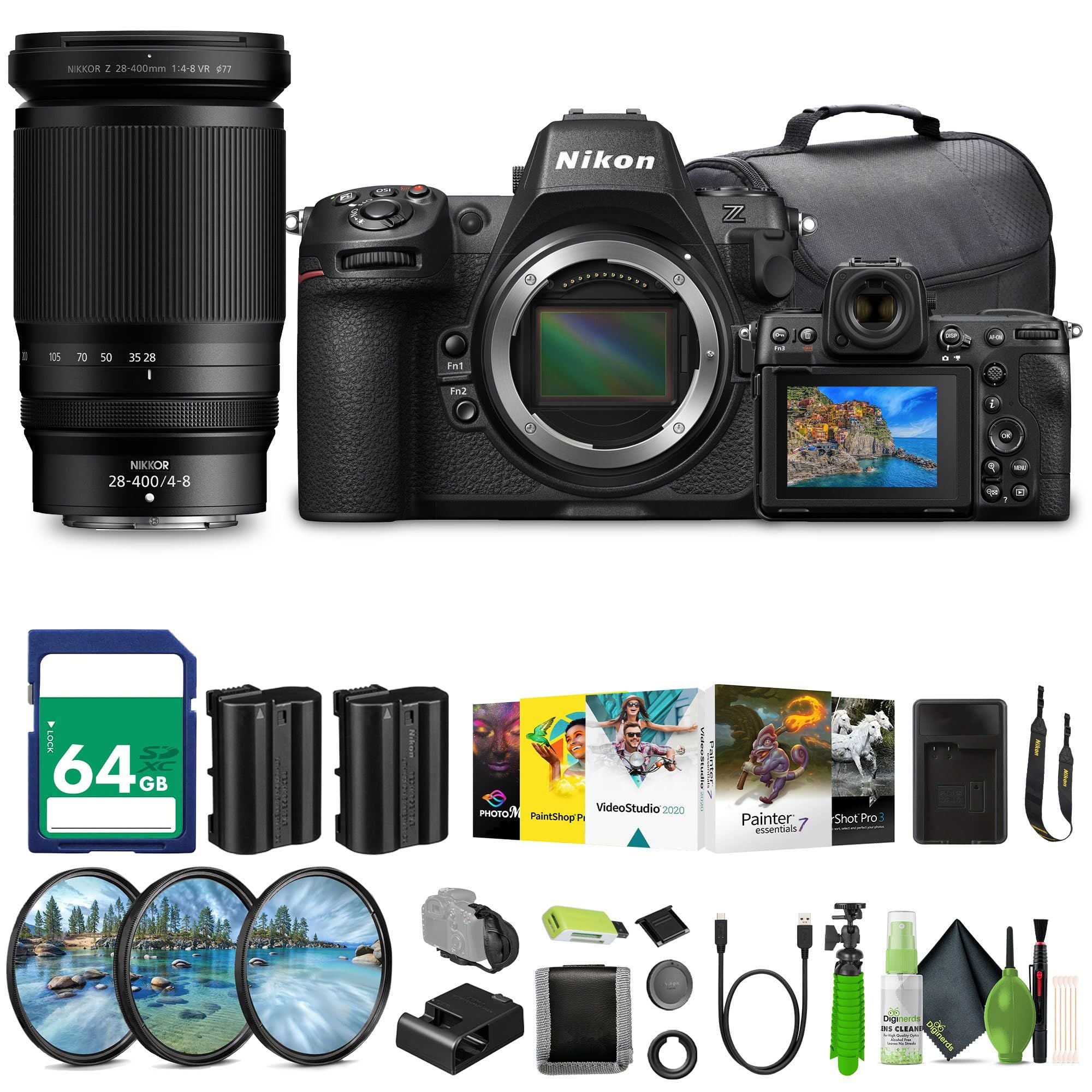
Best Cameras for Wildlife Photography in 2026
The Nikon Z8 leads this wildlife camera guide with fast bursts, strong autofocus, high resolution, and serious field control.
5 min read
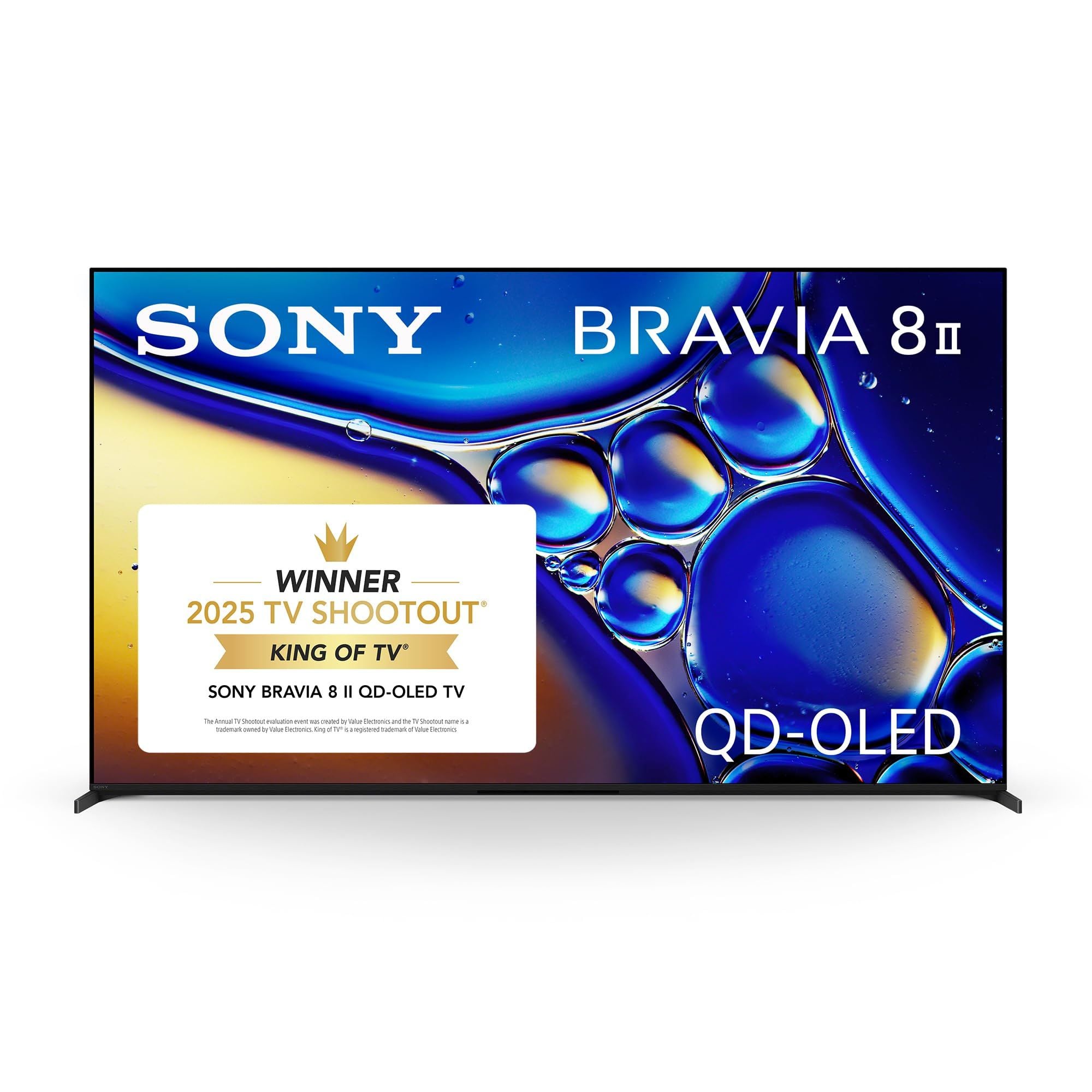
6 Best 65-Inch TVs for 2026
The LG C6 OLED 65-inch is the top pick for premium 65-inch picture quality, strong gaming support, and everyday streaming.
4 min read
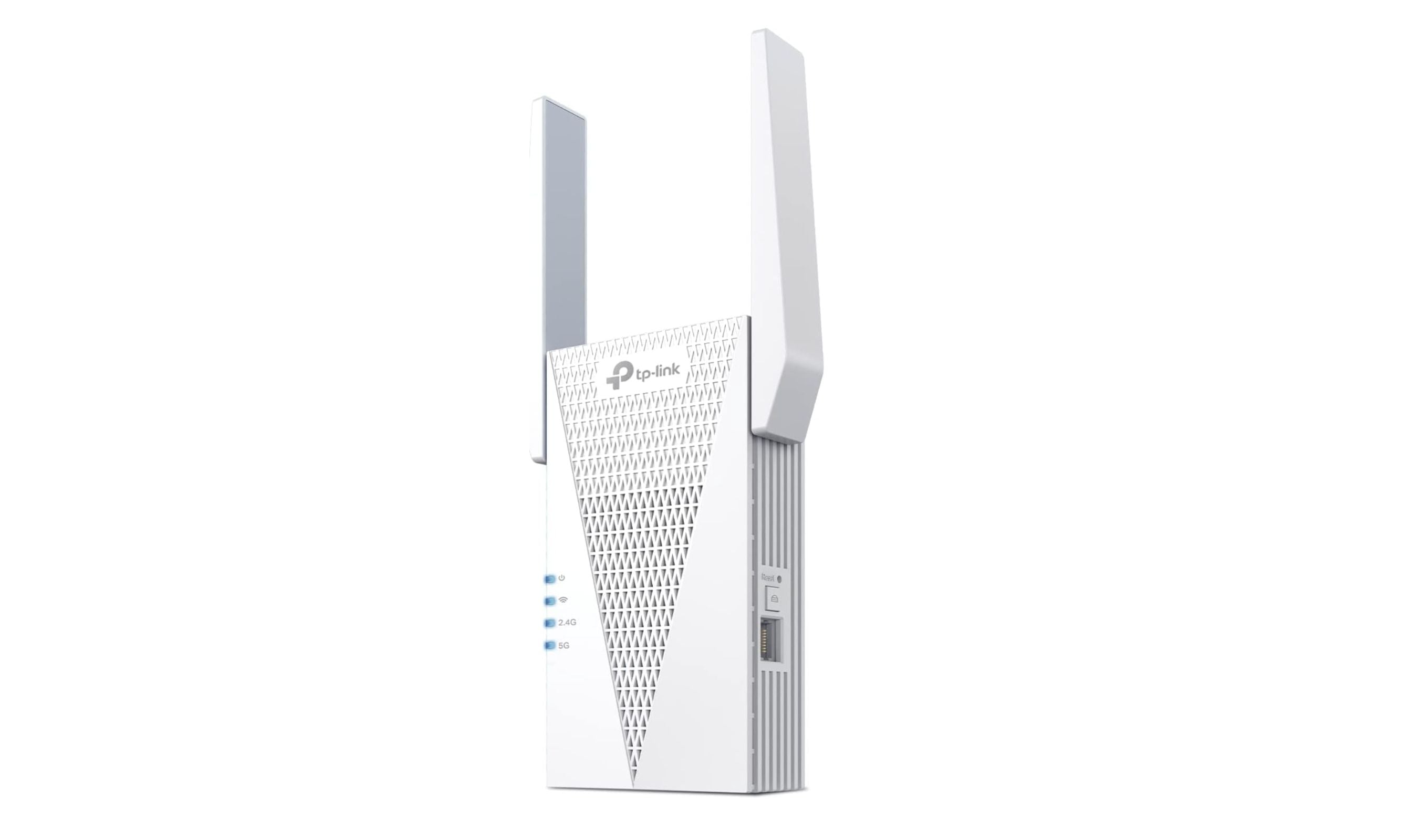
Best Wi-Fi Extenders for 2026
4 min read
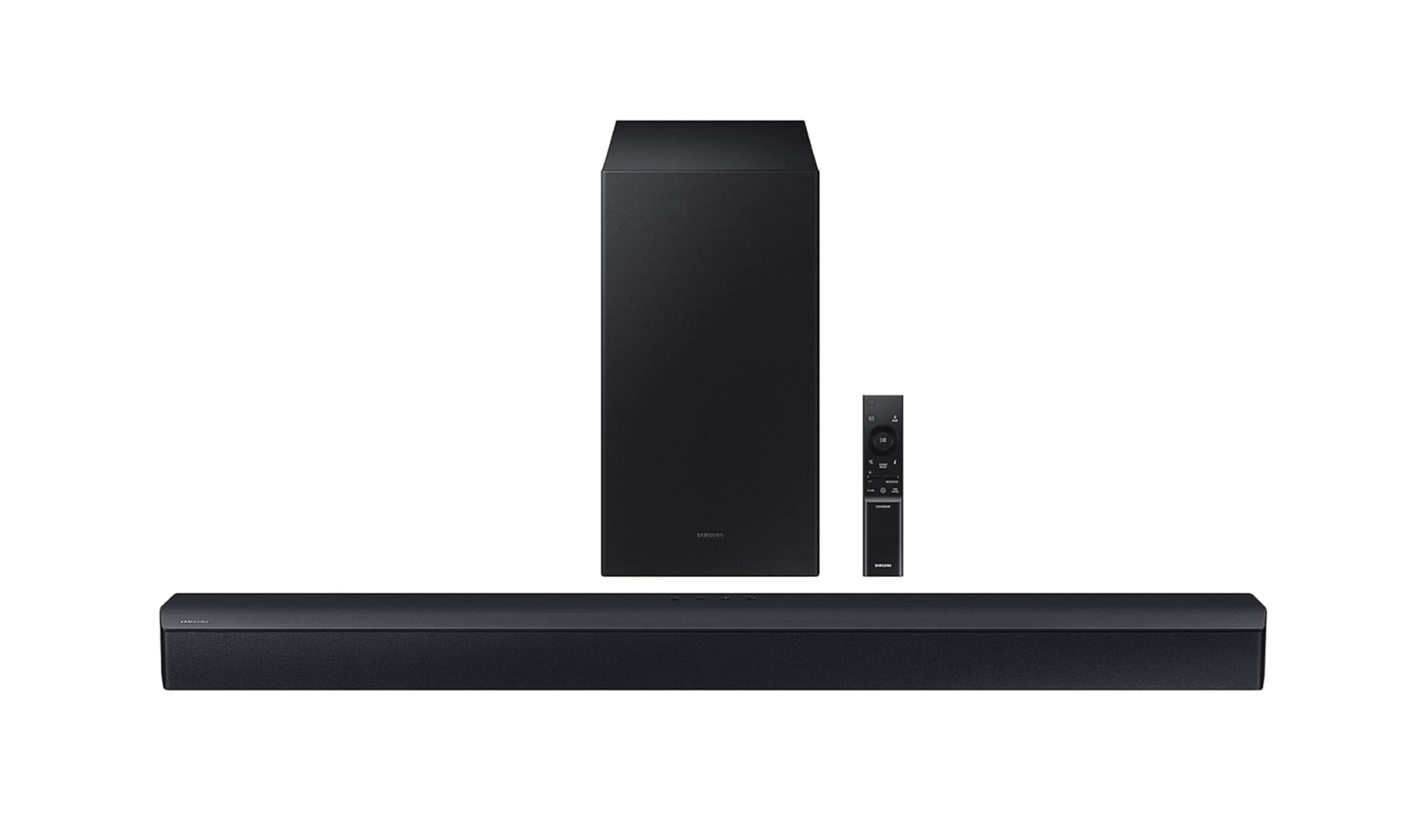
Best Soundbars Under $300 for 2026
3 min read
Best Electric Shavers in 2026
4 min read
8 Best Battery Powered Doorbell Cameras for 2026
4 min read
Best Field Recorders in 2026
4 min read
9 Best Floodlight Cameras for 2026
5 min read
5 Best Vacuums for Tile Floors in 2026
5 min read
Best Cameras for Live Streaming in 2026
3 min read