If you want to game on a bigger screen without being tied to a desk, a gaming tablet is your best bet. The Apple iPad Pro takes the top spot for its M5 chip and Ultra Retina XDR display, while the Lenovo Legion Tab Gen 3 offers a compact Android alternative. This list is for anyone who wants to play everything from casual mobile games to demanding titles like Genshin Impact on the go.
Technobezz is supported by its audience. We may get a commission from retail offers.
7 Best Tablets for Gaming in 2026
Discover the top gaming tablets for 2026, led by the Apple iPad Pro (M5). Compare performance, value, and features for on-the-go gaming.
T
Technobezz
Editorial Team
Updated September 4, 2026Sep 4, 2026
•8 min read

Get Deals Like These in Your Inbox
The best prices, reviewed weekly.
At a Glance
| Category | Product | Why We Picked It |
|---|---|---|
| Best overall | Apple iPad Pro (M5) | M5 performance and a ProMotion OLED display |
| Best value | Amazon Fire HD 10 (4 GB RAM) | 4 GB RAM and a Full HD screen for casual games |
| Best Android premium | Samsung Galaxy Tab S11 Ultra | Top-tier Android experience |
| Best budget gaming | Xiaomi Redmi Pad 2 | Solid performance without breaking the bank |
| Also recommended | Samsung Galaxy Tab A11+ | An 11-inch display up to 90Hz and quad speakers for casual gaming |
| Also recommended | Lenovo Legion Tab Gen 3 | A dedicated gaming tablet when you can find it |
| Also recommended | Apple iPad (A16) | Great budget-friendly gaming on the iPadOS ecosystem |
How we chose
We looked at tablets that can handle today's most demanding mobile games without stuttering or overheating. Performance, display quality, battery life, and cooling systems were our main criteria. We considered both dedicated gaming tablets and general-purpose devices that excel at gaming, focusing on real-world usability rather than just specs.
The best gaming tablets right now
Apple iPad Pro (M5) - Best overall
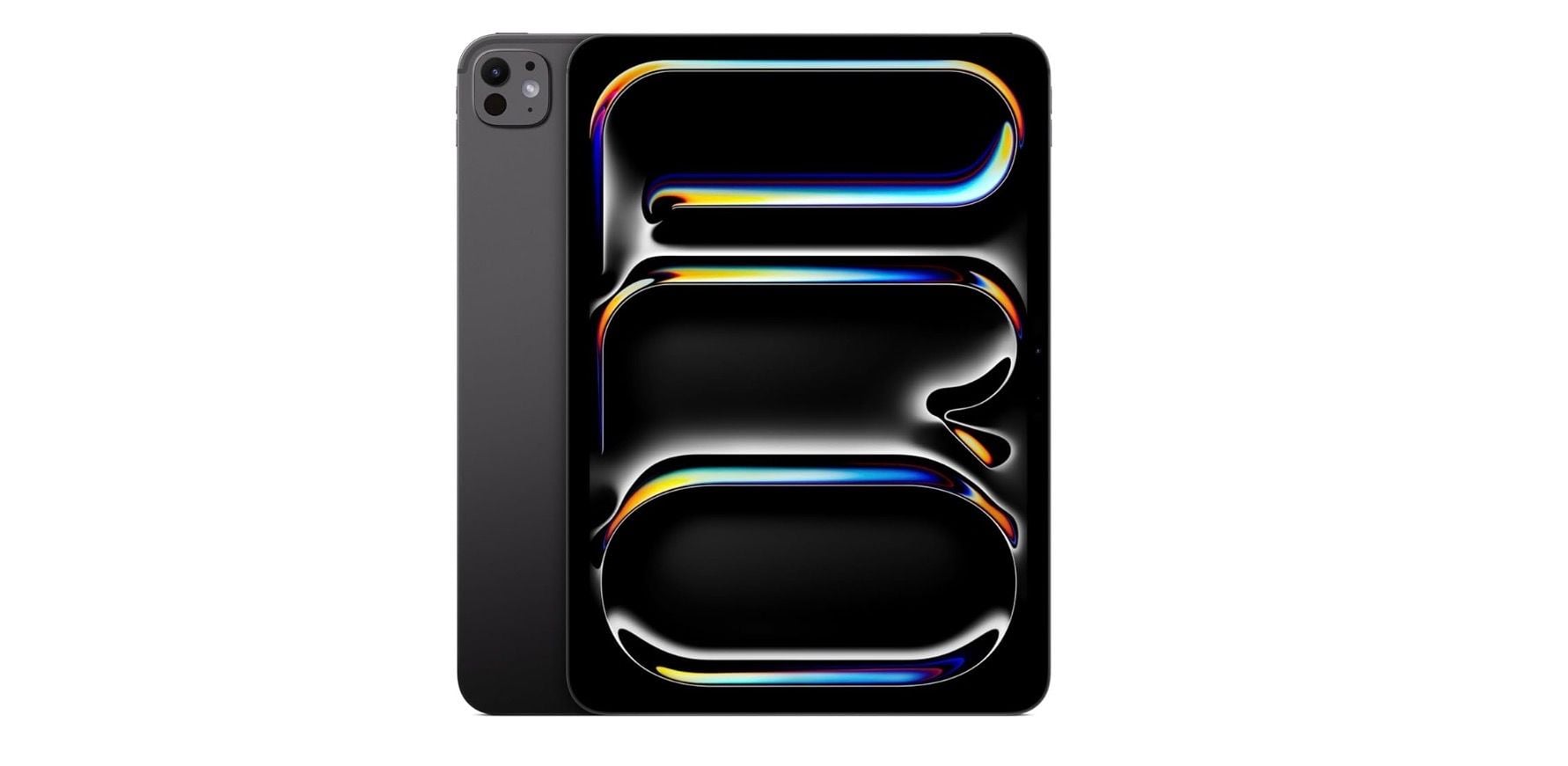
The iPad Pro combines Apple's M5 chip with an Ultra Retina XDR display for gaming and productivity. Its 10-core GPU supports hardware-accelerated ray tracing, but demanding games can still warm the tablet and reduce performance.
Key highlights
- Apple M5 chip with exceptional gaming performance
- 10-core GPU with hardware-accelerated ray tracing
- 153 GB/s unified memory bandwidth for smooth gameplay
- High refresh rate display with excellent color accuracy
- Long battery life for extended gaming sessions
Pros
- Unmatched performance for demanding games
- Tandem OLED display with adaptive refresh rates up to 120Hz
- Excellent app ecosystem with optimized games
- Can double as a productivity device
- Regular software updates and support
Cons
- Premium price point
- Limited to iPadOS game library
- Accessories add significant cost
- Heavier than some dedicated gaming tablets
Who it is for: Serious gamers who want the absolute best performance and don't mind paying for it, or those who need a tablet for both gaming and productivity.
Skip if
You're on a tight budget or prefer Android's game library and customization options.
Samsung Galaxy Tab S11 Ultra - Best Android premium
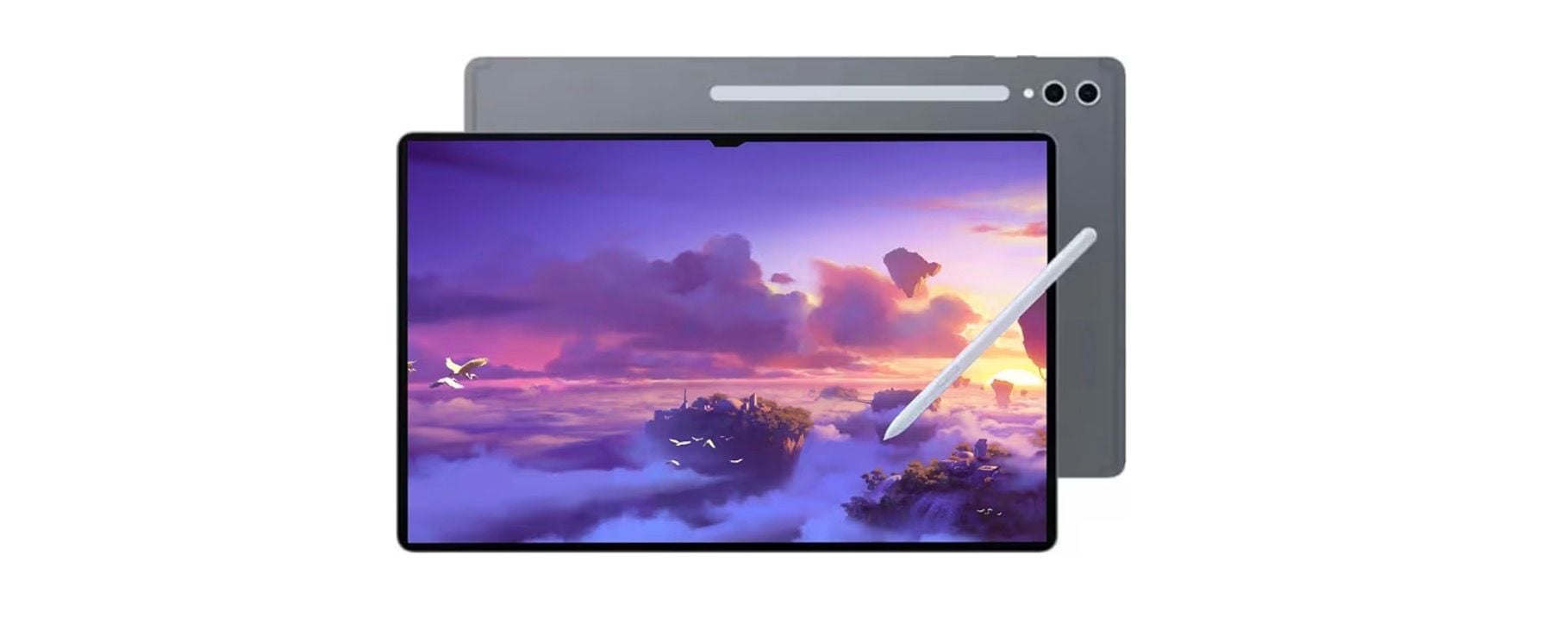
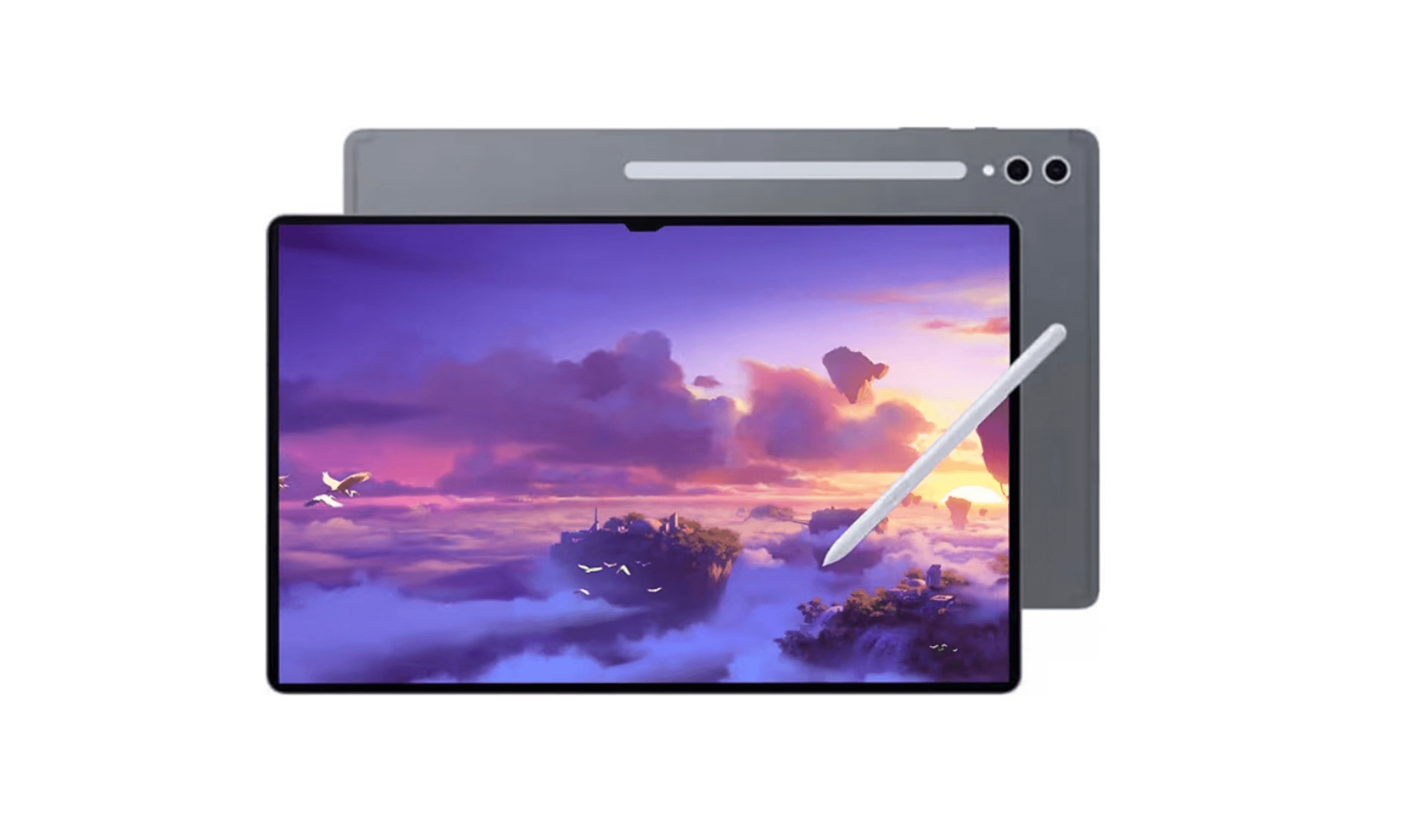
Samsung's flagship tablet offers a massive, gorgeous display and powerful performance that makes it ideal for both gaming and media consumption. It's the Android equivalent of the iPad Pro, with a premium experience throughout.
Key highlights
- Enormous high-resolution Dynamic AMOLED 2X display
- MediaTek Dimensity 9400+ (MT6991) processor handles demanding games
- S Pen included for precision controls
- Expandable storage via microSD card
- Excellent quad speakers with Dolby Atmos
Pros
- Stunning display perfect for games and media
- Strong performance across all game types
- S Pen adds unique gaming possibilities
- Expandable storage for large game libraries
- Premium build quality and design
Cons
- Very expensive, especially with higher storage
- Large size can be cumbersome for handheld gaming
- Battery life varies with screen brightness
- Heavier than most gaming-focused tablets
- The linked Amazon model has no US warranty
Who it is for: Gamers who want the best Android experience with a premium display and versatile features beyond just gaming.
Skip if
You're on a budget or prefer more portable, gaming-focused devices over general-purpose tablets.
Amazon Fire HD 10 (4 GB RAM) - Best value
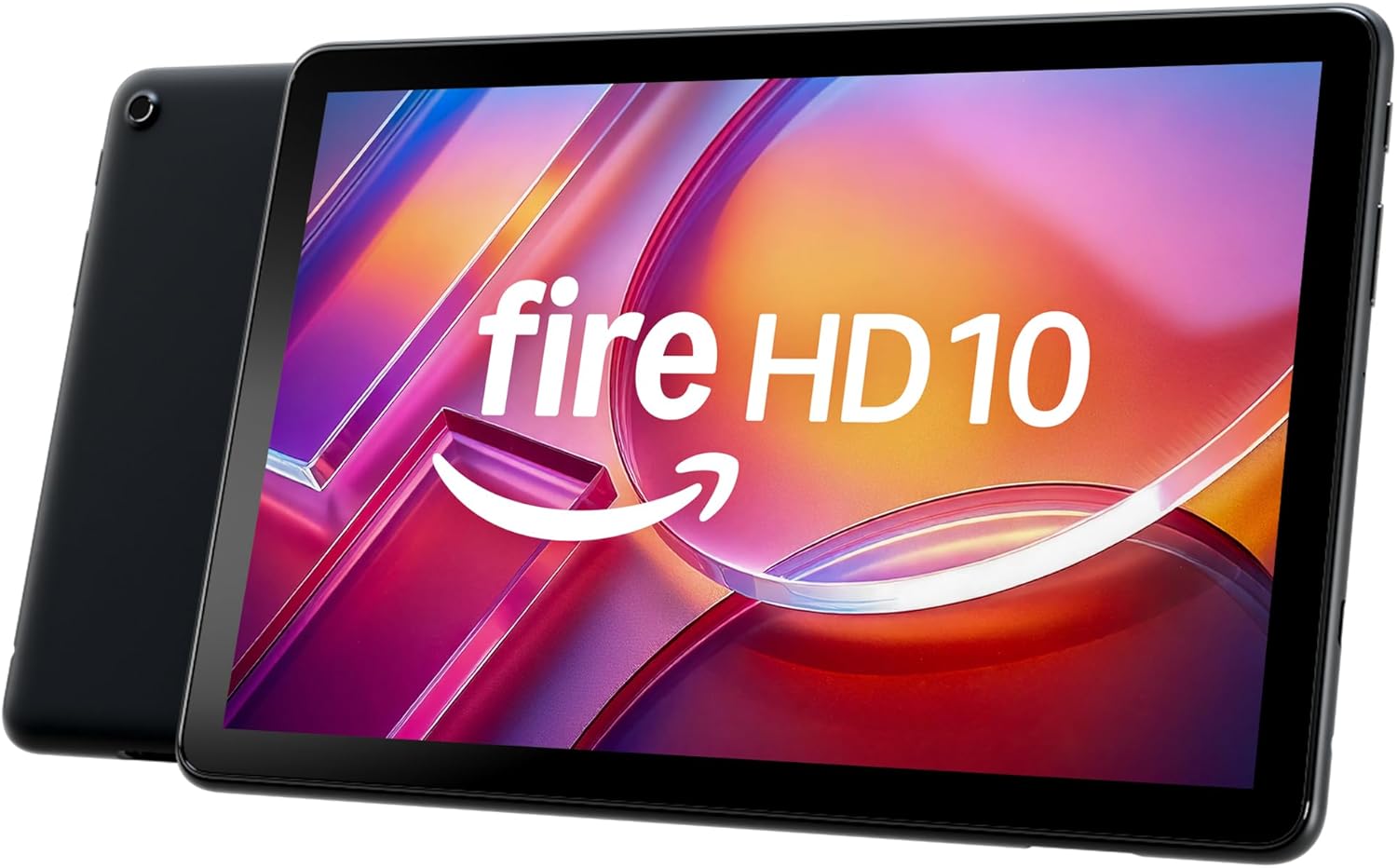
The Fire HD 10 pairs a 10.1-inch Full HD screen with an octa-core processor and 4 GB RAM for casual gaming and streaming. Check that your games are in the Amazon Appstore, because Google Play is not supported.
Key highlights
- 10.1-inch Full HD display with 1920 x 1200 resolution
- Octa-core processor and 4 GB RAM
- 32 GB storage with microSD expansion up to 1 TB
- Up to 13 hours of mixed-use battery life, according to Amazon
- USB-C charging with a 9W adapter included
Pros
- Full HD screen for games and video
- microSD storage expansion
- Amazon Kids parental controls
- 3.5 mm headphone jack and Bluetooth audio
Cons
- Google Play is not supported
- 32 GB of built-in storage on the linked model
- Some apps may need to be installed on internal storage
- Lockscreen ads are included
Who it is for: Casual gamers, families, or anyone on a budget who wants a capable gaming tablet without spending hundreds of dollars.
Skip if
You play demanding games like Genshin Impact at high settings or need access to the full Google Play Store.
Xiaomi Redmi Pad 2 - Best budget gaming
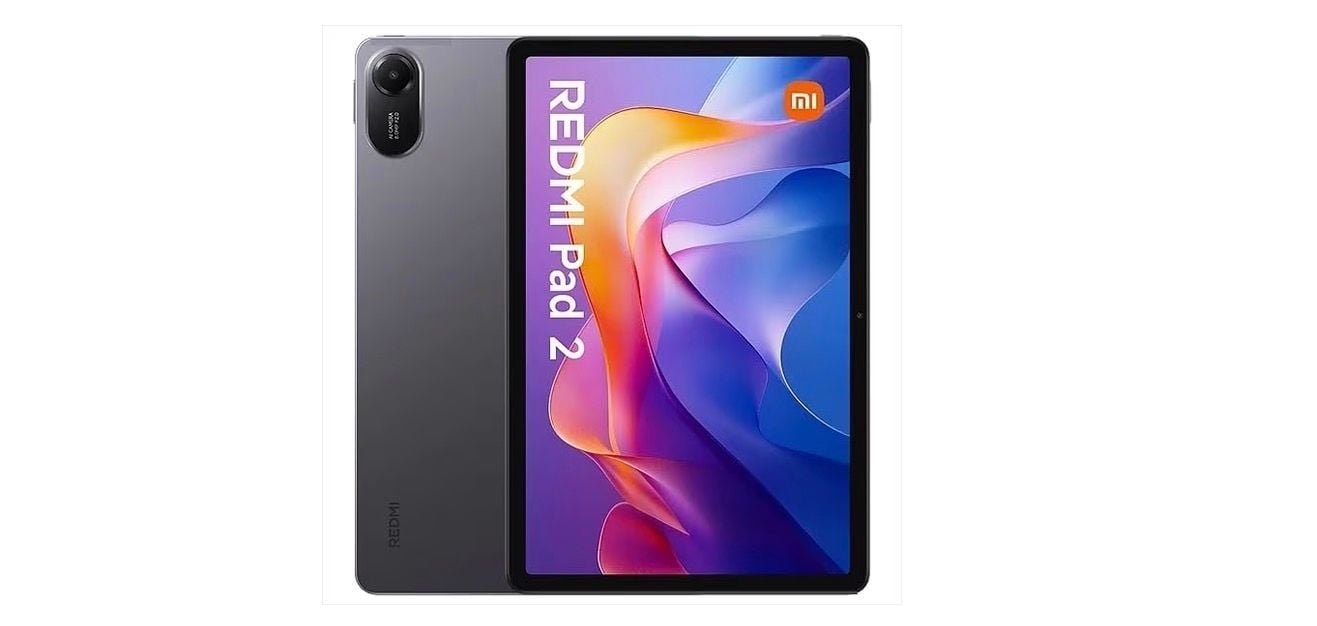
The Redmi Pad 2 offers solid gaming performance at an entry-level price, making it one of the best budget options for mobile gaming. It balances performance and affordability better than most competitors.
Key highlights
- Excellent price-to-performance ratio
- Capable processor for mid-range gaming
- Good battery life for extended sessions
- GLOBAL VERSION GLOBAL ROM
- Lightweight and portable design
Pros
- Very affordable
- Handles most popular mobile games well
- Clean software without bloatware
- Good build quality for the price
- Light and easy to hold for long periods
Cons
- Display quality isn't premium
- Limited to less demanding games
- Camera quality is basic
- Software updates may be limited
Who it is for: Budget-conscious gamers who want decent performance without spending much, or as a secondary gaming device.
Skip if
You need top-tier performance or play graphically intensive games regularly.
Also Good
- Samsung Galaxy Tab A11+ - an Android option for casual games with an 11-inch display up to 90Hz, 6 GB RAM, 128 GB storage and quad speakers.
- Lenovo Legion Tab Gen 3 - a dedicated gaming tablet when you can find it.
- Apple iPad (A16) - great budget-friendly gaming on the iPadOS ecosystem.
How to Choose
Performance matters most: Look for tablets with recent processors (Apple M-series, Snapdragon 8 series) that can handle today's games without stuttering. Older chips will struggle with demanding titles.
Display quality affects gameplay: Higher refresh rates (90Hz+) make games feel smoother, while better color accuracy and brightness improve visuals. OLED displays generally offer better contrast than LCD.
Cooling systems prevent throttling: Tablets without proper cooling will slow down during extended gaming sessions. Active cooling or advanced passive systems are worth the investment for serious gamers.
Battery life keeps you playing: Look for tablets that can last through your typical gaming sessions. Power-hungry games drain batteries faster, so capacity matters.
Ecosystem determines game selection: iPadOS has excellent game optimization but a different library than Android. Consider which games you play most and choose accordingly.
FAQ
What's the difference between a gaming tablet and a regular tablet?
Gaming tablets typically have better cooling systems, higher refresh rate displays, and gaming-focused software features. Regular tablets can still game well but may throttle performance or lack gaming-specific optimizations.
Do I need 5G for gaming on a tablet?
Only if you plan to game away from Wi-Fi frequently. Most gaming happens on Wi-Fi, but 5G adds flexibility for on-the-go gaming, though it increases cost and may impact battery life.
How important is refresh rate for gaming?
Higher refresh rates (120Hz+) make games feel smoother, especially in fast-paced titles. For casual games, 60Hz is fine, but competitive gamers will appreciate 90Hz or higher.
Can tablets really replace gaming laptops?
For mobile gaming, yes, tablets handle most mobile games better than laptops. For PC games, no, you'll need a laptop or desktop for that library, though cloud gaming services can bridge the gap.
How much storage do I need for gaming?
Modern games can be large (5-20GB each). Start with at least 128GB, or consider tablets with expandable storage if you plan to keep multiple games installed at once.
Published February 1, 2026 Last updated September 5, 2026
Share this article
More in News
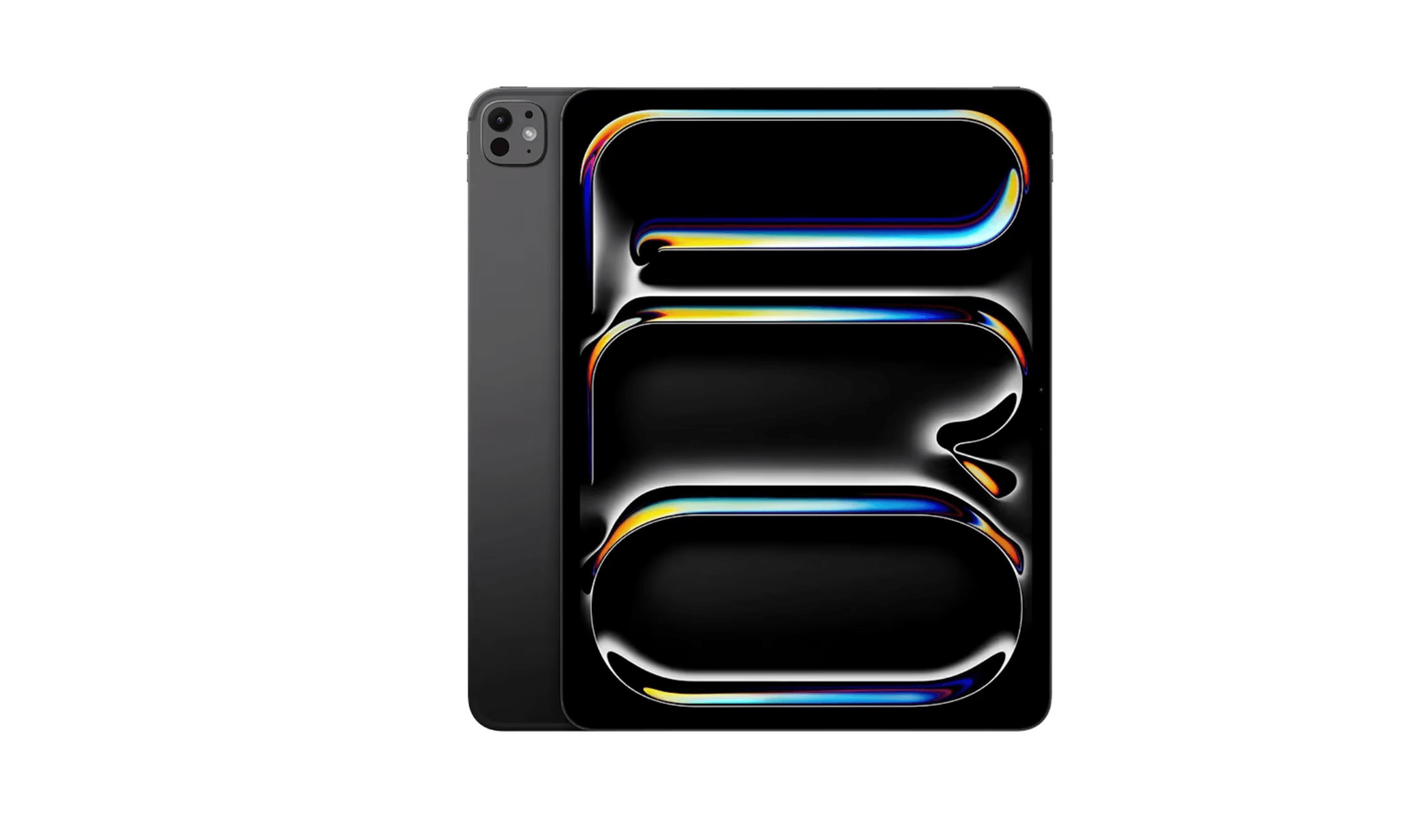
8 Best Tablets for Photo Editing in 2026
Discover the best tablets for 2026, featuring our top pick, the Apple iPad Air M2. Find the perfect device for photo editing, drawing, and productivity.
3 min read
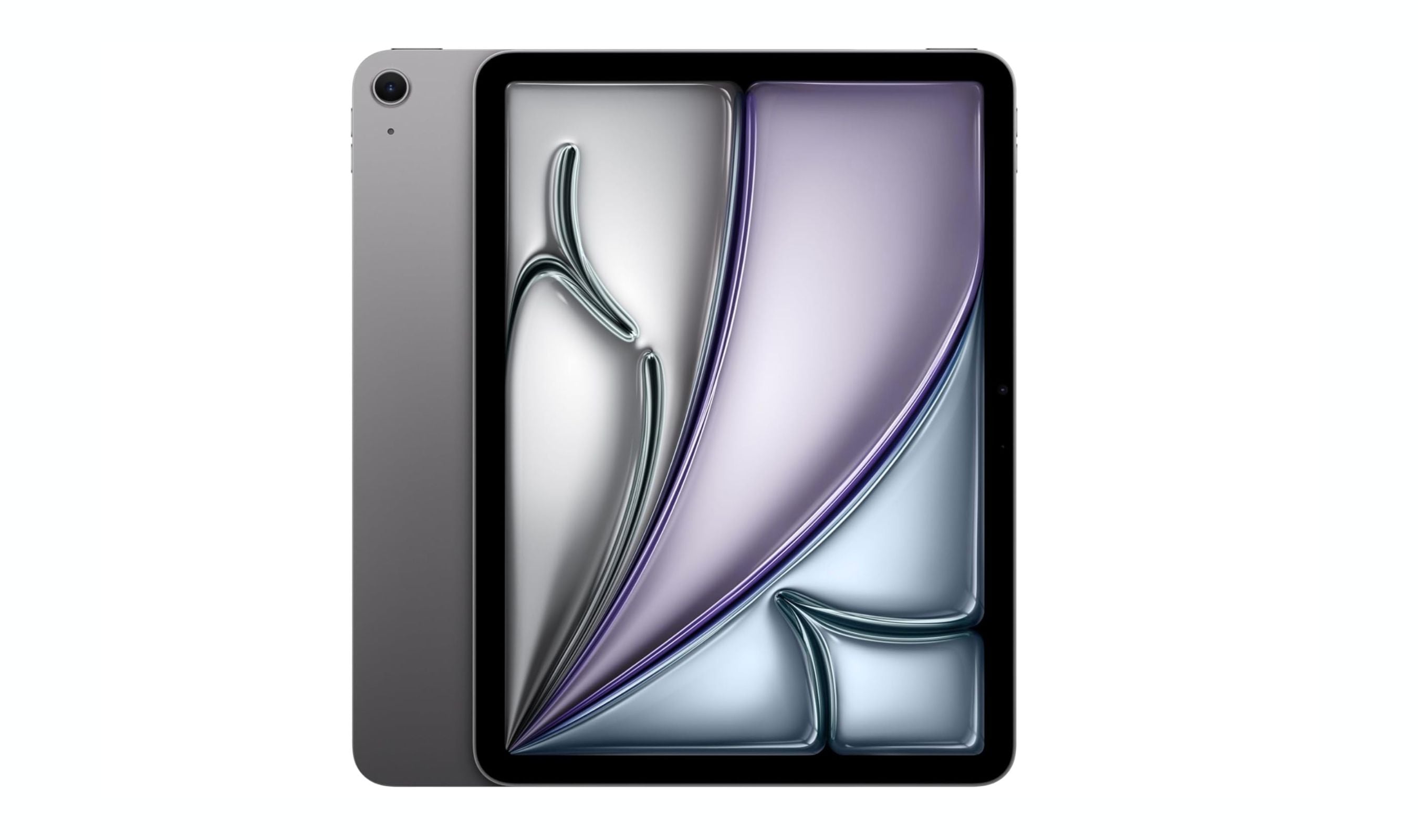
8 Best Tablets for Note Taking in 2026
The iPad Air 7th gen tops our list of the 8 best tablets for note taking in 2026, balancing Apple Pencil Pro support with a full app ecosystem and distraction-free e-ink options.
5 min read
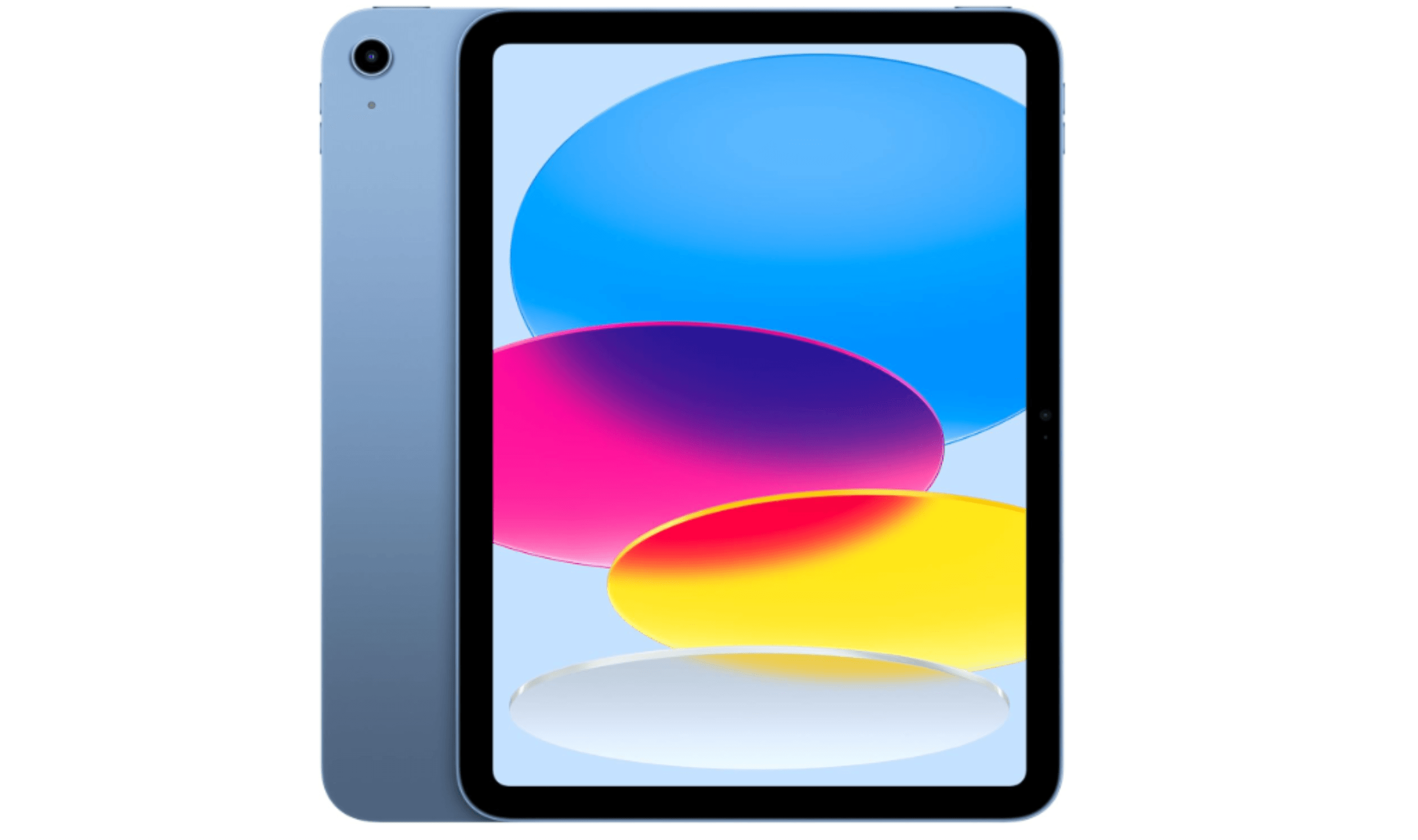
5 Best Cheap Tablets for 2026
Discover the 5 best cheap tablets for 2026. Our top pick is the Apple iPad 11-inch, delivering premium performance for less. Find the perfect budget tablet for you.
3 min read

6 Best Tablets for Bloggers in 2026
Discover the best tablets for bloggers in 2026, featuring the top pick Microsoft Surface Pro 7 for a full Windows experience and productivity.
4 min read
Best Drawing Tablets for 2026
5 min read
Best Tablets for Reading in 2026
5 min read
6 Best OLED TVs for 2026
3 min read
Best Workout Earphones for 2026
5 min read
6 Best Wi-Fi Routers for 2026
5 min read
9 Best Wireless Gaming Mice in 2026
3 min read
8 Best Fitness Trackers for 2026
5 min read
6 Best Laptops for Engineering Students in 2026
3 min read