Choosing the right laptop for interior design work means balancing performance, display quality, and budget. You need something that can handle AutoCAD, SketchUp, Revit, and Adobe Creative Suite without slowing down. This list focuses on laptops that deliver the power and color accuracy interior designers actually need.
Technobezz is supported by its audience. We may get a commission from retail offers.
7 Best Laptops for Interior Designers in 2026
Discover the 5 best laptops for 2026, featuring the top pick Apple MacBook Pro 16. Find the perfect balance of power, display, and value for demanding design work.
T
Technobezz
Editorial Team
Updated October 12, 2026Oct 12, 2026
•7 min read

Get Deals Like These in Your Inbox
The best prices, straight to your inbox.
On GoogleFollow Technobezz: add us as a preferred source.

At a Glance
| Category | Product | Why We Picked It |
|---|---|---|
| Best overall | Apple MacBook Pro 16-inch (M5 Pro) | For its M5 Pro chip, 48GB memory and Liquid Retina XDR display |
| Best value | Lenovo Yoga 9i | Offering 2-in-1 versatility at a reasonable price |
| Best for students | Dell 16 Premium | With Windows compatibility, RTX 5050 graphics and 32GB RAM |
| Best budget option | Acer Aspire 5 | For basic projects with a Core i7, 16GB RAM and 512GB SSD |
| Best workstation | ASUS ProArt P16 | RTX 5070 graphics, 64GB RAM and a 4K OLED touchscreen |
| Also recommended | ASUS ROG Zephyrus G14 | Powerful compact laptop for 3D and gaming |
| Also recommended | HP Omen 16 | RTX 5060 graphics and 32GB RAM for 3D work |
How we chose
We analyzed university requirements, professional recommendations, and real-world software needs. Our selection prioritizes laptops that meet the demanding specifications for interior design software while considering different budgets and workflows. We looked at CPU performance, GPU capabilities, RAM requirements, display quality, and overall value.
The best laptops for interior designers right now
Apple MacBook Pro 16-inch (M5 Pro) - Best overall
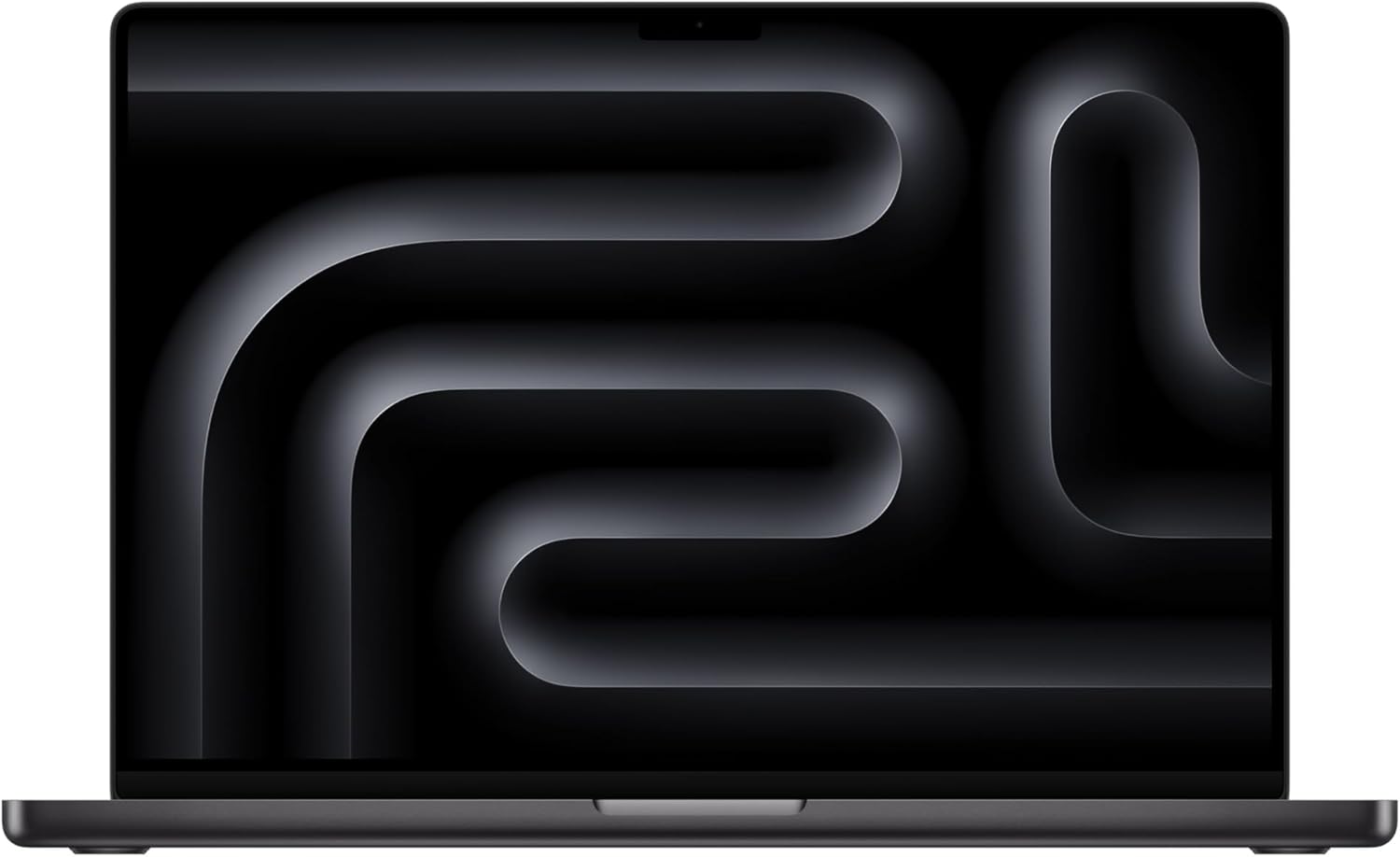
The 16-inch MacBook Pro with M5 Pro pairs an 18-core CPU and 20-core GPU with 48GB unified memory and a 1TB SSD. Its 16.2-inch Liquid Retina XDR display suits presentations and visual work, provided your design applications support macOS.
Key highlights
- M5 Pro chip with 18-core CPU and 20-core GPU
- 16.2-inch Liquid Retina XDR display
- 48GB unified memory and 1TB SSD
- Three Thunderbolt 5 ports, HDMI and an SDXC card slot
- Wi-Fi 7 and Bluetooth 6
Pros
- 48GB memory for running multiple creative applications
- Display rated for up to 1600 nits peak brightness
- Supports up to three external displays
- 12MP Center Stage camera for client calls
Cons
- Revit requires Windows; check software compatibility before choosing macOS
- No USB-A port for older peripherals
Who it is for: Professional interior designers who need top-tier performance and display quality for client presentations and complex projects.
Skip if
You require specific Windows-only software or have a strict budget under $2,000.
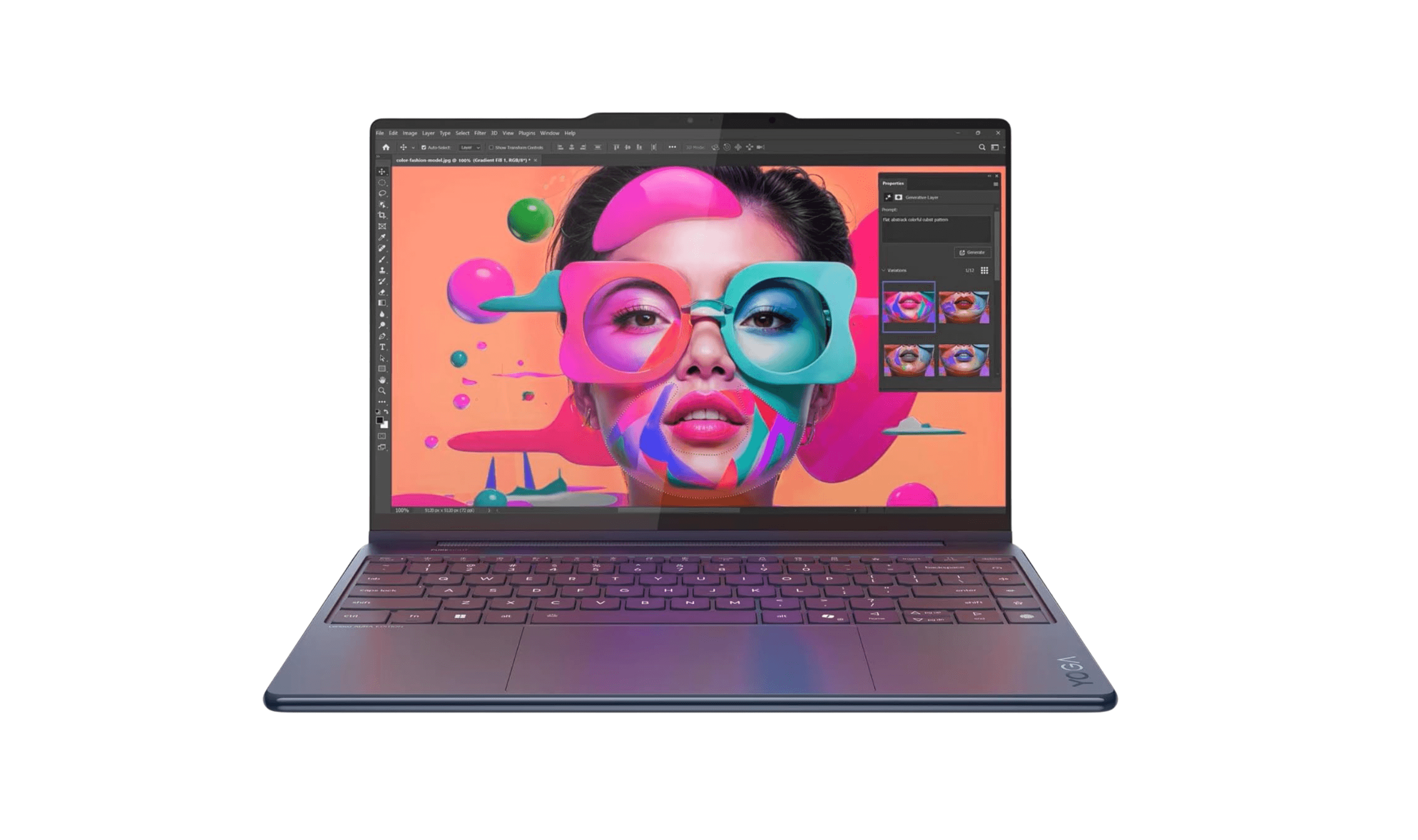
Lenovo Yoga 9i - Best value
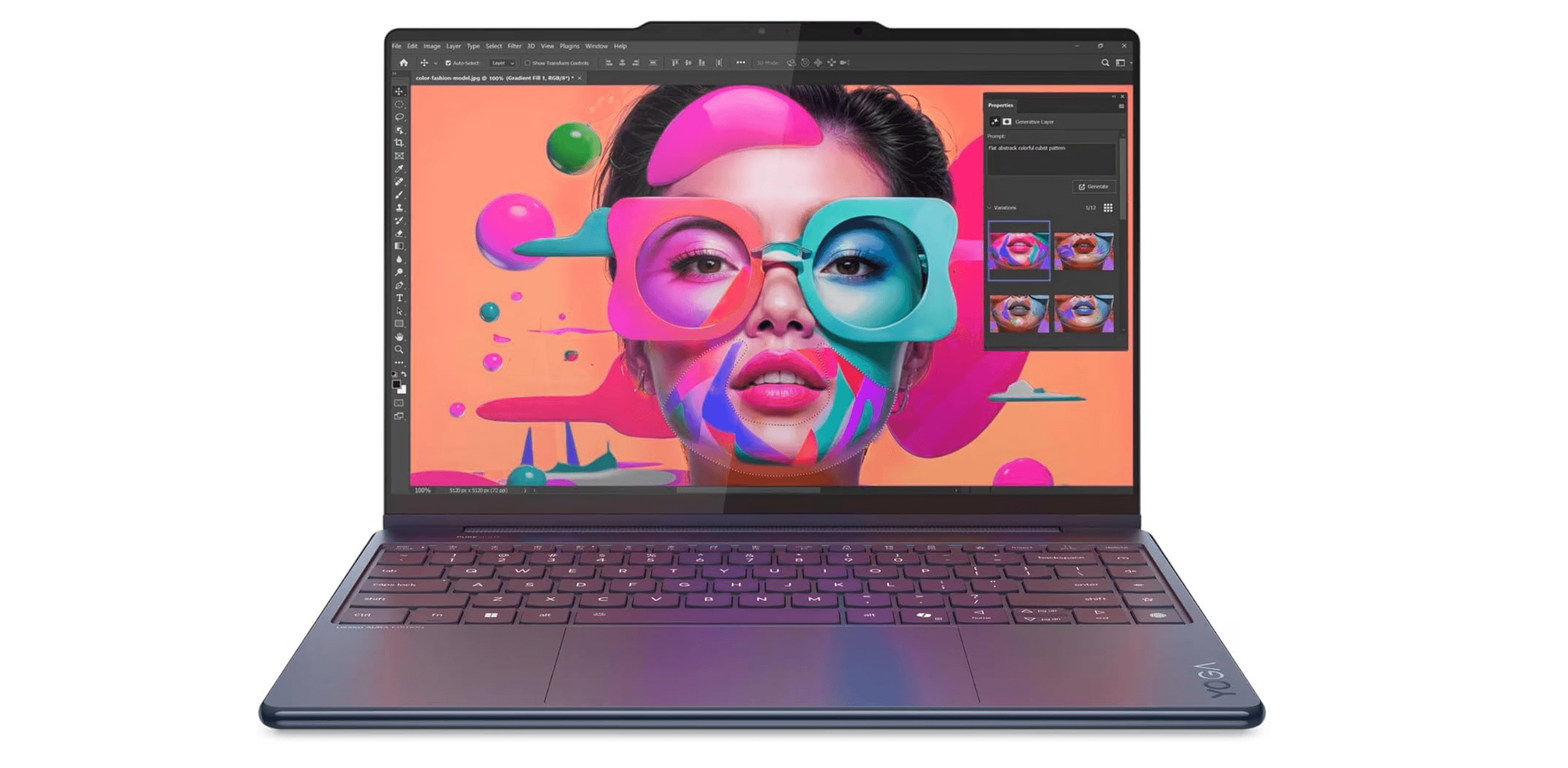
The Lenovo Yoga 9i offers a versatile 2-in-1 design that's perfect for sketching concepts directly on screen while providing enough power for most interior design tasks. It strikes an excellent balance between performance and affordability.
Key highlights
- 360-degree hinge for tablet and tent modes
- 14-inch 4K OLED touchscreen with 100% DCI-P3 coverage
- Intel Core Ultra 7 258V processor
- Integrated Intel Arc 140V graphics, 32GB RAM and a 1TB SSD
- Long battery life with rapid charging
Pros
- 2-in-1 design is perfect for sketching and presentations
- OLED display offers vibrant colors and deep blacks
- Good performance for the price point
- Versatile for both work and creative tasks
- Solid build quality with premium materials
Cons
- Not as powerful as dedicated workstations for heavy rendering
- Can get warm under sustained heavy loads
- Slightly heavier than some ultraportable options
Who it is for: Interior designers who want flexibility for sketching and presenting, plus solid performance for everyday design work.
Skip if
You regularly work with extremely complex 3D models or need maximum rendering performance.
Dell 16 Premium - Best for students
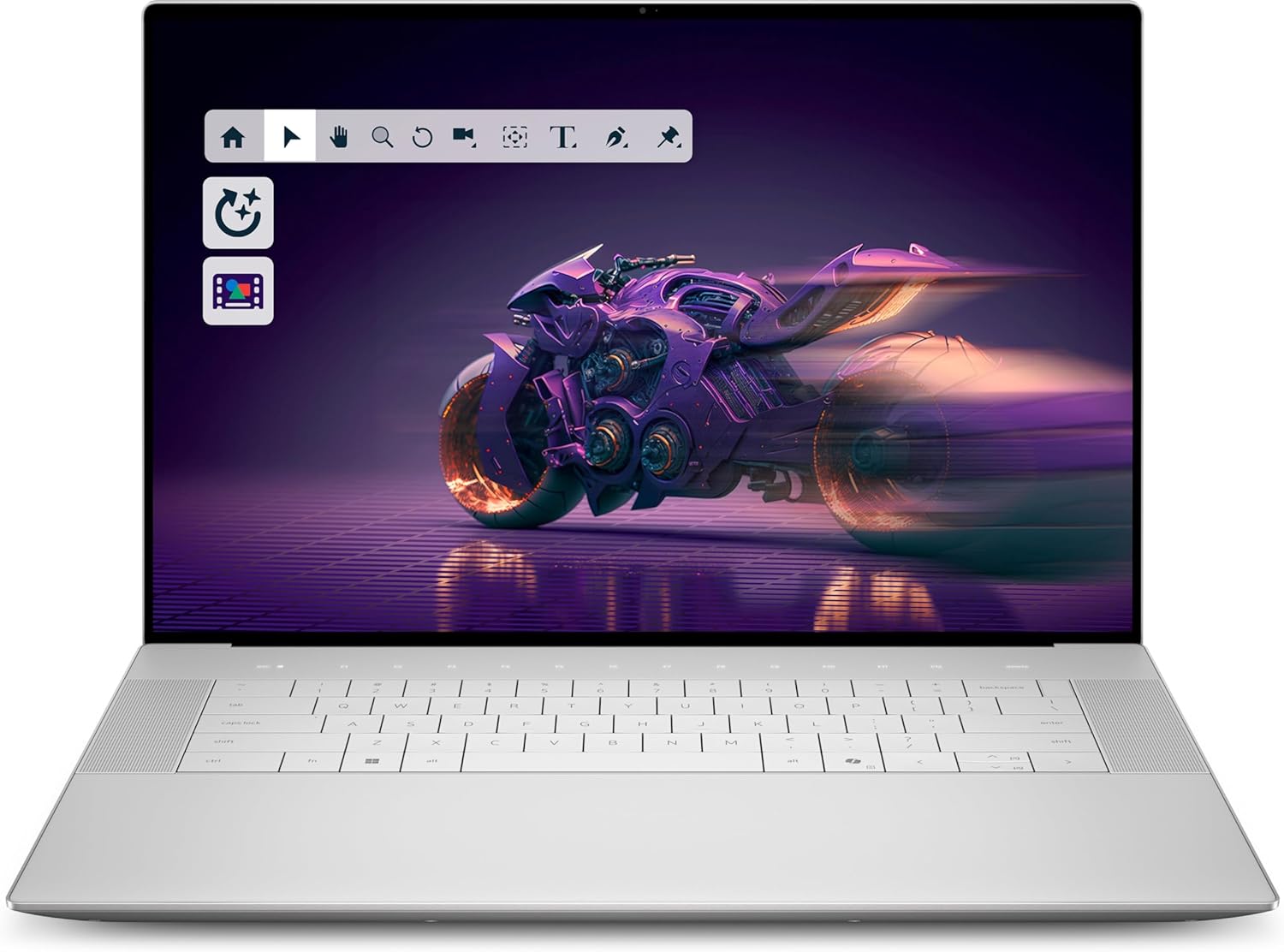
The Dell 16 Premium pairs Windows 11 Home with a Core Ultra 7 255H processor, RTX 5050 graphics, 32GB RAM and a 1TB SSD for design coursework. Its 16.3-inch non-touch display provides a large workspace; check your program's software requirements before buying.
Key highlights
- 16.3-inch non-touch display with up to 120Hz refresh rate
- NVIDIA GeForce RTX 5050 with 8GB GDDR7
- Intel Core Ultra 7 255H processor
- 32GB LPDDR5X memory and 1TB SSD
- Windows 11 Home and fingerprint reader
Pros
- 32GB RAM meets this guide's multitasking target
- Dedicated RTX graphics for accelerated design applications
- Large display rated at 500 nits
- Windows compatibility for applications such as Revit
- Three Thunderbolt 4 ports and a microSD card reader
Cons
- The linked display does not support touch input
- Onboard memory cannot be upgraded
- No built-in USB-A port
Who it is for: Interior design students and professionals who need Windows compatibility and a large display for detailed work.
Skip if
You prioritize maximum portability or work primarily with macOS-specific software.
Acer Aspire 5 - Best budget option
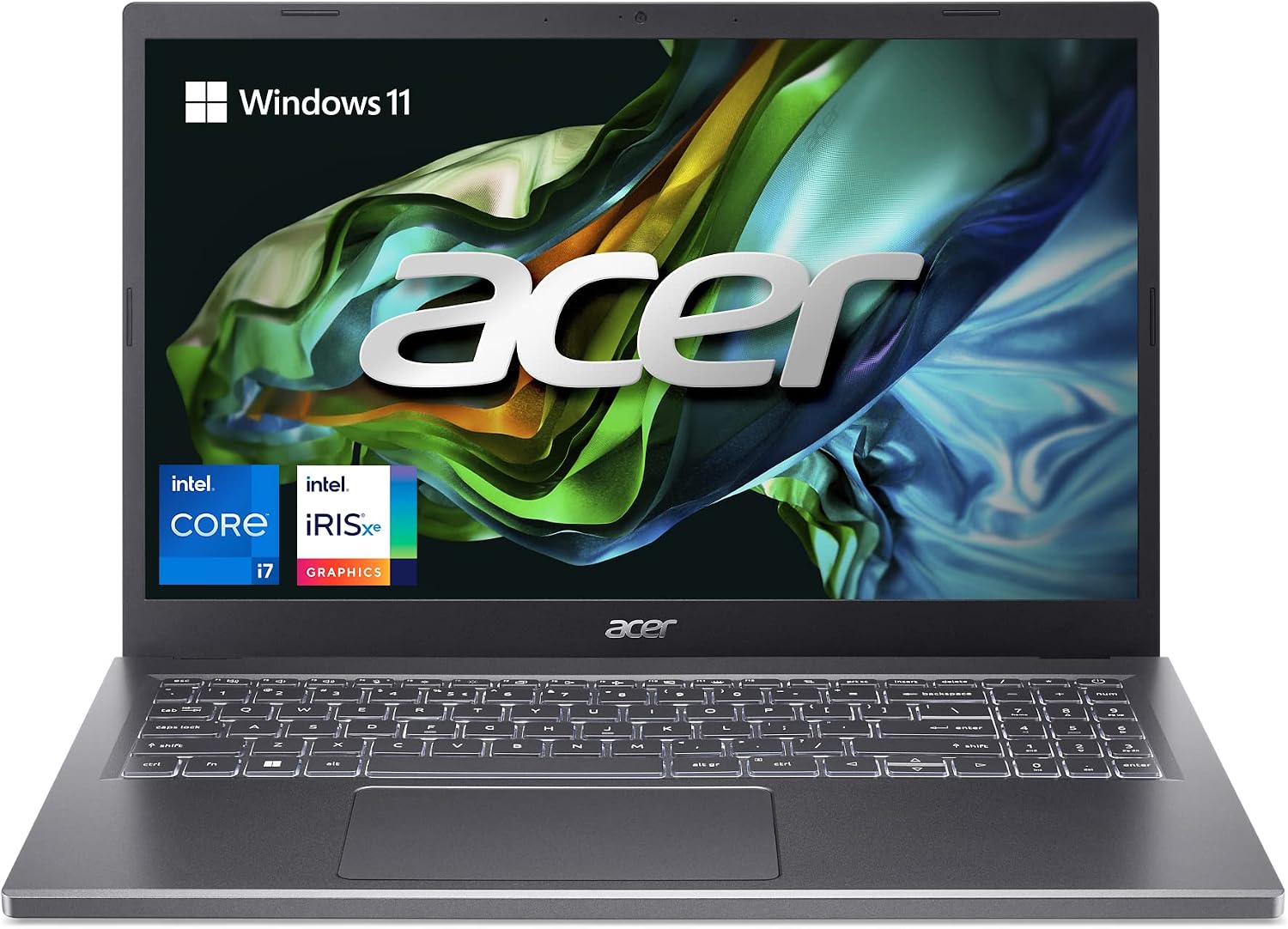
The Acer Aspire 5 A515-58M-7570 pairs a Core i7-1355U with 16GB RAM and a 512GB SSD for basic coursework and everyday design tasks. Its integrated Intel Iris Xe graphics make it a limited choice for demanding 3D rendering.
Key highlights
- Intel Core i7-1355U processor
- Integrated Intel Iris Xe graphics
- 16GB LPDDR5 memory and 512GB PCIe Gen4 SSD
- 15.6-inch Full HD IPS display
- Thunderbolt 4, HDMI 2.1 and two USB-A ports
Pros
- 16GB memory for basic coursework and multitasking
- Backlit keyboard and 1080p webcam
- USB-A and Thunderbolt connectivity for peripherals
- Aluminum top cover
Cons
- No dedicated NVIDIA GPU for demanding rendering
- Full HD resolution limits workspace for detailed projects
- 16GB RAM leaves less headroom for large projects than the guide's 32GB target
Who it is for: Students or beginners on a tight budget who need a capable laptop for learning and basic projects.
Skip if
You work with complex 3D models, need professional color accuracy, or plan to use the laptop for heavy rendering.
ASUS ProArt P16 - Best workstation
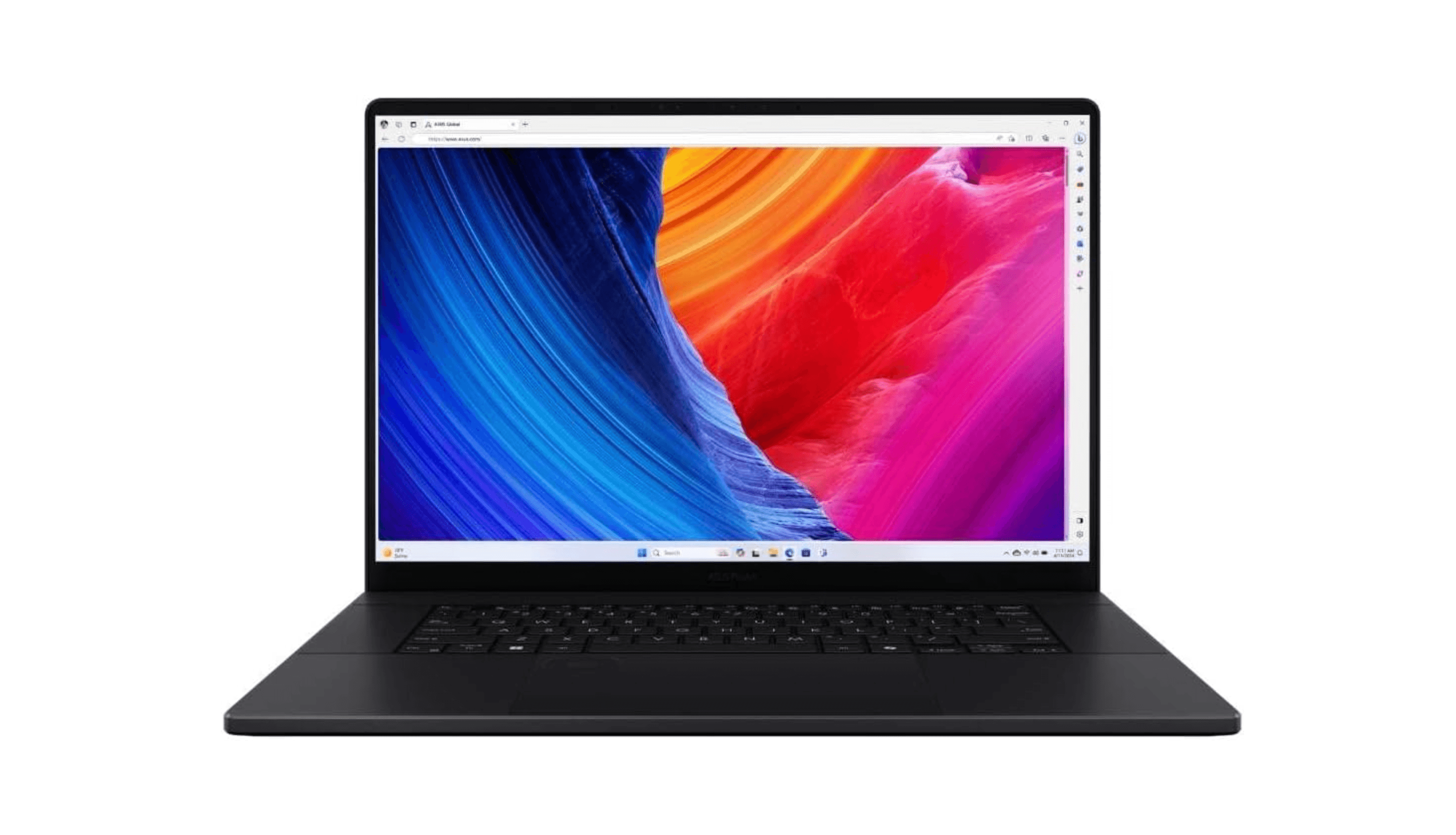
The linked ASUS ProArt P16 H7606WP is a HIDevolution-customized configuration with a Ryzen AI 9 HX 370 processor, RTX 5070 graphics, 64GB RAM and 16TB of SSD storage. Its 16-inch 4K OLED touchscreen provides a large workspace for design projects.
Key highlights
- AMD Ryzen AI 9 HX 370 processor
- NVIDIA GeForce RTX 5070 with 8GB GDDR7
- 16-inch 3840 x 2400 OLED touchscreen at 60Hz
- 64GB LPDDR5X memory and two 8TB PCIe SSDs
- Windows 11 Pro and a one-year HIDevolution warranty
Pros
- 64GB RAM for memory-intensive projects
- Dedicated RTX graphics for accelerated creative applications
- 16TB storage for large project libraries
- 4K OLED touchscreen
Cons
- Customized reseller configuration rather than a standard factory specification
- 60Hz display
- 16TB storage is excessive for many design workflows
Who it is for: Designers who need 64GB RAM, a large OLED touchscreen and unusually extensive local storage.
Skip if
You're a student, work on basic projects, or need something lightweight and portable.
Also Good
- ASUS ROG Zephyrus G14 - powerful compact laptop for 3D and gaming.
- HP Omen 16 - Ryzen AI 7 350, RTX 5060 graphics, 32GB RAM and a 1TB SSD for 3D work.
How to Choose
Software compatibility matters most. Check which operating system your required software needs. Many universities and firms use Windows-only applications, including Revit and certain AutoCAD plugins.
Prioritize the GPU for 3D work. A dedicated NVIDIA RTX graphics card will handle rendering and 3D modeling much better than integrated graphics. Look for at least an RTX 4050 or better for professional work.
RAM is critical for multitasking. 32GB should be your minimum target for running multiple design applications simultaneously. 16GB might work for basic tasks but will limit you as projects grow.
Display quality affects your work. Look for at least 100% sRGB color coverage, and consider OLED or mini-LED for better contrast. Resolution matters too, QHD or 4K helps with detailed work.
Consider your workflow. If you sketch concepts frequently, a 2-in-1 with pen support might be worth the investment. If you're always on site, battery life and portability become more important.
FAQ
Do interior designers need Windows or macOS?
Many interior design programs and professional firms use Windows because of software compatibility with AutoCAD, Revit, and other industry-standard tools. Some schools, like Oregon State University, require Windows laptops for interior design programs. macOS works if you only use compatible software, but check your specific needs first.
How much RAM do I really need?
Start with 32GB for professional work. 16GB might work for students or basic projects, but you'll quickly hit limits with multiple applications open. 64GB is overkill for most interior designers unless you work with extremely complex models.
Is a gaming laptop good for interior design?
Yes, gaming laptops often have the powerful GPUs and processors that interior design software needs. They can offer better value than dedicated workstations, though they might lack professional color calibration and certified drivers.
Can I use an iPad for interior design work?
An iPad can be great for sketching concepts and presentations, but it won't replace a laptop for serious design work. You'll still need a proper computer for AutoCAD, Revit, and other desktop applications.
How important is color accuracy?
Very important if you're creating client presentations or working with materials that need precise color matching. Look for displays with at least 100% sRGB coverage, and consider professional calibration for critical work.
Published February 6, 2026 Last updated October 13, 2026
Share this article
More on laptops
Buying guide
Best Laptops for Graphic Design in 2026
Buying guide
6 Best Travel Laptops From Budget Picks to Premium Models
Buying guide
7 Best Laptops for High School Students in 2026
Deal
Microsoft Surface Laptop 5 slips to $608.84
More buying guides
Buying guideBest Translation Earbuds for 2026Buying guide9 Best Desktops Under $1500 for 2026Buying guide7 Best Noise Cancelling Headphones to Buy in 2026Buying guide9 Best Keyboards From Top Brands in 2026Buying guide8 Best 60 Percent Keyboards of 2026Buying guideTop 7 Home Theater Systems for 2026Buying guide6 Best Handheld Gaming Consoles for 2026Buying guide5 Spy Cameras for Home and Portable Monitoring (2026)