The best keyboard brand depends on how you type, where you use it, and how much control you want over feel and layout. Office users need quiet keys and reliable switching, while gamers may need fast polling, adjustable actuation, or compact layouts that leave more mouse space.
Technobezz is supported by its audience. We may get a commission from retail offers.
8 Best Keyboards From Top Brands in 2026
Logitech MX Keys S Full-Size is our top pick for quiet typing, smart backlighting, and broad platform support.
T
Technobezz
Editorial Team
Updated October 1, 2026Oct 1, 2026
•12 min read

Get Deals Like These in Your Inbox
The best prices, reviewed weekly.
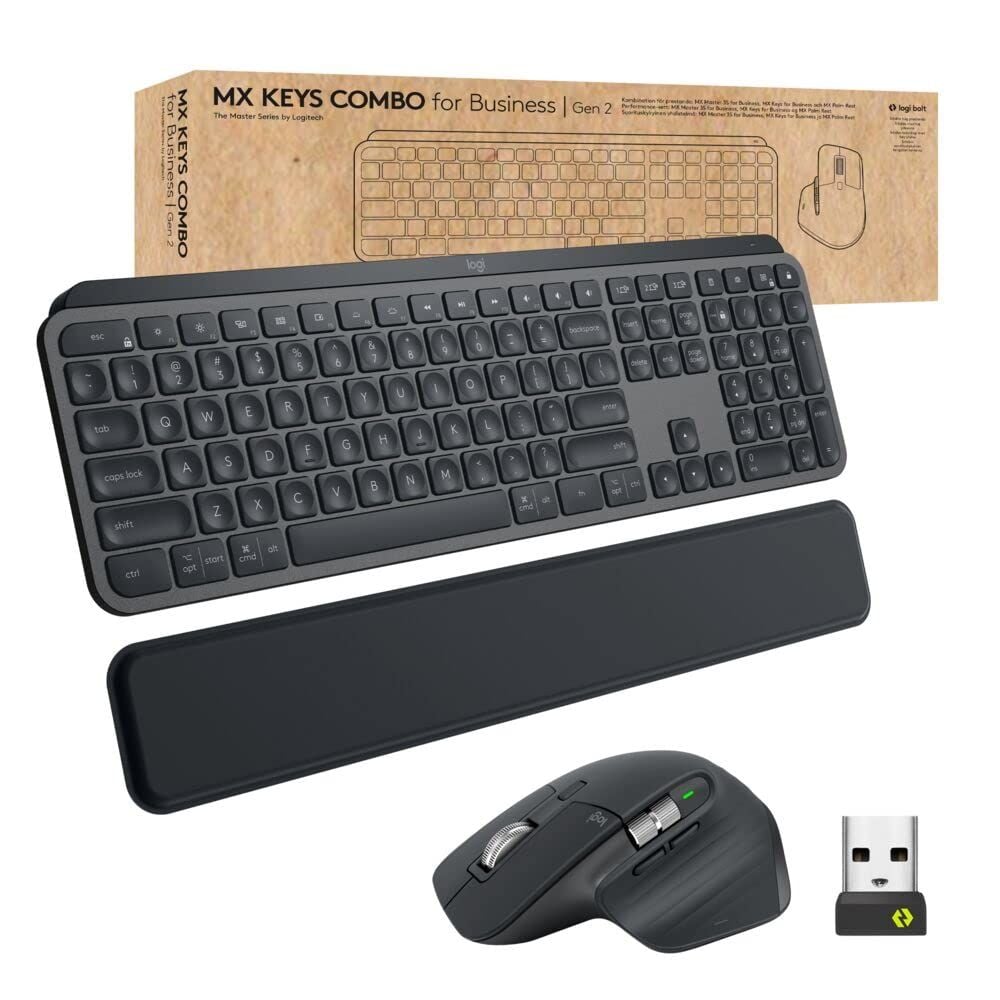
The Logitech MX Keys S Full-Size is the best overall pick because it combines low-profile scissor keys, Bluetooth Low Energy, Logi Bolt support, smart backlighting, and compatibility across Windows, macOS, Linux, ChromeOS, iPadOS, and Android.
This roundup covers everyday productivity, budget mechanical gaming, premium typing, esports, adjustable gaming controls, wireless gaming, low-profile mechanical layouts, and ergonomic comfort.
At a Glance
| Category | Product | Why We Picked It |
|---|---|---|
| Best overall | Logitech MX Keys S Full-Size | Quiet wireless typing with polished everyday controls |
| Best budget | HyperX Origins 2 65 | Compact wired gaming with hot-swappable switches and 8,000 Hz polling |
| Best for mechanical typing | Keychron Q6 Ultra 8K Full-Size | Premium full-size mechanical feel with modern wireless performance |
| Best for esports | Razer Huntsman V3 Pro Tenkeyless 8KHz | Fast analog optical controls in a tournament-friendly TKL size |
| Best for adjustable gaming | SteelSeries Apex Pro TKL Gen 3 | Magnetic switches with deep actuation tuning and mainstream software |
| Best for wireless gaming | Corsair K65 Plus Wireless 75% | Compact wireless gaming with strong battery life and hot-swap support |
| Best for low-profile mechanical | NuPhy Air75 V3 75% | Slim hot-swappable mechanical typing with strong wireless battery life |
| Best for ergonomic comfort | Logitech Wave Keys | A comfortable wave-shaped keyboard with an easy learning curve |
How we chose
We prioritized keyboards with clear strengths for real buying needs: layout, switch type, connectivity, polling rate, battery life, software support, build quality, compatibility, and desk fit. The strongest picks combine useful specifications with a sensible role, so each recommendation serves a specific type of buyer instead of repeating the same feature set.
The best keyboards from top brands
Logitech MX Keys S Full-Size - Best overall
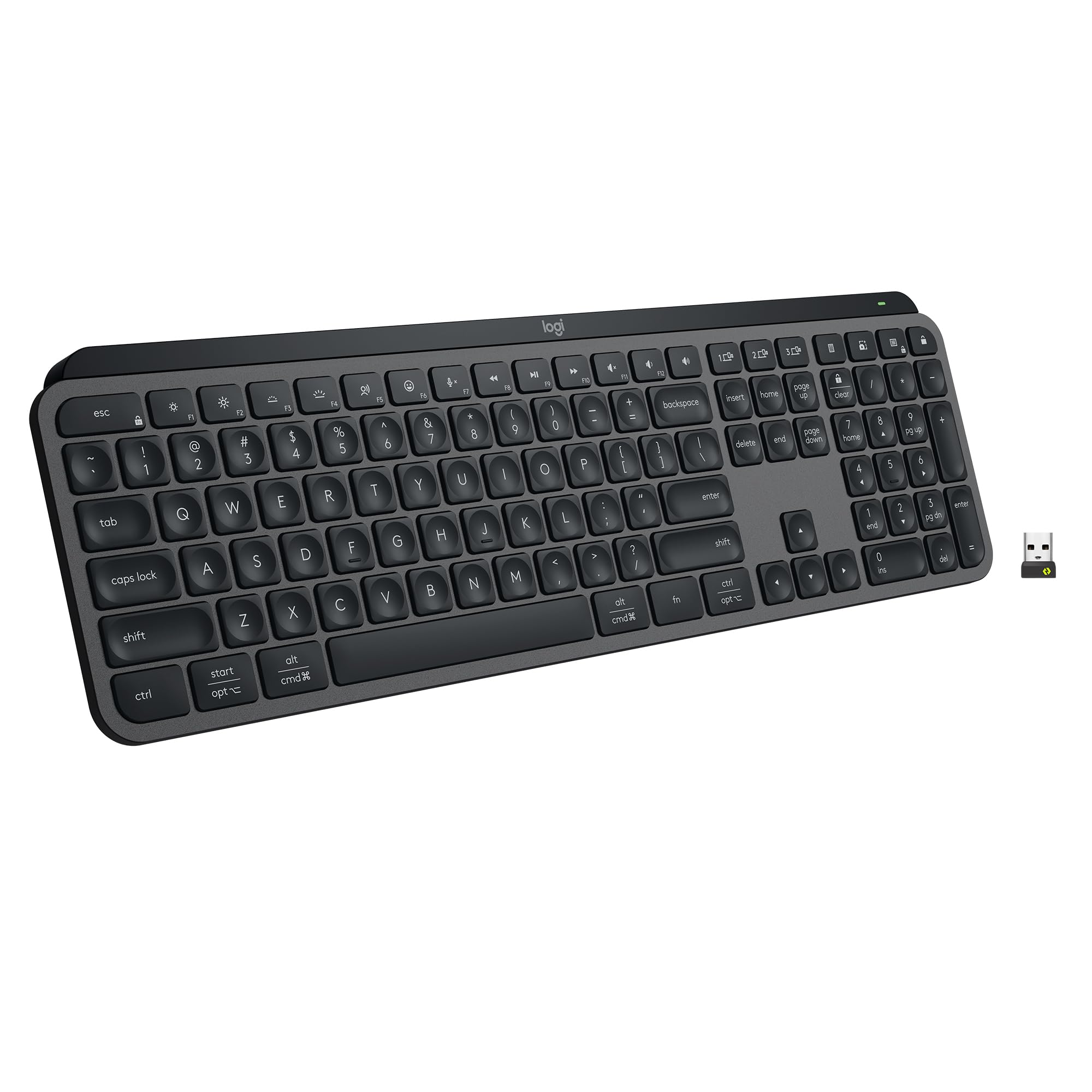
The Logitech MX Keys S Full-Size is the easiest keyboard here to recommend for a shared work desk. Its low-profile scissor keys deliver the quiet, laptop-like typing feel many office users want, without moving to a bulky mechanical board.
Wireless support covers Bluetooth Low Energy and the Logi Bolt USB receiver, so it fits mixed setups well. Battery life is rated up to 10 days with backlighting and up to 5 months with backlighting off.
The full-size body measures 430.2 x 131.63 x 20.5 mm and weighs 810 g. It keeps the numpad for spreadsheet work while still staying slim enough for a clean desktop.
Key highlights
- Low-profile scissor keys
- Bluetooth Low Energy and Logi Bolt USB receiver
- Up to 10 days with backlighting
- Up to 5 months with backlighting off
- 430.2 x 131.63 x 20.5 mm, 810 g
- Works with Windows, macOS, Linux, ChromeOS, iPadOS, and Android
Pros
- Quiet, laptop-like typing that works for most office desks
- Excellent multi-device switching and Logitech Options+ support
- Smart backlighting is more useful than typical RGB
- Available new on Amazon US in mainstream colors
Cons
- Not mechanical or hot-swappable
- Flat, low-profile feel will not satisfy switch enthusiasts
- Pricey for a non-mechanical keyboard
Who it's for
Best for anyone who wants one polished, quiet wireless keyboard for work, browsing, and mixed Windows or Mac use.
Skip if
Choose another model if you want mechanical switches, gaming-grade polling, or a compact travel board.
HyperX Origins 2 65 - Best budget
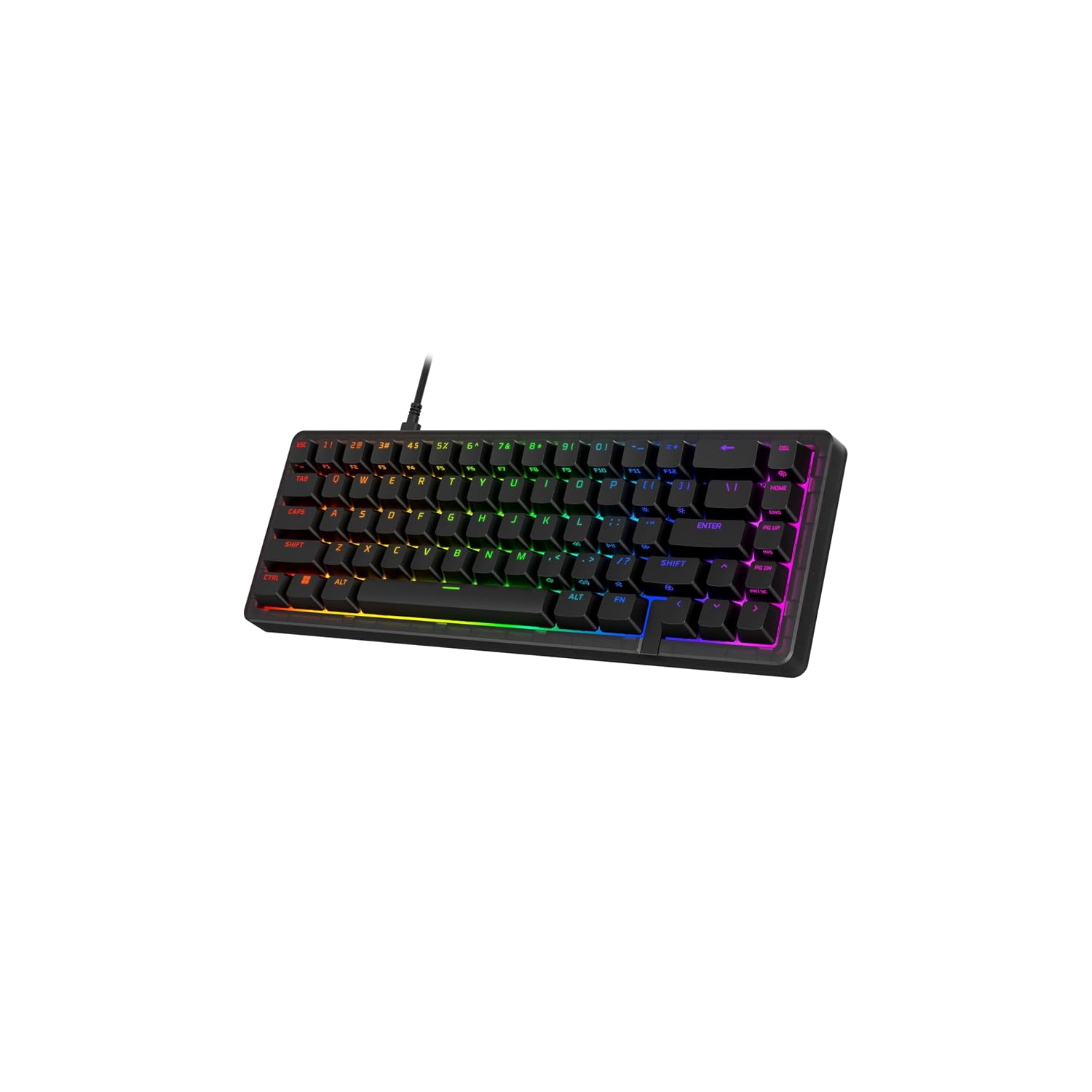
The HyperX Origins 2 65 is a compact wired mechanical gaming keyboard with a 65% layout, hot-swappable switches, and up to 8,000 Hz polling. It suits small gaming desks and buyers who want to customize switch feel.
Factory-lubricated HyperX Red linear switches come installed. The sockets accept most 3-pin and 5-pin mechanical switches, while an O-ring mount and polycarbonate plate help absorb vibrations.
NGENUITY supports key remapping, macros, RGB customization, and three onboard profiles. A USB-C to USB-A cable handles the wired connection.
Key highlights
- 65% compact layout
- Factory-lubricated HyperX Red linear switches
- Hot-swap sockets for most 3-pin and 5-pin mechanical switches
- Up to 8,000 Hz polling
- O-ring mount and polycarbonate plate
- RGB lighting and three onboard profiles
Pros
- Compact layout leaves room for mouse movement
- Switches can be changed without soldering
- Replaceable housing adds customization options
Cons
- Wired only
- Compact layout omits a numpad
- Stock linear switches may not suit tactile-switch fans
Who it's for
Buyers who want a compact wired gaming keyboard with replaceable mechanical switches.
Skip if
Choose another model if you need wireless connectivity or a numpad.
Keychron Q6 Ultra 8K Full-Size - Best for mechanical typing
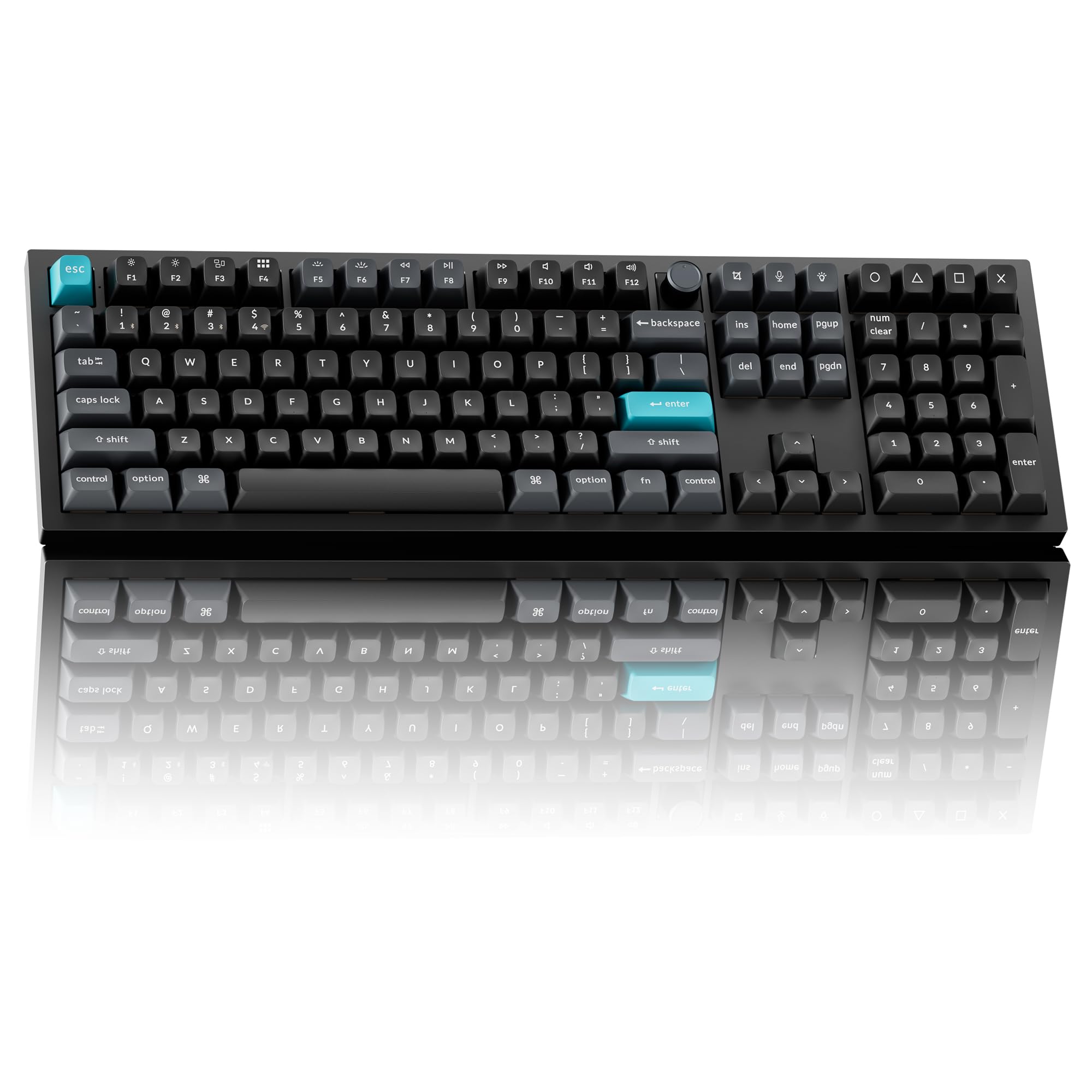
Keychron Q6 Ultra 8K Full-Size is the big, feature-rich mechanical choice for typists who still want a numpad. Its 100% full-size layout includes a knob, making it better suited to a permanent desk than a travel setup.
Connectivity is broad: 2.4 GHz, Bluetooth 5.3, and USB-C wired. It supports up to 8,000 Hz polling over 2.4 GHz wireless and carries a battery rating of up to 660 hours with backlighting off.
The all-metal body and acoustic foam layers give it a premium desktop build. Its hot-swappable mechanical platform also suits buyers who care about switch feel and long-term customization.
Key highlights
- 100% full-size layout with knob
- 2.4 GHz, Bluetooth 5.3, and USB-C wired
- Up to 8,000 Hz wireless polling
- Up to 660 hours of battery life with backlighting off
- All-metal body
- Acoustic foam layers
Pros
- Premium aluminum build and full-size layout for heavy desktop use
- Modern 8K wireless polling without giving up long battery life
- Hot-swappable mechanical platform with strong Mac/Windows support
- Amazon US listings were found for current Q6 Ultra 8K variants
Cons
- Large and very heavy
- More keyboard than most casual users need
- Some Keychron color/switch variants can drift in and out of stock
Who it's for
Best for anyone who wants a premium full-size mechanical board for typing, productivity, and occasional gaming.
Skip if
Choose a different keyboard if you want a lightweight design, a low-profile feel, or a cheaper office board.
Razer Huntsman V3 Pro Tenkeyless 8KHz - Best for esports
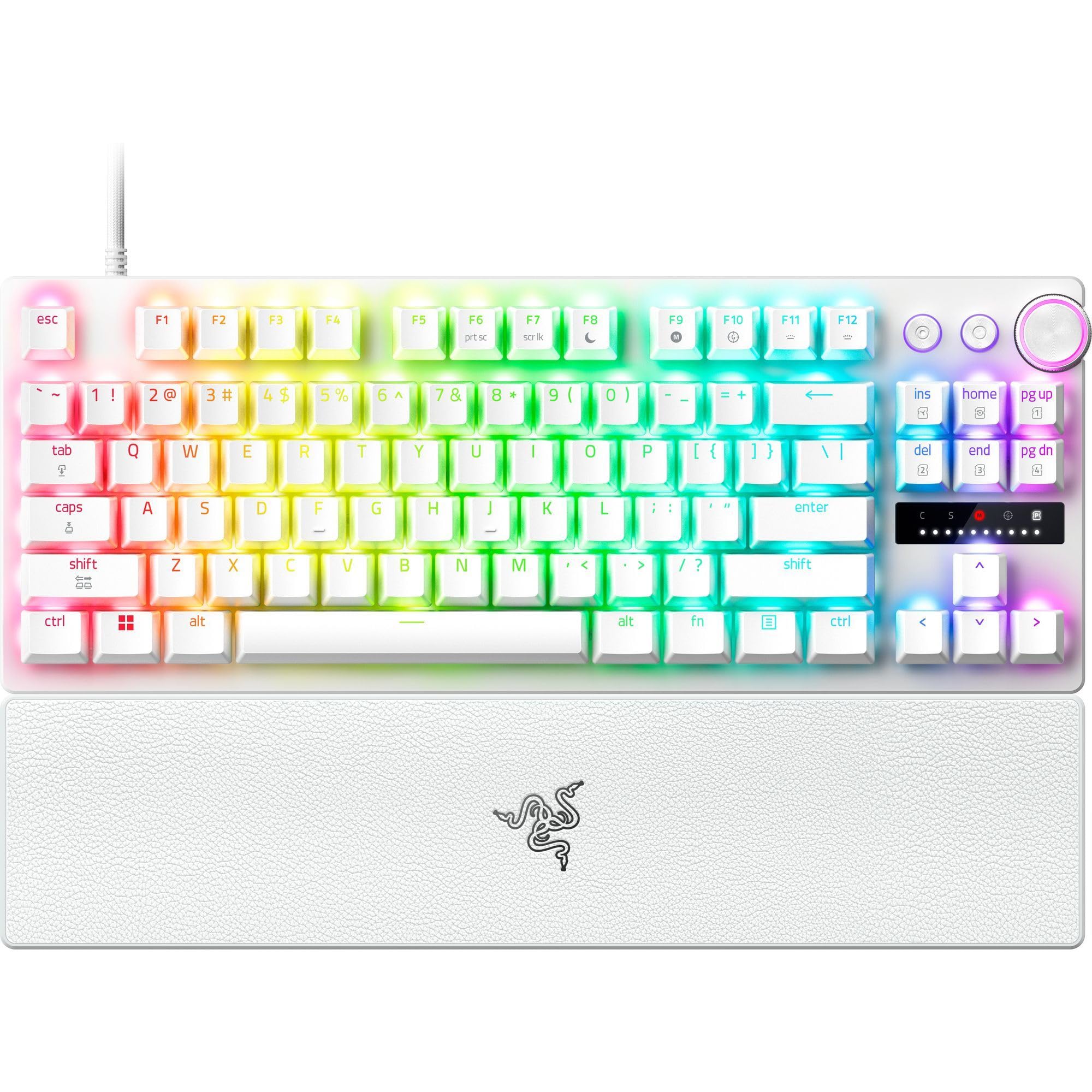
Razer Huntsman V3 Pro Tenkeyless 8KHz is built around competitive PC play. The tenkeyless layout gives players more mouse space than a full-size keyboard while keeping dedicated navigation keys.
Its Razer Analog Optical Switches Gen-2 support adjustable actuation from 0.1 to 4.0 mm. The feature list also includes 8,000 Hz HyperPolling, Rapid Trigger, Snap Tap support, and a rated switch life of 100 million keystrokes.
This is a wired-only keyboard with a gaming-first feel. It belongs on a dedicated gaming desk where response controls matter more than wireless convenience or quiet office typing.
Key highlights
- Tenkeyless layout
- Razer Analog Optical Switches Gen-2
- 8,000 Hz HyperPolling
- 0.1 to 4.0 mm adjustable actuation
- 100 million keystroke rated switch life
- Rapid Trigger and Snap Tap support
Pros
- Top-tier speed features for competitive FPS players
- Analog actuation, Rapid Trigger, and Snap Tap support
- TKL size leaves more mouse space than full-size boards
- Verified Amazon US listing for the 8KHz model
Cons
- Wired only
- Razer Synapse is required for full customization
- Gaming feel and sound may be overkill for office use
Who it's for
Best for players whose priority is competitive PC gaming response and a compact tournament-style layout.
Skip if
Pick another option if you need wireless, quiet office typing, or a numpad.
SteelSeries Apex Pro TKL Gen 3 - Best for adjustable gaming
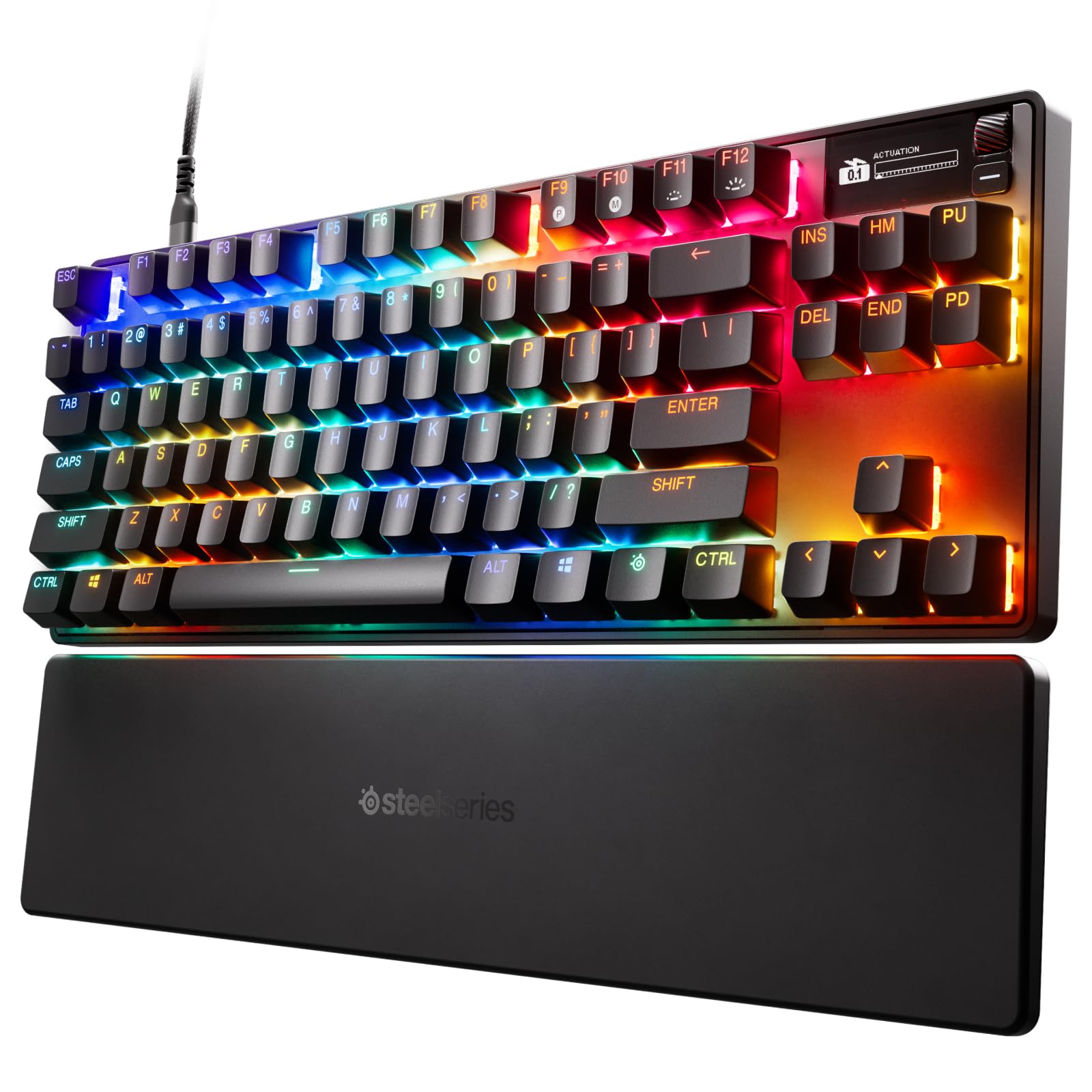
SteelSeries Apex Pro TKL Gen 3 is the gaming pick for players who want detailed switch adjustment in a mainstream platform. Its tenkeyless layout balances mouse room with familiar navigation keys.
OmniPoint 3.0 Hall Effect magnetic switches provide 40 actuation levels from 0.1 to 4.0 mm, with a listed 45 g bottom-out force. Gaming features include Rapid Trigger, Rapid Tap, Protection Mode, and QuickSet presets.
The OLED and preset ecosystem make it more integrated than a barebones mechanical keyboard. It is wired, and the software is part of the experience, which fits buyers who want deep control over actuation behavior.
Key highlights
- Tenkeyless layout
- OmniPoint 3.0 Hall Effect magnetic switches
- 40 actuation levels
- 0.1 to 4.0 mm adjustable actuation
- 45 g bottom-out force
- Rapid Trigger, Rapid Tap, Protection Mode, and QuickSet presets
Pros
- Deep actuation controls without going obscure-brand
- Useful OLED and game preset ecosystem
- TKL layout is a good balance for gaming desks
- Amazon US listing showed Amazon's Choice and recent purchase activity
Cons
- Wired model lacks wireless flexibility
- Software is part of the experience
- Expensive compared with basic mechanical gaming boards
Who it's for
Best for gamers who want magnetic-switch features but prefer SteelSeries software and a mainstream retail channel.
Skip if
Choose something simpler if you want a basic plug-and-play mechanical keyboard or a full numpad.
Corsair K65 Plus Wireless 75% - Best for wireless gaming
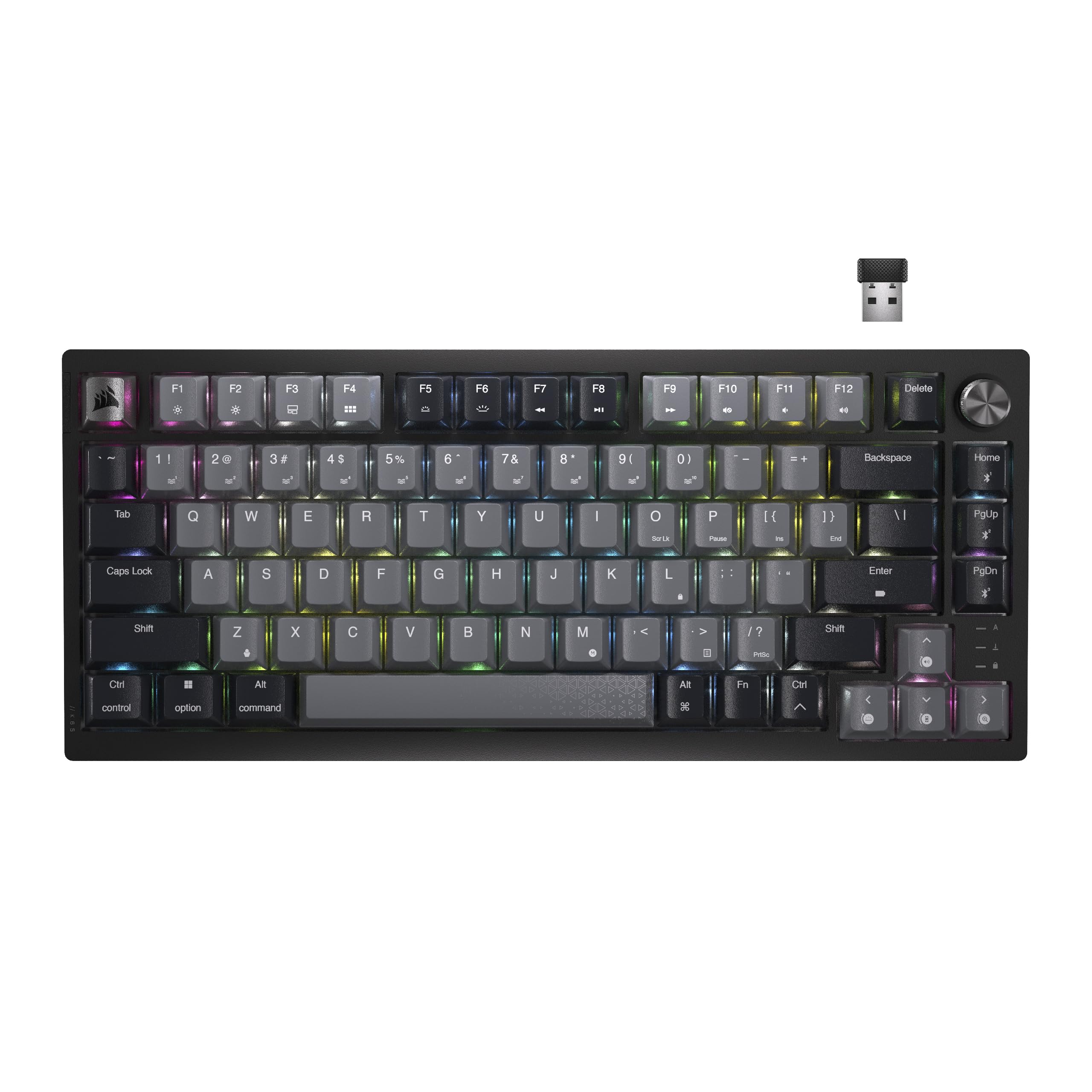
Corsair K65 Plus Wireless 75% gives gamers a compact layout without giving up wireless flexibility. The 75% design keeps arrows and a knob while dropping the numpad, so it fits smaller gaming desks well.
It connects over 2.4 GHz wireless, Bluetooth, or USB-C wired, with polling up to 1,000 Hz. Battery life is rated up to 266 hours over 2.4 GHz with RGB off.
Pre-lubricated Corsair MLX Red linear switches give it a gaming-focused feel, while hot-swappable switches and built-in sound dampening add flexibility and polish.
Key highlights
- 75% compact layout
- Pre-lubricated Corsair MLX Red linear switches
- 2.4 GHz wireless, Bluetooth, and USB-C wired
- Up to 266 hours with 2.4 GHz and RGB off
- Up to 1,000 Hz polling
- Hot-swappable switches and built-in sound dampening
Pros
- 75% layout keeps arrows and a knob without dominating the desk
- Good battery rating for a wireless mechanical gaming keyboard
- Hot-swappable switches and built-in sound dampening
- Widely available on Amazon US in multiple color/edition listings
Cons
- No 8K polling or Hall Effect actuation
- iCUE can feel heavy for users who only want basic remaps
- Stock linear switches may not suit tactile-switch fans
Who it's for
A smart choice for buyers who want a compact wireless gaming keyboard from a major brand without paying flagship prices.
Skip if
Choose another keyboard if you specifically want magnetic switches, 8K polling, or a full-size layout.
NuPhy Air75 V3 75% - Best for low-profile mechanical
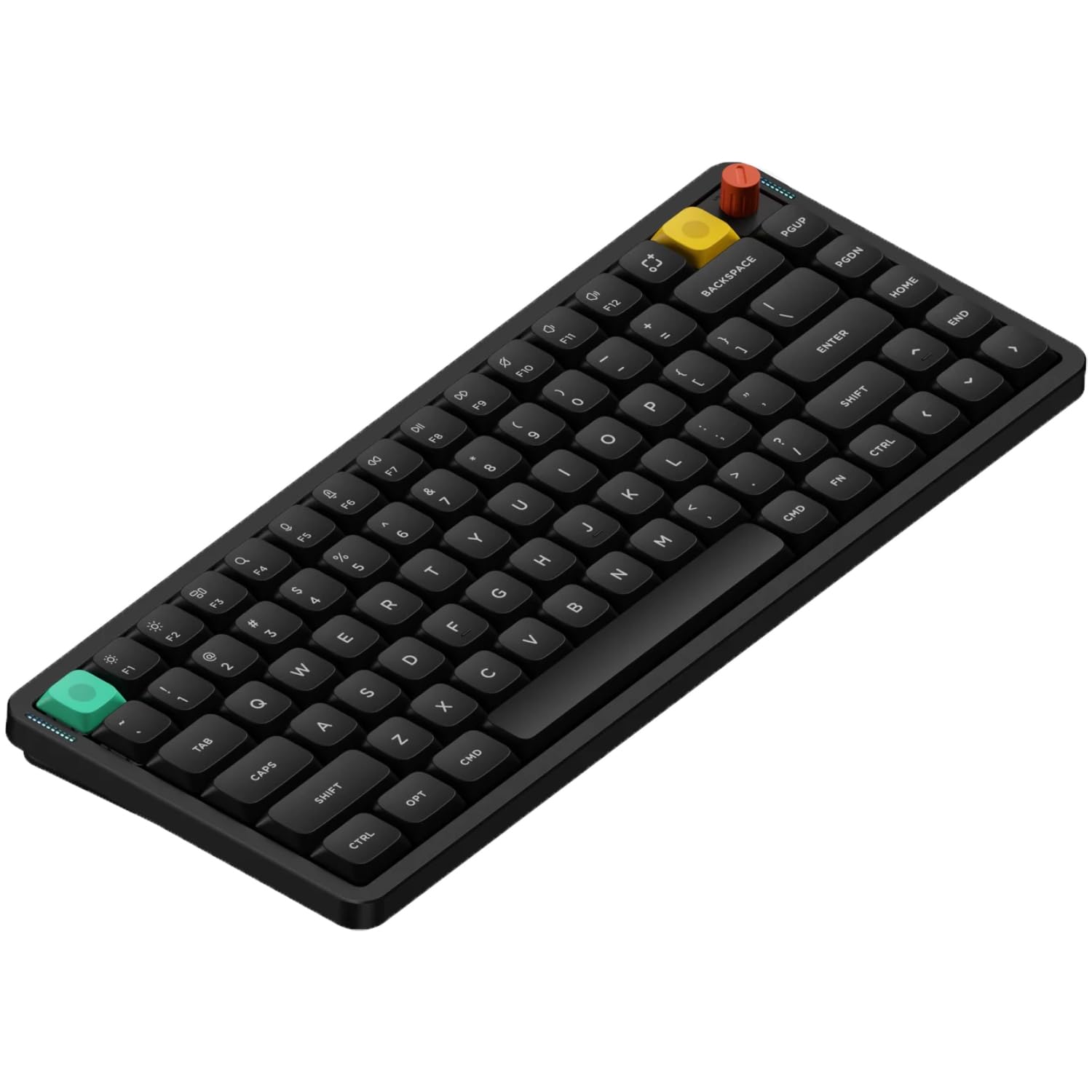
NuPhy Air75 V3 75% brings mechanical feel into a slimmer 75% board. The ANSI layout uses 84 keys, which keeps the footprint compact while retaining the laptop-style controls many users rely on.
Its low-profile 3.0 switches are hot-swappable, and connectivity includes 2.4 GHz, Bluetooth 5.0, and USB-C wired. Polling reaches 1,000 Hz over 2.4 GHz and wired, while Bluetooth runs at 125 Hz.
The 4,000 mAh battery is rated up to 1,200 hours with lights off. That combination suits laptop setups, cleaner desks, and users who find full-height mechanical keyboards too tall.
Key highlights
- ANSI 75% layout with 84 keys
- Low-profile 3.0 hot-swappable switches
- 2.4 GHz, Bluetooth 5.0, and USB-C wired
- 1,000 Hz over 2.4 GHz and wired
- 125 Hz over Bluetooth
- 4,000 mAh battery with up to 1,200 hours lights off
Pros
- Much slimmer than standard mechanical boards
- Good Mac/Windows compatibility and multi-device wireless
- V3 improves battery life and acoustics over Air75 V2
- Amazon US listings for Air75 V3 were found
Cons
- Low-profile switch ecosystem is narrower than MX-style switches
- Not as quiet as the best scissor-switch office boards
- Model codes are less specific than big-box brands' SKUs
Who it's for
Best for users who want mechanical feel in a slim keyboard that can travel or sit over a laptop deck.
Skip if
Pick a different model if you want a full-height custom mechanical board or a numpad.
Logitech Wave Keys - Best for ergonomic comfort
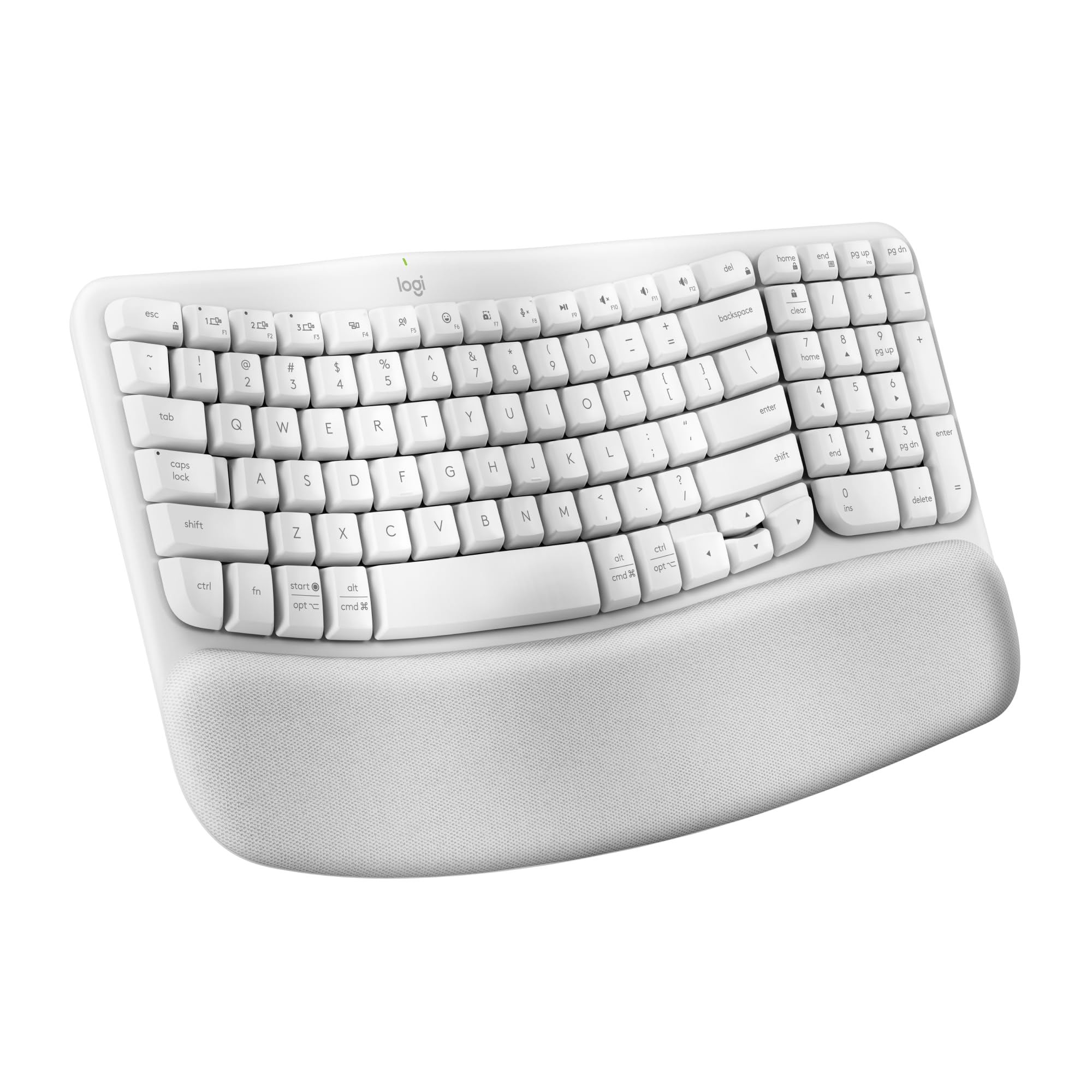
Logitech Wave Keys is the comfort pick for people who want wrist support without switching to a split keyboard. Its compact wave-shaped ergonomic design keeps the typing position familiar.
The integrated cushioned palm rest uses three layers of memory foam, and the keyboard is certified ergonomic by United States Ergonomics. Built-in 4-degree tilt legs provide a fixed typing angle.
Bluetooth and the Logi Bolt receiver handle wireless connectivity. It is not mechanical and has no backlighting, but it gives everyday users a softer alternative to a flat budget keyboard.
Key highlights
- Compact wave-shaped ergonomic design
- Integrated cushioned palm rest
- Three layers of memory foam
- Certified ergonomic by United States Ergonomics
- Bluetooth and Logi Bolt receiver
- Built-in 4-degree tilt legs
Pros
- More wrist support than a flat budget keyboard
- Compact shape brings the mouse closer
- Quieter and easier to adapt to than a split ergonomic board
- New Amazon US listings found in Off White and Graphite
Cons
- Not mechanical
- Fixed wave shape is less adjustable than a true split keyboard
- No backlighting
Who it's for
Best for everyday users who want a comfortable keyboard without retraining on a split layout.
Skip if
Look elsewhere if you need full split or tenting adjustment, mechanical switches, or backlit keys.
How to Choose
- Match the layout to your desk and workflow. Full-size boards keep the numpad for spreadsheets, TKL and 75% boards free mouse space, and low-profile boards travel better but can feel shallower.
- Choose switch type before choosing brand. Scissor switches are quiet and familiar, mechanical switches are more tactile and customizable, and Hall Effect or analog switches are best for competitive gaming controls.
- Use 2.4 GHz or wired USB for gaming. Bluetooth is fine for office typing, but gaming keyboards should offer 2.4 GHz wireless or wired USB with a stated polling rate.
- Check the software before buying. Logitech Options+, Razer Synapse, SteelSeries GG, Corsair iCUE, Keychron Launcher, VIA/QMK, and NuPhyIO all differ in remapping depth and complexity.
- Treat ergonomics as a fit decision. A wave board helps many users with less learning curve, while a split or tented keyboard gives more adjustability but takes longer to adapt to.
- Confirm the exact model generation. Keyboard lines often keep the same familiar name while changing switches, polling rate, connector, or battery life. Verify the SKU before buying.
Are mechanical keyboards always better?
No. Mechanical keyboards offer stronger feel and customization, but scissor keyboards like the MX Keys S are quieter, thinner, and better suited to many shared office spaces.
Do I need 8,000 Hz polling?
Most typists do not. It mainly matters for competitive gaming, where faster polling can support more responsive input alongside the rest of the PC and game setup.
What is a 75% keyboard?
A 75% keyboard keeps most laptop-style essentials, usually including the function row and arrows, while dropping the numpad and tightening the spacing.
Are Bluetooth keyboards good for gaming?
Bluetooth works well for casual use and office typing. Serious gaming is better over wired USB or a dedicated 2.4 GHz connection with a stated polling rate.
Should I buy low-profile or full-height mechanical switches?
Choose low-profile for a slimmer board and shorter-feeling travel. Choose full-height mechanical if you want the broader MX-style switch ecosystem and a more traditional custom keyboard feel.
Published July 27, 2026 Last updated October 1, 2026
Share this article
More in News
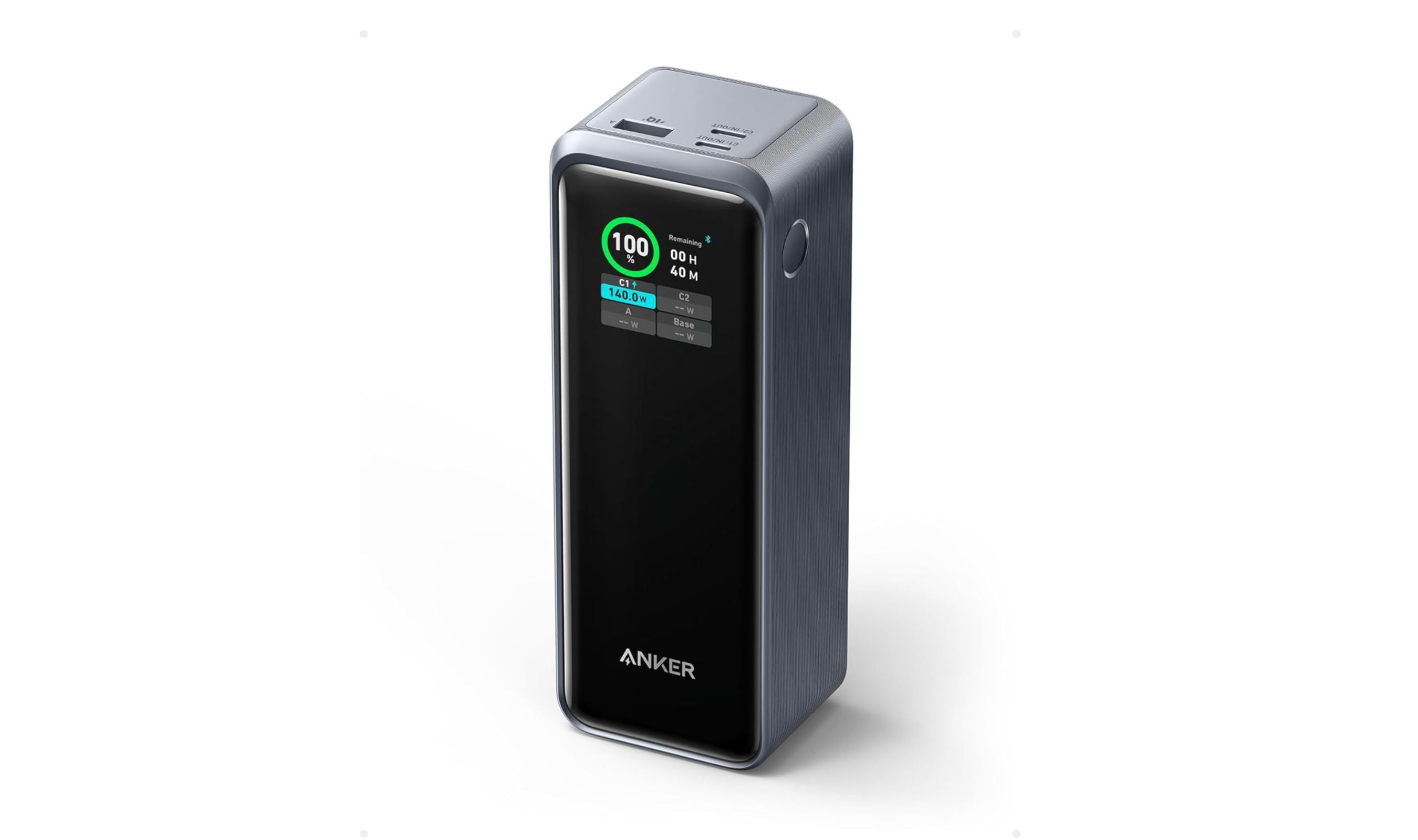
8 Best High Capacity Power Banks for 2026
The Anker Prime 27,650mAh tops our list of the 3 best high capacity power banks in 2026, with 250W output for laptops and travel.
5 min read
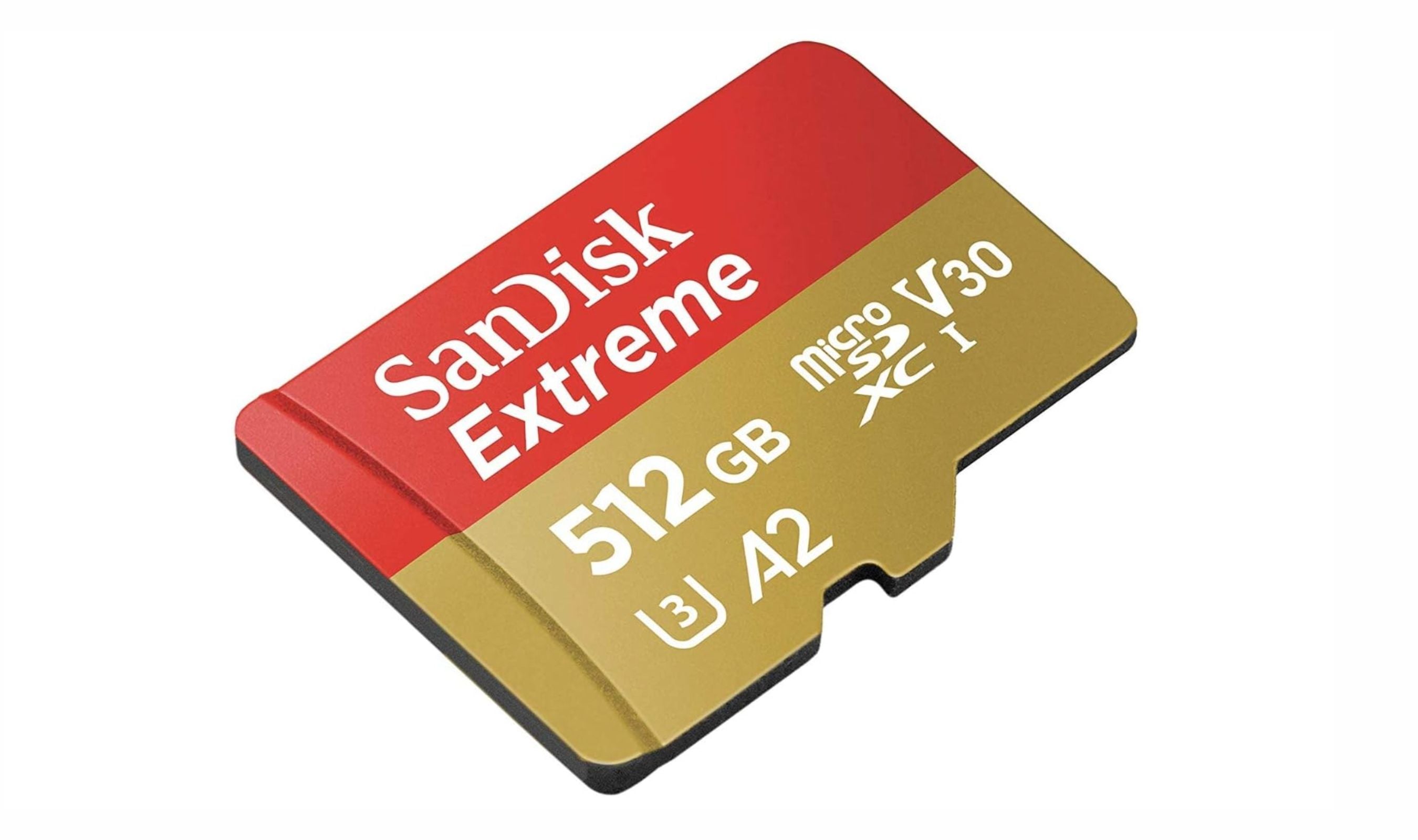
Best microSD Cards for Nintendo Switch in 2026
The SanDisk 512GB Extreme tops our list of the best microSD cards for Nintendo Switch in 2026, offering fast A2 speeds for smooth gameplay.
4 min read
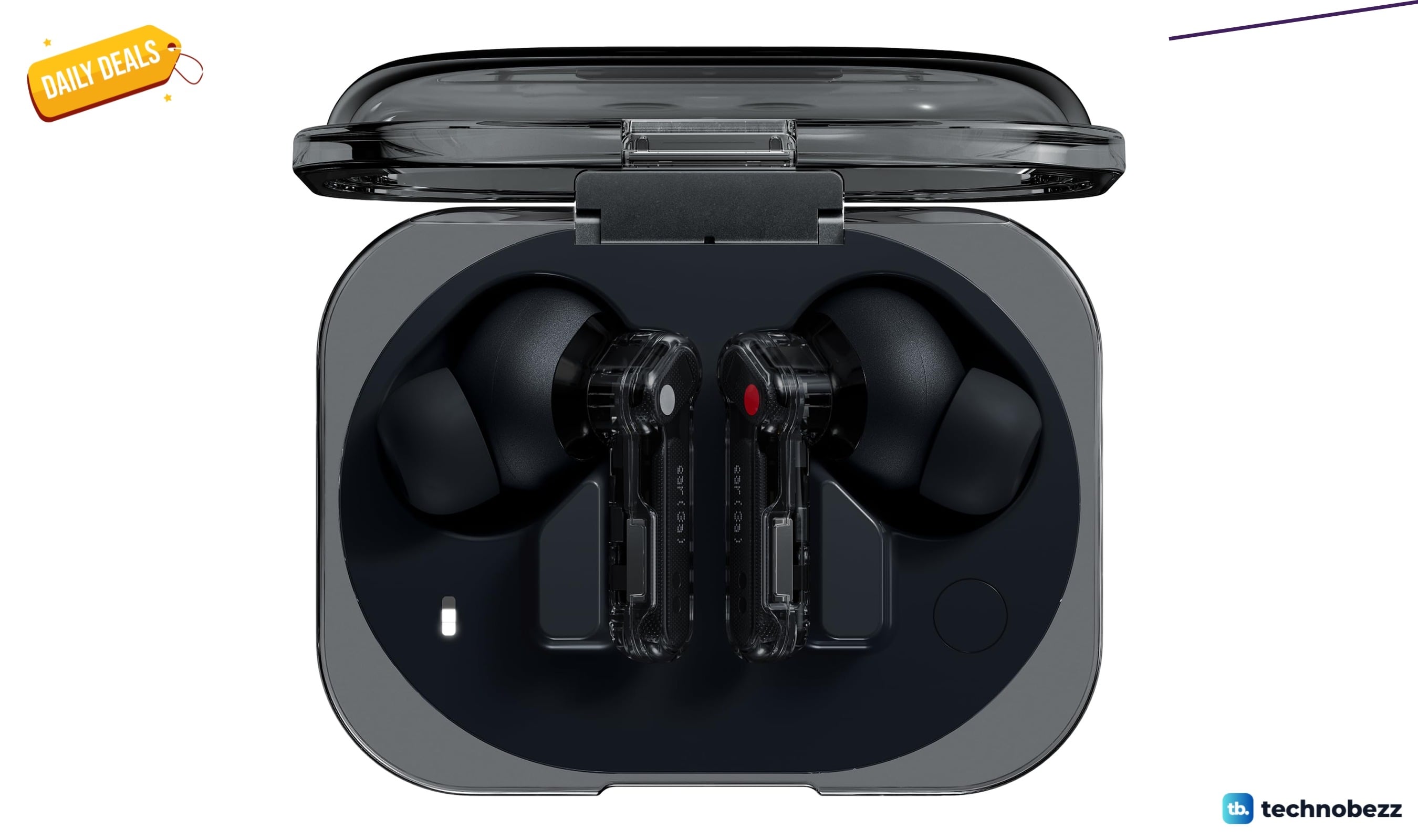
Two headphone price drops worth checking, from $79.99
Two headphone deals land within $0.64 of each other, with the Nothing Ear earbuds at $79.99 and Sennheiser HD 280 Pro at $80.63.
3 min read
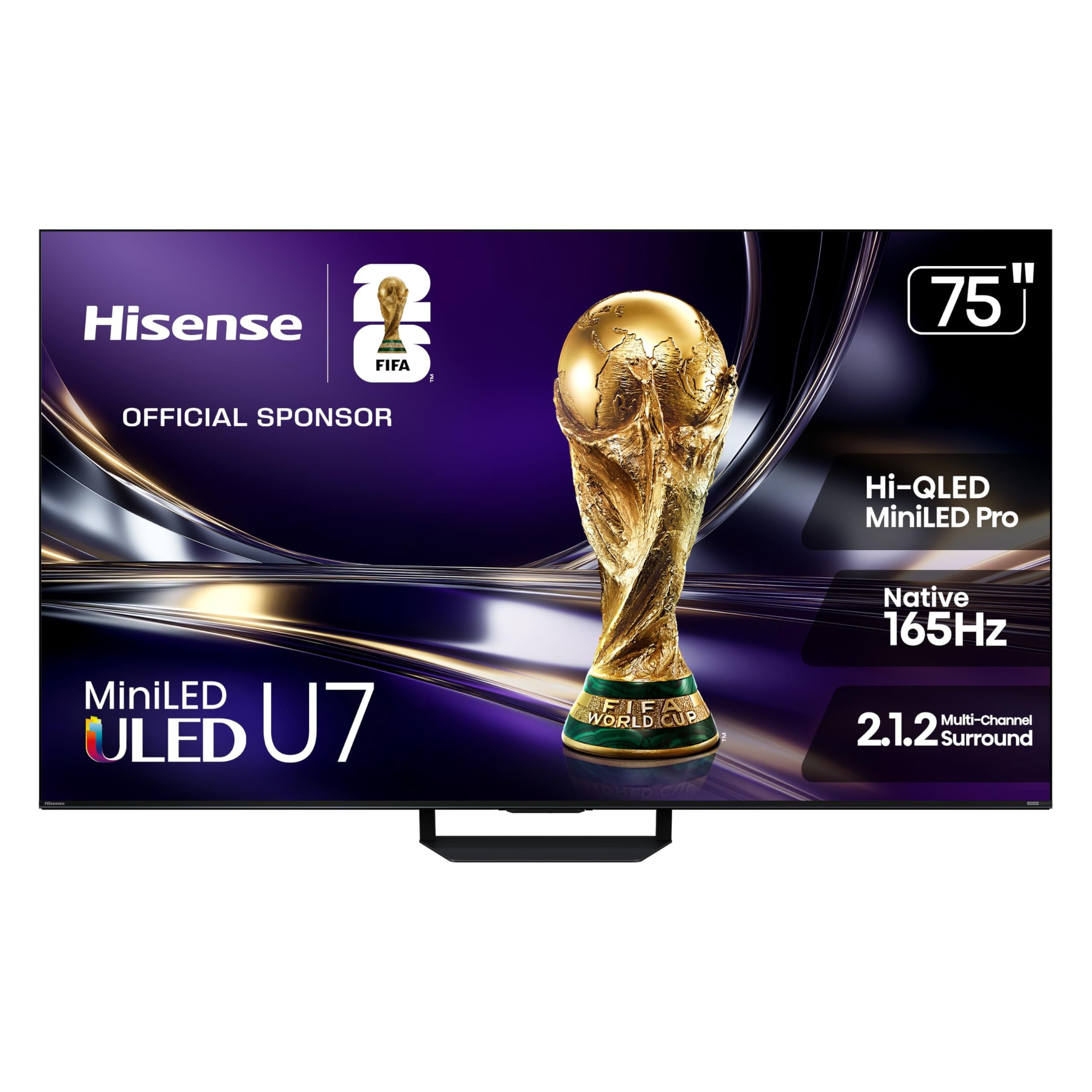
8 Best 75-Inch TVs in 2026
The LG C6 OLED 77-inch leads this 2026 roundup with OLED contrast, 4K resolution, and four HDMI 2.1 ports.
5 min read
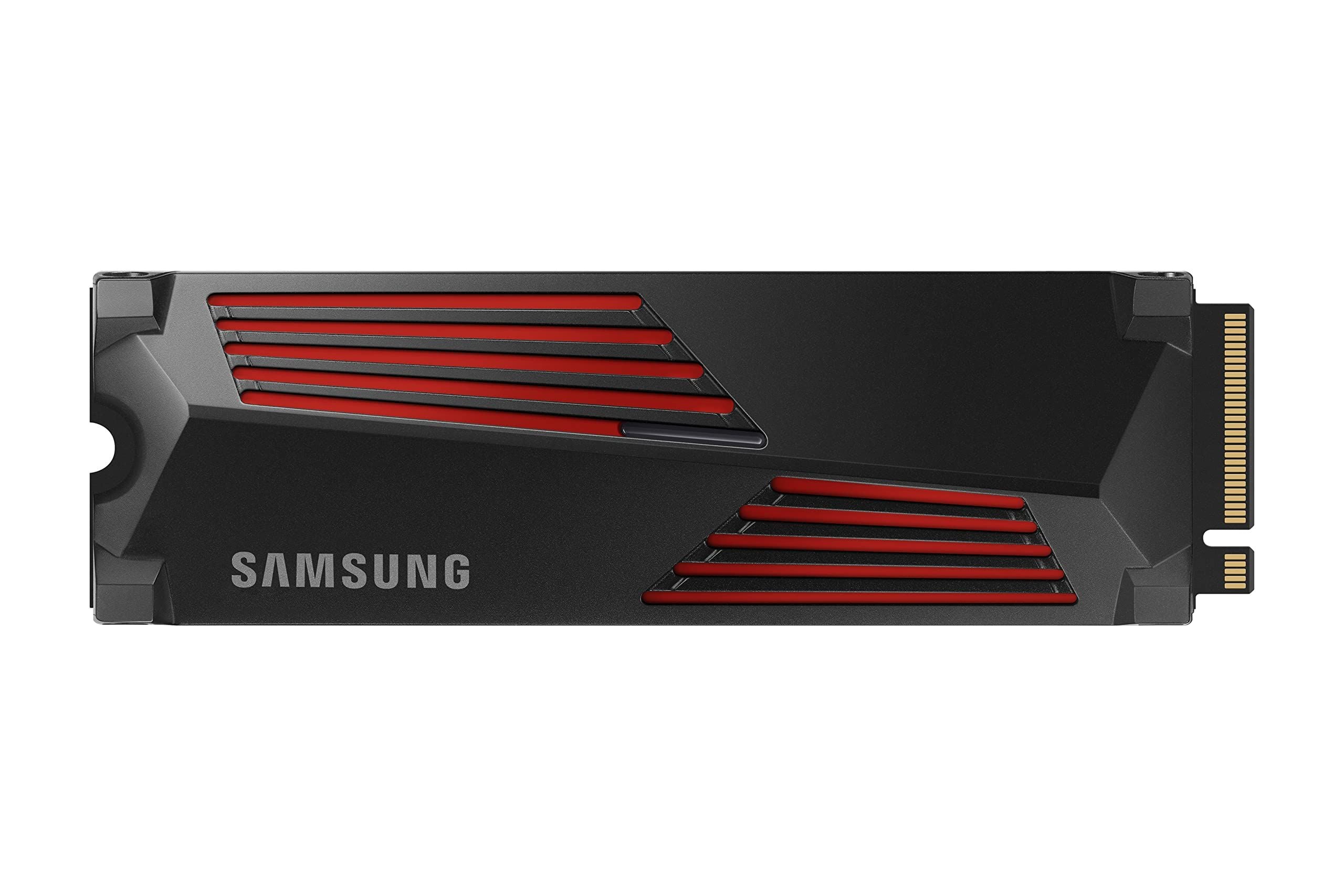
6 Best SSDs for PS5 in 2026
4 min read
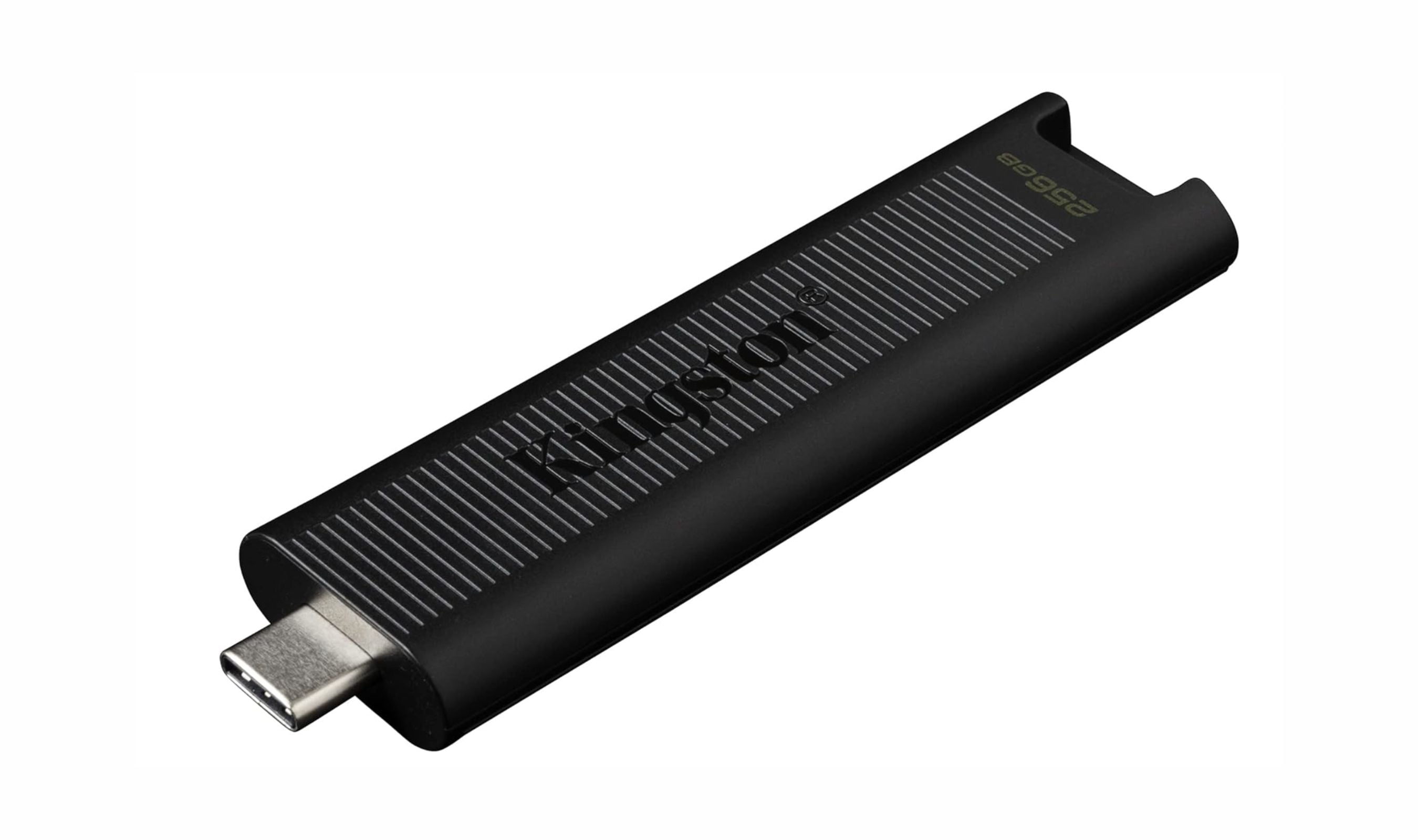
7 Best USB Flash Drives to Buy in 2026
5 min read
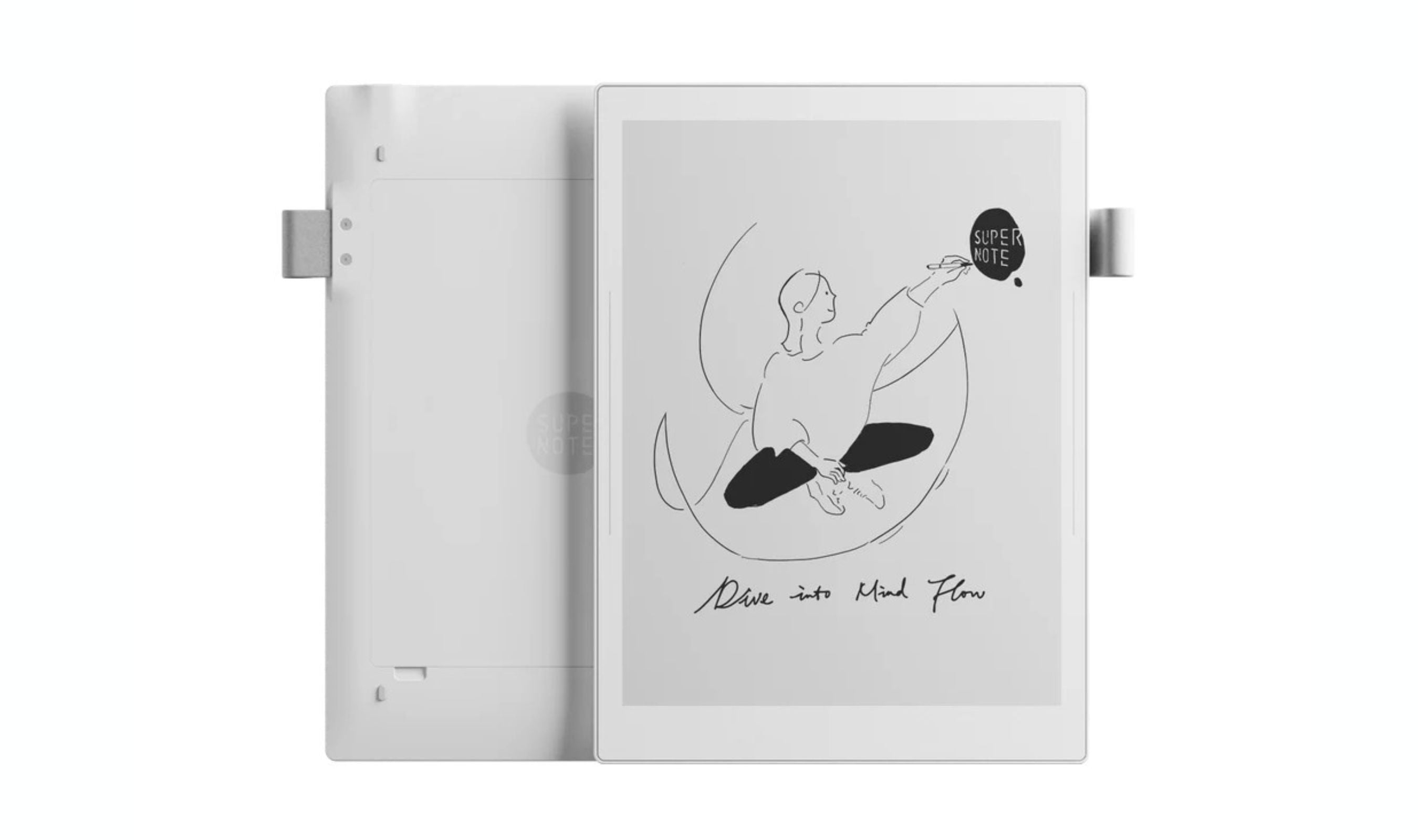
Best Digital Notebooks for 2026
4 min read
7 Best Noise Cancelling Headphones to Buy in 2026
4 min read
7 Best Electric Screwdrivers of 2026
4 min read
TP-Link Archer BE24000 Quad-Band WiFi 7 Router discounted to $599.99
5 min read
Kingston XS2000 1TB High Performance Portable SSD now $173.09, down from $325.99
4 min read
Garmin Forerunner® 170 Music dips to $302.44
3 min read