If you're a graphic designer, your laptop needs to handle color-critical work, complex files, and demanding creative software without slowing you down. The right choice balances display quality, processing power, and real-world usability. Our top pick overall is the MacBook Pro 14 (M5, 2025), which delivers exceptional performance and display technology for serious creative work.
Technobezz is supported by its audience. We may get a commission from retail offers.
Best Laptops for Graphic Design in 2026
Discover the best laptops for 2026, including our top pick, the MacBook Pro 14 (M5). Find the perfect model for design, budget, or portability.
T
Technobezz
Editorial Team
Updated February 5, 2026Feb 5, 2026
•9 min read

Get Deals Like These in Your Inbox
The best prices, checked by our editors.
At a Glance
| Category | Product | Why We Picked It |
|---|---|---|
| Best overall | MacBook Pro 14 (M5) | 2025), outstanding performance and display quality |
| Best Windows alternative | ASUS ProArt P16 | Powerful workstation with excellent screen |
| Best budget option | MSI Cyborg 15 AI | Capable performance at an affordable price |
| Best for portability | Acer Swift Edge 14 AI | Under 1kg with stunning OLED display |
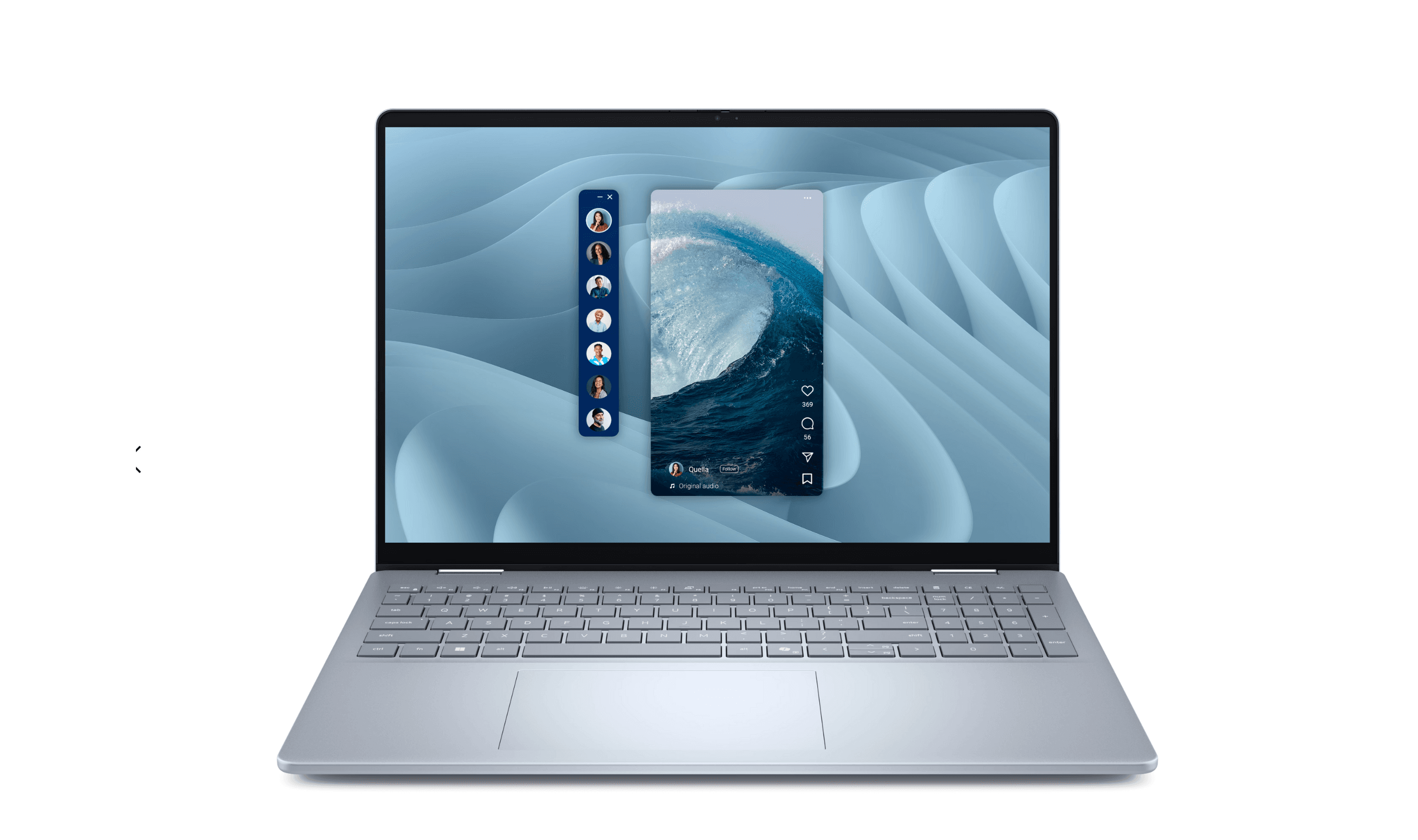
| Best 2-in-1 versatility | Dell 16 Plus 2-in-1 | Convertible design with color-accurate screen |
| Also recommended | MacBook Air (M4) | Great balance of power and portability for designers |
| Also recommended | Asus ZenBook Duo (2025) | Dual-screen multitasking for extra real estate on the go |
| Also recommended | Gigabyte Aorus Master 16 | Powerful gaming laptop that doubles as a design workstation |
How we chose
We evaluated laptops based on display quality (color accuracy, gamut coverage, resolution), real-world performance with Adobe Creative Suite applications, build quality, and battery life. Our recommendations draw from thorough analysis across different price points and workflows, focusing on what actually matters for graphic design work rather than just benchmark numbers.
The best laptops for graphic design right now
MacBook Pro 14 (M5, 2025) - Best overall
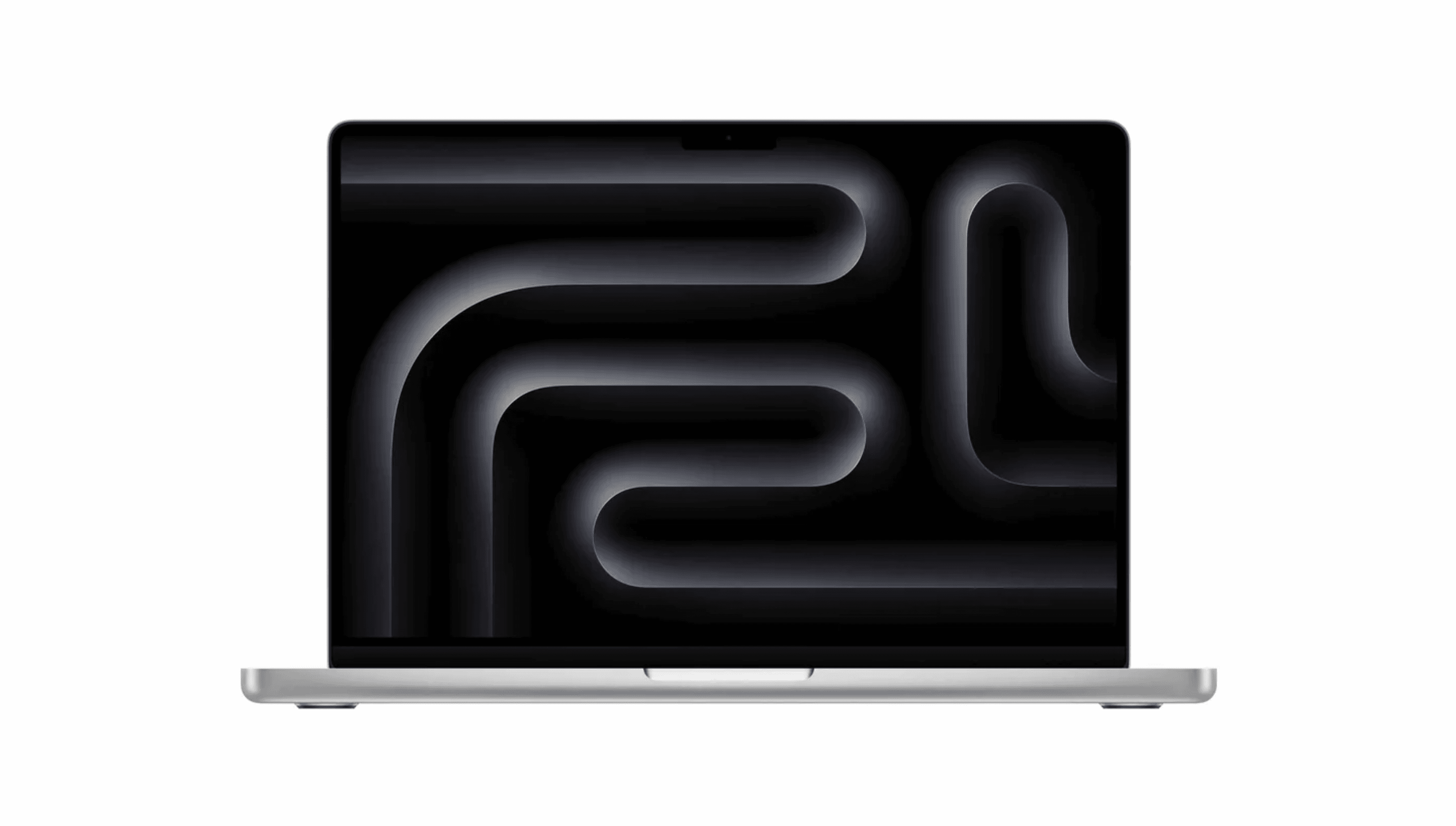
This is the laptop that sets the standard for creative work, combining Apple's latest M5 chip with a stunning Liquid Retina XDR display that makes color-critical work a pleasure. It handles complex multi-layered files and demanding applications without breaking a sweat.
Key highlights
- M5 chip with dedicated Neural Accelerators for AI-accelerated workflows
- Liquid Retina XDR display with exceptional color accuracy
- Up to 24 hours of battery life for all-day productivity
- Premium aluminum construction in space black or silver
- Memory bandwidth increased to 153GB/s for seamless multitasking
Pros
- Outstanding performance for creative applications
- Industry-leading display quality for color work
- Exceptional battery life that lasts through demanding workdays
- Silent operation with efficient thermal management
Cons
- Premium pricing, especially with configuration upgrades
- Limited port selection compared to some Windows alternatives
- Nano-texture display option adds significant cost
Who it is for: Professional graphic designers who need top-tier performance and display quality for demanding creative work, especially those already invested in the Apple ecosystem.
Skip if
You're on a tight budget or need extensive port connectivity without adapters.
ASUS ProArt P16 - Best Windows workstation
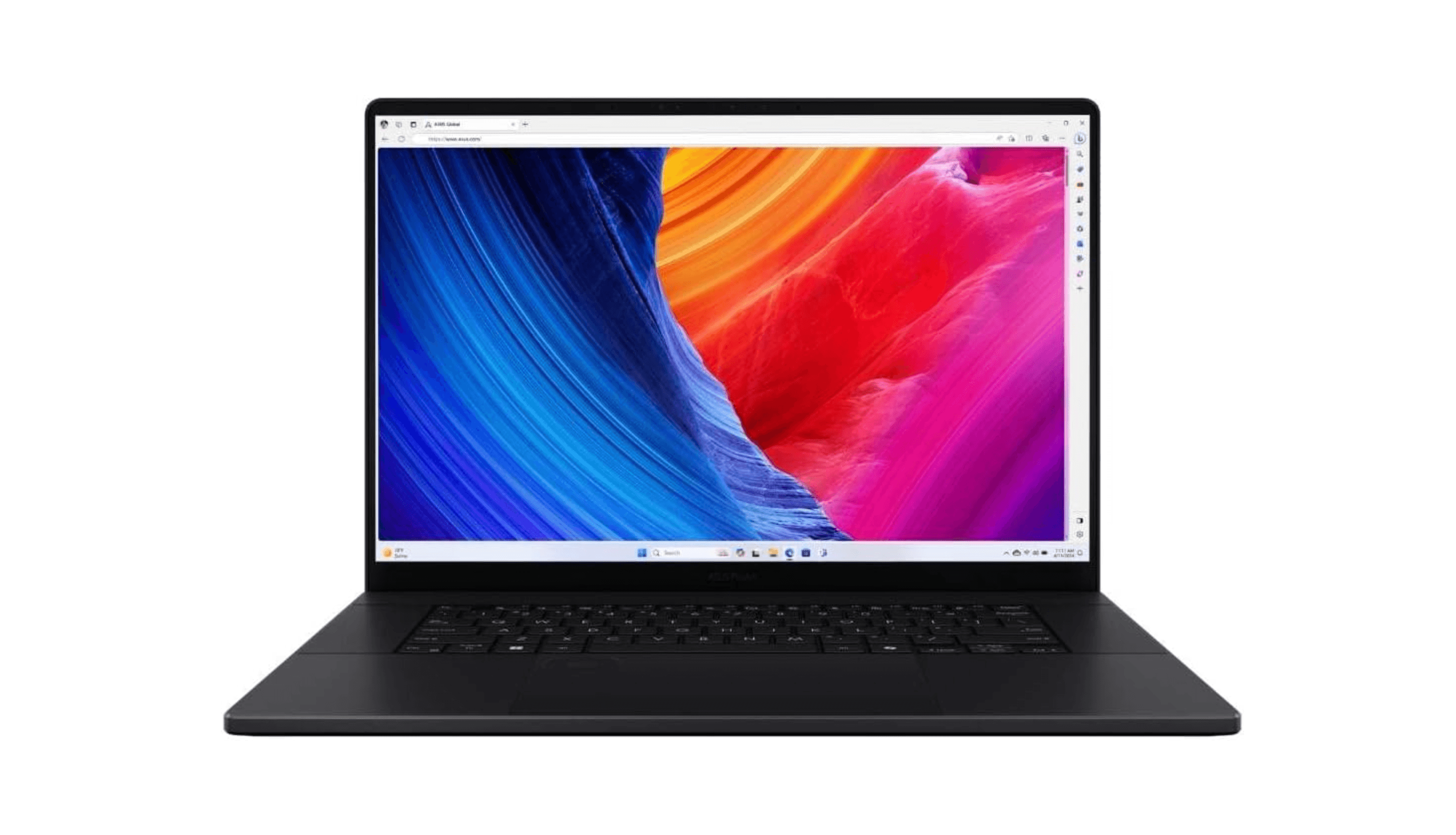
For designers who prefer Windows or need maximum power for 3D work and complex projects, the ProArt P16 delivers workstation-level performance in a laptop form factor. Its 16-inch OLED touchscreen and powerful AMD/NVIDIA combination make it a serious creative tool.
Key highlights
- 16-inch OLED touchscreen with excellent color coverage
- AMD Ryzen AI 9 HX 370 processor with powerful NPU
- NVIDIA GeForce RTX 4070 laptop GPU for graphics acceleration
- ProArt Creator Hub software suite for creative workflows
- SD Express card reader for fast media transfers
Pros
- Powerful performance that rivals high-end MacBook Pros
- Beautiful OLED display perfect for design work
- Excellent connectivity including Thunderbolt and HDMI 2.1
- Good battery life for a powerful workstation
Cons
- Touchscreen is prone to smudges and fingerprints
- Design is functional rather than aesthetically refined
- Heavy and less portable than some alternatives
Who it is for: Windows-based graphic designers who need maximum power for 3D modeling, video editing, or complex multi-application workflows.
Skip if
You prioritize ultra-portability or prefer macOS for your creative work.
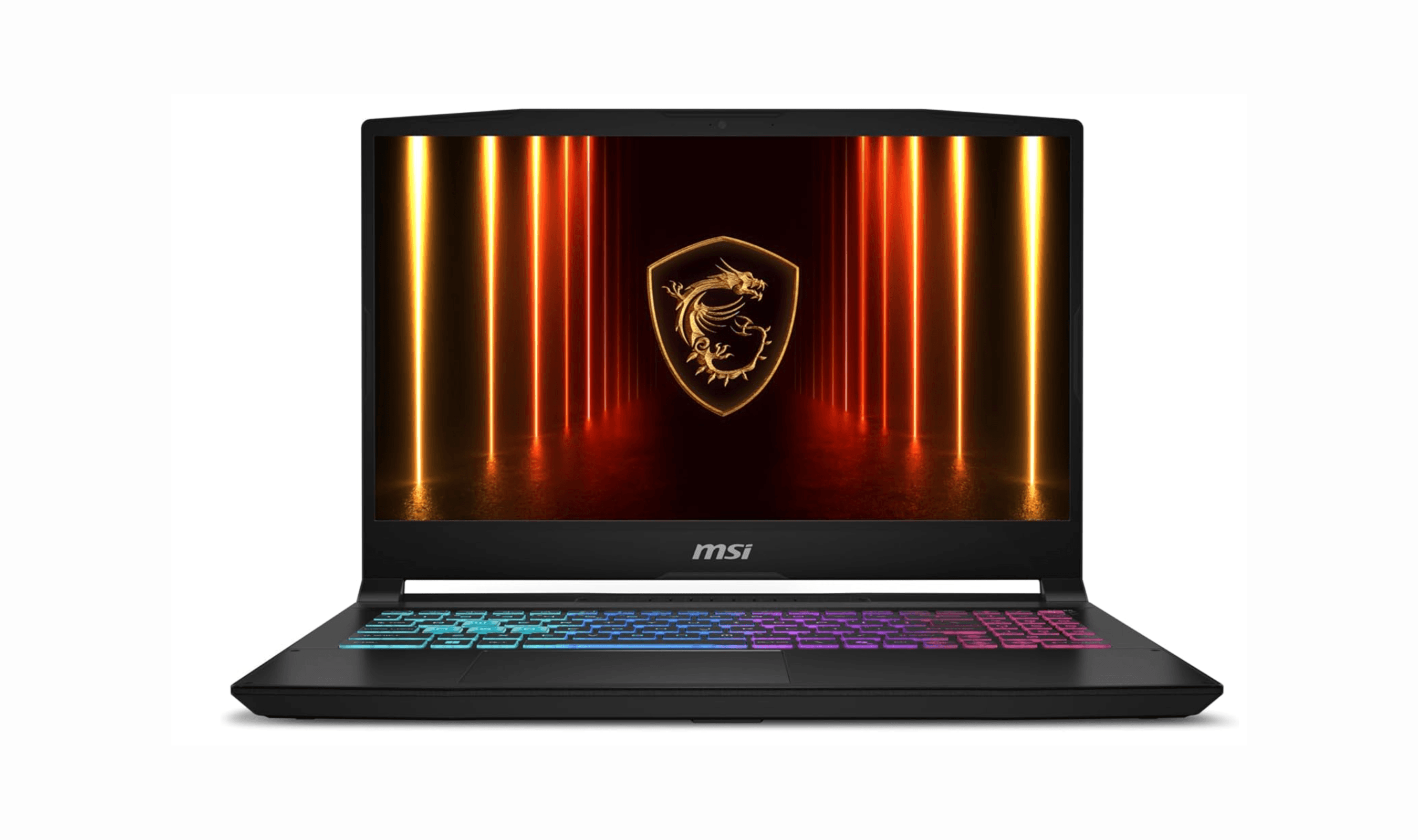
MSI Cyborg 15 AI - Best budget option
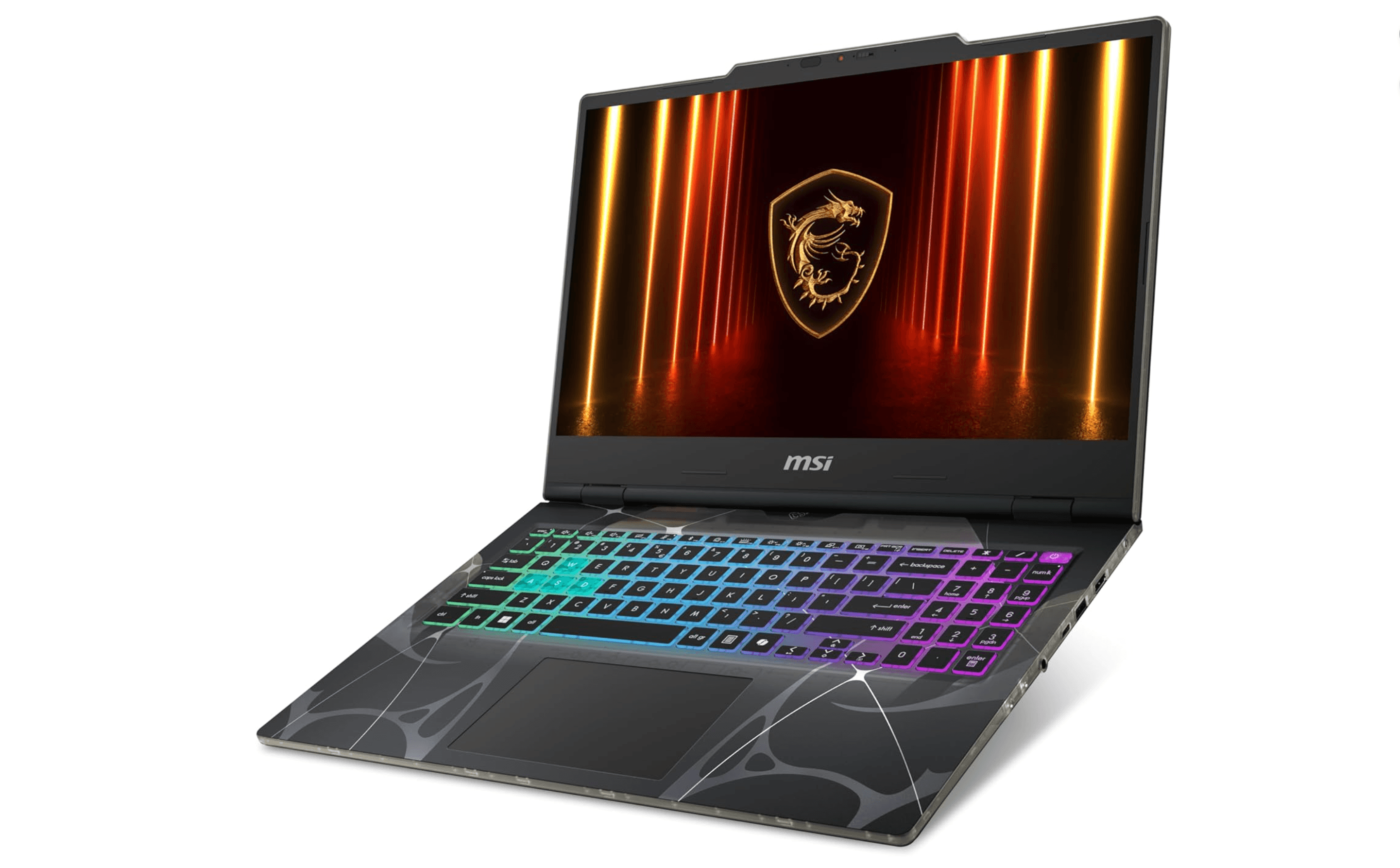
This gaming laptop brings surprising capability to graphic design at an affordable price point, offering discrete graphics and solid performance for 2D design work. While it has gaming aesthetics, the specs deliver real value for designers on a budget.
Key highlights
- AMD Ryzen 7 260 processor with AI capabilities
- GeForce RTX 5060 GPU for hardware acceleration
- 15.6-inch display with 144Hz refresh rate
- Two DDR5 slots supporting up to 64GB RAM
- Translucent cyberpunk-style design
Pros
- Excellent value for the performance offered
- Discrete graphics card handles Adobe Creative Suite well
- Good upgrade potential with accessible RAM slots
- Smooth performance for most 2D design tasks
Cons
- Display has limited color gamut coverage (67.6% sRGB)
- Maximum brightness of only 246 nits
- Gaming aesthetic may not suit professional environments
- Modest battery life for intensive work
Who it is for: Students, freelancers, or designers on a budget who need capable performance for 2D graphic design work and can use an external monitor for color-critical tasks.
Skip if
You need excellent built-in display quality or work primarily in color-critical environments without external monitors.
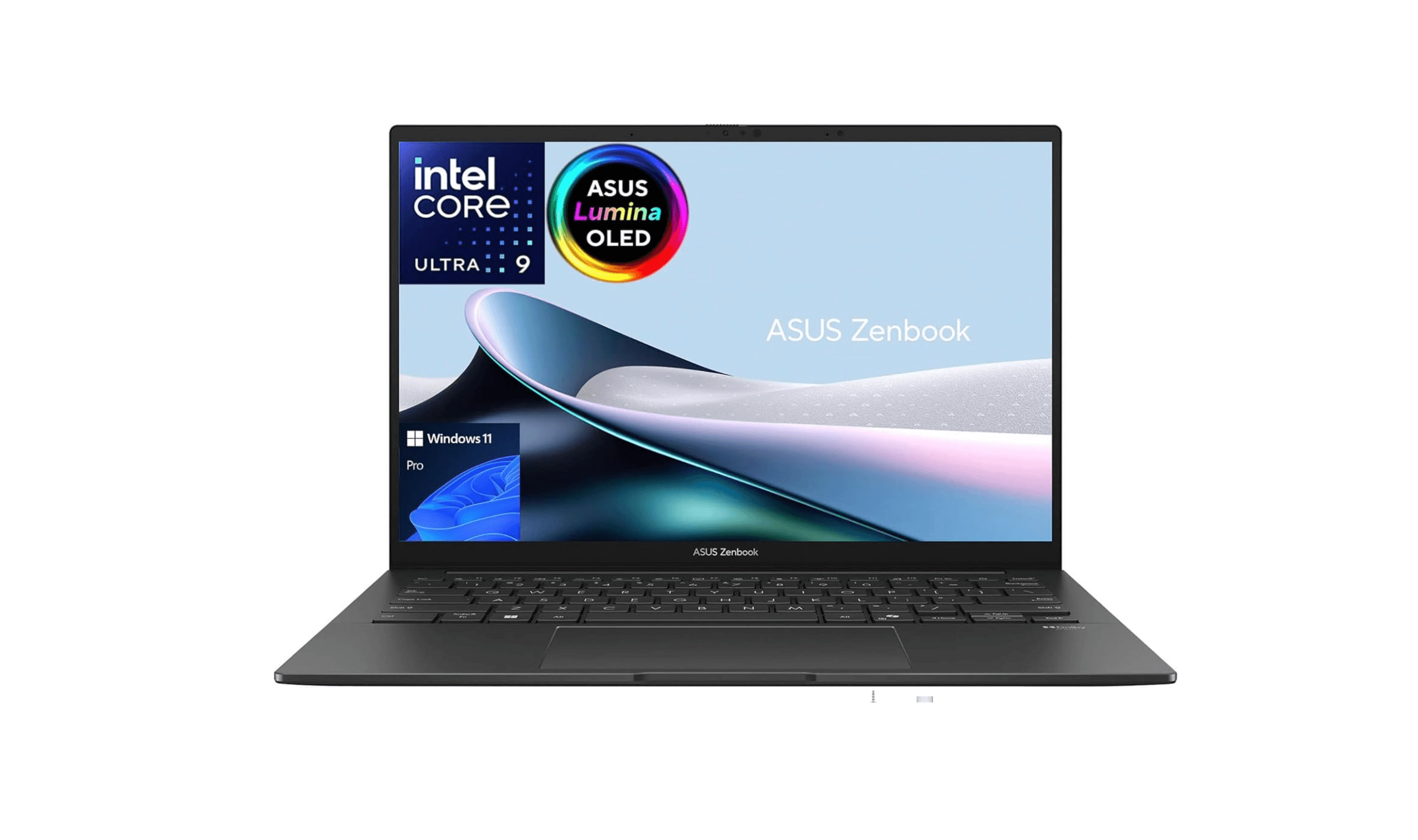
Acer Swift Edge 14 AI - Best for portability
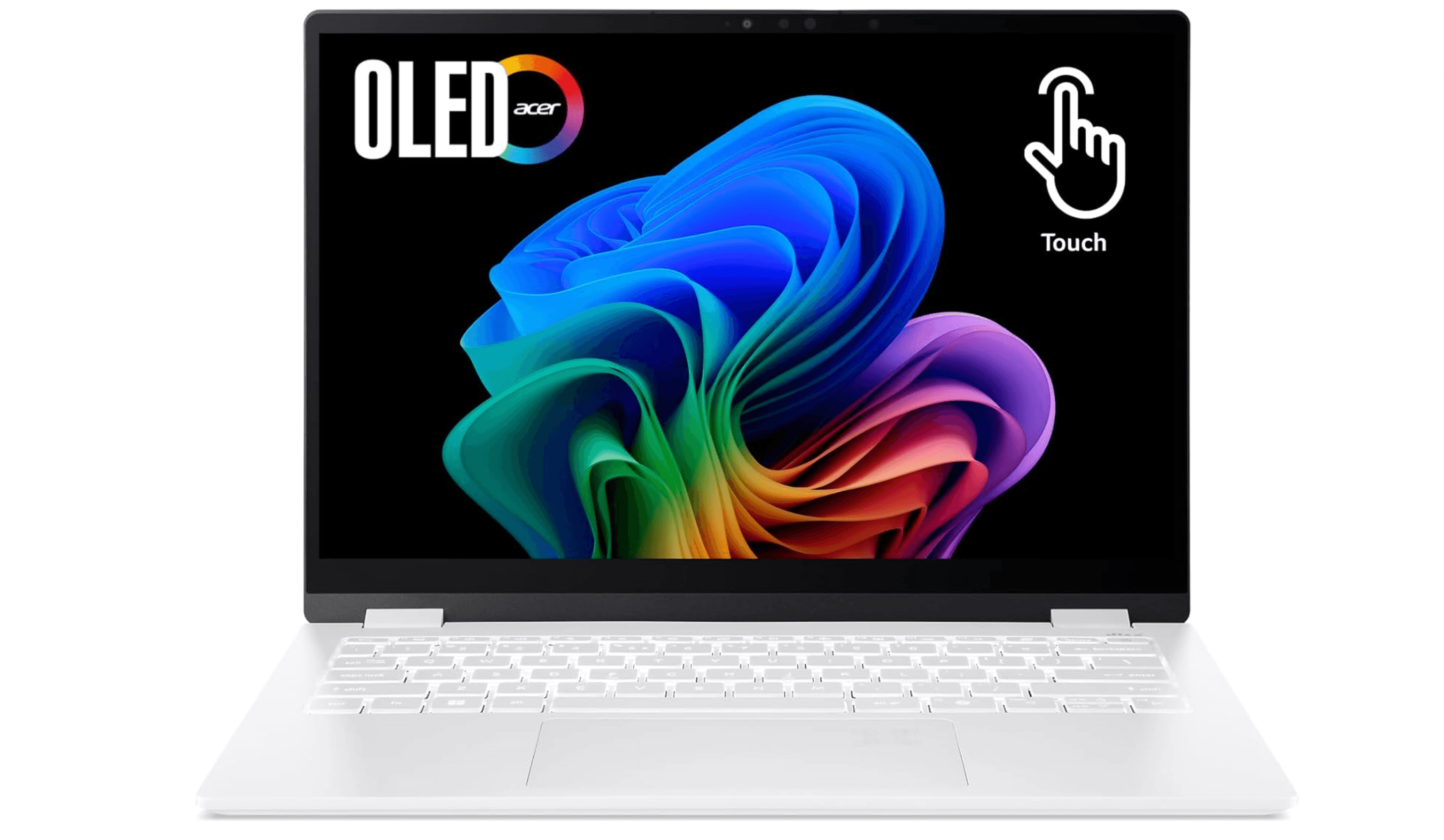
Weighing under 1kg with a stunning anti-glare OLED display, this Windows ultrabook challenges the MacBook Air's portability crown while delivering excellent display quality for on-the-go design work. It's the laptop you'll actually want to carry everywhere.
Key highlights
- Weighs 990g according to manufacturer specifications (lighter than MacBook Air), though some reviews have measured it at around 805g
- 14-inch 3K OLED touchscreen with anti-glare treatment
- Intel Core Ultra 9 288V processor
- 32GB LPDDR5X RAM for smooth multitasking
- Nearly 14 hours of battery life in real-world use
Pros
- Exceptionally lightweight and portable
- Gorgeous anti-glare OLED display perfect for mobile work
- All-day battery life for coffee shop sessions
- Premium build quality with magnesium-aluminum alloy
Cons
- Integrated graphics limit 3D performance
- Premium pricing for mid-range processing power
- 14-inch screen may feel small for some designers
Who it is for: Graphic designers who split time between locations and prioritize portability without sacrificing display quality for client presentations and on-the-go work.
Skip if
You need serious 3D rendering capability or prefer larger screen real estate for complex layouts.
Dell 16 Plus 2- in-1 - Best 2-in-1 versatility
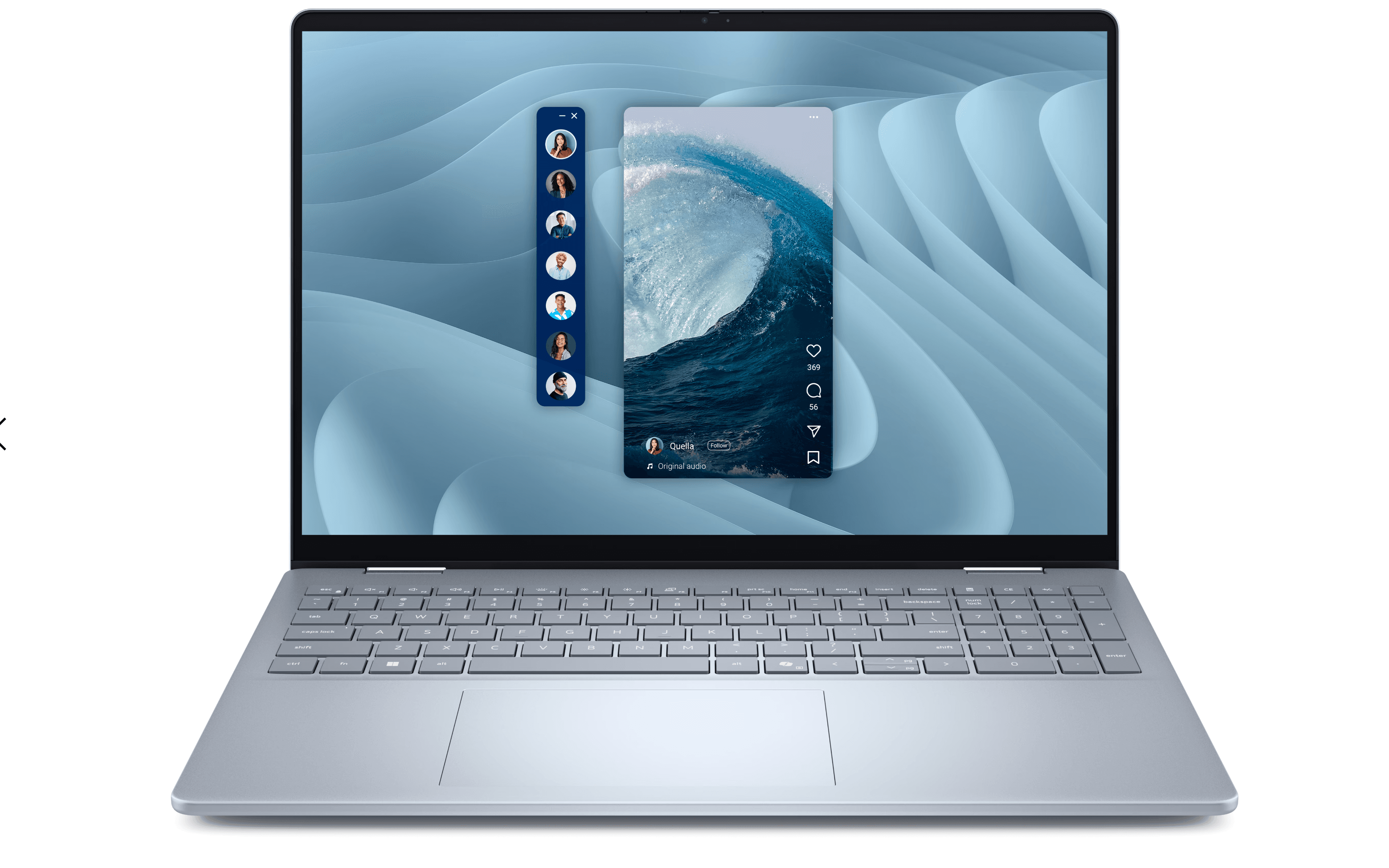
This convertible laptop offers the flexibility of tablet, tent, and laptop modes combined with a color-accurate Mini-LED display that makes it genuinely suitable for professional design work. The 2-in-1 design adds creative possibilities without compromising on display quality.
Key highlights
- 16-inch Mini-LED touchscreen with 100% sRGB coverage
- 2-in-1 convertible design for multiple usage modes
- Intel Core Ultra 7 258V processor
- Up to 32GB LPDDR5X RAM configuration
- 300 nits peak brightness for good visibility
Pros
- Excellent color accuracy suitable for professional work
- Versatile 2-in-1 design enhances creative workflows
- Solid performance for Adobe Creative Suite applications
- Good port selection including Thunderbolt 4
Cons
- Heavy at 2.05kg for a convertible
- No discrete graphics card limits 3D performance
- Touchpad responsiveness could be better
- Business-focused aesthetic lacks design flair
Who it is for: Graphic designers who want tablet functionality for sketching and annotations alongside laptop productivity, especially those who value display accuracy in a flexible form factor.
Skip if
You need maximum graphics performance for 3D work or prioritize ultra-lightweight portability.
Also Good
- MacBook Air (M4) - great balance of power and portability for designers.
- Asus ZenBook Duo (2025) - dual-screen multitasking for extra real estate on the go. Check Price on Walmart
- Gigabyte Aorus Master 16 - powerful gaming laptop that doubles as a design workstation.
How to Choose
- 1.Display quality matters most: Look for at least 100% sRGB coverage, with DCI-P3 or Adobe RGB being better for professional work. Resolution should be 1920x1080 minimum, with higher resolutions providing sharper detail.
- 2.RAM is critical for multitasking: 16GB is the practical minimum, but 32GB or more handles complex files and multiple applications smoothly. More RAM means less waiting when working with large Photoshop files or Illustrator documents.
- 3.Consider your workflow: 2D graphic designers can often work with integrated graphics, while those doing 3D modeling, animation, or video editing need discrete GPUs. Match the power to your actual needs rather than overspending.
- 4.Portability vs. power trade-off: Ultra-portable laptops sacrifice some performance for weight savings. If you work in multiple locations, prioritize battery life and weight. If you're mostly desk-based, focus on screen size and raw power.
- 5.Operating system preference: macOS offers tight integration with creative software and excellent color management. Windows provides more hardware choices and configuration flexibility. Choose based on your software preferences and existing ecosystem.
FAQ
What are the minimum specs I need for graphic design work?
You'll want at least a modern multi-core processor (Intel Core i5/Ryzen 5 or better), 16GB RAM, and a display with good color accuracy. For Windows laptops, a dedicated graphics card helps with performance, though modern integrated graphics can handle 2D work adequately.
How much should I expect to spend on a good graphic design laptop?
Good options start around $1,000-$1,300, with professional-grade machines ranging from $1,600 to $3,000+. Budget determines whether you get premium displays, maximum RAM, or discrete graphics cards.
Is macOS or Windows better for graphic design?
Both work well, with macOS offering excellent color management and software integration, while Windows provides more hardware choices. Many professionals prefer macOS for its consistency, but Windows laptops often offer better value for specific configurations.
Do I need a touchscreen for graphic design?
Not necessarily, but touchscreens and 2-in-1 designs can be useful for sketching, annotations, and client presentations. They're convenient but not essential for most graphic design work.
How important is battery life for a design laptop?
Very important if you work in multiple locations or client meetings. Look for at least 8 hours of real-world use, though premium models like MacBook Pros can deliver significantly more. If you're mostly desk-based, battery life matters less.
Share this article
More in News
8 Best Chromebooks for Students in 2026
The best Chromebooks for students in 2026, from the Samsung Galaxy Chromebook Plus to budget picks under $200 and rugged, all-day classroom models.
3 min read
Top 7 High-End Laptops for 2026
MacBook Air M4 leads our 2026 high-end laptop picks. See the top 9 premium models for professionals and creators, including Dell XPS 14 and more.
3 min read
7 Best Budget Gaming Laptops for 2026
We rank the 8 best budget gaming laptops for 2026, from the $799 Acer Nitro V 15 to the RTX 5070 MSI Katana 15 HX, our top pick, plus an OLED Lenovo Legion 5i.
5 min read
6 Best Laptops for Engineering Students in 2026
Discover the best laptops for engineering students in 2026. Our top pick, the Asus ProArt P16, delivers workstation power in a portable form.
3 min read
7 Best Laptops for Stock Trading in 2026
5 min read
6 Best Laptops for Teachers in 2026
4 min read

AKG K 701 Ultra Reference Class Stereo discounted to $247.37
5 min read

Apple Watch SE 3 GPS 40mm Smartwatch discounted to $189.97
5 min read

Cleer Audio Enduro ANC Noise Canceling Headphones price drops to $94.99
3 min read

Lenovo coupon codes and deals
5 min read

Woot coupon codes and deals
3 min read

Samsung coupon codes and deals
5 min read