If you're working with AutoCAD, you need a computer that won't slow you down when rotating complex 3D models or handling detailed technical drawings. The right machine balances graphics power, RAM, and display quality without breaking the bank. This list is for architects, engineers, and designers who need reliable performance for professional CAD work.
Technobezz is supported by its audience. We may get a commission from retail offers.
3 Best Computers for AutoCAD in 2026
Discover the best computers for AutoCAD in 2026. Our top pick is the powerful ASUS ProArt P16 for architects and engineers.
T
Technobezz
Editorial Team
Updated September 5, 2026Sep 5, 2026
•5 min read

Get Deals Like These in Your Inbox
The best prices, straight to your inbox.
On GoogleFollow Technobezz: add us as a preferred source.

At a Glance
| Category | Product | Why We Picked It |
|---|---|---|
| Best overall | ASUS ProArt P16 (2025) | Combines workstation power with professional features |
| Best value | ASUS ZenBook Duo (2025) | Dual-screen productivity at a reasonable price |
| Best big screen | MSI Stealth 18 HX AI | 18-inch display with workstation-level specs |
| Also recommended | Dell Precision 3591 | Workstation RTX graphics with 32GB RAM |
How we chose
Our selection process focused on the key components that drive AutoCAD performance. We prioritized powerful processors for smooth drafting, professional-grade graphics for complex 3D modeling, and sufficient RAM to handle large project files efficiently.
Our assessment considered viewport smoothness, storage speed, thermal behavior under sustained load, and upgrade flexibility for longer service life.
We prioritized configurations that keep 2D and 3D CAD work responsive without unnecessary cost.
The best computers for AutoCAD right now
ASUS ProArt P16 (2025) - Best overall
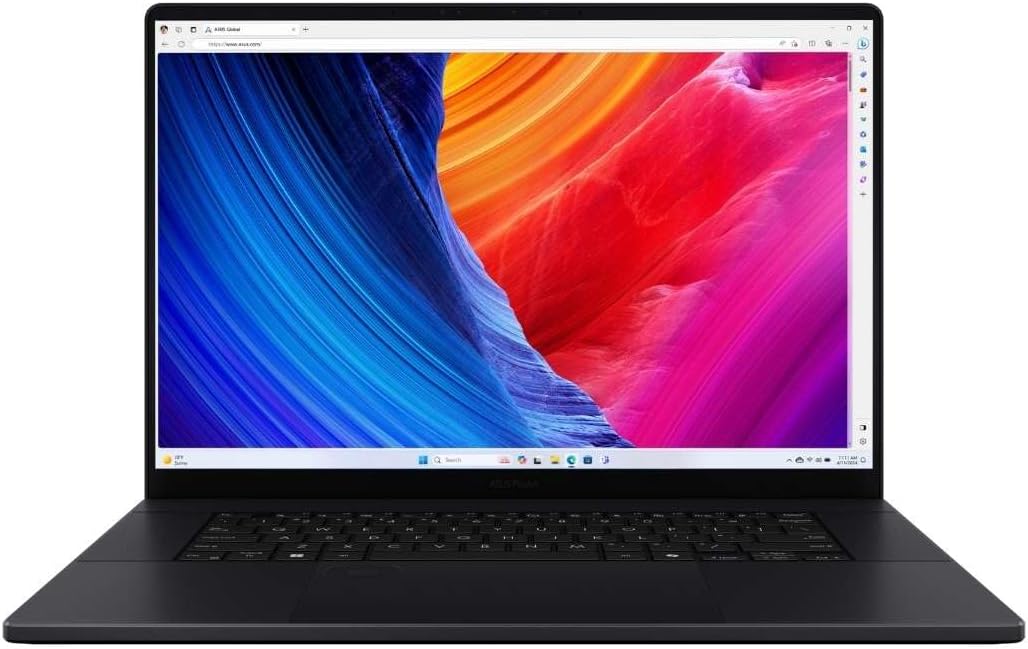
This is the complete package for serious CAD professionals who need workstation-level performance in a laptop form. It handles complex assemblies and detailed technical drawings without compromise.
Key highlights
- Up to 64GB RAM for heavy-duty CAD workflows
- 50-series NVIDIA graphics card for smooth 3D operation
- Professional-grade 16-inch display with excellent color accuracy
- ASUS Dial integrated touchpad for precise control
- USB4 Type-C connectivity with display and power delivery support
Pros
- Exceptional performance for demanding CAD projects
- Ample RAM handles even complex assemblies
- Professional features tailored for creative work
- Good thermal management for sustained workloads
Cons
- Premium pricing reflects workstation capabilities
- Battery life drops significantly under CAD workloads
- Not the most portable option at 16 inches
Who it is for: Professional architects, engineers, and designers working on complex projects who need reliable, high-performance computing.
Skip if
You're on a tight budget or need maximum portability for fieldwork.
ASUS ZenBook Duo (2025) - Best value
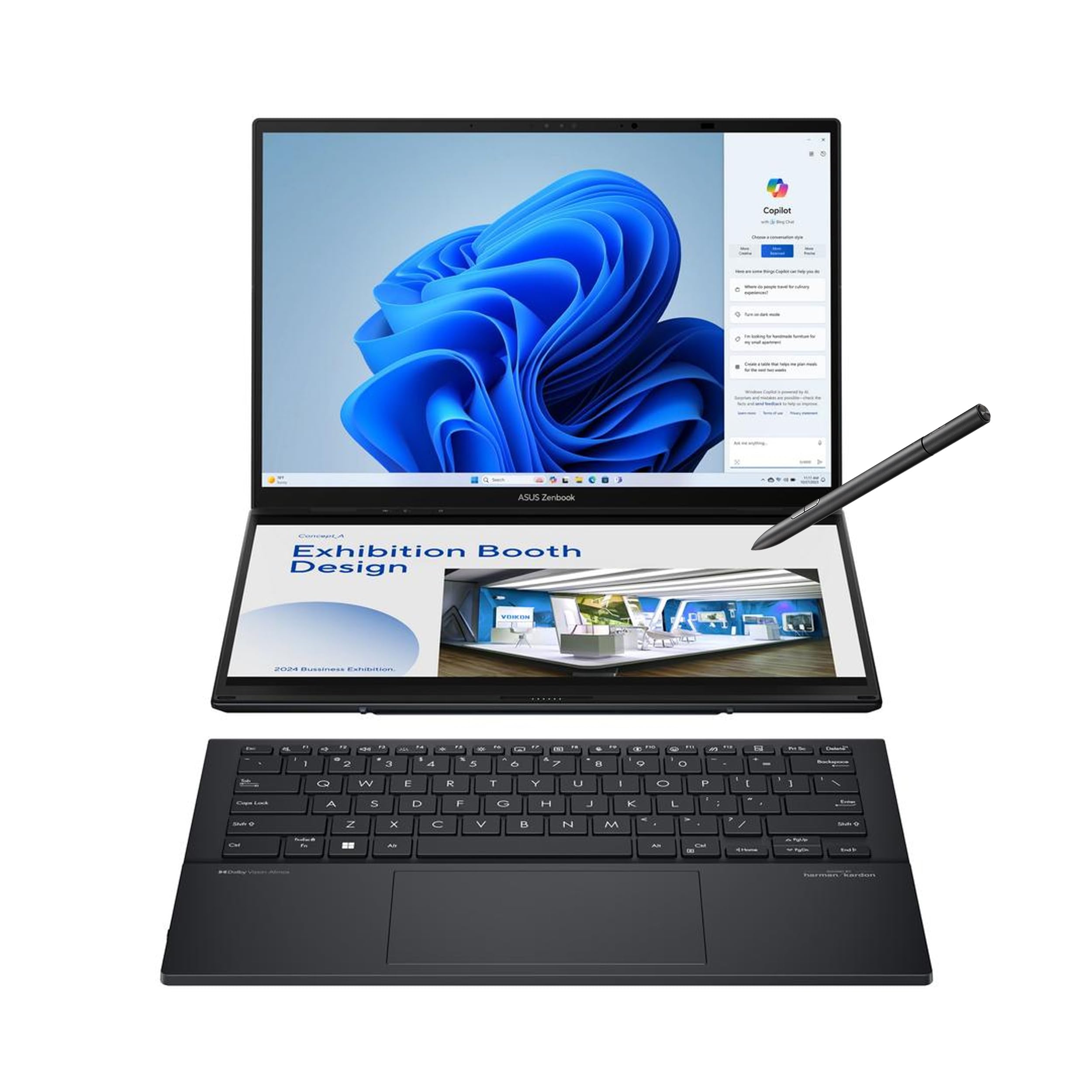
This dual-screen laptop pairs two 14-inch OLED touch displays with an Intel Core Ultra 9 285H, 32GB of RAM and a 1TB SSD. The second display gives you extra workspace without needing external monitors.
Key highlights
- Revolutionary dual-screen design with 2880x1800 resolution on both displays
- Strong value for a dual-screen workstation-class laptop
- OLED display with 100% DCI-P3 color coverage
- Intel Core Ultra 9 processor for strong performance
- Exceptional portability at 1.65kg for a dual-screen laptop
Pros
- Dual screens boost productivity for CAD workflows
- Competitive pricing for the feature set
- Good color accuracy for design work
- Surprisingly portable for a dual-screen device
Cons
- Battery life may be limited with both screens active
- Learning curve for dual-screen workflow optimization
- Less powerful graphics than premium workstations
Who it is for: CAD professionals who frequently work with multiple monitors and want that flexibility in a portable package.
Skip if
You need maximum graphics performance for rendering or prefer a traditional single-screen setup.
MSI Stealth 18 HX AI - Best big screen
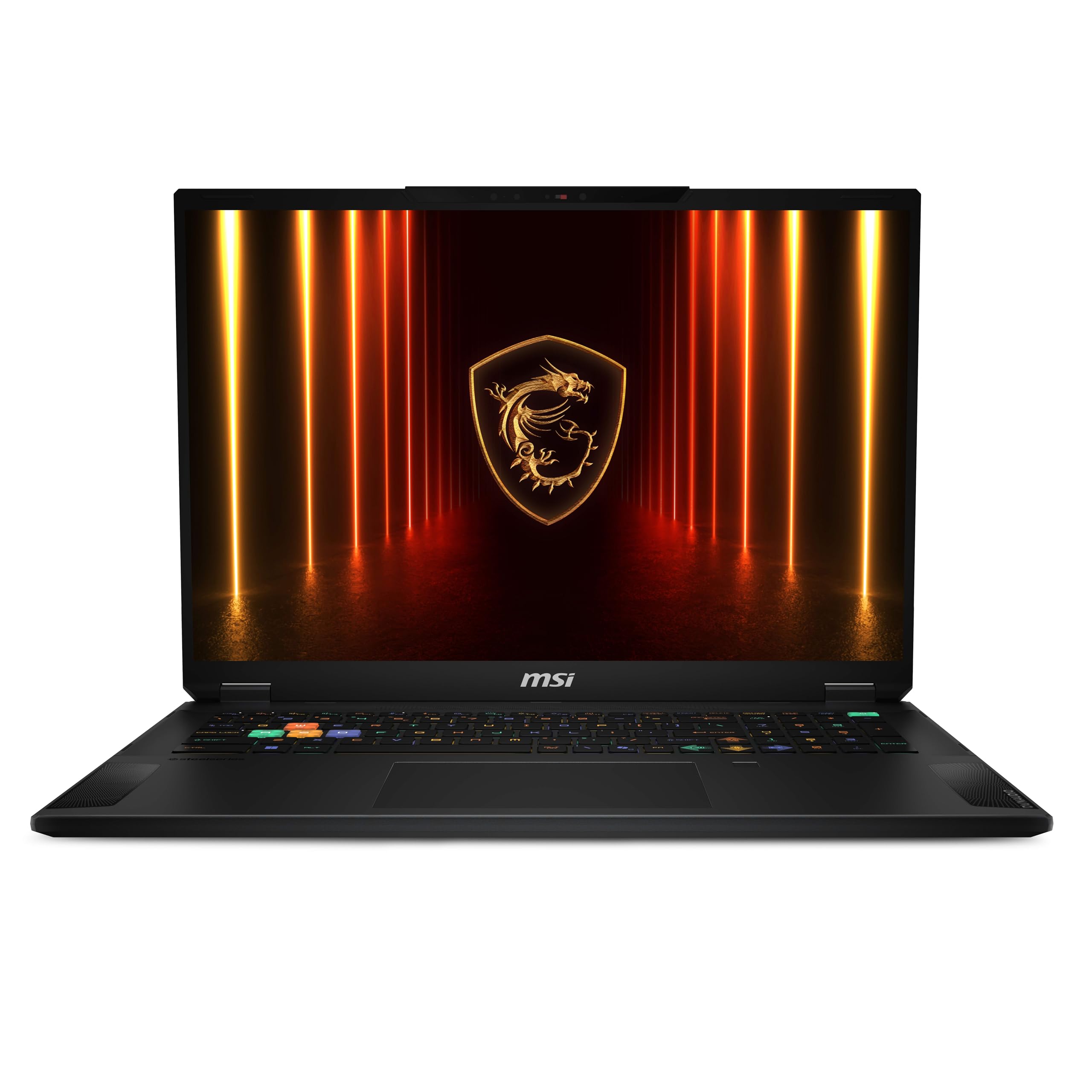
When you need maximum screen real estate without sacrificing portability, this 18-inch powerhouse delivers. It brings workstation-level performance to a remarkably portable chassis for its size.
Key highlights
- 18-inch 2560x1600 QHD+ display with a 240Hz refresh rate and 100% DCI-P3 coverage
- 32GB DDR5 RAM and a 2TB SSD
- Workstation-level performance in portable form
- Large chassis accommodates substantial battery capacity
- Good thermal management for sustained workloads
Pros
- Massive screen space for complex assemblies
- Excellent color accuracy for technical drawings
- Powerful enough for 3D rendering tasks
- Better portability than traditional desktop replacements
Cons
- Still firmly a desktop replacement in weight class
- Premium pricing for large-screen configuration
- Power-intensive work requires mains connection
Who it is for: Architects and engineers who work with large, complex models and need ample screen space but still require some portability.
Skip if
You need true all-day battery life or work primarily in the field.
Also Good
- Dell Precision 3591 - a 15.6-inch FHD workstation with 32GB RAM, a 512GB SSD and NVIDIA RTX 1000 graphics.
How to Choose
- 1.Match graphics to your workload: AutoCAD uses GPU acceleration for display operations. Autodesk recommends dedicated video memory; check your version's requirements and certified graphics list rather than choosing by GPU generation alone.
- 2.RAM capacity is critical: 32GB should be your minimum for professional work. 64GB handles complex assemblies and large files comfortably. Don't settle for 16GB if you work with substantial projects.
- 3.Display quality affects workflow: Look for 100% sRGB or DCI-P3 color coverage for accurate technical drawings. Higher resolution (QHD or 4K) gives you more workspace. Consider screen size based on your mobility needs.
- 4.Thermal management sustains performance: CAD workloads generate heat. Look for laptops with vapor chamber cooling or robust fan systems. Poor thermal design leads to throttling during long sessions.
- 5.Portability vs. power trade-off: Smaller laptops (14-inch) sacrifice some performance and cooling for mobility. Larger machines (16-18 inch) offer better performance and screens but weigh more.
FAQ
Can I use a Mac for AutoCAD?
Yes. Autodesk ships AutoCAD for Mac and supports it on current macOS releases. The specialized toolsets are Windows-only, so choose Windows if your workflow depends on them.
How much RAM do I really need for AutoCAD?
32GB is the practical minimum for professional work. 64GB is recommended for complex projects, large assemblies, or if you run other applications alongside AutoCAD. 16GB may suffice for students or very simple 2D work.
Do I need a workstation graphics card?
Not necessarily. Check Autodesk's graphics requirements for your AutoCAD version and workload. For large datasets, point clouds and 3D modeling, Autodesk lists additional workstation graphics requirements; verify the exact GPU and driver against its certified hardware list.
Is a laptop or desktop better for AutoCAD?
Desktops offer more power, better cooling, and easier upgrades for the price. Laptops provide mobility. Choose based on your work style: if you move between locations, get a laptop; if you work primarily in one place, a desktop gives better value.
How important is display color accuracy?
Very important for technical drawings and presentations. Look for displays with 100% sRGB coverage minimum. DCI-P3 or Adobe RGB coverage is better for color-critical work. Calibration tools can improve accuracy further.
Published January 31, 2026 Last updated September 5, 2026
Share this article
More buying guides
Buying guide
9 Best Keyboards From Top Brands in 2026
Buying guide
8 Best 60 Percent Keyboards of 2026
Buying guide
Top 7 Home Theater Systems for 2026

Buying guide
6 Best Handheld Gaming Consoles for 2026
Buying guide5 Spy Cameras for Home and Portable Monitoring (2026)Buying guide6 Best Tablets for Gaming in 2026Buying guide7 Best Laptops for Interior Designers in 2026Buying guide4 Best Budget Laptops Around $300 for 2026Buying guide7 Gaming Consoles for Every Budget in 2026Buying guideBest Lenovo ThinkPad Laptops in 2026Buying guide5 Best AI and Digital Voice Recorders for 2026Buying guideBest DSLR Cameras for 2026