A 27-inch 1440p monitor suits a lot of gamers. It is sharper than 1080p, much easier for a graphics card to drive than 4K, and comes with refresh rates from 180Hz to 500Hz. The real choice is between OLED panels, with per-pixel contrast and near-instant response, and IPS panels that cost less and avoid burn-in worries.
Technobezz is supported by its audience. We may get a commission from retail offers.
5 Best 1440p Gaming Monitors in 2026
The Samsung Odyssey OLED G6 G60SF leads our picks of the best 1440p gaming monitors, with OLED, IPS, value and budget options for PC and console players.
T
Technobezz
Editorial Team
Updated November 10, 2026Nov 10, 2026
•10 min read

Get Deals Like These in Your Inbox
The best prices, straight to your inbox.
Add Technobezz on Google:Preferred SourceGoogle Discover
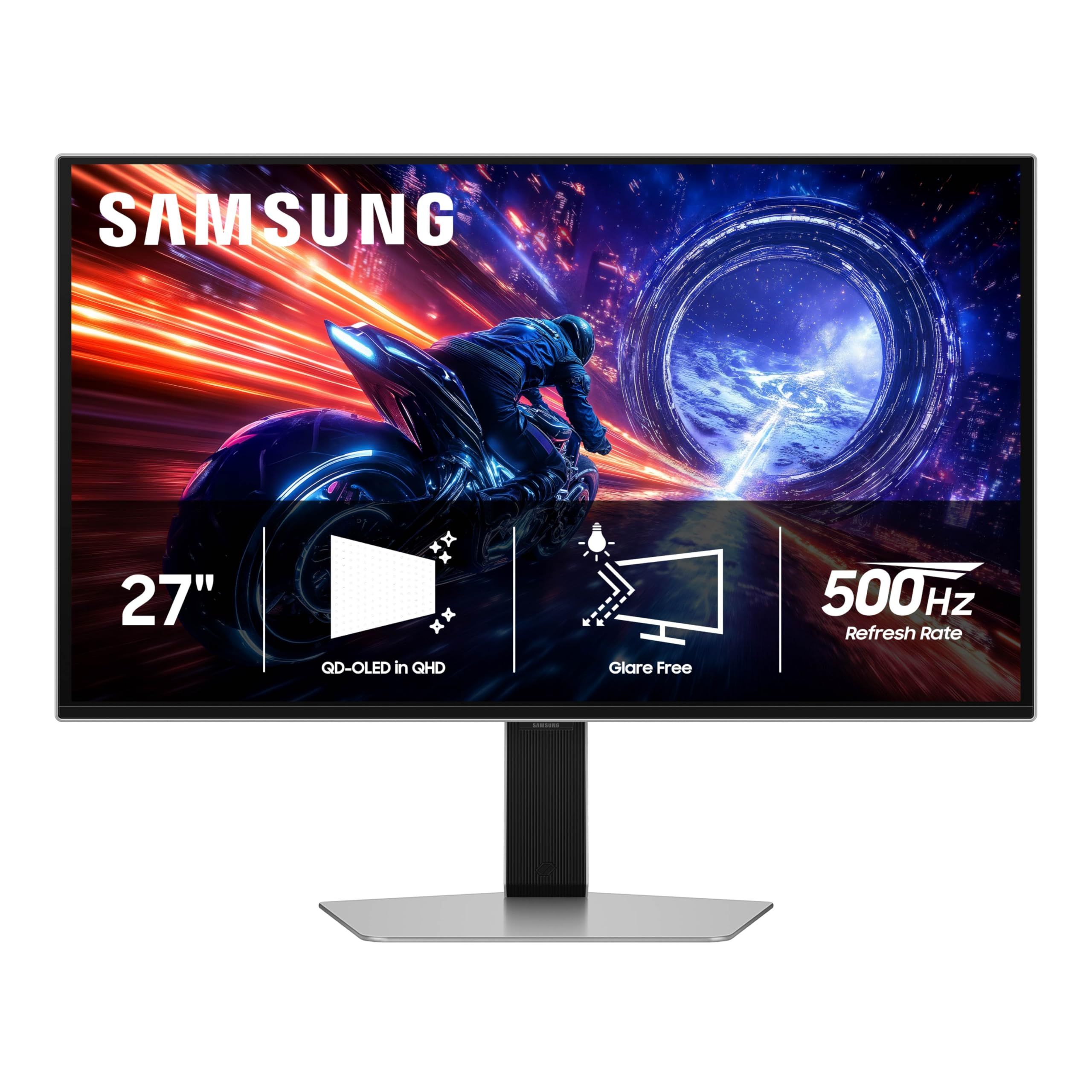
The Samsung Odyssey OLED G6 G60SF is our best overall pick. It puts a 27-inch QD-OLED panel at 2560 x 1440 behind a 500Hz refresh rate and a 0.03ms response time, and adds Samsung's Glare Free finish. It is built for competitive PC players who want as much speed as possible at 1440p.
This guide is for PC and console players buying a 27-inch 1440p screen. The other picks cover a glossy OLED with two HDMI ports, a value QD-OLED, a 300Hz IPS model, and a budget 180Hz option.
At a Glance
| Category | Product | Why We Picked It |
|---|---|---|
| Best overall | Samsung Odyssey OLED G6 G60SF 27-inch | 500Hz QD-OLED with a Glare Free finish |
| Best for PC and console | LG UltraGear 27GX704A-B | Glossy 240Hz OLED with dual HDMI and True Black 400 |
| Best value OLED | AOC Q27GAZD | 240Hz QD-OLED with 99% DCI-P3 in a simpler package |
| Best IPS | LG UltraGear 27G640A-B | 300Hz IPS with a fully adjustable stand and speakers |
| Best budget | Samsung Odyssey G5 G50F 27-inch | Fast IPS at 180Hz with HDR10 and G-Sync Compatible support |
How we chose
We compared the makers' published specifications for 27-inch 1440p gaming monitors, looking at panel type, refresh rate, response time, HDR certification, adaptive sync, connections and stand design. We also checked that each pick is sold new on Amazon.
The best 1440p Gaming Monitors right now
Samsung Odyssey OLED G6 G60SF 27-inch - Best overall
Samsung's Odyssey OLED G6 G60SF pairs a 27-inch QD-OLED panel at QHD (2560 x 1440) with a 500Hz refresh rate. That is the highest refresh rate in this group, and Samsung rates the response time at 0.03ms.
It is G-Sync Compatible and uses Samsung's Glare Free finish, which is aimed at rooms where reflections are a problem. Getting value from 500Hz takes a PC that can push very high frame rates at 1440p, so this monitor makes the most sense for fast competitive games on a strong gaming rig.
Key highlights
- 27-inch QD-OLED panel
- QHD 2560 x 1440 resolution
- 500Hz refresh rate
- 0.03ms response time
- G-Sync Compatible
- Glare Free finish
Pros
- Highest refresh rate of any pick here
- QD-OLED contrast with a 0.03ms response time
- Glare Free finish suits rooms with windows or bright lights
Cons
- Needs a powerful PC to get anywhere near 500 frames per second
- Premium positioning compared with the IPS picks
- As with any OLED, long hours of static images carry a burn-in risk
Who it is for: Competitive PC players who want the fastest 1440p screen on this list.
Skip if
You mostly play on a console or want to keep spending at the budget end.
LG UltraGear 27GX704A-B - Best for PC and console
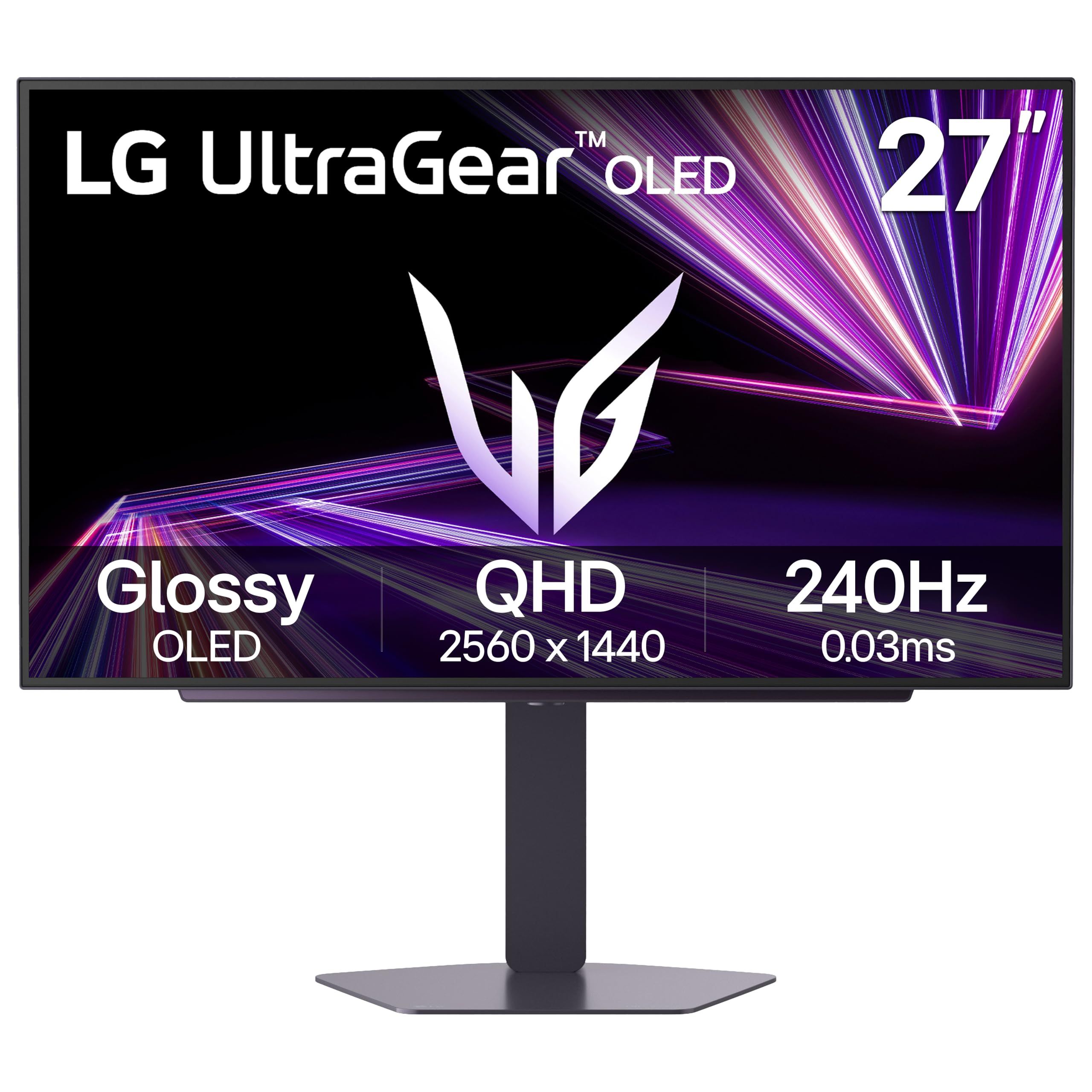
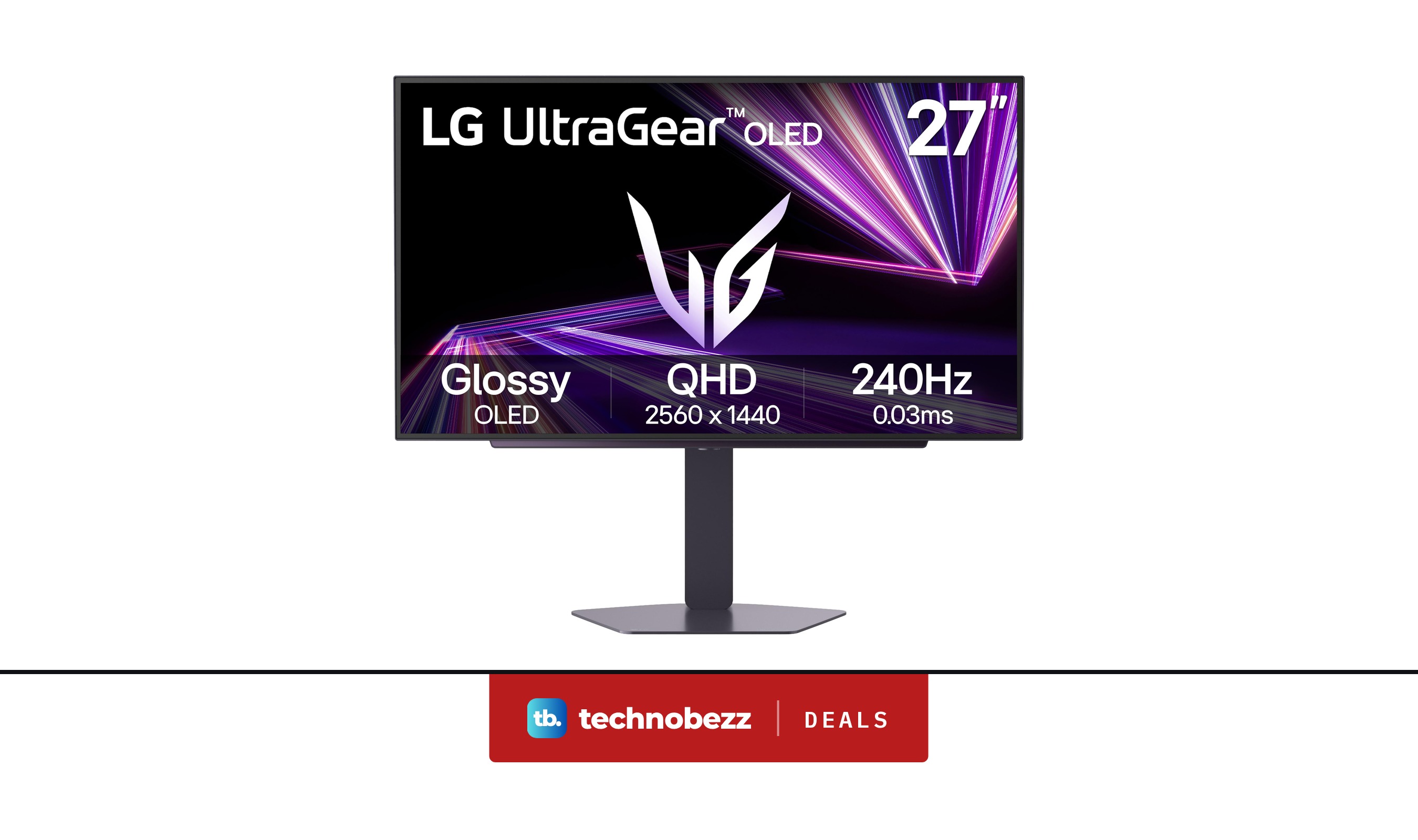
LG's UltraGear 27GX704A-B uses a glossy 27-inch OLED panel at QHD (2560 x 1440), with up to 240Hz and a 0.03ms response time. It carries DisplayHDR True Black 400 certification, which LG pitches at deep blacks and dark-scene detail.
Its connections are what earn it this slot. LG lists dual HDMI, DisplayPort 1.4, a USB upstream port and two USB downstream ports, so a gaming PC and a console can both stay connected. Adaptive sync covers NVIDIA G-SYNC Compatible and AMD FreeSync Premium Pro.
Key highlights
- 27-inch glossy OLED panel
- QHD 2560 x 1440 resolution
- Up to 240Hz refresh rate, 0.03ms response time
- DisplayHDR True Black 400
- Dual HDMI and DisplayPort 1.4
- NVIDIA G-SYNC Compatible and AMD FreeSync Premium Pro
Pros
- Two HDMI ports for a PC plus a console
- Certified True Black HDR
- USB hub with two downstream ports
- Supports both NVIDIA and AMD adaptive sync standards
Cons
- Glossy screen can show reflections in bright rooms
- DisplayPort 1.4 rather than DisplayPort 2.1
- 240Hz is well below the Samsung G6's 500Hz
- OLED carries a burn-in risk with long static images
Who it is for: Players who split time between a gaming PC and a console and want OLED contrast on both.
Skip if
Your desk faces a window or you want refresh rates above 240Hz.
AOC Q27GAZD - Best value OLED
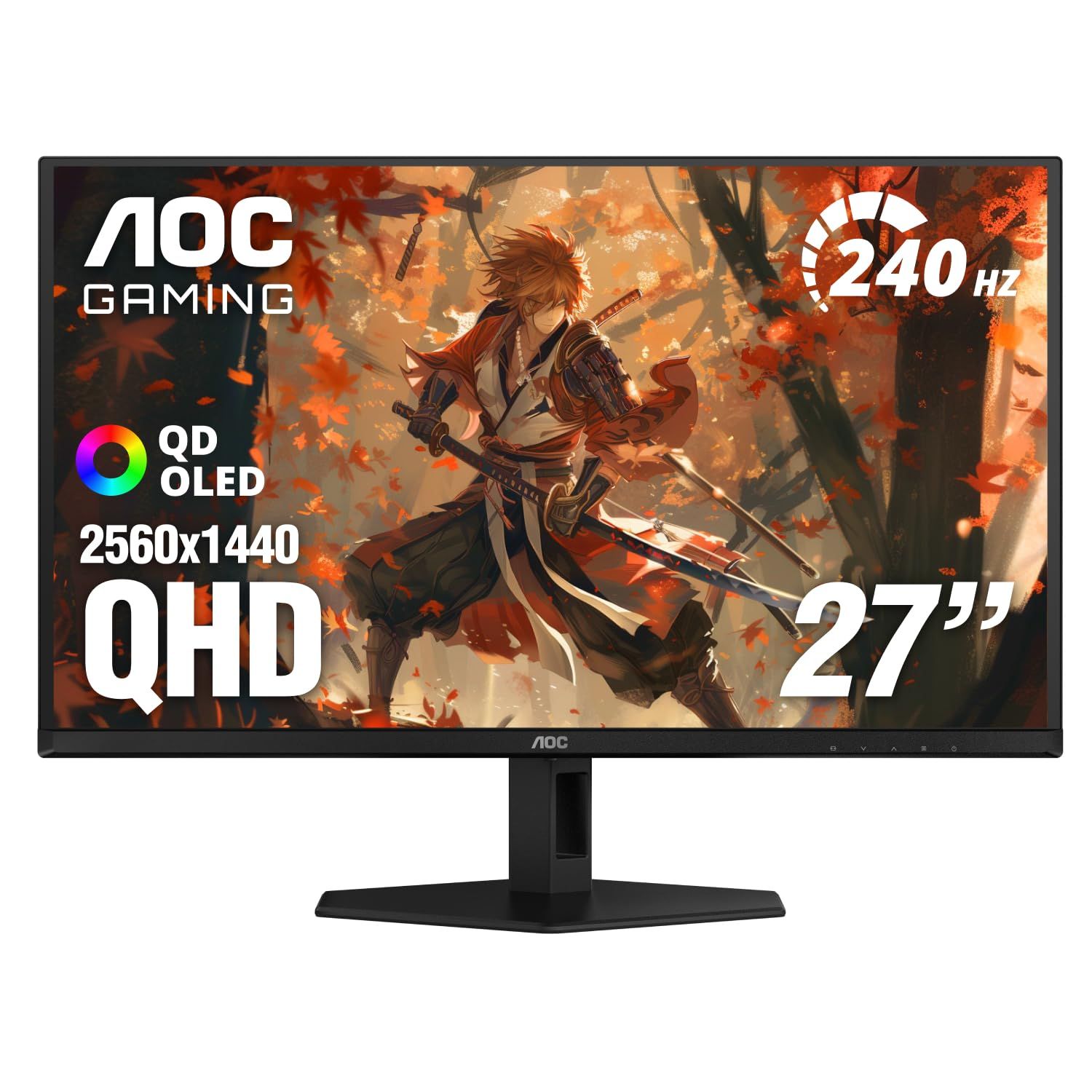
The AOC Q27GAZD is a 27-inch QD-OLED monitor with a 2560 x 1440 resolution, a 240Hz refresh rate and a 0.03ms (GtG) response time. AOC lists 99% DCI-P3 color coverage and a 1.5M:1 contrast ratio, which puts its core panel specs close to pricier OLED models.
The savings show in the details. It has one HDMI 2.0 port, one DisplayPort 1.4 and an audio out, and the stand is specified for tilt only, from about -3 to 21.5 degrees. AOC rates brightness at 200 cd/m2 typical in SDR and 400 cd/m2 in HDR at 10% APL. A 100 x 100 VESA mount makes it easy to move onto a monitor arm.
Key highlights
- 27-inch QD-OLED panel
- 2560 x 1440 resolution
- 240Hz refresh rate, 0.03ms (GtG) response time
- 99% DCI-P3 and 1.5M:1 contrast ratio
- NVIDIA G-SYNC Compatible
- HDMI 2.0, DisplayPort 1.4, audio out
Pros
- QD-OLED panel at 240Hz in a value-focused model
- Wide 99% DCI-P3 color coverage
- 100 x 100 VESA mount for monitor arms
Cons
- Only one HDMI port, and it is HDMI 2.0
- Stand tilts but has no listed height or swivel adjustment
- 200 cd/m2 typical SDR brightness is modest
- Listed as HDR Ready rather than DisplayHDR certified
Who it is for: PC gamers who want QD-OLED contrast and 240Hz without paying for extras they will not use.
Skip if
You need several HDMI inputs or a height-adjustable stand out of the box.
LG UltraGear 27G640A-B - Best IPS
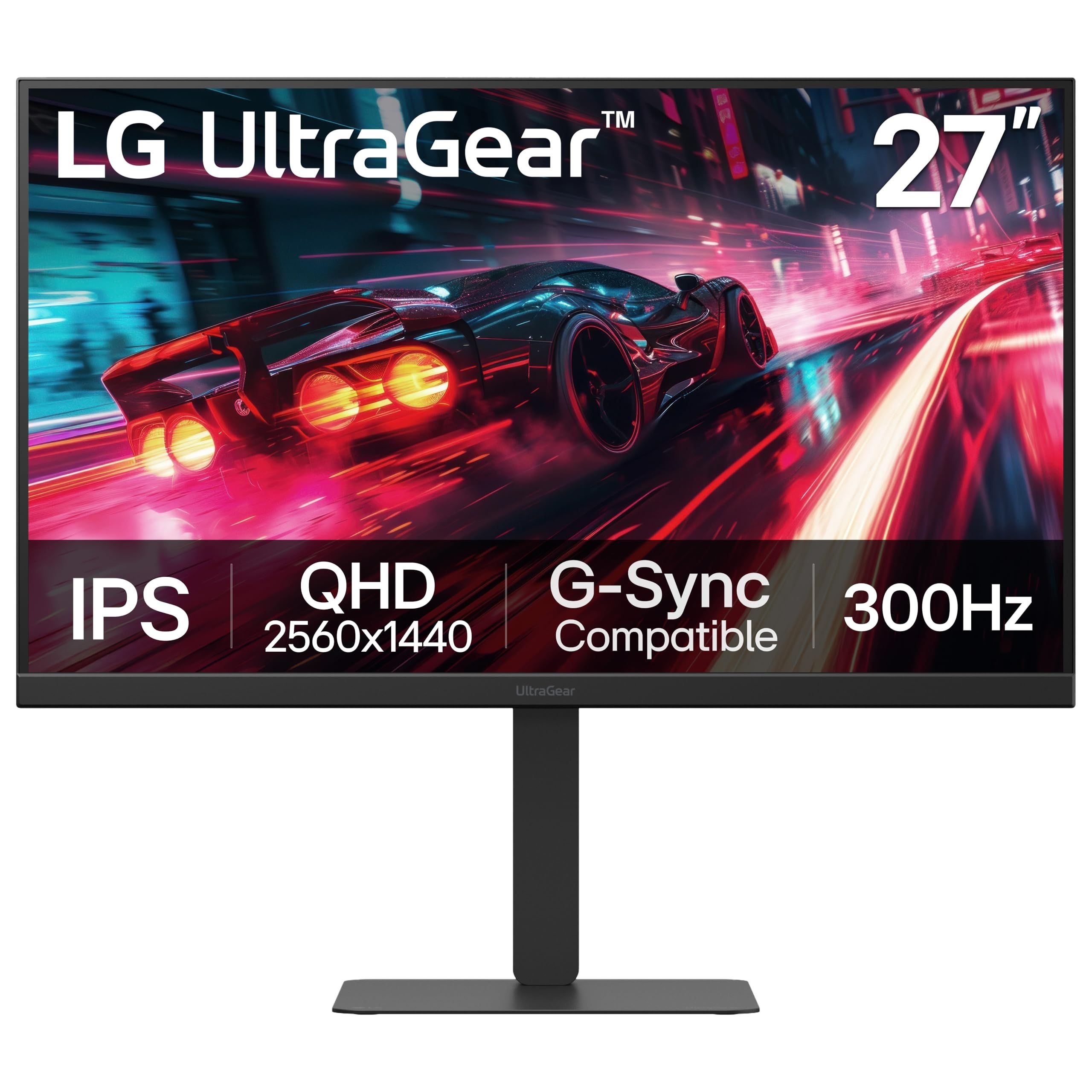
The LG UltraGear 27G640A-B is a 27-inch IPS monitor at QHD 1440p with a 300Hz refresh rate and a 1ms response time. LG lists up to 95% DCI-P3 color and VESA HDR400, plus FreeSync Premium and G-Sync Compatible support.
The 300Hz figure depends on your graphics card: LG says a card that supports DisplayPort 1.4 or HDMI 2.1 is required to reach it. The stand offers height, tilt, swivel and pivot adjustment, and built-in speakers save desk space for casual play.
Key highlights
- 27-inch IPS panel
- QHD 1440p resolution
- 300Hz refresh rate (needs a DisplayPort 1.4 or HDMI 2.1 graphics card)
- 1ms response time
- Up to 95% DCI-P3 and VESA HDR400
- Height, tilt, swivel and pivot stand
Pros
- 300Hz is very fast for an IPS panel
- Fully adjustable stand, including pivot
- Built-in speakers
- IPS avoids the burn-in concern that comes with OLED
Cons
- 1ms response time is slower than the 0.03ms OLED picks
- IPS cannot match OLED per-pixel contrast
- Reaching 300Hz requires a DisplayPort 1.4 or HDMI 2.1 graphics card
Who it is for: PC players who want a very high refresh rate and a flexible stand without OLED burn-in worries.
Skip if
Deep blacks and dark-room HDR matter more to you than refresh rate.
Samsung Odyssey G5 G50F 27-inch - Best budget
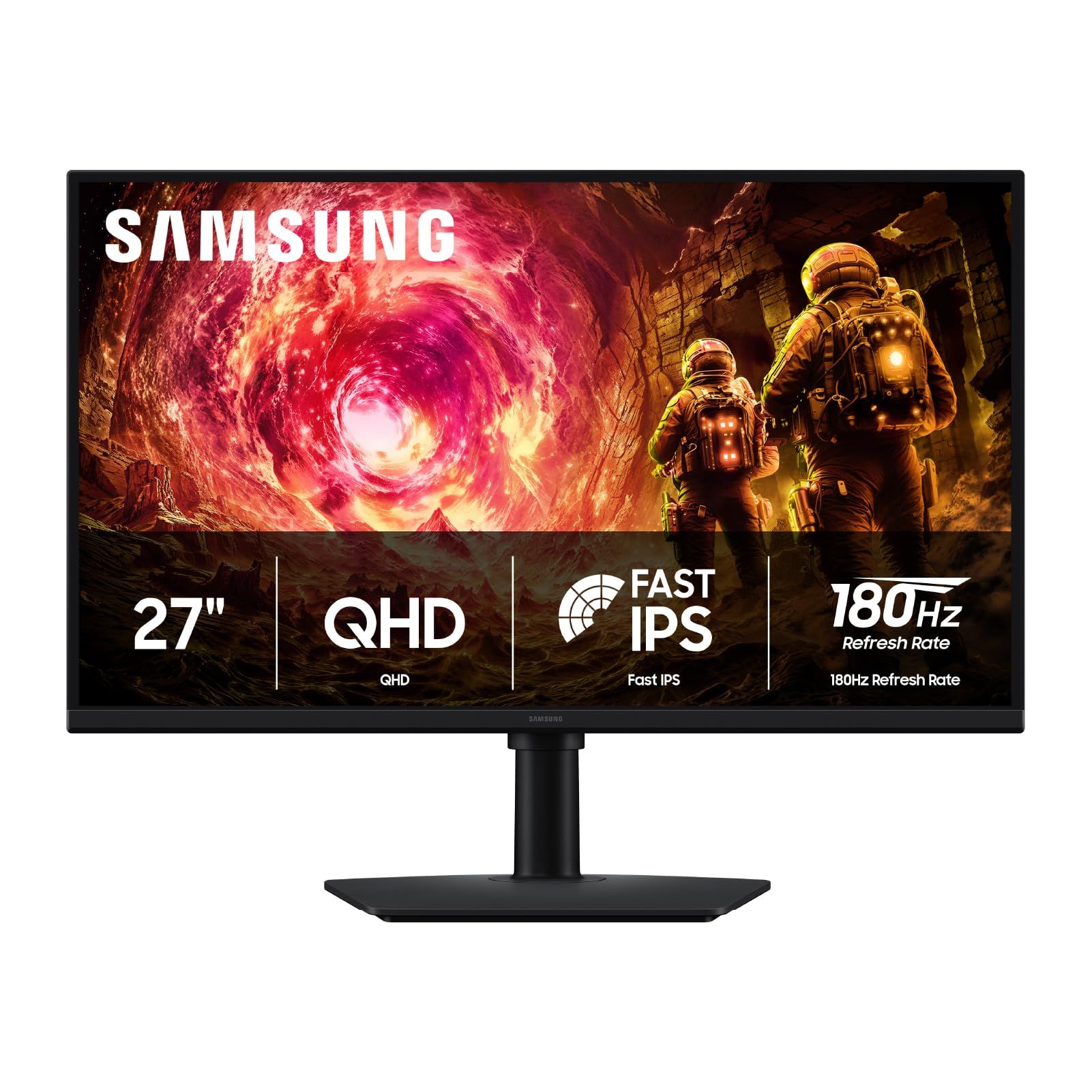
The Samsung Odyssey G5 G50F (LS27FG502ENXZA) is the simplest way into 1440p gaming on this list. It uses a 27-inch Fast IPS panel at QHD (2560 x 1440) with a 180Hz refresh rate and a 1ms response time.
Samsung adds HDR10 support and G-Sync Compatible adaptive sync. It does not chase the extreme refresh rates of the OLED picks, but 180Hz at 1440p is a sensible target for mid-range graphics cards and a clear step up from a 60Hz office screen.
Key highlights
- 27-inch Fast IPS panel
- QHD 2560 x 1440 resolution
- 180Hz refresh rate
- 1ms response time
- HDR10 support
- G-Sync Compatible
Pros
- Budget-friendly route to 1440p at a high refresh rate
- 180Hz is easier for mid-range graphics cards to feed
- IPS avoids OLED burn-in concerns
Cons
- 180Hz is the lowest refresh rate in this group
- HDR10 support without a listed DisplayHDR certification
- IPS contrast falls well short of the OLED picks
Who it is for: Buyers moving up from 1080p who want a solid 1440p gaming screen on a tight budget.
Skip if
You want OLED contrast or refresh rates above 180Hz.
How to Choose
- Pick the panel type first. OLED and QD-OLED give per-pixel contrast and response times around 0.03ms, while IPS costs less and avoids burn-in concerns from static images.
- Match the refresh rate to your hardware. A 500Hz or 300Hz screen only pays off if your graphics card can produce that many frames at 1440p. Mid-range cards are often a better match for 180Hz to 240Hz.
- Count the ports you need. If a console and a PC will share the screen, look for two HDMI ports, and check the maker's HDMI version if you want 120Hz from a console.
- Think about your room. Glossy OLED screens look punchy but can reflect windows and lamps. Anti-glare finishes are easier to live with in bright rooms.
- Read HDR labels closely. A DisplayHDR True Black certification means the panel met a defined standard, while HDR10 or HDR Ready only means the monitor accepts an HDR signal.
- Check the stand. Height, swivel and pivot adjustment make a big difference over long sessions. A tilt-only stand may mean budgeting for a VESA arm.
FAQ
Is 1440p worth it over 1080p on a 27-inch monitor?
For most players, yes. At 27 inches, 1440p gives noticeably sharper text and game detail than 1080p, while asking far less of a graphics card than 4K.
Do I need a 500Hz monitor?
Only if you play fast competitive games on a PC that can reach very high frame rates. For most single-player games and mid-range PCs, 180Hz to 240Hz is plenty.
Do 1440p monitors work with PS5 and Xbox Series X?
Both consoles can output 1440p over HDMI, but they target up to 120Hz, so the very high refresh rates here are mainly for PC. A monitor with two HDMI inputs, such as the LG UltraGear 27GX704A-B, is the most flexible choice for a console plus a PC; check the maker's HDMI version for 120Hz console play.
Is OLED burn-in still a concern?
It is a lower risk for mixed gaming and video use, but static elements such as taskbars and HUDs shown for many hours can still leave marks. If the screen doubles as an all-day work display, an IPS model is the safer choice.
What is the difference between G-Sync Compatible and FreeSync?
Both sync the monitor's refresh rate to your graphics card's frame output to reduce tearing and stutter. G-Sync Compatible models are validated for NVIDIA cards, while FreeSync is AMD's standard, and many monitors support both.
Published November 10, 2026 Last updated November 10, 2026
Add Technobezz on Google:Preferred SourceGoogle Discover
More on monitors
Buying guide
7 Best Curved Gaming Monitors in 2026
Buying guide
5 Best 4K Monitors in 2026
Buying guide
5 Best 4K Gaming Monitors in 2026
Deal
LG 27GX704A-B Ultragear QHD OLED Gaming Monitor is $349.99 ahead of Black Friday
More buying guides
Buying guide5 Best Studio Headphones in 2026Buying guide5 Best Foldable Phones in 2026Buying guide6 Best Ergonomic Mice in 2026Buying guide6 Best AR Glasses in 2026Buying guide6 Best 360 Cameras in 2026Buying guide7 Best Digital Pianos in 2026Buying guide6 Best Gaming Headsets for Xbox in 2026Buying guide5 Best 50-Inch TVs in 2026