A 4K monitor suits anyone who spends long hours with text, spreadsheets, photos or games and wants sharper detail than a 1440p screen can show. The right model depends on what fills most of your day: office work, fast competitive games, color-critical editing or a MacBook that needs one cable for display and charging.
Technobezz is supported by its audience. We may get a commission from retail offers.
5 Best 4K Monitors in 2026
The Dell S2725QC tops our 4K monitor picks for 2026, joined by OLED, fast gaming, color-critical and MacBook-friendly options for every kind of desk setup.
T
Technobezz
Editorial Team
Updated November 10, 2026Nov 10, 2026
•11 min read

Get Deals Like These in Your Inbox
The best prices, straight to your inbox.
Add Technobezz on Google:Preferred SourceGoogle Discover
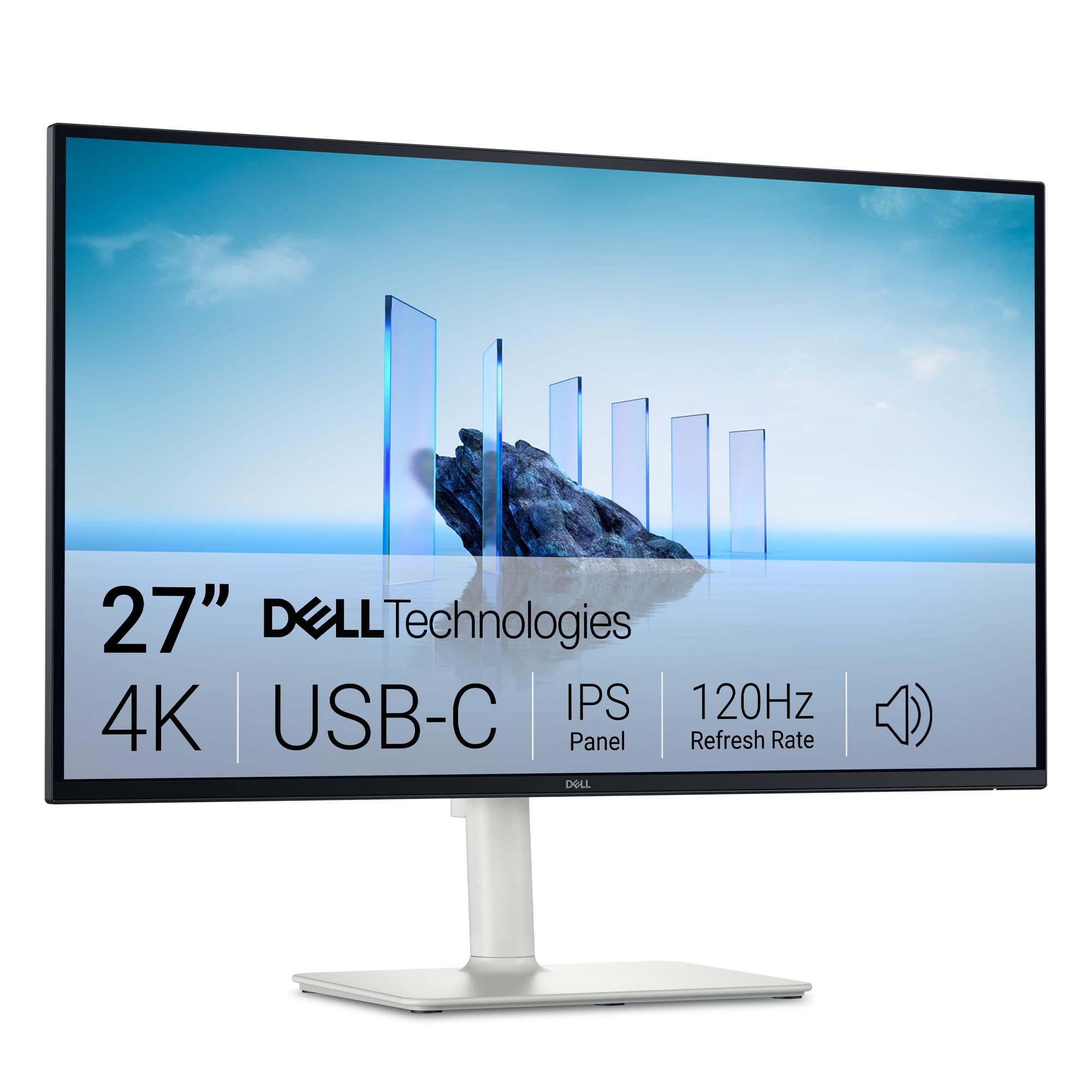
The Dell S2725QC is our best overall pick for most people. It pairs a 27-inch 4K IPS panel with a refresh rate of up to 120Hz, a USB-C port with up to 65W of power delivery, dual 5W speakers and a stand that adjusts for height, tilt, swivel and pivot.
The rest of this list is for buyers with a clearer focus: OLED gaming, high-refresh esports play, professional color work and MacBook desks.
At a Glance
| Category | Product | Why We Picked It |
|---|---|---|
| Best overall | Dell S2725QC 27-inch 4K USB-C Monitor | 4K IPS at up to 120Hz with 65W USB-C and a fully adjustable stand |
| Best OLED for gaming | LG UltraGear 32GX870A-B 32-inch 4K OLED | OLED contrast with 4K up to 240Hz and DisplayPort 2.1 |
| Best 27-inch 4K for gaming | ASUS ROG Strix XG27UCG Gen2 (XG27UCGR) | Dual mode switches between 4K at 162Hz and FHD at 485Hz |
| Best for color work | ASUS ProArt Display PA27UCGE | Built-in motorized colorimeter, Delta E<1 and 98% DCI-P3 |
| Best for MacBook users | BenQ MA270UP 27-inch 4K | Mac color tuning, 90W USB-C and Mac brightness key control |
How we chose
We compared each maker's published specifications for 4K monitors, looking at panel type, refresh rate, color coverage, connectivity, USB-C power delivery and stand adjustment, then matched every pick to a specific kind of buyer. We also checked that each pick is sold new on Amazon.
The best 4K monitors right now
Dell S2725QC 27-inch 4K USB-C Monitor - Best overall
The Dell S2725QC covers what most people want from a 4K monitor without leaning hard toward one niche. Dell lists a 27-inch IPS panel at 3840 x 2160, a refresh rate of up to 120Hz, 99% sRGB coverage and 1.07 billion colors, with AMD FreeSync Premium for smoother play on supported graphics cards.
Its upstream USB-C port carries DisplayPort 1.4 Alt Mode and up to 65W of power delivery, so one cable can run the screen and charge many laptops. Two HDMI 2.1 ports, a 15W USB-C downstream port, two USB-A ports, dual 5W speakers and a stand with height, tilt, swivel and pivot adjustment round it out. Response time depends on the mode: Dell rates it at 4ms GtG in Extreme mode, 5ms in Fast and 8ms otherwise.
Key highlights
- 27-inch 4K (3840 x 2160) IPS panel
- Up to 120Hz with AMD FreeSync Premium
- 99% sRGB coverage and 1.07 billion colors
- USB-C with DisplayPort 1.4 Alt Mode and up to 65W Power Delivery
- Two HDMI 2.1 ports
- Dual 5W speakers
- Height, tilt, swivel and pivot adjustment
Pros
- One USB-C cable can carry video and laptop charging
- 120Hz is smoother than a typical 60Hz office monitor
- Full stand adjustment, including pivot for portrait use
- Built-in speakers save desk space
Cons
- No separate full-size DisplayPort input is listed; DisplayPort arrives over USB-C
- 350-nit brightness rating is modest for HDR content
- Color coverage is rated against sRGB, not the wider DCI-P3 space
- The 4ms response figure applies only in Extreme mode
Who it is for: Buyers who want one 4K screen for work, streaming and casual gaming, with laptop charging over a single cable.
Skip if
High-refresh competitive gaming, strong HDR highlights or wide-gamut color work is the priority.
LG UltraGear 32GX870A-B 32-inch 4K OLED - Best OLED for gaming
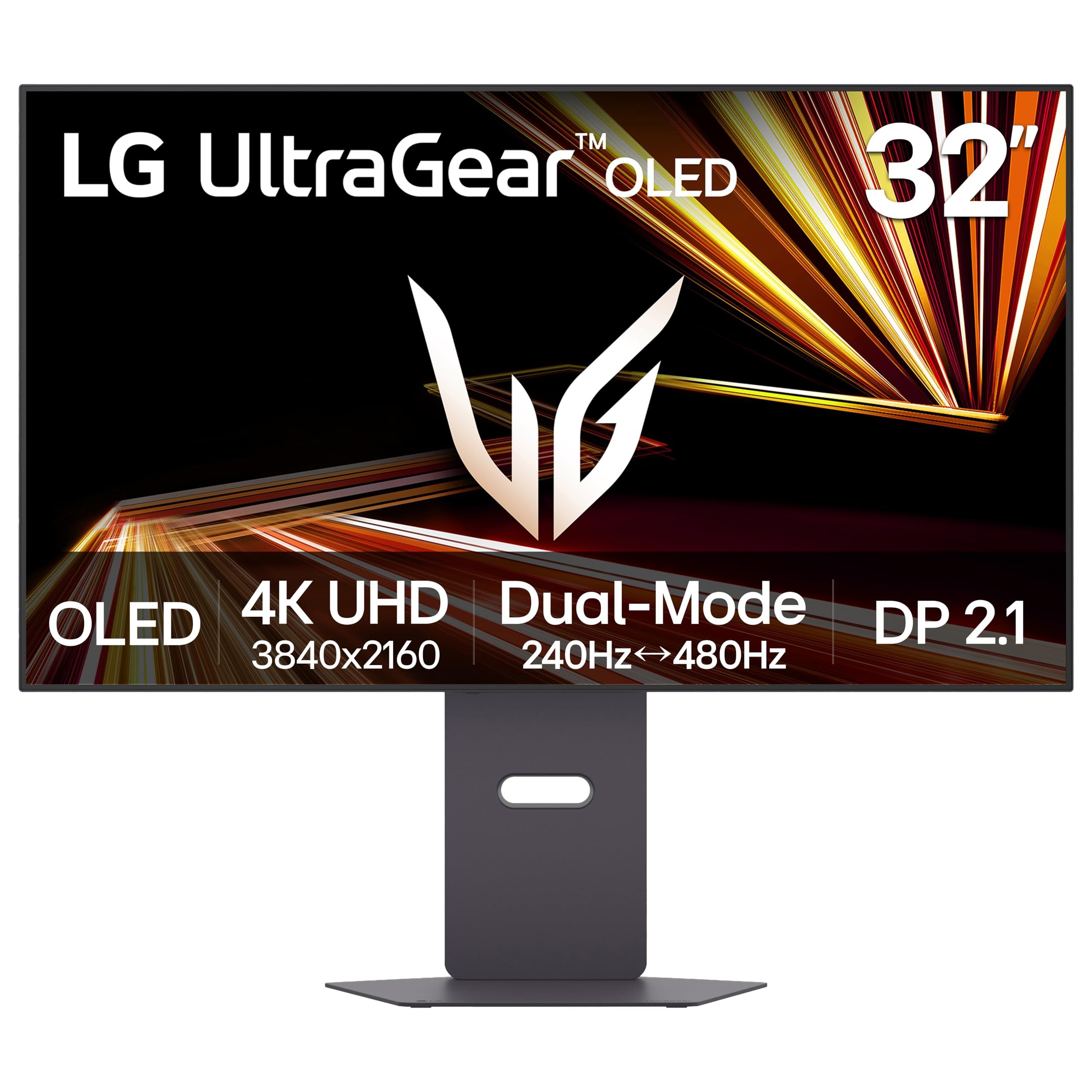
The LG UltraGear 32GX870A-B brings OLED contrast to a 32-inch 4K gaming monitor. LG lists DisplayHDR True Black 400 certification, a 1.5M:1 contrast ratio and a 0.03ms (GtG) response time, with NVIDIA G-SYNC Compatible and AMD FreeSync Premium Pro support.
Its Dual Mode runs 4K at up to 240Hz or switches to FHD at up to 480Hz, so one screen can serve detailed single-player games and faster competitive titles. LG lists DisplayPort 2.1 and USB-C connections, and the stand adjusts for height, tilt and pivot.
Key highlights
- 32-inch 4K UHD OLED panel
- Dual Mode: 4K up to 240Hz or FHD up to 480Hz
- 0.03ms (GtG) response time
- DisplayHDR True Black 400 and 1.5M:1 contrast ratio
- NVIDIA G-SYNC Compatible and AMD FreeSync Premium Pro
- DisplayPort 2.1 and USB-C
Pros
- OLED contrast suits dark-room games and movies
- 240Hz at full 4K is the highest 4K refresh rate in this list
- DisplayPort 2.1 gives headroom for high-refresh 4K from a PC
- Larger 32-inch screen than the 27-inch picks
Cons
- The 480Hz mode requires dropping to FHD resolution
- LG's page does not list a USB-C charging wattage or a color gamut figure
- At 32 inches, the same 4K pixel count is spread over a larger area than on 27-inch models
- Needs more desk depth and width than the 27-inch picks
Who it is for: PC and console gamers who want OLED contrast and high refresh rates on a large 4K screen.
Skip if
The monitor needs to charge a laptop over USB-C, or desk space only fits a 27-inch screen.
ASUS ROG Strix XG27UCG Gen2 (XG27UCGR) - Best 27-inch 4K for gaming
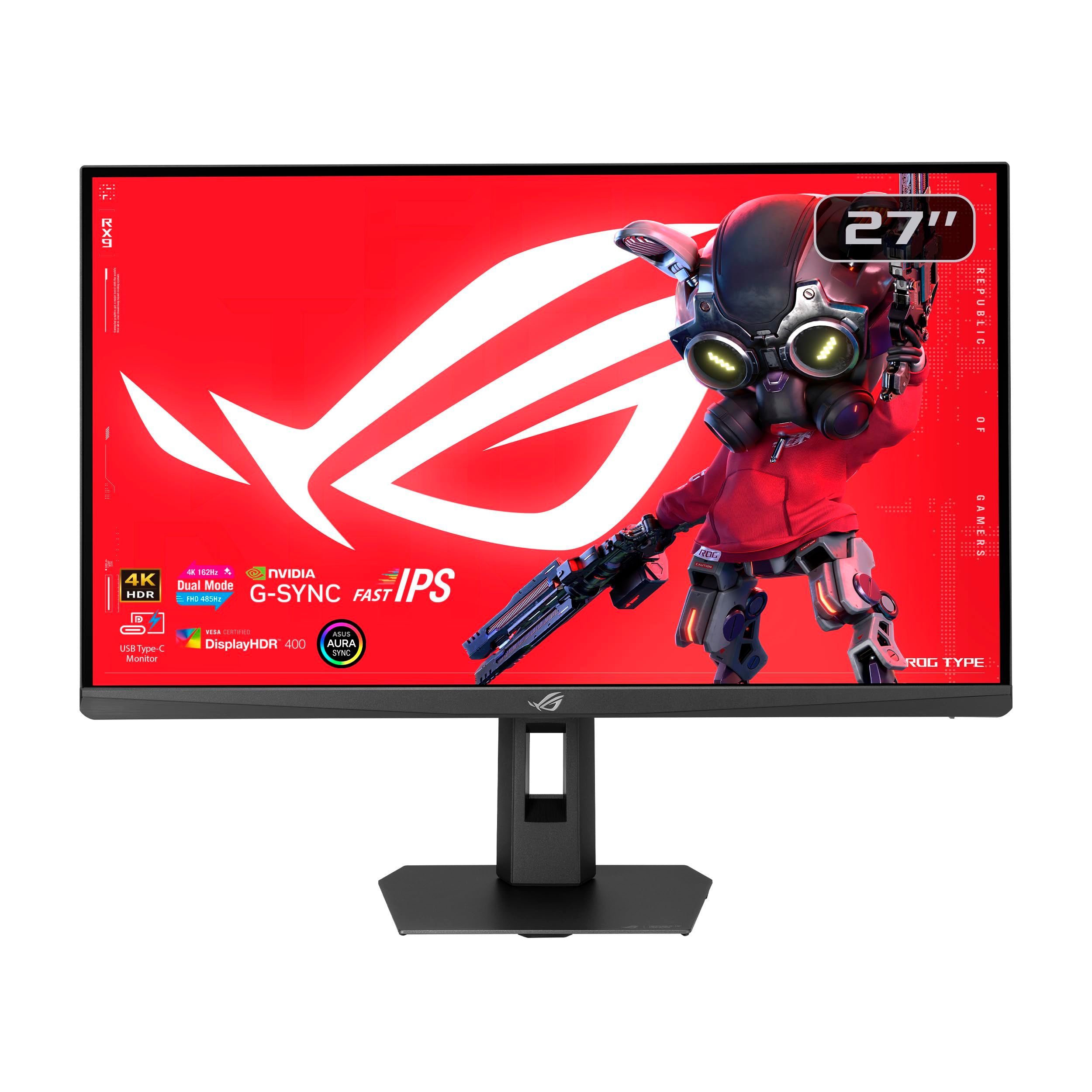
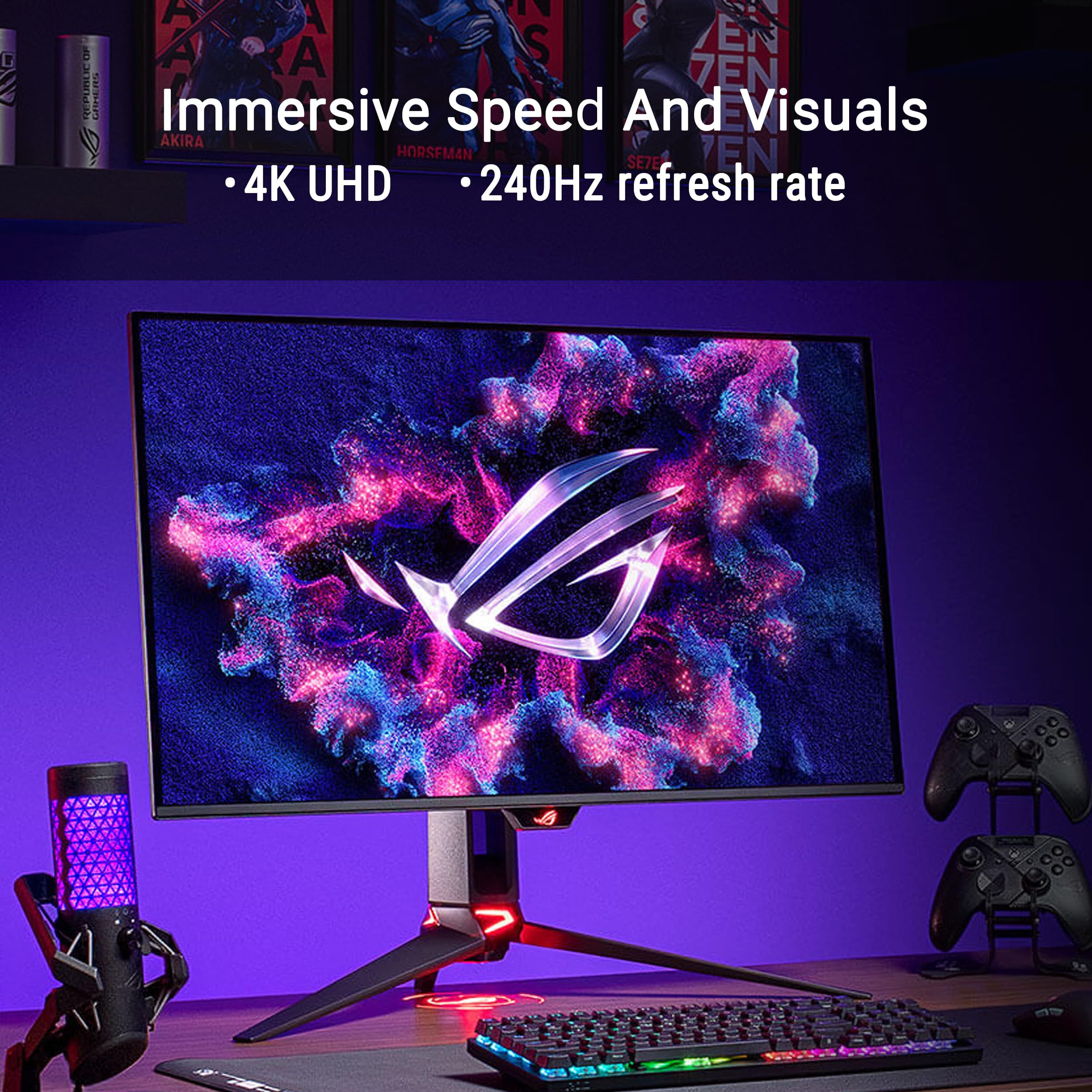
The ASUS ROG Strix XG27UCG Gen2 is a 27-inch Fast IPS gaming monitor built around a dual mode that runs 4K at 162Hz or FHD at 485Hz. ASUS rates its response time at 0.3ms (min.), and lists G-SYNC Compatible and FreeSync Compatible support plus ELMB SYNC.
ASUS lists 95% DCI-P3 coverage and VESA DisplayHDR 400 certification. Connections include USB Type-C with DP Alt mode, DisplayPort 1.4 and HDMI 2.1, and the stand adjusts for tilt, swivel, pivot and height. Gaming extras on the spec list include Dynamic Shadow Boost, Dynamic Crosshair, AI Visual and DisplayWidget Center.
Key highlights
- 27-inch 4K Fast IPS panel
- Dual mode: 4K at 162Hz or FHD at 485Hz
- 0.3ms (min.) response time
- 95% DCI-P3 coverage
- VESA DisplayHDR 400
- USB Type-C with DP Alt mode, DisplayPort 1.4 and HDMI 2.1
Pros
- 485Hz FHD mode targets competitive shooters
- 162Hz at 4K for sharper, slower-paced games
- 95% DCI-P3 coverage
- Fully adjustable stand
Cons
- The 485Hz mode is FHD only; 4K tops out at 162Hz
- DisplayHDR 400 is an entry-level HDR certification
- ASUS's page does not list a USB-C power delivery wattage
- IPS cannot match the OLED pick's contrast
Who it is for: Gamers who split time between competitive titles and detailed 4K games on a 27-inch IPS screen.
Skip if
Deep OLED blacks matter more than top refresh rate, or the monitor must charge a laptop.
ASUS ProArt Display PA27UCGE - Best for color work
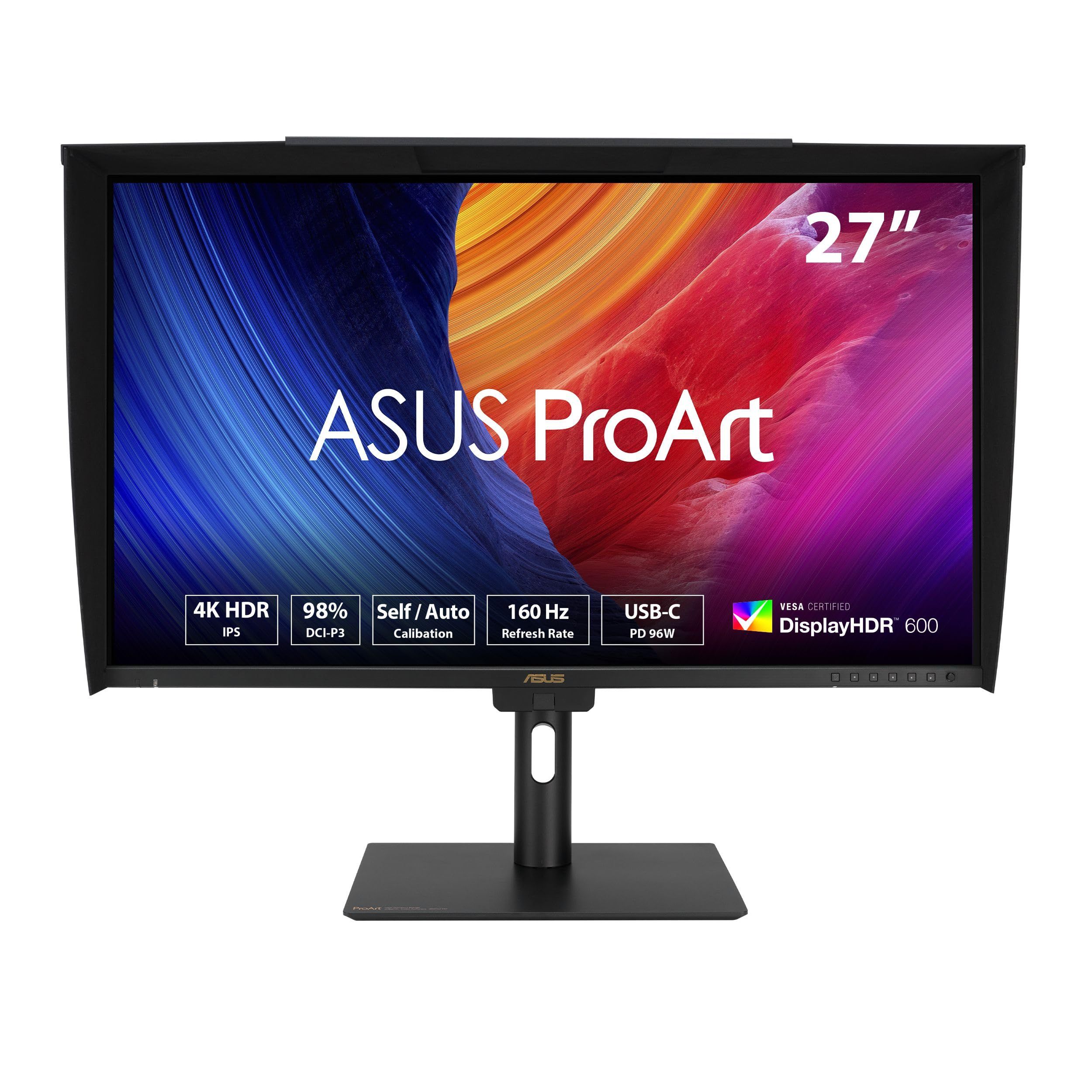
The ASUS ProArt Display PA27UCGE is built for photo, video and design work where color accuracy matters. ASUS lists a 27-inch 4K IPS panel with 98% DCI-P3 and 100% sRGB coverage, a Delta E<1 rating, HDR-10 and HLG support, and a peak brightness of 600 nits.
Its built-in motorized flip colorimeter supports self and auto calibration, and the monitor works with Calman and Light Illusion ColourSpace CMS. USB-C provides DisplayPort with 96-watt Power Delivery, Auto KVM switches one keyboard and mouse between two computers, and the 160Hz variable refresh rate (48 to 160Hz) keeps motion smooth. The stand offers 0 to 120mm of height adjustment plus tilt, swivel and pivot.
Key highlights
- 27-inch 4K (3840 x 2160) IPS panel
- 98% DCI-P3 and 100% sRGB
- Delta E<1
- Built-in motorized flip colorimeter
- USB-C with 96W Power Delivery
- Auto KVM
- 160Hz variable refresh rate
Pros
- Built-in colorimeter removes the need for a separate calibration device
- 96W USB-C can power many larger laptops
- Auto KVM suits two-computer desks
- 160Hz variable refresh rate
Cons
- 160Hz is below the refresh rates of the gaming picks
- Much of the feature set goes unused for office work or gaming
Who it is for: Photographers, video editors and designers who need calibrated color and want calibration built into the monitor.
Skip if
The monitor is mainly for office work, streaming or gaming.
BenQ MA270UP 27-inch 4K - Best for MacBook users
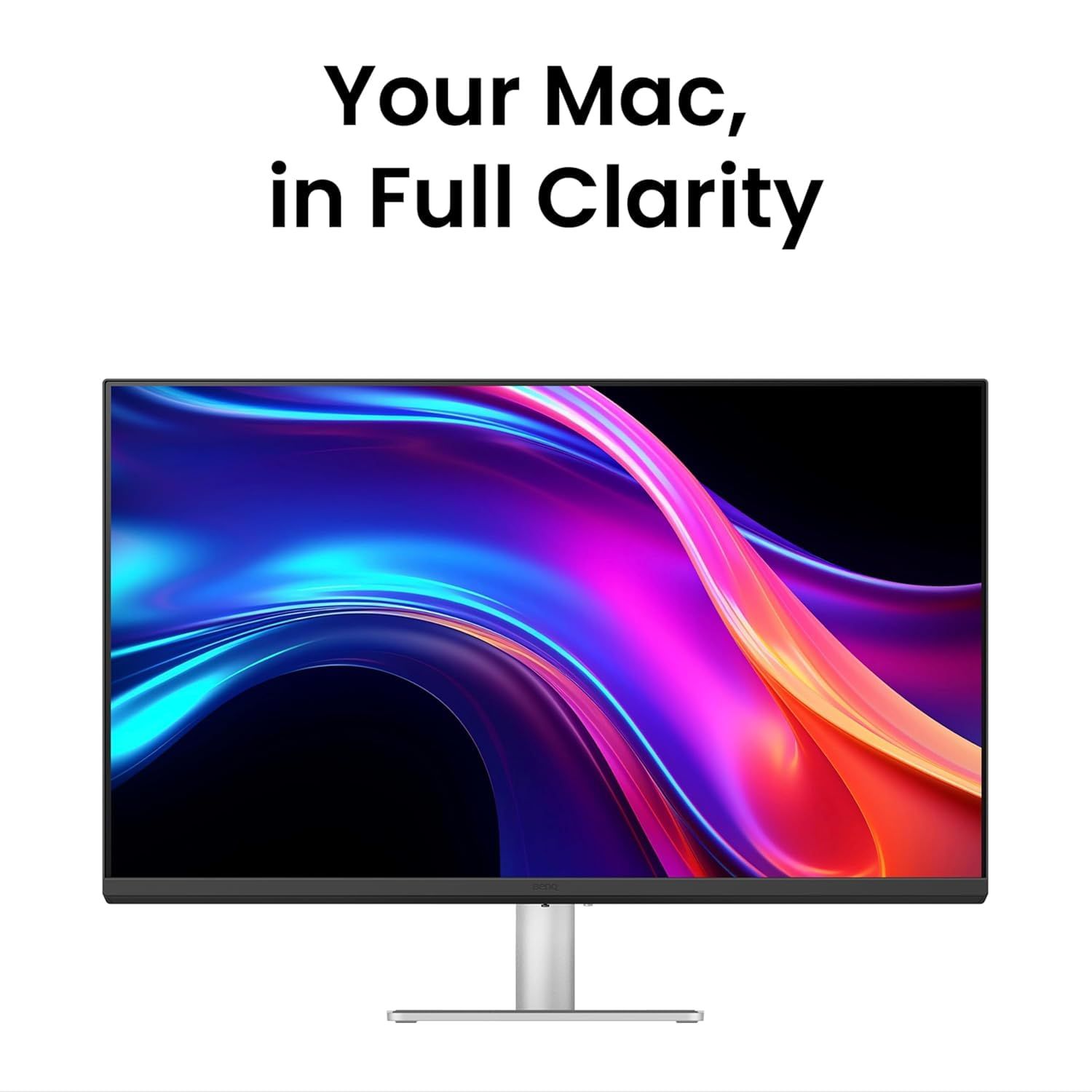
The BenQ MA270UP is a 27-inch 4K monitor designed around MacBook desks. BenQ pairs a wide P3 color gamut with its Mac color-tuning technology, listing 99% sRGB and 95% P3 coverage, so colors are intended to look closer to a MacBook's own screen.
Built-in 90W and 15W USB-C ports can charge a MacBook alongside an iPad or iPhone, and pressing the Mac's brightness or volume key adjusts both displays together. The panel uses a Nano Gloss finish, and the stand offers 115mm of height adjustment.
Key highlights
- 27-inch 4K (3840 x 2160) display
- 99% sRGB and 95% P3 coverage
- Mac color-tuning technology
- 90W and 15W USB-C ports
- Brightness and volume key control from a MacBook
- Nano Gloss screen finish
- 115mm height adjustment
Pros
- Color tuning aimed at matching MacBook screens
- 90W USB-C charging for a MacBook plus a second USB-C port for other devices
- Mac keyboard brightness and volume keys control the monitor
- Height-adjustable stand
Cons
- BenQ's page does not list a refresh rate or brightness figure
- A glossy finish can show reflections in bright rooms
- The Mac key control features offer nothing to Windows users
Who it is for: MacBook owners who want a 27-inch 4K screen with Mac-tuned color and one-cable charging.
Skip if
The monitor is for gaming, a Windows PC, or a room with bright light behind your seat.
How to Choose
- Pick the size for your desk. A 27-inch 4K screen packs pixels more tightly for crisp text, while a 32-inch screen shows larger content and needs more desk space.
- Match refresh rate to your use. 60Hz to 120Hz is plenty for office work and casual play. Competitive gamers benefit from 160Hz and above, and dual-mode monitors trade resolution for even higher refresh rates.
- Check USB-C power delivery. If one cable should charge your laptop, compare the monitor's listed wattage with what your laptop needs. Some gaming monitors offer USB-C video without stating a charging wattage.
- Choose the panel for your room and content. OLED offers the deepest blacks for dark-room gaming and movies, while IPS is a common choice for everyday work and static content.
- Look at color coverage for creative work. sRGB coverage is fine for web and office use. Photo and video editors should look for high DCI-P3 coverage and a low Delta E rating.
- Consider the screen finish. Glossy screens can look punchier but reflect more light, while matte and anti-glare coatings suit bright rooms.
FAQ
Is 27 inches big enough for 4K?
Yes. At 27 inches, 4K gives very sharp text and images. Most people use display scaling so text is a comfortable size, which still looks crisper than a 1440p panel of the same size.
What does dual mode mean on a gaming monitor?
Dual mode lets a monitor switch between 4K and a lower FHD resolution that runs at a higher refresh rate. The LG UltraGear 32GX870A-B offers 4K up to 240Hz or FHD up to 480Hz, and the ASUS ROG Strix XG27UCG Gen2 offers 4K at 162Hz or FHD at 485Hz.
Can a 4K monitor charge my laptop?
Many can over USB-C. In this list, the Dell S2725QC offers up to 65W, the BenQ MA270UP 90W and the ASUS ProArt PA27UCGE 96W. Check your laptop's charger wattage, since a monitor that supplies less may charge more slowly under heavy load.
Do I need a 240Hz 4K monitor for a console?
No. Current consoles output up to 120Hz, so a higher refresh rate mainly benefits PC gaming. HDMI 2.1 is the more important feature for consoles running 4K at 120Hz.
Is OLED or IPS better for a 4K monitor?
OLED delivers deeper blacks and higher contrast, which suits gaming and movies in dim rooms. IPS is a common, versatile choice for office work, and creator models like the ProArt PA27UCGE add calibration tools for accurate color.
Published November 10, 2026 Last updated November 10, 2026
Add Technobezz on Google:Preferred SourceGoogle Discover
More on monitors
Buying guide
5 Best 4K Gaming Monitors in 2026
Deal
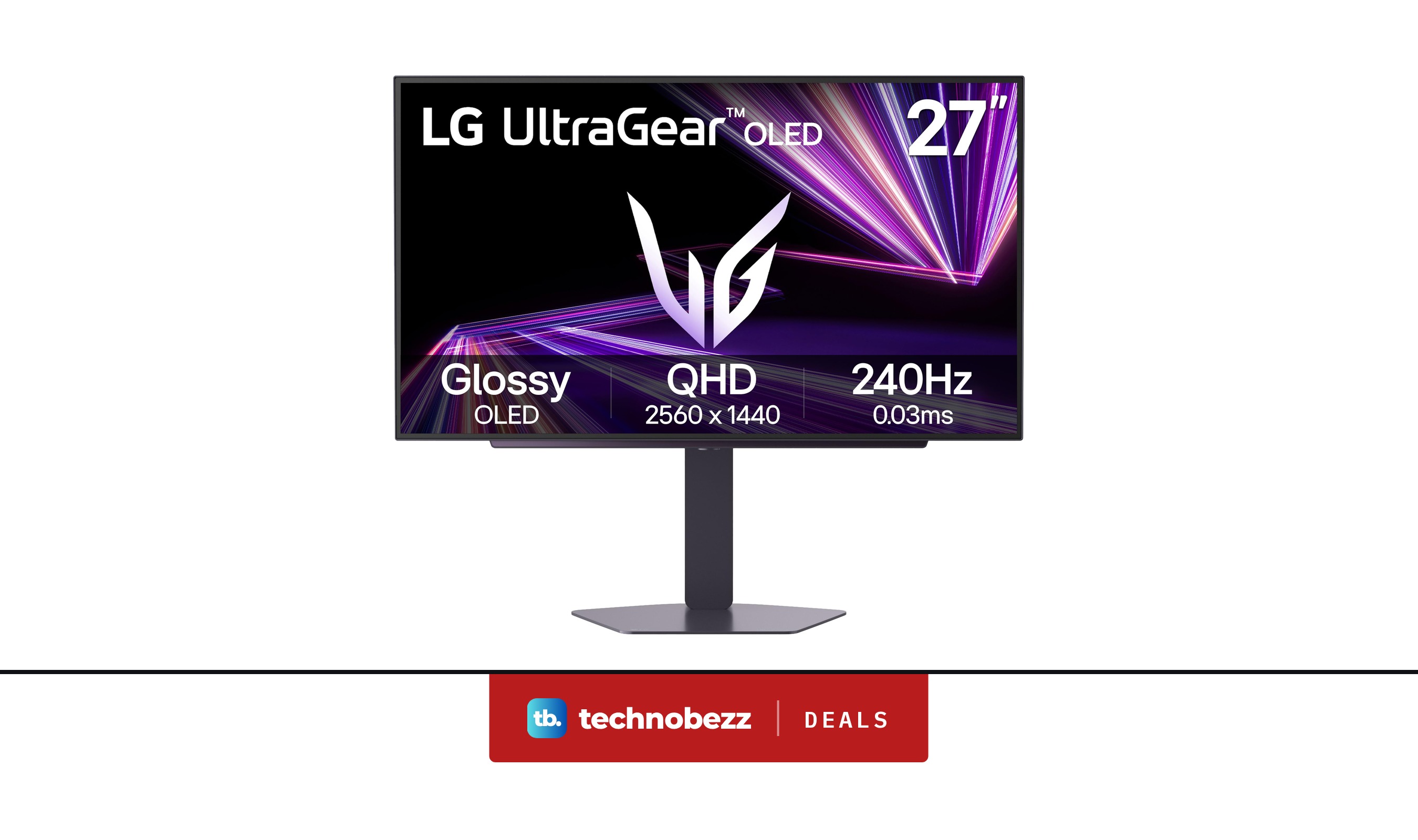
LG 27GX704A-B Ultragear QHD OLED Gaming Monitor is $349.99 ahead of Black Friday
Deal
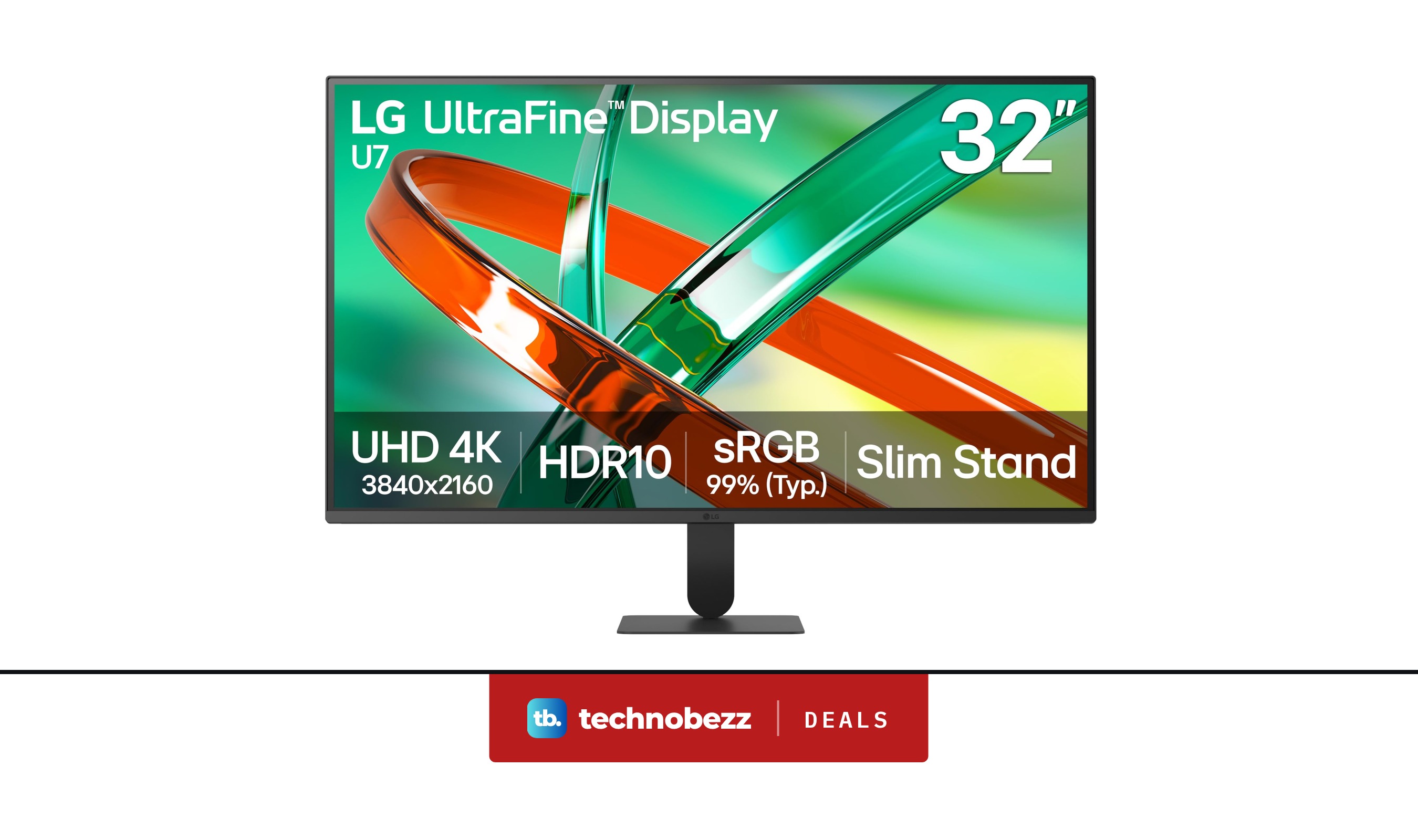
LG 32U701B-B Ultrafine 4K UHD HDR10 HDMI Monitor discounted to $199.99
Deal
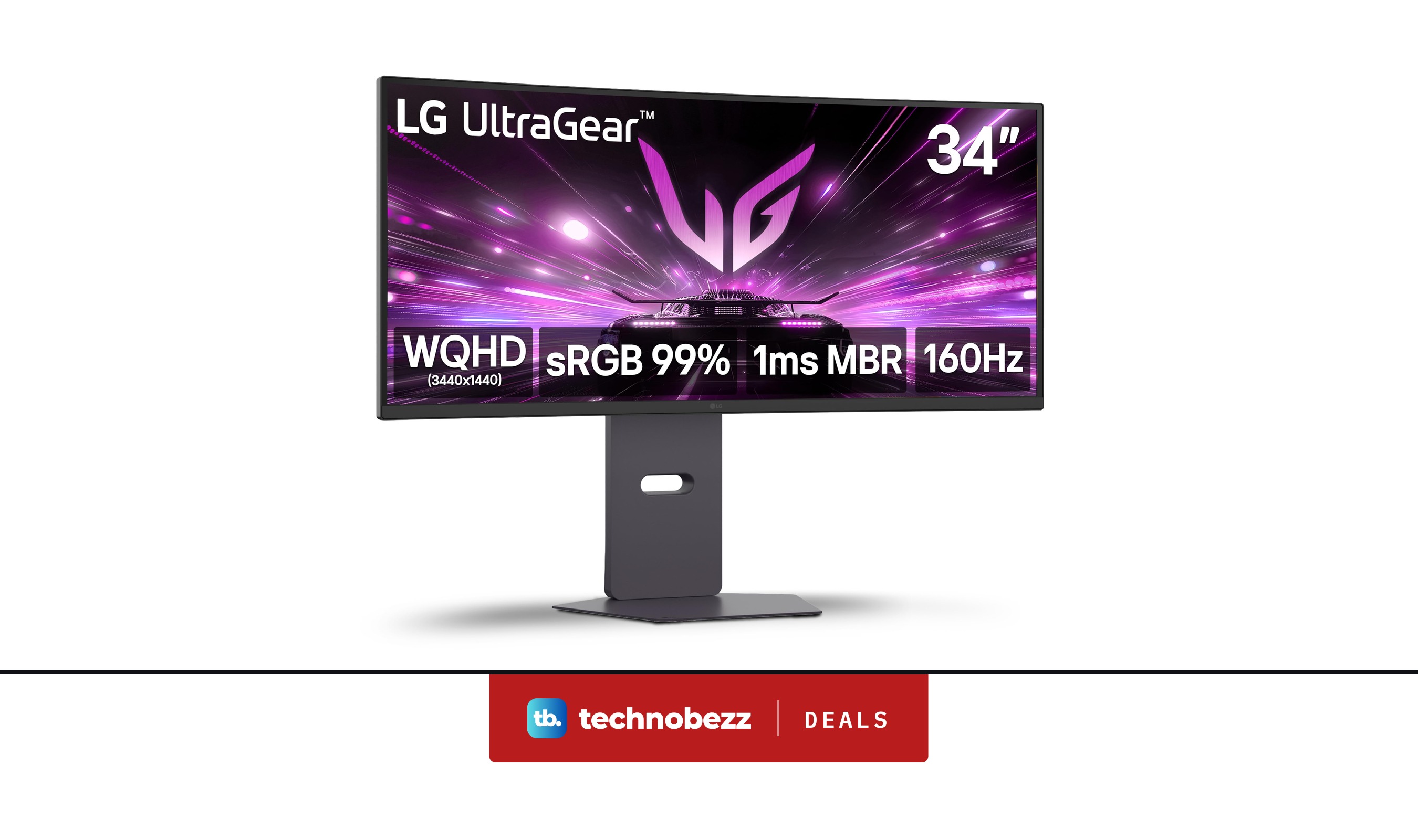
LG 34G600A-B Ultragear WQHD Curved Gaming Monitor marked down to $279.99
More buying guides
Buying guide6 Best AR Glasses in 2026Buying guide6 Best 360 Cameras in 2026Buying guide7 Best Digital Pianos in 2026Buying guide6 Best Gaming Headsets for Xbox in 2026Buying guide5 Best 50-Inch TVs in 2026Buying guide6 Best Headphones in 2026Buying guide7 Best Air Purifiers for Large Rooms in 2026Buying guide9 Best Desktops Under $1500 for 2026