A curved gaming monitor wraps the image around your field of view, and that matters most on wide screens. The picks below cover 27-inch, 34-inch, 39-inch, and 49-inch sizes, with OLED and VA panels and curves that run from a gentle 1800R to a steep 800R.
Technobezz is supported by its audience. We may get a commission from retail offers.
7 Best Curved Gaming Monitors in 2026
The Alienware 34 AW3426DW leads our curved gaming monitor picks, alongside ultrawide OLED, VA, and super ultrawide options for every desk size and budget.
T
Technobezz
Editorial Team
Updated November 10, 2026Nov 10, 2026
•13 min read

Get Deals Like These in Your Inbox
The best prices, straight to your inbox.
Add Technobezz on Google:Preferred SourceGoogle Discover
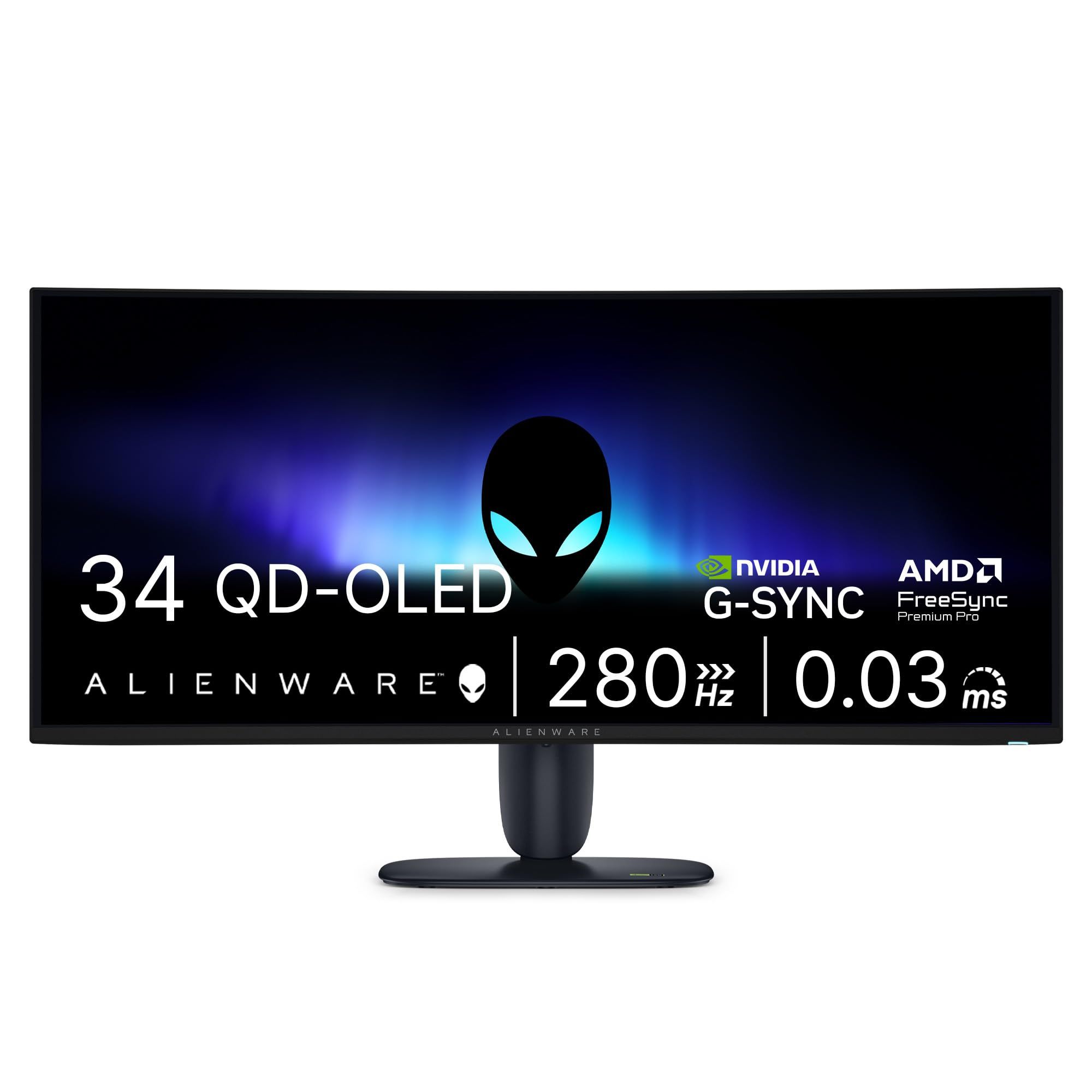
The Alienware 34 AW3426DW is the best overall pick. It pairs a 34-inch QD-OLED ultrawide at 3440 x 1440 and 280Hz with VESA DisplayHDR True Black 500 and two HDMI 2.1 ports, so one screen handles fast PC games, HDR content, and a console.
This page is for PC and console players who want a curved screen and need help matching one to their desk, graphics card, and budget. The other picks cover the highest refresh rate, 5K2K detail, a 49-inch super ultrawide, the tightest curve, and two VA options at lower tiers.
At a Glance
| Category | Product | Why We Picked It |
|---|---|---|
| Best overall | Alienware 34 AW3426DW | 34-inch QD-OLED at 280Hz with True Black 500 HDR and two HDMI 2.1 ports |
| Best for high refresh rates | ASUS ROG Swift OLED PG34WCDN | 360Hz ultrawide OLED with DisplayPort 2.1a and 90W USB-C |
| Best high-resolution ultrawide | LG UltraGear evo 39GX950B-B | 39-inch 5K2K OLED with a 330Hz WFHD mode |
| Best super ultrawide | Samsung Odyssey G9 G91F 49-inch | 49-inch 32:9 Dual QHD screen on a 1000R curve |
| Best deep curve | LG UltraGear 34GX900A-B | 34-inch OLED with a steep 800R curve and 240Hz |
| Best value ultrawide | AOC CU34G4Z 34-inch | 240Hz 3440 x 1440 Fast VA panel with two HDMI 2.1 ports |
| Best budget pick | AOC C27G4ZH 27-inch | 280Hz 1080p curved VA screen for competitive play |
How we chose
We compared each monitor's maker specifications, including panel type, curvature, resolution, refresh rate, response time, HDR certification, and connections. We then checked that every pick is sold new on Amazon.
The best curved gaming monitors right now
Alienware 34 AW3426DW - Best overall
The Alienware 34 AW3426DW is the most balanced curved monitor in this group. Its 34-inch QD-OLED panel runs at 3440 x 1440 and 280Hz on a gentle 1800R curve, and Dell lists a 0.03ms gray-to-gray response time in Extreme Mode. Dell pairs the panel with RGB stripe subpixels, which it credits for color performance.
HDR support covers VESA DisplayHDR True Black 500 and Dolby Vision, with a 1300-nit peak brightness rating and 99% DCI-P3 color coverage. Two HDMI 2.1 ports and one DisplayPort 1.4 input make it easy to share between a PC and a console, and the stand adjusts for height, tilt, swivel, and slant.
Key highlights
- 34-inch QD-OLED panel with 1800R curvature
- 3440 x 1440 at 280Hz
- 0.03ms GTG response time (Extreme Mode)
- VESA DisplayHDR True Black 500 and Dolby Vision HDR
- 300-nit brightness, 1300-nit peak
- 2 HDMI 2.1, 1 DisplayPort 1.4, USB-C downstream with 15W power delivery
- AMD FreeSync Premium Pro, NVIDIA G-Sync Compatible, and VESA Adaptive Sync
Pros
- OLED panel with RGB stripe subpixels
- Broad adaptive sync support for AMD and NVIDIA graphics cards
- Two HDMI 2.1 ports suit a console plus a PC
- Anti-reflective surface, full stand adjustment, and VESA 100 x 100 mounting
Cons
- USB-C supplies only 15W, too little to power most laptops
- DisplayPort 1.4 rather than the DisplayPort 2.1 found on the ASUS and LG 39-inch picks
- The 0.03ms figure applies to Extreme Mode
Who it is for: Players who want one ultrawide OLED that covers fast PC games, HDR content, and a console with few compromises.
Skip if
You want single-cable laptop charging or the highest refresh rate available on a 34-inch ultrawide.
ASUS ROG Swift OLED PG34WCDN - Best for high refresh rates
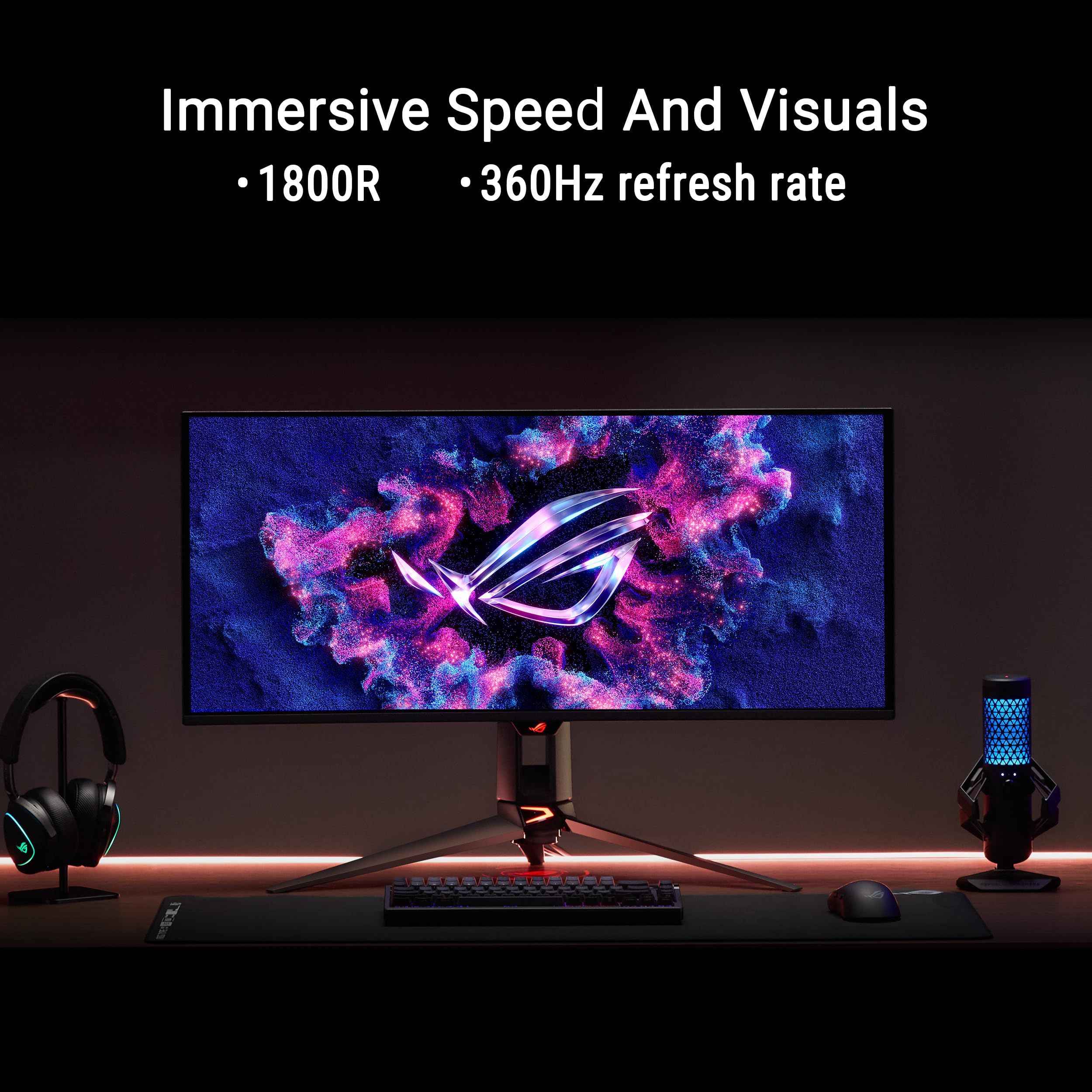
The ROG Swift OLED PG34WCDN pushes a 34-inch 3440 x 1440 ultrawide to 360Hz, the highest refresh rate on this list, with a 0.03ms gray-to-gray response time and an 1800R curve. ASUS uses an RGB stripe subpixel arrangement, which it says delivers sharper text than traditional OLED layouts.
Connections include DisplayPort 2.1a UHBR20 with full 80Gbps bandwidth, HDMI 2.1, and USB-C with 90W Power Delivery. ASUS adds a BlackShield film it rates for 2.5X better scratch resistance, a Neo Proximity Sensor, OLED Care Pro features, and a three-year warranty.
Key highlights
- 34-inch OLED panel with 1800R curvature
- 3440 x 1440 at 360Hz
- 0.03ms gray-to-gray response time
- VESA DisplayHDR 500 True Black and 99% DCI-P3
- DisplayPort 2.1a UHBR20, HDMI 2.1, and USB-C with 90W Power Delivery
- AMD FreeSync Premium Pro and NVIDIA G-SYNC compatibility
Pros
- Highest refresh rate among the picks
- 90W USB-C can power many laptops over one cable
- RGB stripe layout aimed at clearer text
- Three-year warranty and BlackShield scratch-resistant film
Cons
- ASUS notes peak brightness may vary due to color pre-calibration
- Reaching 360Hz at 3440 x 1440 takes a very powerful graphics card
- 110mm height range is shorter than the 130mm on both AOC stands
Who it is for: PC players who prioritize motion clarity in fast shooters and want a laptop-friendly USB-C connection on the same screen.
Skip if
Your graphics card cannot get close to 360 frames per second at 1440p ultrawide, since the extra refresh rate would go unused.
LG UltraGear evo 39GX950B-B - Best high-resolution ultrawide
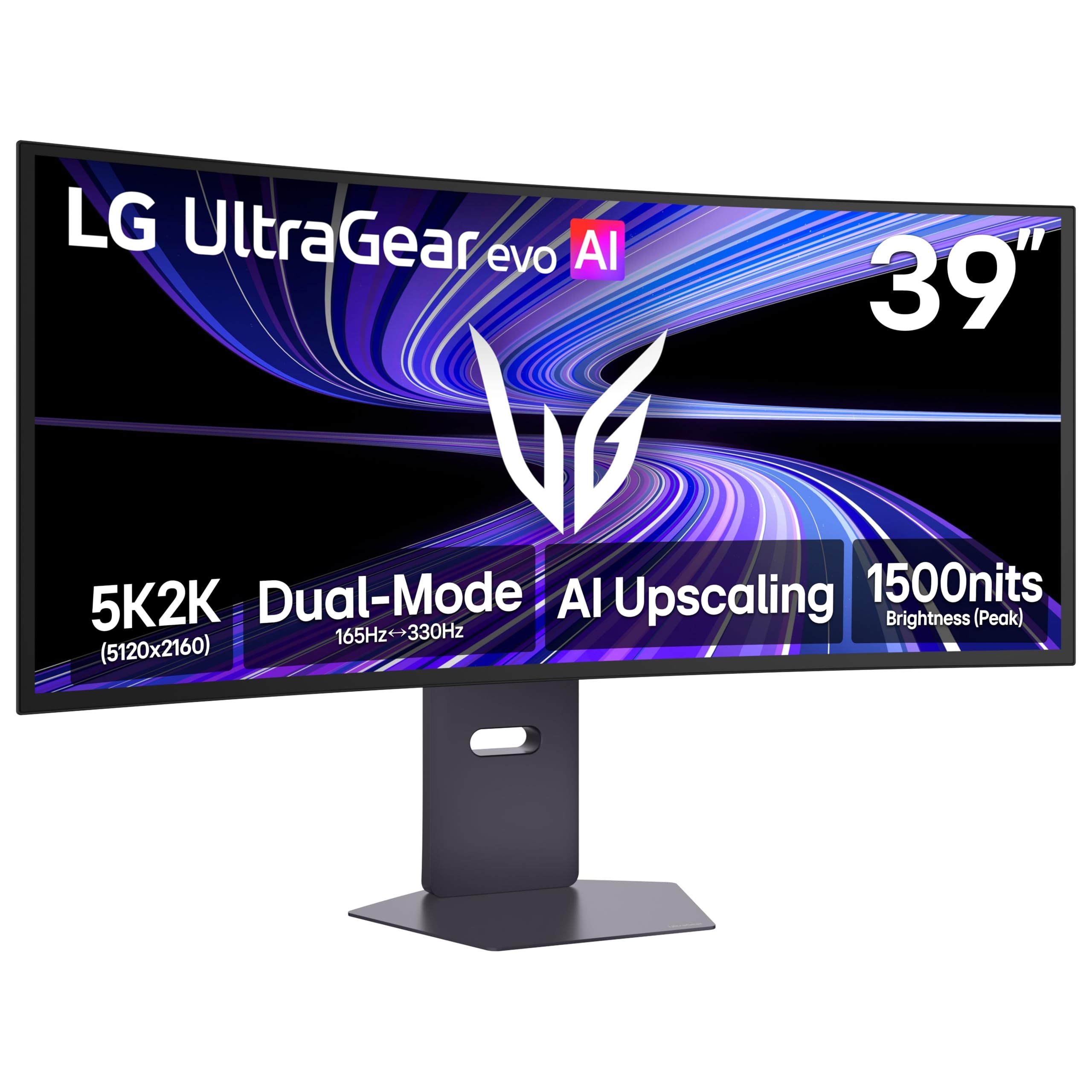
LG's UltraGear evo 39GX950B-B is the pick for players who want more detail than a 1440p ultrawide offers. Its 39-inch curved OLED panel runs at 5K2K resolution and carries VESA DisplayHDR True Black 500, with a 0.03ms gray-to-gray response time.
Dual Mode switches between 5K2K at 165Hz and WFHD at 330Hz, so one screen can favor detail or speed. Ports include DisplayPort 2.1 (UHBR20), HDMI 2.1, and USB-C with 90W power delivery, and LG adds AI Sound, which separates voices and effects, plus AI Scene Optimization for automatic picture adjustment.
Key highlights
- 39-inch curved 5K2K OLED display
- Dual Mode: 5K2K at 165Hz or WFHD at 330Hz
- 0.03ms (GtG) response time
- VESA DisplayHDR True Black 500
- DisplayPort 2.1 (UHBR20), HDMI 2.1, and USB-C with 90W PD
- AI Sound and AI Scene Optimization
Pros
- 5K2K resolution gives more detail than the 3440 x 1440 picks
- Dual Mode adds a high-speed option for competitive games
- 90W USB-C and DisplayPort 2.1 cover laptops and high-end PCs
- Larger 39-inch screen for immersive single-player games
Cons
- 330Hz is only available at the lower WFHD resolution
- 165Hz at full resolution is below the 240Hz to 360Hz of the 34-inch OLED picks
- Running games at 5K2K demands a top-tier graphics card
Who it is for: PC players who want a sharp, large ultrawide for detailed single-player games and also want a fast mode for competitive matches.
Skip if
Your desk is shallow or your graphics card is midrange, since a 39-inch 5K2K screen asks a lot of both.
Samsung Odyssey G9 G91F 49-inch - Best super ultrawide
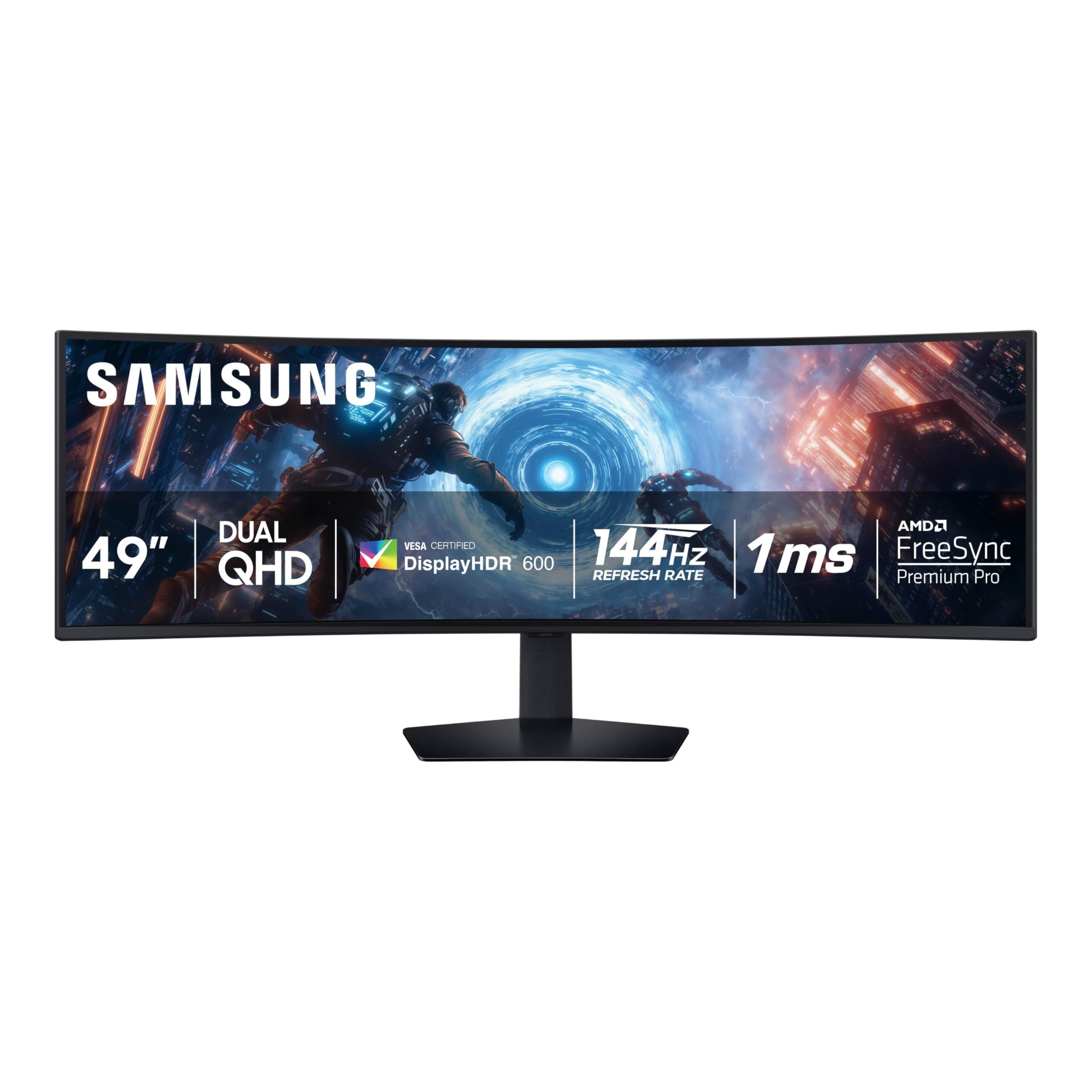
The 49-inch Odyssey G9 G91F (LS49FG910ENXZA) is the widest screen on this list, with a 32:9 Dual QHD panel on a tight 1000R curve. It suits players who want a wraparound view on one panel instead of two monitors side by side.
Samsung lists a 144Hz refresh rate, a 1ms gray-to-gray response time, VESA DisplayHDR 600, and AMD FreeSync Premium Pro. Picture-by-Picture shows two sources side by side, Picture-in-Picture handles a second feed in a window, and the height-adjustable Ergonomic Stand also tilts and swivels.
Key highlights
- 49-inch 32:9 Dual QHD screen
- 1000R curvature
- 144Hz refresh rate and 1ms (GtG) response time
- VESA DisplayHDR 600
- AMD FreeSync Premium Pro
- Picture-by-Picture and Picture-in-Picture
- Height-adjustable stand with tilt and swivel
Pros
- Widest screen among the picks
- Two inputs can share the screen side by side
- Higher DisplayHDR tier than the AOC CU34G4Z
- Tight 1000R curve suits the very wide panel
Cons
- 144Hz is the lowest refresh rate on this list
- 1ms GtG response is slower than the 0.03ms OLED picks
- A 49-inch 32:9 screen needs a very wide desk
Who it is for: Players and multitaskers who want the widest possible view and the option to run two sources on one screen.
Skip if
You play mostly fast competitive games and want a refresh rate above 144Hz.
LG UltraGear 34GX900A-B - Best deep curve
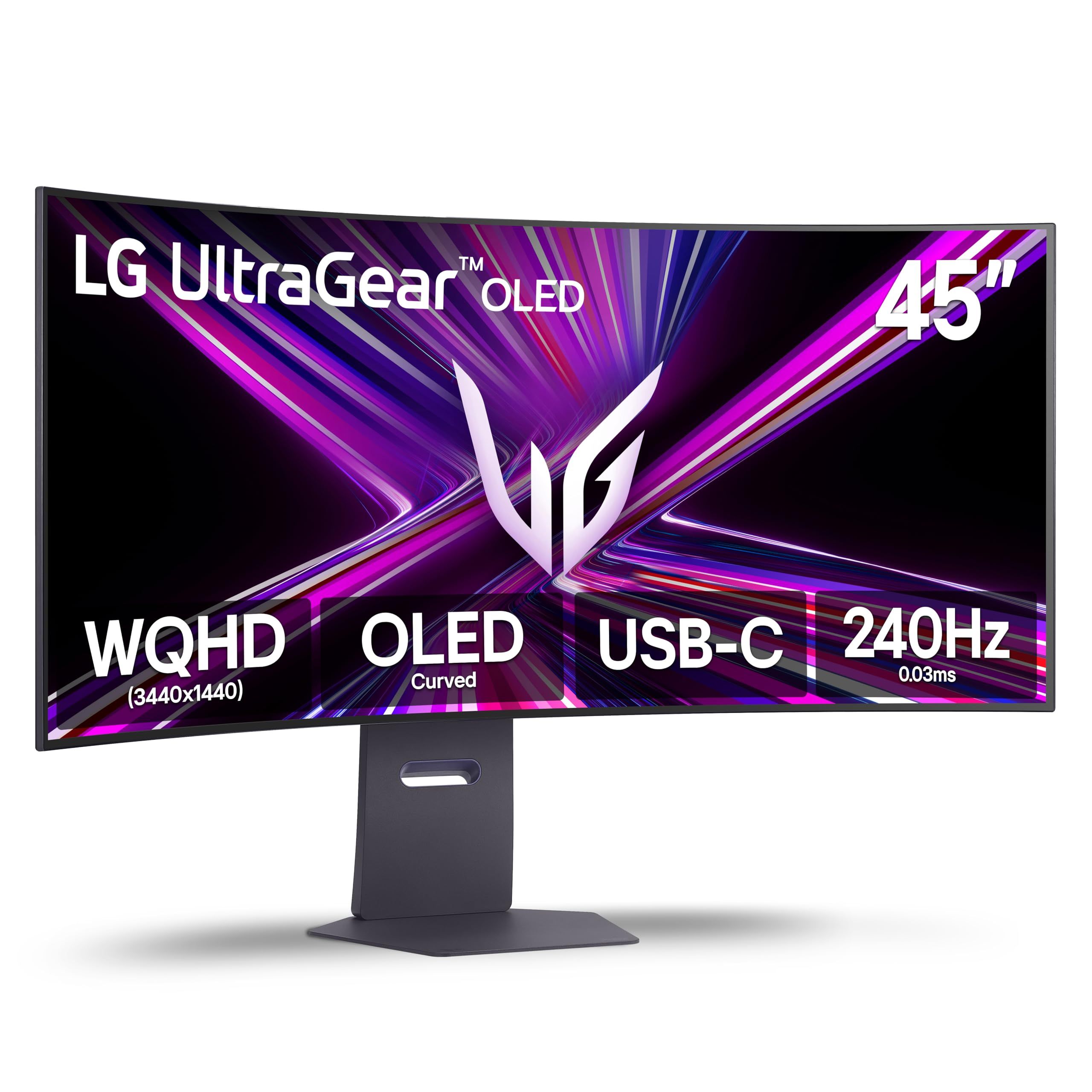
LG's UltraGear 34GX900A-B stands out for its 800R curve, the tightest on this list, on a 34-inch 21:9 WQHD OLED panel. LG lists up to 240Hz, a 0.03ms response time, and a 1.5M:1 contrast ratio.
FreeSync Premium Pro and G-SYNC support cover both major graphics card brands, and connections include HDMI 2.1, DisplayPort 1.4, and USB Type-C. It suits players who want an ultrawide OLED that wraps further around their view than the 1800R models here.
Key highlights
- 34-inch 21:9 curved WQHD OLED display
- 800R curvature
- Up to 240Hz and 0.03ms response time
- 1.5M:1 contrast ratio
- FreeSync Premium Pro and G-SYNC
- HDMI 2.1, DisplayPort 1.4, and USB Type-C
Pros
- Tightest curve among the picks
- OLED contrast for dark scenes
- Adaptive sync support for AMD and NVIDIA cards
- HDMI 2.1 for console play
Cons
- 240Hz is below the Alienware's 280Hz and the ASUS's 360Hz
- DisplayPort 1.4 rather than DisplayPort 2.1
- A steep 800R curve can be a harder fit for spreadsheets and design work
Who it is for: Players who want the most wraparound 34-inch OLED, mainly for games rather than office work.
Skip if
You split time between gaming and straight-line productivity work and would prefer a gentler curve.
AOC CU34G4Z 34-inch - Best value ultrawide
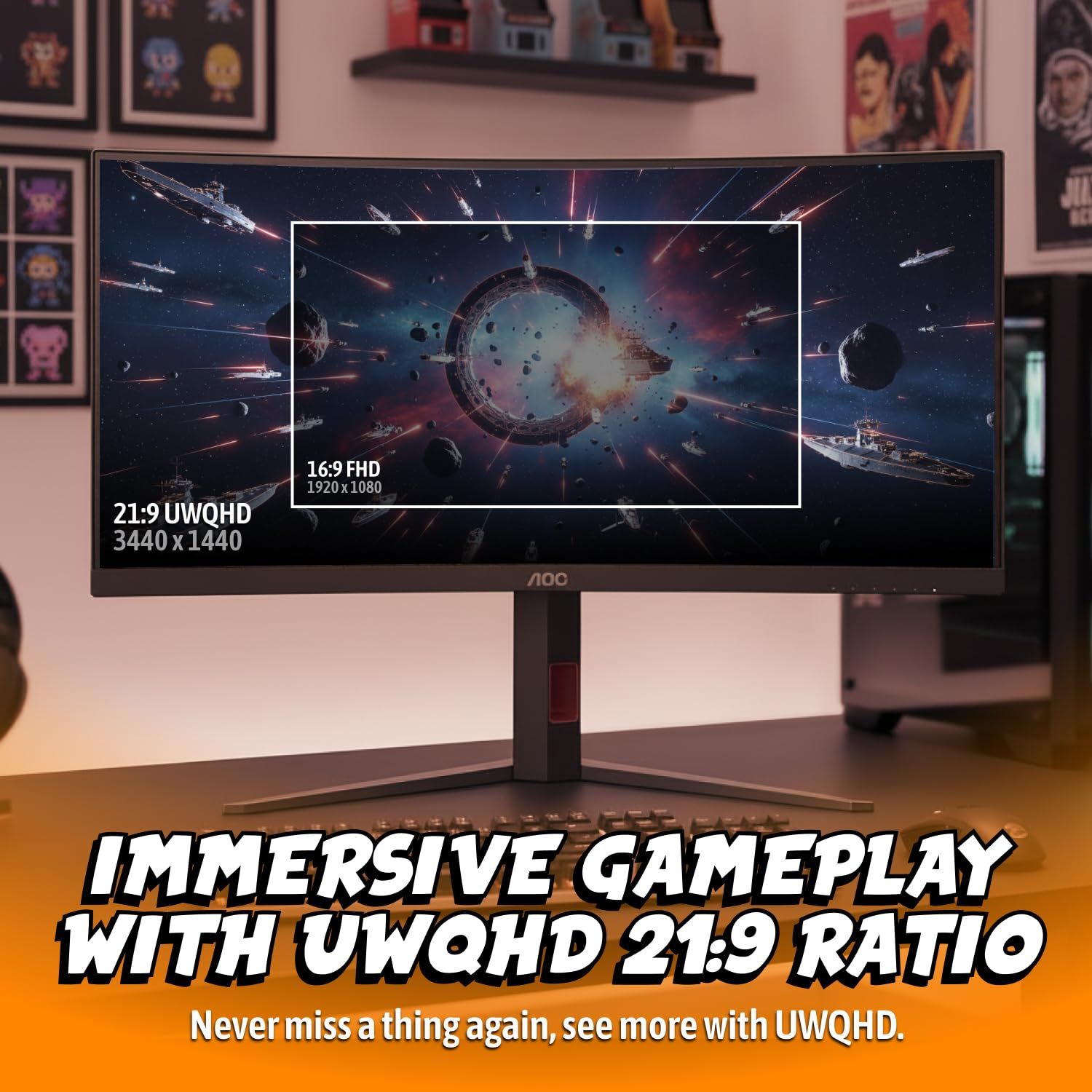
The AOC CU34G4Z brings a 34-inch 3440 x 1440 ultrawide to 240Hz with a Fast VA panel and a 1500R curve. It is a sensible route into high-refresh ultrawide gaming for buyers who do not need OLED.
AOC lists VESA DisplayHDR 400, 450 cd/m2 brightness, a 2500:1 contrast ratio, and 94% DCI-P3 coverage. Two HDMI 2.1 ports, one DisplayPort 1.4, and a USB 3.2 Gen 1 hub with two downstream ports cover consoles and accessories, and AMD FreeSync Premium runs from 48 to 240Hz. AOC backs it with a three-year warranty.
Key highlights
- 34-inch Fast VA panel with 1500R curvature
- 3440 x 1440 at 240Hz
- 1ms GtG and 0.3ms MPRT response time
- VESA DisplayHDR 400, 450 cd/m2 brightness
- 2 HDMI 2.1, 1 DisplayPort 1.4, USB 3.2 Gen 1 hub
- AMD FreeSync Premium (48 to 240Hz)
- 130mm height adjustment, tilt, swivel, and VESA 100 x 100
Pros
- 240Hz at ultrawide 1440p without OLED
- Two HDMI 2.1 ports for consoles
- Built-in USB hub
- Three-year warranty
Cons
- 2500:1 contrast is far below the 1.5M:1 LG lists for its 34-inch OLED
- DisplayHDR 400 is the lowest HDR tier among the certified picks
- No built-in speakers listed
Who it is for: Buyers who want a fast 34-inch ultrawide for PC and console play and would rather skip OLED.
Skip if
Deep blacks and strong HDR are a priority, since the OLED picks are stronger there.
AOC C27G4ZH 27-inch - Best budget pick
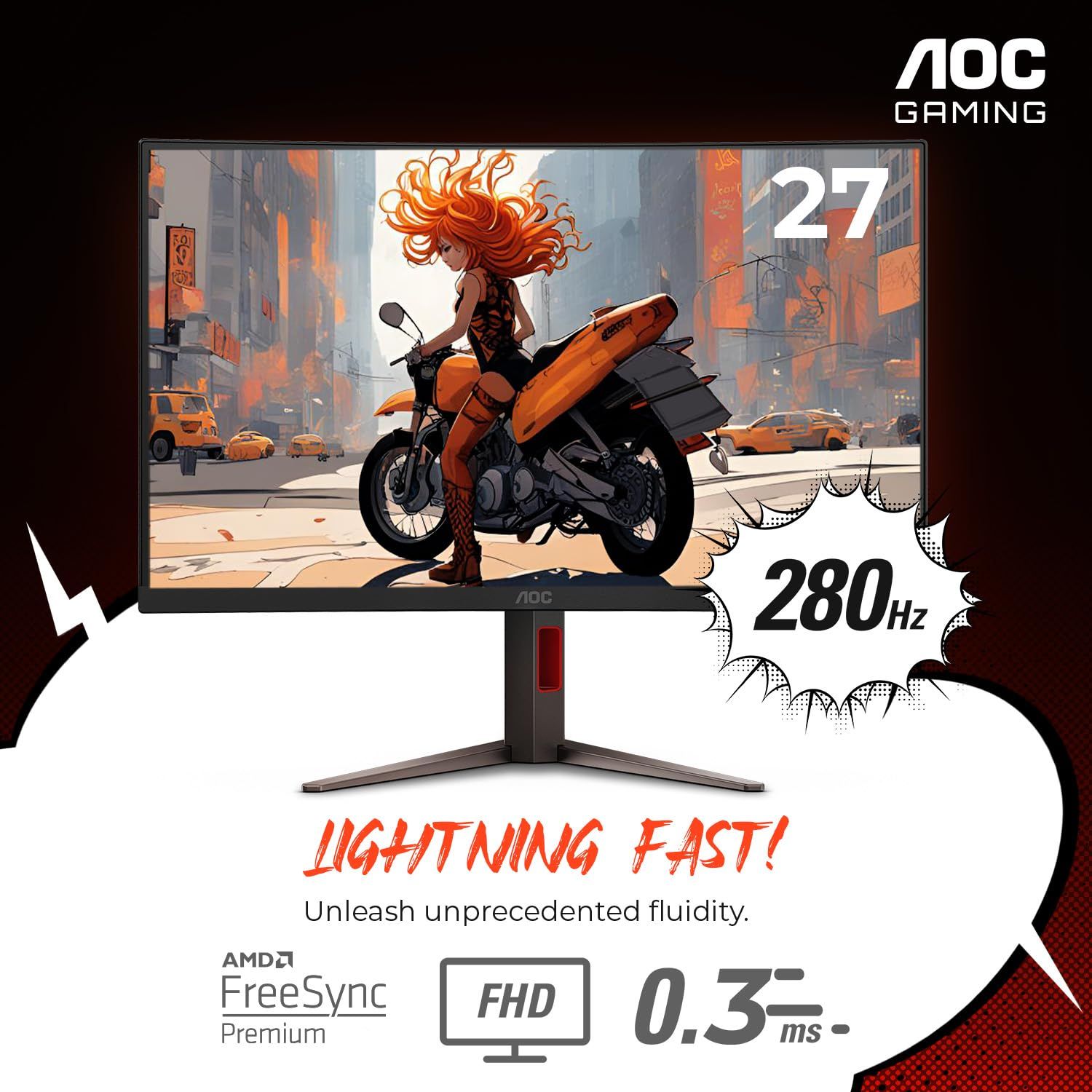
The AOC C27G4ZH is the entry point on this list: a 27-inch 1920 x 1080 VA panel with a 1500R curve and a 280Hz refresh rate. AOC lists 0.3ms MPRT and up to 1ms GtG response, and the 1080p resolution is easier for midrange graphics cards to drive at high frame rates than the ultrawide picks.
The VA panel has a 3000:1 static contrast ratio, 300 cd/m2 brightness, HDR10 support, and 92.4% DCI-P3 coverage. Connections are two HDMI 2.0 ports, one DisplayPort 1.4, and a headphone output, with Adaptive Sync from 48 to 280Hz over DisplayPort (48 to 240Hz over HDMI) and a stand that adjusts 130mm in height plus tilt and swivel.
Key highlights
- 27-inch VA panel with 1500R curvature
- 1920 x 1080 at up to 280Hz
- 0.3ms MPRT, up to 1ms GtG
- 3000:1 static contrast, 300 cd/m2 brightness, HDR10
- 2 HDMI 2.0, 1 DisplayPort 1.4, headphone out
- Adaptive Sync 48 to 280Hz over DisplayPort, 48 to 240Hz over HDMI
- 130mm height adjustment, tilt, swivel, and VESA 100 x 100
Pros
- High refresh rate for competitive games
- 1080p is easy on midrange graphics cards
- Height-adjustable stand at this tier
- Compact 27-inch size fits smaller desks
Cons
- 1080p on a 27-inch screen gives lower pixel density than 1440p
- HDMI 2.0 rather than HDMI 2.1
- 300 cd/m2 brightness is modest for HDR
- Standard 16:9 shape, not ultrawide
Who it is for: Competitive players on a budget who want a curved, high-refresh screen and a graphics card that does not need to be top-tier.
Skip if
You want sharper text and detail, or the wider view of a 21:9 ultrawide.
How to Choose
- Pick the panel type first. OLED picks here list 0.03ms response times and very high contrast, while the VA picks list 2500:1 to 3000:1 contrast and sit at lower tiers.
- Match the curve to the width. Lower R numbers mean a tighter curve. The 49-inch Samsung uses 1000R and the LG 34GX900A-B uses 800R, while the Alienware and ASUS use a gentler 1800R.
- Match refresh rate to your graphics card. A 280Hz or 360Hz panel only pays off if your PC can produce frame rates near that level at the screen's resolution.
- Check the ports for your setup. Consoles benefit from HDMI 2.1, high-end PCs can use DisplayPort 2.1, and laptop users should check USB-C wattage, which ranges from 15W on the Alienware to 90W on the ASUS and LG 39-inch.
- Measure your desk. A 34-inch 21:9 screen fits many desks, but a 39-inch or 49-inch 32:9 model needs much more width and depth.
- Read the HDR certification. DisplayHDR True Black 500 on the OLED picks targets dark-scene contrast, while DisplayHDR 400 and 600 on the LCD picks are brightness-based tiers.
FAQ
What do curvature numbers like 1000R and 1800R mean?
The number is the radius of the curve in millimeters. A smaller number means a tighter curve, so an 800R screen wraps around you more than an 1800R screen.
Is OLED or VA better for a curved gaming monitor?
OLED suits players who want the fastest response and deepest blacks, and the OLED picks here list 0.03ms response times. VA panels offer solid contrast for LCDs and are the more affordable route, as with the two AOC picks.
Which of these monitors work well with consoles?
The Alienware, ASUS, both LG models, and the AOC CU34G4Z list HDMI 2.1. The AOC C27G4ZH uses HDMI 2.0, which suits consoles at lower frame rates.
Should I worry about burn-in on an OLED monitor?
Static images held on screen for long periods are the main risk with OLED. ASUS lists OLED Care Pro features and a proximity sensor on the PG34WCDN, and it is worth checking each maker's warranty terms for burn-in coverage before buying.
Do I need a 49-inch super ultrawide?
Only if you want the widest possible view or two sources on one screen. For most players, a 34-inch 21:9 ultrawide offers a strong wraparound effect on a smaller desk.
Published November 10, 2026 Last updated November 10, 2026
Add Technobezz on Google:Preferred SourceGoogle Discover
More on monitors
Buying guide
5 Best 4K Monitors in 2026
Buying guide
5 Best 4K Gaming Monitors in 2026
Deal
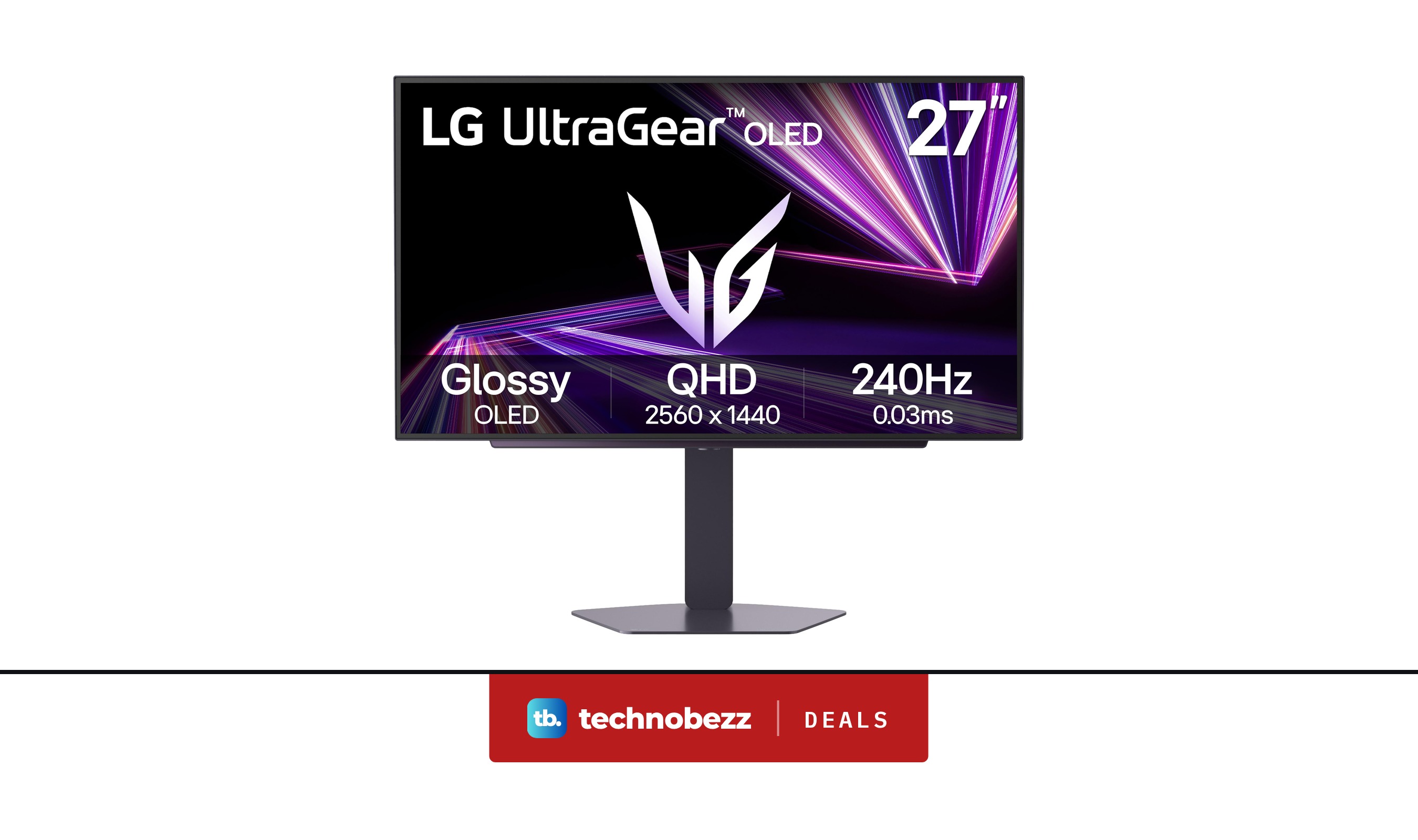
LG 27GX704A-B Ultragear QHD OLED Gaming Monitor is $349.99 ahead of Black Friday
Deal
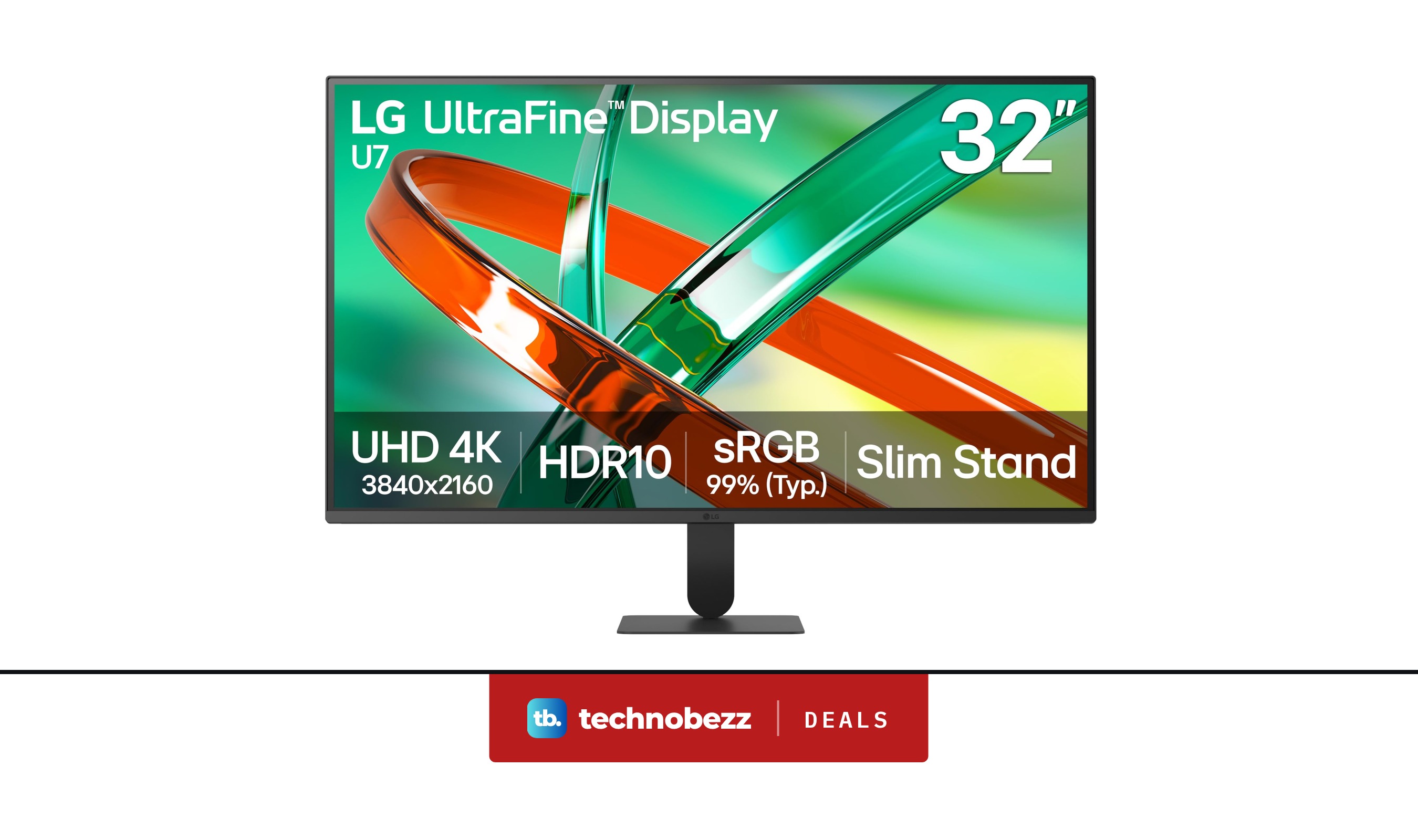
LG 32U701B-B Ultrafine 4K UHD HDR10 HDMI Monitor discounted to $199.99
More buying guides
Buying guide5 Best Studio Headphones in 2026Buying guide5 Best Foldable Phones in 2026Buying guide6 Best Ergonomic Mice in 2026Buying guide6 Best AR Glasses in 2026Buying guide6 Best 360 Cameras in 2026Buying guide7 Best Digital Pianos in 2026Buying guide6 Best Gaming Headsets for Xbox in 2026Buying guide5 Best 50-Inch TVs in 2026