A 4K gaming monitor has to do two jobs at once: show fine detail at 3840 x 2160 and keep motion smooth enough for fast games. The choice mostly comes down to panel type, refresh rate, HDR certification, and whether the ports match your PC or console.
Technobezz is supported by its audience. We may get a commission from retail offers.
5 Best 4K Gaming Monitors in 2026
The ASUS ROG Swift OLED PG32UCDM3 leads our picks of the best 4K gaming monitors, with OLED and IPS options for PC players, console gamers, and esports fans.
T
Technobezz
Editorial Team
Updated November 9, 2026Nov 9, 2026
•12 min read

Get Deals Like These in Your Inbox
The best prices, straight to your inbox.
Add Technobezz on Google:Preferred SourceGoogle Discover
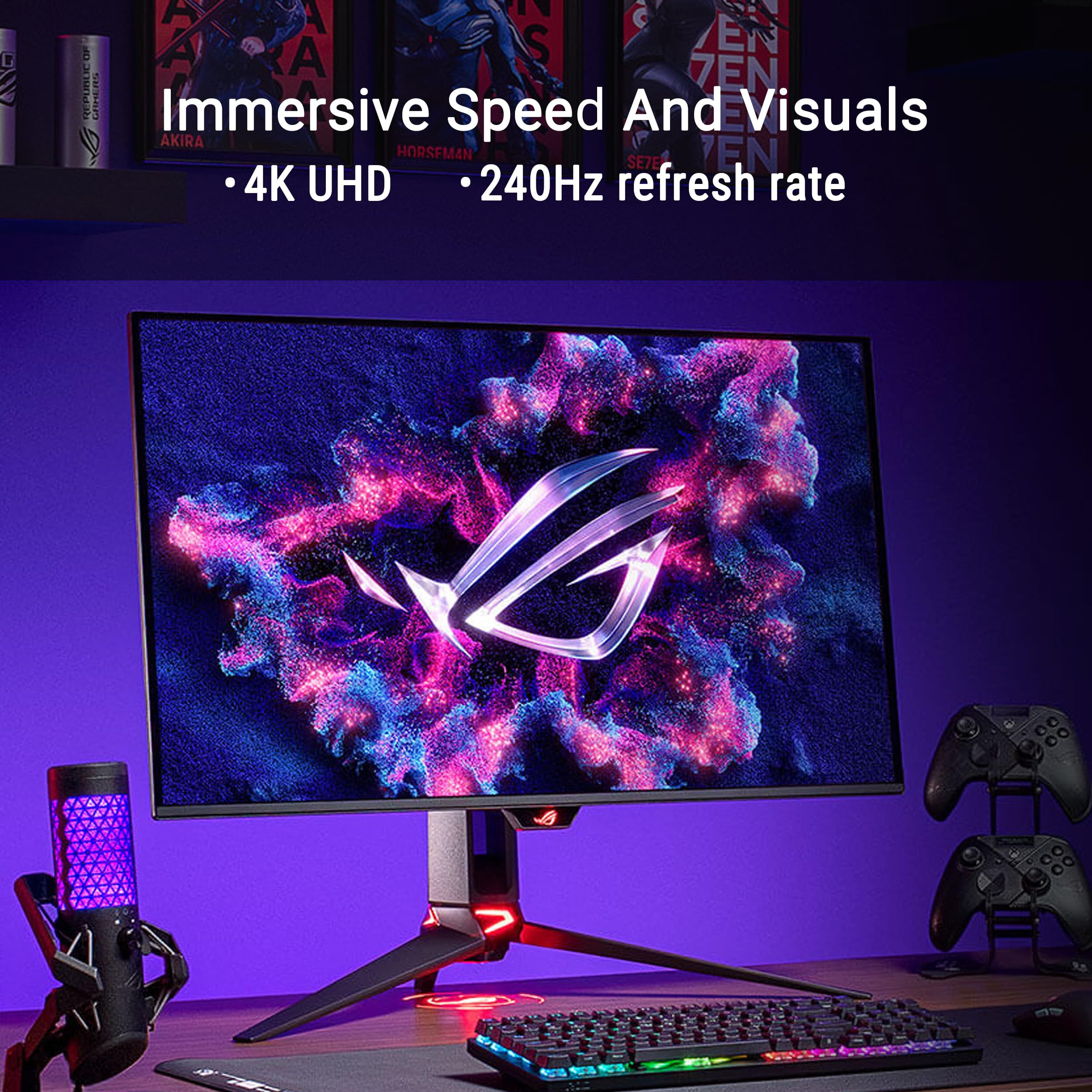
The ASUS ROG Swift OLED PG32UCDM3 is the best overall pick. It combines a 32-inch Tandem QD-OLED panel, 4K at 240Hz, VESA DisplayHDR 500 True Black certification, full-bandwidth DisplayPort 2.1a, and USB-C with 90W power delivery, all backed by a three-year warranty.
This page is for PC gamers, console players, and anyone who wants one sharp screen for play and work. The other picks cover dual-mode OLED, console setups, 27-inch IPS speed, and a value-focused 4K option.
At a Glance
| Category | Product | Why We Picked It |
|---|---|---|
| Best overall | ASUS ROG Swift OLED PG32UCDM3 | 240Hz Tandem QD-OLED, DisplayHDR 500 True Black, and DisplayPort 2.1a |
| Best dual-mode OLED | LG UltraGear 32GX870A-B | Switches between 4K at 240Hz and FHD at 480Hz |
| Best for consoles | Alienware 32 4K OLED AW3226Q | Two HDMI 2.1 ports, Dolby Vision HDR, and an anti-reflective OLED screen |
| Best 27-inch IPS | ASUS ROG Strix XG27UCGR | Fast IPS with 4K at 162Hz or FHD at 485Hz and USB-C |
| Best value | LG UltraGear 27G810A-B | 27-inch IPS dual mode with 4K at 180Hz or FHD at 360Hz |
How we chose
We compared the published maker specifications for each monitor, focusing on panel type, resolution, refresh rate, response time, HDR certification, connections, and stand adjustment. We then checked that each pick is sold new on Amazon. Picks are listed with the strongest all-round specification first.
The best 4K gaming monitors right now
ASUS ROG Swift OLED PG32UCDM3 - Best overall
The ASUS ROG Swift OLED PG32UCDM3 has the most complete specification in this group. It pairs a 32-inch Tandem QD-OLED panel (31.5 inches viewable) with 4K resolution, a 240Hz refresh rate, a 0.03ms response time, and VESA DisplayHDR 500 True Black certification. ASUS lists 99% DCI-P3 color with Delta E under 2, plus support for HDR10 and Dolby Vision.
Connections are a clear strength. DisplayPort 2.1a runs at UHBR20 with 80Gbps of bandwidth, HDMI 2.1 is rated at 48Gbps, and USB-C supplies 90W of power delivery for a laptop. ASUS adds OLED Care Pro tools, a BlackShield film, and a Neo Proximity Sensor that switches the screen to a black image when you step away to help protect against burn-in.
Key highlights
- 32-inch Tandem QD-OLED panel, 31.5 inches viewable
- 4K at 240Hz with 0.03ms response time
- VESA DisplayHDR 500 True Black, HDR10, and Dolby Vision
- 99% DCI-P3 with Delta E under 2
- DisplayPort 2.1a UHBR20, HDMI 2.1, and USB-C with 90W power delivery
- OLED Care Pro with Neo Proximity Sensor
Pros
- Highest HDR certification tier among the OLED picks here
- Full-bandwidth DisplayPort 2.1a and HDMI 2.1
- 90W USB-C can power a laptop over one cable
- Stand adjusts for height (0 to 110mm), swivel, and tilt, and the monitor is VESA wall-mount compatible
- Three-year warranty
Cons
- The ASUS product page does not list a peak brightness figure in nits
- ASUS lists HDMI 2.1 ports but not an exact count
- As an OLED, it relies on care features to manage burn-in risk, and the warranty wording does not spell out burn-in coverage
Who it is for: PC gamers with a powerful graphics card who want a 32-inch 4K OLED with high refresh, strong HDR certification, and laptop-friendly USB-C.
Skip if
You mostly leave static windows and taskbars on screen for long hours, or you want a smaller 27-inch desk footprint.
LG UltraGear 32GX870A-B - Best dual-mode OLED
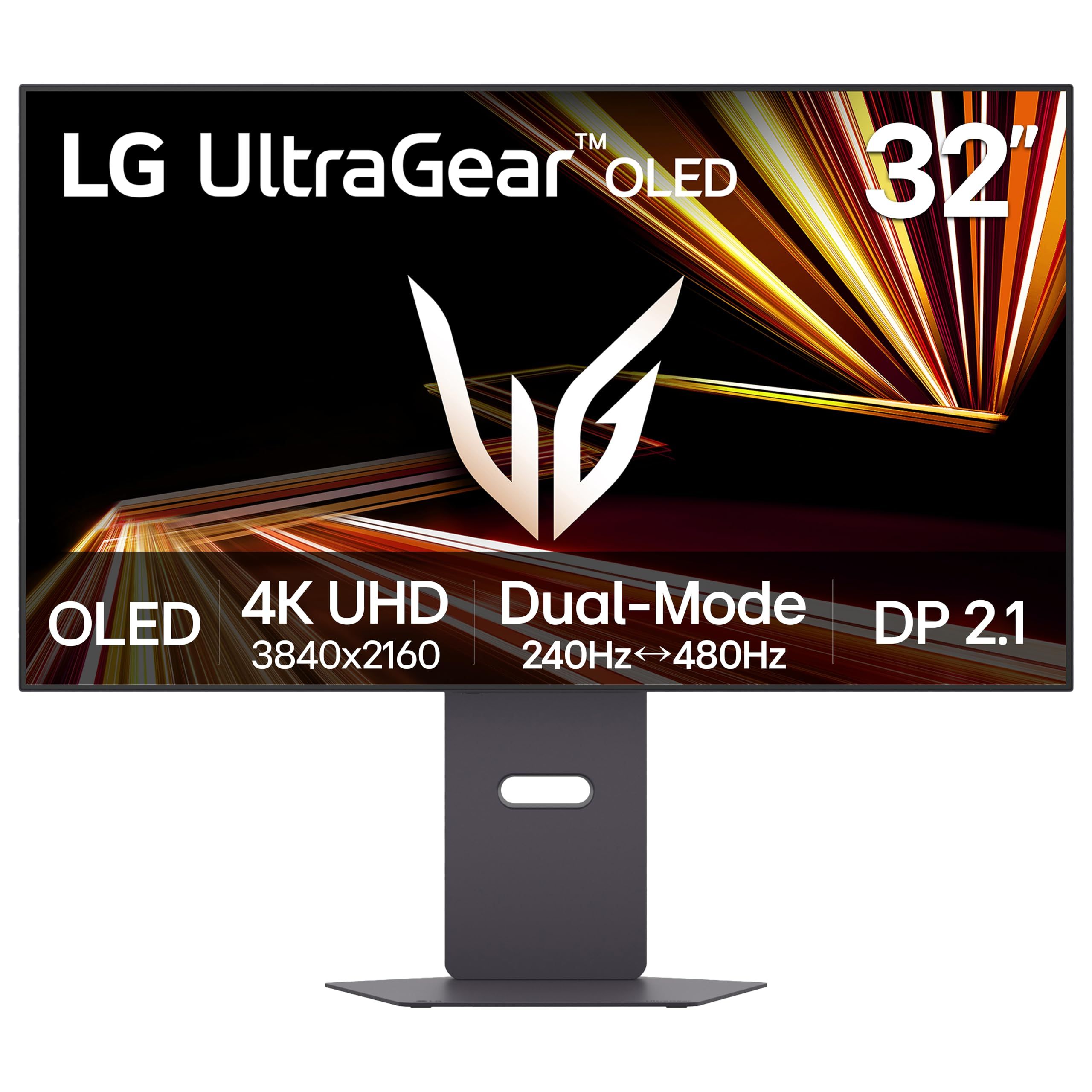
The LG UltraGear 32GX870A-B is a 32-inch OLED built around Dual Mode. It runs at 4K UHD and 240Hz for detailed games, or drops to FHD at 480Hz for competitive shooters, so the refresh rate depends on which mode you select.
LG lists a 0.03ms (GtG) response time, DisplayHDR True Black 400 certification, and a 1.5M:1 contrast ratio. LG lists DisplayPort 2.1, and the monitor supports both NVIDIA G-SYNC Compatible and AMD FreeSync Premium Pro. A height, tilt, and pivot stand rounds it out.
Key highlights
- 32-inch OLED panel
- Dual Mode: 4K UHD at 240Hz or FHD at 480Hz
- 0.03ms (GtG) response time
- DisplayHDR True Black 400 and 1.5M:1 contrast ratio
- DisplayPort 2.1
- NVIDIA G-SYNC Compatible and AMD FreeSync Premium Pro
Pros
- One screen covers both 4K detail and 480Hz esports play
- DisplayPort 2.1 for high-bandwidth PC connections
- Stand adjusts for height, tilt, and pivot
Cons
- The 480Hz mode runs at FHD, not 4K
- DisplayHDR True Black 400 is a lower tier than the PG32UCDM3's True Black 500
- LG's product page does not state USB-C power wattage, port counts, or color gamut
- OLED panels need care with static images
Who it is for: PC players who split time between visually rich 4K games and fast competitive titles and want one OLED for both.
Skip if
You only play at 4K and never use a 1080p high-refresh mode, or you need a stated USB-C wattage for laptop charging.
Alienware 32 4K OLED AW3226Q - Best for consoles
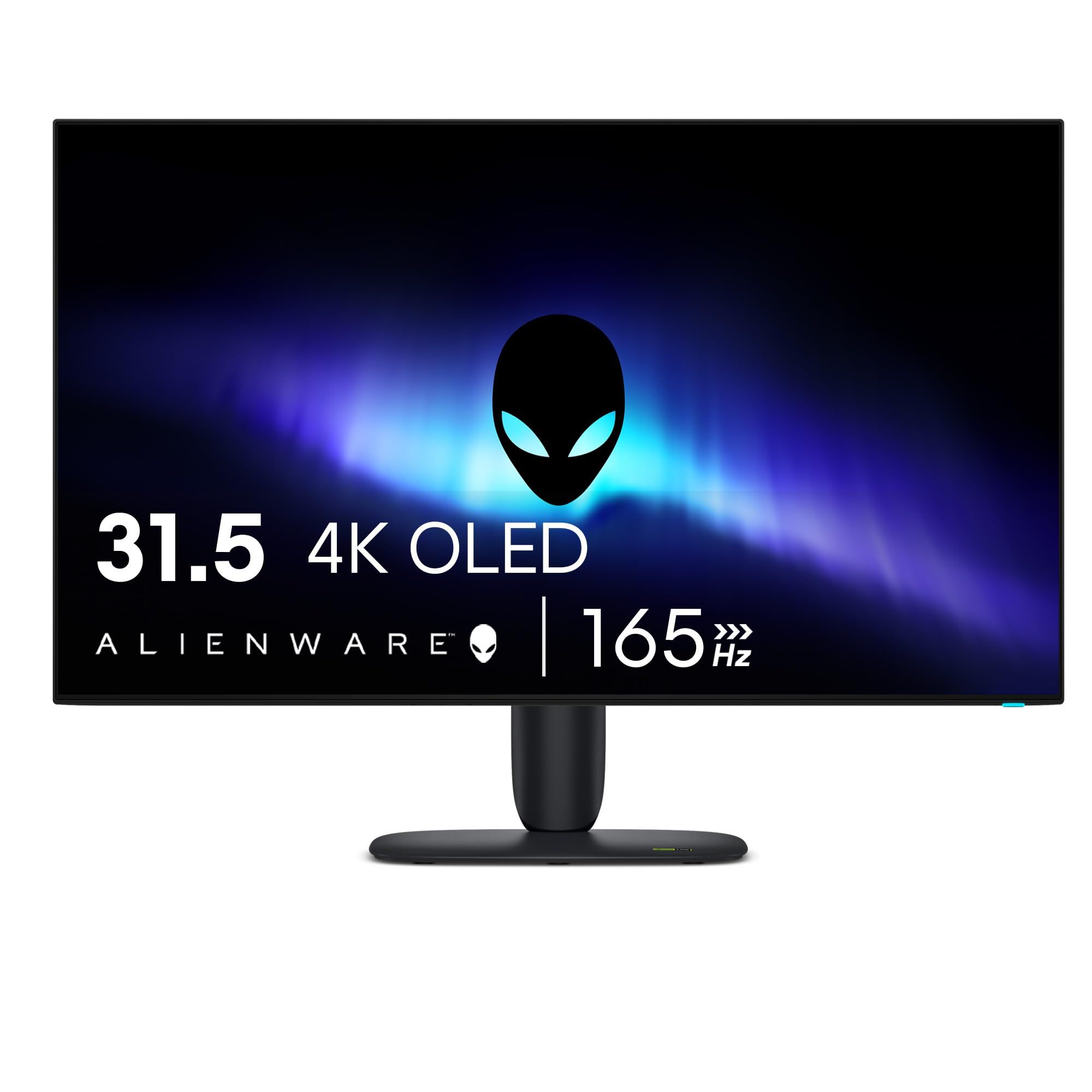
The Alienware 32 4K OLED AW3226Q suits consoles well: Dell lists two HDMI 2.1 (FRL) ports for connecting more than one console or a console and a PC. Its 31.5-inch viewable OLED panel runs at 3840 x 2160 and 165Hz, which covers what current consoles output with headroom for a PC.
Dell lists VESA DisplayHDR True Black 400, Dolby Vision HDR, a peak brightness of 1000 nits, 99% DCI-P3 color, 10-bit color depth, and a 1,500,000:1 native contrast ratio. The 0.03ms GtG response time is rated in Extreme Mode, so it depends on the setting you use. The screen has an anti-reflective surface, and the stand adjusts for height, swivel, and tilt.
Key highlights
- 31.5-inch viewable OLED panel at 3840 x 2160
- 165Hz refresh rate
- 0.03ms GtG response time in Extreme Mode
- VESA DisplayHDR True Black 400 and Dolby Vision HDR
- 1000-nit peak brightness and 99% DCI-P3
- Two HDMI 2.1 (FRL) ports, one DisplayPort 1.4, and USB-C
Pros
- Two HDMI 2.1 ports suit multi-console setups
- Dolby Vision HDR support
- Anti-reflective screen surface
- Supports G-SYNC Compatible, FreeSync Premium Pro, and VESA Adaptive Sync
Cons
- 165Hz is lower than the 240Hz OLED picks for high-frame-rate PC gaming
- DisplayPort is version 1.4, not 2.1
- USB-C power delivery is only 15W, too little to charge most laptops
- The product page does not state the window size for the 1000-nit peak or the warranty terms
Who it is for: Console players, or households with a console and a PC, who want a 32-inch 4K OLED with two HDMI 2.1 inputs and Dolby Vision.
Skip if
You play PC games at very high frame rates or want a single USB-C cable to power a laptop.
ASUS ROG Strix XG27UCGR - Best 27-inch IPS
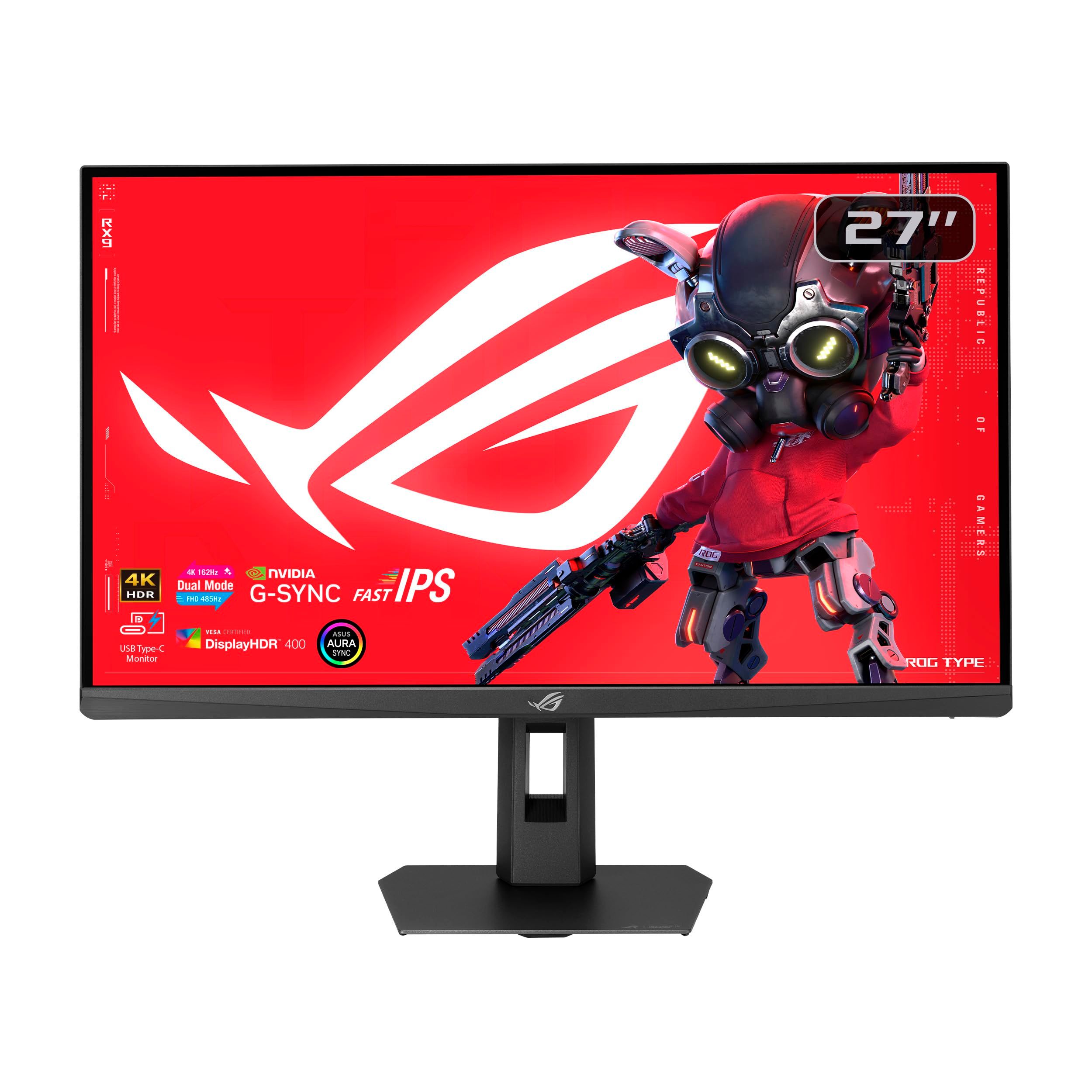
The ASUS ROG Strix XG27UCGR is a 27-inch Fast IPS monitor for players who want 4K sharpness on a smaller desk without OLED care concerns. Dual mode runs at 4K and 162Hz or FHD and 485Hz, so the top refresh rate applies only at the lower resolution.
ASUS rates the response time at 0.3ms as a minimum, which means it varies with settings. The panel carries VESA DisplayHDR 400 certification with 95% DCI-P3 and 130% sRGB coverage. ELMB SYNC pairs motion blur reduction with variable refresh rate, and USB Type-C with DP Alt mode and power delivery joins DisplayPort 1.4 and HDMI 2.1.
Key highlights
- 27-inch Fast IPS panel at 3840 x 2160
- Dual mode: 4K at 162Hz or FHD at 485Hz
- 0.3ms response time (minimum)
- VESA DisplayHDR 400, 95% DCI-P3, and 130% sRGB
- ELMB SYNC and Smart Pixel technology
- USB Type-C with DP Alt mode, DisplayPort 1.4, and HDMI 2.1
Pros
- 485Hz FHD mode for competitive play
- IPS avoids OLED burn-in concerns
- USB-C with DP Alt mode for laptops
- Stand adjusts for tilt, swivel, pivot, and height, with VESA mounting
Cons
- DisplayHDR 400 is an entry-level HDR tier next to the OLED picks
- The 485Hz mode runs at FHD, not 4K
- USB-C power wattage and port counts are not stated on the product page
- DisplayPort is version 1.4, not 2.1
Who it is for: Desk-bound PC players who want a 27-inch 4K screen with an esports-speed backup mode and USB-C convenience.
Skip if
Deep OLED contrast and stronger HDR certification matter more to you than avoiding burn-in risk.
LG UltraGear 27G810A-B - Best value
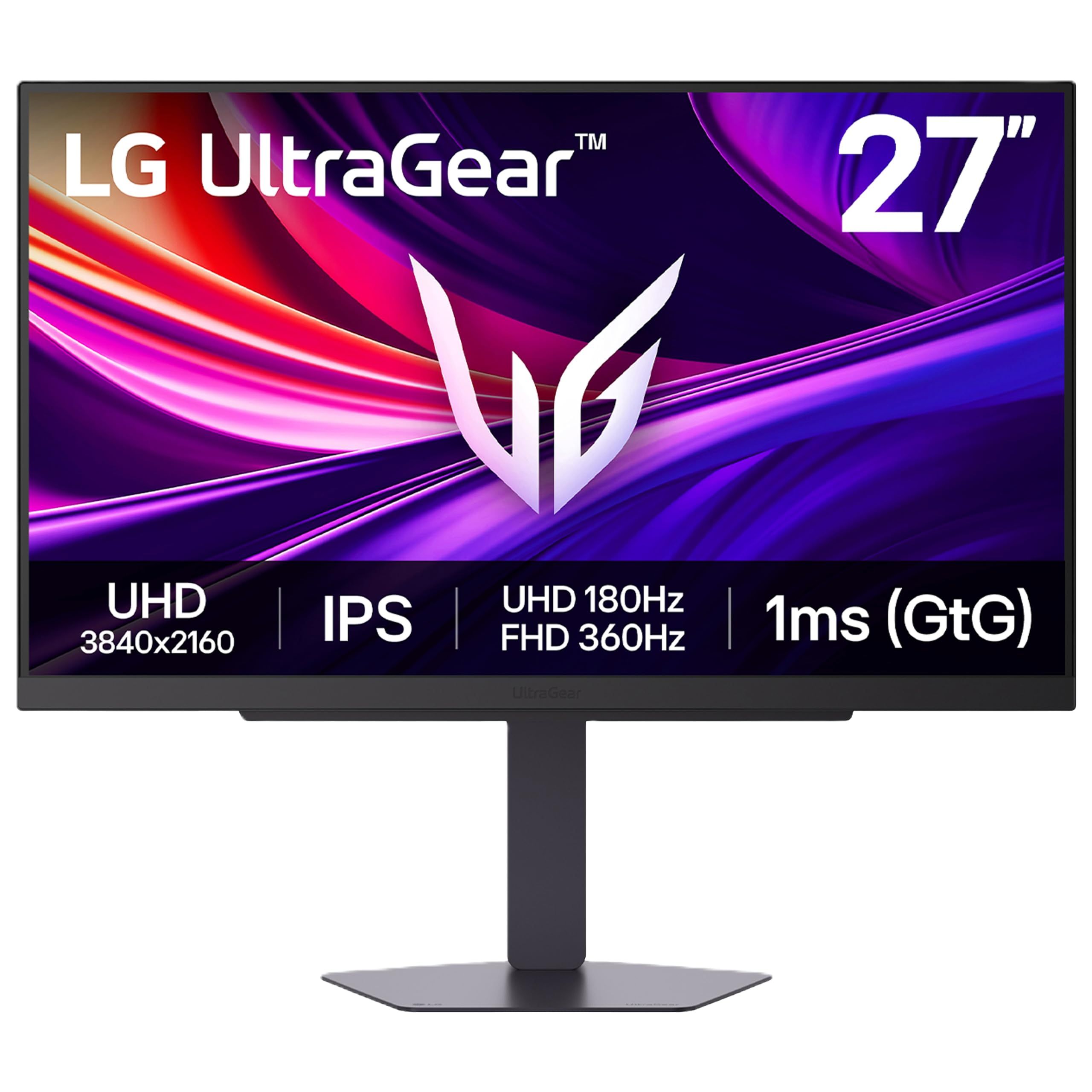
The LG UltraGear 27G810A-B is the simplest way into 4K gaming on this list. Its 27-inch IPS panel uses Dual Mode, running at 4K UHD and 180Hz or FHD and 360Hz depending on the mode you choose.
LG lists a 1ms (GtG) response time, FreeSync Premium, and NVIDIA G-Sync Compatible support. Connections are dual HDMI, DisplayPort 1.4, a USB upstream port, and two downstream ports, plus a 4-pole jack with DTS Headphone:X 3D audio. The stand adjusts for height, tilt, swivel, and pivot.
Key highlights
- 27-inch IPS panel
- Dual Mode: 4K UHD at 180Hz or FHD at 360Hz
- 1ms (GtG) response time
- FreeSync Premium and NVIDIA G-Sync Compatible
- Dual HDMI, DisplayPort 1.4, and USB downstream ports
- 4-pole jack with DTS Headphone:X 3D audio
Pros
- 4K at 180Hz on a straightforward IPS panel
- 360Hz FHD mode for fast games
- Two HDMI inputs for a console and another device
- Fully adjustable stand with pivot
Cons
- LG's product page does not state an HDR certification, color gamut, or HDMI version
- No USB Type-C listed on the product page
- 1ms response time is slower on paper than the other picks
- DisplayPort is version 1.4, not 2.1
Who it is for: Players who want a capable 27-inch 4K high-refresh monitor without moving to OLED.
Skip if
A stated HDR certification, USB-C, or confirmed HDMI 2.1 support is a must for your setup.
How to Choose
- Pick the panel type first. OLED gives per-pixel contrast and very fast response times, while IPS avoids burn-in concerns and suits long sessions with static windows.
- Match the refresh rate to your hardware. A 240Hz 4K monitor only pays off with a graphics card that can push high frame rates at 4K. Consoles and mid-range PCs are well served by 165Hz or 180Hz.
- Understand dual mode. Dual-mode monitors reach their highest refresh rates only at FHD, so treat the top number as an esports mode, not a 4K figure.
- Check the ports, not just the headline specs. Console players should count the HDMI 2.1 ports, and PC players with a DisplayPort 2.1 graphics card get the most from a DisplayPort 2.1 monitor.
- Read the HDR certification. DisplayHDR True Black 400 and 500 are OLED tiers, while DisplayHDR 400 on an IPS panel is an entry-level HDR rating.
- Look at USB-C power if you use a laptop. A 90W port can charge many laptops over one cable, while a 15W port is mainly for accessories.
FAQ
Is 240Hz worth it on a 4K monitor?
Only if your PC can run games well above 120 frames per second at 4K. Current consoles output up to 120Hz, so a 165Hz or 180Hz monitor already covers them.
What does dual mode mean on a gaming monitor?
It lets the monitor switch between 4K and FHD. The LG UltraGear 32GX870A-B, for example, runs at 4K and 240Hz or FHD and 480Hz, trading resolution for speed in competitive games.
Should I worry about OLED burn-in?
It is a real consideration with static images such as taskbars and HUDs. Makers add care tools to reduce the risk, such as the pixel cleaning and proximity sensor on the ASUS PG32UCDM3, and it is worth reading the warranty terms before you buy.
Do I need DisplayPort 2.1?
Not always. DisplayPort 2.1 offers more bandwidth, which matters most for high refresh rates at 4K on a graphics card that also has DisplayPort 2.1 output. Several monitors here use DisplayPort 1.4 and still list 4K high-refresh support.
Is 27 or 32 inches better for 4K gaming?
A 27-inch 4K screen packs pixels more tightly for a sharper image at a typical desk distance. A 32-inch screen gives a larger, more immersive view and more room for side-by-side windows.
Published November 9, 2026 Last updated November 9, 2026
Add Technobezz on Google:Preferred SourceGoogle Discover
More on monitors
Deal
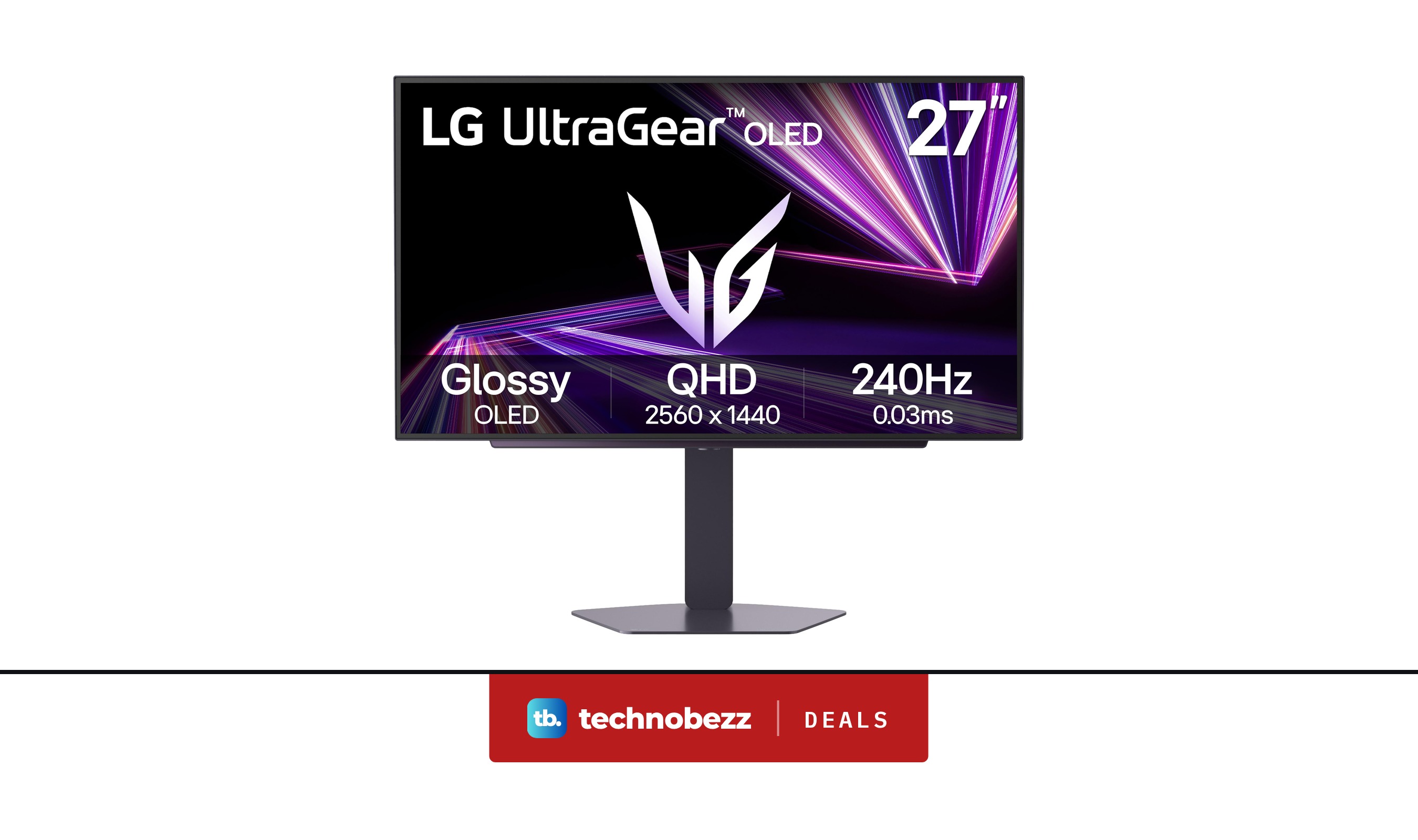
LG 27GX704A-B Ultragear QHD OLED Gaming Monitor is $349.99 ahead of Black Friday
Deal
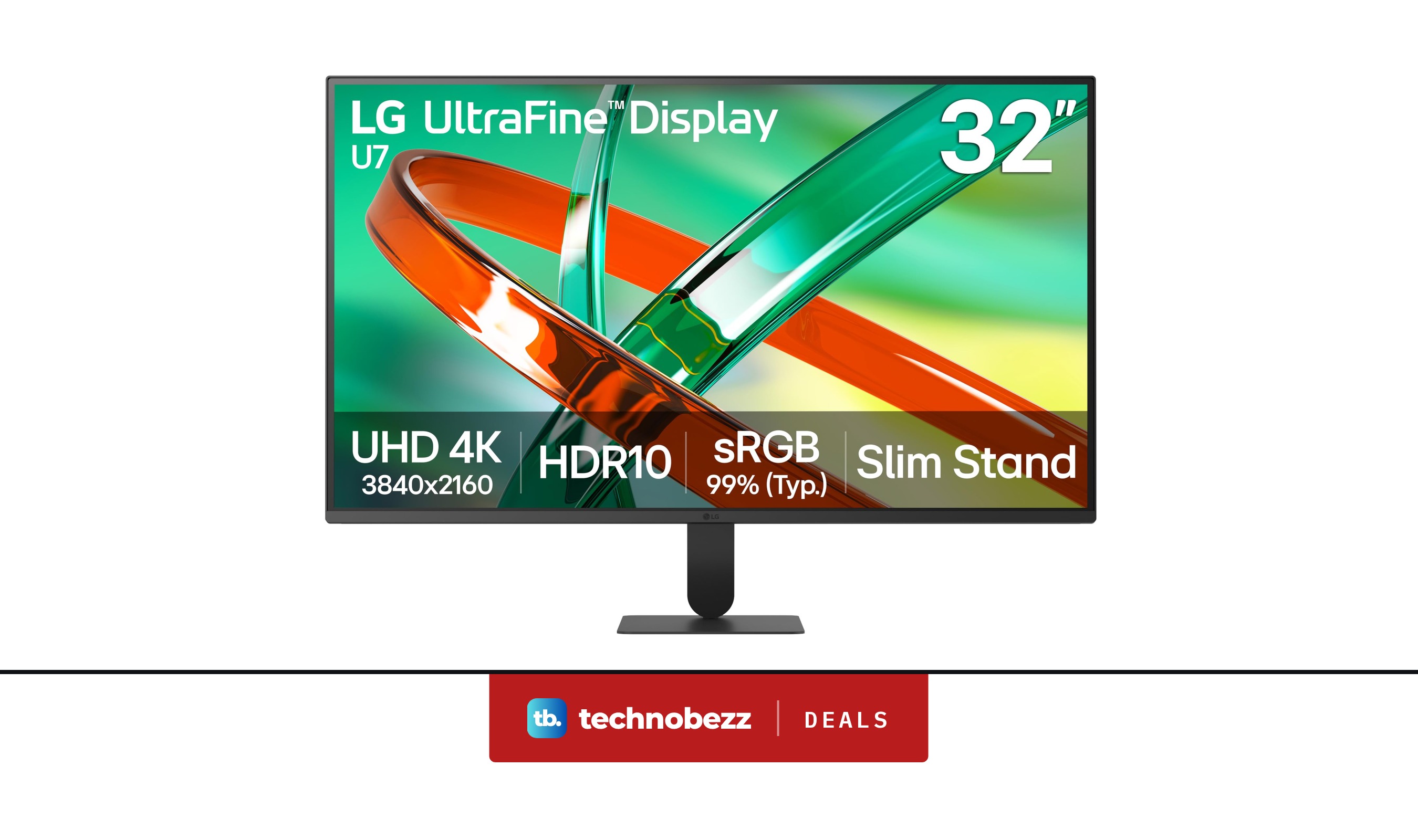
LG 32U701B-B Ultrafine 4K UHD HDR10 HDMI Monitor discounted to $199.99
Deal
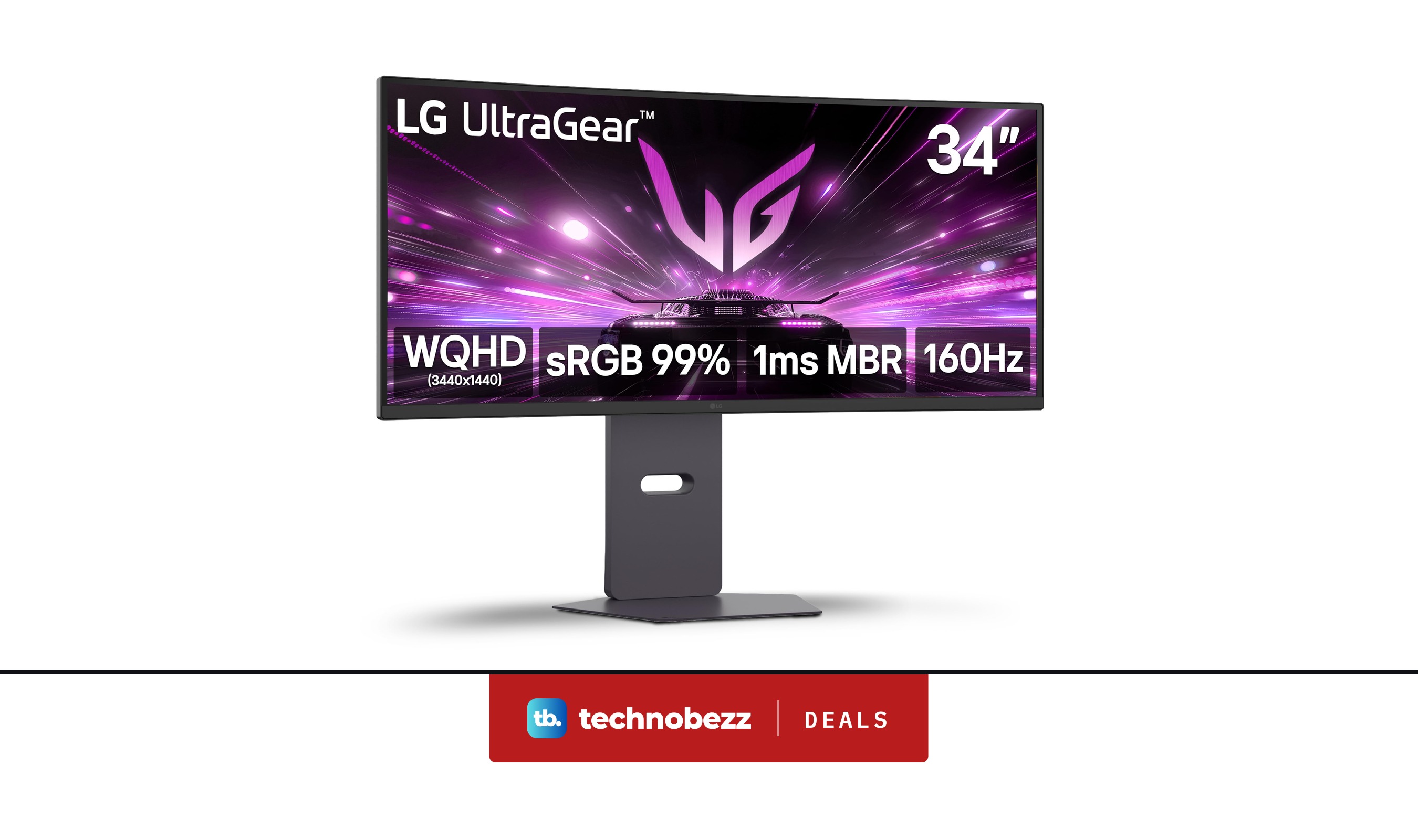
LG 34G600A-B Ultragear WQHD Curved Gaming Monitor marked down to $279.99
Buying guide
6 Best 24-Inch Monitors in 2026
More buying guides
Buying guide6 Best 4K Projectors in 2026Buying guide6 Best Outdoor Speakers in 2026Buying guide5 Best Earbuds for Android in 2026Buying guide6 Best Open-Ear Earbuds in 2026Buying guide7 Best Xbox Controllers in 2026Buying guide7 Best Garmin Watches in 2026Buying guide5 Best PS5 Controllers in 2026Buying guide5 Best 55-Inch TVs in 2026