An ergonomic mouse should suit the way your hand and forearm want to rest through a full workday. This guide is for US buyers who spend long hours at a desk and want a more comfortable setup, whether that means a sculpted mouse, a vertical design or a thumb-operated trackball.
Technobezz is supported by its audience. We may get a commission from retail offers.
6 Best Ergonomic Mice in 2026
The Logitech MX Master 4 tops our ergonomic mouse picks, alongside vertical, trackball and palm-cushion options for wrist and forearm comfort at your desk.
T
Technobezz
Editorial Team
Updated November 10, 2026Nov 10, 2026
•12 min read

Get Deals Like These in Your Inbox
The best prices, straight to your inbox.
Add Technobezz on Google:Preferred SourceGoogle Discover
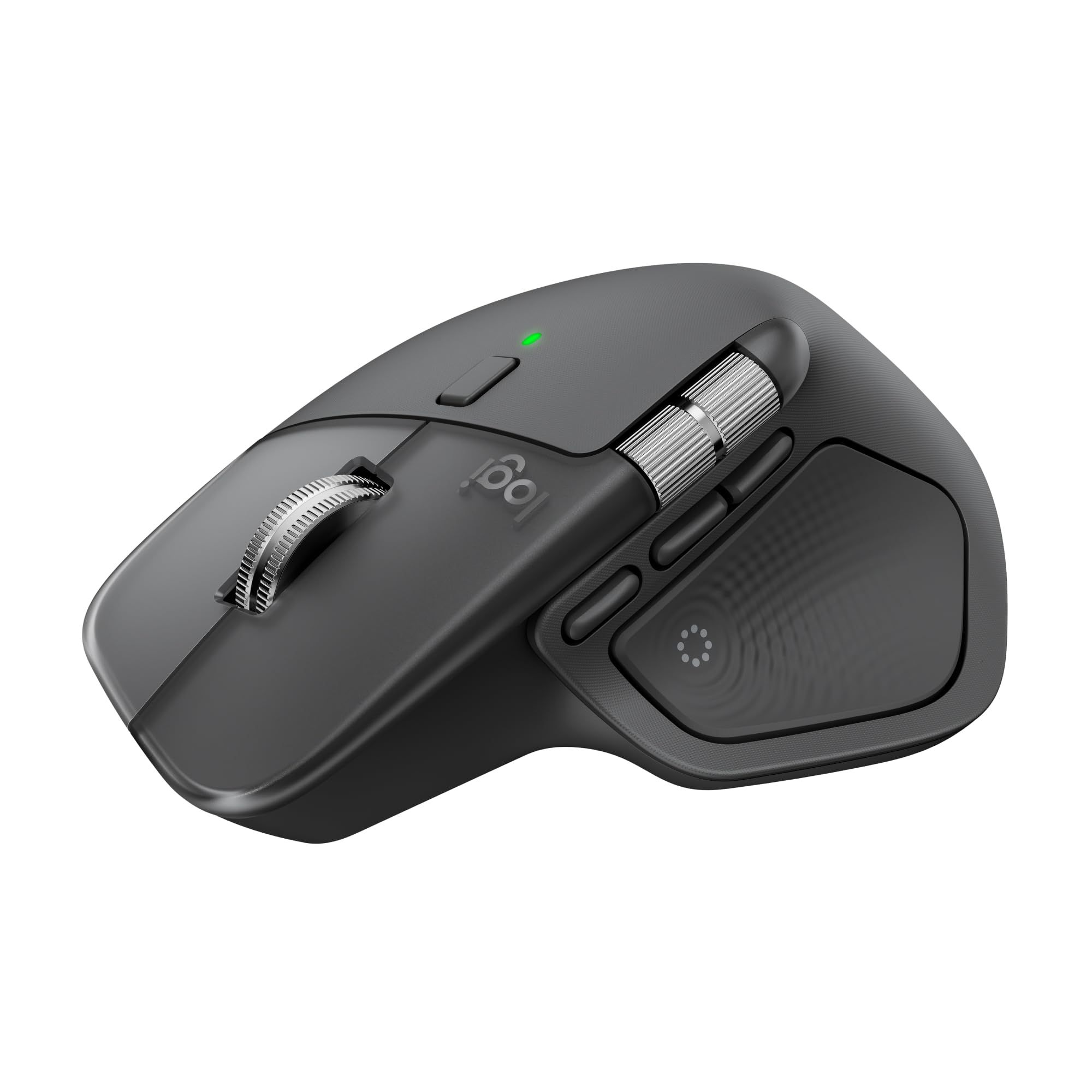
The Logitech MX Master 4 is the best overall pick. It pairs an 8,000 DPI sensor that tracks on glass with customizable haptic feedback, a MagSpeed scroll wheel and Actions Ring shortcuts, which makes it a strong fit for people who move between spreadsheets, design tools and browser tabs all day.
The other picks cover specific needs: a vertical mouse for small to medium hands, two thumb trackballs, a steeply angled vertical mouse for multi-device desks, and a sculpted mouse with a built-in palm cushion.
At a Glance
| Category | Product | Why We Picked It |
|---|---|---|
| Best overall | Logitech MX Master 4 | Haptic feedback, an 8,000 DPI sensor and deep shortcut control |
| Best vertical mouse | Logitech Lift Vertical Ergonomic Mouse | 57° handshake angle sized for small to medium hands |
| Best trackball | Logitech MX Ergo S | 20-degree tilt, thumb control and 6 customizable buttons |
| Best for multi-device setups | Razer Pro Click V2 Vertical Edition | 71.7° vertical angle with 5-way multi-device switching |
| Best palm support | Logitech Signature Comfort Plus M850 L | Built-in palm cushion, thumb rest and quiet clicks |
| Best value trackball | Logitech ERGO M575S | Simple thumb trackball for small or busy desks |
How we chose
We compared the ergonomic designs and published specifications on each maker's product page, including grip style, angle, hand size guidance, buttons and connection features. We then checked that each pick is sold new on Amazon.
The best Ergonomic Mice right now
Logitech MX Master 4 - Best overall
The Logitech MX Master 4 is the best all-round choice for people who work long days at a computer and want a sculpted mouse with a lot of control built in. Its 8,000 DPI sensor tracks on virtually any surface, including glass, which Logitech notes needs to be at least 4mm thick.
Haptic feedback is the standout feature. Logitech describes customizable haptic feedback on specific actions, shortcuts and notifications, with native Advanced Haptics integration on Windows 11. The machined steel MagSpeed wheel switches between a ratchet mode and a hyper-fast mode, and the Actions Ring brings shortcuts to the cursor, which Logitech says reduces mouse movements by up to 63%.
Key highlights
- 8,000 DPI sensor
- Tracks on glass (4mm minimum thickness)
- Customizable haptic feedback
- Machined steel MagSpeed scroll wheel with ratchet and hyper-fast modes
- Up to 1,000 lines per second in hyper-fast mode
- Actions Ring shortcuts, customized in Logi Options+ on Windows and macOS
Pros
- Haptic cues for actions, shortcuts and notifications
- Works on glass desks as well as standard surfaces
- Two scroll modes for precise or very fast scrolling
- Shortcut tools aimed at cutting down mouse travel
Cons
- Haptics and Actions Ring customization run through the Logi Options+ app
- Native Advanced Haptics integration is listed for Windows 11
- Keeps a flat grip rather than the handshake posture of the vertical picks
- A premium choice compared with simpler ergonomic mice here
Who it is for: Office workers, creators and power users on Windows or Mac who want one supportive mouse with heavy shortcut and scrolling features.
Skip if
Your wrist or forearm comfort calls for a vertical grip or a trackball that lets your arm stay still.
Logitech Lift Vertical Ergonomic Mouse - Best vertical mouse
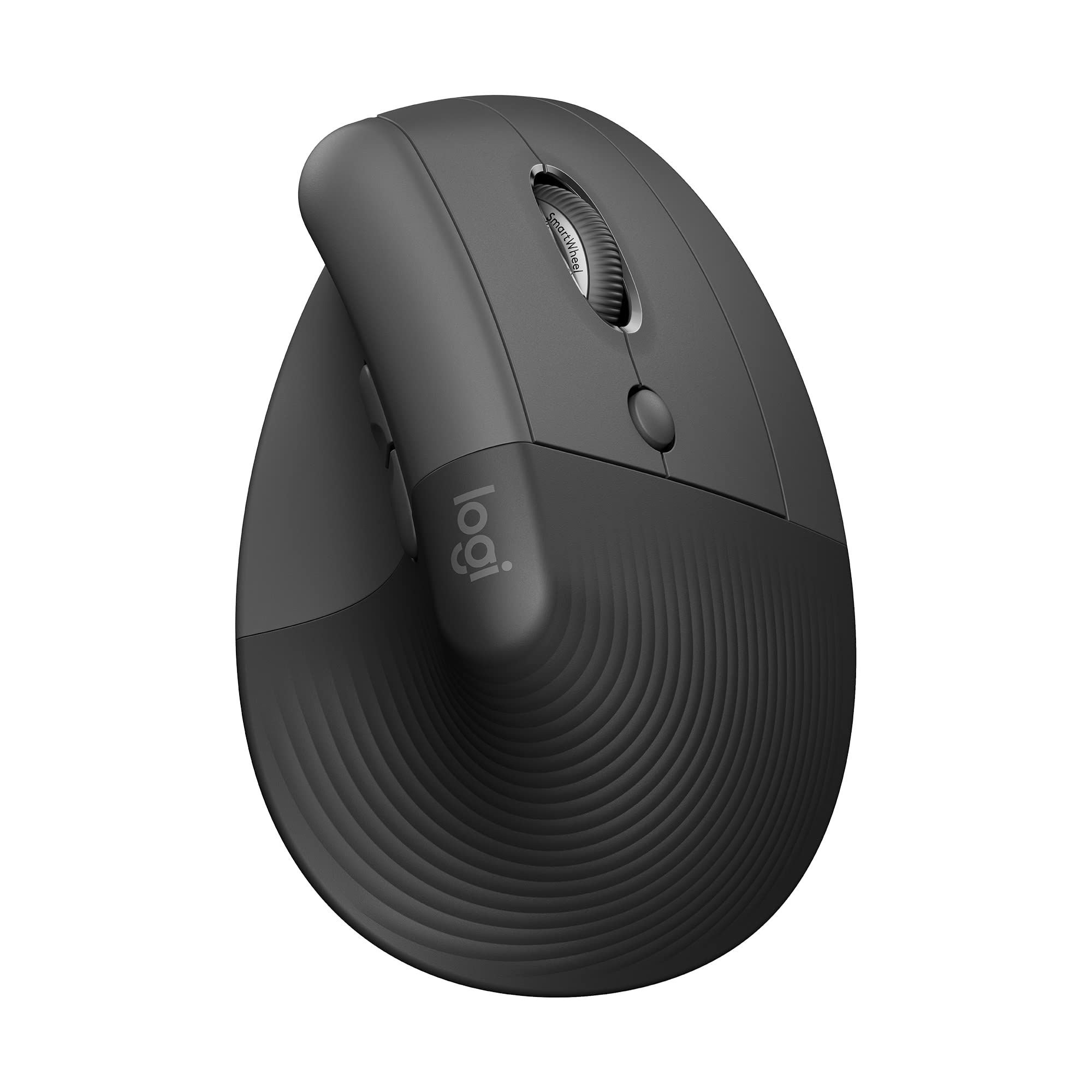
The Logitech Lift is built around a 57° angle that Logitech calls a natural handshake position. It is shaped for smaller hands, with Logitech saying it fits small to medium hands like a glove.
Comfort details go beyond the angle. Logitech lists whisper-quiet clicks, a smooth, quiet scroll wheel that adapts to a light touch, and a softly textured grip with easy-to-reach buttons. A left-handed version exists, but this listing is the right-handed Graphite model.
Key highlights
- 57° vertical angle
- Sized for small to medium hands
- Whisper-quiet clicks
- Quiet scroll wheel
- Softly textured grip
- Right-handed and left-handed versions (this listing is right-handed)
Pros
- Handshake posture without an extreme angle
- Quiet clicks and scrolling suit shared offices
- A left-handed version is available
- Sized for hands that find large mice awkward
Cons
- Not designed for large hands
- The left-handed version is a separate model from this listing
- Vertical grip is a change from a standard flat mouse
Who it is for: People with small to medium hands who want to try a vertical mouse in a quiet office or home setup.
Skip if
You have large hands or want a steeper vertical angle like the Razer Pro Click V2 Vertical Edition.
Logitech MX Ergo S - Best trackball
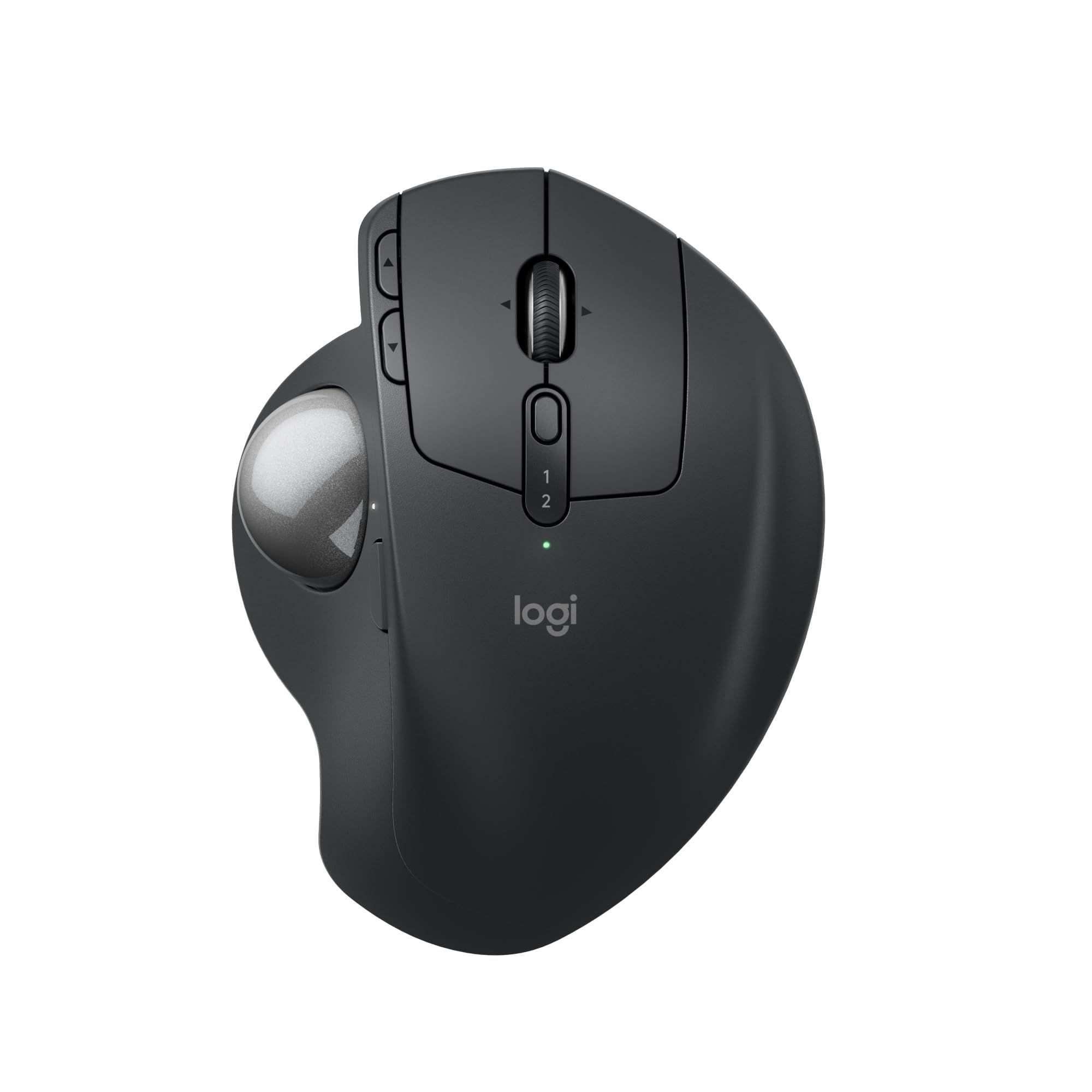
The Logitech MX Ergo S moves the cursor with your thumb, so your hand stays supported on a sculpted shape with a soft rubber grip. Logitech says its 20-degree tilt angle encourages better forearm posture and reduces muscle strain in the forearm by 27%.
It also has more controls than the simpler trackball on this list: 6 customizable buttons plus a DPI button to switch between speed and high-precision tracking. Logitech adds quiet clicks and quick USB-C charging, though the USB-C cable is not included.
Key highlights
- Thumb-controlled trackball
- 20-degree tilt angle
- 6 customizable buttons plus a DPI button
- Quiet clicks
- Quick USB-C charging (cable not included)
- Made with recycled plastic
Pros
- Arm stays still while the thumb moves the cursor
- Tilted shape aimed at forearm posture
- DPI button for switching between fast and precise tracking
- More customizable buttons than the ERGO M575S
Cons
- USB-C charging cable is not in the box
- Logitech pitches it at medium to large hands
- Thumb trackball control is a different motion from a standard mouse
Who it is for: People with medium to large hands who want a full-featured trackball for long workdays.
Skip if
You have small hands or want a simpler trackball with fewer controls.
Razer Pro Click V2 Vertical Edition - Best for multi-device setups
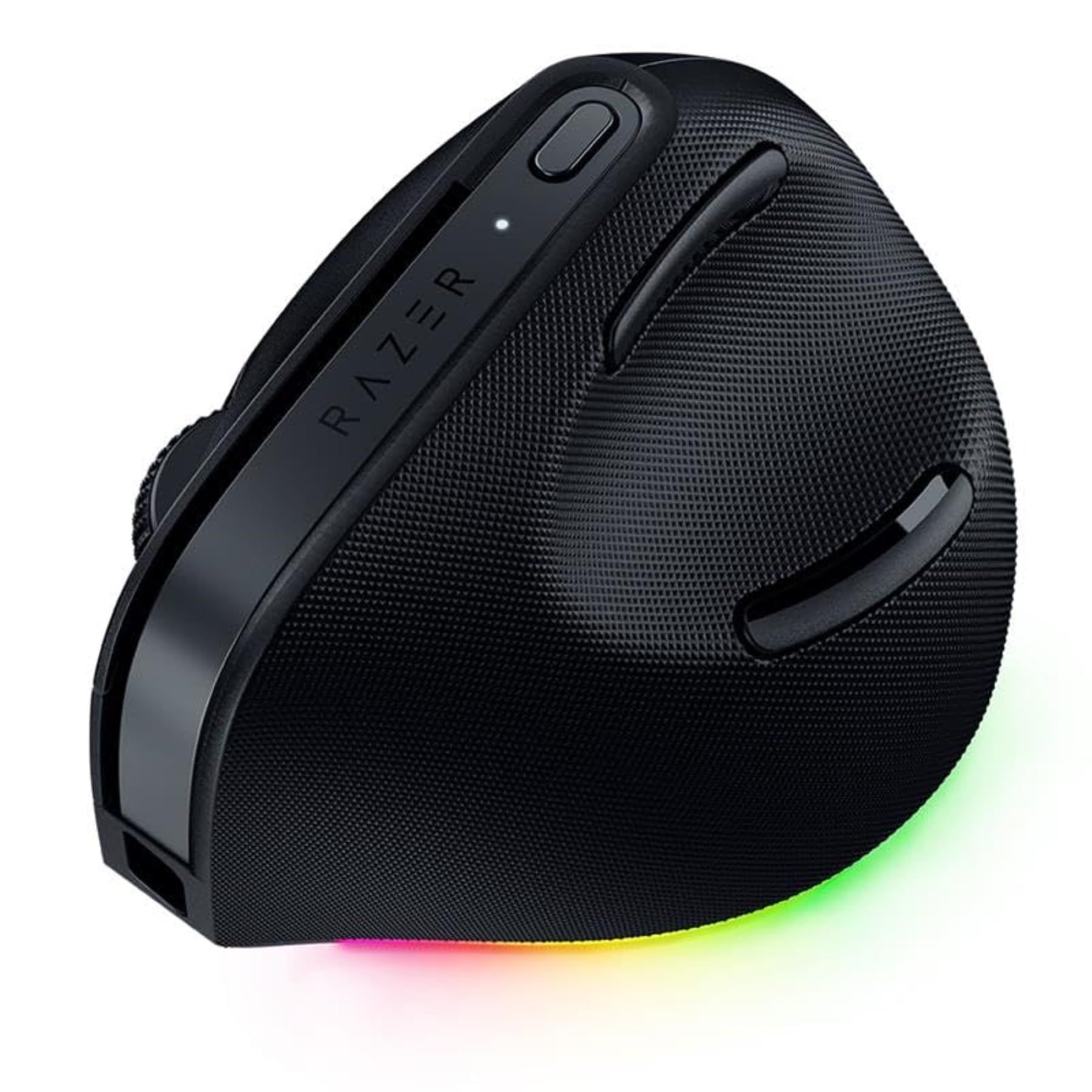
The Razer Pro Click V2 Vertical Edition is angled at 71.7°, the steepest of the vertical picks here. Razer says the shape is designed for a natural handshake grip, with base support to reduce wrist friction during long work or gaming sessions.
It suits busy desks. 5-way multi-device connectivity lets you toggle between a PC, laptop, tablet and more with a dedicated button, and the Razer Focus Pro 30K optical sensor tracks even on glass, with one-click switching between work and gaming DPI settings. Up to 8 programmable controls, an AI Prompt Master shortcut and 18-zone Chroma RGB underglow are set up through Razer Synapse 4. Razer rates battery life at up to 6 months under its standard conditions, so real battery life depends on use.
Key highlights
- 71.7° vertical angle
- Razer Focus Pro 30K optical sensor
- 5-way multi-device connectivity with a dedicated switch button
- Up to 8 programmable controls
- AI Prompt Master shortcut via Razer Synapse 4
- Up to 6 months of battery life (varies with use)
Pros
- Switches between up to five devices
- Tracks on glass surfaces
- Separate work and gaming DPI presets
- Plenty of programmable controls
Cons
- The 71.7° angle is a bigger change from a flat mouse than the Lift's 57°
- Programmable controls and the AI shortcut need Razer Synapse 4
- Battery figure is based on Razer's standard conditions, so it varies with use
Who it is for: People who split work between several computers and tablets and want a steep vertical grip with gaming-grade tracking.
Skip if
You want a gentler vertical angle or prefer not to run extra software for button setup.
Logitech Signature Comfort Plus M850 L - Best palm support
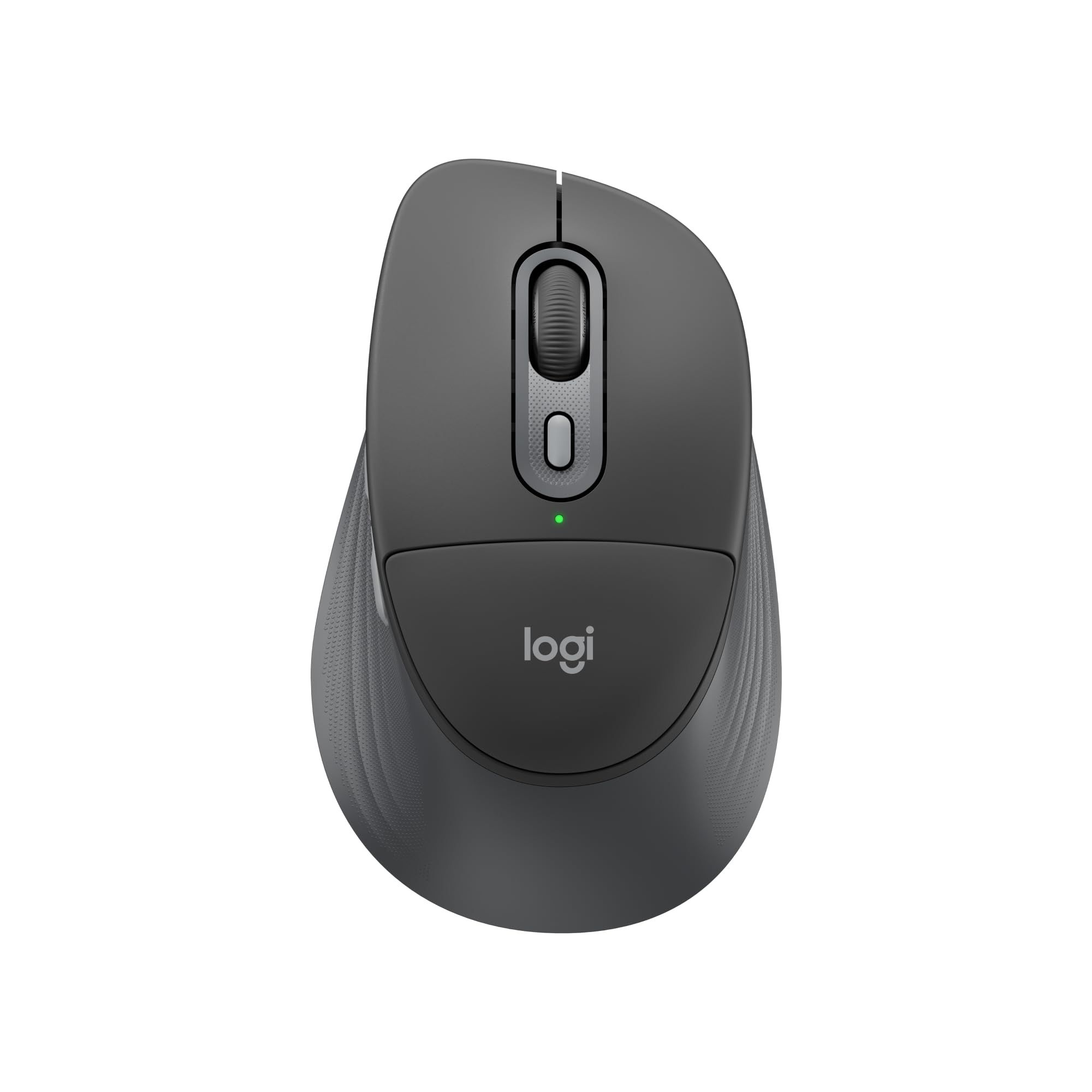
The Logitech Signature Comfort Plus M850 L adds a built-in palm cushion to a sculpted mouse, giving the heel of your hand a softer place to rest. A thumb rest and extended rubber side grip round out the shape.
Day-to-day features are practical. The SmartWheel scrolls line by line or flies through pages, clicks are quiet, and Easy-Switch moves between up to 3 devices over Bluetooth. Logitech reports that 93% of surveyed users felt comfortable using it even after a full workday.
Key highlights
- Built-in palm cushion
- Thumb rest and extended rubber side grip
- SmartWheel line-by-line or fast scrolling
- Quiet clicks
- Bluetooth with Easy-Switch for up to 3 devices
Pros
- Built-in palm cushion for the heel of your hand
- Familiar flat grip
- Switches between up to 3 devices
- Quiet clicks suit shared spaces
Cons
- Keeps a flat grip rather than a vertical posture
- Bluetooth connection means your computer needs Bluetooth
- No haptics or Actions Ring like the MX Master 4
Who it is for: People who want extra palm comfort in a familiar mouse shape.
Skip if
You want a vertical or trackball design.
Logitech ERGO M575S - Best value trackball
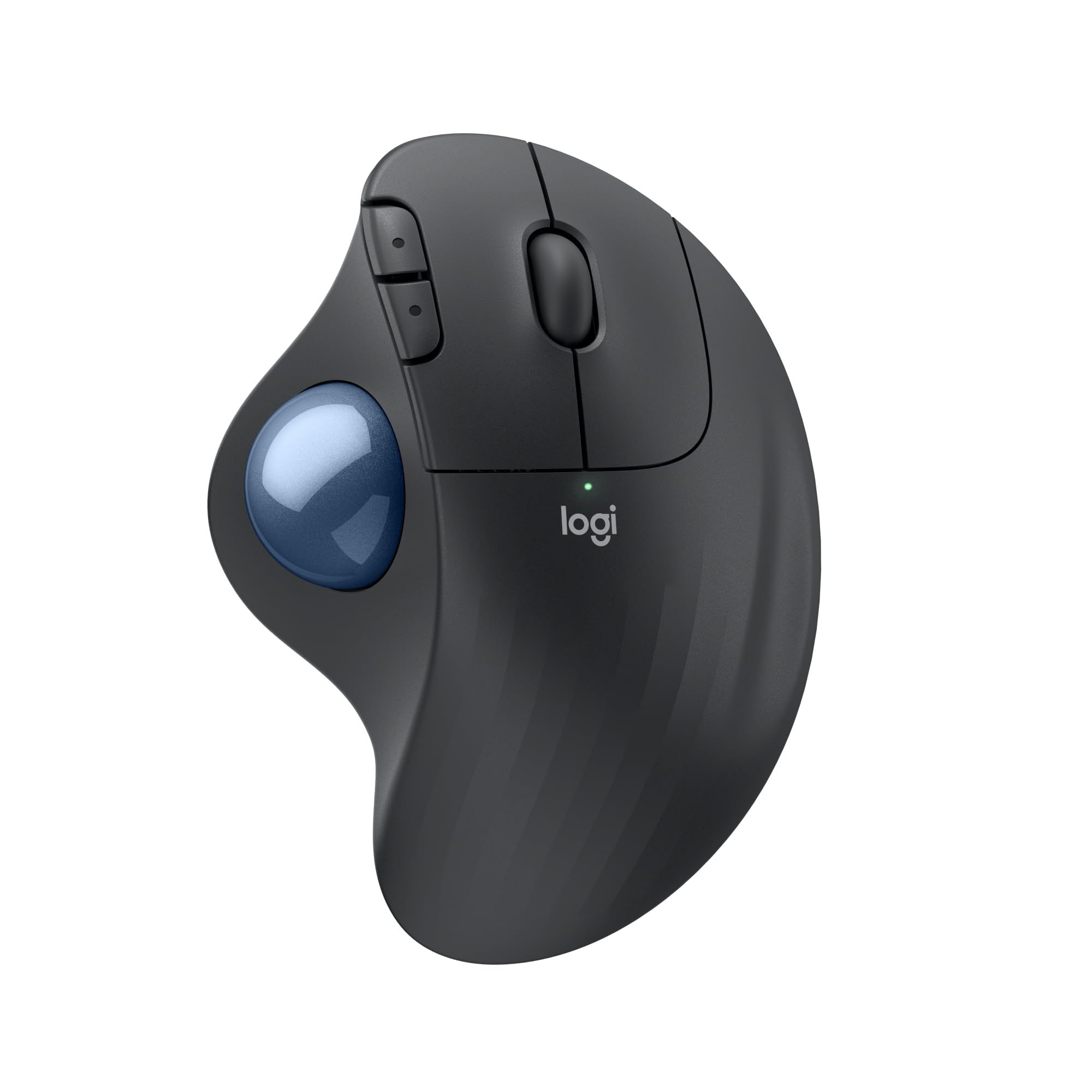
The Logitech ERGO M575S is a straightforward thumb trackball. Because you do not move your hand to move the cursor, Logitech calls it ideal for small or busy setups, and it says the design reduces muscle strain in your forearm by 25%.
Controls are kept simple. It has 3 customizable buttons covering Back/Forward and the middle click of the scroll wheel, and you can adjust cursor speed in the Logi Options+ app. It is a more affordable way into trackballs than the MX Ergo S, with fewer controls.
Key highlights
- Thumb-controlled trackball
- 3 customizable buttons
- Cursor speed adjustable in Logi Options+
- Suited to small or busy desks
Pros
- Hand stays in place, so it needs little desk space
- Simple button layout
- Adjustable cursor speed
- Affordable entry to trackball control
Cons
- Only 3 customizable buttons, against 6 plus a DPI button on the MX Ergo S
- No tilt angle is listed, unlike the MX Ergo S
- Thumb trackball control is a different motion from a standard mouse
Who it is for: People with cramped desks who want to try a trackball without paying for extra features.
Skip if
You want more programmable buttons or a tilted shape.
How to Choose
- Pick the grip style first. Vertical mice such as the Lift and Pro Click V2 Vertical Edition turn your hand toward a handshake position, trackballs such as the MX Ergo S and ERGO M575S move the cursor with your thumb, and sculpted mice such as the MX Master 4 and M850 L keep a familiar flat grip.
- Match the size to your hand. Logitech sizes the Lift for small to medium hands and the MX Ergo S for medium to large hands.
- Look at the angle. Vertical angles differ: 57° on the Lift and 71.7° on the Razer. A steeper angle is a bigger change from a flat mouse.
- Count the buttons you will use. The ERGO M575S has 3 customizable buttons, the MX Ergo S has 6 plus a DPI button, and the Razer offers up to 8 programmable controls.
- Check connections and charging. The M850 L switches between 3 devices over Bluetooth, the Razer handles 5 devices, and the MX Ergo S charges over USB-C with no cable in the box.
- Factor in the software. Haptics, shortcuts and button changes on the Logitech picks run through Logi Options+, and the Razer uses Razer Synapse 4.
FAQ
Is a vertical mouse or a trackball better for ergonomics?
They solve different problems. A vertical mouse rotates your hand toward a handshake position, while a trackball keeps your hand and arm still and moves the cursor with your thumb. Choose based on which motion feels more comfortable to you.
Which of these mice suit small hands?
The Logitech Lift is the clearest choice, since Logitech sizes it for small to medium hands. The MX Ergo S is aimed at medium to large hands.
Is there a left-handed option here?
Logitech makes a left-handed version of the Lift. The listing linked on this page is the right-handed model, so pick the left version separately if you need it.
Do I need software to use these mice?
Basic pointing works without it, but features such as MX Master 4 haptics, the Actions Ring and M575S cursor speed are set in Logi Options+, and the Razer's programmable controls and AI shortcut use Razer Synapse 4.
Can an ergonomic mouse fix wrist pain?
No mouse is a medical treatment. Strain reduction figures quoted here are maker claims, and ongoing pain is worth raising with a doctor or physical therapist.
Published November 10, 2026 Last updated November 10, 2026
Add Technobezz on Google:Preferred SourceGoogle Discover
More on mice
Deal
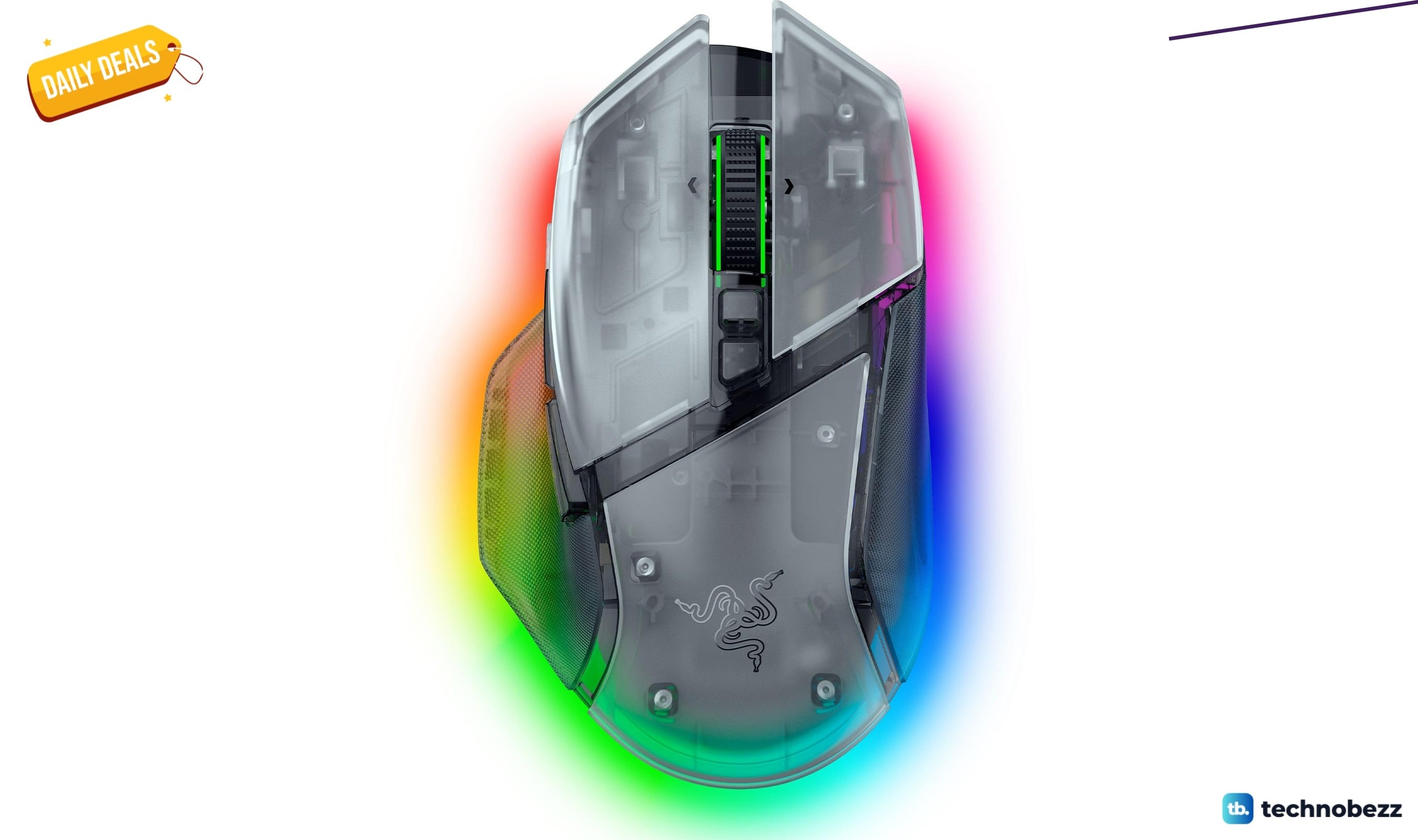
Razer Basilisk V3 Pro 35K Wireless Gaming Mouse gets a Prime Big Deal Days price cut to $113.99
Deal
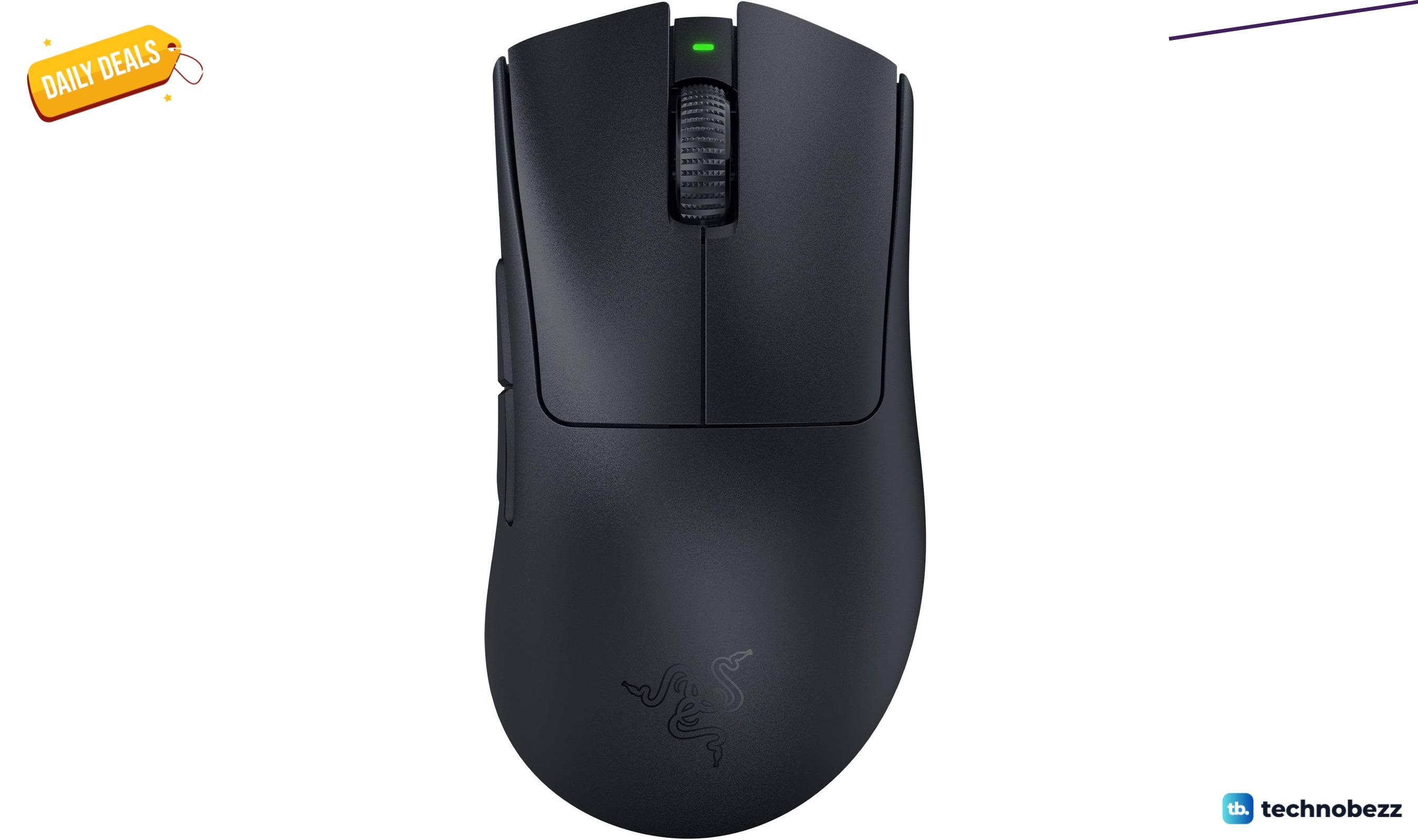
Razer DeathAdder V3 Pro Wireless Gaming Mouse gets a Prime Big Deal Days price cut to $61.74
Deal
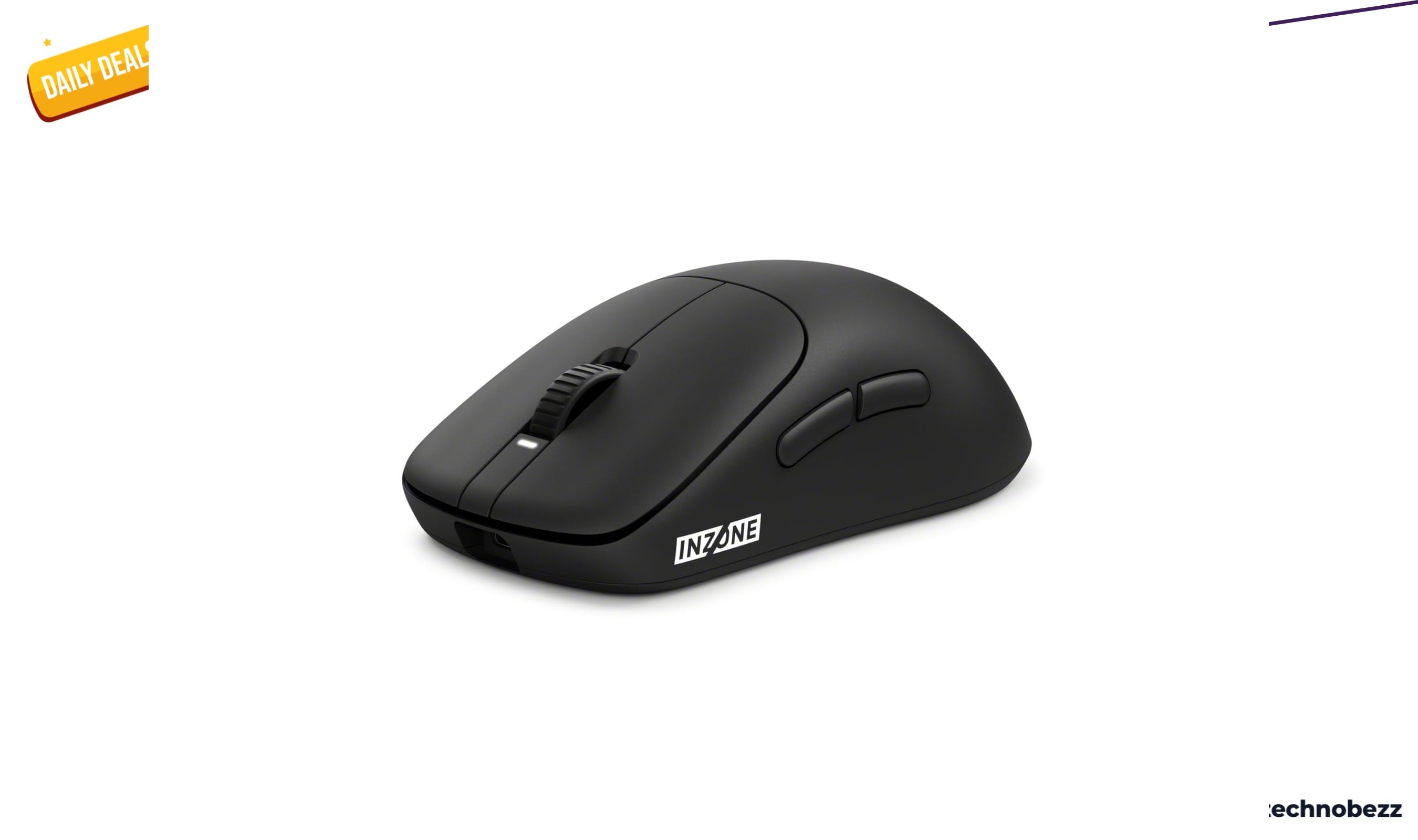
Sony INZONE Mouse-A Ultra-Lightweight 48g Wireless Esports gets an early Prime Big Deal Days price cut to $98
Deal
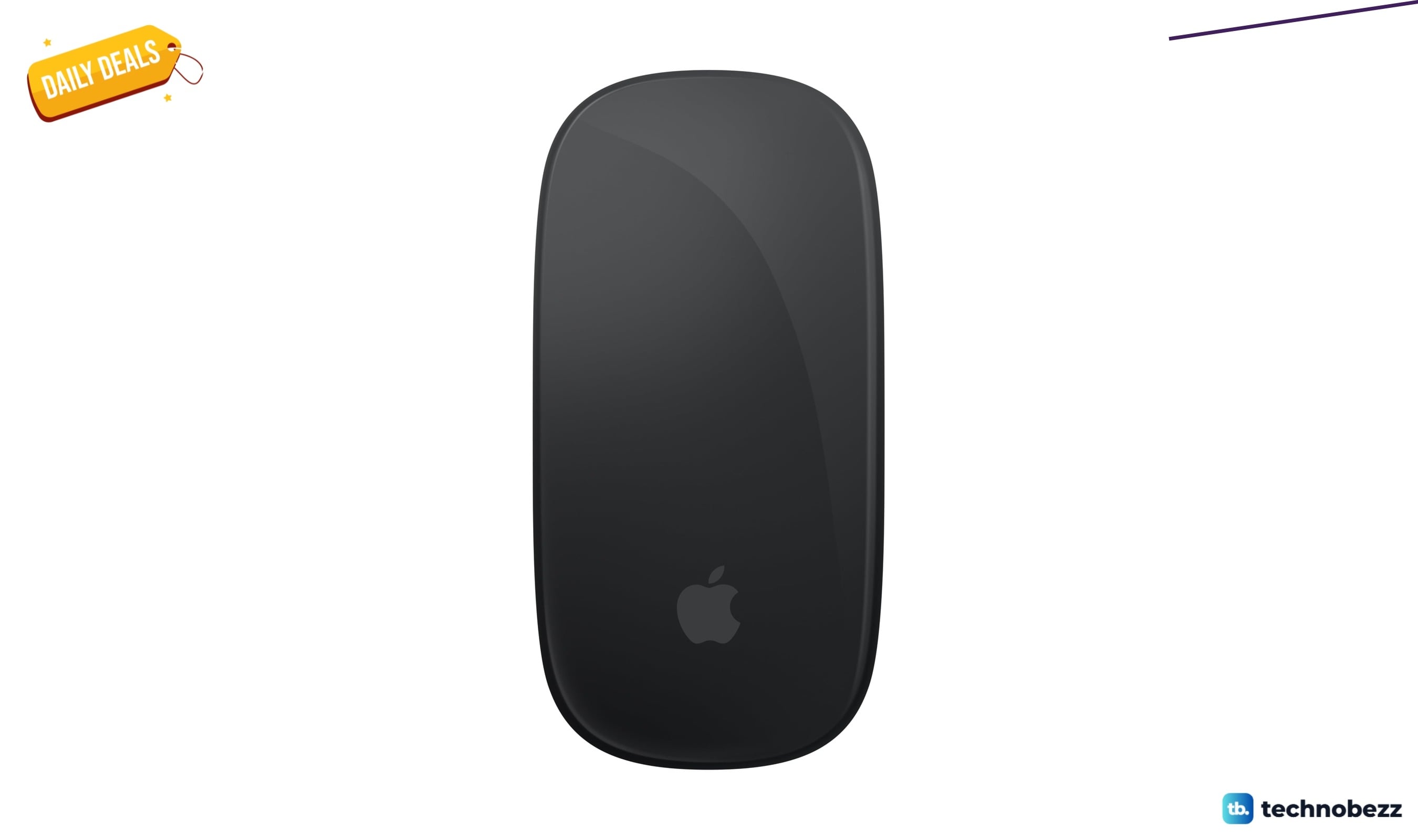
Apple Magic Mouse Black Multi-Touch Surface drops to $79.99 ahead of Prime Big Deal Days
More buying guides
Buying guide5 Best Studio Headphones in 2026Buying guide5 Best 4K Monitors in 2026Buying guide5 Best Foldable Phones in 2026Buying guide6 Best AR Glasses in 2026Buying guide6 Best 360 Cameras in 2026Buying guide7 Best Digital Pianos in 2026Buying guide6 Best Gaming Headsets for Xbox in 2026Buying guide5 Best 50-Inch TVs in 2026