The best free office suite software is not just a substitute for Word, Excel, and PowerPoint. It has to feel dependable when you are writing a report, sharing a spreadsheet, opening someone else’s presentation, or moving between a laptop and phone without turning every file into a project.
For most people, LibreOffice is the one to pick. It is free, open source, available across Windows, macOS, and Linux, and its desktop apps give you the most complete no-subscription office setup in this group. If you live in a browser, collaborate all day, or need a familiar Microsoft-style layout, the better choice may be different, but LibreOffice is the strongest default.
We kept this list focused on software, not devices, accessories, or paid bundles. Every pick here has an official free path, and every recommendation has a clear audience instead of pretending one suite fits every workflow.
At a Glance
| Best for | Software | Standout | Free tier |
|---|---|---|---|
| Most people | LibreOffice | Full open-source desktop suite across major computer platforms | Free with no seats, watermark, export, time, or ad limits |
| Microsoft file compatibility | ONLYOFFICE Desktop Editors | Free ad-free desktop editors for Windows, Linux, and macOS | Desktop apps are free, with cloud and team enterprise features separate |
| Simple offline work | FreeOffice | Lightweight Windows, macOS, and Linux suite with generous home use | Free for up to 3 computers in one family household or 1 organization computer |
| Microsoft in a browser | Microsoft 365 for the web | Free browser-based Word, Excel, and PowerPoint tied to OneDrive | Free with a Microsoft account, 5 GB OneDrive, and no desktop Office apps |
| Cloud collaboration | Google Docs, Sheets, and Slides | Browser and mobile apps connected to a Google Account | Free for anyone with a Google Account, with some paid Workspace and Individual features excluded |
| Apple users | Apple iWork | Pages, Numbers, and Keynote across Apple devices plus iCloud.com access on PC | Free apps with in-app purchases, while core creating, viewing, editing, and collaboration do not require a subscription |
| Clean online writing and presenting | Zoho Writer, Sheet, and Show | Free cloud office apps with desktop options for Writer and Show | Writer, Sheet, and Show have free use, with Writer automation credits limited monthly |
| Legacy open-source workflows | Apache OpenOffice | Free open-source desktop suite for Windows, macOS, and Linux | Free, but with a slower release cadence than LibreOffice and ONLYOFFICE |
How we chose
We prioritized office suites that cover documents, spreadsheets, and presentations without pushing the core experience behind a required paid plan. Compatibility, platform reach, current official availability, and clear free-tier limits mattered more than brand familiarity.
We disqualified anything deprecated, anything without an official download page, and anything that depended on a physical product purchase. Suites with unclear limits, narrow platform support, or slow development had to earn a more specific role instead of taking the main recommendation.
LibreOffice
Key highlights
- Standout: Full open-source desktop suite across major computer platforms
- Free tier: Free with no seats, watermark, export, time, or ad limits
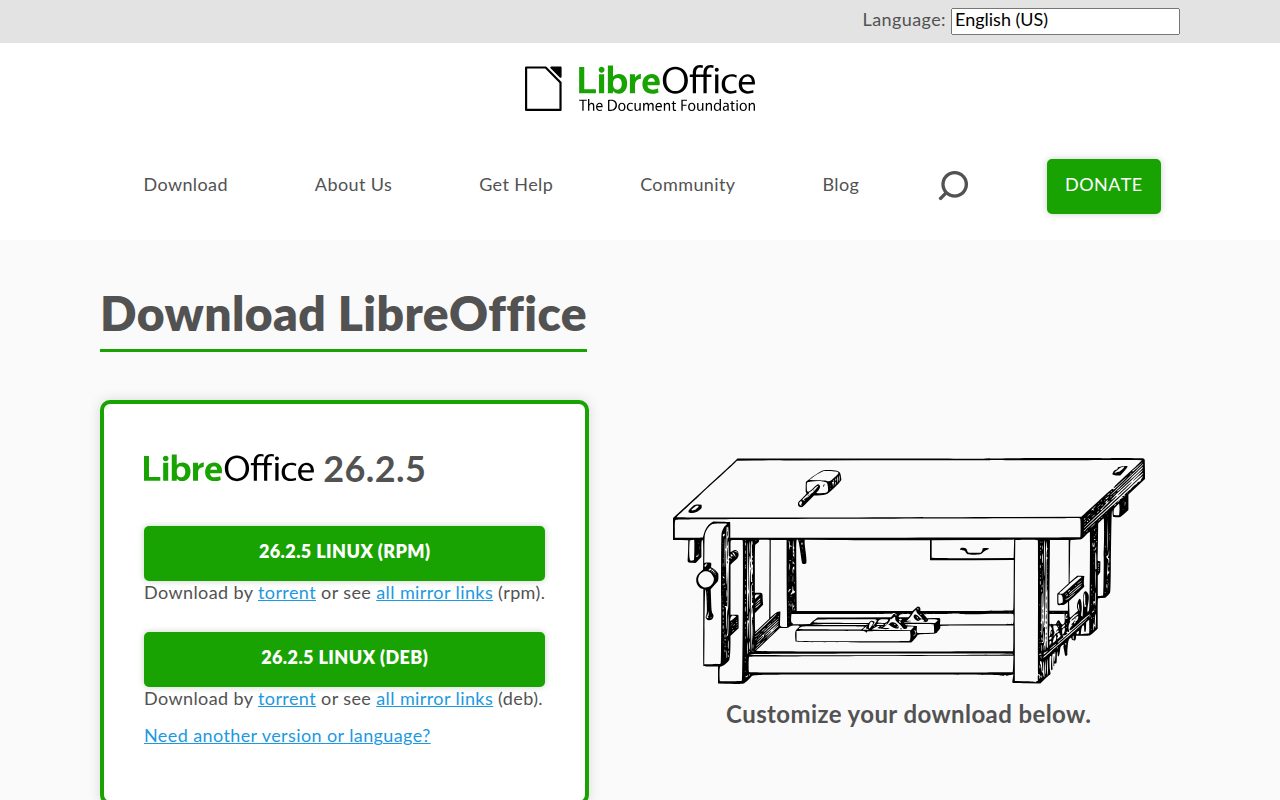
LibreOffice earns the top spot because it is the most complete free desktop office suite here. It comes from The Document Foundation, it is open source, and current builds cover Windows x86-64 and ARM64, macOS on Apple Silicon and Intel, and Linux rpm and deb packages.
The reason to choose LibreOffice is control. You get a full local suite without the research showing seat limits, watermarks, export limits, time limits, or ad limits on the vendor pages. That makes it the best default for people who want serious document, spreadsheet, and presentation tools without moving their whole workflow into a cloud account.
Its standout advantage is that broad desktop coverage. If you use Windows at work, Linux at home, and a Mac somewhere in between, LibreOffice gives you one consistent free suite across those machines.
Pros
- It is a free and open-source office suite.
- It supports Windows, macOS, and Linux.
- Vendor pages show no seat, watermark, export, time, or ad limits.
- It is the strongest no-subscription desktop choice for most people.
Cons
- It is not the most natural choice for browser-first collaboration.
- It does not give you Microsoft’s own web versions of Word, Excel, or PowerPoint.
Most people who want a capable free office suite installed on a computer should start with LibreOffice.
Your work depends on live browser collaboration more than local desktop editing.
ONLYOFFICE Desktop Editors
Visit ONLYOFFICE Desktop Editors
Key highlights
- Standout: Free ad-free desktop editors for Windows, Linux, and macOS
- Free tier: Desktop apps are free, with cloud and team enterprise features separate
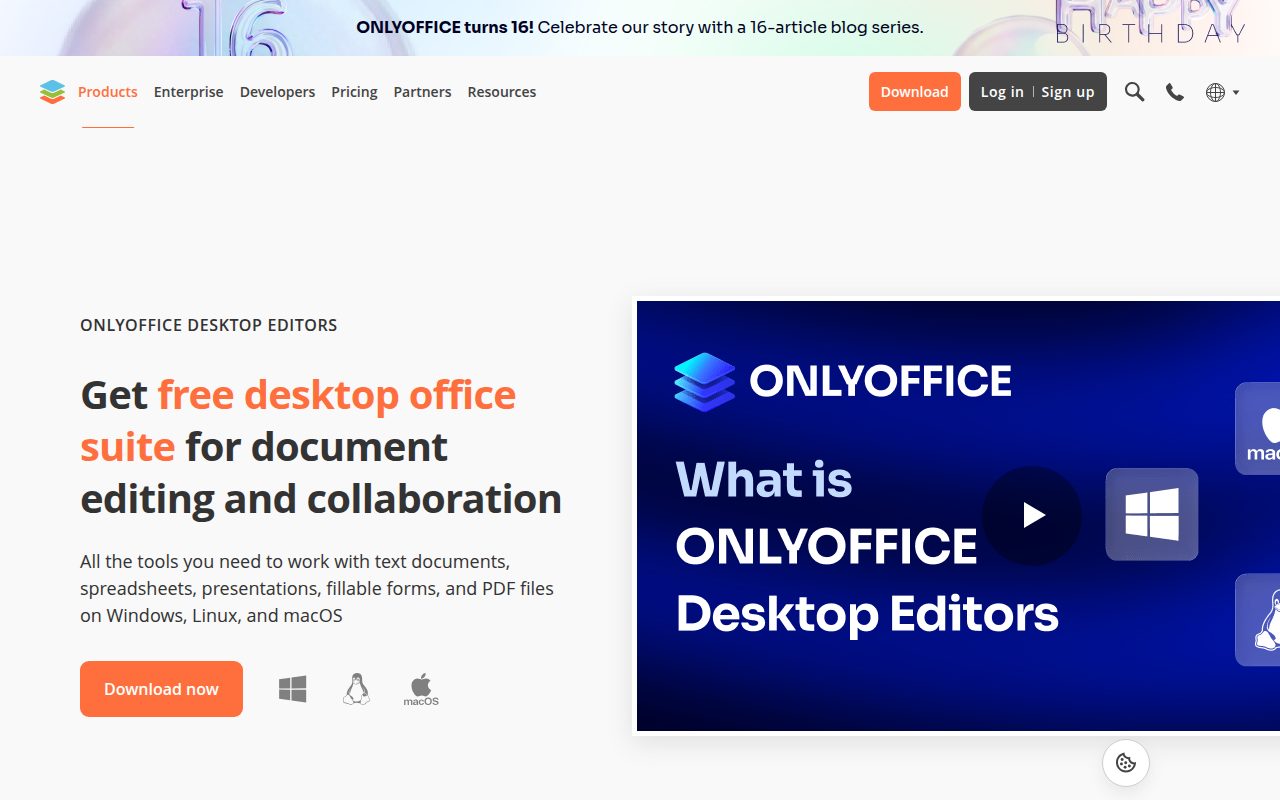
ONLYOFFICE Desktop Editors is the pick for people who regularly receive Microsoft Office files and want a free desktop editor shaped around that kind of workflow. It offers free desktop apps for Windows, Linux, and macOS, with companion mobile apps for Android and iOS.
It earns its place because it gives you a modern desktop suite without ads in the free desktop product, while keeping cloud and team enterprise features separate. That matters if your priority is opening, editing, and sending office files from your own computer instead of adopting a full online workspace.
The standout is the desktop focus across the big computer platforms. ONLYOFFICE is especially easy to justify when you want a familiar office-suite feel and do not need the broader open-source ecosystem that makes LibreOffice the stronger general pick.
Pros
- It offers free desktop editors for Windows, Linux, and macOS.
- It is free and open source.
- The vendor describes the desktop suite as ad-free.
- Companion mobile apps are available for Android and iOS.
Cons
- Cloud and team enterprise features are separate from the free desktop suite.
- It is less compelling if you want the broadest free desktop-office ecosystem.
Choose ONLYOFFICE Desktop Editors if Microsoft Office file handling is your main concern and you want a free desktop suite.
You want the most complete open-source default for general offline office work.
FreeOffice
Key highlights
- Standout: Lightweight Windows, macOS, and Linux suite with generous home use
- Free tier: Free for up to 3 computers in one family household or 1 organization computer
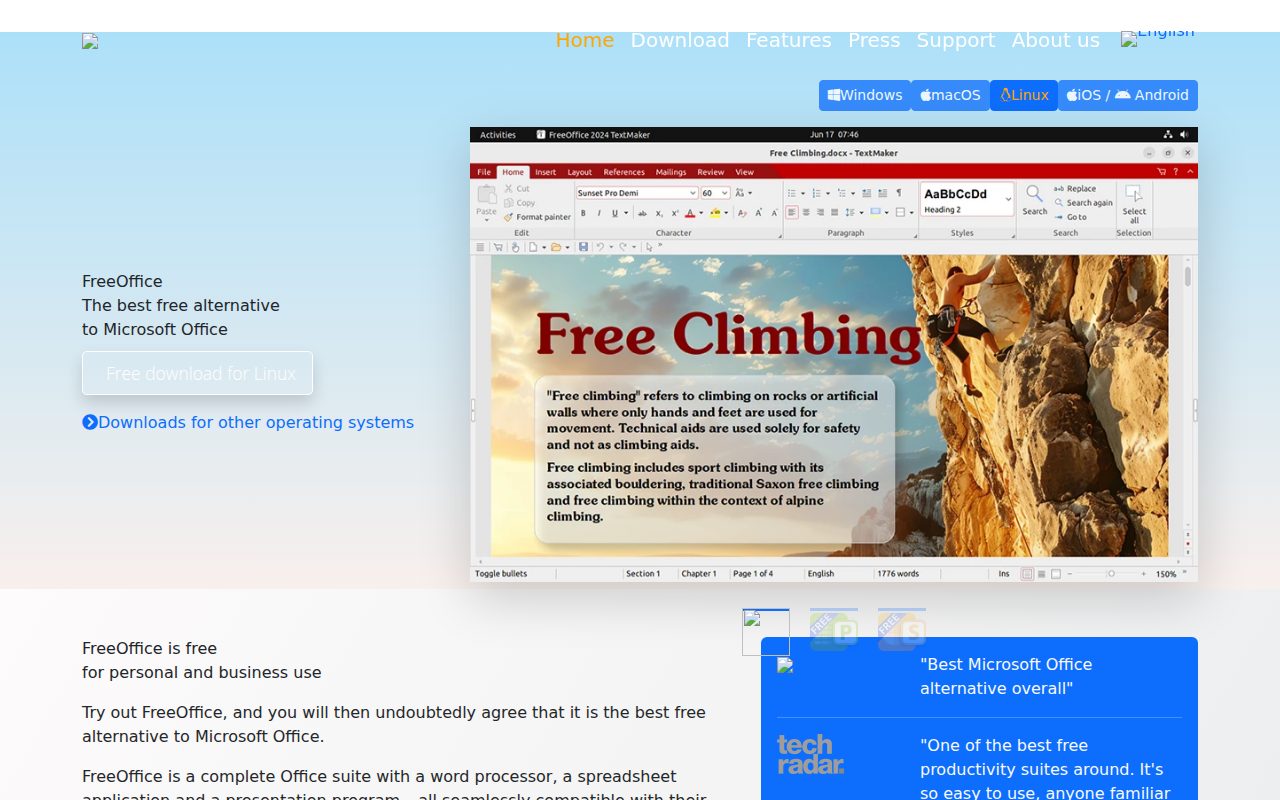
FreeOffice by SoftMaker is for people who want a straightforward free office suite that stays out of the way. SoftMaker offers FreeOffice for Windows, macOS, and Linux. The mobile apps promoted on the same download page are a separate product, SoftMaker Office for iOS and Android, so treat FreeOffice itself as a desktop suite.
It earns this spot by keeping the pitch simple. Its EULA allows use on up to 3 computers in one family household or 1 organization computer, and vendor material lists no watermark, export, time, or ad limit. That makes it a practical pick for home documents, basic spreadsheets, and everyday file work.
The standout is how little it asks of you on a computer. FreeOffice is not trying to be the biggest collaboration platform here, and that is exactly why it fits users who just want a familiar suite for personal or light office tasks.
Pros
- It is available for Windows, macOS, and Linux.
- Its free home allowance covers up to 3 computers in one family household.
- Vendor pages list no watermark, export, time, or ad limit.
- It keeps the office-suite experience simple.
Cons
- Organization use is limited to 1 computer under the researched EULA terms.
- It is not the best choice for cloud-first collaboration.
- Mobile users need SoftMaker Office, which is a separate app from FreeOffice.
FreeOffice is for home users and light office users who want a clean free suite on a Windows, macOS, or Linux computer.
You need a free option for multiple organization computers.
Microsoft 365 for the web
Visit Microsoft 365 for the web
Key highlights
- Standout: Free browser-based Word, Excel, and PowerPoint tied to OneDrive
- Free tier: Free with a Microsoft account, 5 GB OneDrive, and no desktop Office apps
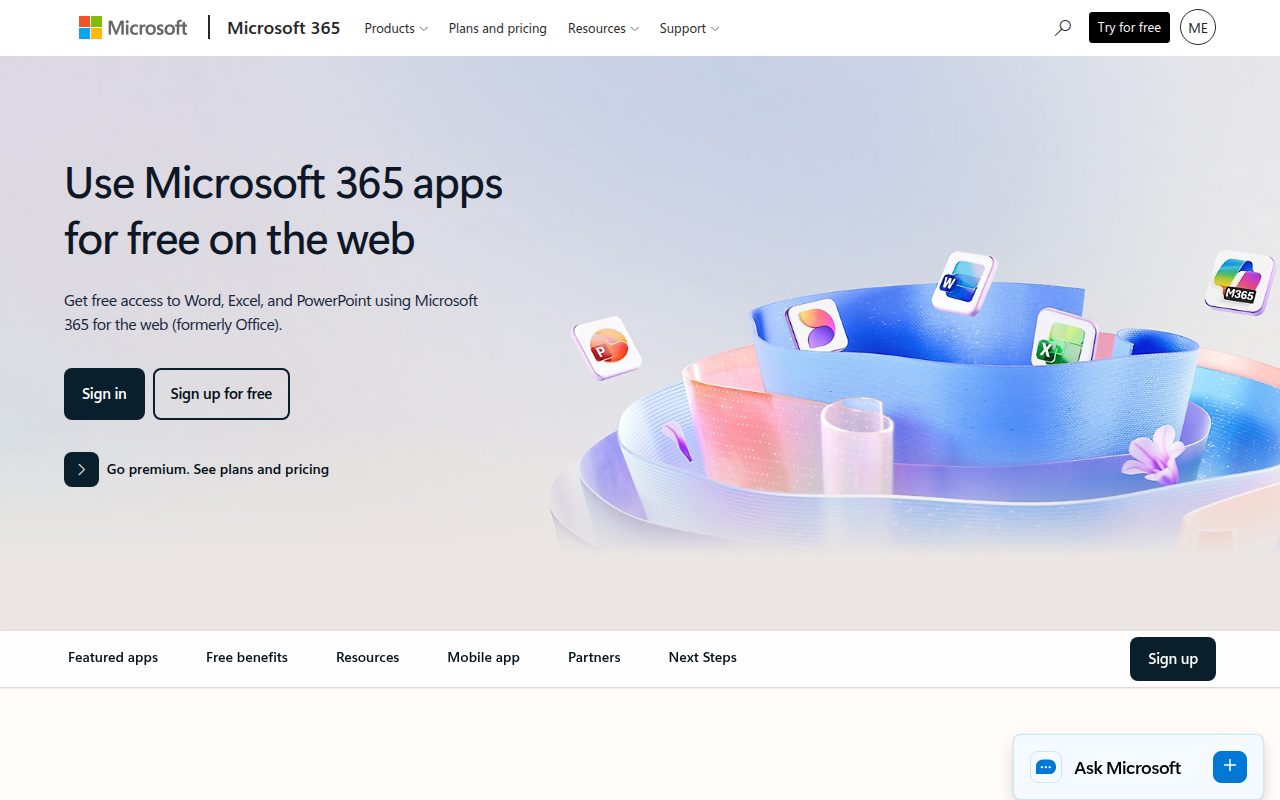
Microsoft 365 for the web is the right choice when the important part is using Microsoft’s own Word, Excel, and PowerPoint in a browser. Free access covers Microsoft account users, with browser-based Word for the web, Excel for the web, and PowerPoint for the web, plus web, iOS, and Android access.
It earns this slot because it gives you the official Microsoft apps without requiring desktop installation. The trade is clear: the free path excludes desktop apps and paid Microsoft 365 features, and files need to be saved and shared from OneDrive.
The standout is OneDrive-connected browser editing with 5 GB of storage. If your documents already move through Microsoft accounts or OneDrive links, this is the most direct free route into the Microsoft ecosystem.
Pros
- It includes free browser-based Word, Excel, and PowerPoint.
- It works for free Microsoft account users.
- It includes 5 GB of OneDrive storage.
- It supports web, iOS, and Android access.
Cons
- The free tier does not include the desktop Office apps.
- Files must be saved and shared from OneDrive.
- Paid Microsoft 365 features are excluded.
Microsoft 365 for the web is for people who specifically want Microsoft’s own office apps and are comfortable working through a browser and OneDrive.
You want full desktop apps in a free office suite.
Google Docs, Sheets, and Slides
Visit Google Docs, Sheets, and Slides
Key highlights
- Standout: Browser and mobile apps connected to a Google Account
- Free tier: Free for anyone with a Google Account, with some paid Workspace and Individual features excluded
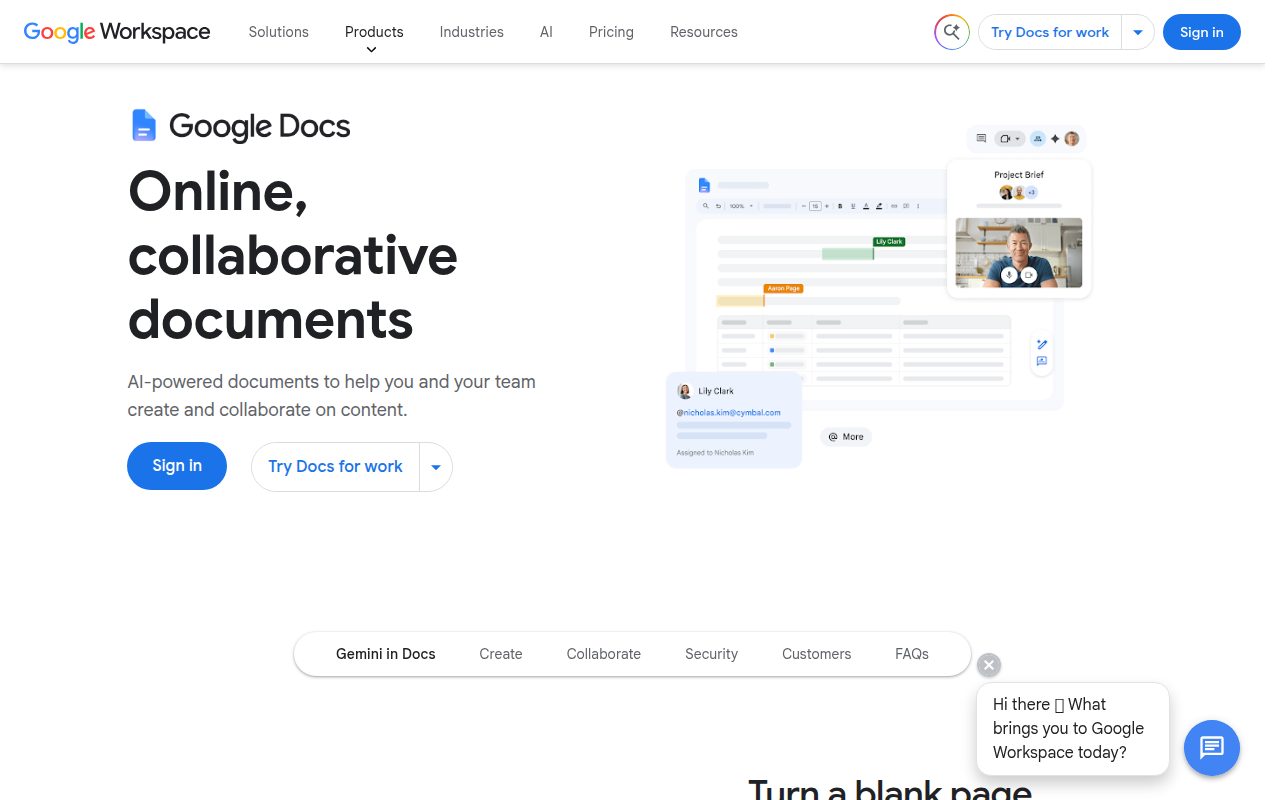
Google Docs, Sheets, and Slides is the easiest recommendation for people who already work from a Google Account. Free use covers anyone with a Google Account, with web access and iOS and Android apps for Docs, Sheets, and Slides.
It earns this place because its strength is cloud-first work. Documents, spreadsheets, and presentations live naturally in the browser, and the mobile apps keep the same workflow available on phones and tablets. Some paid Workspace and Individual features, including some Meet-related features, are outside the free experience, but the core office apps remain the draw.
The standout is how little setup it needs if your email, storage, and sharing already sit in Google’s world. For teams, families, classrooms, and personal projects that move by link, Google’s suite is the cleanest free collaboration pick.
Pros
- It is free for anyone with a Google Account.
- It includes Docs, Sheets, and Slides in a browser.
- Mobile apps are available for iOS and Android.
- It fits link-based collaboration naturally.
Cons
- Some paid Workspace and Individual features are excluded.
- It is less suited to people who want a traditional local desktop suite.
Google Docs, Sheets, and Slides is for users who create, share, and edit most documents online through a Google Account.
You prefer offline desktop software as your main office environment.
Apple iWork
Key highlights
- Standout: Pages, Numbers, and Keynote across Apple devices plus iCloud.com access on PC
- Free tier: Free apps with in-app purchases, while core creating, viewing, editing, and collaboration do not require a subscription
Apple iWork brings Pages, Numbers, and Keynote together for people already using Apple devices. Apple lists iPhone, iPad, Mac, and Apple Vision Pro support, with Keynote also supporting Apple Watch controls and web collaboration or use through iCloud.com on PC.
It earns its spot because the core iWork apps cover creating, viewing, editing, and collaboration without requiring a subscription. The App Store pages say the apps are free with in-app purchases, and Apple Creator Studio subscription features sit outside the core office work described here.
The standout is Keynote alongside Pages and Numbers. If you make presentations on a Mac or iPad and want them to feel native to Apple’s ecosystem, iWork is the free suite that fits best.
Pros
- It includes Pages, Numbers, and Keynote.
- It works across major Apple devices.
- PC users can access the web apps through iCloud.com.
- Core creating, viewing, editing, and collaboration do not require a subscription.
Cons
- It is strongest for people already in Apple’s ecosystem.
- Premium content and intelligence features are gated by Apple Creator Studio subscription.
Apple iWork is for Mac, iPhone, and iPad users who want native free office apps with iCloud-based access when needed.
You mainly use Windows, Android, or Linux and want a suite built around those platforms.
Zoho Writer, Sheet, and Show
Visit Zoho Writer, Sheet, and Show
Key highlights
- Standout: Free cloud office apps with desktop options for Writer and Show
- Free tier: Writer, Sheet, and Show have free use, with Writer automation credits limited monthly
Zoho Writer, Zoho Sheet, and Zoho Show are for people who want a browser-based office setup outside the Microsoft and Google defaults. Zoho offers cloud office apps for the web, Writer desktop apps for Windows, Linux, and macOS, mobile apps for iOS and Android, and Show desktop apps for Mac and Windows.
It earns this slot because the free path is unusually clear across the individual apps. Writer says it is free with unrestricted access after sign-up, Sheet and Show describe free use, and Show says it is completely free with no ads. Writer automation uses free monthly credits, with more credits available separately.
The standout is the combination of focused writing and presentation tools in a cloud suite. Zoho is the pick for people who want online office apps with a different account ecosystem and a calmer feel than the obvious defaults.
Pros
- Writer, Sheet, and Show are available as cloud office apps.
- Writer offers desktop apps for Windows, Linux, and macOS.
- Show offers desktop apps for Mac and Windows.
- Zoho describes Show as completely free with no ads.
Cons
- Writer automation uses free monthly credits.
- It is less obvious for people already committed to Microsoft or Google accounts.
Zoho Writer, Sheet, and Show are for users who want free online office apps outside Microsoft, Google, and Apple ecosystems.
You want every office app in the suite to have the same desktop coverage.
Apache OpenOffice
Key highlights
- Standout: Free open-source desktop suite for Windows, macOS, and Linux
- Free tier: Free, but with a slower release cadence than LibreOffice and ONLYOFFICE
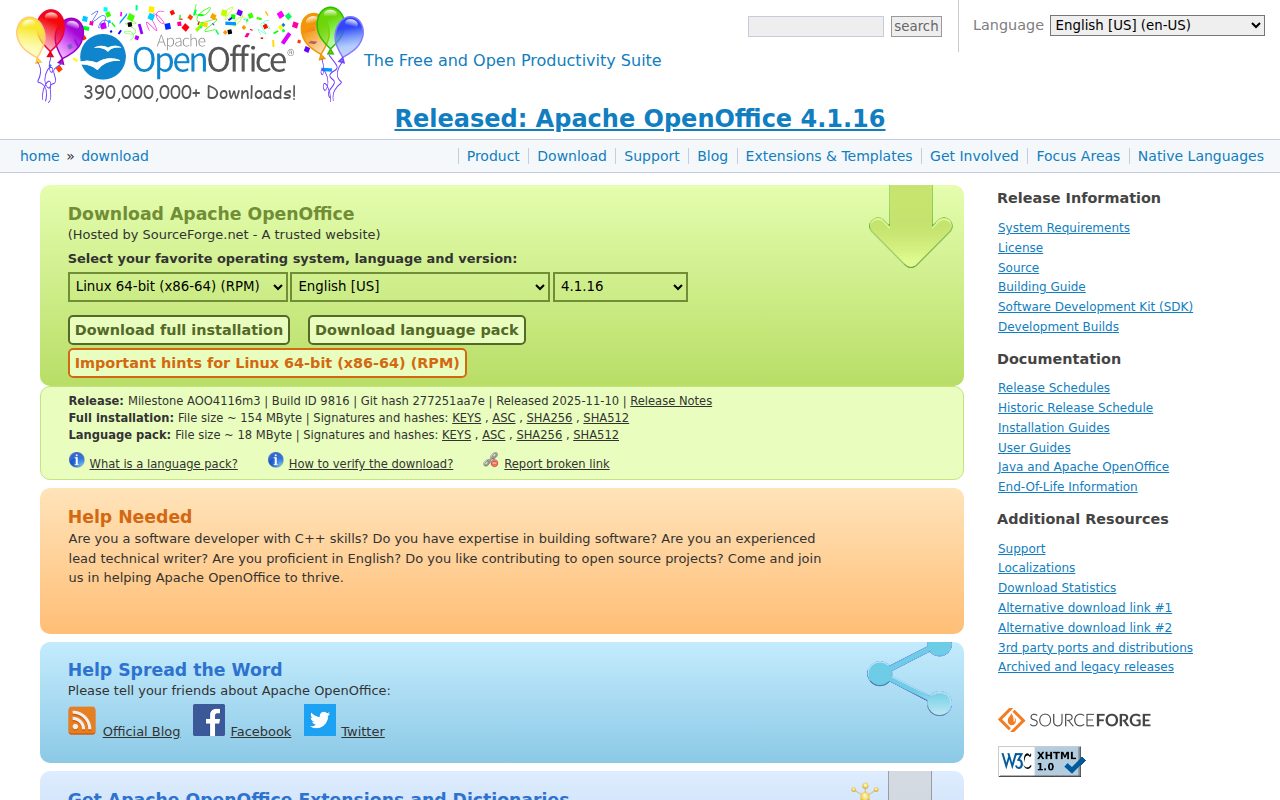
Apache OpenOffice remains a free open-source office suite for Windows, macOS, and Linux. It belongs on this list for people with older workflows, familiar templates, or environments where OpenOffice is already the known quantity.
It does not beat LibreOffice for most people. Apache OpenOffice is still offered, but its release cadence is slower than LibreOffice and ONLYOFFICE. That makes it a narrow recommendation, not the default pick.
The standout is continuity. If your workflow already depends on Apache OpenOffice, the current official download path still exists, and selected languages are also available in the Microsoft Store for Windows 10 and 11.
Pros
- It is free and open source.
- It supports Windows, macOS, and Linux.
- It remains available from the official OpenOffice download page.
- It suits established OpenOffice workflows.
Cons
- Its release cadence is slower than LibreOffice and ONLYOFFICE.
- It is not the best choice for most new users.
Apache OpenOffice is for people who already know they need OpenOffice or who are maintaining an older OpenOffice-based workflow.
You are choosing a new free office suite from scratch.
How to Choose
- Start with LibreOffice. It is the best free office suite software for most people because it gives you a complete desktop suite across Windows, macOS, and Linux without the researched limits that narrow other free tiers.
- Use ONLYOFFICE for Microsoft-style files. Pick it when free desktop editing and Microsoft Office file workflows matter more than having the broadest open-source suite.
- Choose Google for shared online work. Docs, Sheets, and Slides make the most sense when your documents move by links and your collaborators already use Google Accounts.
- Pick Microsoft 365 for the web when Microsoft matters. It is the direct free route to Word, Excel, and PowerPoint in a browser, as long as OneDrive and web apps fit your routine.
- Stay inside Apple with iWork. Pages, Numbers, and Keynote are the right free choice when your main devices are a Mac, iPhone, or iPad.
- Keep OpenOffice for legacy needs. It is still available, but most new users should choose LibreOffice or ONLYOFFICE first.