The best email client for most people is Microsoft Outlook. It gives Windows and Mac users one familiar place for email and calendar, has a current free path on Windows, and supports common personal accounts on Mac without forcing you into a niche workflow.
That does not make it the right answer for everyone. Apple Mail is the best fit when your desktop life is all Mac, Thunderbird is the cleanest free desktop client, Spark is the smart inbox pick, and eM Client is the one to choose when email needs to sit beside tasks, contacts, notes, and chat.
We kept this list to current software, not discontinued defaults or hardware products. Windows Mail and Calendar is out because Microsoft ended support, and Proton Mail’s desktop app is not a general email client for regular multi-account use on a free plan.
At a Glance
| Best for | Software | Standout | Free tier |
|---|---|---|---|
| Best overall | Microsoft Outlook | Email and calendar on Windows and macOS | Included with Windows; Mac is free for supported personal accounts, with ads for free email services unless licensed |
| Best for Mac users | Apple Mail | Built into macOS with Internet Accounts | Included with macOS |
| Best open source | Mozilla Thunderbird | Email, calendar, contacts, feeds, and chat | Free, open source, and donation-supported |
| Best for smart inbox | Spark Mail | Smart Inbox, Smart Notifications, and Calendar | Free plan includes unlimited email accounts and core productivity |
| Best productivity suite | eM Client | Email, calendar, tasks, contacts, notes, and chat | Free license requires registration and is limited to personal, non-commercial use |
| Best for secure email workflows | Canary Mail | Unified inbox with optional AI assistant | Free plan keeps core email functionality after the full-feature trial |
| Best lightweight cross-platform | Mailspring | Unified inbox, themes, and shortcuts | Core use is free, with limited weekly trials of Pro features |
| Best for one-account desktops | Mailbird | Basic desktop email access for one account | Free tier allows one account, one user, and one device |
How we chose
We prioritized maintained desktop email clients with official Windows and macOS support, clear account setup paths, and free tiers that can be described plainly without hiding the main catch. We gave extra weight to apps that handle everyday consumer accounts cleanly, combine mail with useful calendar or productivity tools, or offer a distinctive inbox model such as open-source control or smart sorting. We disqualified candidates when support had ended, the app was no longer developed or sold, the desktop app was mainly a short trial for free users, or the product was tied too narrowly to one provider to serve as a general Windows and Mac recommendation.
Microsoft Outlook
Key highlights
- Standout: Email and calendar on Windows and macOS
- Free tier: Included with Windows; Mac is free for supported personal accounts, with ads for free email services unless licensed
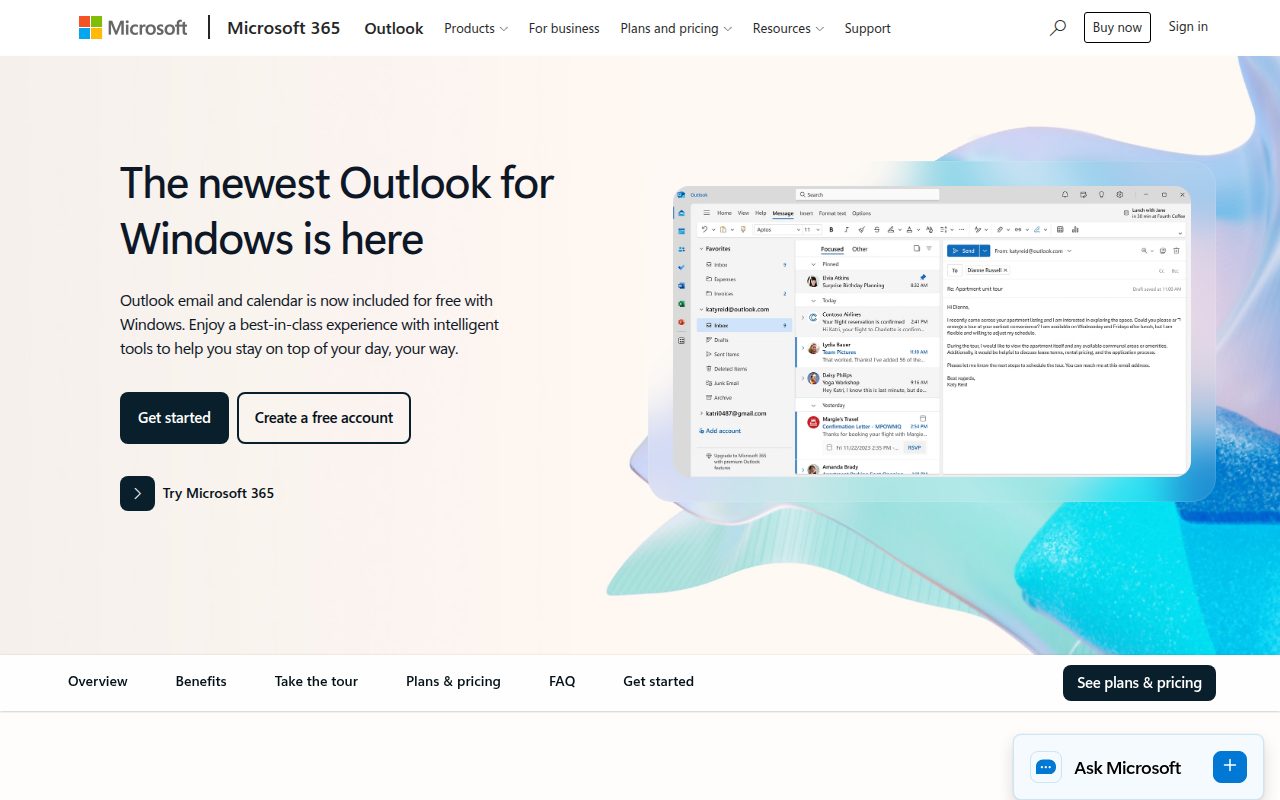
Microsoft Outlook is the email and calendar client most people should pick first. It runs on Windows and macOS, comes from the same Microsoft account and productivity world many people already use, and keeps calendar close enough to email that invitations, planning, and daily inbox work feel like one routine instead of two separate apps.
It earns the top spot because the free path is strong where it matters most. New Outlook is included free with Windows, while Outlook for Mac is free with personal Outlook.com, Gmail, iCloud, Yahoo, and IMAP accounts, though free email services show ads unless you have Microsoft 365 or an eligible license.
The standout detail is account management. On Windows, adding an account lives under View settings or File, Account info, Accounts, Your accounts, Add Account; on Mac, Tools, Accounts, and + Add Account gets you started, with provider approval available for services such as Google, iCloud, and Yahoo. If you use classic Outlook for Windows, select File > Add Account instead. If Outlook asks for an app password, follow your email provider's official instructions to get one and enter it in Outlook when prompted.
Pros
- Runs on Windows and macOS.
- Combines email and calendar in one Microsoft client.
- New Outlook is included free with Windows.
- Outlook for Mac supports personal Outlook.com, Gmail, iCloud, Yahoo, and IMAP accounts.
Cons
- Free Mac use is ad-supported for free email services unless you have Microsoft 365 or an eligible license.
- Classic Outlook for Windows remains separate for Microsoft 365 and Office users.
- It is not the strongest fit for people who want an open-source desktop client.
Most people who want one mainstream email and calendar app across Windows and Mac should start here.
You want an open-source client or a Mac-only app built tightly around macOS system accounts.
Apple Mail
Key highlights
- Standout: Built into macOS with Internet Accounts
- Free tier: Included with macOS
Apple Mail is the best email app for Mac users who do not need the same desktop client on Windows. It is built into macOS, connects through the system’s Internet Accounts area, and sits naturally beside the related Mail apps on iPhone and iPad.
It earns this slot because the setup is part of the Mac instead of another separate account layer. You can add an account from Mail, Add Account, manage system accounts from Mail, Accounts, and turn Mail off for an account in System Settings, Internet Accounts without removing the whole account from the Mac.
The standout feature is that system-level control. On supported devices, Apple Intelligence Writing Tools can also summarize or proofread selected text in Mail, which makes Apple Mail more capable for Mac-first readers without changing its built-in character.
Pros
- Included with macOS.
- Uses Mac system Internet Accounts.
- Can turn Mail off for an account without removing the whole account.
- Related Mail apps are available on iPhone and iPad.
Cons
- It is not a Windows desktop email client.
- Some account features, including iCloud+ custom email domains, require iCloud+.
- It is weaker when you need the same desktop app on both PC and Mac.
Mac-first users who want email handled through macOS accounts should choose Apple Mail.
You need one official desktop app that follows you across Windows and macOS.
Mozilla Thunderbird
Key highlights
- Standout: Email, calendar, contacts, feeds, and chat
- Free tier: Free, open source, and donation-supported
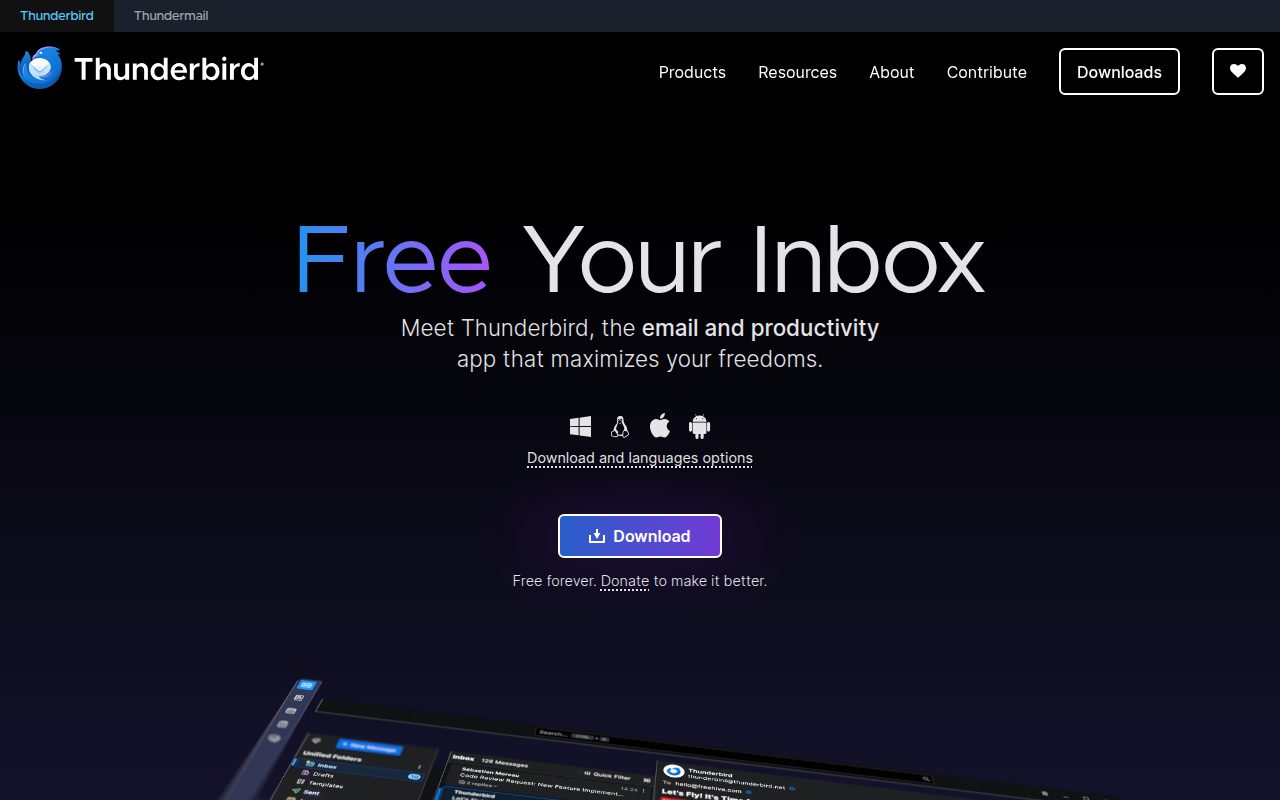
Mozilla Thunderbird is the cleanest free desktop email client in this list. It is an open-source app from MZLA Technologies Corporation, a Mozilla subsidiary, and it covers email, calendar, contacts, feeds, and chat across Windows, macOS, and Linux.
It earns the open-source slot because its free use is straightforward. The official product page describes it as free and open source, donation-supported, with no seats, ads, watermarks, export limits, or time limits on the product page.
The standout is its practical desktop reach. Current desktop release notes cover Windows 10 or later and macOS 10.15 or later, and the download surface includes Systems and Languages for alternate platform or language builds.
Pros
- Free and open source.
- Runs on Windows, macOS, and Linux.
- Includes email, calendar, contacts, feeds, and chat.
- Donation-supported rather than ad-supported.
Cons
- Thunderbird Mobile is Android only.
- It is less integrated with macOS than Apple Mail.
- It is not built around the Microsoft or Apple account experience.
Choose Thunderbird if you want a capable desktop client that is free, open source, and not tied to one platform.
You want the app that already comes built into Windows or macOS.
Spark Mail
Key highlights
- Standout: Smart Inbox, Smart Notifications, and Calendar
- Free tier: Free plan includes unlimited email accounts and core productivity
Spark Mail is the best pick when the inbox itself needs more structure. It is a cross-platform email client from Readdle/Spark for Windows, macOS, iOS, and Android, built around a smart inbox, notification control, calendar, and optional team and AI features.
It earns this spot because the free plan includes the pieces that define the app for regular users: Smart Inbox, unlimited email accounts, Smart Notifications, Essential Email Productivity, and Calendar. That makes Spark more generous than one-account free clients if your main goal is to bring several inboxes under one smarter reading flow.
The line is clear. Spark +AI, AI Assistant, custom templates, productivity integrations, read statuses, advanced team collaboration, HubSpot integration, and Spark CLI triage access sit outside the free tier. AI Meeting Notes are capped rather than missing: the free plan includes 5 lifetime, Plus raises that to 40 per month, and Pro and Enterprise are unlimited.
Pros
- Runs on Windows, macOS, iOS, and Android.
- Free tier includes unlimited email accounts.
- Smart Inbox and Smart Notifications are included in the free plan.
- Calendar is included in the free plan.
Cons
- Spark +AI and AI Assistant are not included in the free tier.
- Advanced team collaboration and integrations are outside the free tier.
- Custom templates and Spark CLI triage access are paid-plan features.
Choose Spark if you want smart sorting, smart notifications, and unlimited accounts in a cross-platform inbox.
You need AI tools, read statuses, custom templates, or advanced team collaboration inside the free tier.
eM Client
Key highlights
- Standout: Email, calendar, tasks, contacts, notes, and chat
- Free tier: Free license requires registration and is limited to personal, non-commercial use
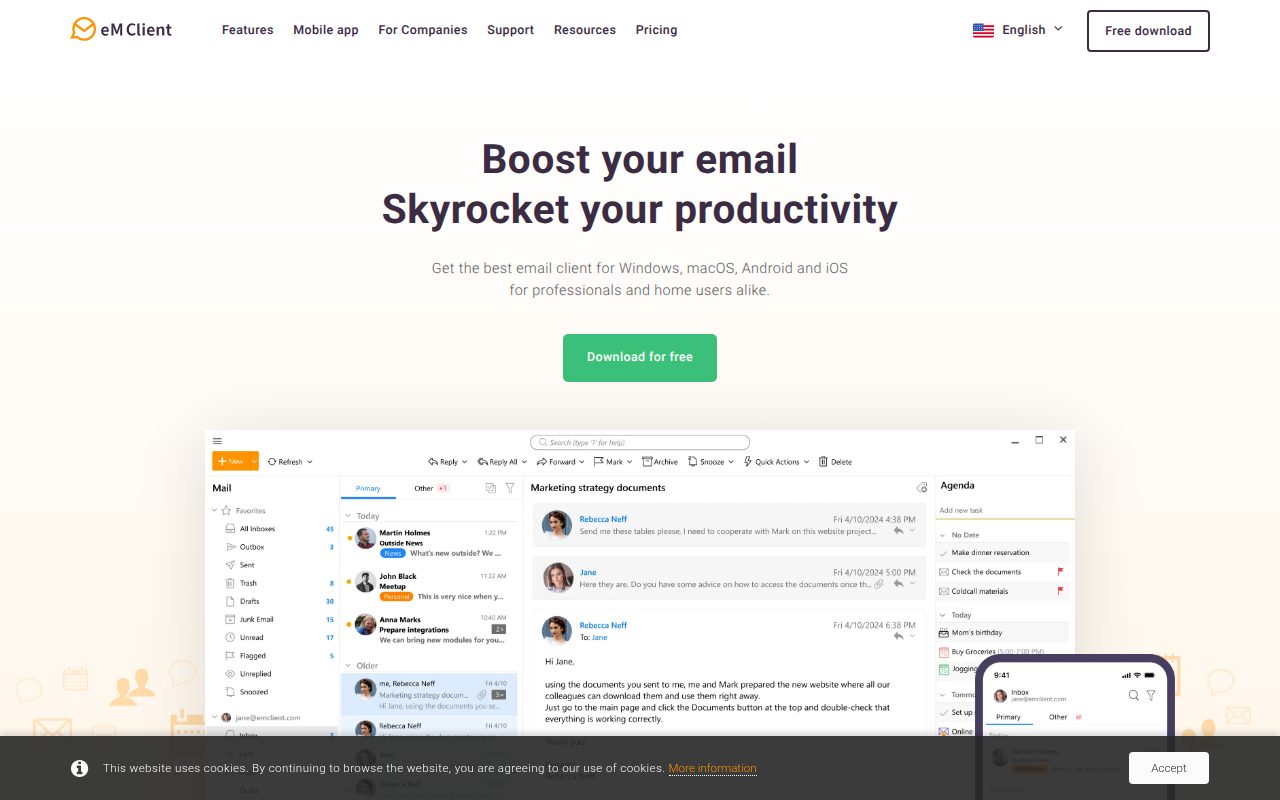
eM Client is the best choice when email is only one part of the desktop workspace. It runs on Windows and macOS, with Android and iOS apps as well, and combines mail with calendar, tasks, contacts, notes, and chat.
It earns the productivity-suite slot because that bundle is broader than a simple inbox without becoming a discontinued or legacy recommendation. The release history shows current Windows and macOS builds, so it belongs in the maintained-app group rather than the older-guide pile.
The standout is the licensing boundary. eM Client offers a Free license, but it requires registration and is limited to personal, non-commercial use; Personal and Business licensing are the paths for use outside that scope.
Pros
- Runs on Windows and macOS, with mobile apps on Android and iOS.
- Includes calendar, tasks, contacts, notes, and chat.
- Free license is available for personal, non-commercial use.
- Release history covers current Windows and macOS builds.
Cons
- Registration is required for the free license.
- The free license is limited to personal, non-commercial use.
- It is more app than you need for a basic inbox.
Choose eM Client if you want email, calendar, tasks, contacts, notes, and chat in one desktop productivity app.
You want free use without registration or personal-use limits.
Canary Mail
Key highlights
- Standout: Unified inbox with optional AI assistant
- Free tier: Free plan keeps core email functionality after the full-feature trial
Canary Mail is the best fit for secure email workflows that still need a polished multi-device client, with a core inbox in Free and PGP Encryption, SecureSend Encryption, phishing and ransomware protection, impersonation detection, and misdirection prevention in Pro+. It runs on macOS, iOS, Windows, and Android, and combines a unified inbox with optional AI features.
It earns this slot because it treats setup and continuity as part of the product. Administrators set an organization's email provider options from Configuration, Email Setup, and +, while individual users add mail from the in-app Add Account screen, and cross-device use can run through a Canary account with Sync Across Devices on Mac and Cross-Device Sync on Windows for QR code import.
The free plan needs a careful read, but it is still a real path for core mail. Canary is free to download, the seven-day trial opens full Growth or Pro+ access without a card, and the account downgrades to the Free plan with core email functionality unless you upgrade.
Pros
- Runs on macOS, Windows, iOS, and Android.
- Includes a unified inbox.
- Supports cross-device sync setup through Canary account surfaces.
- Free plan keeps core email functionality after the trial period.
Cons
- The initial trial includes features that do not all remain in the Free plan.
- Additional features and device limits vary by plan.
- Cross-device sync requires a Canary account and supported settings or accounts.
Choose Canary Mail if you want a secure email client with a unified inbox, optional AI, and Windows to Mac continuity.
You expect every feature shown during the trial to remain free afterward.
Mailspring
Key highlights
- Standout: Unified inbox, themes, and shortcuts
- Free tier: Core use is free, with limited weekly trials of Pro features
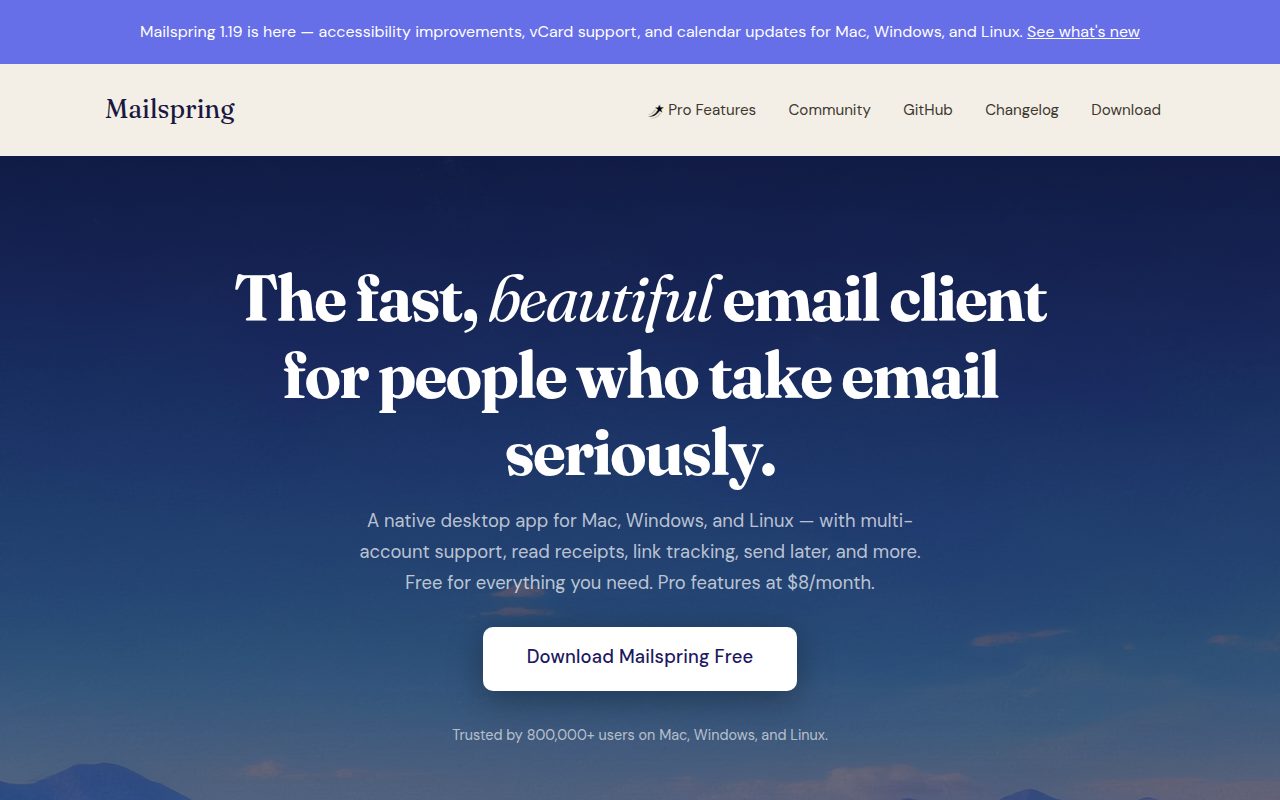
Mailspring is the best lightweight cross-platform desktop pick. It is an open-source email client from Foundry376, derived from Nylas Mail, and runs on Mac, Windows, and Linux.
It earns this place because it keeps the center of gravity on desktop email basics: multi-account support, a unified inbox, tracking, send later, themes, and shortcuts. That mix gives it more personality than a barebones client while avoiding a provider-only account model.
The standout is how the free and Pro split is framed. The vendor presents Mailspring as free for everyday needs, while Pro features can be tried a few times each week; unrestricted use of Pro-only tracking and productivity features is not part of the free tier.
Pros
- Runs on Mac, Windows, and Linux.
- Supports multiple accounts and a unified inbox.
- Includes themes and shortcuts.
- Open-source desktop client.
Cons
- Unrestricted Pro feature use is not included in the free tier.
- Pro-only productivity features are only available as limited free trials each week.
- It is desktop-focused rather than a Windows, Mac, iOS, and Android suite.
Choose Mailspring if you want a lighter desktop client with multiple accounts, a unified inbox, themes, and shortcuts.
You want unrestricted access to every Pro productivity feature in the free tier.
Mailbird
Key highlights
- Standout: Basic desktop email access for one account
- Free tier: Free tier allows one account, one user, and one device
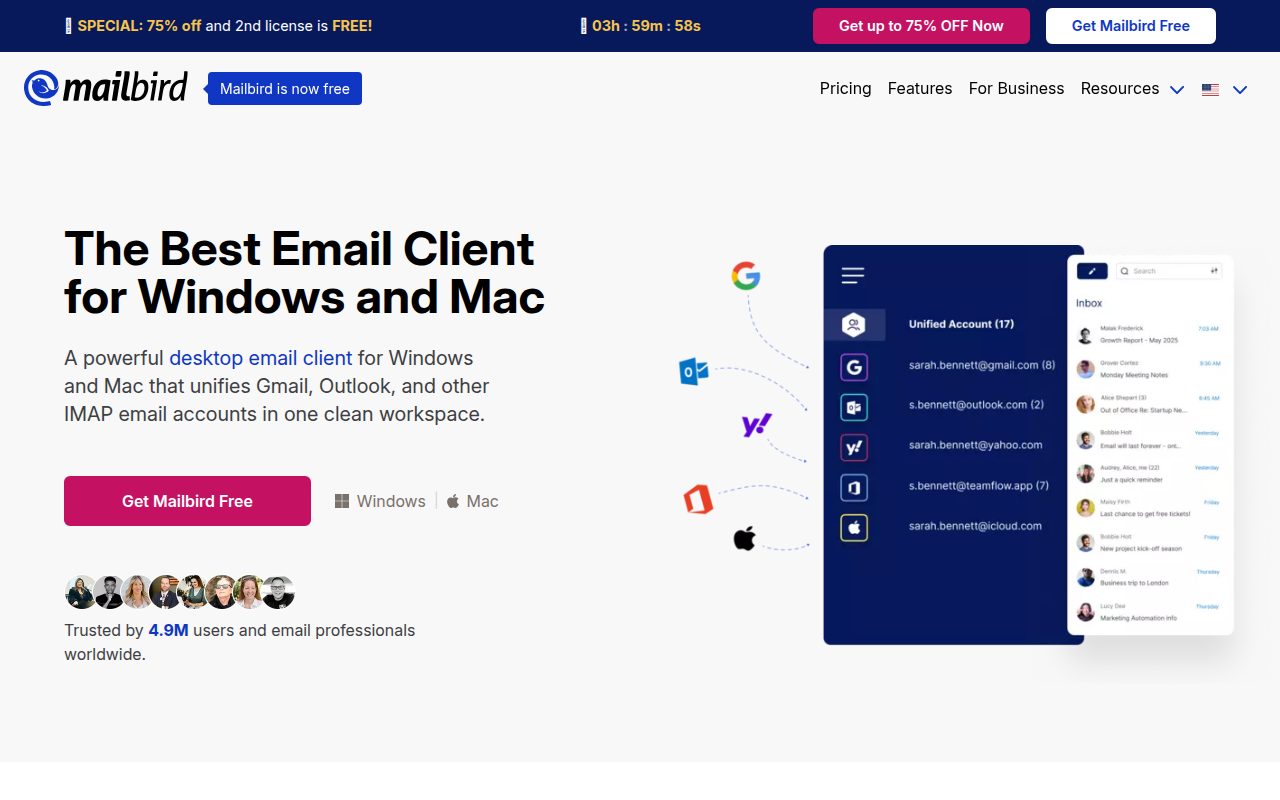
Mailbird is the narrowest recommendation here, and that is exactly why it has a clear place. It is a desktop email client for Windows and macOS with a unified inbox and integrations in the broader product, but the free tier is best treated as basic email for one account on one device.
It earns the one-account slot because Mailbird Free is explicit: one email account per device, one user per license, one device per license, and basic email access. For someone who wants a simple desktop client for a single inbox, that can be enough.
The standout is also the limit you need to respect. The free tier excludes unlimited accounts, direct email support, email tracking, advanced search, app integrations, ChatGPT integration, unsubscribe and block sender tools, templates, snippets, Microsoft Exchange support, undo send, send later, snooze, dark mode, filters and rules, and moving messages between accounts; on Mac, macOS Ventura or later is required and POP3 is not supported.
Pros
- Runs on Windows and macOS.
- Free tier gives basic email access.
- Free tier can suit a single-account desktop setup.
- Licenses are valid for Windows and macOS for Mailbird 3.0 or newer.
Cons
- Free tier is limited to one email account, one user, and one device.
- Many productivity features are outside the free tier.
- POP3 is not supported on Mac.
- Mac requires macOS Ventura or later.
Choose Mailbird if you want basic desktop email access for one account on one device.
You need multiple accounts, POP3 on Mac, Microsoft Exchange support, filters, rules, or advanced search in the free tier.
How to Choose
- Pick Outlook first for most setups. It is the best default when you want a current mainstream app for email and calendar across Windows and Mac.
- Stay native on a Mac-only desk. Apple Mail is the right choice when macOS Internet Accounts matter more than having the same app on Windows.
- Choose the cleanest free desktop path deliberately. Thunderbird is the strongest no-ads, no-time-limit free desktop choice here, while Spark, eM Client, Canary, Mailspring, and Mailbird all put different boundaries around free use.
- Match the app to your inbox style. Spark is for smart sorting and notifications, eM Client is for a fuller productivity suite, Canary is for secure workflows, Mailspring is for a lighter desktop feel, and Mailbird is for a basic one-account desktop setup.
- Leave old defaults and provider-only trials aside. Windows Mail and Calendar is not current because support ended, and Proton Mail’s desktop app is for Proton Mail and Proton Calendar rather than general multi-account IMAP use.
Frequently Asked Questions
Can I use Apple Mail on Windows?
No. The desktop Apple Mail app is for macOS. Windows users can use iCloud Mail on the web or another email client.
Which option is least restrictive for free desktop use?
Thunderbird is the cleanest fully free desktop pick: it is free, open source, donation-supported, and no ads, seats, watermark, export limit, or time limit are listed. Apple Mail is included with macOS, and Outlook is included free with Windows.
Why is Proton Mail not a main recommendation here?
The Proton Mail desktop app is for Proton Mail and Proton Calendar, not a general IMAP client. Free Proton users get a desktop-app trial rather than ongoing free desktop-app use.
Is Windows Mail and Calendar still a current recommendation?
No. Microsoft says support ended and users can no longer send or receive emails or events in Windows Mail and Calendar.