A good Windows browser should feel fast, stay current, and make the default choice easy. For most people, Google Chrome is the browser to install first because it is free, familiar, widely supported, and updated on a regular four-week rhythm.
That does not make every other browser a side note. Microsoft Edge is the cleanest fit for Windows 11, Firefox is the strongest independent mainstream pick, Brave and DuckDuckGo lean harder into privacy, Opera adds built-in extras, Vivaldi gives power users the most control, and Tor belongs in a very specific privacy lane.
At a Glance
| Best for | Software | Standout | Free tier |
|---|---|---|---|
| Most people | Google Chrome | Broad platform support and regular updates | Free to download and use |
| Windows 11 default | Microsoft Edge | Built into Windows 11 with direct default-app integration | Included with Windows 11 |
| Independent mainstream browsing | Mozilla Firefox | Available across desktop and mobile platforms | Free download |
| Privacy-first everyday browsing | Brave Browser | Free browser with optional paid add-ons | Free to use |
| Built-in browser extras | Opera Browser | Ad Blocker, free VPN, Flow, and Opera AI | Free browser |
| Heavy customization | Vivaldi Browser | Manual update checks and automatic update controls | Free to use |
| Simple private search setup | DuckDuckGo Browser for Windows | Free browser funded by privacy-respecting search ads | Free browser |
| Private sessions | Tor Browser | Free software for browsing through the Tor network | Free software |
How we chose
We prioritized current Windows 11 availability, official download paths, active maintenance, clear update instructions, and whether each browser has a real reason to exist beside the default choice. We disqualified deprecated or poor-fit options, including standalone Internet Explorer on Windows 11 and Safari for Windows, and we left out products whose current positioning was not a stable general Windows 11 browser candidate.
Google Chrome
Key highlights
- Standout: Broad platform support and regular updates
- Free tier: Free to download and use
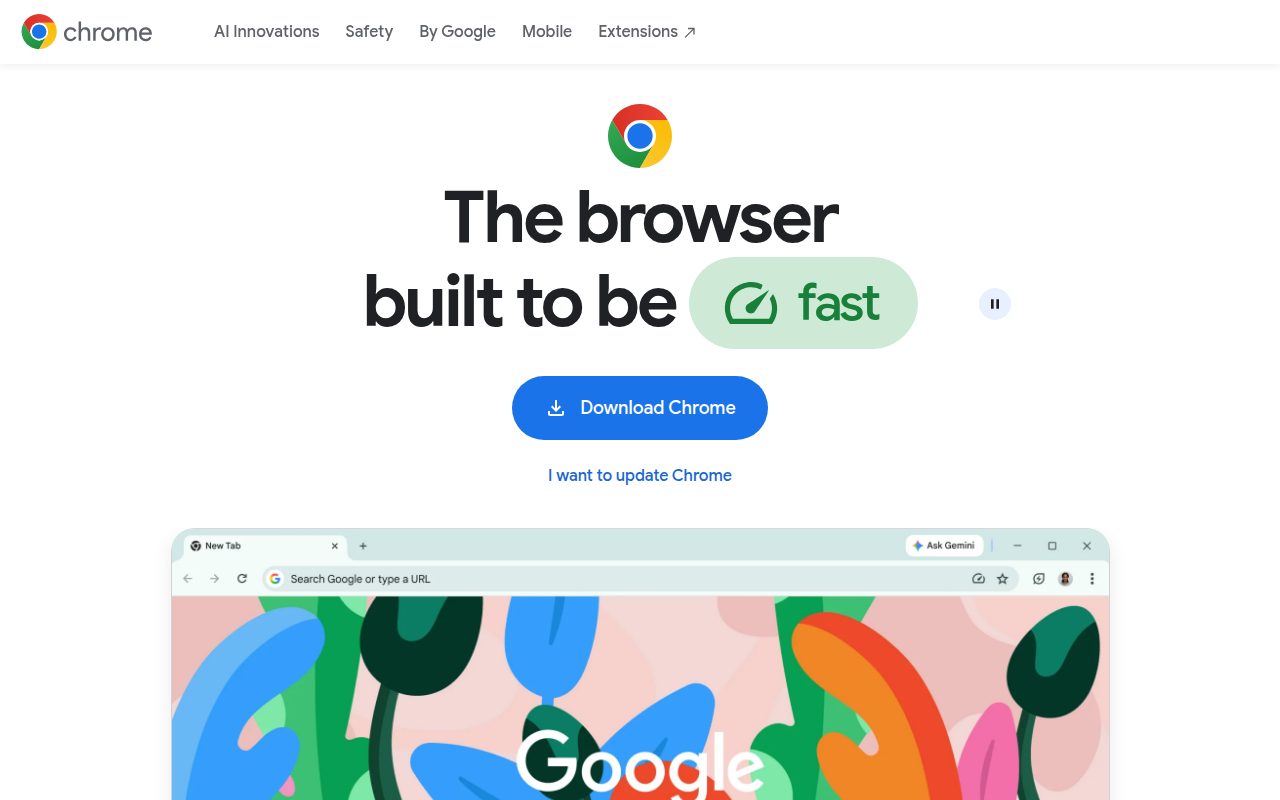
Chrome is the browser most Windows users should pick first. It is available at no charge, works on Windows 11, Windows 10 and up on Intel, Windows 11 and up on ARM, macOS 13 and newer, Linux, Android, iOS, and ChromeOS variants, so it is the easiest choice when your browser needs to follow you across devices.
Its biggest strength is predictability. Google’s own Chrome materials describe a regular update cadence, and the browser’s update flow lives in More, Help, About Google Chrome, with a relaunch when one is ready. On Windows 11, it can also be made the default through Settings, Apps, Default apps, then Google Chrome, finishing with Set default next to Make Google Chrome your default browser.
The concrete reason it earns the top slot is that it asks the least of most people. Download it from Google, install it, set it as the Windows default, and you have the mainstream browser target many sites expect.
Pros
- It is free to download and use.
- It has broad support across Windows, macOS, Linux, Android, iOS, and ChromeOS variants.
- The update path is easy to find in the About Google Chrome menu.
- It is straightforward to set as the default browser in Windows 11.
Cons
- It is not the most privacy-focused choice in this list.
- Windows on ARM requires Windows 11 or newer.
Most Windows 11 users who want the safest everyday default with broad compatibility and a simple update path.
You want a browser built specifically around stronger privacy defaults or deep interface customization.
Microsoft Edge
Key highlights
- Standout: Built into Windows 11 with direct default-app integration
- Free tier: Included with Windows 11
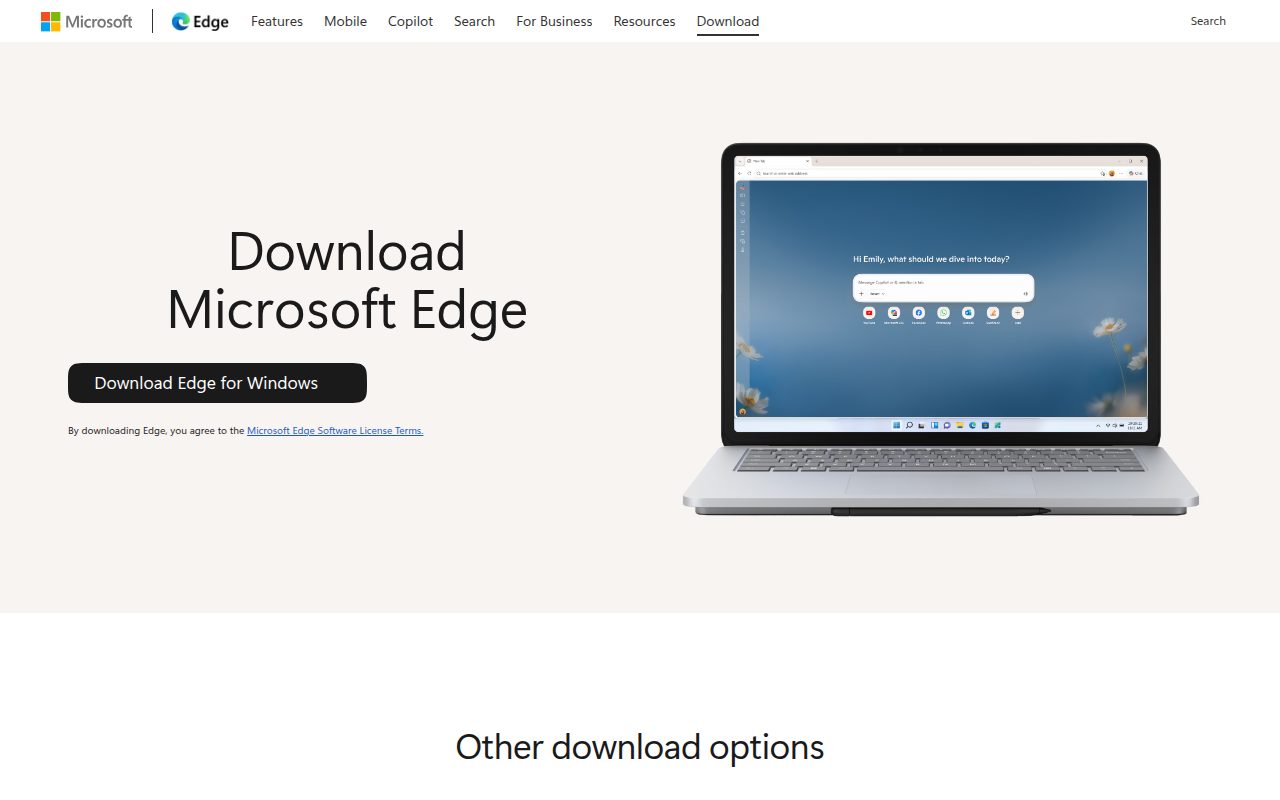
Microsoft Edge is the natural Windows 11 browser because it is already built into the operating system and has the cleanest path into Windows default-app settings. It is also available beyond Windows, with Microsoft’s download page covering Windows, macOS, Linux, iOS, and Android.
Edge earns its place because it is current, easy to keep updated, and tightly aligned with Windows 11. The official update path runs through Settings and more, Help and feedback, About Microsoft Edge, with a restart if prompted, and Microsoft’s stable channel release notes verified Edge Stable 151.0.4129.59 on July 31, 2026.
Its standout setting is the Windows 11 default-app flow. In Settings, Apps, Default apps, Microsoft Edge can be selected under Set defaults for applications and made the default with Set default next to Make Microsoft Edge your default browser, which makes it the lowest-friction choice for someone who wants to stay inside Microsoft’s Windows browser lane.
Pros
- It is built into Windows 11.
- It has official downloads for Windows, macOS, Linux, iOS, and Android.
- The update check is built into the About Microsoft Edge screen.
- It has a direct Windows 11 default-app setup path.
Cons
- It is less compelling if you do not want Microsoft’s browser as your Windows default.
- Some Windows apps cannot be removed from Settings where Windows does not permit removal.
Windows 11 users who want the built-in browser, official Microsoft update handling, and the simplest default-browser setup.
You prefer a browser whose main appeal is independence from the Windows and Microsoft ecosystem.
Mozilla Firefox
Key highlights
- Standout: Available across desktop and mobile platforms
- Free tier: Free download
Firefox is the right pick when you want a major everyday browser that is not Chrome or Edge. Mozilla offers Firefox for Windows, macOS, and Linux, with Android and iOS apps, so it still covers the devices most people expect a modern browser to support.
It earns its spot by staying mainstream without feeling interchangeable with the two biggest Windows defaults. The official Windows install path is simple: download Firefox, open the installer from Edge downloads or from the downloaded file, approve the Windows prompt if it appears, and continue through the welcome flow.
The standout feature here is not a flashy extra, it is the combination of independence and normal browser upkeep. Firefox can check for updates from the Help, About Firefox menu, and Firefox 153.0.1 is the current release, first offered July 28, 2026.
Pros
- It is available for Windows, macOS, and Linux.
- It also has Android and iOS apps.
- The Windows installer flow is clearly documented by Mozilla.
- The About Firefox menu handles update checks and restart prompts.
Cons
- It is not built into Windows 11.
- It is not the best fit if your priority is Microsoft’s native Windows integration.
Windows 11 users who want a serious everyday browser from Mozilla with desktop and mobile availability.
You want the browser that most closely matches Windows 11’s built-in defaults.
Brave Browser
Key highlights
- Standout: Free browser with optional paid add-ons
- Free tier: Free to use
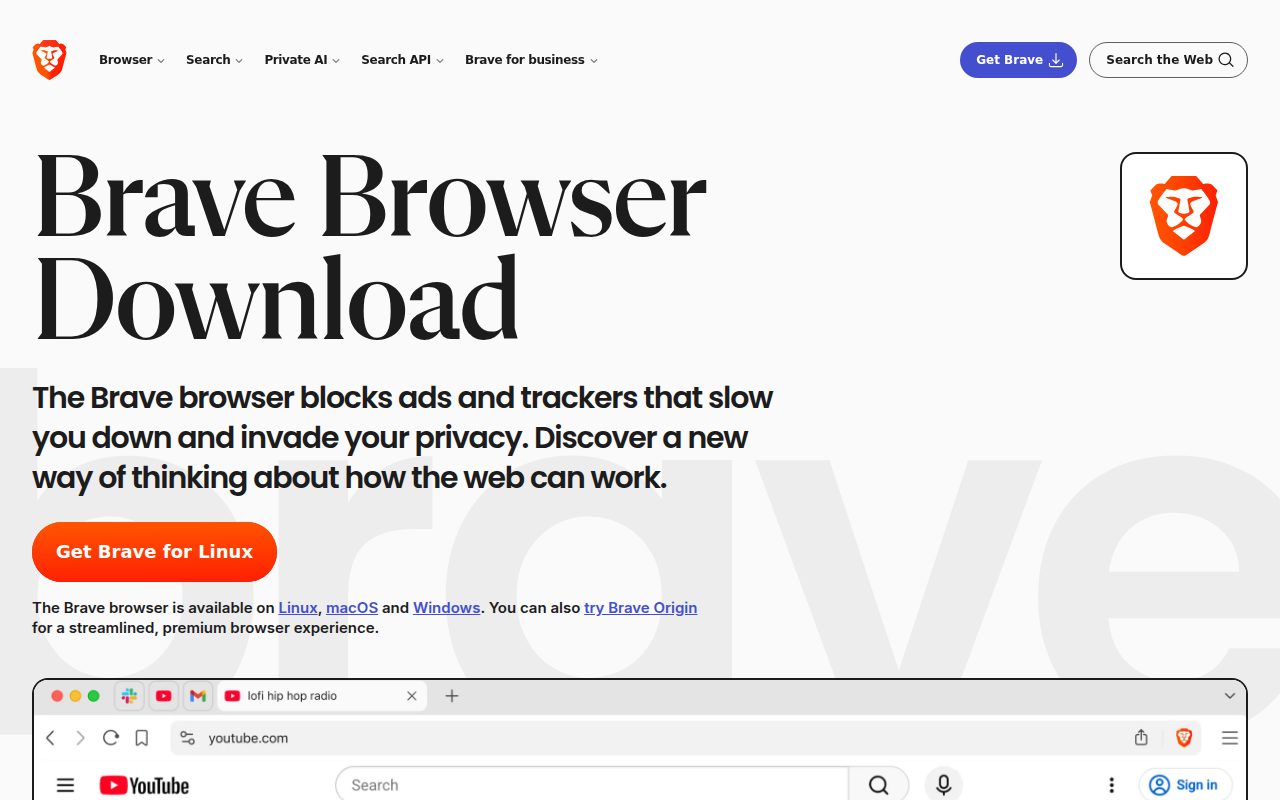
Brave is the browser to choose when privacy is the reason you are switching, but you still want a general Windows 11 browser rather than a special-purpose private-session tool. Brave supports Windows 10 or later, macOS Monterey 12 or later, Linux, Android, and iOS.
It earns this slot because its free browser stands on its own while leaving paid extras separate. Brave states that the browser is completely free to use, while add-ons such as Brave Talk Premium and Brave Firewall plus VPN are paid separately.
The standout detail is how normal the maintenance path remains. On Windows, the installer comes from Brave’s official download page, and updates can be checked from Menu, Help, About Brave. The release channel is actively maintained on an approximately four-week cycle.
Pros
- The browser itself is completely free to use.
- It supports Windows 10 or later, macOS Monterey 12 or later, Linux, Android, and iOS.
- Paid add-ons are separated from the core browser.
- The update check is available from the About Brave screen.
Cons
- Some Brave services, including Brave Talk Premium and Brave Firewall plus VPN, are paid add-ons.
- It is not the best match for users who want the most familiar default browser experience.
Windows 11 users who want a free everyday browser with privacy as the main reason to switch.
You want every privacy-adjacent service from the same company included at no cost.
Opera Browser
Key highlights
- Standout: Ad Blocker, free VPN, Flow, and Opera AI
- Free tier: Free browser
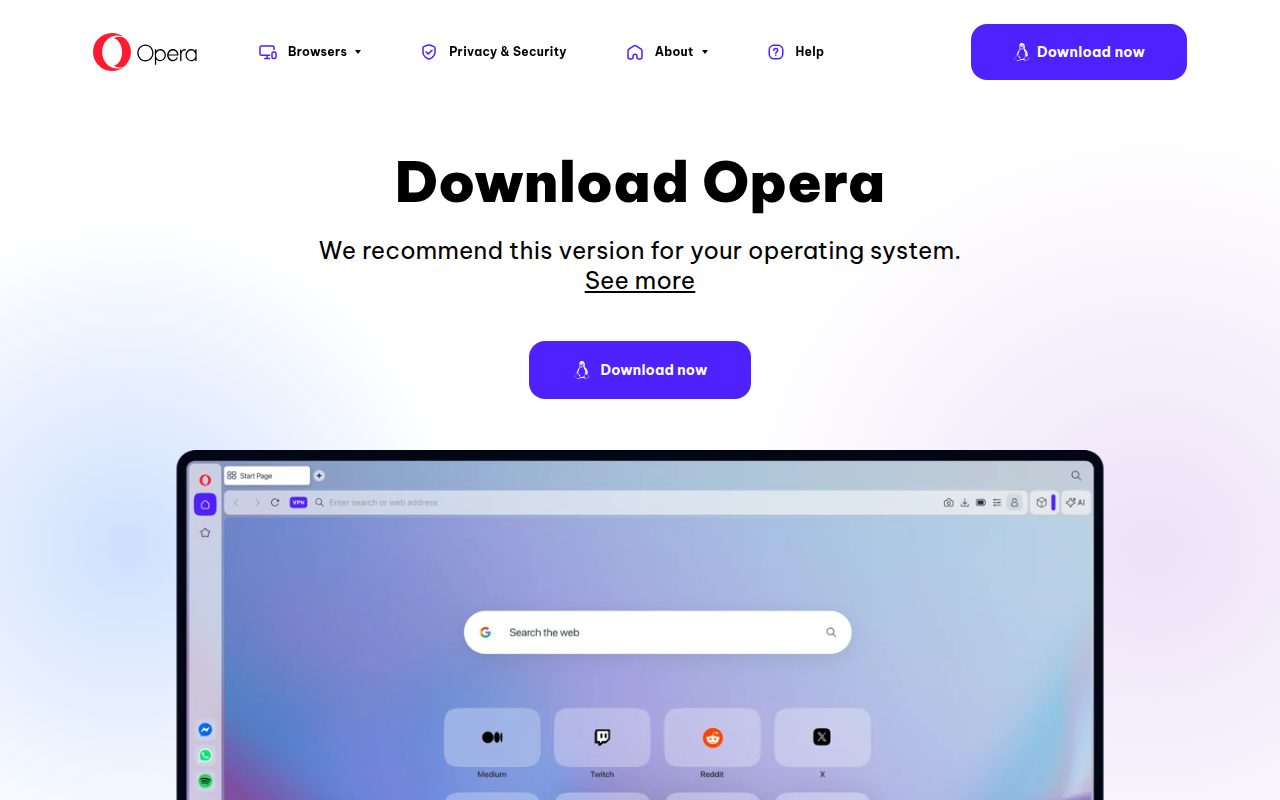
Opera is the pick for people who like a browser with more tools included from the start. Its download page lists Mac, Windows, Linux, Android, and iOS, and Opera describes the browser as free.
What gives Opera a clear place in this list is its bundle of built-in features. The free browser includes Ad Blocker, a free VPN, Flow, and Opera AI, which Opera says is available in most but not all countries and regions, while VPN Pro is listed separately as a paid or pro feature.
The standout setting is the default-browser path inside Opera itself. You can go through the Opera O menu, Settings, Default browser, Make default, then confirm in Windows 11 Settings, Apps, Default apps when needed. Updates run through the Opera O menu, Update & Recovery, Check for Update, then a relaunch.
Pros
- The browser is free.
- It is available for Windows, Mac, Linux, Android, and iOS.
- It includes Ad Blocker, free VPN, Flow, and Opera AI, with Opera AI available in most countries and regions.
- It has a built-in path for making Opera the default browser.
Cons
- VPN Pro is separate from the free VPN feature.
- It can feel busier than browsers that focus on a simpler default setup.
Windows 11 users who want a free browser with extra tools already built in.
You want a plain browser with fewer bundled features and fewer browser-specific panels or services.
Vivaldi Browser
Key highlights
- Standout: Manual update checks and automatic update controls
- Free tier: Free to use
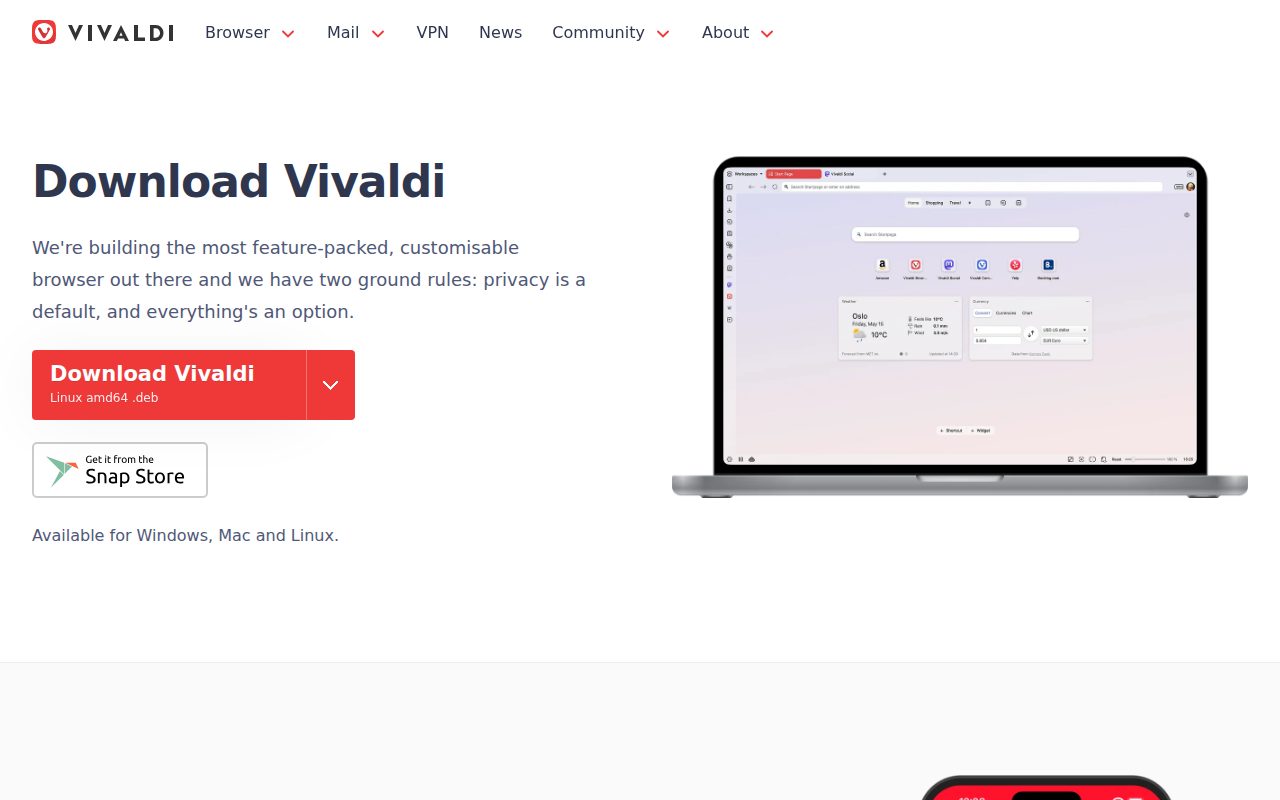
Vivaldi is the browser for people who like to control how their software behaves. It supports Windows 10 and newer, macOS 12 and newer, Linux, Android, and iOS, and vendor pages support that Vivaldi is free to use.
It earns its spot because it is built for users who are willing to spend a little more time shaping the browser around their habits. The Windows install flow even includes an Advanced option before Accept and install, which fits the kind of user Vivaldi is trying to reach.
The standout setting is update control. You can check manually from Vivaldi menu, Help, Check for Updates, Install Update, or manage automatic update behavior in Settings, General, Updates, Show Update Settings, Automatically Download and Install Updates. On all-users installations, that option is renamed to Automatically Download and notify when they are ready to install. Current desktop Stable is 8.1 (4087.61).
Pros
- It is free to use.
- It supports Windows 10 and newer, macOS 12 and newer, Linux, Android, and iOS.
- It offers both manual update checks and automatic update settings.
- The Windows installer includes an Advanced path before installation.
Cons
- It is better suited to users who enjoy configuring their browser.
- Optional Proton VPN integration includes both free and paid tiers.
Windows 11 users who want more control over browser behavior and update preferences.
You want a browser that feels fully settled the moment it opens.
DuckDuckGo Browser for Windows
Visit DuckDuckGo Browser for Windows
Key highlights
- Standout: Free browser funded by privacy-respecting search ads
- Free tier: Free browser
DuckDuckGo Browser for Windows is the pick for people who want privacy-minded browsing without building a custom setup. It is available for Windows, Mac, iOS, and Android, and the Windows version requires Windows 10 May 2020 or later.
It earns its place because the business model is plain. DuckDuckGo says its browser is free and funded by privacy-respecting search ads, not data exploitation, which gives it a cleaner role than browsers that mix a general web experience with a long list of add-on services.
The standout detail is the Windows installer fallback. The normal route is to download the DuckDuckGo Browser for Windows, but if package parsing fails, the vendor provides an MSIXbundle path that can be opened from Downloads and installed directly. Version checks live in the three-line menu, Settings, About.
Pros
- The browser is free.
- It is available for Windows, Mac, iOS, and Android.
- DuckDuckGo describes its funding as privacy-respecting search ads rather than data exploitation.
- The vendor provides a fallback MSIXbundle installation path for Windows.
Cons
- Windows updates require x64 Windows 10 or Windows 11 because x86 support ended after version 0.170.0.
- It is not offered for Linux.
Windows 11 users who want a free privacy-minded browser from DuckDuckGo with a simple official install path.
You need current x86 Windows support or a Linux desktop version from the same browser line.
Tor Browser
Key highlights
- Standout: Free software for browsing through the Tor network
- Free tier: Free software
Tor Browser is not the everyday default most people should use. It belongs here because it serves a distinct purpose: private browsing sessions through Tor rather than a normal all-day Windows browser setup.
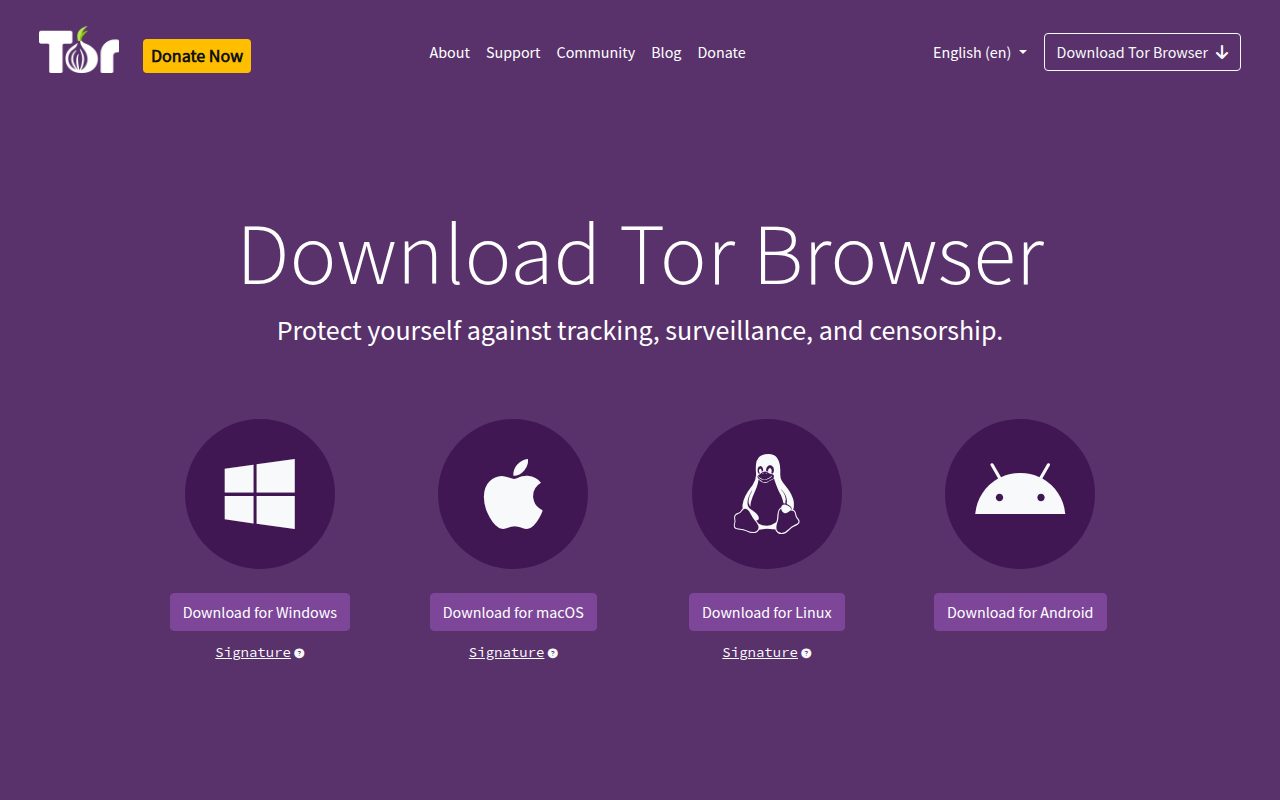
The Tor Project lists support for Windows 10 and Windows 11, plus macOS, Linux, Android, and iOS-related guidance. Tor is described as free software and open networks, and Tor Browser 15.0.19 was published July 21, 2026 on the Tor Project releases page.
The standout step is verification. The Windows path is to download the .exe from the Tor Project, and the recommended official installation flow includes verifying the file’s signature before opening the installer and completing the wizard.
Pros
- It is free software.
- It supports Windows 10 and Windows 11.
- It is also available for macOS, Linux, and Android, with iOS-related guidance.
- The official install guidance recommends signature verification.
Cons
- It is intended for private sessions rather than as an everyday Windows default.
- It asks more care from users than a standard browser installer.
Windows 11 users who specifically need Tor Browser for private sessions and are comfortable following the official installation guidance.
You are choosing one normal browser for daily Windows work, streaming, banking, school, and general tabs.
How to Choose
- Start with Chrome. It is the best default recommendation for most Windows 11 users because it is free, familiar, broadly supported, and easy to keep updated.
- Stay with Edge for Windows fit. Choose it when built-in Windows 11 integration matters more than switching to a separate browser.
- Pick Firefox for independence. It is the mainstream choice for users who want a major browser outside the Chrome and Edge lane.
- Choose Brave or DuckDuckGo for privacy. Brave is the better full-time privacy-first browser, while DuckDuckGo is the simpler private-search-centered option.
- Use Opera or Vivaldi for more control. Opera is better for built-in extras, while Vivaldi is better for people who like tuning settings and browser behavior.
- Reserve Tor for private sessions. It is the right tool when you specifically need Tor Browser, not when you are picking a single everyday default.