Apple's accessory design guidelines describe an adapter as a dongle or a built-in cable that enables connections between physically incompatible devices and accessories. A connection adapter of that kind plugs into a port, as Apple's USB-C to USB Adapter does with a USB-C port. Anker also uses the name for an HDMI streaming device.
Kinds of dongle, with examples
- Connection adapters: Apple's USB-C to USB Adapter connects standard USB accessories, such as a flash drive or camera, to compatible USB-C devices. Its USB-C to 3.5 mm Headphone Jack Adapter does the same for headphones or speakers with a standard 3.5 mm plug.
- Multiport adapters and hubs: Apple's USB-C Digital AV Multiport Adapter connects a compatible Mac, iPad or iPhone to an HDMI display while also taking a standard USB device and a USB-C charging cable. The Anker 341 USB-C Hub offers two USB-A data ports, a USB-C charging input, a USB-C data port, HDMI, and microSD and SD slots.
- Wireless USB adapters: Belkin's F8T009 Bluetooth USB Adapter enables wireless communication between a USB desktop PC or notebook and Bluetooth devices.
- Peripheral receivers: Logitech's Logi Bolt USB Receiver connects compatible Logi Bolt wireless mice and keyboards to a computer. One receiver can connect up to six of them, and it comes in USB-A and USB-C versions.
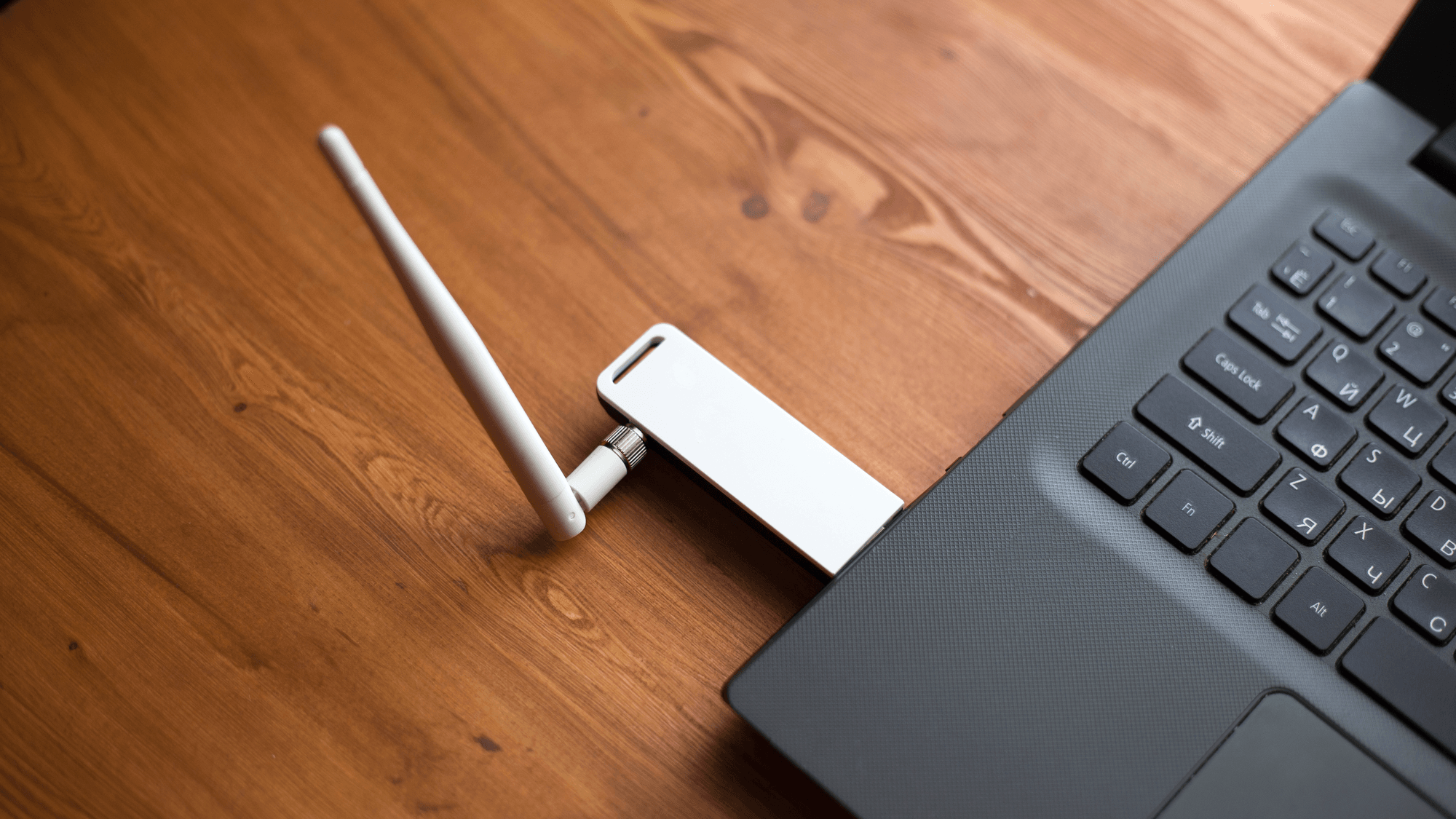
Wi-Fi works the same way. Belkin's Indonesia product page for the N300 Wireless USB Adapter says it plugs into a computer's USB port and connects the computer wirelessly to a modem or router. That page advertises a physical transmission rate of up to 300 Mbps and states that actual data throughput will be lower.
Dongles that connect to a display
Some dongles connect to a display over HDMI. Anker uses the name 4K Streaming Dongle for a Nebula streaming device. Belkin's UK support page for the ConnectAir AVC024 describes a wireless HDMI display adapter with a USB-C transmitter and an HDMI receiver that mirror or extend a source device's screen wirelessly, at 1080p and 60 Hz.
What the USB standard says about adapters
USB-IF's USB Type-C Cable and Connector Specification Release 2.0, dated August 2019, defines a legacy adapter with a full-featured USB-C plug and a USB 3.1 Standard-A receptacle, which supports plugging in devices such as thumb drives directly. It also defines an adapter with a USB 2.0 USB-C plug and a Micro-B receptacle, for charging a USB-C mobile device from a legacy Micro-B charger.
Release 2.0 says adapters that go from a USB-C receptacle to legacy USB are explicitly not defined or allowed. USB-IF now lists Release 2.5 of the specification, published April 8, 2026, and the definitions above come from the 2019 release.
What a dongle costs
Regular list prices from the makers' US stores, as of November 2026:
- Apple USB-C to 3.5 mm Headphone Jack Adapter: $9.00.
- Logi Bolt USB Receiver: $14.99.
- Anker 310 USB-C Adapter (HDMI): $16.99.
- Apple USB-C to USB Adapter: $19.00.
- Anker 341 USB-C Hub: $39.99.
- Apple USB-C Digital AV Multiport Adapter: $69.00.
What to check before you buy
If you want to send video from a USB-C port to a TV or monitor, check the port first. The Anker 310 USB-C Adapter lists HDMI output up to 4K at 60 Hz, but Anker's troubleshooting steps tell users to confirm that the device's USB-C port supports DisplayPort Alt Mode.
If you only need to plug in a standard USB accessory or wired headphones, a single-purpose adapter fits because Apple lists one for each job, the USB-C to USB Adapter at $19.00 and the headphone jack adapter at $9.00. If you need HDMI, card slots and charging in one accessory, the Anker 341 is an example because Anker lists all of those ports on it, and its page states that a charger is not included. If you are replacing a lost mouse or keyboard receiver, match the system, since Logitech says its receiver connects compatible Logi Bolt devices.
See How to Fix a Generic Bluetooth Adapter Not Working, How to Update Network Drivers in Windows 11 and TP-Link Wi-Fi Adapter Not Working? How to Fix It.