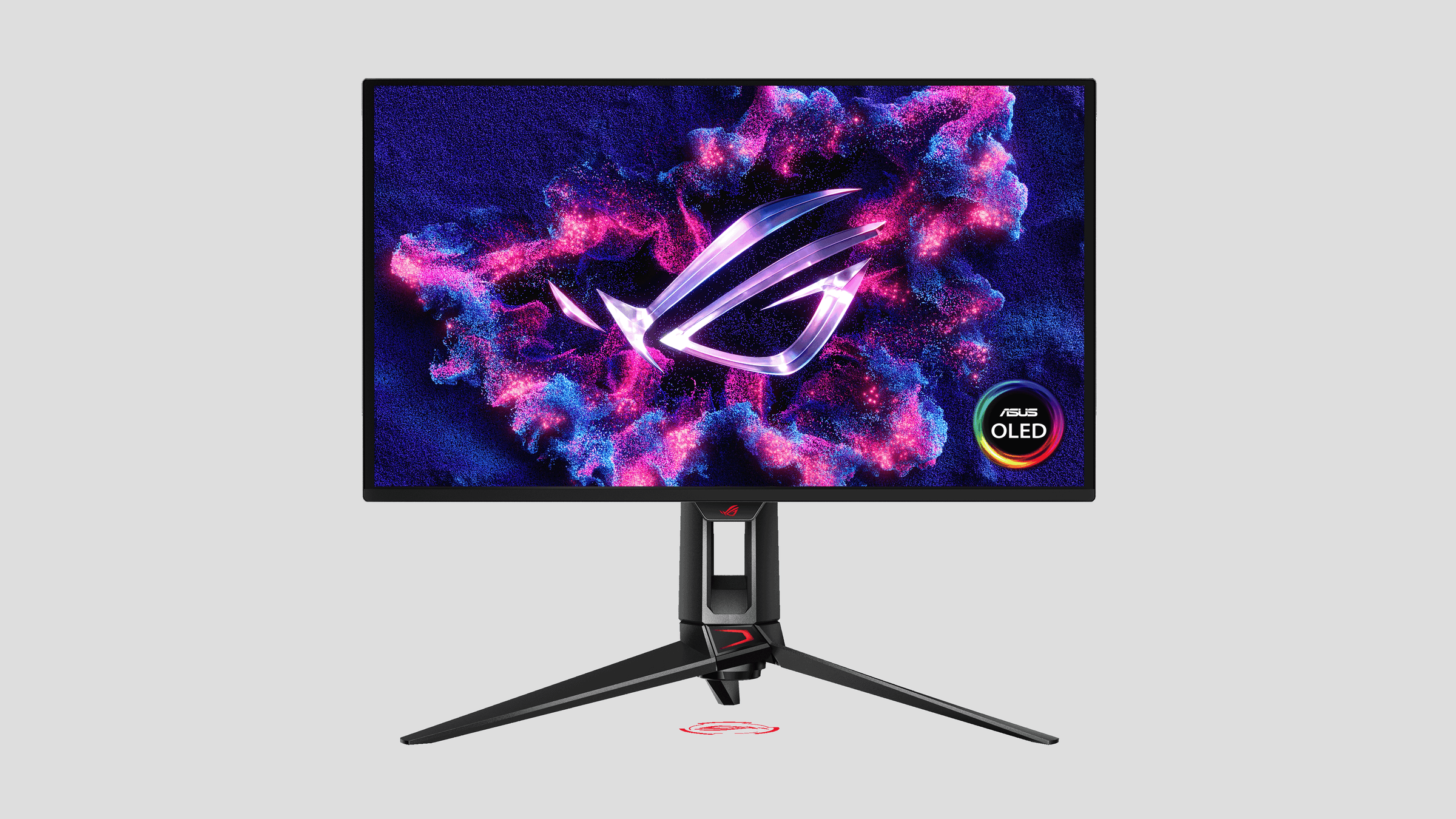
QD-OLED is a type of OLED screen that uses a blue light source and a layer of quantum dots to produce its colors. Samsung Display describes it as a self-emissive display that does not need an LCD backlight. It shows up in TVs from Samsung and Sony and in monitors from Samsung, Dell, Alienware and MSI.
How QD-OLED works
Every pixel starts with blue OLED light. Samsung Display says the quantum dots absorb that blue light and re-emit it as red and green. Its quantum dot technology page adds that the light source can be adjusted for each pixel, and that the panel produces black by turning a pixel's light source off.
The blue layer has changed over time. In February 2026, Samsung Display introduced the name QD-OLED Penta Tandem for its five-layer organic light-emitting structure. The company says the blue emitting stack went from four layers to five starting in 2025.
How QD-OLED differs from WOLED
LG Display says its Tandem WOLED for large TVs and monitors stacks red, green and blue light sources to produce white light. QD-OLED starts with blue light only and lets quantum dots convert it into the other colors.
Which TVs and monitors use QD-OLED
Sony, Samsung and Dell list the models below as QD-OLED on their US pages, and Samsung Display names one MSI model. The list is not complete. Prices are the regular prices on those US pages as of November 2026.
- Sony BRAVIA 8 II and A95L: Sony lists the 55-inch and 65-inch models as QD-OLED 4K TVs, with regular prices of $2,599.99 and $3,299.99. Sony also still lists the 2023 A95L in a 77-inch size as QD-OLED, at a regular price of $3,499.99.
- Samsung Odyssey OLED G8 (G80SH): 27-inch and 32-inch 4K QD-OLED monitors with 240Hz refresh rates. Samsung's US pages show regular prices of $1,099.99 and $1,299.99.
- Dell and Alienware: Dell's US catalog lists seven Alienware QD-OLED gaming monitors, including the 34-inch ultrawide AW3426DW with a 280Hz refresh rate and Penta Tandem technology. The Dell UltraSharp U3226Q is a 4K QD-OLED monitor with a 120Hz refresh rate and a built-in colorimeter, with an undiscounted Dell price of $2,599.99.
- MSI: Samsung Display names the MPG 322UR QD-OLED X24 as an MSI monitor.
Burn-in care and warranties
Samsung's US OLED TV page says static images or logos can cause burn-in over time. It advises avoiding extended static content and adjusting brightness appropriately. Sony's BRAVIA 8 II reference guide says the TV gradually reduces brightness when all or part of an image stays still. Sony's support article on Panel Refresh says not to run that feature manually more than once a year, because panel life may be affected.
Monitors come with their own care tools. Samsung's US monitor support guide describes Pixel Shift, Adjust Logo Brightness and Screen Optimization, which runs while the monitor is off after at least four cumulative hours of use and takes about 10 to 15 minutes.
Warranty terms differ by product. Samsung's US page for the 27-inch G80SH advertises a three-year warranty that includes burn-in coverage. Its specifications cover burn-in during normal usage and exclude commercial use, abuse and misuse. Dell states three-year coverage that includes OLED burn-in for the AW3426DW, AW2726DM, AW2725Q and UltraSharp U3226Q. For the 65-inch BRAVIA 8 II, the warranty document linked from Sony's support page provides a one-year limited warranty for the US and Canada against defects in materials or workmanship.
What to check before you buy
If the panel type matters to you, look for QD-OLED in the maker's listing for the exact size you want. Sony and Samsung name it in the listings for the 55-inch and 65-inch BRAVIA 8 II and the 27-inch and 32-inch Odyssey OLED G8 above. If you plan to leave static content on screen for long stretches, such as a taskbar or a channel logo, read the warranty for your model and look for burn-in named in writing, as Dell and Samsung do on the monitor pages above.
If you are still choosing between screen types, see OLED vs QLED TVs and Mini LED vs OLED.