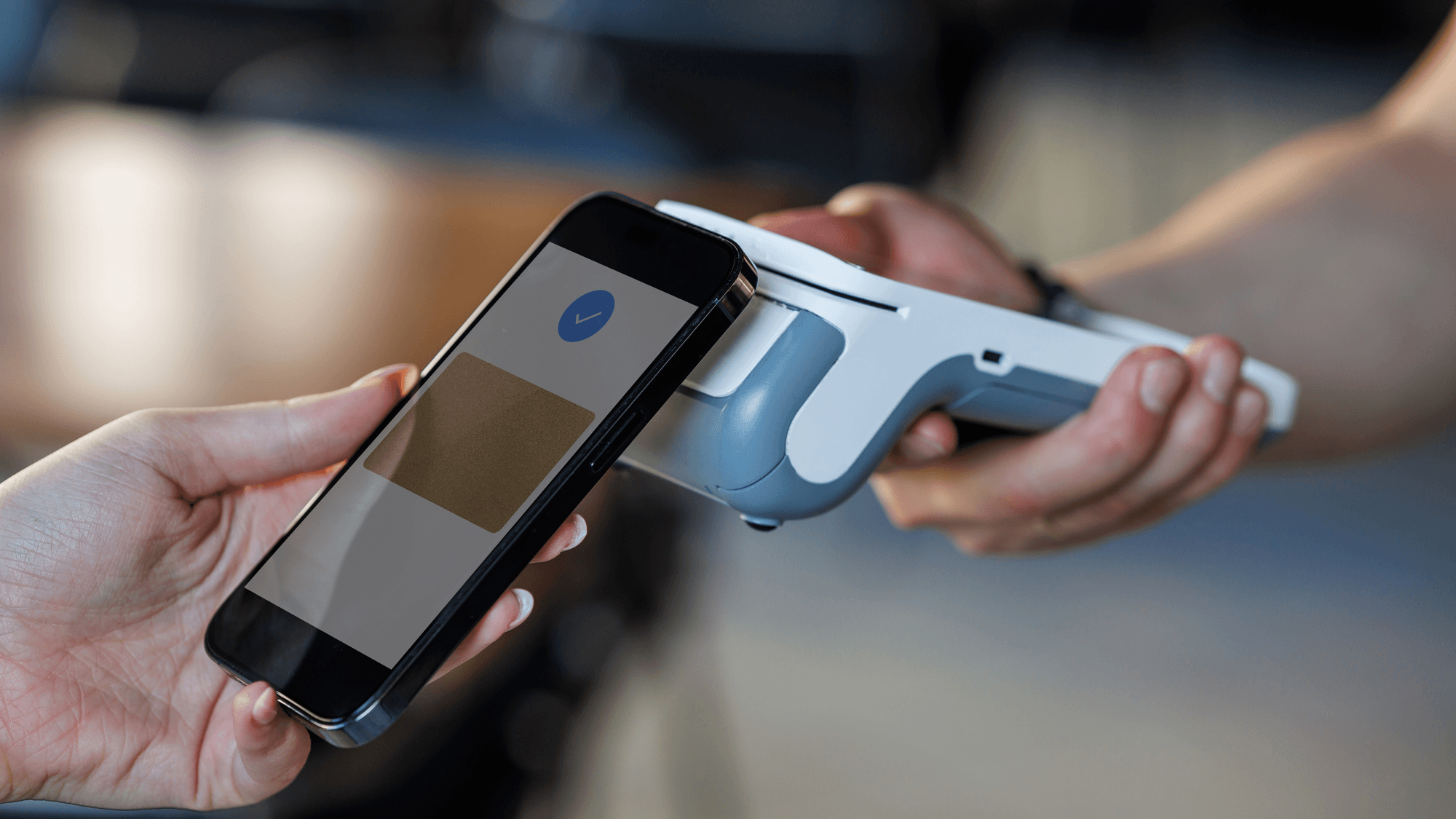
NFC stands for Near Field Communication. The NFC Forum, which publishes the NFC specifications, describes it as a short-range wireless technology that communicates over a distance of a few centimeters. It is the technology behind tap-to-pay at a store terminal, transit cards and phone-based car keys.
How NFC works
NFC operates at a base radio frequency of 13.56 MHz. According to the NFC Forum, it uses magnetic field induction to communicate between devices that are brought within a few centimeters of each other.
That same induction is why a simple NFC tag needs no battery. A passive tag harvests its power from the device that reads it.
The range is short. The NFC Forum's technical overview gives a typical range of up to 2 cm, and its consumer FAQ says NFC typically works at less than 4 cm, a much shorter range than Bluetooth or Wi-Fi. For comparison, a September 2019 NFC Forum white paper describes Bluetooth as a short-range protocol with a 10 to 100 m range.
The distance used in certification testing has grown. In October 2025, the NFC Forum announced Certification Release 15, which supports testing at an extended read range of 20 mm for generic device classes, up from the previous 5 mm operating volume.
The NFC modes
- Card emulation: the NFC device acts like a contactless card talking to a reader. The NFC Forum's examples are banking cards and public transport tickets.
- Reader/writer: the device reads or writes compatible tags and devices. Tags can hold a web address, contact information or an automation.
- Peer-to-peer: two NFC devices exchange data with each other.
- Wireless charging: the NFC Forum also documents a mode that transfers up to 1 W to small devices.
Where you meet NFC
The NFC Forum lists contactless payments, mobile wallets, transit cards, identity verification, smart posters, ticketing and access control among the common uses. It also names pairing devices such as speakers or headphones. In that case NFC can set up the connection and then hand the communication over to Bluetooth or Wi-Fi, for example for audio streaming or photo transfers.
Car keys are another use. NFC Forum standards support digital car key transactions, including tapping a phone to lock or unlock a vehicle. Samsung's Canadian support site describes how this works with a registered digital key and a compatible phone and vehicle. Touching the phone's NFC antenna area to the door locks or unlocks it, while starting the vehicle requires placing the phone on the car's wireless charging pad and authenticating the key.
How to turn NFC on or off on Android
On a Pixel phone, Google's instructions are to open Settings, tap Connected devices, then Connection preferences, then NFC, and turn Use NFC on or off. Google says turning it off also disables other features that use NFC.
On a Galaxy phone, Samsung's Canadian support page gives the path as Settings, then Connections, then NFC and contactless payments. It also describes a faster route. Swipe down from the top right to open Quick settings and tap the NFC button to turn it off, then tap it again to turn it back on. Samsung notes that menu names and layouts vary by model and software version.
What NFC does on an iPhone
Apple Pay uses NFC between the iPhone and the payment terminal for contactless payments in stores. Apple lists iPhone models with Face ID, and models with Touch ID except the iPhone 5s, as compatible with Apple Pay, with card, market and regional requirements on top. Compatible iPhones can also use Apple Pay within transit systems in some countries and regions.
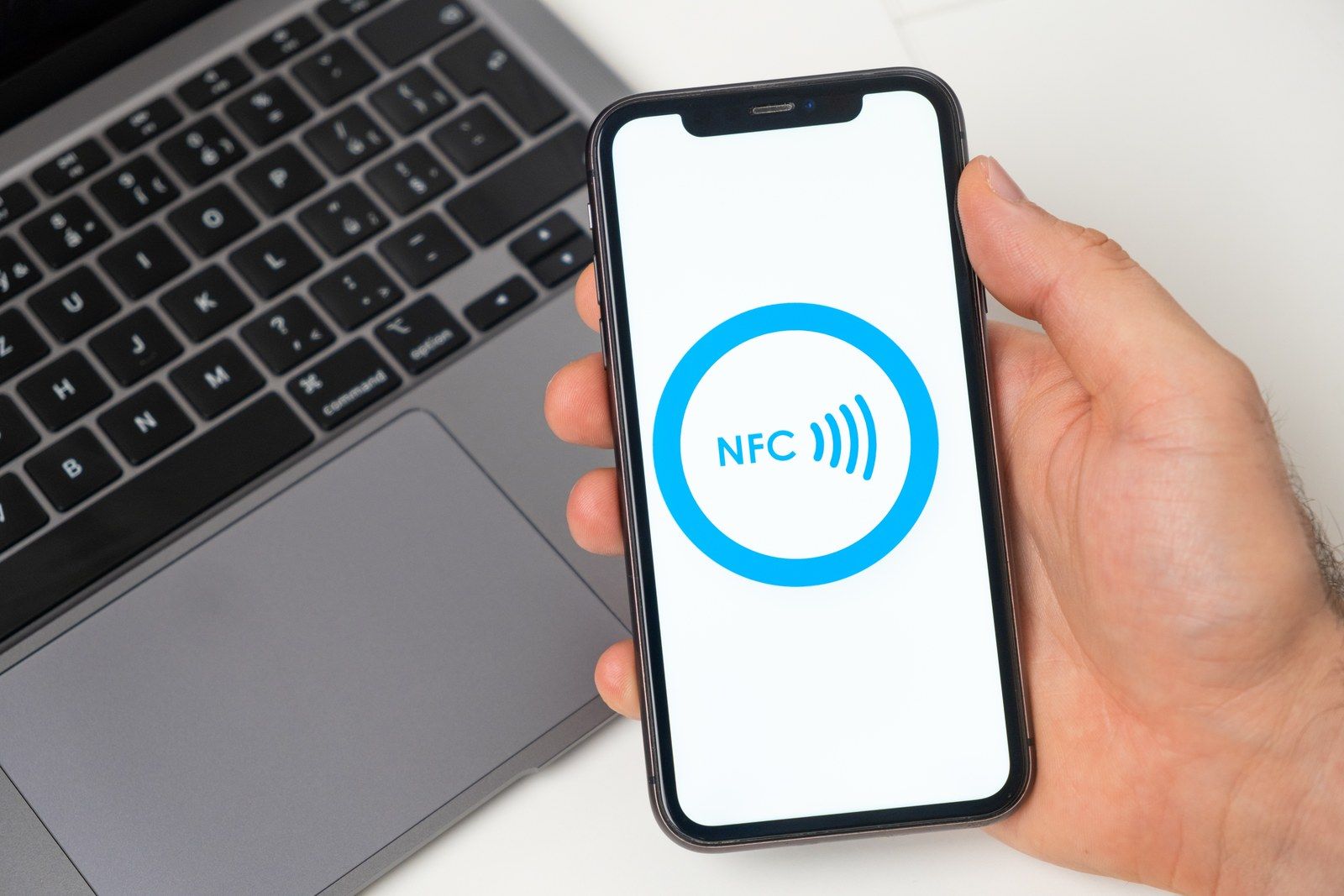
For tags, Apple documents NFC tag reading through apps on iPhones starting with the iPhone 7. The iPhone XS and later add background tag reading, which shows a notification to tap without an app starting the scan. Apple's developer documentation says this works while the iPhone is in use, and not before the first unlock, during another NFC reader session, while Wallet or the camera is in use, or in Airplane mode.
There is also Tap to Pay on iPhone, which lets a merchant accept contactless payments in an iPhone app without extra payment hardware. Apple documents support starting with the iPhone XS, and region and provider requirements can include a specific iOS version.
What to check on your phone
If a tap does nothing on an Android phone, check the NFC switch first, since both Google and Samsung document a setting that turns it off. If an iPhone ignores a tag, check that Airplane mode is off and that the camera or Wallet is not in use, because Apple lists those as conditions for background tag reading, and unlock the phone if a notification appears. And if you turn NFC off on a Pixel, expect features that depend on it to stop working too, as Google states.