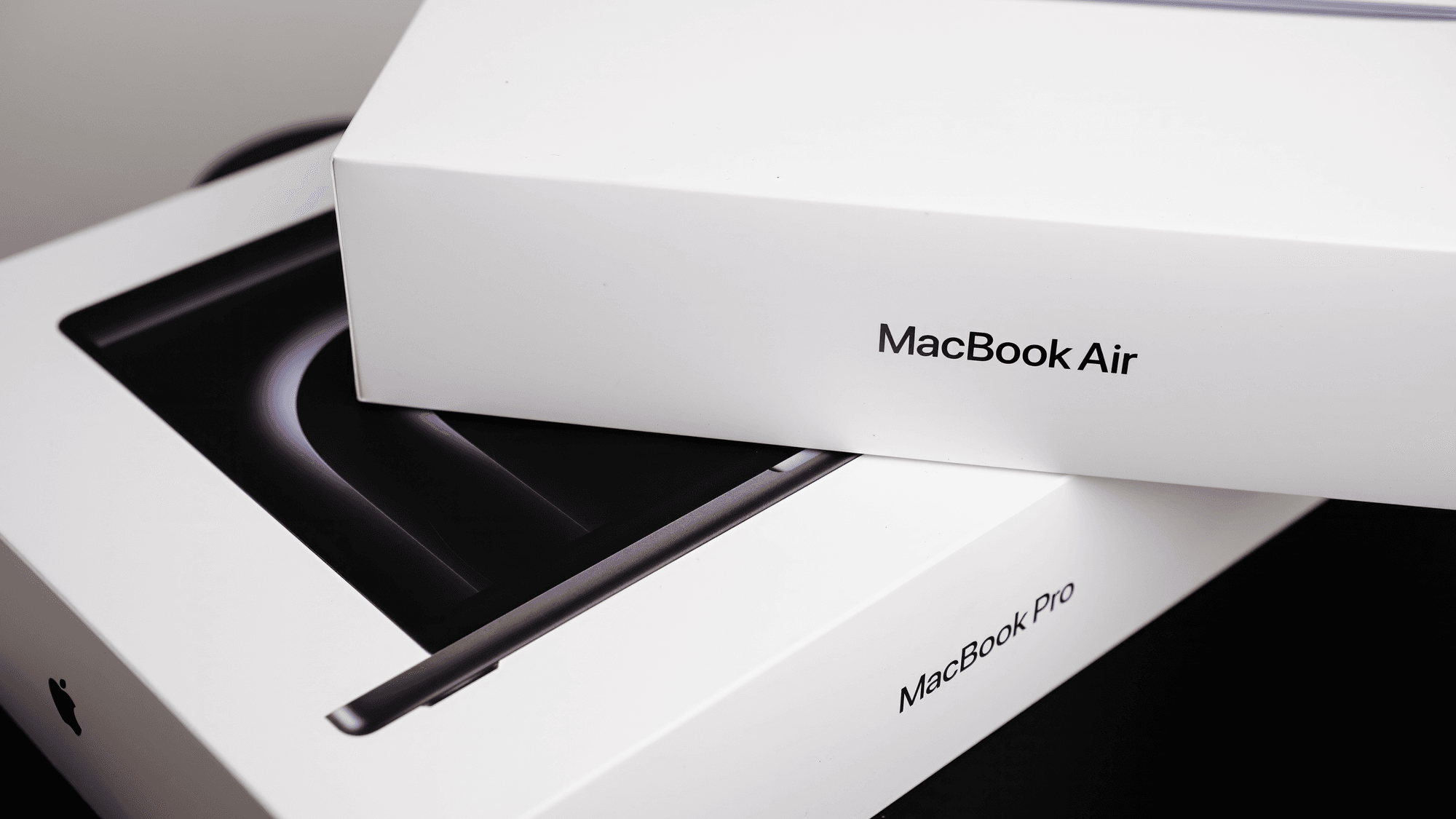
The MacBook Air is the lower-priced, fanless one of the two, and it starts at $1,299. The MacBook Pro starts at $1,999 and adds a brighter 120Hz display, more ports and fans for cooling, and Apple rates the Pro models for longer video playback. If you need HDMI, an SD card slot or three or four external monitors, those only appear on the Pro.
What each one costs
These are Apple's regular US starting prices before tax. The Air and Liquid Retina XDR figures with M5 Pro and M5 Max come from Apple's September 2026 price list. The M6 and PROLED XDR figures come from Apple's October 2026 announcements, and those models went on sale November 6.
- 13-inch MacBook Air (M5): starts at $1,299 with 16GB memory and a 512GB SSD.
- 15-inch MacBook Air (M5): starts at $1,499 with 16GB memory and a 512GB SSD.
- 14-inch MacBook Pro (M6): starts at $1,999 with 16GB memory and a 1TB SSD.
- MacBook Pro with M5 Pro, Liquid Retina XDR: starts at $2,499 for the 14-inch and $2,999 for the 16-inch, each with 24GB memory and a 1TB SSD.
- MacBook Pro with M5 Pro, PROLED XDR: starts at $2,899 for the 14-inch and $3,399 for the 16-inch, each with 24GB memory and a 1TB SSD.
- MacBook Pro with M5 Max: starts at $4,099 with the Liquid Retina XDR display and $4,499 with PROLED XDR, with 36GB memory and a 2TB SSD. The 16-inch versions start at $4,399 and $4,799.
The Air can be configured up to 32GB of memory and a 4TB SSD, according to Apple's MacBook Air specs page.
The displays
The Air uses a Liquid Retina display, an LED-backlit IPS panel that measures 13.6 or 15.3 inches. Apple lists it at 500 nits of brightness with P3 color and True Tone.
The Liquid Retina XDR MacBook Pro uses a Mini-LED panel at 14.2 or 16.2 inches. Apple specifies up to 1,000 nits of sustained full-screen XDR brightness and 1,600 nits peak for HDR content. Apple's Mac comparison page lists ProMotion with adaptive refresh rates up to 120Hz for these models.
The PROLED XDR MacBook Pro goes further. It uses a tandem OLED display with Multi-Touch support, 2,000 nits peak HDR brightness and ProMotion from 10Hz to 120Hz. Nano-texture glass is optional.
Ports and external monitors
- MacBook Air: two Thunderbolt 4 (USB-C) ports with transfers up to 40Gb/s, MagSafe 3 and a 3.5mm headphone jack.
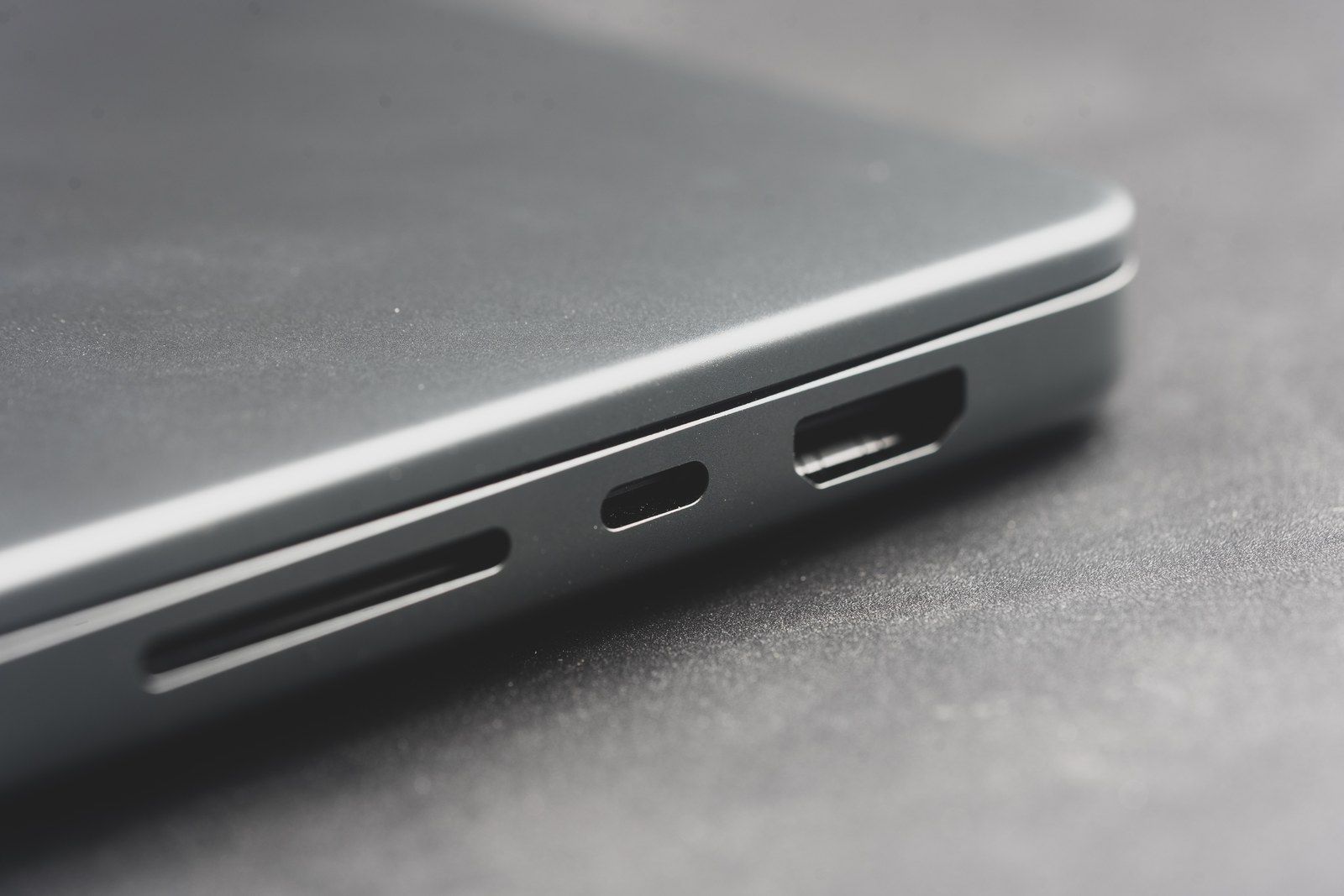
- MacBook Pro: three Thunderbolt ports, HDMI, an SDXC card slot, MagSafe 3 and a 3.5mm headphone jack. The M6 model has Thunderbolt 4, while M5 Pro and M5 Max models have Thunderbolt 5 at up to 120Gb/s.
- External displays: the Air and the M6 MacBook Pro each support up to two. M5 Pro models support up to three, and M5 Max models support up to four.
Weight, fans and battery life
The 13-inch Air weighs 2.7 pounds and is 0.44 inch thick. The 15-inch Air weighs 3.3 pounds. The 14-inch M6 MacBook Pro weighs 3.4 pounds and is 0.61 inch thick, and the 16-inch Liquid Retina XDR model is listed at 4.7 pounds. The PROLED XDR models are lighter, at 3.0 pounds for the 14-inch and 4.0 pounds for the 16-inch with M5 Pro.
Apple describes the Air as a silent, fanless design. Its parts-support table lists fans for the current MacBook Pro families.
For battery life, Apple claims up to 18 hours of video streaming and up to 15 hours of wireless web browsing on both Air sizes. The 14-inch M6 MacBook Pro is rated for up to 24 hours of video streaming and 16 hours of wireless web. The 14-inch M5 Pro models are rated for up to 22 hours and 14 hours, and the 16-inch M5 Pro models for up to 24 hours and 17 hours. Apple notes that battery life varies by use and configuration.
Which one fits
If you carry the laptop every day and want the lowest price, the 13-inch Air is the one to look at first: it is the lightest of these models at 2.7 pounds and starts $700 below the cheapest Pro. If you want a bigger screen without Pro pricing, the 15-inch Air at $1,499 has six speakers instead of four. New owners can start with this MacBook Air beginner guide, and there is a longer look in the 15-inch MacBook Air M5 review.
If you want a 120Hz screen or a brighter XDR display, the M6 MacBook Pro at $1,999 is the entry point, and it brings the XDR display, HDMI and the SD card slot along with a 1TB SSD. If you need more than two external monitors or Thunderbolt 5, that points to an M5 Pro or M5 Max model, which start at $2,499.