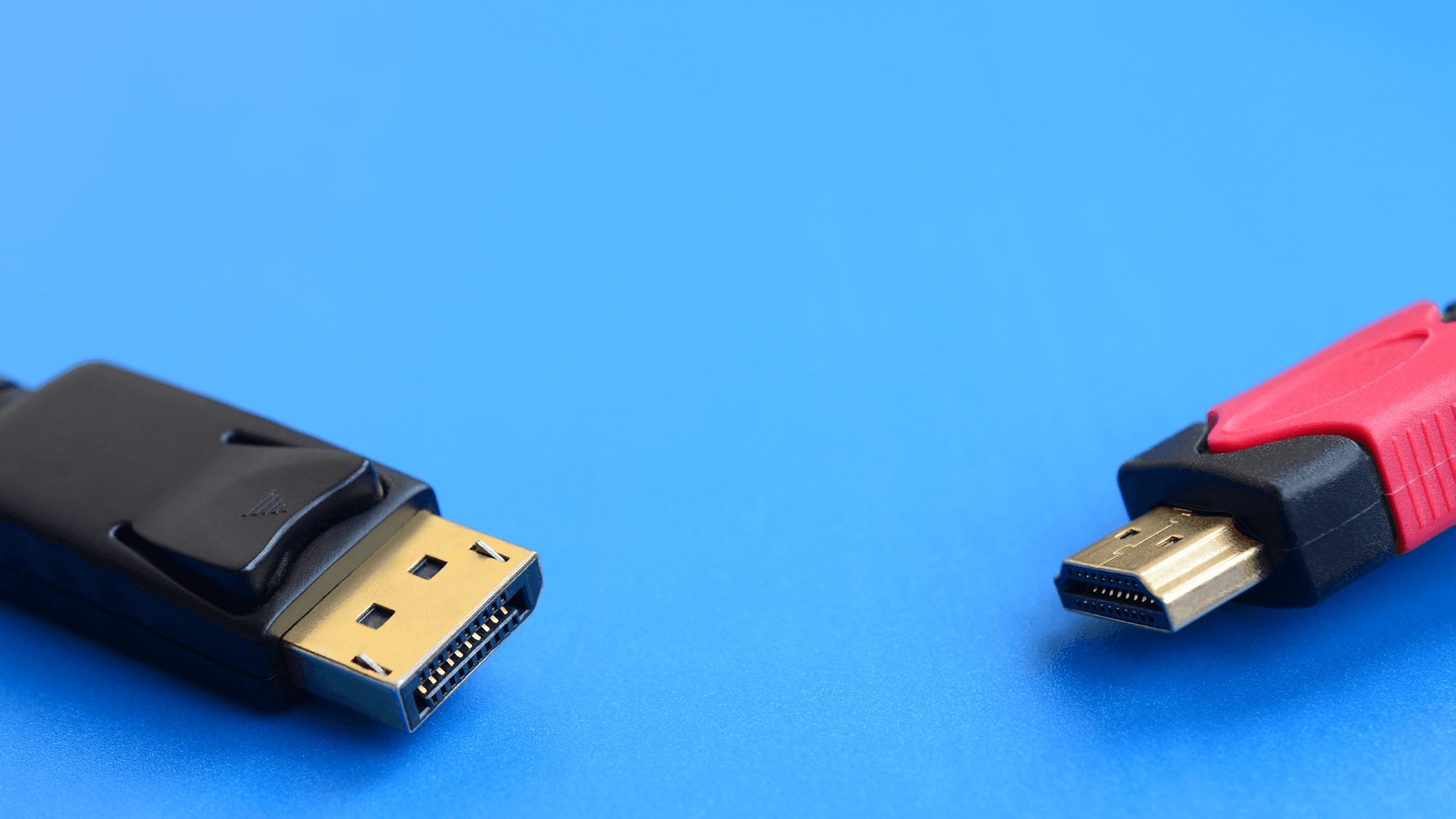
HDMI is the connection widely used on TVs and home entertainment gear, while DisplayPort was developed as a display interface for personal computers. Their newest versions top out at 96 Gbps for HDMI 2.2 and an 80 Gbps link rate for DisplayPort at its top UHBR20 tier. In practice, check the ports on your devices and the features each port supports.
Where you find each one
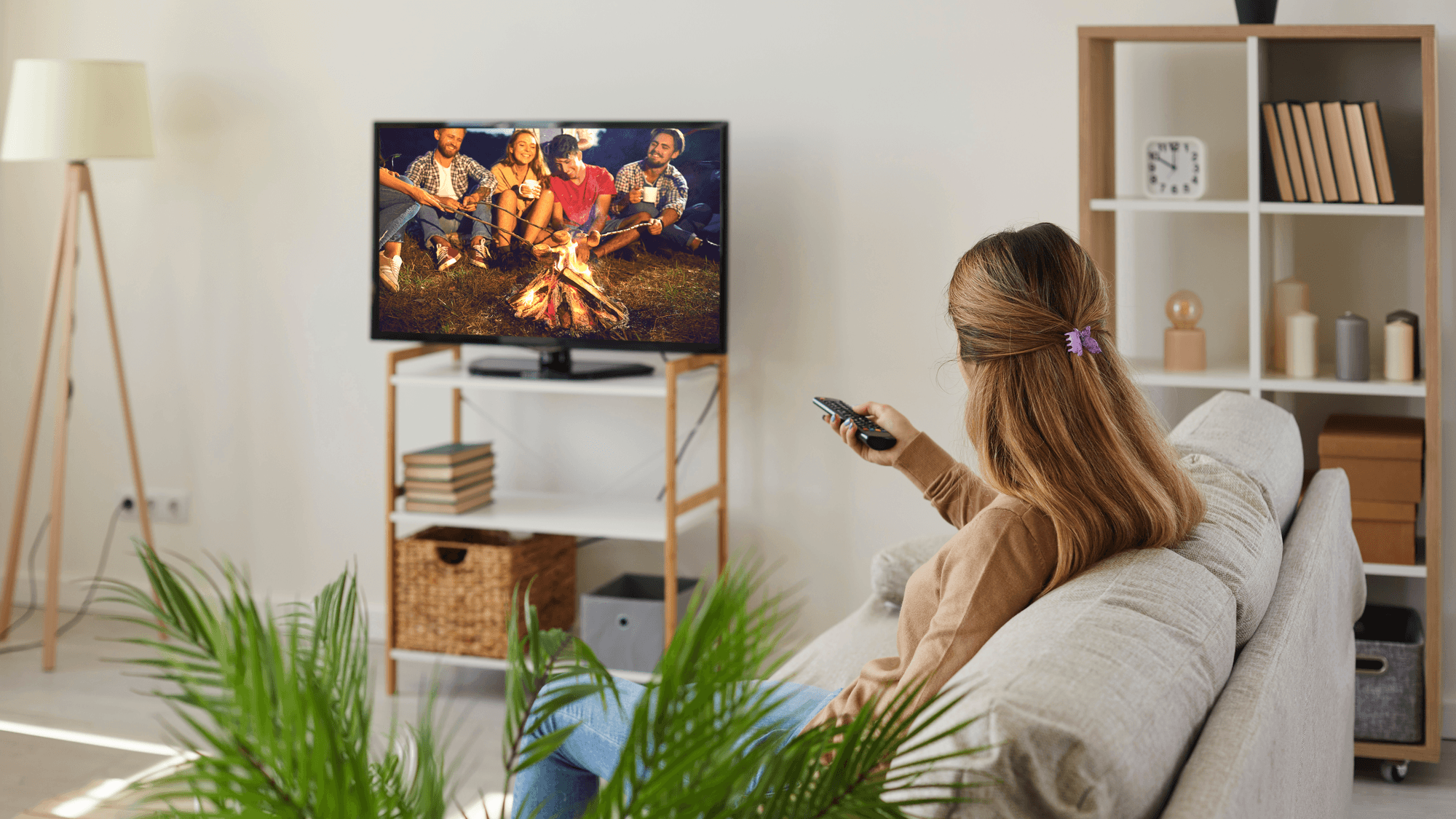
VESA, the group behind DisplayPort, describes HDMI as widely used on HDTVs and home entertainment systems, and notes that it also appears on PCs and monitors for connecting consumer electronics. DisplayPort is available on tablets, notebooks, desktop computers and monitors.
DisplayPort does not always use its own connector. It can run through a native DisplayPort connection, through USB-C in DisplayPort Alt Mode, or tunneled through USB4.
Versions and bandwidth
- HDMI 2.2: the latest HDMI specification, released on June 25, 2025, with up to 96 Gbps of bandwidth.
- HDMI 2.1b: announced on August 10, 2023, and tied to 48 Gbps with an Ultra High Speed HDMI Cable.
- DisplayPort 2.1b: the current version, announced in January 2025. It supersedes DisplayPort 2.1a.
- DisplayPort UHBR tiers: UHBR10, UHBR13.5 and UHBR20 run at 10, 13.5 and 20 Gbps per lane, or 40, 54 and 80 Gbps across four lanes. The maximum payload is 77.37 Gbps.
A version number does not tell you what a port can do. DisplayPort 2.1b certification does not require UHBR, and the DisplayPort FAQ sets the minimum at HBR2 with DSC compression. On the HDMI side, the optional Ultra96 name can identify HDMI 2.2 products with a maximum bandwidth of 64, 80 or 96 Gbps.
Resolution and refresh rate
HDMI LA lists 8K at 60 Hz and 4K at 120 Hz among the formats an Ultra High Speed HDMI Cable supports. HDMI 2.2 raises that to uncompressed 8K at 60 Hz and 4K at 240 Hz with full 4:4:4 chroma at 10-bit or 12-bit color. HDMI LA also lists up to 12K at 120 Hz and 16K at 60 Hz.
VESA lists uncompressed 8K at 60 Hz HDR and 4K at 240 Hz HDR among the uses for UHBR. Its 2019 examples include one 10K display at 60 Hz with no compression, or one 16K display at 60 Hz with DSC compression. These figures describe what the specifications allow, and individual products have their own limits.
Features that differ
- eARC (HDMI): sends audio a TV receives from streaming, broadcast or connected sources to an AV receiver or soundbar through a single HDMI cable. Supported formats include Dolby Atmos, DTS:X and uncompressed 5.1 and 7.1.
- CEC (HDMI): lets one remote control compatible HDMI devices. Sony's support page lists power, volume, device menu and basic playback commands.
- MST (DisplayPort): Multi-Stream Transport lets multiple displays connect to one DisplayPort source port. VESA's examples include two 4K displays at 144 Hz with no compression.
Variable refresh rate exists on both. VESA added Adaptive-Sync to DisplayPort 1.2a in May 2014, and HDMI has its own VRR feature that reduces or eliminates judder and frame tearing. AMD says FreeSync works through DisplayPort and HDMI, and that it can work over HDMI on supported displays even without HDMI 2.1.
NVIDIA's support article, last updated September 29, 2021, covers Adaptive-Sync over DisplayPort 1.2a on GeForce GTX 10-series and newer cards. It covers VRR over HDMI on GTX 16-series, RTX 20-series and newer cards with displays that support the feature through HDMI 2.1. For more on the audio side, see what HDMI ARC is.
Cables and certification
Ultra High Speed HDMI Cables support up to 48 Gbps, and Ultra96 HDMI Cables support up to 96 Gbps and all HDMI 2.2 applications. Both fall under a mandatory certification program. The packaging must carry a certification label, and HDMI LA says standard QR code apps can scan it. Premium High Speed HDMI Cables are tested for the full 18 Gbps.
DisplayPort cables are certified by speed too. DP54 covers four-lane UHBR13.5 at 54 Gbps over passive cables up to two meters, and DP80 covers UHBR20 at 80 Gbps. DP80LL active cables carry 80 Gbps over lengths up to three meters.
Which one fits
If you are connecting a TV, soundbar or AV receiver, HDMI is the one to use, because eARC and CEC are HDMI features, though each device has to support them. If you want several monitors from one port on a computer, look at DisplayPort, because MST is built for that. If variable refresh rate is the goal, either can work, so check what your graphics card and display support on each port.
Whichever you pick, match the cable to the bandwidth. An HDMI 2.2 product with the Ultra96 name needs an Ultra96 HDMI Cable to reach its maximum, and UHBR20 calls for a DP80 or DP80LL cable. If a link is not working, these guides cover HDMI connection problems and an HDMI to DisplayPort cable that is not working.