RAM is a computer's short-term working memory, and storage is the drive that holds its apps and files. Microsoft says the contents of RAM are lost when a device restarts or turns off, while disks keep their contents. The two also run out in different ways, and each has its own screen in Windows and macOS.
- What it holds: RAM holds the apps and files loaded for use. Storage holds the apps, the files and the operating system itself.
- When the power goes off: RAM is cleared. An SSD keeps its data.
- Sizes on one current laptop: Apple lists the M5 MacBook Air with 16GB, 24GB or 32GB of memory and a 512GB, 1TB, 2TB or 4TB SSD.
- When it runs out: Windows can move infrequently accessed modified pages from RAM to a page file on the drive. Windows shows low-storage notifications when a drive is running out of free space.
What RAM does and what storage does
Microsoft's guide to computer memory says Windows loads apps and files into RAM from slower disks for faster access. See What Is RAM?
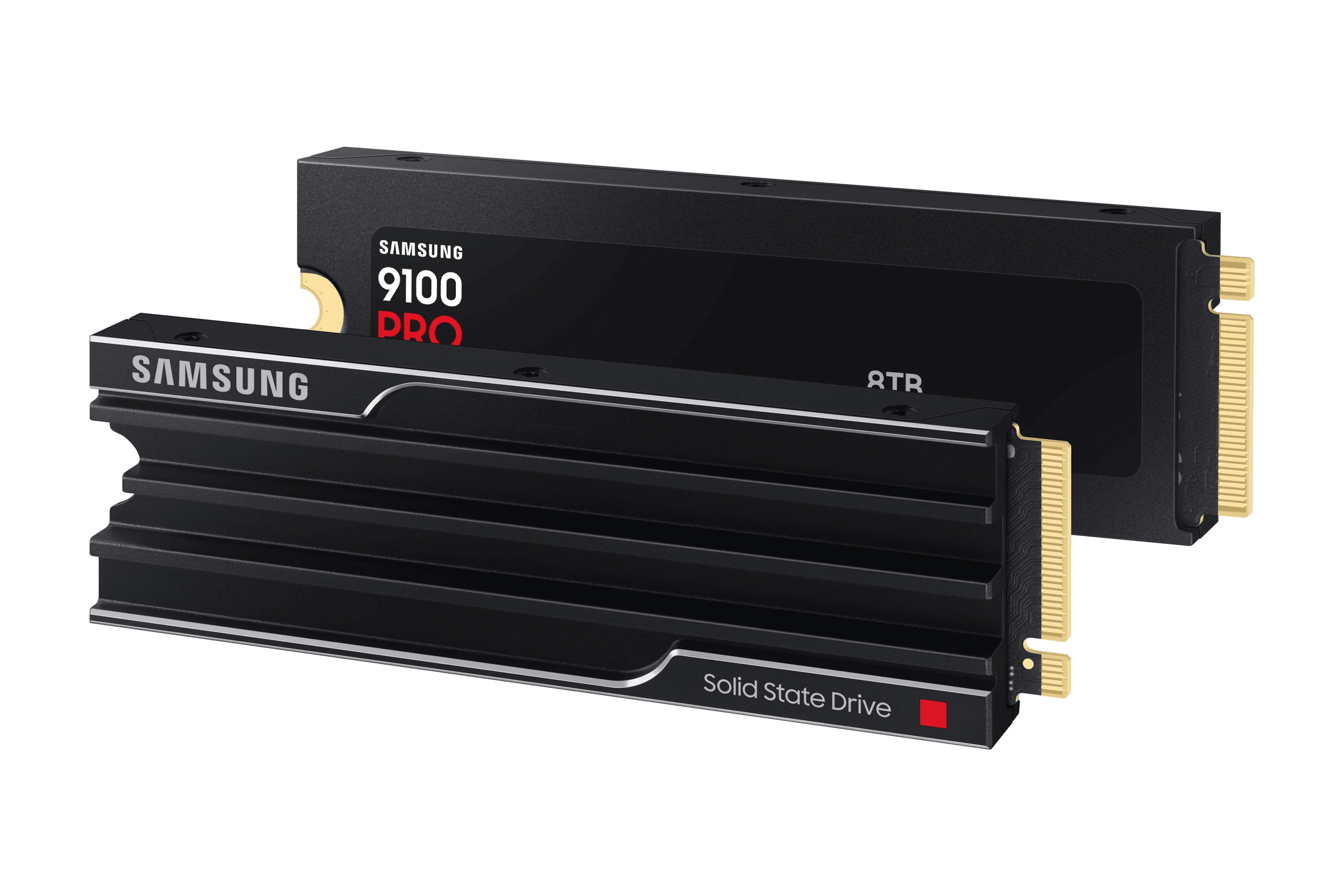
SSDs and HDDs are both storage drives. See SSD vs HDD, Which Drive Should You Buy? Samsung's SSD glossary describes SSDs as storage for operating systems and data, built on nonvolatile NAND flash that preserves data without power. On a Mac, Apple says the internal disk stores the apps and information the Mac uses, and the startup disk contains the macOS system software.
How to see each on Windows and Mac
On Windows, open Settings > System > About, where Device specifications includes the amount of installed RAM. For the drive, open Settings > System > Storage, which breaks usage into categories such as installed apps, temporary files and system-reserved files. The Disks & volumes section of the advanced storage settings shows each connected disk's type, capacity and current usage. Press Ctrl+Shift+Esc to open Task Manager, where the Performance section gives real-time memory usage and disk activity.
On a Mac, choose Apple menu > About This Mac to see the chip and the amount of memory. In Activity Monitor, select Memory, where Physical Memory is the amount of RAM installed and Memory Used is the RAM in use. For storage in macOS Ventura 13 or later, Apple says to choose Apple menu > System Settings > General > Storage. Earlier versions use Apple menu > About This Mac > Storage.
What happens when each runs out
On Windows, a hidden system file on disk called the page file lets Windows move infrequently accessed modified pages out of physical RAM, which frees RAM for pages used more often. Microsoft says a system-managed page file can grow automatically only when there is enough free disk space.
Microsoft defines the system commit limit as physical memory plus all page files combined. If demand reaches that limit, Windows and its processes may fail to get memory, which Microsoft says can cause freezing, crashing and other malfunctions.
As a Mac nears its maximum memory capacity, macOS compresses inactive apps in memory to make room for active ones. The Swap Used figure in Activity Monitor is the startup disk space used to swap unused files to and from RAM. Apple's memory pressure graph reads green for efficient RAM use, yellow when the Mac might eventually need more RAM, and red when it needs more RAM.
Windows shows low-storage or Storage Sense notifications when a drive is running out of free space, and Microsoft says running out can cause slower performance or trouble installing Windows updates. Apple's guide to freeing up storage covers a startup disk that is almost full and a Mac without enough space to download, install or copy.
Which one can be upgraded later
The answer can differ inside a single model line. Kingston's compatibility listing for the Lenovo ThinkPad T14 Gen 6 Intel with a U or H series processor shows two memory sockets, DDR5 modules and configurations up to 64GB. Kingston's listing for the V series configurations shows 32GB of memory soldered to the system board and no expansion sockets. For storage, Kingston lists M.2 NVMe 2280 SSDs for the laptop.
On a Mac, Apple says to hold Option, choose Apple menu > System Information, then select Hardware > Memory and look for Upgradeable Memory. If Memory Slots does not appear, upgradeable memory is not available for that Mac.
Which one fits your problem
If Activity Monitor shows red memory pressure, RAM is the part to look at, because Apple says red means the computer needs more RAM. If Windows keeps showing low-storage notifications, or a Mac lacks the space to download, install or copy, the drive is the part to look at.
If you are buying a laptop with soldered memory, such as the V series ThinkPad T14 Gen 6 Intel configurations, choose the RAM amount at purchase, since Kingston's listing shows that memory soldered to the system board with no expansion sockets. See How Much RAM Do You Need in a Laptop or Desktop?