A homelab is a home setup for running your own servers and services, often to learn and to self-host. The hardware can be a Raspberry Pi, a mini PC, a NAS or a small rack of gear, and the software on top handles jobs such as virtual machines, file storage, smart home control and network-wide ad blocking.
The hardware makers point to
Several makers describe their own products for this kind of setup.
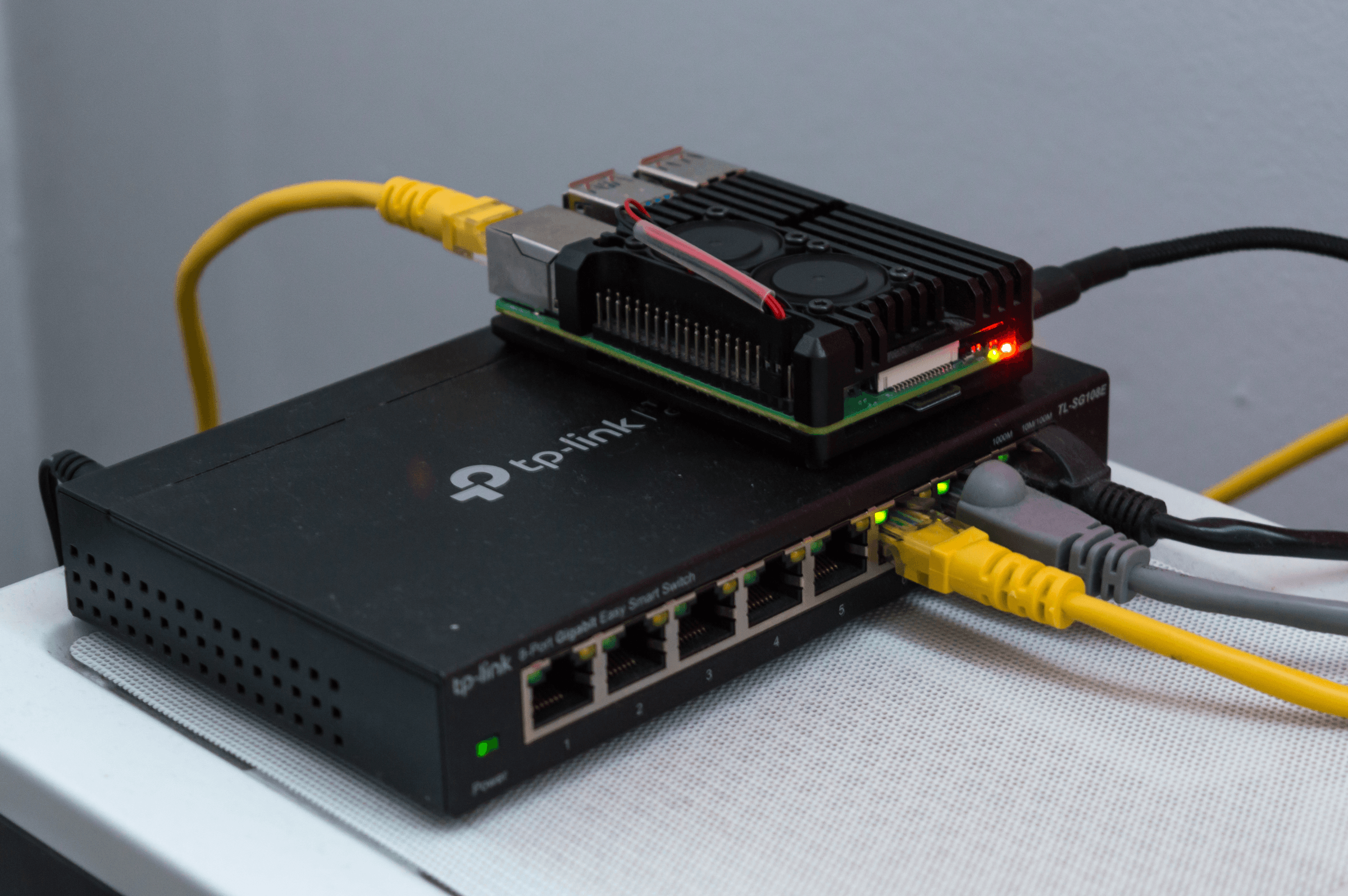
- Raspberry Pi: Raspberry Pi's own cluster tutorial builds an eight-node Raspberry Pi cluster connected to one managed network switch.
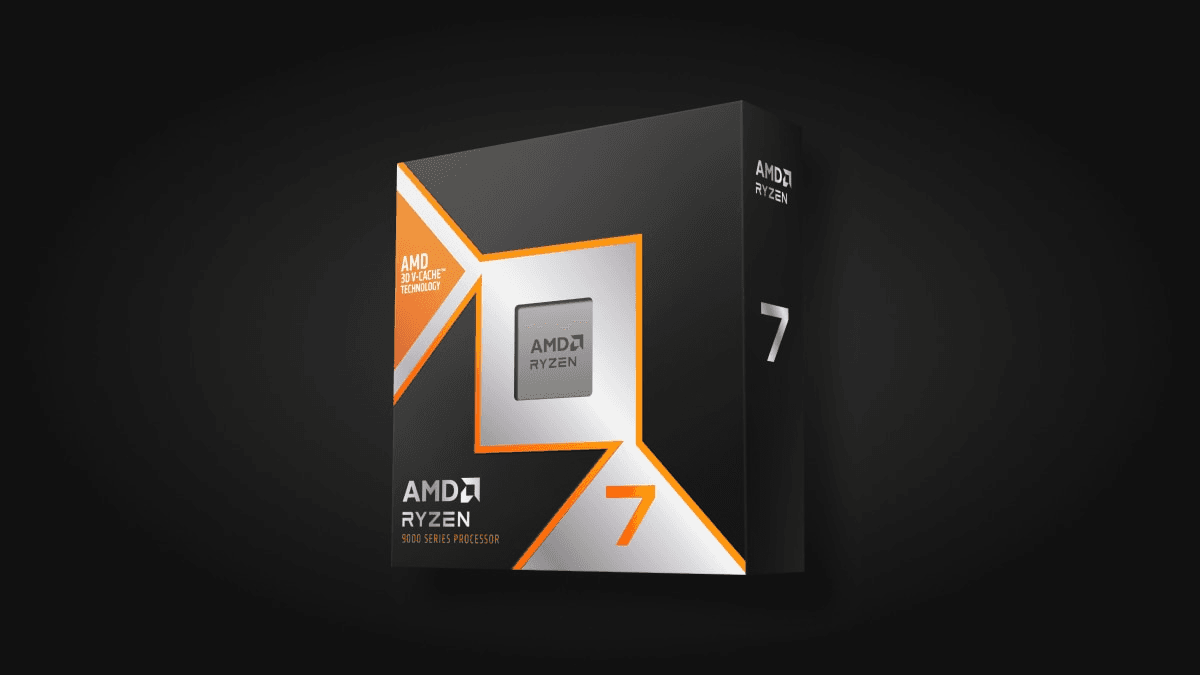
- Mini PCs: MINISFORUM's workstation series page says its machines can be used to build virtual machines, containers and private services.
- NAS: Synology defines network-attached storage as a storage device that connects to a home or office network, with files reachable from connected computers and mobile devices. Its DiskStation DS925+ has four drive bays and two built-in 2.5GbE network ports.
- NAS as an app host: QNAP's home-lab page lists the TS-464 with four SATA bays for 3.5-inch HDDs or 2.5-inch SSDs and standard 2.5GbE networking. The same page describes running virtual machines through Virtualization Station and container applications through Container Station.
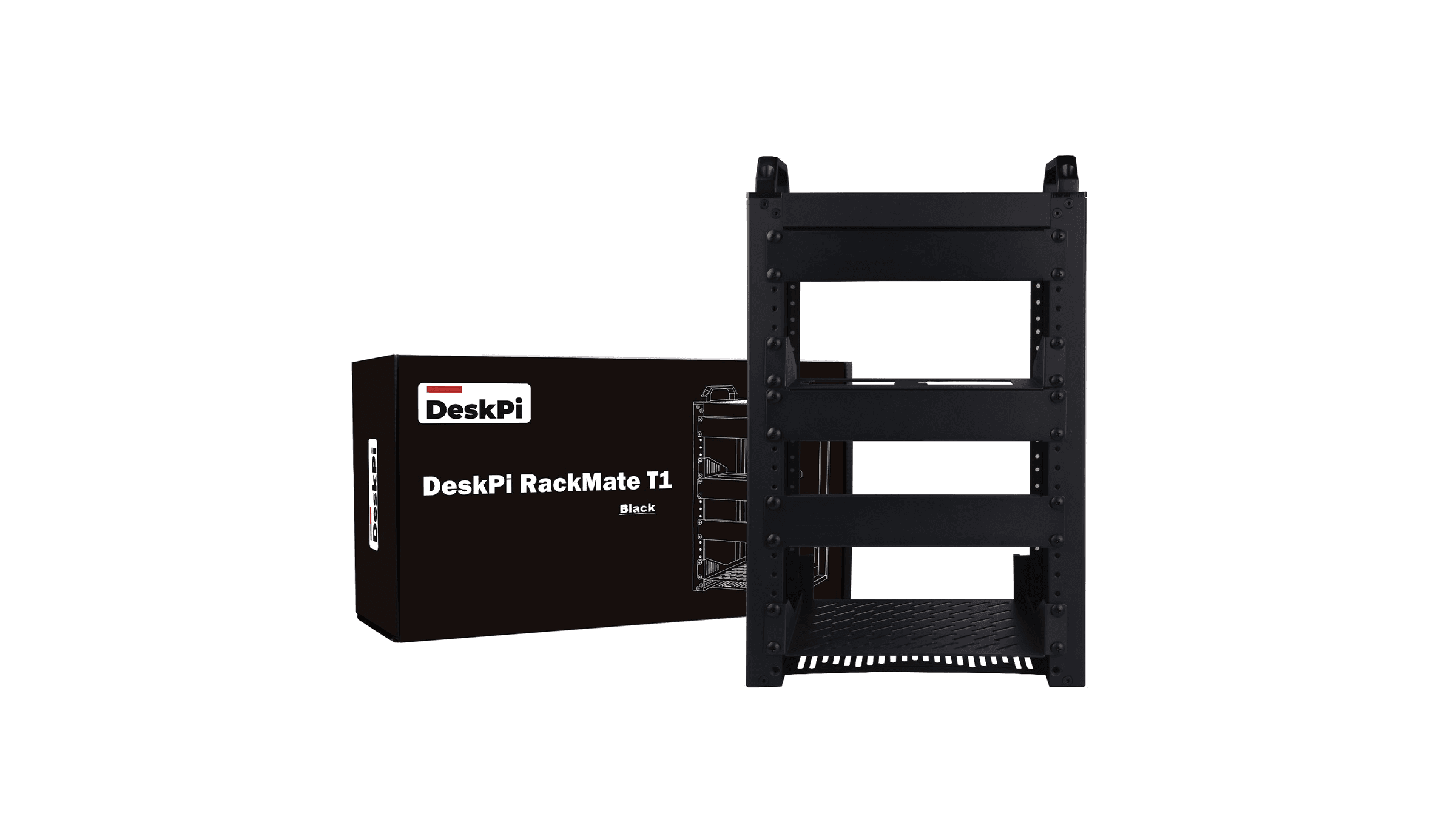
- Racks: DeskPi describes its RackMate T1 as a 10-inch, 8U mini server cabinet for homelab, networking and AV gear.
The software that runs on it
- Proxmox VE: an open-source platform for running virtual machines and containers, using KVM and LXC. Proxmox says both are managed from a single web-based interface.
- TrueNAS: its documentation covers configuring storage, backups, data sharing and applications through the user interface. It documents three sharing methods, which are SMB file shares, NFS shares and iSCSI block shares.
- Home Assistant: a smart home platform that runs on your own hardware and connects devices from different brands. Home Assistant states that it runs on hardware in your home and that your data is stored locally.
- Docker: Docker's documentation explains that containers package an application together with its dependencies and run it as an isolated process.
- Pi-hole: a DNS sinkhole that blocks unwanted content across the whole network, without filtering software on each client device.
Power, network and rack basics
A Raspberry Pi does not need its own screen. Raspberry Pi's getting-started documentation describes headless operation, where the board runs without a monitor, keyboard or mouse and is controlled remotely over Wi-Fi or Ethernet using SSH or Raspberry Pi Connect.
Rack gear height is given in rack units, written as U. DeskPi's rack-planning guide gives 1U as 1.75 inches, or 44.45 mm.
Power over Ethernet, or PoE, puts power and data on one cable. QNAP describes its PoE switch sending both through an RJ45 cable to connected edge devices. Raspberry Pi's PoE+ HAT adds power over Ethernet to compatible Raspberry Pi 4 and Raspberry Pi 3B+ boards, and Raspberry Pi notes that power-sourcing equipment is also required.
Raspberry Pi 5 lists a 5V/5A DC input through USB-C with Power Delivery support. That figure is the power input specification, not a measurement of how much electricity the board uses.
Where to start
If you want to run several systems on one machine, Proxmox VE fits that plan, because its documentation describes virtual machines and containers managed from one web interface. If you want shared file storage, a NAS or TrueNAS lines up with it, since both are described around storing files and sharing them over the network.
If you plan to add a rack, U is the figure to compare, because rack gear height is given in U. An 8U cabinet such as the one DeskPi describes has eight of those 1.75-inch units. If you want one cable per device, confirm that both ends support PoE, because Raspberry Pi says its PoE+ HAT also requires power-sourcing equipment.
See What Is a NAS and Do You Need One? and What Is a KVM Switch?