An IP address is a number that identifies each computer or device connected to a TCP/IP network, in the words of the internet registry ARIN. ICANN's glossary describes it as a unique identifier for a device on the internet, used to route traffic to that device. IANA calls IP addresses a system of unique identifiers that the internet relies on when it passes data between devices.
IPv4 and IPv6
IANA describes IPv4 addresses as 32-bit numbers. They are commonly written as four decimal numbers separated by dots, and IANA's own example is 192.0.2.53.
IPv6 addresses are 128-bit numbers, conventionally written as hexadecimal strings. IANA's example is 2001:0db8:582:ae33::29. ARIN says IPv6 was developed as the successor to IPv4 and provides a much larger address pool, which allows more devices to connect.
Public and private addresses
RFC 1918, a February 1996 document titled Address Allocation for Private Internets, describes public hosts as using globally unique address space assigned by an internet registry. IANA's page on private-use addresses says certain address blocks are reserved for private networks and should never appear on the public internet. Separate private networks can reuse the same addresses.
RFC 1918 lists three private IPv4 blocks:
- 10.0.0.0/8: 10.0.0.0 through 10.255.255.255.
- 172.16.0.0/12: 172.16.0.0 through 172.31.255.255.
- 192.168.0.0/16: 192.168.0.0 through 192.168.255.255.
How a device gets its address
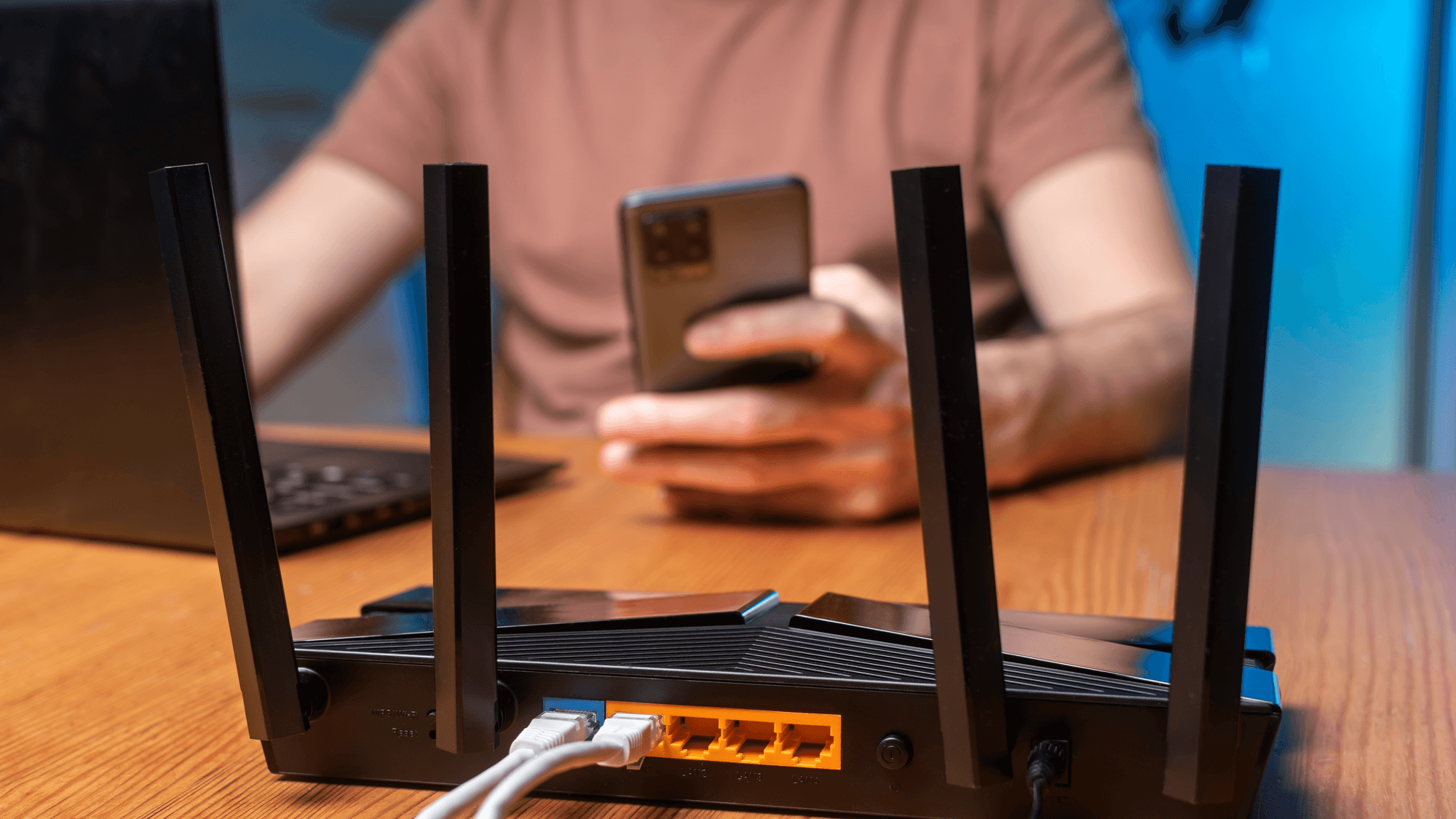
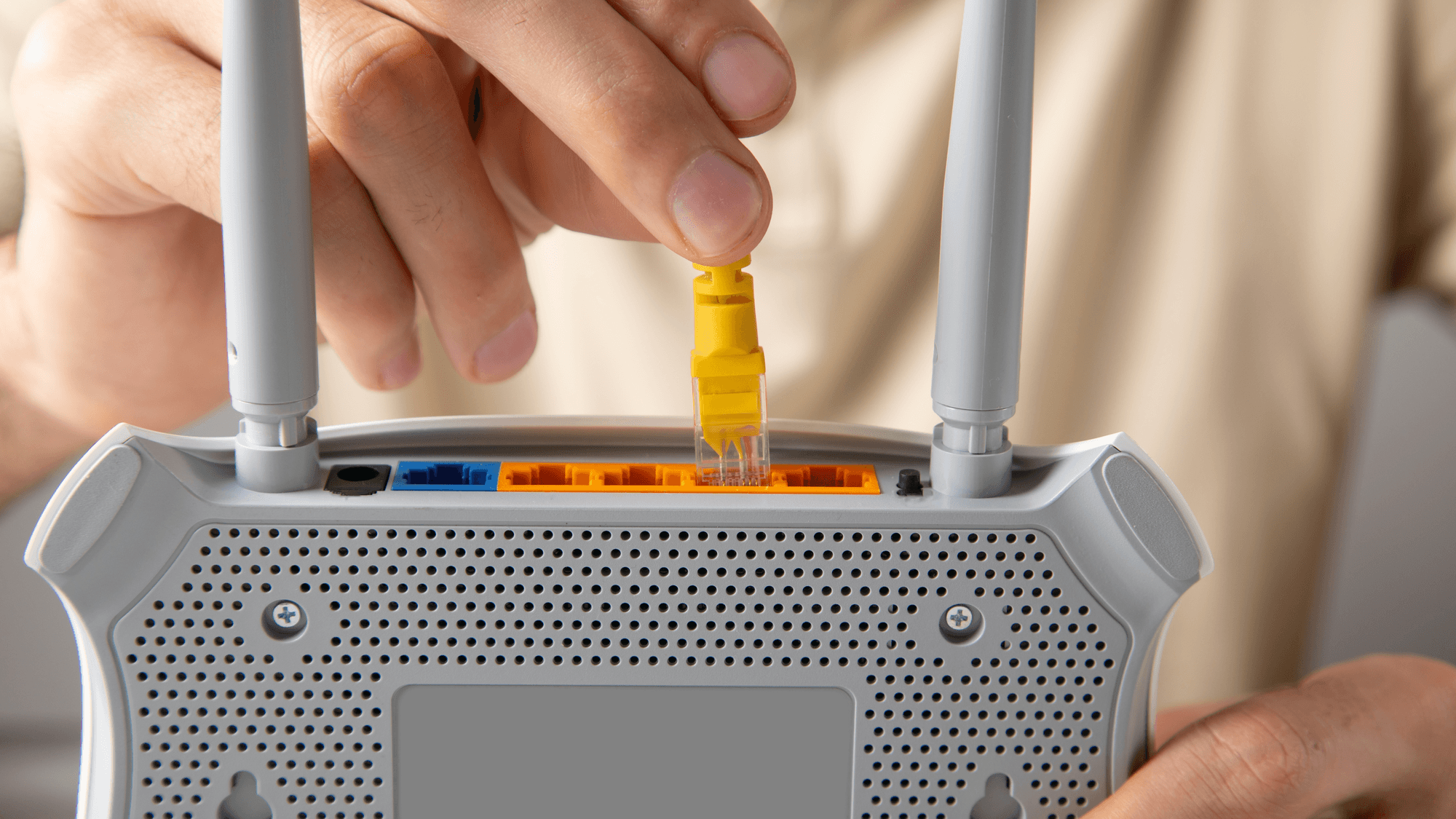
IANA says users are assigned IP addresses by internet service providers. On networks that support it, DHCP, the Dynamic Host Configuration Protocol, assigns IP addresses automatically, according to Microsoft's Windows help. With the Automatic (DHCP) setting in Windows, the router or access point configures the IP and DNS settings for you. Apple's guide to recommended router settings describes NAT, short for network address translation, as translating between addresses on the internet and addresses on your network.
Apple describes the DHCP lease time as the length of time an IP address stays reserved for a device. Routers can reclaim addresses that are no longer being used and reassign them. See Does Your IP Address Change With Different WiFi?
How to find your IP address in Windows
On a Windows PC, Microsoft's network settings guide gives these steps. Open Settings, then Network & internet.
For Wi-Fi, select Wi-Fi and then the network you are connected to. For a wired connection, select Ethernet. The address is listed next to "IPv4 address." See How to Find Your IP Address in Windows 11.
What an IP address reveals about you
A Google help page on location says IP addresses are roughly based on geography. Registry records have limits. ARIN says it does not maintain geolocation data for an IP address. It also cannot guarantee that the address on a registration record matches the physical location of the network.
What to check on your own network
If the IPv4 address in your Windows settings falls inside one of the three RFC 1918 ranges above, it is a private address. IANA says addresses from those blocks are for private networks and should not appear on the public internet.
If a device needs to keep the same address, see How to Set a Static IP Address in Windows 11 and How to Renew Your Local IP Address in Windows 11.