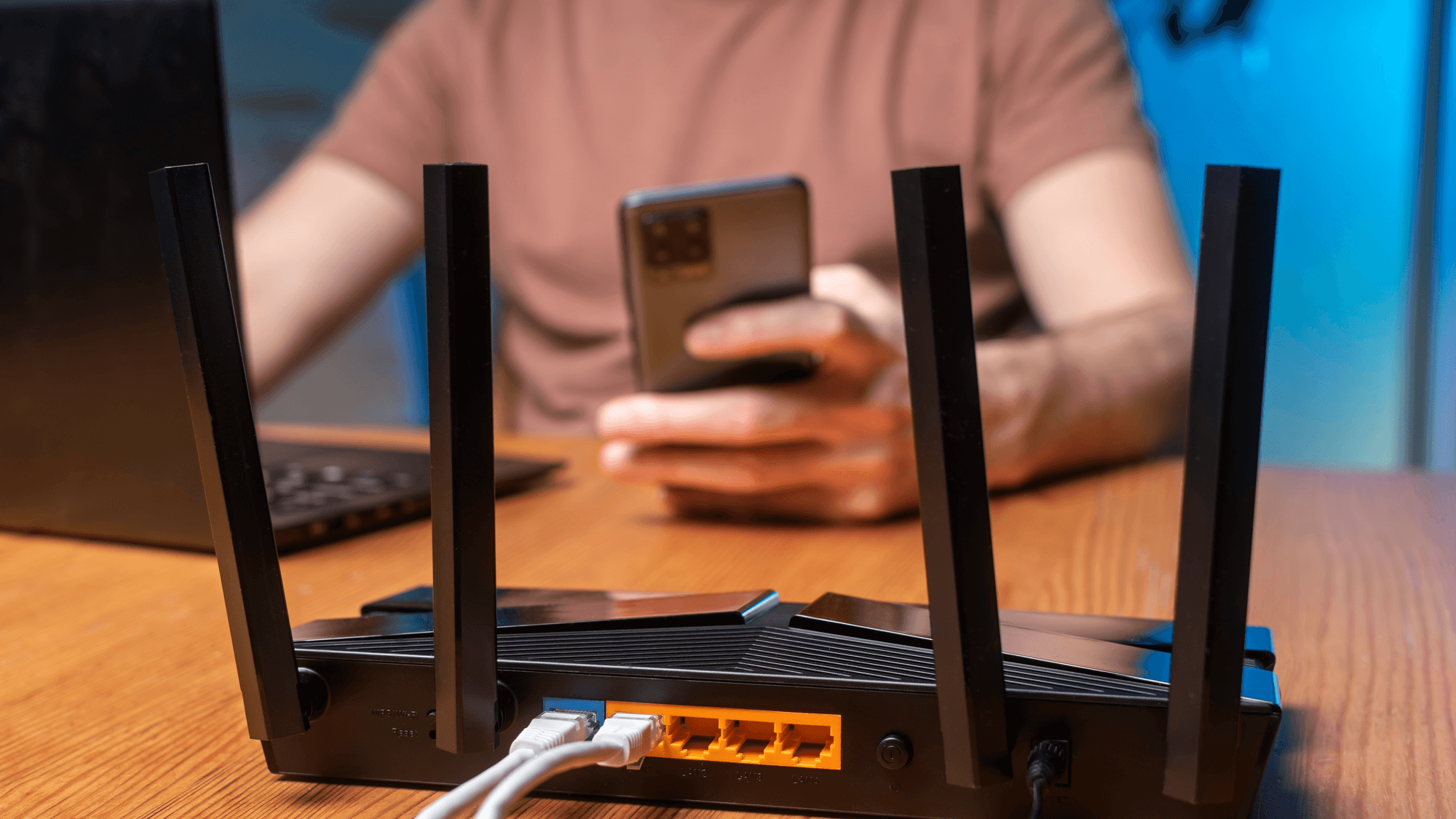
The 2.4 GHz band gives the most coverage but the slowest data speeds, while 5 GHz gives less coverage and faster speeds. That is how NETGEAR sums up the trade-off, and it places 6 GHz at the far end, with the least coverage and the fastest speeds of the three. The band that fits depends on how much coverage a device needs and which bands that device can use at all.
Range and speed at a glance
- 2.4 GHz: The most coverage of the three bands, at slower data speeds, in NETGEAR's comparison.
- 5 GHz: Less coverage than 2.4 GHz, at faster data speeds.
- 6 GHz: The least coverage and the fastest data speeds. TP-Link says a 6 GHz connection requires a 6 GHz-capable device.
NETGEAR's band comparison is qualitative, so it ranks the bands without attaching fixed distances. The company also says router placement, home layout and interference from other devices can affect Wi-Fi range.
Channels and interference
The 2.4 GHz band shares its frequencies with other household gear. A TP-Link support page dated 2013 calls microwaves and cordless phones the biggest offenders, saying they can add noise and reduce wireless network speed.
TP-Link says the United States typically uses 2.4 GHz channels 1 through 11, and it identifies 1, 6 and 11 as the non-overlapping choices for three networks using 20 MHz channel widths. Permitted channels vary by country, and ASUS says the supported channels on all three bands depend on local laws and restrictions.
On 5 GHz, some channels are shared with radar systems. TP-Link explains that Dynamic Frequency Selection, or DFS, lets Wi-Fi operate on those channels while protecting radar from interference. Channel width is a trade-off too. Apple's router guidance says wider channels are faster but more susceptible to interference, and more likely to interfere with other devices.
Why some smart home devices need 2.4 GHz
Some devices can only join 2.4 GHz. NETGEAR says some newer devices with low bandwidth requirements, including smart appliances and printers, use only 2.4 GHz by design. Google lists first and second generation Nest Learning Thermostats, Nest Protect and Nest Connect as 2.4 GHz only, and TP-Link's Tapo P125M V1 smart plug lists 2.4 GHz as its wireless type.
TP-Link's Smart Connect assigns each device to 2.4 GHz or 5 GHz automatically, with both bands sharing one network name and password. TP-Link also says some 2.4 GHz-only smart home devices may have trouble connecting when both bands share the same name. See How to Fix a Nest Thermostat That Can't Find WiFi.
Nest Wifi and Google Wifi support 2.4 GHz and 5 GHz, Nest Wifi Pro adds 6 GHz, and a single network name covers all the bands. Google says band steering tries to guide each device to the best-performing band, but the device decides which band to join. See How to Fix Google Nest Wifi Connection Problems.
Where 6 GHz fits
The Wi-Fi 6E label identifies Wi-Fi 6 devices capable of 6 GHz operation. In the United States, the FCC in 2020 allowed unlicensed use across 1,200 MHz, from 5.925 to 7.125 GHz. The FCC says low-power indoor access points can operate across the entire band.
The rules have since expanded. On December 11, 2024, the FCC adopted rules extending very-low-power device operation to all 1,200 MHz of the band. On January 29, 2026, it adopted an order creating geofenced variable power devices for indoor and outdoor use, with exclusion zones to protect licensed services, in the 5.925 to 6.425 GHz and 6.525 to 6.875 GHz portions.
Wi-Fi 7 uses 6 GHz as well. One Wi-Fi Alliance certificate for a Wi-Fi 7 router, issued in September 2025, lists all three bands and 320 MHz channel width in 6 GHz. TP-Link's mesh manual says a Multi-Link Operation network lets Wi-Fi 7 devices send and receive data across different bands at the same time.
Which one fits
If a device sits far from the router, 2.4 GHz may fit, because NETGEAR ranks it first for coverage. If speed matters more and the device is within reach of the signal, 5 GHz fits, since NETGEAR describes it as faster with less coverage.
If you want 6 GHz, check both ends first. Apple says a Wi-Fi 6E or Wi-Fi 7 network needs a router or access point that supports that technology, and that the 6 GHz features are not available in all regions. TP-Link says older phones and laptops can still connect to the 2.4 GHz or 5 GHz bands of a compatible Wi-Fi 7 router. If a smart plug or thermostat lists 2.4 GHz only, that band has to stay available on your network.