



I didn't buy this laptop to review it. I bought the 15-inch MacBook Air M5 in Midnight, with 24GB of memory, because my own work needed a new machine, and I figured it would quietly do its job the way MacBooks usually do. Months of daily use later, it has done something no other laptop I've owned has managed, and I've owned almost every MacBook Apple has made. It made me stop thinking about the hardware entirely.
Technobezz is supported by its audience. We may get a commission from retail offers. Reviews ethics statement.
I've Used the 15-inch MacBook Air M5 for Months, and It's the Best Laptop I've Ever Owned
I bought the 15-inch MacBook Air M5 in Midnight with 24GB of memory for my own work and have used it daily for months.
Updated August 27, 2026Aug 27, 2026
•13 min read

Credit: Technobezz
Get Deals Like These in Your Inbox
The best prices, straight to your inbox.
9.7/ 10

Best for Anyone who wants a big-screen laptop that stays silent, lasts a day or two of real work per charge, and handles everything short of sustained pro rendering, with the 24GB configuration adding headroom for heavy multitasking and local AI
Apple MacBook Air 15-inch (M5)
ChipApple M5, 10-core CPU (4 super + 6 efficiency cores)
GPU10-core with Neural Accelerators and hardware ray tracing
Neural Engine16-core
Memory16GB, 24GB, or 32GB unified (24GB as tested), 153GB/s bandwidth
Storage512GB to 4TB SSD (1TB as tested)
Display15.3-inch Liquid Retina, 2880 x 1864 at 224 ppi, 500 nits
That's a strange compliment to unpack, so this review is my attempt to do it properly. Not the week-one impressions everyone writes, but what actually holds up after the honeymoon: the battery habits, the fanless performance under real workloads, the Midnight finish after months of being carried around, and the few things I'd still change.
Apple MacBook Air 15-inch (M5) - Best All-Around Laptop for Most People
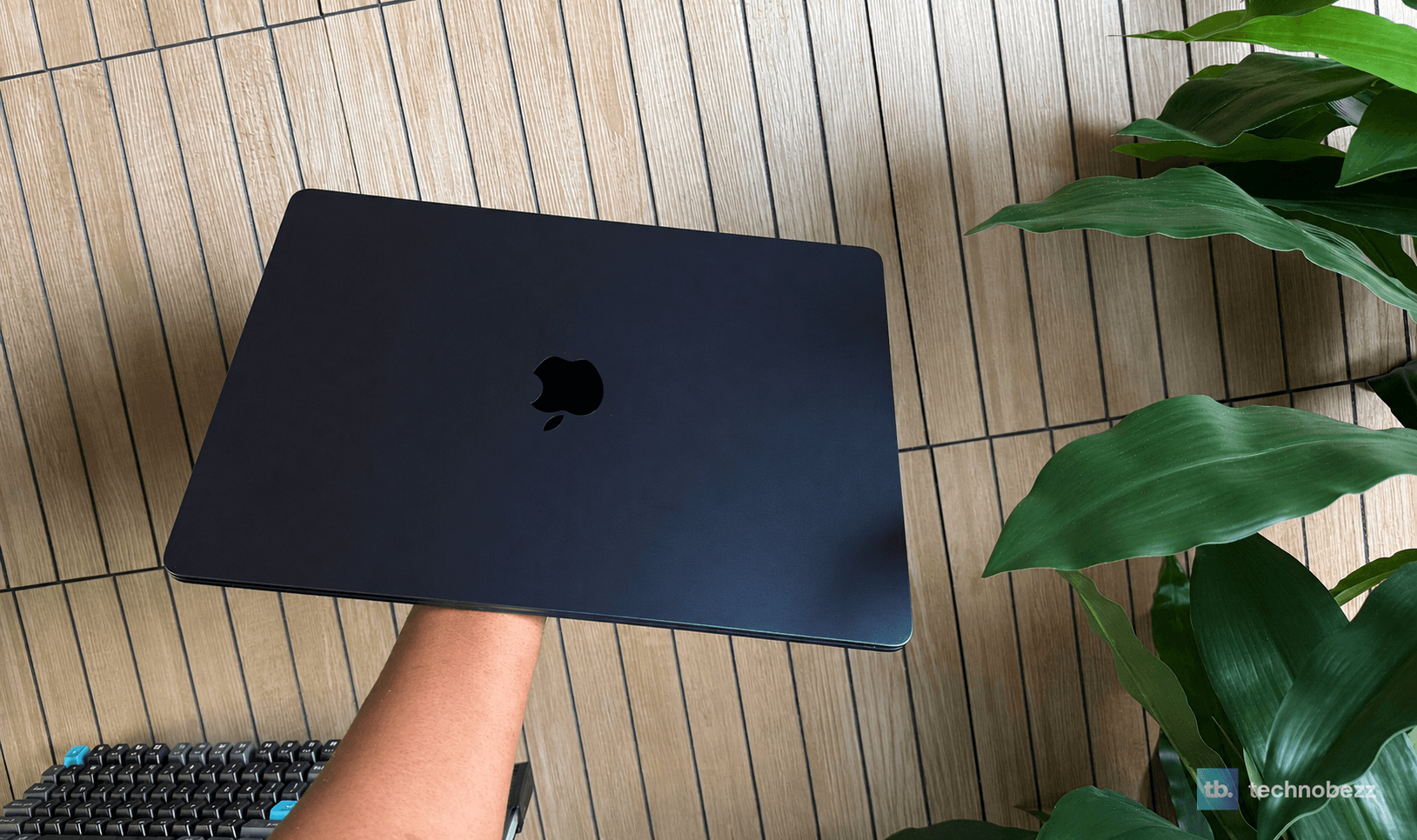
The 15-inch MacBook Air M5 pairs Apple's newest base chip with a 15.3-inch Liquid Retina display in a body that's 0.45 inches thin and 3.3 pounds. My unit is the Midnight finish with 24GB of unified memory and 1TB of storage. The 15-inch model starts at $1,499, and this configuration lists at $1,699, though it regularly drops into the mid $1,400s at Amazon.
Key Highlights
- Apple M5 chip with a 10-core CPU, 10-core GPU with Neural Accelerators, and a 16-core Neural Engine
- 15.3-inch Liquid Retina display, 2880 x 1864 at 224 ppi, 500 nits, P3 wide color, True Tone
- Up to 18 hours of battery from a 66.5Wh cell, with fast charging to 50 percent in about 30 minutes
- Completely fanless and silent, with no vents and no throttle noise, ever
- 24GB or 32GB unified memory options with 153GB/s of bandwidth
- 12MP Center Stage camera with Desk View, three-mic array, six-speaker system with Spatial Audio
- Apple N1 wireless chip with Wi-Fi 7, Bluetooth 6, and Thread
- MagSafe 3, two Thunderbolt 4 ports, headphone jack, and support for two external 6K displays
- Backlit Magic Keyboard with Touch ID and a full-height function row
- 100 percent recycled aluminum enclosure, 3.3 pounds, 0.45 inches thin
Pros
- Battery life that genuinely stretches a full day, and often two, of real work
- Loses almost no charge asleep with the lid closed, and fast charges when it finally needs it
- M5 single-core speed makes everyday work feel instant
- Silent under every workload because there is no fan to spin
- Keyboard deck and trackpad stay cool through normal daily use
- Superbly built, and remarkably thin and light for a 15-inch laptop
- The best keyboard and trackpad combination on any laptop I've used
- Sharp, color-accurate display that makes text a pleasure to read
- 24GB configuration shrugs off heavy multitasking and handles local AI models better than a fanless machine should
- 12MP Center Stage camera is a genuine upgrade for video calls
- Drives two external 6K displays with the lid open
- Setup and migration take minutes, and Continuity with iPhone works exactly as advertised
Cons
- The 60Hz IPS panel is excellent but plain next to the ProMotion mini-LED screen the Pro gets
- Both Thunderbolt ports sit on the left side, and there's no USB-A, HDMI, or card slot without a dongle
- Long sustained multi-core and GPU loads throttle sooner than a fan-cooled MacBook Pro
- Midnight picks up fingerprints and smudges faster than the lighter finishes
Who it's for: Anyone who wants one laptop that does nearly everything well. Writers, developers, students, office workers, photographers, and anyone juggling big browser sessions, video calls, and the occasional heavy creative or AI task will run out of ambition before this machine runs out of headroom. The 15-inch size especially suits people who work off the laptop screen all day and want real space without real weight.
Skip if
You render video, compile massive projects, or push the GPU for hours at a stretch. Sustained loads are where the fanless design finally concedes to the MacBook Pro, and the Pro's brighter 120Hz mini-LED display and extra ports are worth it for that crowd. And if you already own an M4 Air, stay put. The M5 is a better laptop, not a different one, and your machine has years left.
Two Days Between Charges Became My Normal
The chip is what sold me at the store. The battery is what sold me over the months since, and it's the part of this laptop I'd now rank first.
My Air spends a lot of its life connected to an external monitor, so I'll be honest about that context. But when it comes off the desk, it behaves like no laptop I've owned. A full day of writing, browsing with far too many tabs, video playback, and calls barely moves the needle, and I regularly go a second day before reaching for the charger. Apple rates it at up to 18 hours of video, and while mixed real work lands lower than that, the practical answer is that charge level stopped being information I track.
The details around the battery are just as good. Closed and asleep, it loses almost nothing overnight. When it does need power, fast charging pulls it to half in about half an hour with a 70W or stronger adapter, and MagSafe means nobody's foot takes the laptop off the table. And through all of it, no heat creeps into the keyboard or trackpad. The deck stays cool enough that I've never once felt warmth under my palms during normal work, which is not something I could say about the Intel Airs, or even some Apple Silicon Pros.
M5 Speed Without a Sound
The M5 is the best argument yet for the Air's whole philosophy. Single-core speed is the thing you feel every minute of the day, and this chip is faster at it than machines costing twice as much. Apps open instantly. Tab-heavy browser sessions with video, Slack, and a dozen other things running never stutter. In months of real use I have not once caught this laptop lagging, and it does all of it in total silence because there is nothing inside that can make noise.
Most of my heavier AI work runs on Linux machines, but the Air has earned its way into that rotation more than I expected. The 10-core GPU has a Neural Accelerator in every core this generation, and local models that fit in the 24GB of unified memory run surprisingly well for a computer with no fan. It behaves like a machine with active cooling right up until you hold it under a sustained load for a long stretch, and that's the honest caveat. Push multi-core rendering or gaming for an extended period and it will step its clocks down where a MacBook Pro's fan would keep pushing. In a daily routine of real work, I've simply never hit that wall.
The 24GB configuration deserves a word of its own. It's the sweet spot. Enough for serious multitasking, virtual machines, and local AI without paying the 32GB premium, and since memory is fixed forever at checkout, it's the one upgrade I'd tell everyone to make.
The 15.3-inch Display Earns the Extra Size
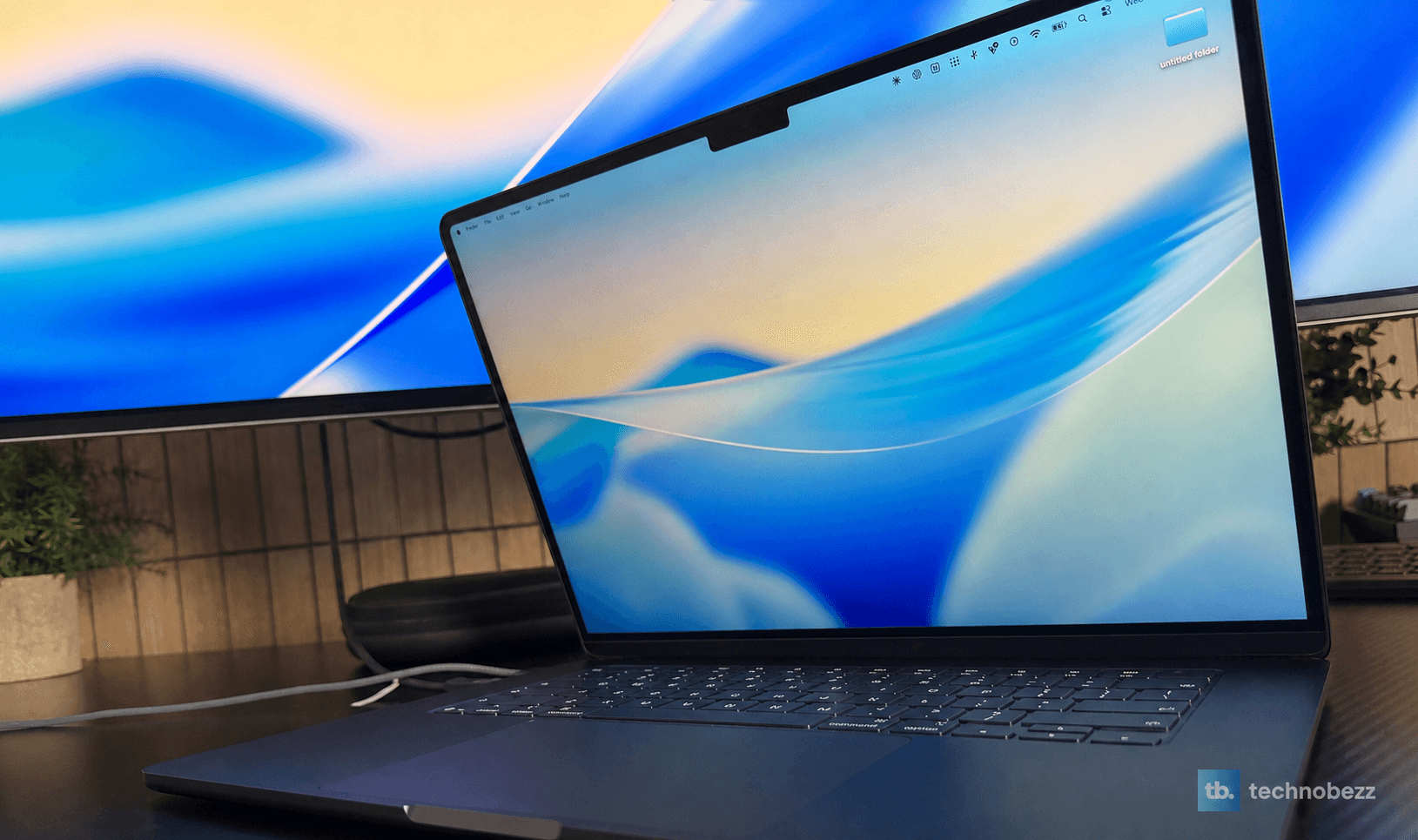
The Liquid Retina panel is spectacular in the ways that matter daily. At 224 pixels per inch, text is razor sharp, and the P3 color is accurate rather than showy. Fonts, photos, and video all look clean and true, motion is smooth, and 500 nits is comfortably bright for every room I've worked in. The Pro's nano-texture option isn't offered here, and honestly, I haven't missed it.
The 15-inch size is the quiet win. Two full documents side by side, or an editor and a browser, fit without squinting, and the machine carrying that screen still weighs 3.3 pounds. The compromise next to a MacBook Pro is real but specific: this is a 60Hz IPS panel, so you don't get ProMotion scrolling or mini-LED contrast. It's the one place the Air's age shows, and the one upgrade I'd ask Apple for next.
Midnight Looks the Part, and the Build Backs It Up
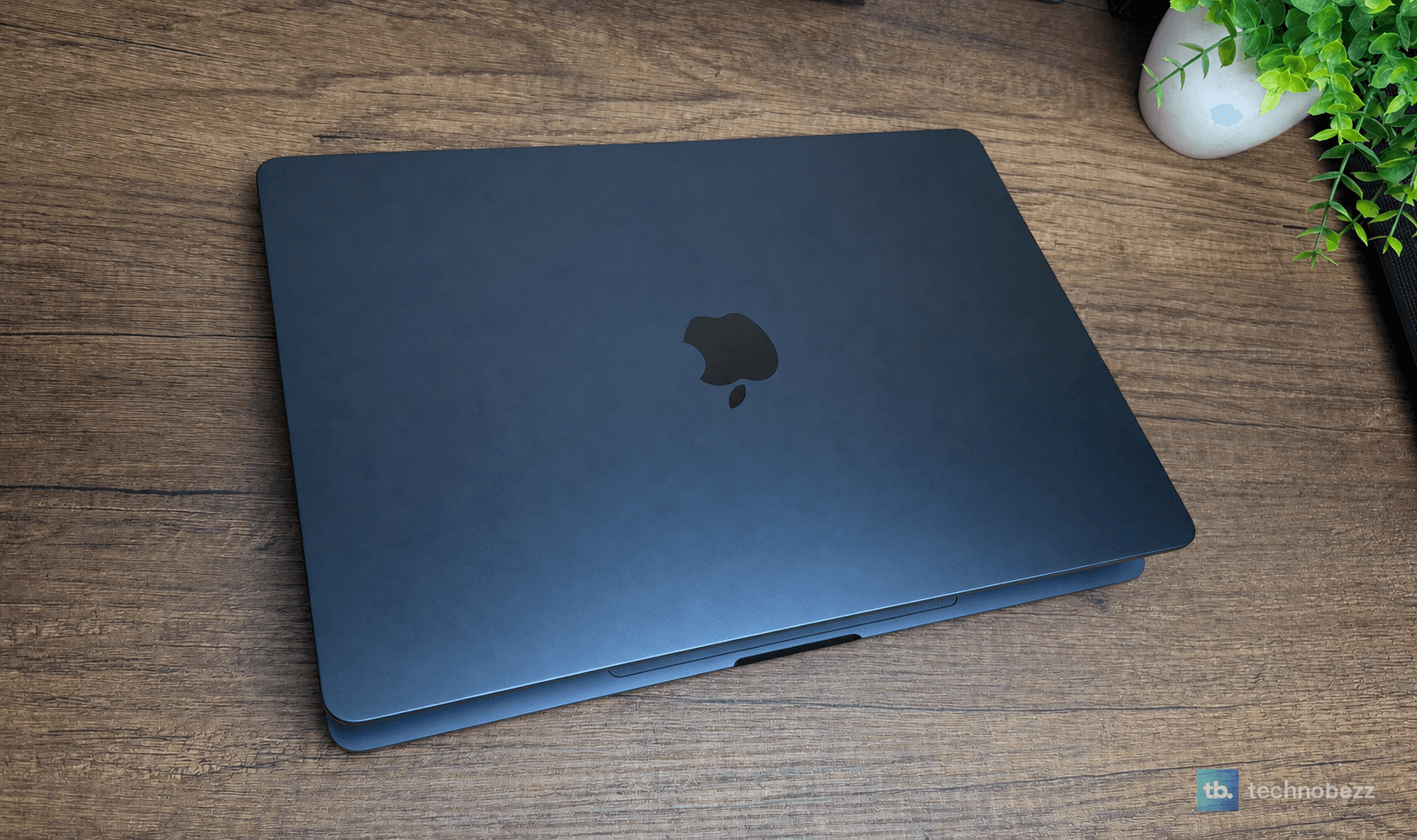
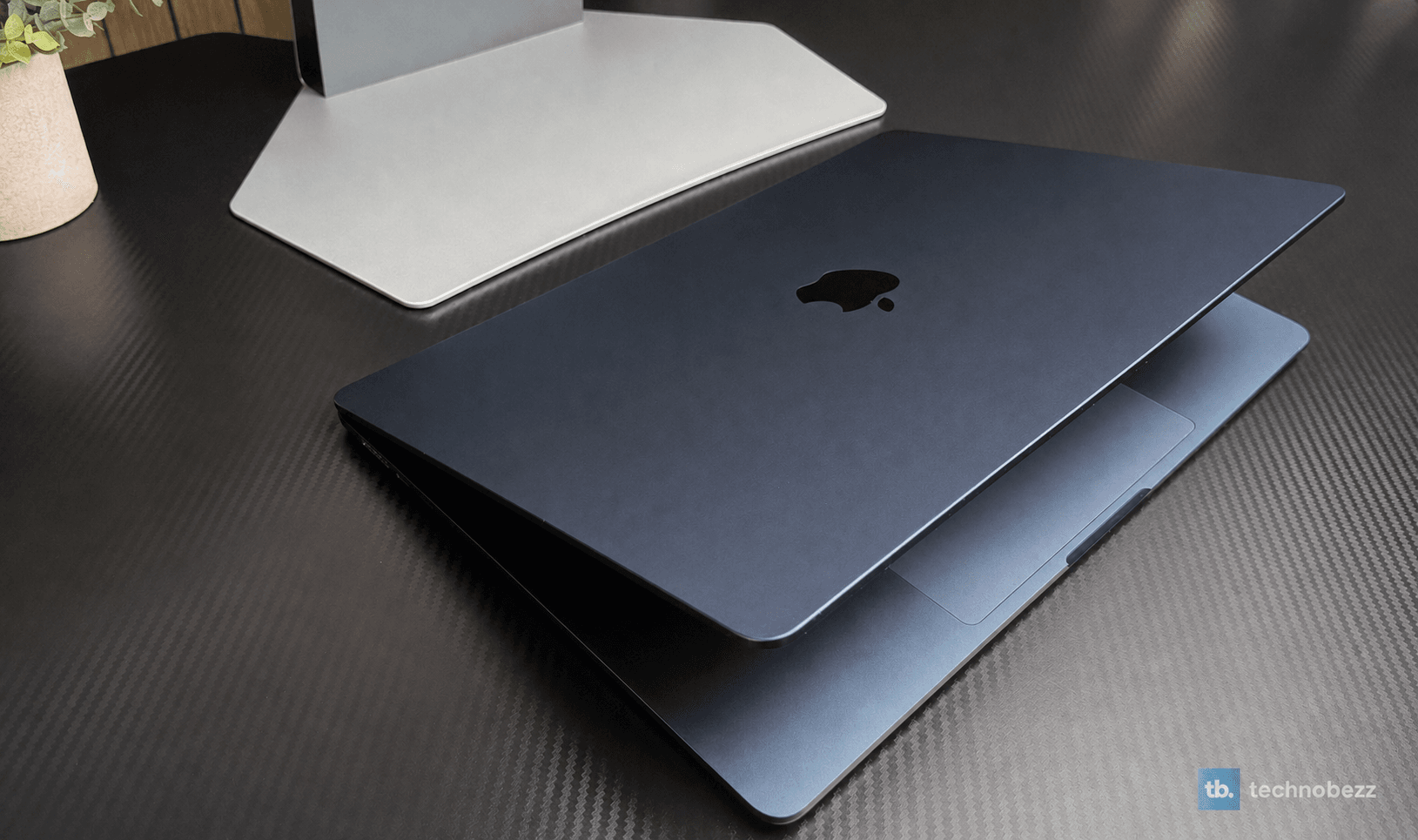
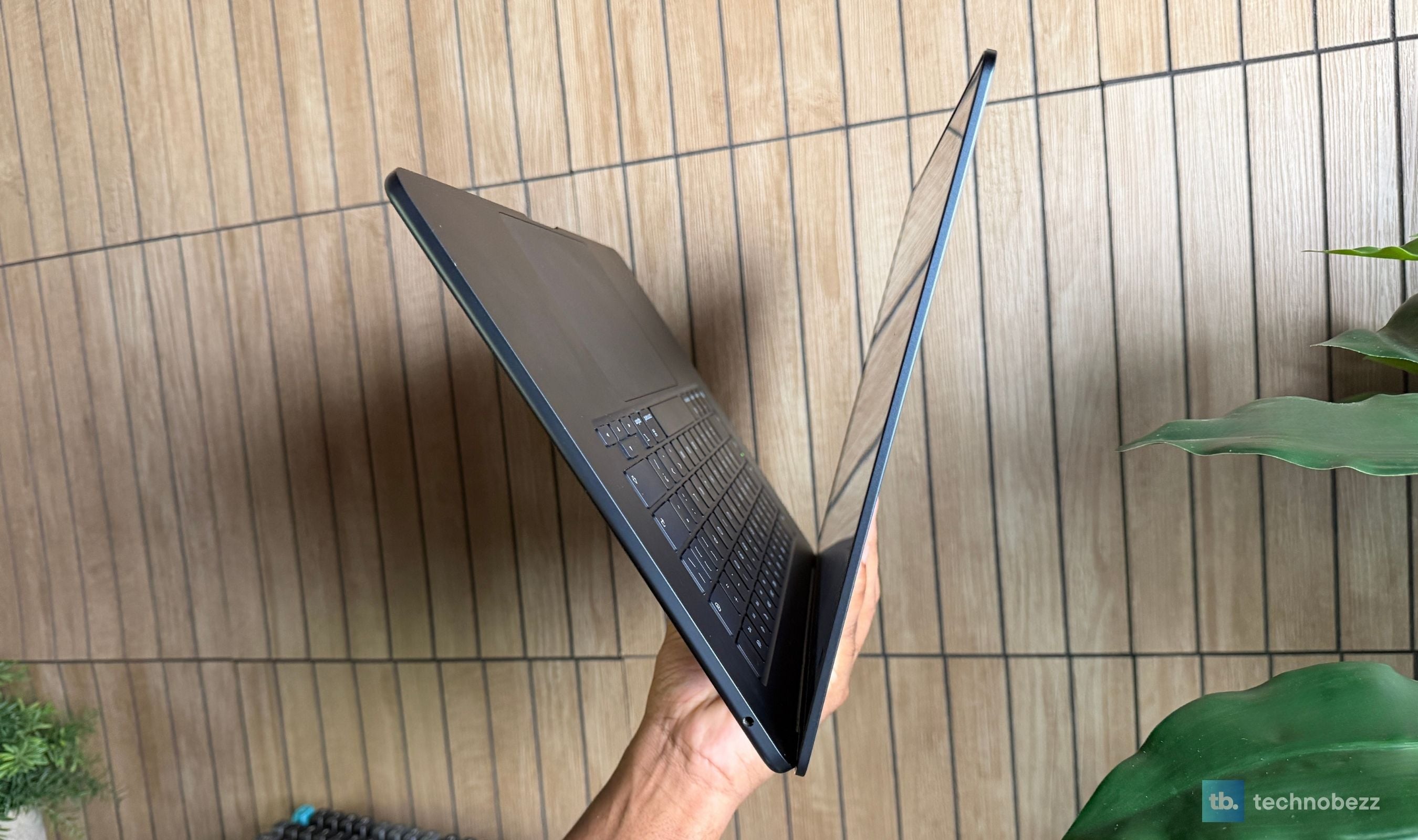
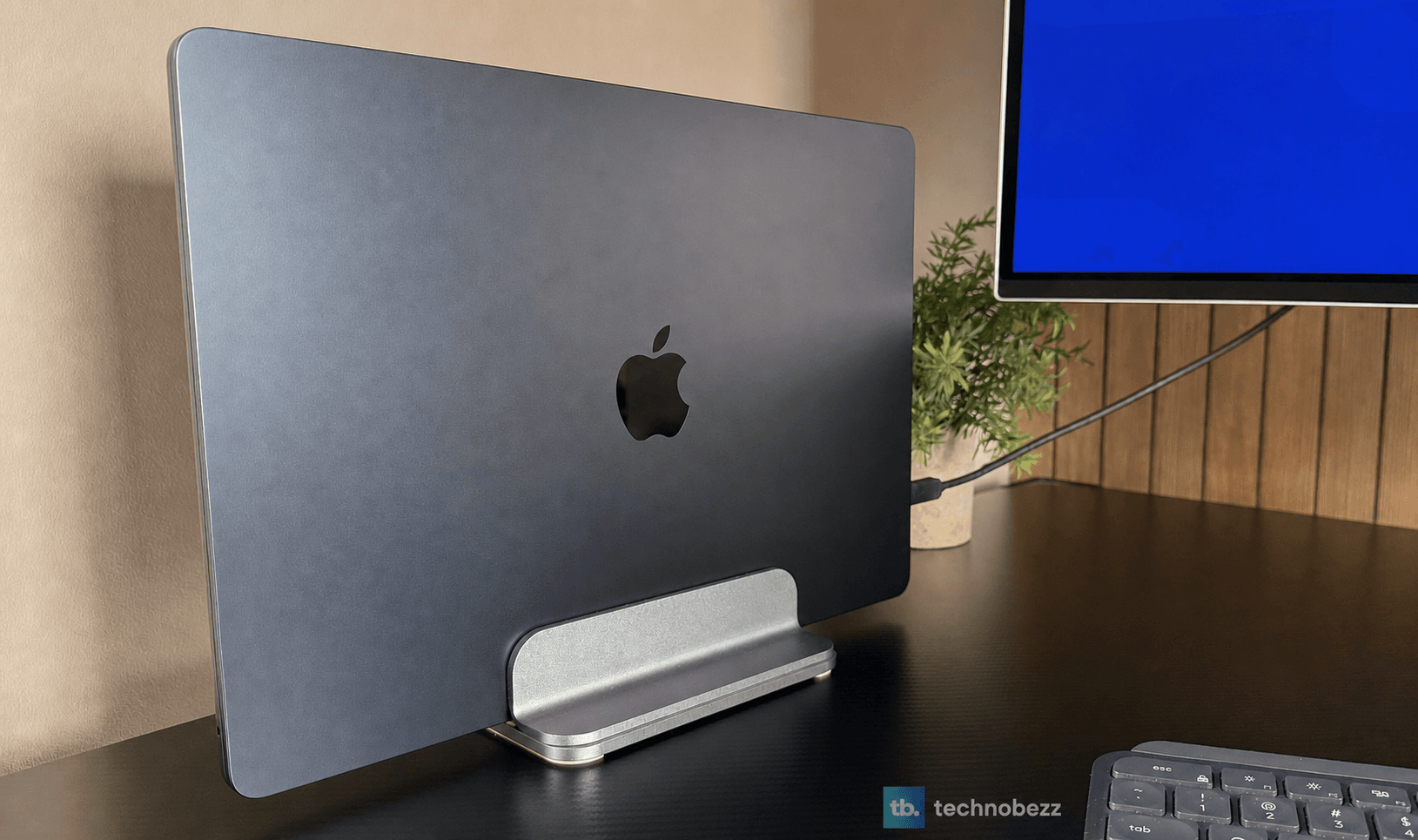
Design is where this machine quietly flexes. At 0.45 inches thin, it's a genuinely striking object, and the Midnight finish gives it a dark, understated, premium look that I still notice pulling it out of a bag months later. The recycled aluminum enclosure has zero give anywhere. Every edge, corner, and surface feels finished, and the whole thing is so light for its footprint that the 15-inch size never registers as a burden. The honest downside of Midnight is that it collects fingerprints and smudges more than the lighter colors, and mine gets a wipe-down more often than I'd like.
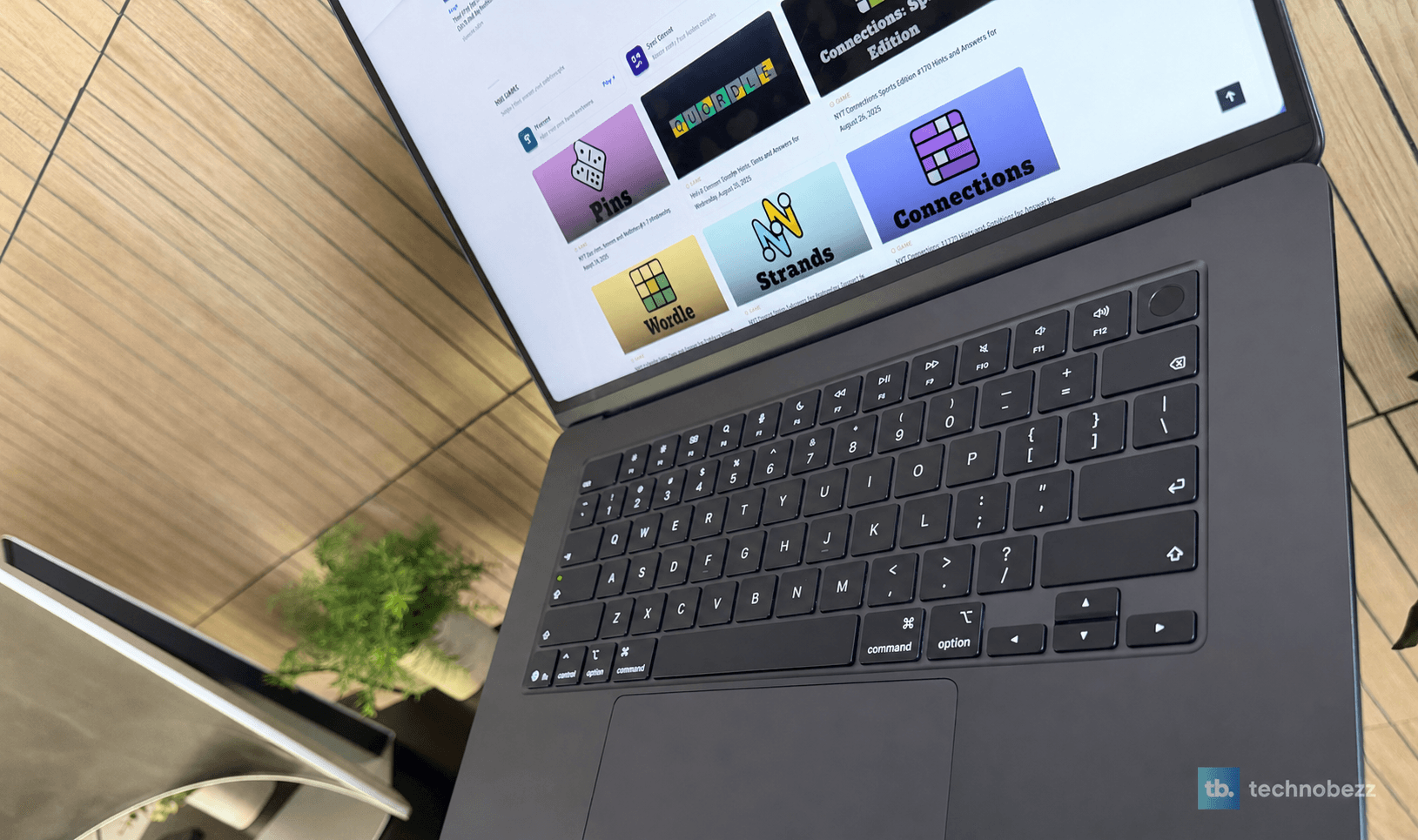
The keyboard has become my favorite on any laptop. The keys are soft to the touch but precise, with a clean, gripped landing on every stroke, and I type faster and more accurately on it than on anything else I own. Touch ID is fast enough that passwords feel antique. The Force Touch trackpad is enormous, accurate, and clicks identically everywhere. These are the parts of a laptop you touch for hours a day, and Apple's lead here is embarrassing for everyone else.
The Camera, the Speakers, and the Port Situation
The 12MP Center Stage camera is the best I've used built into a laptop. It keeps you framed as you shift around, Desk View is genuinely useful for showing physical things on calls, and the three-mic array keeps voices clean. The six-speaker system with force-cancelling woofers is very good for music and excellent for movies, with Spatial Audio doing real work on the wide 15-inch chassis.
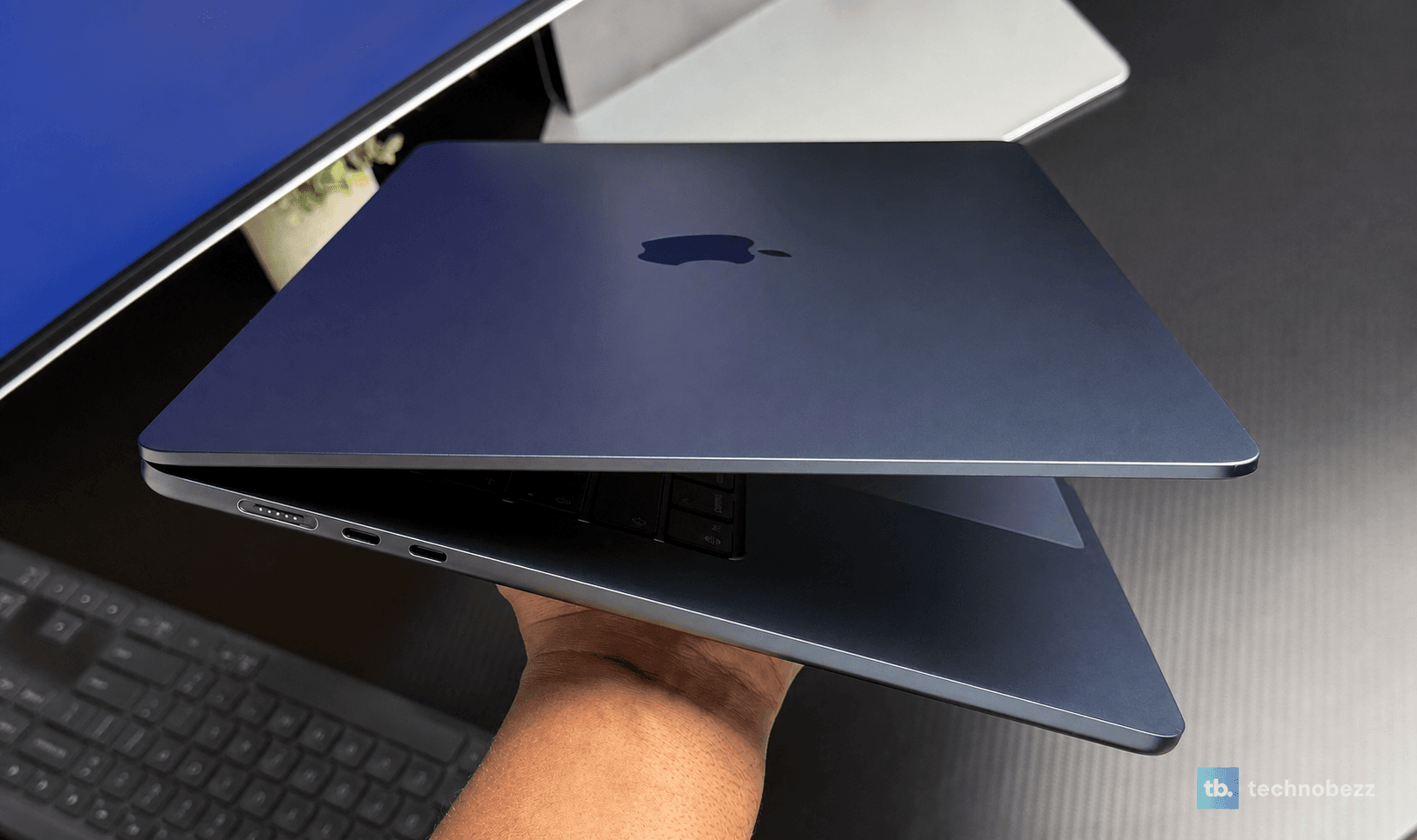
Connectivity is modern where it counts: the N1 chip brings Wi-Fi 7, Bluetooth 6, and Thread, and the two Thunderbolt 4 ports drive my external monitor and would happily drive two 6K displays. My complaints are the old ones. Both ports live on the left side, which occasionally makes cable routing awkward, and anything USB-A, HDMI, or SD still means a dongle. MagSafe earns its place back every time someone walks past my desk.
FAQ
Is 16GB enough, or should you pay for 24GB?
For browsing, documents, and streaming, 16GB is fine. If you keep heavy multitasking sessions open, edit photos or video, run virtual machines, or want to play with local AI models, get 24GB. Memory can't be added later, and it's the single upgrade that most extends this laptop's useful life.
Does the fanless design mean it throttles?
Under long sustained multi-core or GPU loads, yes, clocks step down where a MacBook Pro's fan would hold them up. In everyday use, including bursts of heavy work, you will never notice, and you get total silence in exchange. If your workload runs the CPU or GPU flat out for hours, that's the signal you need a Pro.
Should M3 or M4 Air owners upgrade?
No. The M5 is roughly a typical generational step over the M4, and those machines remain excellent. This upgrade makes sense coming from an M1, an Intel Mac, or any 8GB machine, where the jump is enormous.
Can it run external monitors?
Yes, up to two external displays at up to 6K resolution with the lid open, plus the built-in screen. Mine lives on an external monitor much of the week without a hiccup.
Does the Midnight finish hold up?
The anodized finish has resisted scratches well in months of bag commutes, but it does show fingerprints and smudges more readily than Silver or Starlight. A microfiber cloth becomes part of your life. If that would bother you, Sky Blue and Starlight hide it better.
Air or MacBook Pro?
Buy the Pro if you need sustained performance, the 120Hz mini-LED display, or HDMI and a card slot. For everyone else, the Air now does so much of what the Pro does, in a thinner, lighter, silent body, that the Pro has become the specialist option rather than the default.
If it were purely up to my experience, this would be a perfect score. Months in, the 15-inch MacBook Air M5 has not lagged, overheated, made a sound, or given me a single bad day. The realistic accounting keeps a little back: the display is due a refresh, the ports are stingy and one-sided, sustained loads belong on a Pro, and Apple's configuration pricing remains Apple's configuration pricing.
None of that changes the verdict. This is the best laptop I have ever owned, and I've owned nearly every MacBook there is. It's the rare machine where the design, weight, battery, and performance stop being trade-offs against each other and just add up. Buy the 24GB configuration, expect to forget where you left the charger, and enjoy the strange luxury of a computer you never have to think about.
Share this article
More on laptops
Buying guide
7 Best Laptops for Interior Designers in 2026
Buying guide
4 Best Budget Laptops Around $300 for 2026
Buying guide
Best Lenovo ThinkPad Laptops in 2026
Deal
ASUS ROG Strix G16 Gaming leads 2 laptop deals from $506
More reviews
ReviewI Spent Weeks Looking for a Flaw in the HHKB Professional HYBRID Type-SReviewiPhone 18 Pro Max vs iPhone 17 Pro Camera Comparison in DaylightReviewDreame D20 Air Plus Review, Built Like a Robot That Costs Three Times as MuchReviewThe Boulies EP600 Moves in More Directions Than Any Chair We Have TestedReviewNarwal Freo 20 Edge Review, Reaching the Corners Without Dragging the DirtReviewHisense M7SR Review, an Easy First Step Into MiniLEDReviewKYY X90D Review, Two Extra Screens From One USB-C CableReviewUltenic AC1 TriFlex Review, the Wet Dry Vacuum That Pulls Its Own Weight