A Mac runs macOS on hardware Apple designs and sells itself, and Apple's US lineup starts at $699 for the MacBook Neo. A new Windows PC runs Windows 11 on hardware from many manufacturers, from 2-in-1s to gaming PCs. If you want one company behind the hardware, software and repairs, a Mac fits that wish; if you want to choose among many makers and designs, Windows offers that.
Mac prices and base specs
Apple's regular US starting prices before tax, as of November 2026, with base configurations.
- MacBook Neo: $699 with an A18 Pro chip, 8GB of unified memory, a 256GB SSD and a 13.0-inch display.
- MacBook Air: $1,299 for the 13-inch and $1,499 for the 15-inch, both with an M5 chip, 16GB of memory and a 512GB SSD.
- MacBook Pro 14-inch: $1,999 with an M6 chip, 16GB of memory and 1TB of storage. The version with the PROLED XDR display and an M5 Pro chip starts at $2,899.
- MacBook Pro 16-inch: $2,999 with an M5 Pro chip, 24GB of memory and 1TB of storage, or $3,399 with the PROLED XDR display.
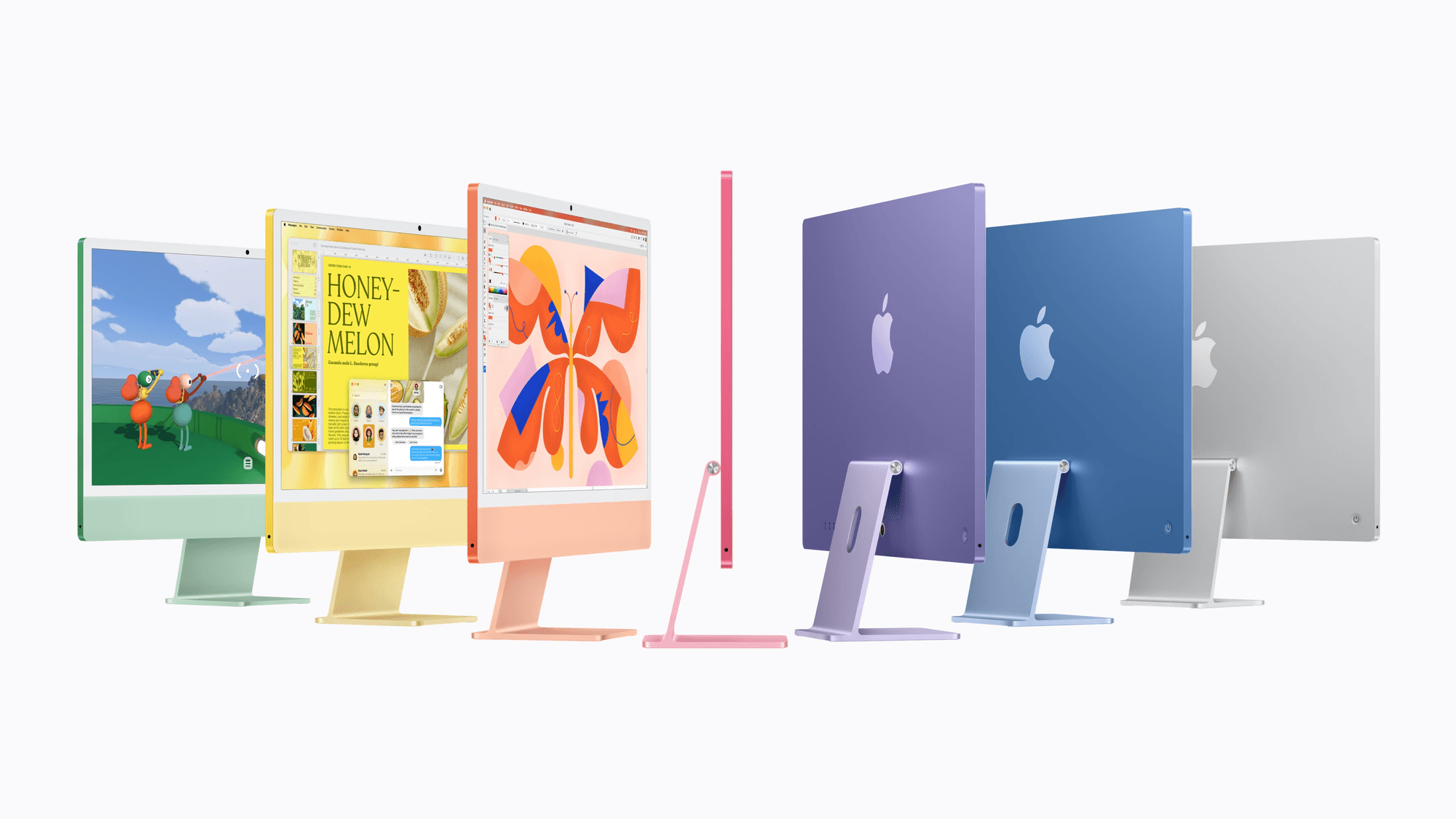
- Desktops: Mac mini at $899 and iMac at $1,499, both with an M6 chip and 16GB of memory, and Mac Studio at $2,499 with an M5 Max chip and 36GB of memory.
What a Windows 11 PC needs
Windows PCs come from multiple manufacturers, and Microsoft lists Windows 11's minimum specs as a 64-bit processor with at least two cores at 1GHz, 4GB of RAM, 64GB of storage, TPM 2.0 and UEFI firmware capable of Secure Boot.
Copilot+ PCs sit above that floor. Microsoft's Windows 11 specifications page lists an NPU capable of 40+ TOPS, 16GB of DDR5 or LPDDR5 RAM and 256GB of storage, and it says the NPU alone does not make a PC eligible. Windows 11 Home and Pro for personal use also require an internet connection and a Microsoft account during setup.
Apps and games
Microsoft 365 Personal includes Word, Excel, PowerPoint, Outlook and OneNote for both Windows and macOS. Microsoft says apps and features can differ between PC and Mac, and it lists Access as PC only. On a Mac, Microsoft 365 needs one of the three most recent macOS versions.
Steam runs on macOS, though Valve ended support for macOS 11 on October 15, 2025, and newer clients need macOS 12 or later. Check a game's store page for the systems it supports.
Both systems include a Game Mode. On a Mac it needs Apple silicon and macOS Sonoma 14 or later. Apple's Game Mode page says it gives the game top priority on the CPU and GPU and doubles Bluetooth sampling rates to cut accessory latency. Windows 11 keeps its Game Mode in Gaming settings, and Microsoft says it optimizes system performance during gaming sessions.
Updates and security
Windows 11 gets one feature update a year, each supported for 24 months on Home and Pro, and monthly security updates normally land on the second Tuesday. Microsoft lists 25H2 Home and Pro updates through October 12, 2027 and 26H2 through October 10, 2028.
On a Mac, Software Update installs the Apple updates compatible with your model. Apple warns that previous macOS versions do not receive fixes for every known security issue, so staying on the current release matters.
Both come with built-in protection. Macs check downloaded apps from outside the App Store with Gatekeeper, scan for malware with XProtect, whose signatures update automatically, and encrypt drives with FileVault. Windows Security includes Microsoft Defender Antivirus, Windows Firewall and Smart App Control. Device Encryption uses BitLocker technology on eligible PCs, including Windows Home, while full BitLocker management needs Pro, Enterprise or Education, a step covered in how to upgrade to Windows 11 Pro.
Warranty and repairs
Apple's US limited warranty covers a Mac against defects for one year and excludes accidental damage and liquid contact. AppleCare+ adds unlimited accidental damage repairs, with Mac screen or enclosure fees of $49 to $99 and other damage fees of $149 to $299. It also replaces the battery at no extra fee once capacity falls below 80 percent.
On Windows, the maker sets the terms. Microsoft's listing for the Surface Laptop 13-inch states a one-year limited hardware warranty, and Microsoft Complete accidental damage claims on covered Surface devices other than Surface Duo carry a $49 US deductible. Surface devices released since January 1, 2021 get driver and firmware updates for at least six years.
Which one fits
If you want a Mac on a budget, the MacBook Neo at $699 and the Mac mini at $899 are the entry points, though the Neo has 8GB of memory against 16GB on the MacBook Air. If you rely on Microsoft Access, Windows fits, since Microsoft lists it as PC only. If a specific game matters, check its Steam page for Mac requirements before you buy.
If you want Copilot+ features, look for a Windows PC that meets the 40+ TOPS NPU and 16GB RAM requirements. If you are moving from an iPhone to Windows, see how to connect your iPhone to Windows 11 with Phone Link.