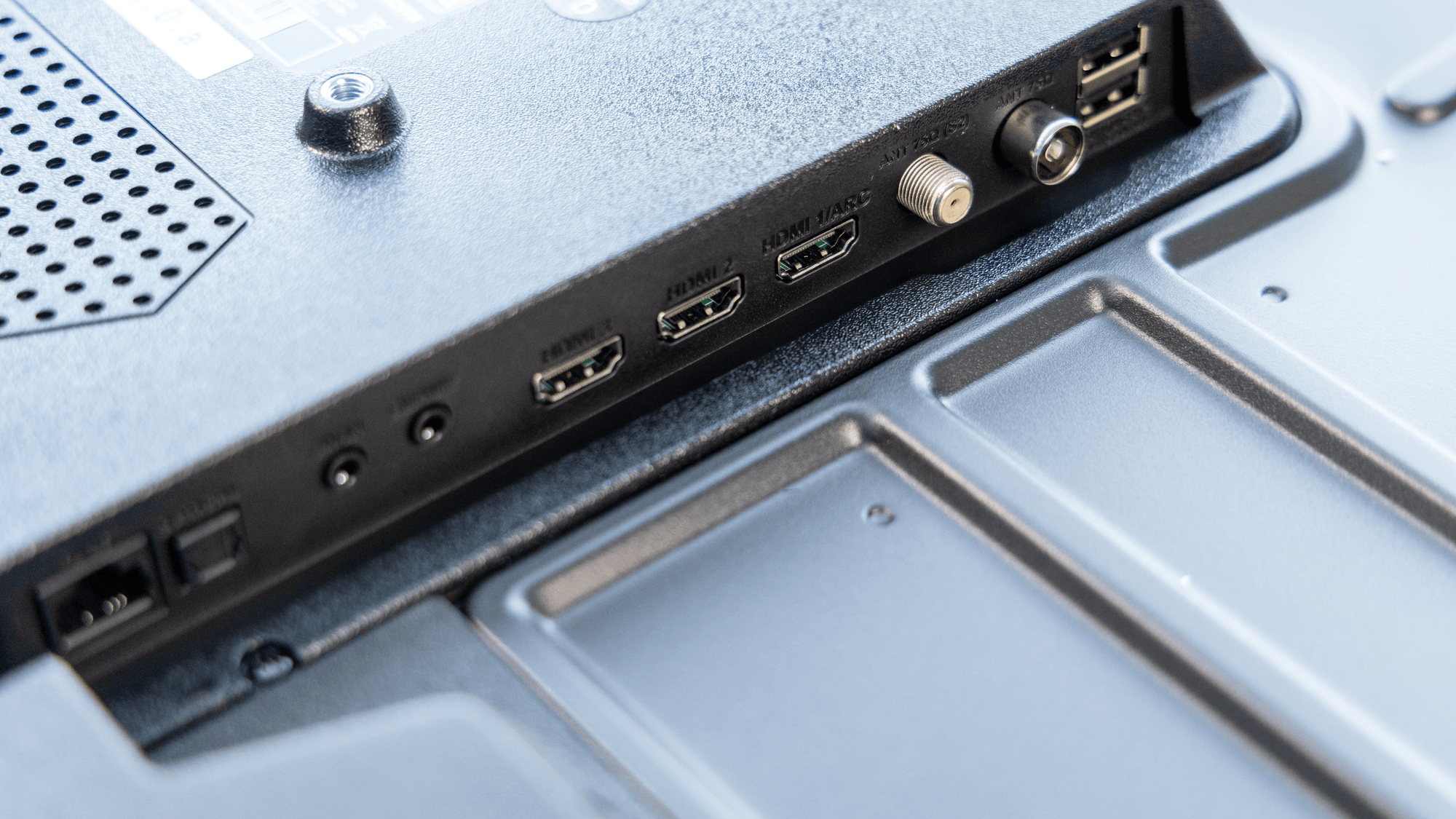
USB-C and Thunderbolt are not two versions of the same thing. USB-C is the shape of the plug, while Thunderbolt 3, 4 and 5 are among the technologies that can run through it. A port or cable that only says USB-C may carry anything from USB 2.0 data at 480 Mb/s to much faster links, or in some chargers no data at all, while a Thunderbolt 4 port is certified for 40 Gb/s.
A connector vs a protocol
The USB Implementers Forum (USB-IF), the group behind the USB standards, states it plainly: USB Type-C is a type of connector. USB 3.2 and USB4 are protocol specifications, which define how data moves, and they are separate from the connector.
Intel describes Thunderbolt 4 the same way, as a communication protocol that carries charging, data and video over one cable. It uses the oval USB-C connector, carries a lightning symbol and is compatible with USB4.
The catch sits on the USB-C side. According to the USB-IF's guidance, a USB-C connector alone does not guarantee USB4, USB 3.2 or USB Power Delivery support. Manufacturers choose which of those capabilities to build in.
Speeds at a glance
- USB 2.0: up to 480 Mb/s, including when it uses a USB-C connector.
- USB 3.2 Gen 1: 5 Gb/s.
- USB 3.2 Gen 2: 10 Gb/s.
- USB 3.2 Gen 2x2: 20 Gb/s, using two 10 Gb/s lanes.
- USB4: up to 40 Gb/s in the original version and up to 80 Gb/s in Version 2.0.
- Thunderbolt 4: 40 Gb/s link bandwidth, required for certification.
- Thunderbolt 5: up to 80 Gb/s in both directions.
Both families also have a lopsided mode for video. USB4 Version 2.0 optionally supports 120 Gb/s in one direction while keeping 40 Gb/s in the other. Intel's name for the equivalent on Thunderbolt 5 is Bandwidth Boost, which it describes for high-volume video traffic.
These figures are signaling or link bandwidth, not file copy speeds. Intel notes that Thunderbolt bandwidth is shared between data and display traffic, and that actual data transfer rates depend on system configuration.
Displays
On a plain USB-C port, video is optional. DisplayPort Alternate Mode is an optional capability of the connector, and ports that support it can carry DisplayPort video alongside USB 3.2 data. USB4 lets data and display protocols share the link's bandwidth dynamically.
Thunderbolt sets minimums instead. Intel's technology brief lists dual 4K as the PC video requirement for Thunderbolt 4 and dual 6K for Thunderbolt 5. Intel also lists display resolution up to 8K with Thunderbolt 5, depending on the equipment.
Charging
USB Power Delivery, a USB-IF standard, enables higher-wattage charging over USB-C. Revision 3.1 introduced delivery of up to 240 W over a USB-C cable and connector, through what the standard calls Extended Power Range, at up to 48 V. As with data, a USB-C port is not required to support Power Delivery at all.

Cables, logos and certification
Markings are the practical way to tell cables apart. The USB-IF's cable certification requirements say USB-C to USB-C cables submitted for certification must carry a power marking of either 60 W or 240 W. They must also show the data rate they support, except for USB 2.0 cables. Using USB-IF logos requires a certified product and a trademark license agreement.
On the Thunderbolt side, Intel says it validates and certifies all products bearing the Thunderbolt logo, including computers, accessories and cables.
Which computers have Thunderbolt
Apple's port identification page lists MacBook Air models introduced in 2025 or later with Thunderbolt 4 ports, and Mac mini models with a Pro chip introduced in 2024 or later with Thunderbolt 5 ports. On Windows, Intel documents PCs with Thunderbolt 4 or Thunderbolt 5, and lists Thunderbolt 5 support on PCs running Windows 11 version 23H2 or later.
Which one fits
If you only charge a phone or connect a keyboard or mouse, you rarely need Thunderbolt, though the port itself still has to supply power or act as a USB host for that device. Check for the 240 W marking if the device draws more than 60 W.
If you plan to run two 4K monitors from one port, Thunderbolt 4 fits, because dual 4K is a certification requirement and not an option the maker may have left out. For dual 6K, the same reasoning points to Thunderbolt 5.
If you move large files to fast external storage, look past the plug shape to the stated speed. A USB-C port could be 5, 10 or 20 Gb/s under USB 3.2, while Thunderbolt 4 and the original USB4 reach 40 Gb/s. If the port or cable carries no speed marking and no Thunderbolt symbol, the device's specification sheet is the place to confirm what it supports.