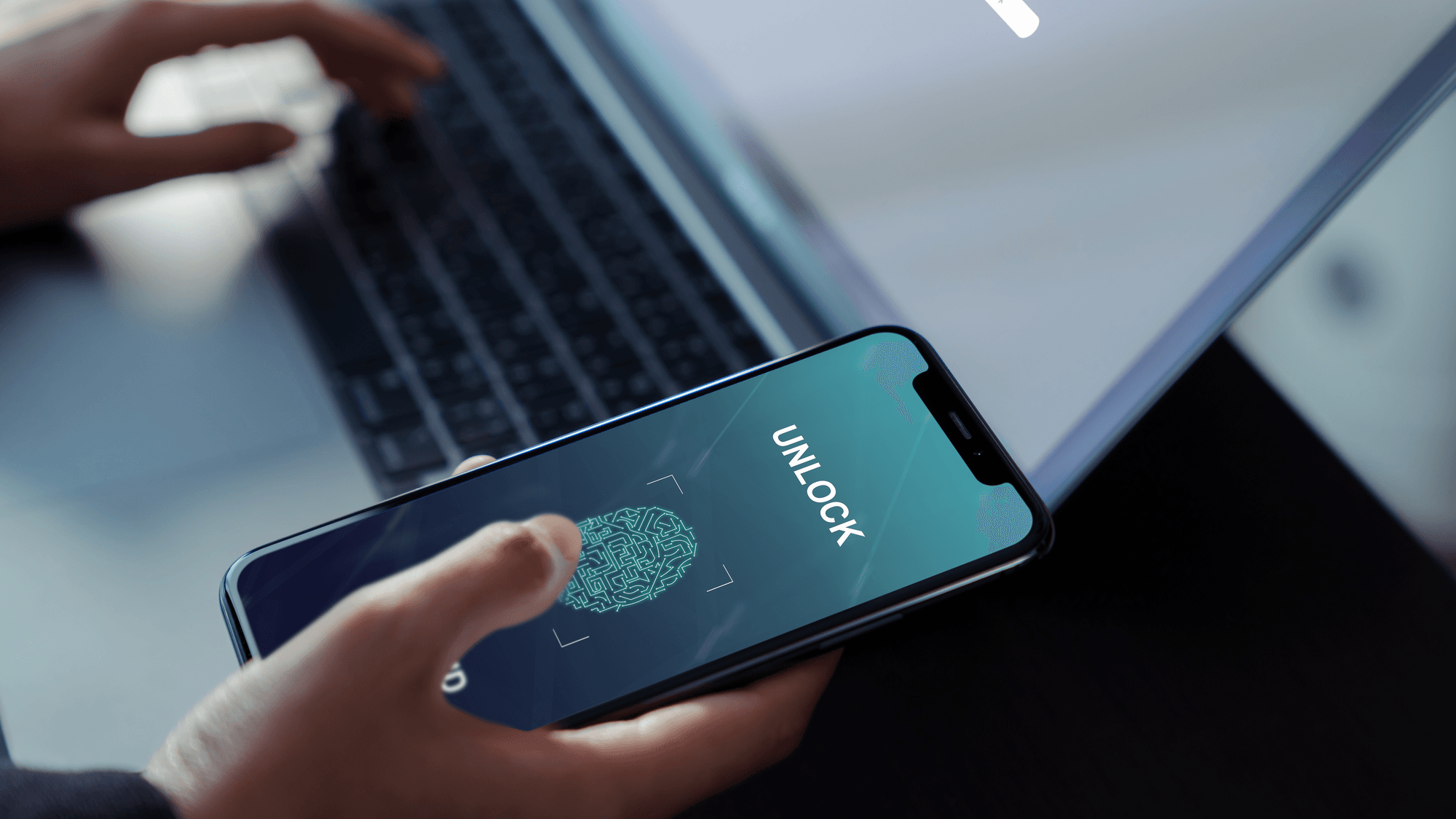
A passkey is a sign-in credential that replaces your password. The FIDO Alliance, the standards group behind it, describes passkeys as a password replacement technology built on cryptographic key pairs. You unlock a passkey the same way you unlock your phone or computer, with a fingerprint, a face scan or a PIN.
How a passkey works
When you create a passkey for an account, your device generates a unique pair of keys. Apple explains that the service keeps the public key, while the private key stays with you and is never revealed to that service.
Microsoft explains signing in like this. Once you unlock the private key on your device, the device digitally signs a challenge sent by the service. The service then checks that signature against the public key it stored when you set the passkey up.
The fingerprint or face scan only unlocks the key on your device. Google says biometric data used this way stays on your device and is never shared with Google.
Where passkeys are stored
The FIDO Alliance separates passkeys into two kinds. Synced passkeys copy across your devices, while device-bound passkeys stay tied to one particular device.
- Apple: passkeys sync across your devices through iCloud Keychain, which Apple says is end-to-end encrypted with keys Apple does not know.
- Google Password Manager: passkeys are backed up and synced to your Google Account. You need the same Google Account on each device, and you unlock them with a Google Password Manager PIN or an Android screen lock PIN.
- Windows Hello: Microsoft documents this option as saving the passkey locally on your Windows device.
- Microsoft Password Manager: passkeys sync through your cloud account. Microsoft says this is rolling out for personal profiles in Edge 142 and newer.
- Third-party managers: the FIDO Alliance says providers such as 1Password and Dashlane can store and sync passkeys through an app or browser extension.
Which big services support passkeys
Google lets you sign in to a Google Account with a passkey, using a fingerprint, a face scan or your phone's screen lock. Microsoft's help pages walk through creating one for a personal Microsoft account, and work or school accounts can support them too, depending on the organization's settings.
Apple supports signing in to iCloud.com with a passkey by scanning a QR code. That option needs iCloud Keychain and an iPhone or iPad on iOS 17, iPadOS 17 or later. Amazon's account help says customers who set up a passkey can sign in with a fingerprint, face or device PIN. PayPal supports passkey login with the same biometrics, PIN or password that unlocks your device, and its help page lists supported setups for iOS, macOS, Windows and Android.
What happens if you lose your device
Microsoft says passkeys kept in a synced credential manager do not need to be recreated on a replacement device. You sign in to the credential manager account and they are there.
Apple says passkeys can be recovered through iCloud Keychain escrow even if every associated device is lost. Its recovery process asks you to authenticate to your account, verify through a registered phone number and enter a device passcode.
Device-bound passkeys are different. Microsoft says losing the device means losing that passkey, so getting back into the account depends on another sign-in or recovery method. Google's Chrome help adds that passkeys saved in Windows Hello have no sync or backup and cannot be recovered if the computer is lost or Windows is reinstalled.
Google tells you to sign in from a device you still have and remove the passkey tied to the lost or stolen device, with account recovery available if you cannot sign in at all. PayPal says you can still log in with your password or a one-time passcode, and it documents removing the lost device's passkey.
Why passkeys resist phishing
The FIDO Alliance calls passkeys phishing resistant by design and says they help cut phishing, credential stuffing and other remote attacks. A passkey is linked to the website or app it was made for, and passkeys.dev explains that browsers and operating systems enforce that link instead of relying on you to spot the right site.
Microsoft says a device will not offer a passkey to a malicious lookalike website. Google makes the same point, saying a passkey cannot be used to sign in to a fraudulent app or website.
What to do next
If you switch phones or computers often, consider a synced option such as iCloud Keychain, Google Password Manager or a third-party manager, because those passkeys follow your account to a new device. If you save a passkey only in Windows Hello, keep a password or another recovery method on the account, since Google says those passkeys cannot be recovered after a loss or reinstall.
For step-by-step setup, see how to create a passkey for your online accounts and how to add a passkey to your Microsoft account. For PC trouble, see Windows passkey not working.