Apple Pay swaps your card number for a device-specific number that sits in a dedicated chip inside the iPhone or Apple Watch. Payments are usually approved with Face ID, Touch ID or a passcode, and each one carries a one-time security code. Express Mode for transit is the exception that needs no authentication. Apple says it works in stores, in apps and on the web.
What happens when you add a card
On iPhone, you open Wallet, tap Add Card, choose Debit or Credit Card and continue. Eligible cards can be added by holding them near the iPhone. Some banks or card issuers might require further authentication.
Per Apple's Platform Security guide, Apple securely sends the card, account and device information to the card issuer or its authorized service provider, which decides whether to approve the card. The issuer then creates a unique Device Account Number, sends it encrypted through Apple, and it is stored in the device's Secure Element.
The guide says Apple cannot access that encrypted number, and that it is never stored on Apple Pay servers or backed up to iCloud. An Apple Watch is enrolled separately and gets its own Device Account Numbers in its own Secure Element.
How a payment is approved
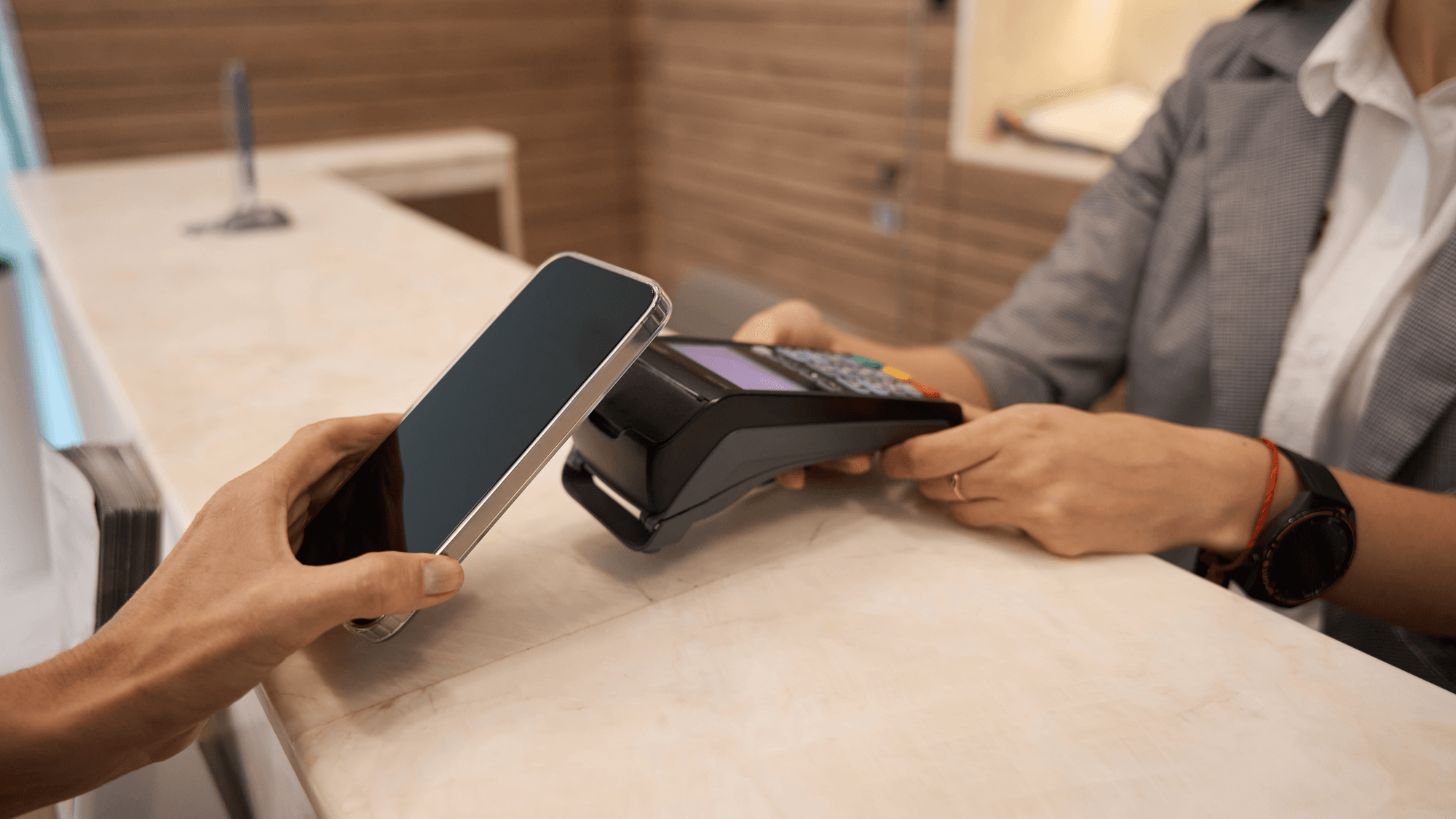
In a store, Apple's iPhone instructions say to double-click the side button, authenticate if prompted, and hold the top of the iPhone near the contactless reader until Done and a checkmark appear.
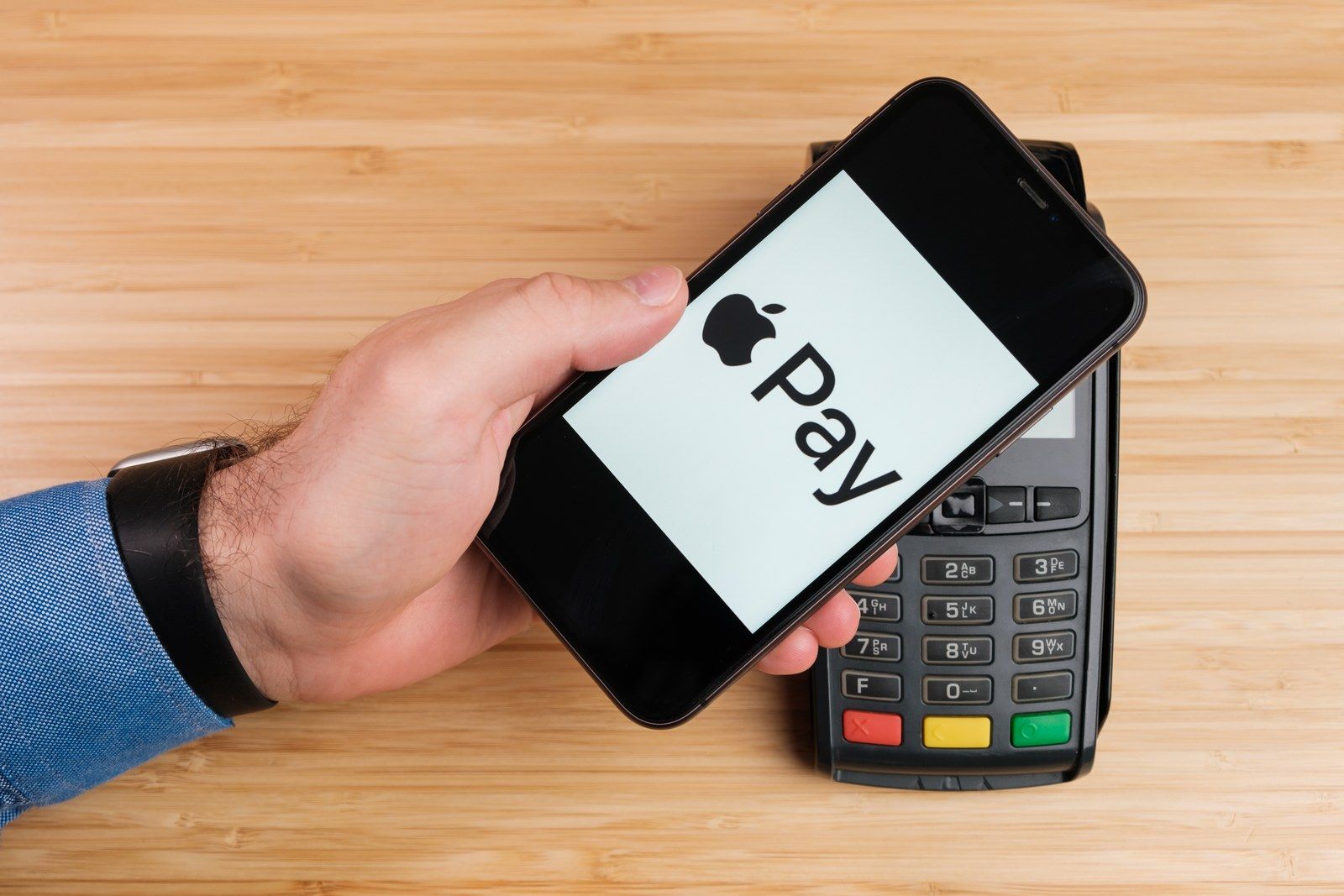
According to the Platform Security guide, the Secure Element only allows a payment after it receives authorization from the Secure Enclave. The accepted methods are biometrics such as Face ID or Touch ID, the device passcode or password, or a double-click of the side button on an unlocked Apple Watch.
The payment itself carries the Device Account Number plus a one-time code. The guide says that code is computed using a transaction counter and a key, and the counter goes up with each transaction. The payment network and the issuer use it to verify the transaction. The guide also states that neither Apple nor the device shares full card numbers with merchants.
What Apple stores and what it sees
Apple's Apple Pay security and privacy overview says Apple does not store the original credit, debit or prepaid card numbers you add. It keeps only a portion of the actual card number and of the Device Account Number, along with a card description.
On its US privacy page, Apple says that when you pay with a credit or debit card, it does not know what you buy, where you bought it or how much you paid. Apple also says it knows which merchant is linked to a preauthorized payment.
For payments in apps and on the web, the same overview says Apple receives the encrypted transaction information and re-encrypts it with a developer-specific key. Apple retains anonymous transaction information, including the approximate amount, the app developer and app name, the approximate date and time, and whether the transaction succeeded.
Where it works and what it costs
- Stores, apps and web: on the web, Apple lists Safari and compatible third-party browsers.
- Countries and banks: Apple keeps a list of supported countries and regions, which includes the United States and Puerto Rico. Some cards from participating banks might not be supported.
- Transit: Apple's Express Mode support page says compatible transit or payment cards work by holding the iPhone or Apple Watch near the reader without waking or unlocking it. It is on by default when an eligible card is added, and some cards keep working for up to five hours after the iPhone needs charging.
- Apple Cash: a digital card in Wallet for sending and receiving money in Messages, Wallet and Tap to Cash. It is only available in the US on eligible devices.
- Fees: Apple says it does not charge any fees when you pay with Apple Pay in stores, online or in apps. Card issuers may still apply their usual charges. An Apple Cash Instant Transfer to an eligible debit card costs 1.7% of the amount, with a $0.25 minimum and a $25 maximum.
What to do if a device is lost
If the device is missing, Apple says you can use Find My to suspend Apple Pay with Lost Mode, and payment cards can also be removed remotely. Apple's Apple Pay security overview adds that you can remove the cards from your Apple Account page or ask your bank or issuer to suspend them.
The Platform Security guide says that when cards are suspended or removed, the issuer or payment network cuts off their ability to pay even if the device is offline. Transit and rewards cards are exceptions. Apple says those cards need the device to be online before they can be removed or suspended.
For the setup steps, see how to set up Apple Pay on iPhone and Apple Watch. If the issuer step fails, there are guides on a card that will not add and Apple Pay verification problems.