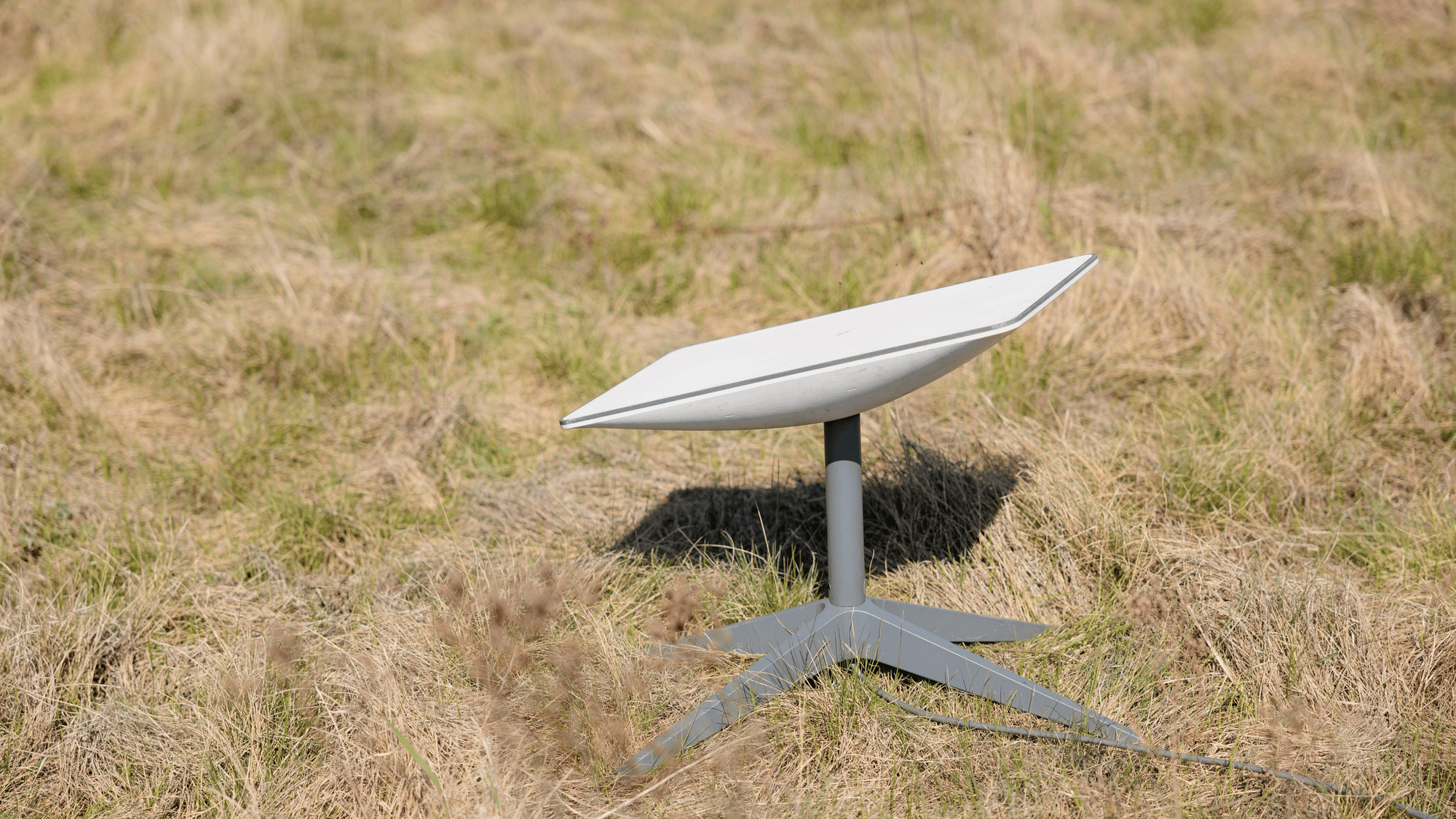
Starlink delivers broadband internet through a constellation of satellites in low Earth orbit. A dish at your home connects to the satellites passing overhead, and ground stations called gateways communicate with those same satellites. SpaceX designs, owns and operates the network.
The satellites and their lasers
Starlink reported more than 11,000 satellites in low Earth orbit on October 6, 2026. Its technology page describes them as orbiting at about 550 km.
That altitude is changing. Starlink says it is lowering satellites from operational altitudes above 500 km, and it plans to finish by the end of 2026. Under that plan, V1 and V2 broadband satellites sit between 450 km and 490 km, while V1 Direct to Cell and V3 broadband satellites sit between 330 km and 370 km. These are planned ranges, so some satellites may not have reached them yet.
The satellites also talk to each other. Starlink's technology page describes three optical inter-satellite links per satellite, which it calls space lasers, operating at up to 200 Gbps. Together they form a global internet mesh.
The ground stations
On the ground, gateway earth stations communicate with the satellites. Starlink's July 2025 network update reported more than 100 gateway sites in the United States, with over 1,500 antennas between them. One example on record is in Centennial, Colorado, where the FCC granted temporary authority in January 2025 for a gateway with 40 identical 1.85 meter antennas.
The lasers and the gateways work together. Starlink's 2025 progress report describes laser links routing traffic between satellites and down to unaffected ground stations during outages on the ground.
The dish at your home
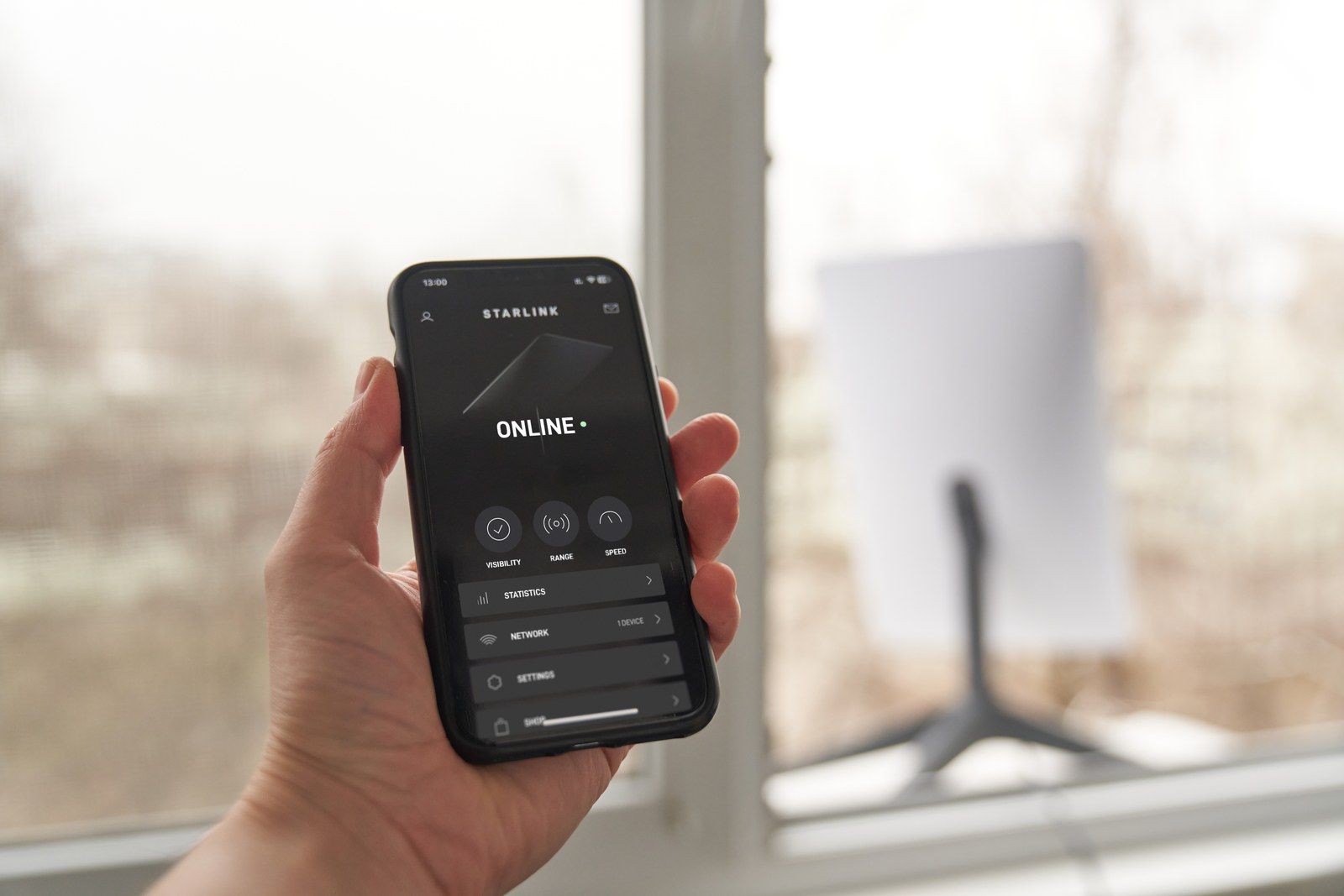
The Standard and Mini dishes both use an electronic phased array antenna with a 110 degree field of view. Starlink lists their orientation as software assisted and manual. In its setup guide, that means you position the dish with the alignment tool in the Starlink app. After you power it up, connecting to the satellites takes a few minutes.
- Standard: average power consumption of 75 to 100 W.
- Mini: average power consumption of 25 to 40 W.
- Kit pricing: the price depends on your address. Starlink support says entering a service address and selecting Order Now shows the local kit cost and the monthly service price.
The dish does not stay locked to one satellite. In a July 2025 update, Starlink said its terminals automatically switch between satellites in real time when link quality degrades, and that fixed installations also switch proactively.
What gets in the way
Starlink's support pages say tree branches, poles and roofs can interrupt the connection when they block the path to satellites passing overhead. New branches or leaves, dead leaves or soil on the dish, and temporary snow buildup during a blizzard can also obstruct it.
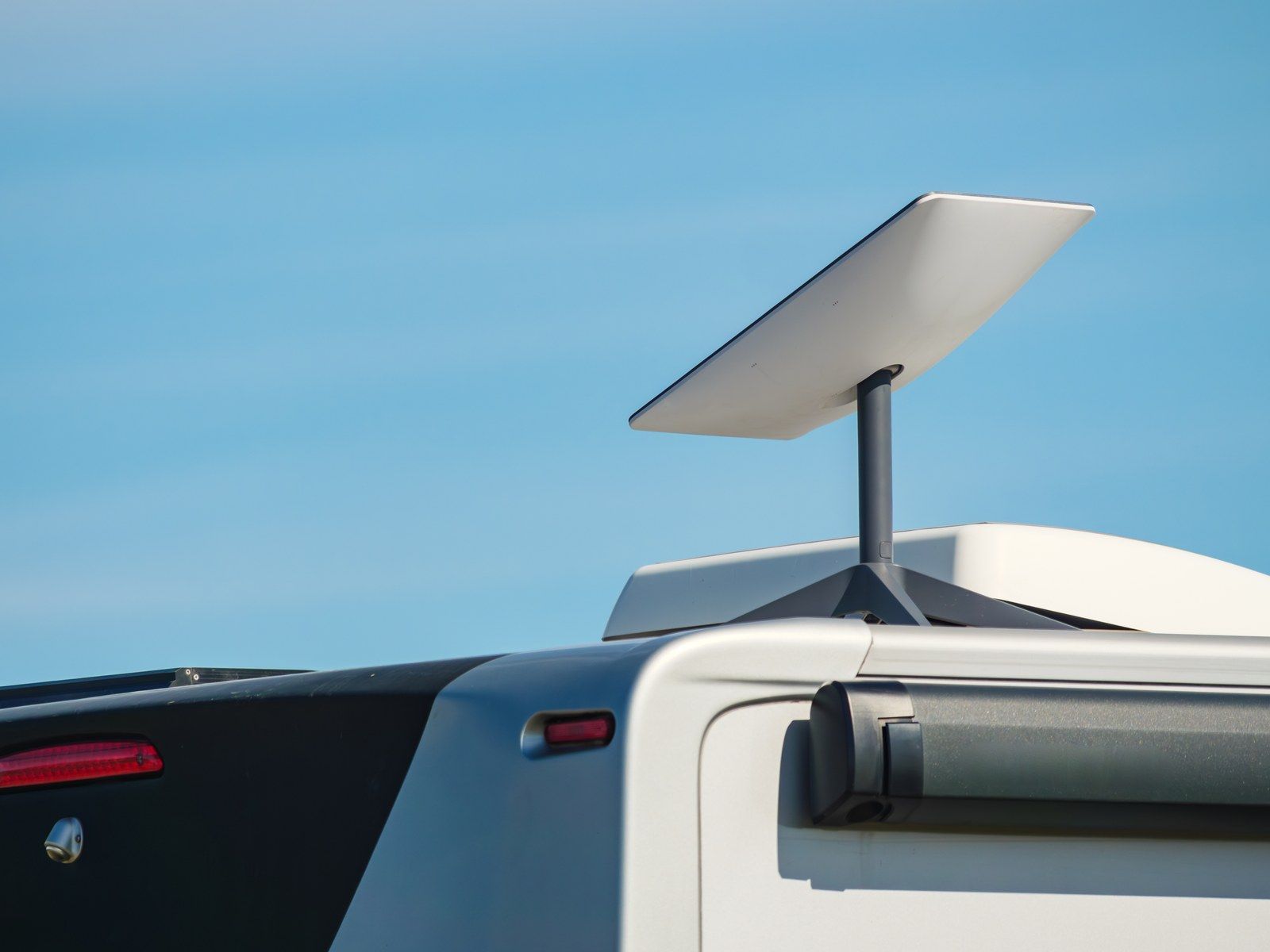
Starlink says it detects obstacles and switches satellites. Persistent obstructions can still cause intermittent outages, dropped packets and lower speeds.
How fast it is
Starlink reported a US median peak-hour download speed of nearly 200 Mbps as of July 2025, and a median peak-hour latency of 25.7 ms across US customers as of June 2025.
What you get also depends on the plan. Residential 100 Mbps and Residential 200 Mbps cap downloads at the speeds in their names, with uploads of up to 15 to 35 Mbps. Residential Max lists downloads of up to 400+ Mbps and uploads of up to 20 to 40 Mbps, and Starlink says this varies by region. Starlink describes these as maximum available speeds that are not guaranteed and will be slower during times of congestion.
What to do before you order
If trees, poles or a roofline sit near the spot you have in mind, run the Check for Obstructions tool in the Starlink app first, because persistent obstructions are what Starlink ties to outages and lower speeds. If you plan to run the dish from a battery, the Mini fits better on paper, since its listed average draw is 25 to 40 W against 75 to 100 W for Standard.
For plan prices and the trade-offs against wired internet, see Is Starlink Worth It? Once the dish is installed, these guides cover Starlink not showing up on WiFi and resetting a Starlink router.