An eSIM is an embedded SIM. The GSMA says the SIM can be downloaded securely into a secure element that may be permanently embedded in the device. Your carrier supplies it through a QR code, its app or a direct assignment to your phone.
What an eSIM is
The GSMA describes eSIM technology as remote SIM provisioning within a UICC chip. The chip can be attached to the device or removable.
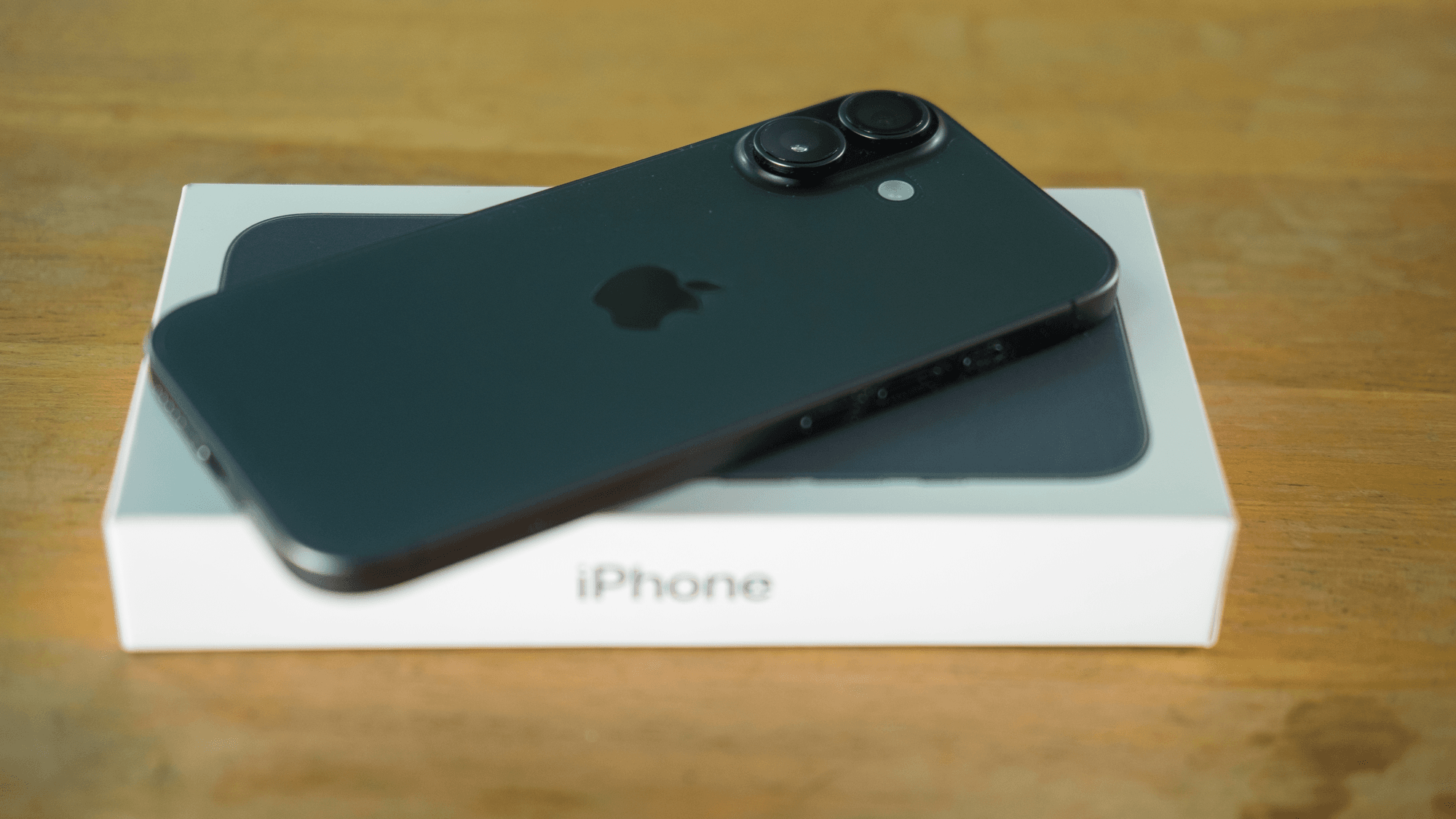
Apple removed the SIM tray from US models starting with iPhone 14 and iPhone 14 Plus, announced on September 7, 2022. Apple's support list marks US-purchased iPhone 14, 15, 16 and 17 models as eSIM only, along with iPhone 18 Pro, iPhone 18 Pro Max, iPhone Air and iPhone Duo. The third-generation iPhone SE is listed as supporting both an eSIM and a physical nano-SIM.
How you activate an eSIM
Apple's eSIM setup page describes four routes on iPhone.
- QR code: scan the carrier's code with the Camera app after setup, or choose the QR code option during cellular setup, then follow the prompts.
- Carrier app: if your carrier supports it, download its app from the App Store and set up the eSIM there.
- eSIM Carrier Activation: the carrier assigns an eSIM to your iPhone. You follow the setup prompts, or open the carrier plan notification in Settings and continue.
- eSIM Quick Transfer: with carrier support, you move a line from your previous iPhone without contacting the carrier.
How many eSIMs a phone can store and use
Apple says an iPhone can manage eight or more eSIMs. iPhone 13 models and later can use two eSIMs at the same time, and models that still have a SIM tray can pair a physical SIM with an eSIM. Even with two lines turned on, an iPhone uses only one cellular data network at a time.
Google lists the same numbers for US Pixel 10, Pixel 10 Pro, Pixel 10 Pro XL, Pixel 11, Pixel 11 Pro and Pixel 11 Pro XL models, with eight or more stored eSIMs and two active. Pixel 7, Pixel 7 Pro and later phones can run two eSIM profiles at once if the carrier permits it.
Moving an eSIM to a new phone
For eSIM Quick Transfer, both iPhones need iOS 18.4 or later, the same Apple Account and Bluetooth, and they must be near each other with the previous iPhone unlocked. Activating the new eSIM deactivates the previous SIM.
On Android, Google supports transferring a physical SIM or an eSIM into an eSIM during setup or afterward. Automatic transfer needs Android 12 or later, current Google Play Services and a screen lock on both phones. If the transfer keeps failing or is unavailable, Google's transfer guide directs you to your carrier.
Google's iPhone to Pixel steps pair the phones through a QR scan and include AT&T, T-Mobile and Verizon, with those transfers requiring iOS 26 or above. Samsung lists AT&T, FirstNet, T-Mobile and Verizon as US carriers that may support its Transfer SIM from iPhone option on Galaxy phones.
Using an eSIM for travel
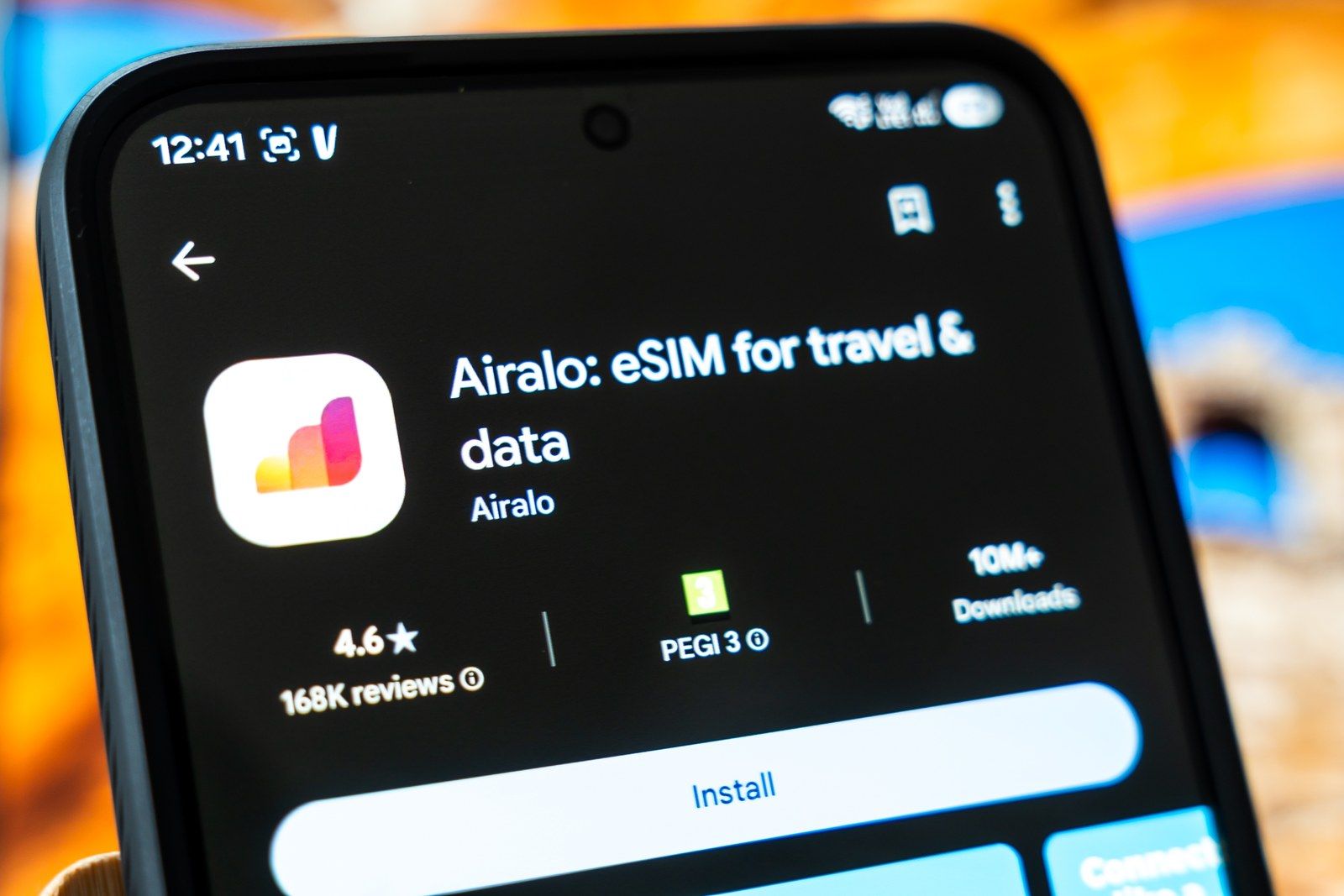
Apple describes three approaches abroad. You can roam with your existing carrier, buy an eSIM from a local carrier, or buy a prepaid data eSIM from a worldwide provider. Local carrier plans may include a local phone number, while some travel plans provide data only.
Using another carrier abroad requires an unlocked iPhone. In Settings, General, About, an unlocked phone shows No SIM Restrictions next to Carrier Lock. Supported iPhones can keep a home eSIM and a travel eSIM active together, but Apple warns that the home eSIM might still incur roaming fees while it stays on.
What Verizon, AT&T and T-Mobile say
All three publish eSIM instructions. Fees are as of November 2026.
- Verizon: standard monthly plans can activate a new line by eSIM through My Verizon or its bring-your-own-device website, and a phone from another carrier must be unlocked. Moving an existing line in the My Verizon app costs $0. Verizon separately lists a general activation and upgrade fee of $40 per line, waived for customers enrolled in Verizon Loyalty.
- AT&T: compatible devices download and activate an eSIM digitally, using automatic prompts or a QR code. Its bring-your-own-device page offers a free SIM or eSIM when you choose a plan and states a $35 activation charge on its displayed new-line port-in offer.
- T-Mobile: it publishes activation and transfer steps for supported iPhone, Samsung and Google devices. T-Mobile Prepaid lists its Activate eSIM now option as free. T-Mobile's November 2026 holiday device-offer terms specify a $35 device connection charge due at sale.
What to do before you set one up
If you are bringing a phone from another carrier or plan to use a foreign carrier, check Carrier Lock first, because Verizon, AT&T and Apple all tie those uses to an unlocked phone. If you are moving to a new phone with eSIM Quick Transfer, keep the old iPhone nearby and unlocked until the line is active, since that method needs both devices.
For the full walkthrough on Apple phones, see how to set up an eSIM on iPhone.