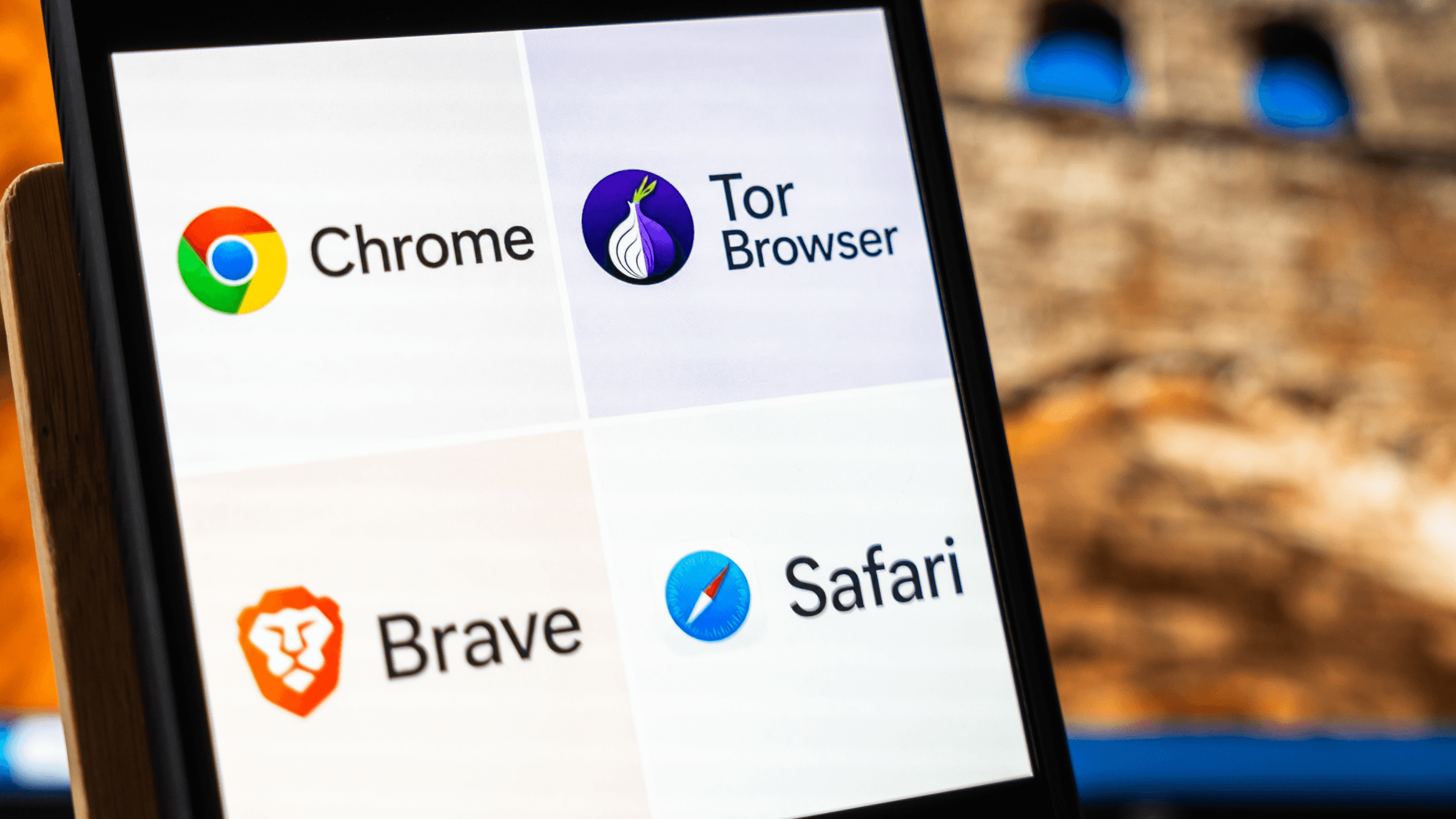
Brave's desktop and Android browsers use Brave Core, which Brave describes as a Chromium fork, and Brave says it supports nearly all Chromium-compatible extensions. On iOS, Brave says its browser is powered by Apple's WebKit. Brave ships with its Shields ad and tracker blocking enabled by default, while Chrome's help pages describe cookie and site permission controls that you set yourself.
Brave vs Chrome at a glance
- Foundation: Brave's desktop and Android releases use Brave Core, which Brave describes as a Chromium fork, and Brave's FAQ refers to the "same Chromium source code as Chrome." On iOS, Brave says the browser is powered by Apple's WebKit.
- Blocking: Brave Shields blocks third-party ads and trackers by default. Chrome lets you allow or block third-party cookies and set exceptions for specific sites.
- Extensions: Desktop Chrome adds extensions from the Chrome Web Store. Brave Help documents installing from the same store.
- Sync: Chrome sync runs through a Google Account. Brave documents Sync chains that need no account.
- Platforms: Brave lists downloads for Windows, macOS, Linux, Android and iOS. Chrome's help pages list those five plus Chromebooks.
- Brave extras: Brave Rewards, which is optional, and Brave Search, which Brave says works in any browser.
Chrome's help pages also give minimum versions. On desktop they list Windows 10 and up on Intel processors, Windows 11 and up on ARM processors, and macOS 13 Ventura and up. On Linux they list 64-bit Ubuntu 18.04 or later, Debian 10 or later, openSUSE 15.5 or later, or Fedora Linux 39 or later. On mobile they list Android 10 and up and iOS 18 and up, and a Chromebook updates Chrome through its own operating system updates.
Ad blocking and privacy controls
Brave builds its blocker into the browser. The Brave Shields page says it works with no extra downloads and no settings to configure, and that it blocks third-party ads and trackers on every page. Shields has two blocking modes, Standard and Aggressive. Brave's FAQ says the browser does not block first-party ads by default, and that Aggressive mode can block them too.
Chrome's help pages say you can allow or block third-party cookies for any site, and Google's cookie settings page says they are blocked by default in Incognito mode. Chrome also has per-site permissions for things like the camera, location and microphone, with one-time permission options.
Google's Incognito help page says that after an Incognito session ends, Chrome does not keep its site data or a record of the sites visited. Bookmarks you saved and files you downloaded stay.
Extensions and sync
On the desktop, Chrome installs extensions from the Chrome Web Store and lets you change their permissions at any time, including which websites an extension can reach. Brave's help article, last updated in November 2024, says Brave supports nearly all extensions that are compatible with Chromium. See What Is a Browser Extension?
Signing in to Chrome gives you Google Account data across devices, including bookmarks, reading lists, passwords, payment information, extensions, web apps and settings. History and tabs sync is a separate switch you turn on after signing in. Chrome also offers an optional passphrase that stops Google from reading your stored Chrome data, though Google says payment methods and addresses from Google Wallet are not encrypted by it.
Brave's Sync help pages describe account-free Sync chains and say Brave enforces client-side encryption. They list bookmarks, passwords, autofill data, history, open tabs, extensions, themes and apps as data types, where applicable, and you choose which ones to sync. Those pages were last updated in March 2023 and March 2024.
Brave Rewards and Brave Search
Brave Rewards is opt-in, and Brave's FAQ calls its browser-based ads entirely optional. Users who join can earn Basic Attention Tokens, known as BAT, for seeing Brave Ads, and can send BAT contributions to sites and creators. Earning BAT requires connecting a payout account to the Brave Rewards profile.
Rewards is available on Windows, macOS, Linux and Android. On iOS, Brave says it can only be used to support creators.
Brave Search is a separate product. Brave says it runs on a fully independent search index and does not profile users. It is not tied to the Brave browser, since Brave says it works in any browser at search.brave.com.
Which one fits
If you want ad and tracker blocking running without installing or configuring anything, Brave may fit, because Brave says Shields is on by default with no extra downloads and no settings to configure. If your bookmarks, passwords and payment information already sit in a Google Account, Chrome may fit, because Google says signing in to Chrome gives you that account data across devices. If you would rather sync without creating an account, Brave may fit, because Brave documents Sync chains that need no account.
If you use extensions on the desktop, Chrome installs them from the Chrome Web Store, and Brave Help documents installing from the same store. If you use a Chromebook, Google's help page says Chrome updates when the Chromebook's operating system updates. See Is Brave Browser Safe?, Chrome vs Edge and Chrome vs Firefox.