Finding the right gaming keyboard makes more difference than almost any other PC upgrade. Your keyboard is your main connection to games, whether you're navigating complex battle maps or typing in team chat. The best gaming keyboards balance speed, accuracy, and comfort without getting in the way of your mouse movements.
Technobezz is supported by its audience. We may get a commission from retail offers.
Best Gaming Keyboards for 2026
The best gaming keyboards for 2026, from the Corsair Vanguard Pro 96 magnetic flagship to budget, wireless, TKL and 60% competitive picks tested for speed and feel.
T
Technobezz
Editorial Team
Updated September 29, 2026Sep 29, 2026
•11 min read

Get Deals Like These in Your Inbox
The best prices, straight to your inbox.
On GoogleFollow Technobezz: add us as a preferred source.

At a Glance
| Category | Product | Why We Picked It |
|---|---|---|
| Best overall | Corsair Vanguard Pro 96 | Combines comfortable magnetic switches with a compact 96% layout |
| Best value | Lemokey X1 | Offers premium features at a budget price under $40 |
| Best for competitive gaming | Wooting 60HE+ | Provides analog controls and rapid trigger technology |
| Best compact | Asus ROG Strix Scope II 96 Wireless | Delivers full functionality in a space-saving design |
| Best premium | SteelSeries Apex Pro TKL Gen 3 | Features adjustable actuation and premium build quality |
| Best compact premium | Razer BlackWidow V4 Pro 75% | 75% layout saves space while keeping essentials |
| Best tenkeyless | Logitech G Pro X TKL Rapid | Tenkeyless layout maximizes mouse space |
| Also recommended | Keychron K4 HE | Best 96% layout with hot-swappable switches |
| Also recommended | Corsair K70 CORE RGB | Full-size with great multimedia controls |
| Also recommended | MonsGeek FUN60 Pro | Wired 60% Hall effect keyboard with Rapid Trigger and 8,000Hz polling |
| Also recommended | NuPhy Field75 HE V2 | Wired 75% Hall effect keyboard with 8,000Hz polling and Rapid Trigger |
| Also recommended | HyperX Origins 2 1800 | Compact 1800 layout with hot-swappable mechanical switches and 8,000Hz polling |
How we chose
We evaluated gaming keyboards based on typing feel, responsiveness, build quality, and value. Our assessment covers performance across different game genres, from fast-paced shooters to strategy games. We considered switch types, layout options, wireless performance, and customization features to find keyboards that work well for different play styles and budgets.
The best gaming keyboards right now
Corsair Vanguard Pro 96 - Best overall
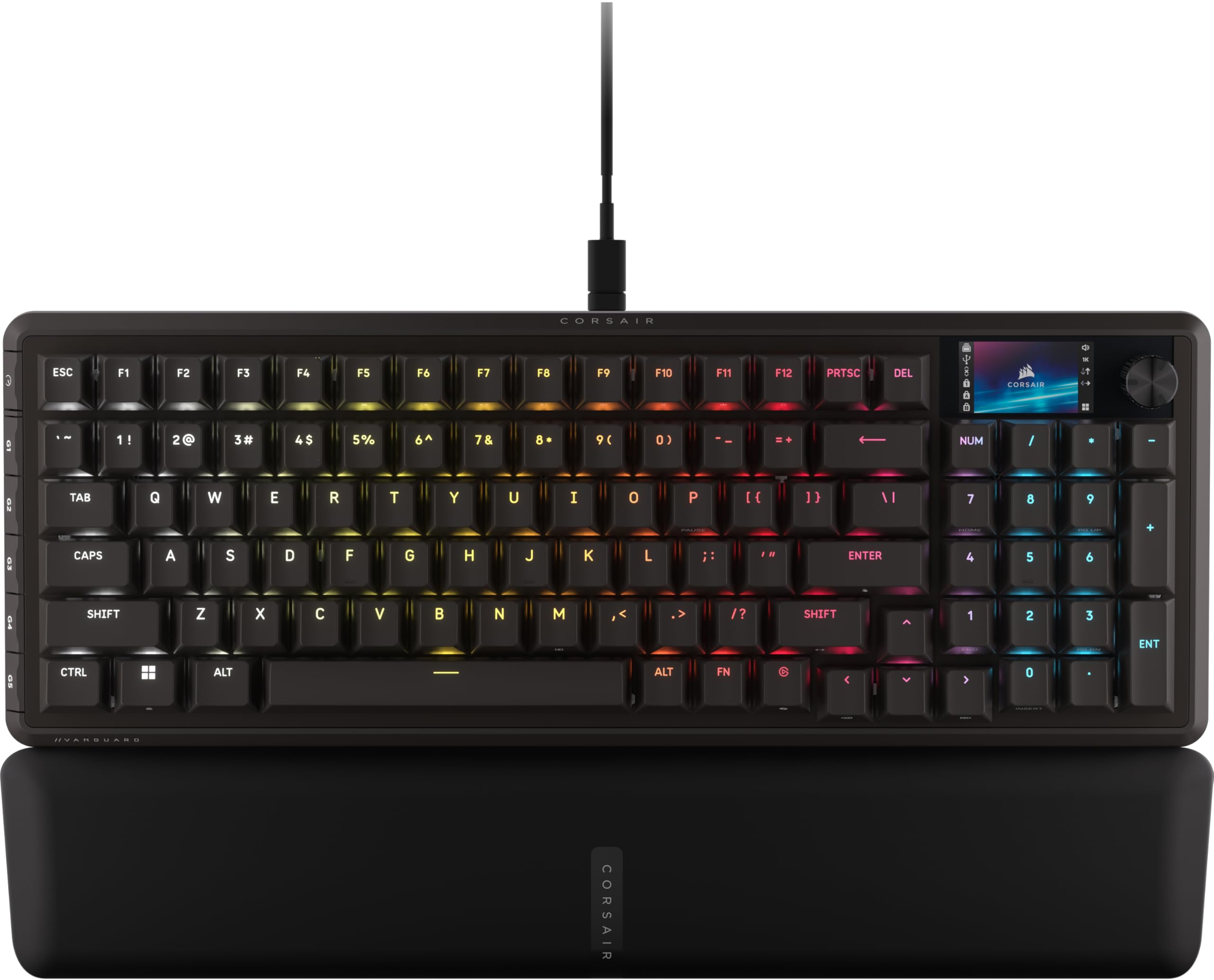
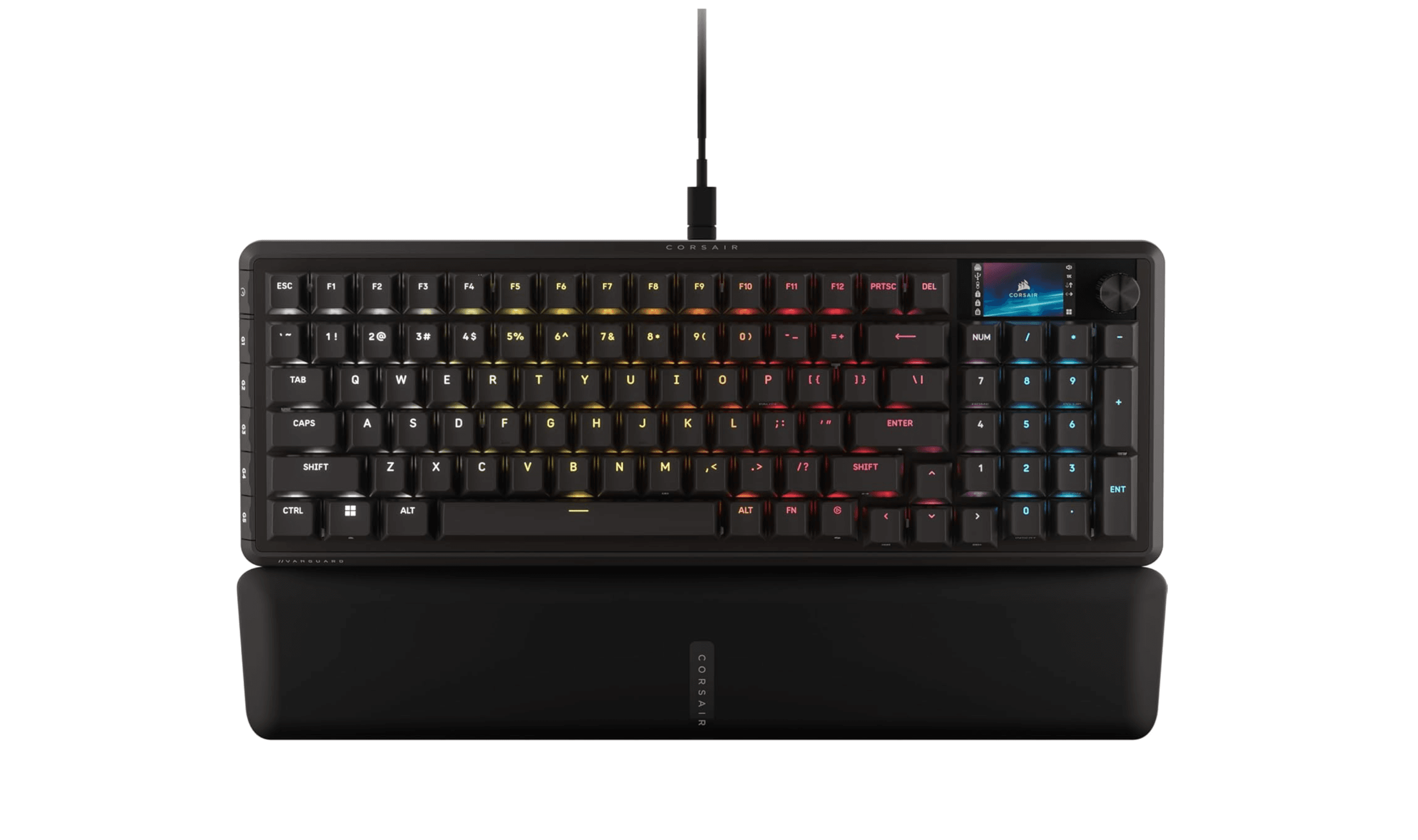
The Corsair Vanguard Pro 96 delivers top-tier magnetic switches in a compact 96% form factor that saves desk space without sacrificing functionality. It combines speed, macro capabilities, and adjustability in a well-designed package that works for both gaming and typing.
Key highlights
- Hall effect magnetic switches with adjustable actuation
- 96% layout includes number pad in a compact design
- Wired USB connection with up to 8,000Hz polling
- Solid aluminum construction with minimal flex
- Customizable RGB lighting with per-key control
Pros
- Excellent typing feel with smooth magnetic switches
- Saves desk space while keeping number pad functionality
- Rapid Trigger supports quick key reactivation
- Durable build quality that feels premium
- Good software customization options
Cons
- Higher price point than standard mechanical keyboards
- 96% layout takes adjustment if coming from full-size
- Software can be complex for beginners
- Swapping magnetic switches may require calibration
Who it is for: Gamers who want premium magnetic switches in a space-efficient design that doesn't compromise on features.
Skip if
You need a full-size keyboard or prefer traditional mechanical switches over magnetic ones.
Lemokey X1 - Best value
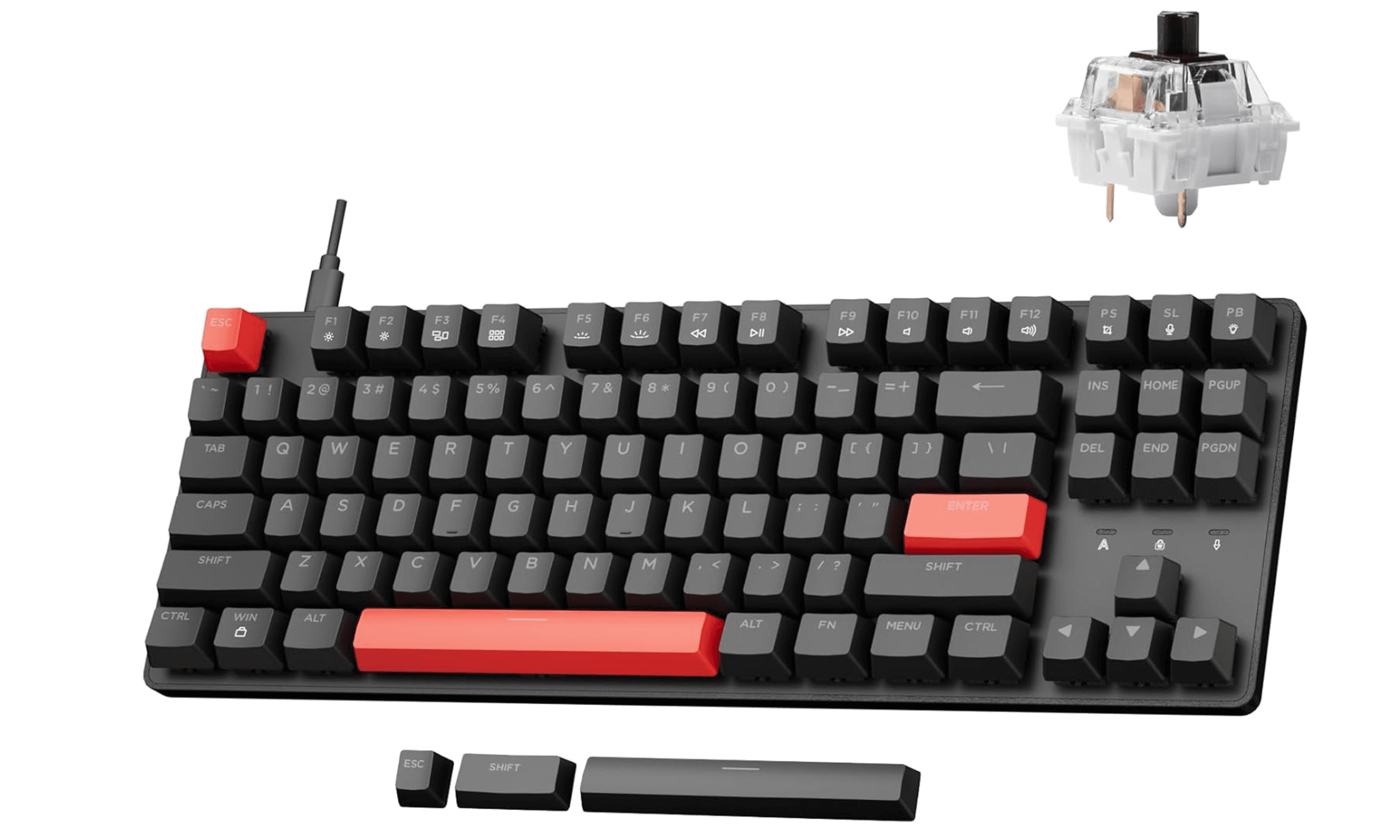
At around $40 or less, the Lemokey X1 delivers features typically found in much pricier keyboards, making it one of the best budget gaming keyboards available. This wired tenkeyless board is fully programmable on every key via QMK/VIA, with N-key rollover and a 1000Hz polling rate for reliable performance in both typing and gaming.
Key highlights
- Wired tenkeyless layout
- Fully programmable on every key with QMK/VIA
- North-facing red backlighting with 14+ effects
- ABS double-shot shine-through keycaps
- N-key rollover with anti-ghosting
Pros
- Exceptional value for money
- Full QMK/VIA key remapping and macros
- Good typing feel for the price
- Compact tenkeyless size works well for smaller desks
- Double-shot ABS keycaps with shine-through legends
Cons
- Plastic construction feels less premium
- Limited software functionality
- Switches are not hot-swappable
- No wireless connectivity option
- Keycaps show wear faster than higher-end options
Who it is for: Budget-conscious gamers who want mechanical keyboard features without spending over $100.
Skip if
You need wireless connectivity or want premium metal construction.
Wooting 60HE+ - Best for competitive gaming
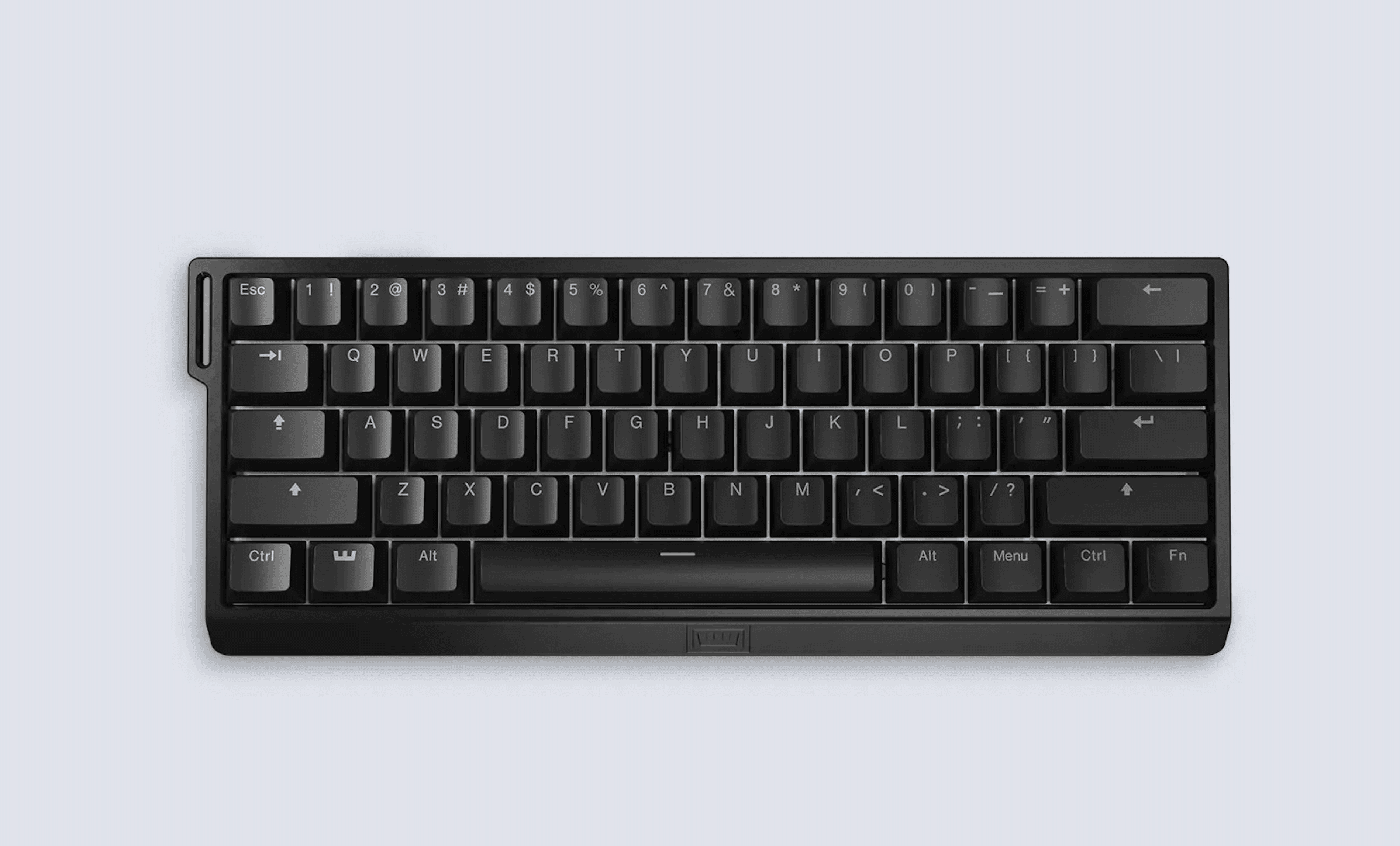
The Wooting 60HE+ offers analog controls and rapid trigger technology that give competitive gamers an edge in fast-paced titles. Its Hall effect switches allow for adjustable actuation points and dual-action keys that can't be matched by traditional mechanical keyboards.
Key highlights
- Analog Hall effect switches with 0.1mm actuation adjustment
- Rapid trigger technology for faster response
- 60% ultra-compact layout maximizes mouse space
- Fully programmable with extensive software
- Double-shot backlit PBT keycaps included
Pros
- Unmatched customization for competitive play
- Analog controls work like controller triggers
- Extremely fast response times
- Compact design ideal for FPS gaming
- Excellent software with game profiles
Cons
- Steep learning curve for analog features
- 60% layout requires function layer use
- No wireless connectivity option
- Premium price for specialized features
- Limited to wired connection only
Who it is for: Competitive gamers who want every possible advantage and don't mind learning advanced features.
Skip if
You need arrow keys or function row readily available, or prefer simpler keyboards.
Asus ROG Strix Scope II 96 Wireless - Best compact
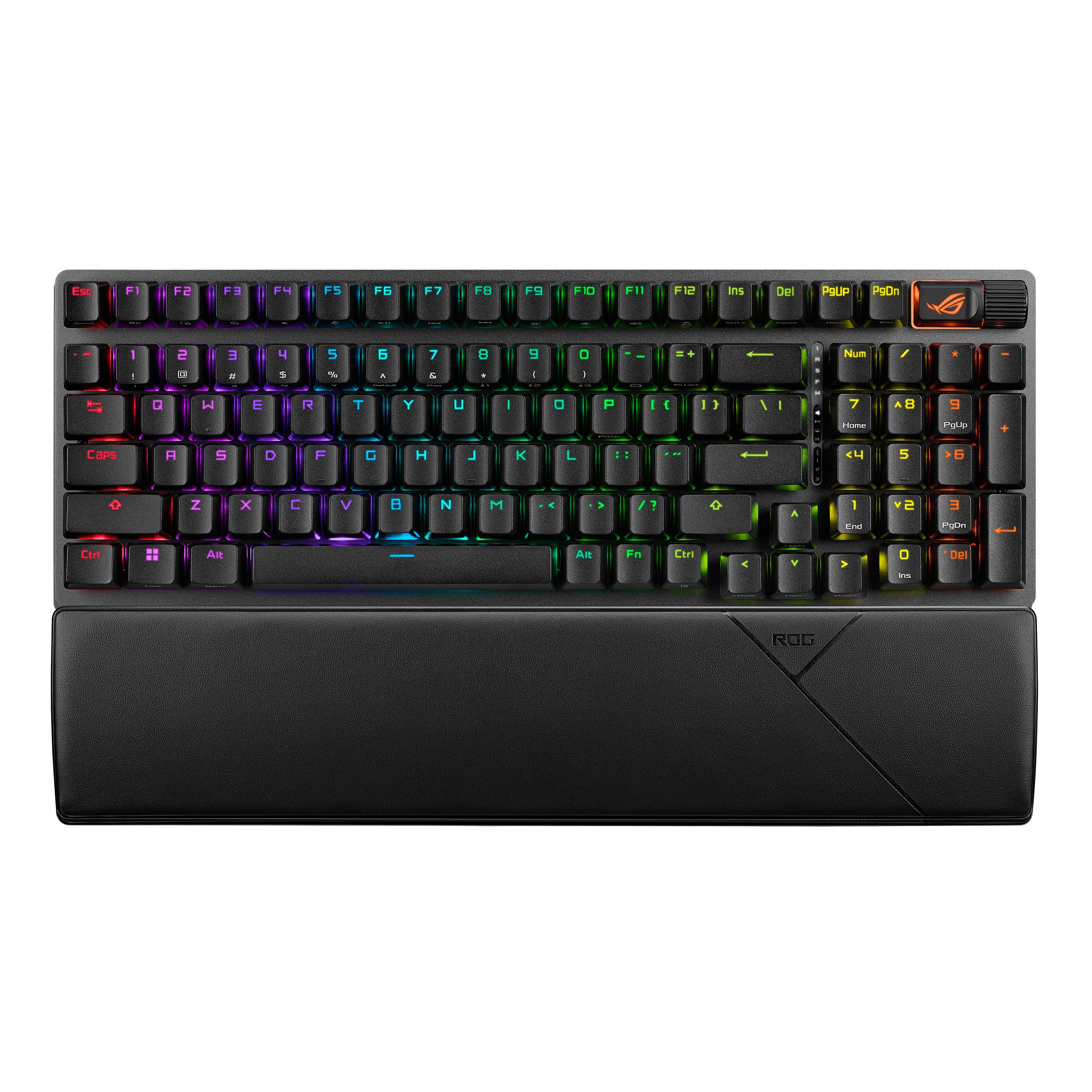
The Asus ROG Strix Scope II 96 Wireless packs full keyboard functionality into a space-saving 96% design with excellent wireless performance. It offers smooth ROG NX switches, tri-mode connectivity, and solid battery life in a well-built package.
Key highlights
- 96% layout with number pad in compact form
- Tri-mode connectivity (wired, 2.4GHz, Bluetooth)
- Hot Swappable, Pre-Lubed Mechanical Switches (ROG NX Snow linear or ROG NX Storm clicky)
- Up to 1,500 hours battery life (lighting off)
Pros
- Excellent space efficiency with full functionality
- Great wireless performance with low latency
- Good battery life for wireless use
- Solid construction feels premium
- Multiple switch options available
Cons
- Higher price than some competitors
- Software can be overwhelming
- 96% layout takes getting used to
Who it is for: Gamers who want wireless freedom and full keyboard features without taking up too much desk space.
Skip if
You prefer traditional full-size layouts or need dedicated macro keys.
SteelSeries Apex Pro TKL Gen 3 - Best premium
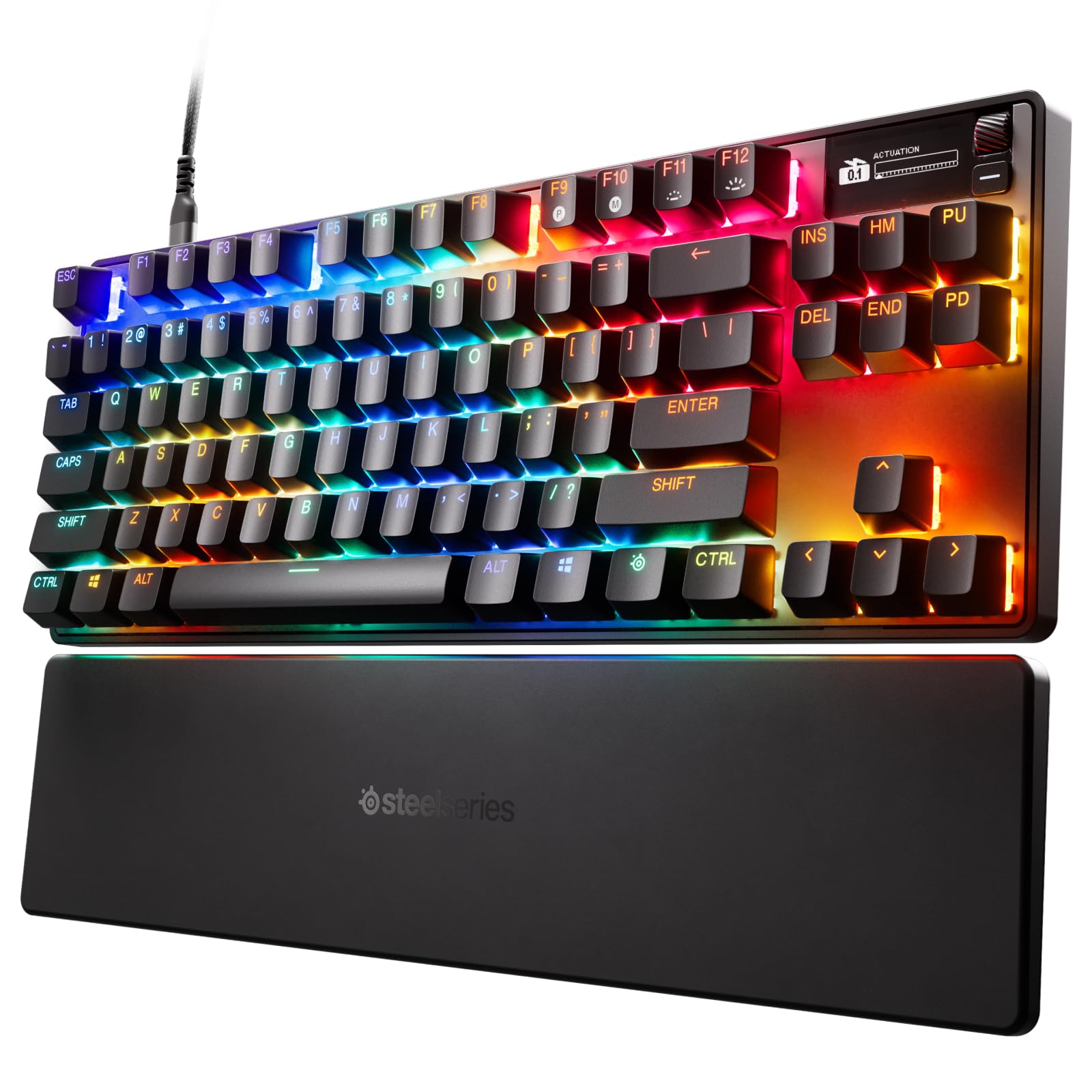
The SteelSeries Apex Pro TKL Gen 3 represents the high end of gaming keyboards with adjustable actuation switches, OLED display, and premium build quality. Its magnetic switches allow for customization from 0.1mm to 4.0mm actuation, adapting to different games and typing styles.
Key highlights
- Adjustable actuation magnetic switches (0.1-4.0mm)
- Integrated OLED display for system info
- Aircraft-grade aluminum alloy construction
- Per-key RGB lighting with extensive effects
- Dedicated multimedia controls
Pros
- Unmatched switch customization
- Premium build quality feels solid
- OLED display adds useful functionality
- Excellent typing and gaming experience
- Durable construction for long-term use
Cons
- Very expensive compared to alternatives
- Tenkeyless layout lacks number pad
- Software requires learning curve
- Heavy weight limits portability
- OLED can be distracting for some users
Who it is for: Gamers who want the ultimate in customization and don't mind paying premium prices for top-tier features.
Skip if
You're on a budget or need a full-size keyboard with number pad.
Razer BlackWidow V4 Pro 75% - Best compact premium
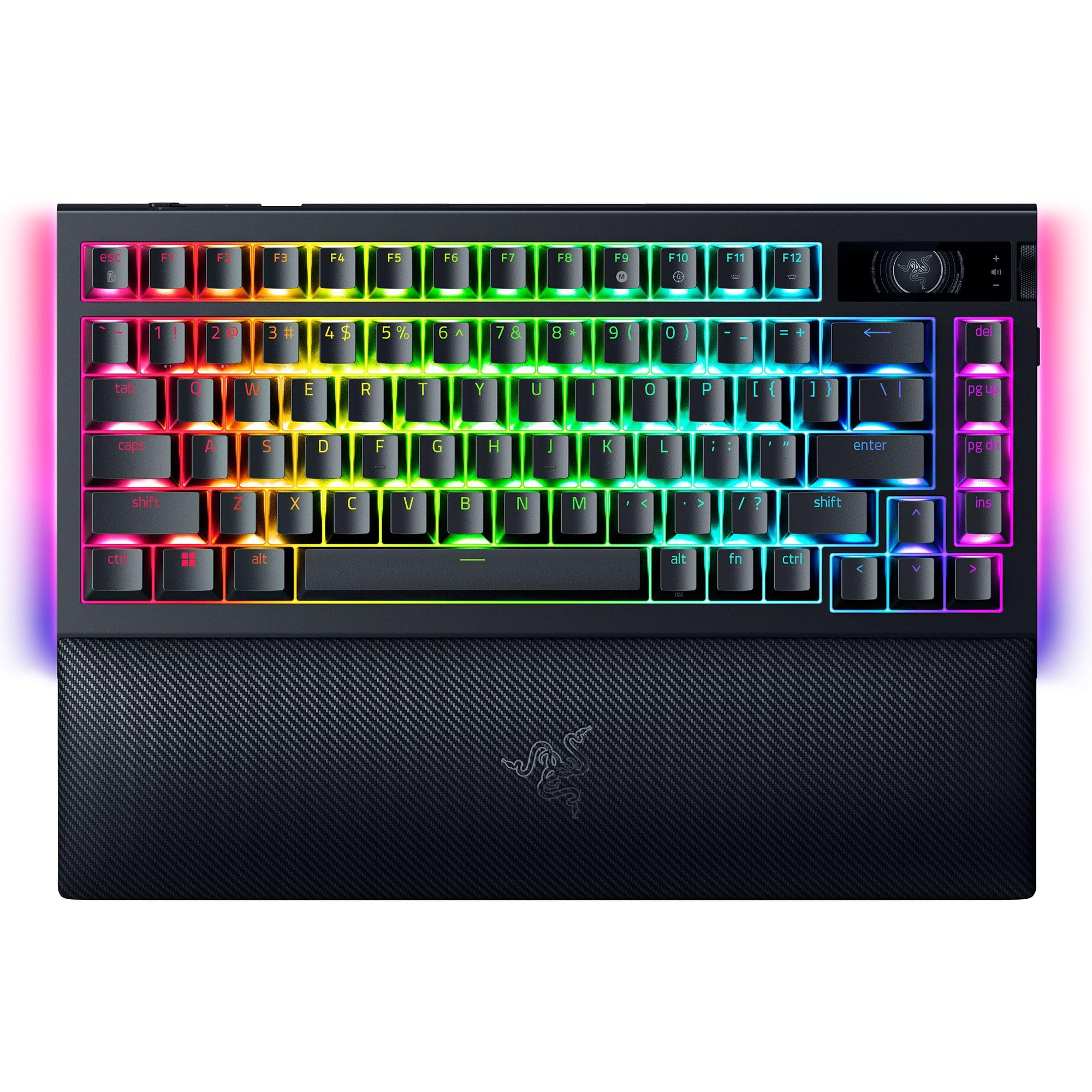
The Razer BlackWidow V4 Pro 75% offers a compact 75% layout with hot-swappable tactile switches, an OLED display, and wireless connectivity. It balances size, features, and performance for gamers who want high-end quality without the full-size footprint.
Key highlights
- 75% layout saves space while keeping essentials
- Razer third-gen mechanical switches
- OLED display and Command Dial with a dedicated mode button
- Sound-dampening foam for quieter typing
- Extensive RGB customization with underglow
Pros
- Excellent build quality for compact size
- Good switch options for different preferences
- Useful multimedia controls included
- Quieter than previous Razer keyboards
- Solid software integration
Cons
- Premium price for compact size
- 75% layout omits the number pad
- Software can be resource-intensive
Who it is for: Gamers who want premium Razer quality in a space-saving design with good multimedia controls.
Skip if
You prefer larger keyboard layouts.
Logitech G Pro X TKL Rapid - Best tenkeyless
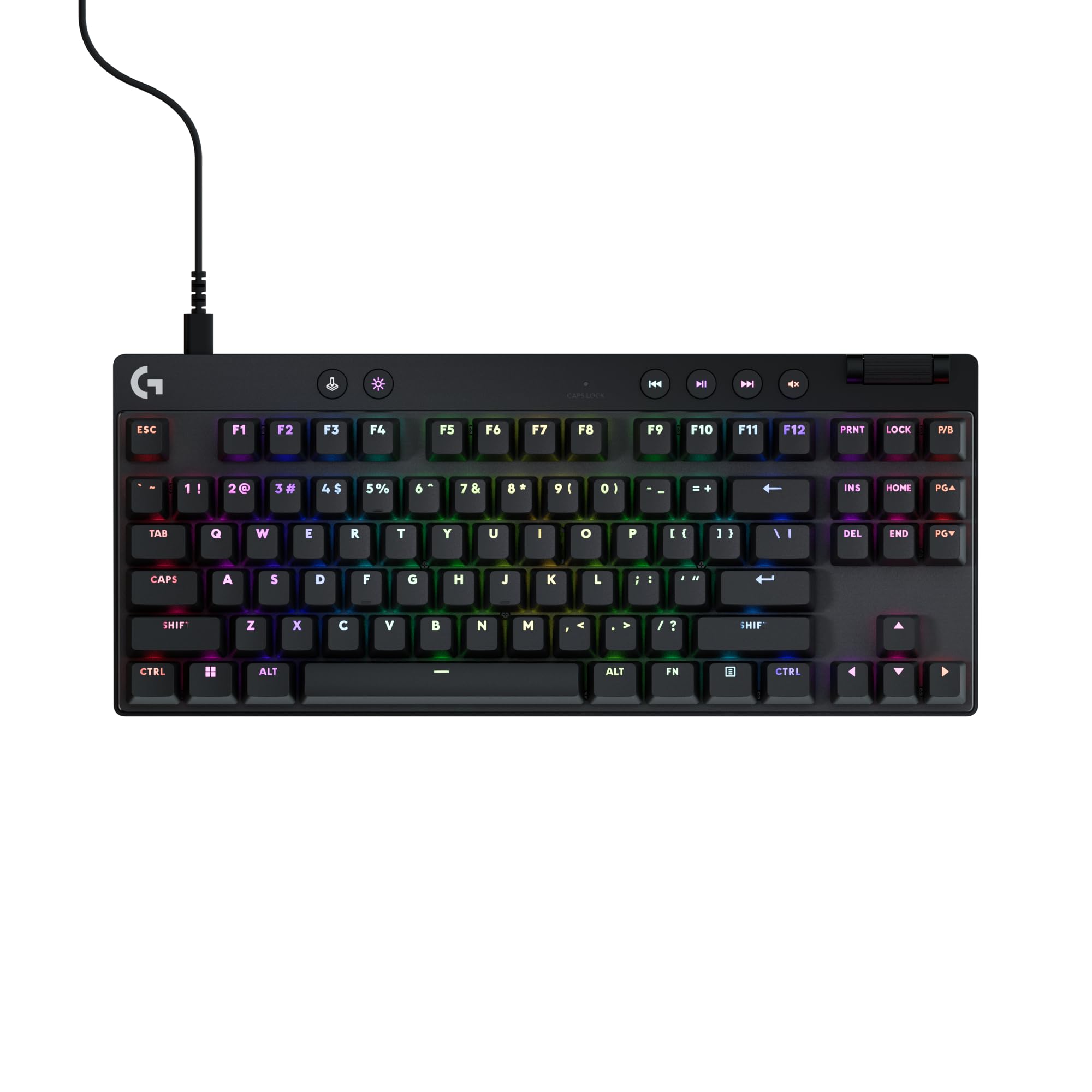
The Logitech G Pro X TKL Rapid delivers excellent magnetic switches and build quality in a tenkeyless design favored by many competitive gamers. It offers wired performance with low latency, while its tenkeyless layout leaves more room for mouse movement.
Key highlights
- Magnetic switches with adjustable actuation
- Tenkeyless layout maximizes mouse space
- Detachable USB-C cable for wired use
- PBT keycaps included
Pros
- Great typing feel with magnetic switches
- Clean tenkeyless design
- Good build quality
- Includes premium PBT keycaps
Cons
- Expensive for tenkeyless keyboard
- No number pad for data entry
- Limited switch customization
- Advanced customization requires Logitech G HUB
Who it is for: Competitive gamers who want performance without compromising on typing quality.
Skip if
You regularly use number pad or want more compact layouts.
Also Good
- Keychron K4 HE - best 96% layout with hot-swappable switches.
- Corsair K70 CORE RGB - full-size with great multimedia controls.
- MonsGeek FUN60 Pro - wired 60% Hall effect keyboard with adjustable actuation, Rapid Trigger, and 8,000Hz polling.
- NuPhy Field75 HE V2 - wired 75% Hall effect keyboard with 8,000Hz polling, Rapid Trigger, and eight customizable buttons.
- HyperX Origins 2 1800 - compact 1800 layout with a numpad, hot-swappable mechanical switches, and up to 8,000Hz polling.
How to Choose
Switch type matters most: Mechanical switches offer tactile feedback, while magnetic Hall effect switches provide adjustable actuation. Linear switches are smooth and quiet, tactile switches have a bump, and clicky switches provide audible feedback.
Layout affects functionality: Full-size keyboards include number pads, tenkeyless (TKL) remove the pad for more mouse space, 75% keeps most keys compact, 96% squeezes in a number pad, and 60% removes function row and arrows for maximum space.
Connectivity changes flexibility: Wired keyboards offer the most reliable connection, 2.4GHz wireless provides low latency, and Bluetooth adds multi-device support but may have higher latency.
Build quality impacts durability: Aluminum frames feel more premium and reduce flex, while plastic construction keeps costs down. PBT keycaps resist shine better than ABS, and hot-swappable designs allow switch changes.
Software enables customization: Look for keyboards with good software for macro programming, lighting effects, and profile management if you want extensive customization options.
FAQ
What's the difference between mechanical and membrane keyboards?
Mechanical keyboards use individual switches under each key for better tactile feedback and durability. Membrane keyboards use a rubber dome under a single sheet, which feels mushier and wears out faster but costs less.
Do I need a wireless gaming keyboard?
Wireless keyboards reduce cable clutter and offer more desk flexibility. Modern wireless gaming keyboards using 2.4GHz connections have latency comparable to wired, making them suitable for most gamers except professional competitors.
What keyboard size should I choose?
Full-size if you use number pads regularly, tenkeyless if you want more mouse space, 75% or 96% for balanced compactness, and 60% if you prioritize maximum desk space and don't mind using function layers.
Are expensive gaming keyboards worth it?
Higher-priced keyboards typically offer better build quality, more features like adjustable switches or wireless connectivity, and premium materials. Budget options can still provide good performance but may lack advanced features or durability.
How long do gaming keyboards last?
Quality mechanical keyboards often last 50-100 million keystrokes per switch, which translates to 5-10 years of heavy use. Magnetic Hall effect switches can last even longer since they have no physical contact points to wear out.
Published February 27, 2026 Last updated September 29, 2026
Share this article
More on keyboards
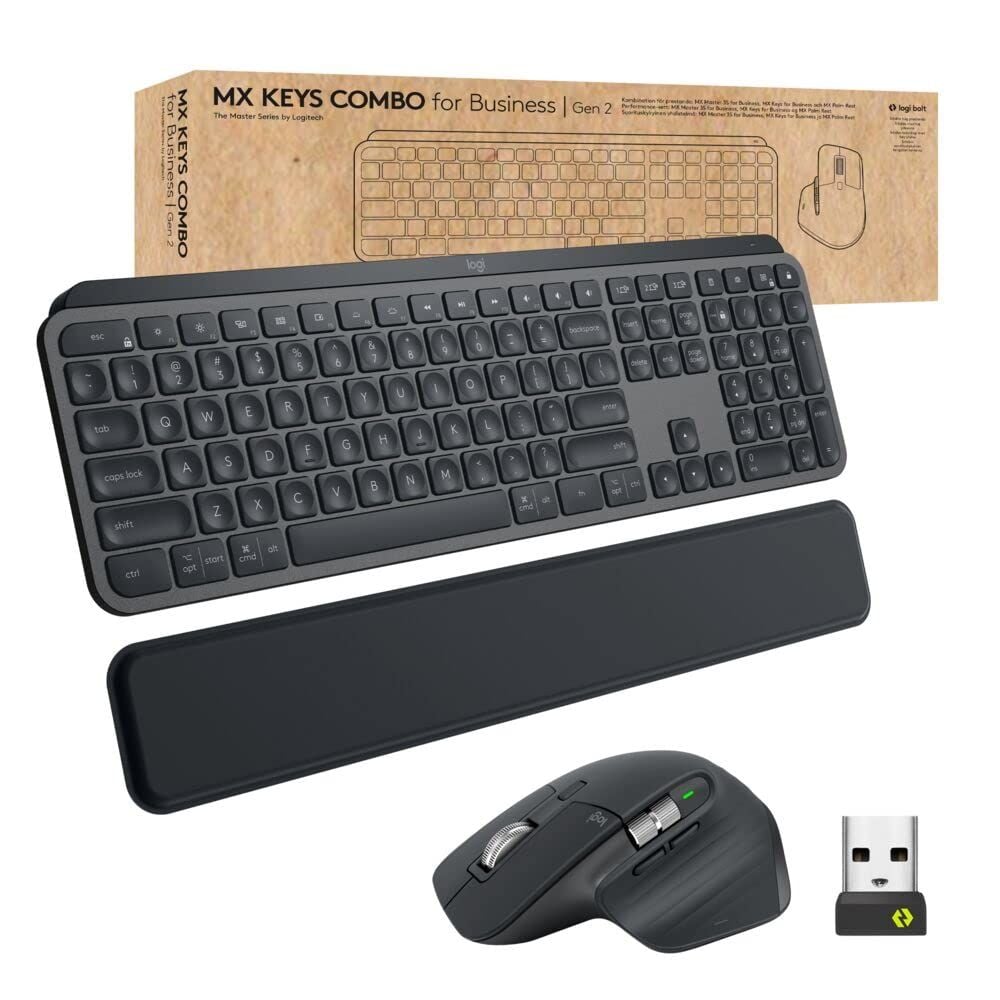
Buying guide
9 Best Keyboards From Top Brands in 2026
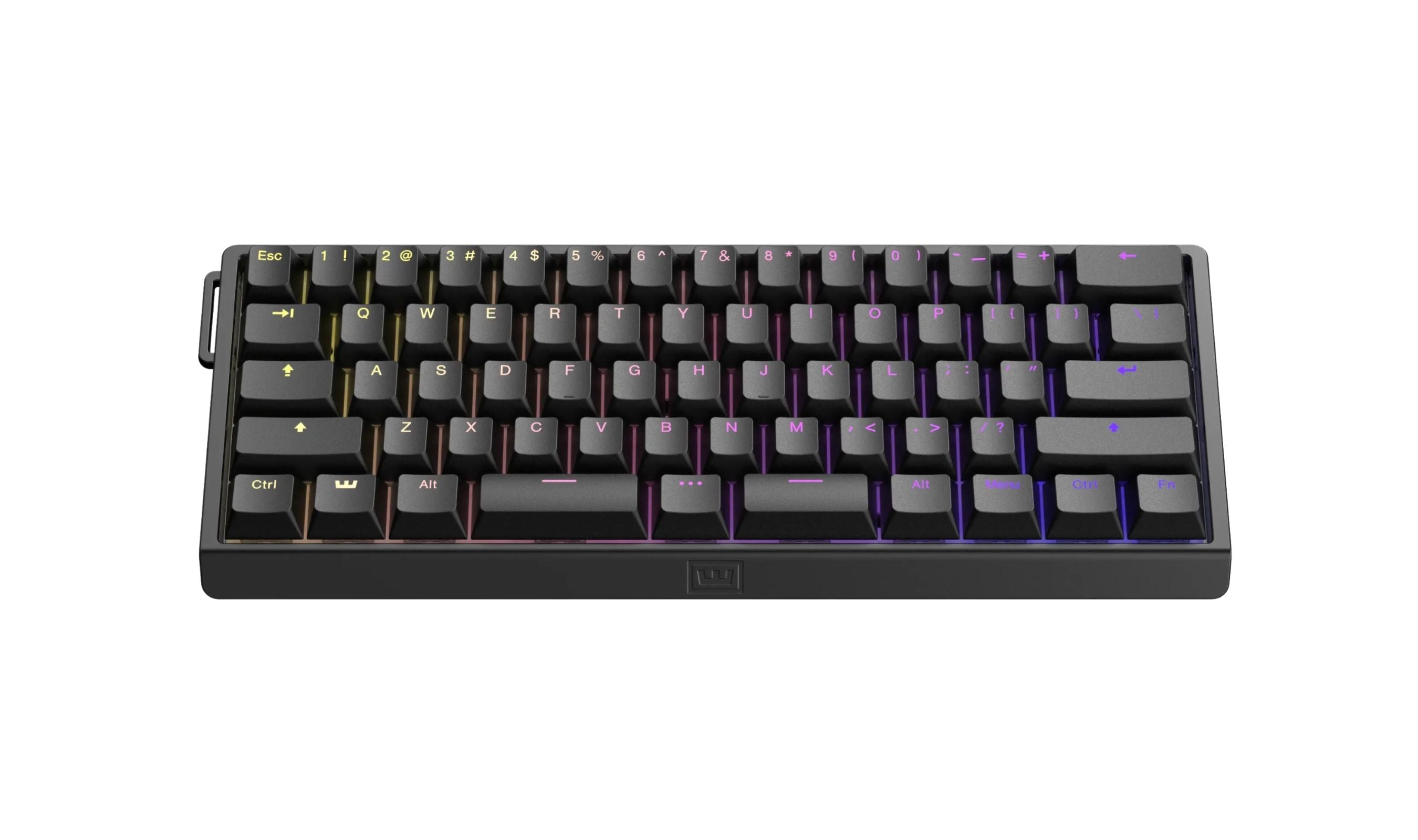
Buying guide
8 Best 60 Percent Keyboards of 2026
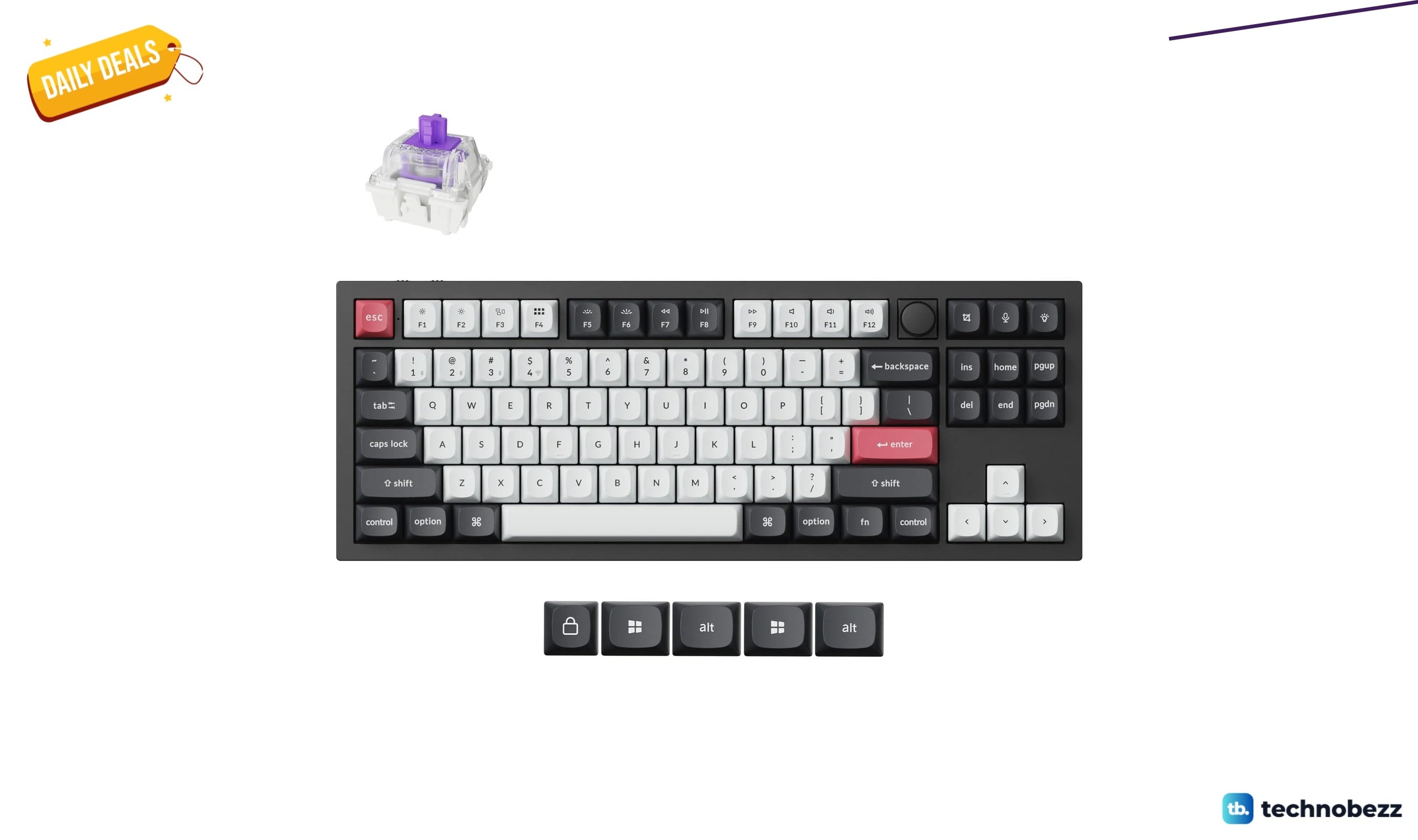
Deal
Keychron Q3 HE Wireless Custom Keyboard drops to $191.99 for Prime Big Deal Days
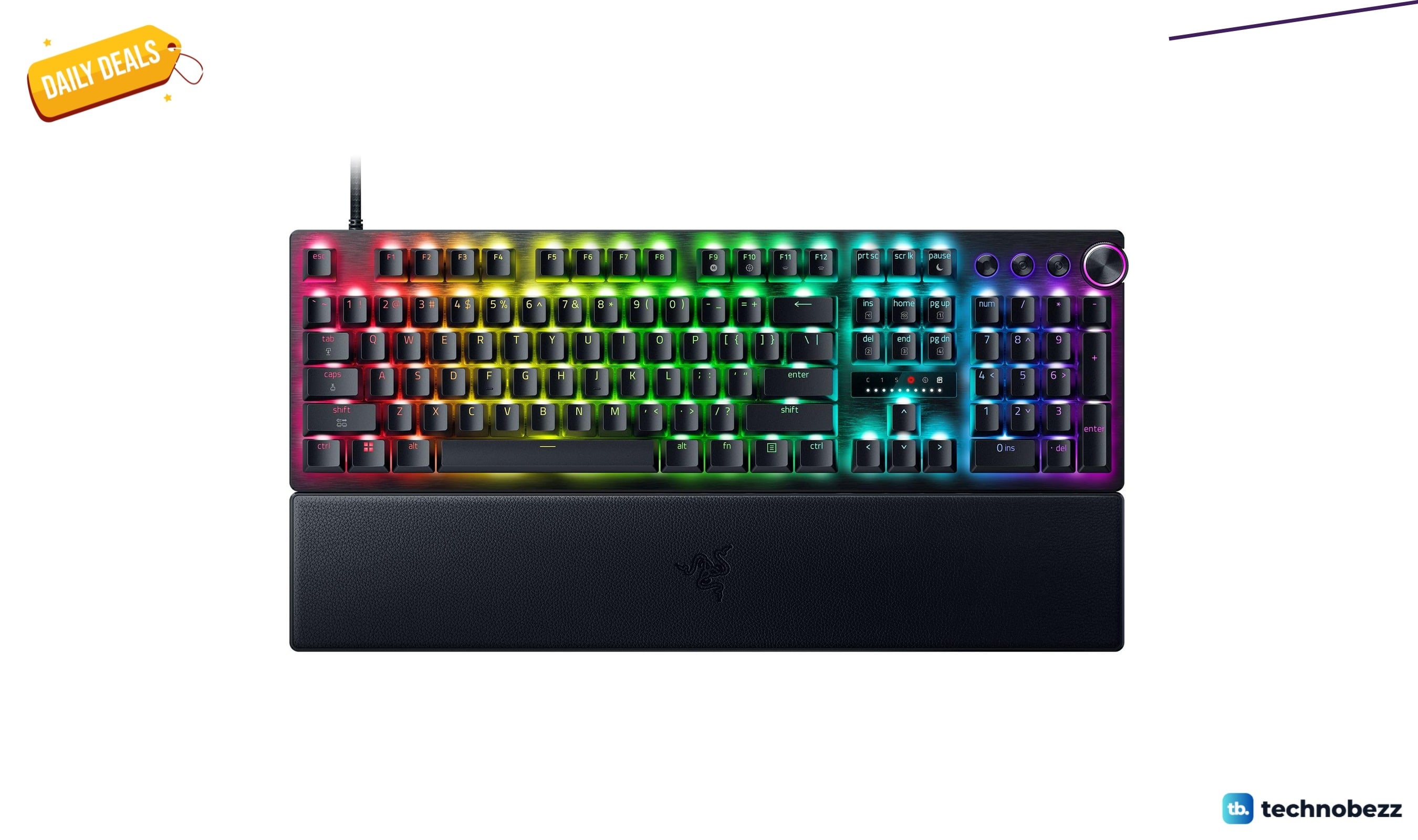
Deal
Razer Huntsman V3 Pro 8KHz Esports Gaming Keyboard marked down to $180.49 for Prime Big Deal Days
More buying guides
Buying guideTop 7 Home Theater Systems for 2026Buying guide6 Best Handheld Gaming Consoles for 2026Buying guide5 Spy Cameras for Home and Portable Monitoring (2026)Buying guide6 Best Tablets for Gaming in 2026Buying guide7 Best Laptops for Interior Designers in 2026Buying guide4 Best Budget Laptops Around $300 for 2026Buying guide7 Gaming Consoles for Every Budget in 2026Buying guideBest Lenovo ThinkPad Laptops in 2026