Dell uses the same family names across different generations and configurations, so match the model code before comparing processors, memory, storage or screens. Screen size and graphics capability should fit the way you plan to use the laptop.
Technobezz is supported by its audience. We may get a commission from retail offers.
Best Dell Laptops in 2026
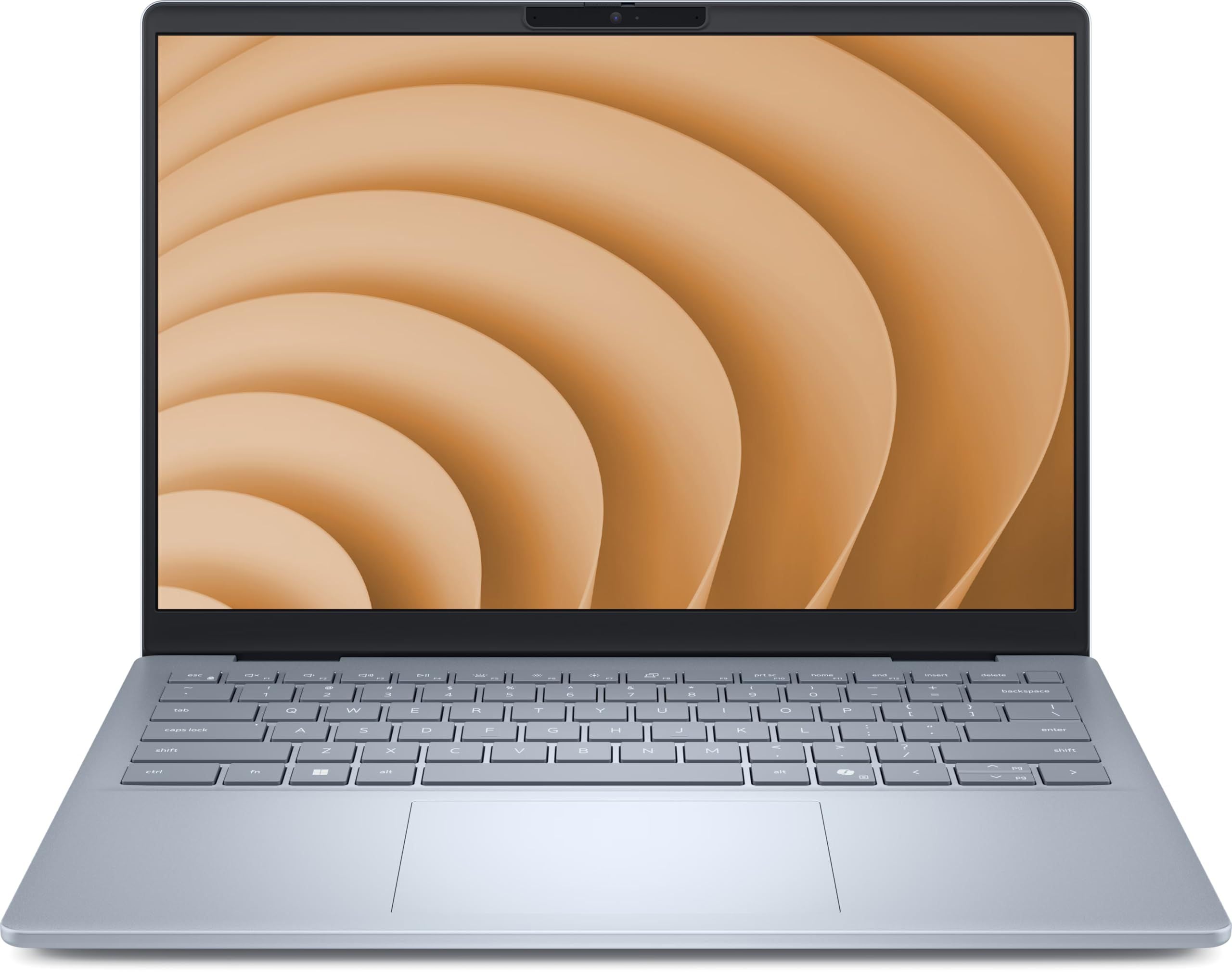
The Dell 14 Plus (DB14250) is our top Dell laptop for 2026, with strong productivity performance, a sharp 16:10 display and 1TB storage.
T
Technobezz
Editorial Team
Updated September 4, 2026Sep 4, 2026
•12 min read

Get Deals Like These in Your Inbox
The best prices, straight to your inbox.
On GoogleFollow Technobezz: add us as a preferred source.

The Dell 14 Plus (DB14250) is our best overall pick for its efficient productivity performance, sharp 16:10 display and practical 16GB memory and 1TB storage configuration. The remaining picks cover home use, big-screen productivity, convertible flexibility, gaming, desktop replacement and business needs.
At a Glance
| Category | Product | Why We Picked It |
|---|---|---|
| Best overall | Dell 14 Plus (DB14250) | Core Ultra 7 performance with a 2.5K display, 16GB memory and a 1TB SSD |
| Best value | Dell 15 (D15260) | Core Ultra 5 processor, 16GB memory and a 512GB SSD for everyday home use |
| Best for mainstream big-screen productivity | Dell 16 Plus (DB16250) | A large 2.5K IPS display backed by 32GB of memory and a 2TB SSD |
| Best 2-in-1 | Dell 16 Plus 2-in-1 (DB06250) | Four flexible operating modes with an expansive touchscreen |
| Best for gaming | Dell Alienware 16 Area-51 (AA16250) | RTX 50-series gaming performance paired with a fast 240Hz display |
| Best desktop replacement | Dell Alienware 18 Area-51 (AA18250) | Desktop-class gaming power with a huge 300Hz display |
| Best for business | Dell Pro 14 Plus (PB14250) | Business manageability, security options and configuration flexibility |
How we chose
Workload fit comes first, followed by processor and graphics capability, memory, storage, display quality, portability, connectivity and upgradeability. Each pick must deliver the right configuration and clear value for its role.
The best Dell laptops right now
Dell 14 Plus (DB14250) - Best overall
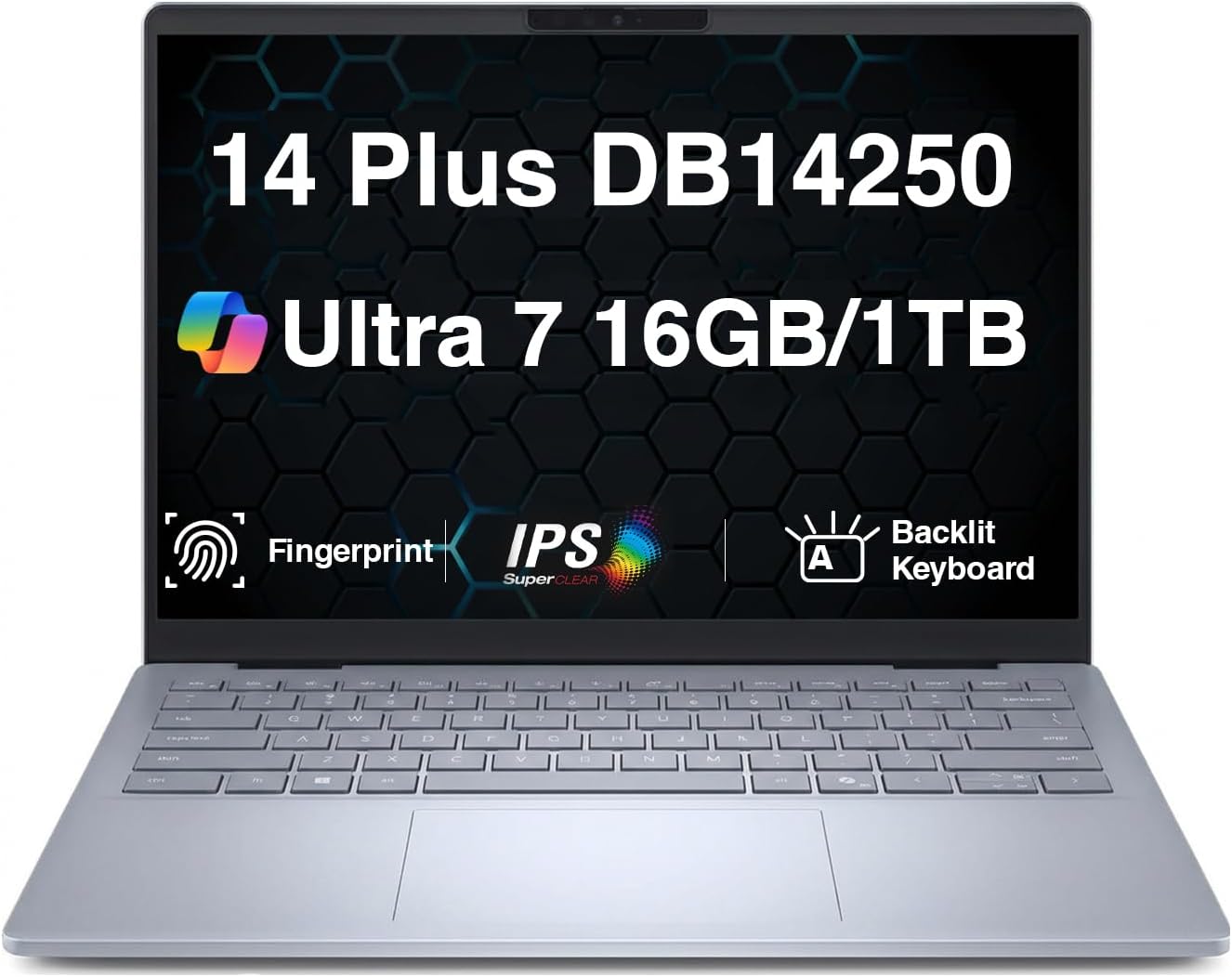
The Dell 14 Plus combines strong productivity performance and efficiency with a sharp 14-inch 2560×1600 IPS display. Its non-touch panel has a 16:10 aspect ratio and a 120Hz refresh rate, although its 300-nit brightness is modest outdoors.
An Intel Core Ultra 7 256V, 16GB of onboard LPDDR5x memory and a 1TB NVMe SSD make this a practical school, office or travel laptop. The construction is better than many budget laptops, but the memory cannot be upgraded and the integrated graphics are unsuitable for demanding games or 3D work.
Key highlights
- Intel Core Ultra 7 256V, 8 cores, up to 4.8 GHz
- Integrated Intel Arc 140V graphics
- 14-inch 2560×1600 IPS non-touch display, 120Hz
- 16GB LPDDR5x onboard memory
- 1TB PCIe NVMe SSD
- Windows 11 Pro
Pros
- Sharp 2.5K display with a 120Hz refresh rate
- Practical 16GB memory and 1TB SSD configuration
- Thunderbolt 4 and Wi-Fi 7 connectivity
- Backlit keyboard and fingerprint reader
Cons
- Display is only moderately bright outdoors
- No touchscreen in this configuration
- Soldered memory cannot be upgraded
- Integrated graphics are unsuitable for demanding games or 3D work
Who it's for
This model suits school, office and travel users seeking practical specifications in a 14-inch laptop.
Skip if
Choose another model if you frequently work outdoors or need discrete graphics or upgradeable memory.
Dell 15 (D15260) - Best value
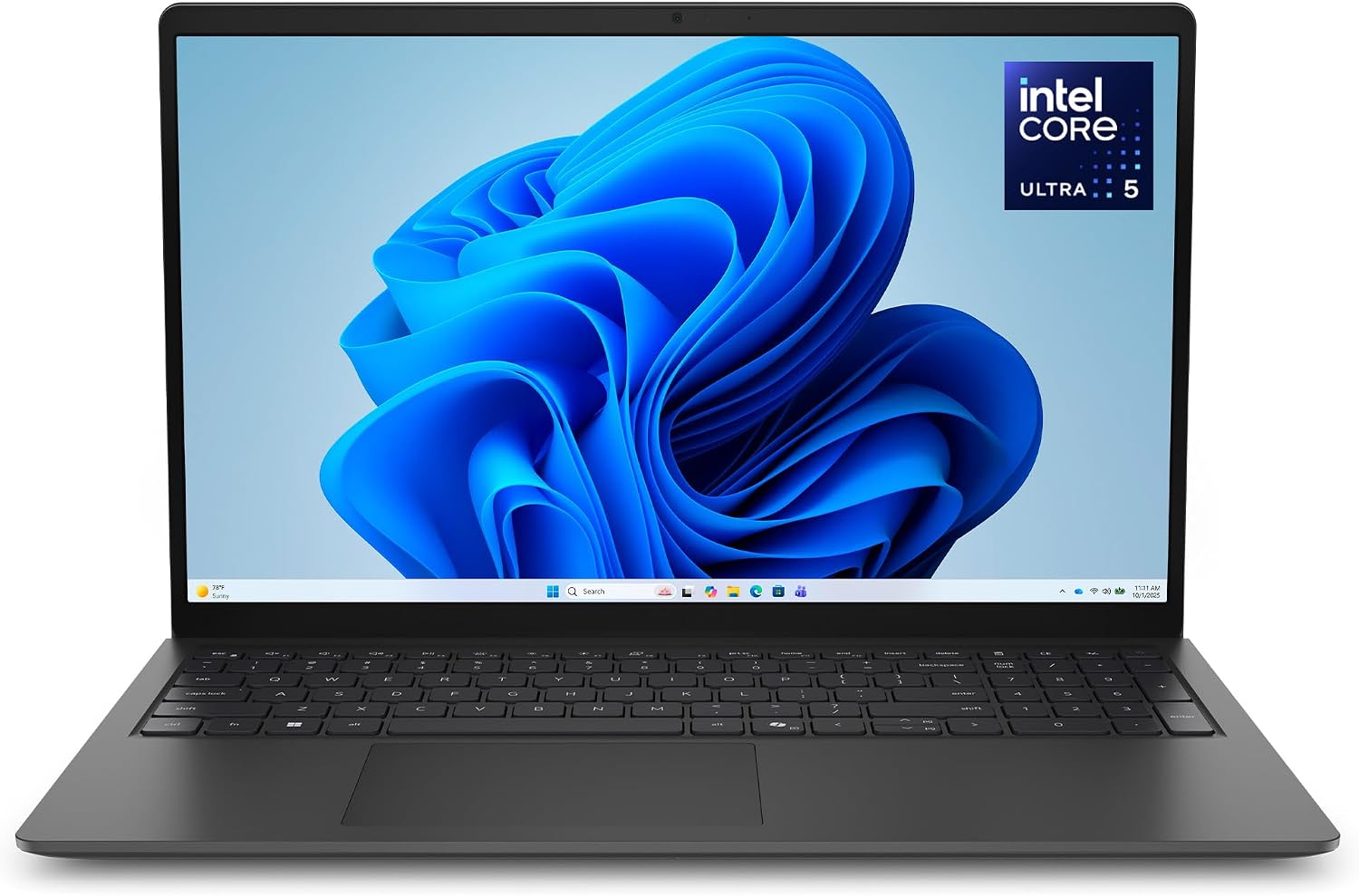
The Dell 15 D15260 covers browsing, documents and streaming with an Intel Core Ultra 5 225U processor. Its 15.6-inch 1920×1080 non-touch display runs at 60Hz, with an anti-glare finish and 300-nit brightness.
The linked configuration includes 16GB of DDR5-5600 memory, a 512GB NVMe SSD and Windows 11 Home. A backlit keyboard with a numeric keypad suits homework and household spreadsheets, while integrated Intel graphics and the 16:9 screen keep its focus on everyday computing.
Key highlights
- Intel Core Ultra 5 225U with 12 cores
- Integrated Intel graphics
- 15.6-inch 1920×1080 non-touch display, 60Hz, 300 nits
- 16GB DDR5-5600 memory
- 512GB PCIe NVMe SSD
- Windows 11 Home, backlit keyboard and numeric keypad
Pros
- 16GB memory and a 512GB SSD for everyday tasks
- Backlit keyboard with a numeric keypad
- Anti-glare Full HD display
- Wi-Fi 6 connectivity
Cons
- 60Hz display without touch support
- 16:9 display provides less vertical room than 16:10 models
- Integrated graphics are not intended for demanding gaming
Who it's for
Households and students get an uncomplicated computer for homework, browsing, documents and streaming.
Skip if
Look elsewhere for demanding gaming, a touchscreen or more vertical screen space.
Dell 16 Plus (DB16250) - Best for mainstream big-screen productivity
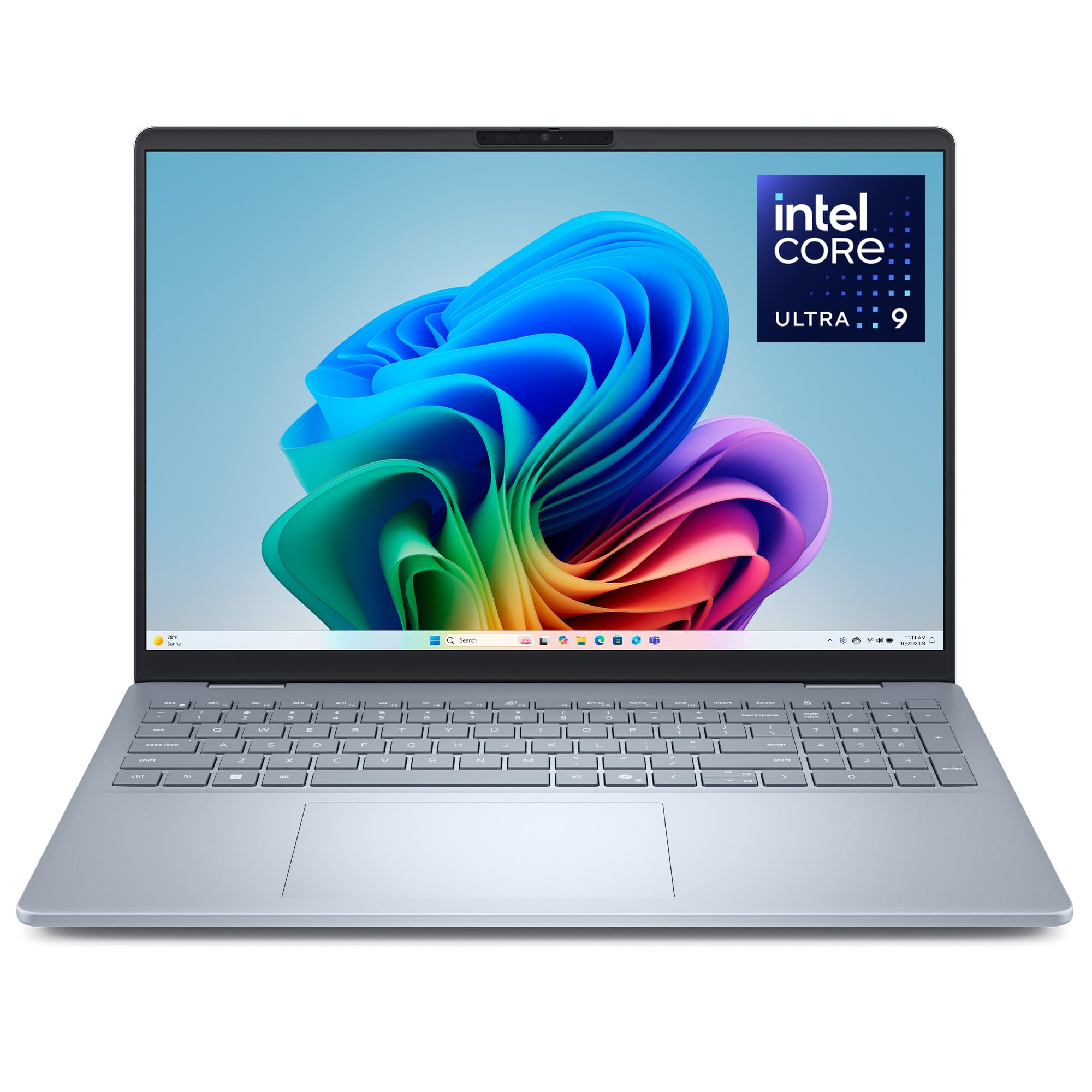
A 16-inch 2560×1600 non-touch IPS display defines this Dell 16 Plus configuration. The anti-glare panel is rated at 300 nits, while the large workspace and numeric keypad support finance and data entry.
Its Core Ultra 9 288V processor works with 32GB of onboard LPDDR5x memory and a 2TB NVMe SSD. USB-C, USB-A and HDMI connections accommodate common accessories and external displays.
The substantial memory configuration comes with two firm tradeoffs. Memory is soldered, and integrated Intel Arc Graphics limit demanding gaming and GPU rendering.
Key highlights
- Intel Core Ultra 9 288V, 8 cores
- Integrated Intel Arc Graphics
- 16-inch 2560×1600 non-touch IPS display
- Anti-glare finish and 300-nit brightness
- 32GB LPDDR5x-8533 onboard memory
- 2TB M.2 PCIe NVMe SSD
Pros
- Large, sharp 2.5K IPS display
- Strong 32GB/2TB productivity configuration
- Numeric keypad is useful for finance and data entry
- Good selection of USB-C, USB-A and HDMI connectivity
Cons
- Current high-spec configuration is expensive
- Memory is soldered
- Integrated graphics limit demanding gaming and GPU rendering
Who it's for
This configuration fits users who prioritize a large display, numeric keypad and substantial memory over minimum weight.
Skip if
Choose a different laptop for daily commuting, upgradeable memory or discrete graphics.
Dell 16 Plus 2-in-1 (DB06250) - Best 2-in-1
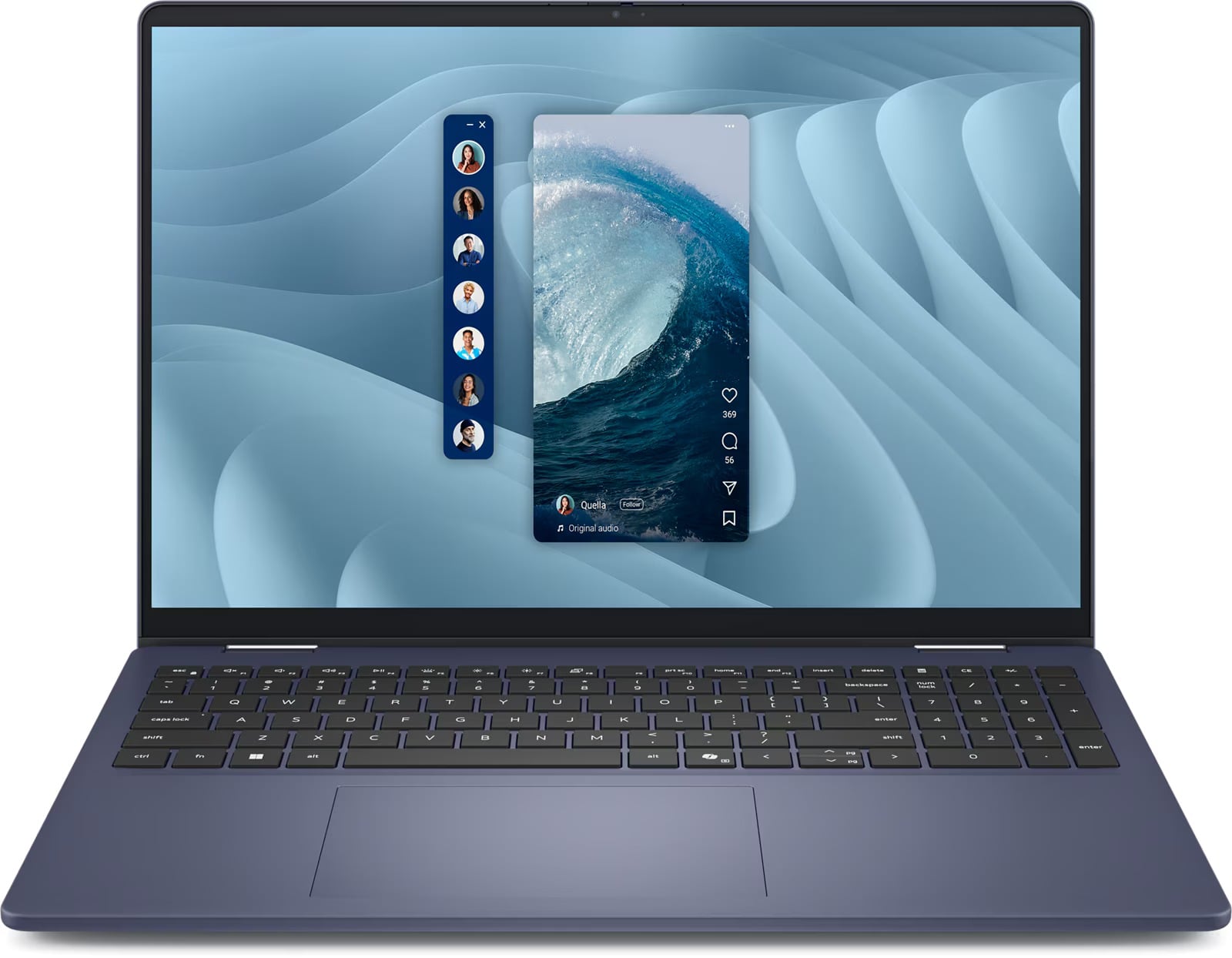
Four operating modes separate the Dell 16 Plus 2-in-1 from a conventional laptop. Its 360-degree hinge supports laptop, tent, stand and tablet use, making the 16-inch touchscreen suitable for drawing, presentations, handwritten work and shared-screen viewing.
The Core Ultra 7 256V, 16GB of onboard memory and 1TB NVMe SSD form a balanced configuration. Thunderbolt 4, USB-C, USB-A, HDMI 2.1 and an audio jack provide modern and legacy connections, and the keyboard retains a numeric keypad. The large chassis is awkward to hold in tablet mode, and the base display is only moderately bright outdoors.
Key highlights
- Intel Core Ultra 7 256V, 8 cores, up to 4.8 GHz
- Integrated Intel Arc Graphics
- 16-inch 1920×1200 (WUXGA) touchscreen, 300 nits
- 16GB LPDDR5x-8533 onboard memory
- 1TB M.2 PCIe NVMe SSD
- Thunderbolt 4, USB-C, USB-A, HDMI 2.1 and audio jack
Pros
- Expansive touchscreen for drawing, presenting and media
- 360-degree hinge supports laptop, tent, stand and tablet modes
- Balanced 16GB/1TB configuration
- Good mix of modern and legacy ports
- Numeric keypad remains available despite the convertible design
Cons
- Large and awkward to hold in tablet mode
- Base display is only moderately bright outdoors
- Soldered memory
- No discrete graphics
Who it's for
Presenters, handwritten-work users and people sharing a screen gain the most from this large convertible.
Skip if
A smaller model is better for lightweight handheld tablet use, while a different system is required for color-critical creative work.
Dell Alienware 16 Area-51 (AA16250) - Best for gaming
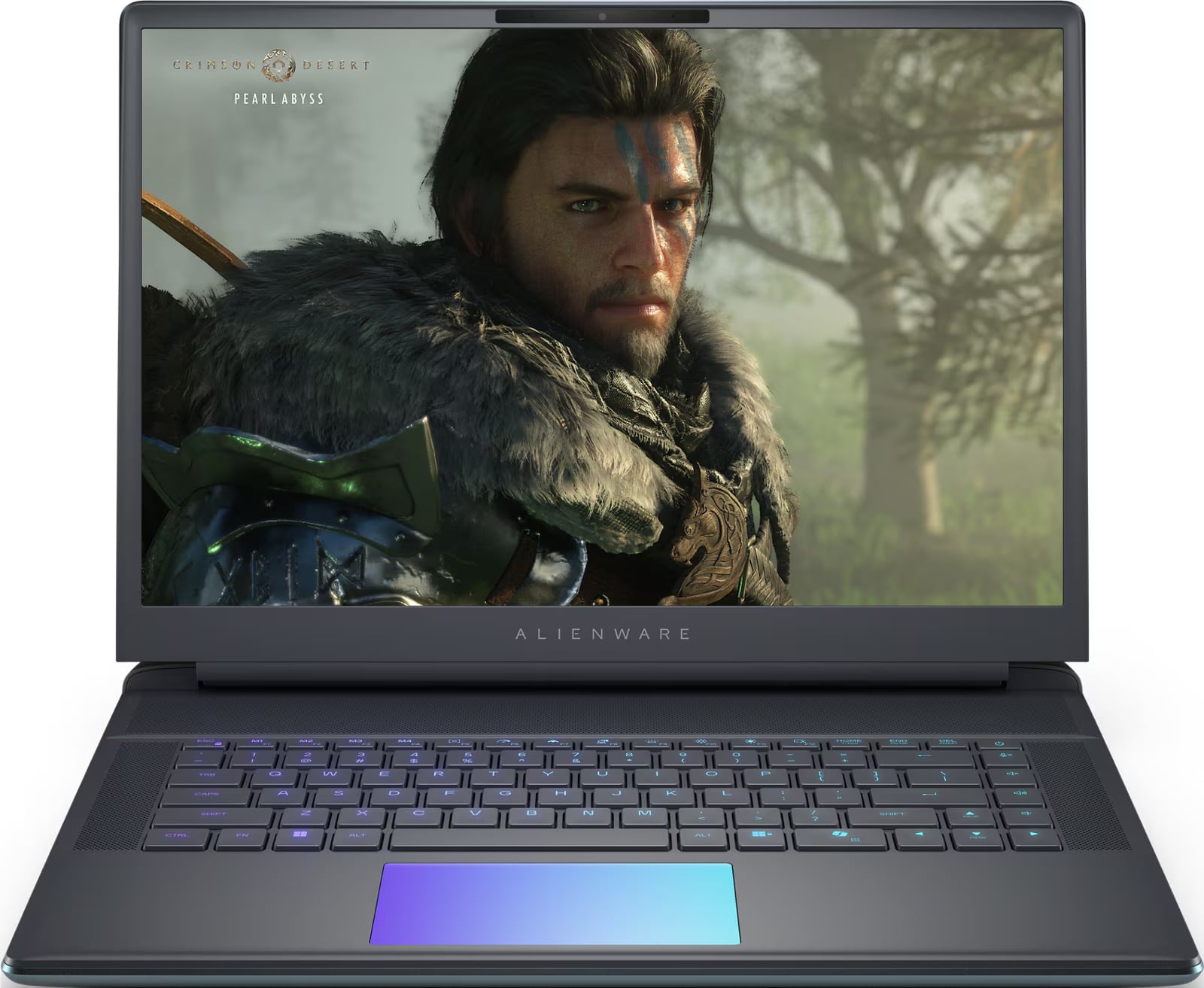
Gaming hardware takes priority in the Alienware 16 Area-51. Its 24-core Intel Core Ultra 9 275HX and NVIDIA GeForce RTX 5070 Ti with 12GB of GDDR7 deliver excellent gaming performance, supported by strong cooling and high-power GPU configurations.
The display matches that focus with a 16-inch 2560×1600 resolution, 240Hz refresh rate, 500-nit brightness, 100% DCI-P3 coverage and G-SYNC support.
Replaceable memory and multiple storage options strengthen the upgrade path. Portability is the sacrifice, with a maximum laptop weight of 7.49 pounds, a power adapter that adds roughly 2.2 pounds and loud fans under demanding loads.
Key highlights
- Intel Core Ultra 9 275HX, 24 cores
- NVIDIA GeForce RTX 5070 Ti with 12GB GDDR7
- 16-inch 2560×1600 display
- 240Hz, 500 nits, 100% DCI-P3 and G-SYNC
- 32GB DDR5-6400 memory
- 1TB TLC M.2 PCIe 4.0 NVMe SSD
Pros
- Excellent gaming performance with RTX 50-series options
- Fast, bright, wide-gamut 240Hz display
- Strong cooling and high-power GPU configurations
- Replaceable memory and multiple storage options
Cons
- Very heavy and bulky for a 16-inch laptop
- Large power adapter adds another roughly 2.2 pounds
- Fans become loud under demanding loads
- No built-in Ethernet port on the 16-inch chassis
Who it's for
Performance-focused players who value cooling and display quality over portability are the target users.
Skip if
A lighter laptop makes more sense for regular commuting, long unplugged use or understated office styling.
Dell Alienware 18 Area-51 (AA18250) - Best desktop replacement
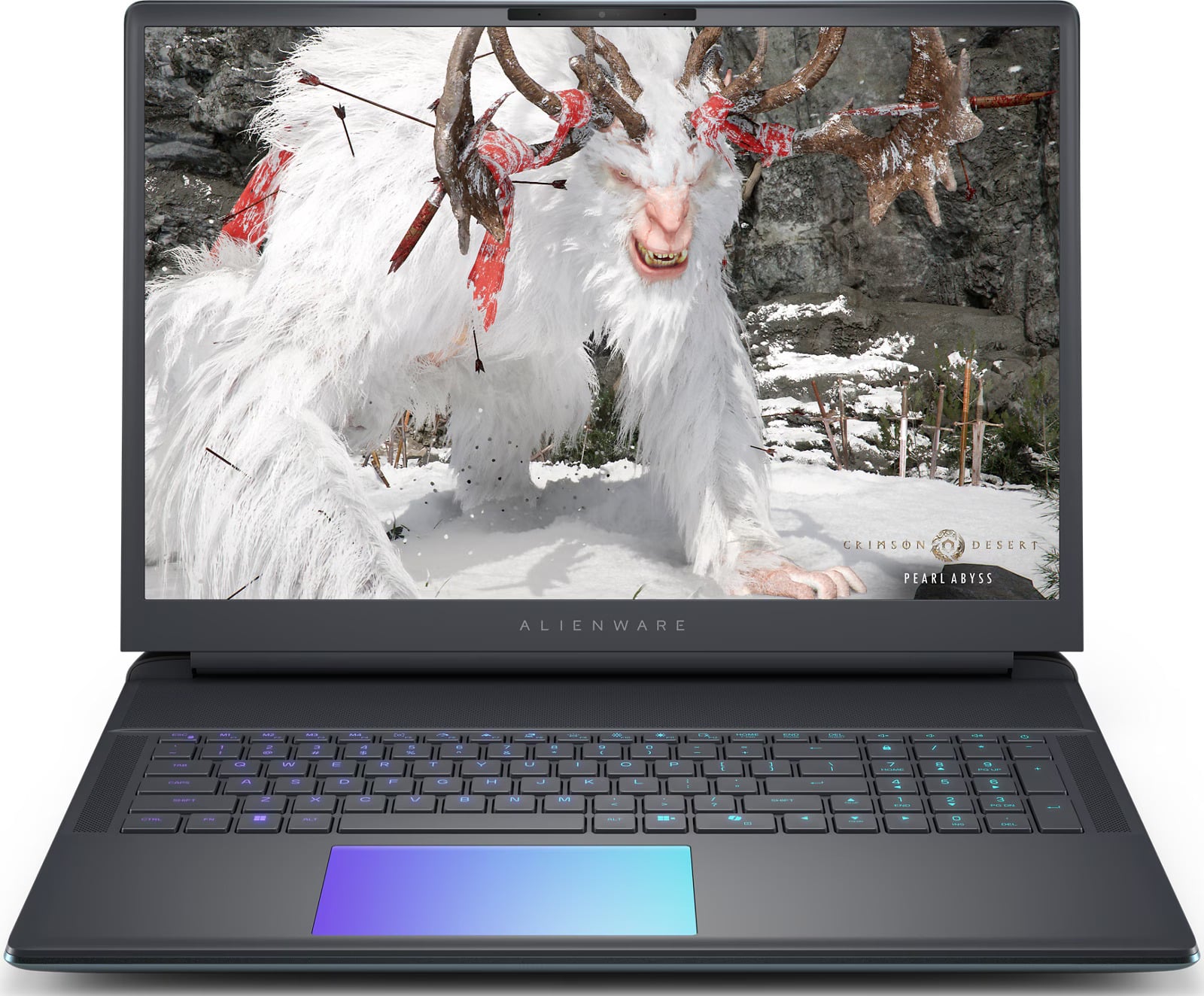
An 18-inch 2560×1600 display gives the Alienware 18 Area-51 its desktop-replacement character. The panel runs at 300Hz, reaches 500 nits, covers 100% of DCI-P3 and supports G-SYNC.
A 24-core Intel Core Ultra 9 275HX, NVIDIA GeForce RTX 5070, 32GB of DDR5 memory and a 1TB SSD supply desktop-class gaming power. The current memory configuration uses two 16GB modules, and the chassis offers strong cooling capacity and upgrade potential. Connectivity includes 5GbE Ethernet plus USB, Thunderbolt and HDMI.
This is a movable system rather than a portable one. The laptop can weigh 9.56 pounds, its power adapter adds 2.2 pounds, and the large footprint requires a correspondingly large desk and bag.
Key highlights
- Intel Core Ultra 9 275HX, 24 cores
- NVIDIA GeForce RTX 5070 with 8GB GDDR7
- 18-inch 2560×1600 display
- 300Hz, 500 nits, 100% DCI-P3 and G-SYNC
- 32GB DDR5-6400 memory in two 16GB modules
- 1TB TLC M.2 PCIe 4.0 NVMe SSD and 5GbE Ethernet
Pros
- Huge, fast and bright 18-inch display
- High-end CPU and GPU options can replace a gaming desktop
- 32GB memory in the base current configuration
- 5GbE Ethernet plus extensive USB, Thunderbolt and HDMI connectivity
- Strong cooling capacity and upgrade potential
Cons
- 9.56-pound laptop plus a 2.2-pound power adapter
- Very expensive
- Large footprint requires an equally large desk and bag
- Fans are conspicuous under sustained load
Who it's for
Gamers who want movable desktop-class power and rarely work away from an outlet get the best fit.
Skip if
Frequent travelers and users with limited desk space need a genuinely portable laptop.
Dell Pro 14 Plus (PB14250) - Best for business
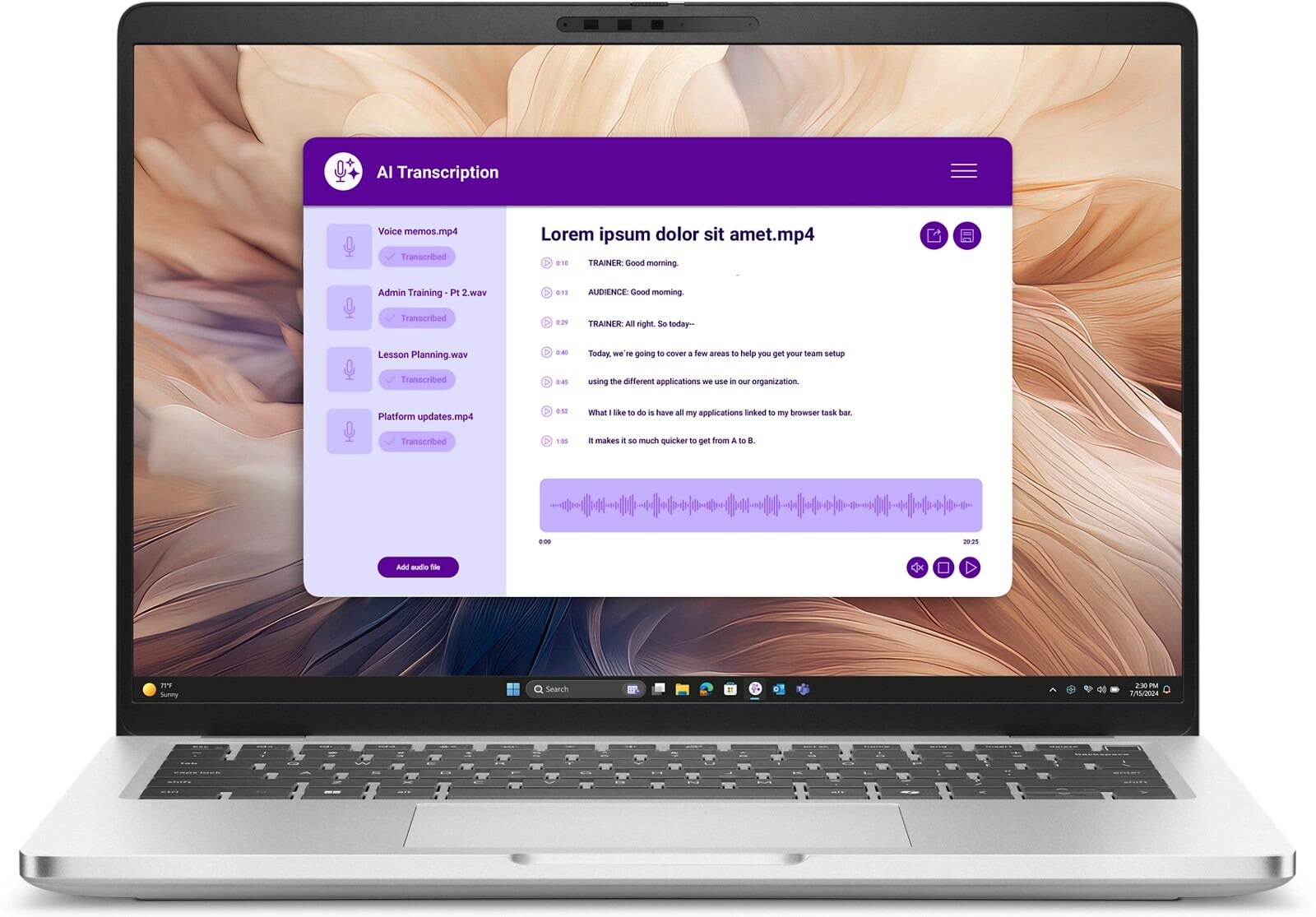
Business buyers get Windows 11 Pro, vPro management options and a durable aluminum chassis in the Dell Pro 14 Plus. Its broad security, mobile-broadband and support choices address organizational requirements.
The linked listing specifies a 14-inch 1920×1200 non-touch display, a 512GB SSD and Windows 11 Pro, but its title and feature bullets disagree on the processor and memory. Confirm the exact configuration with the seller before ordering.
Key highlights
- 14-inch 1920×1200 non-touch display, 300 nits
- 512GB PCIe M.2 SSD
- Windows 11 Pro
- vPro management options
- Backlit keyboard and camera privacy shutter
Pros
- Windows 11 Pro and vPro management options
- Broad security, mobile-broadband and support choices
- Durable aluminum business chassis
- Memory and storage configuration range is extensive
Cons
- Retail listing conflicts on processor and memory specifications
- Entry display is basic
- Consumer buyers pay extra for fleet-management features they may not use
Who it's for
Organizations that value manageability, security options and Dell's business support ecosystem are the intended buyers.
Skip if
Personal buyers who do not need Windows 11 Pro, vPro or enterprise support should choose a consumer-focused model.
How to Choose
- Match the model code. Dell reuses names across different generations and configurations. Check the model code before comparing specifications.
- Choose the screen size deliberately. Fourteen-inch models are easiest to commute with, while 16-inch models provide more workspace and often include a numeric keypad. An 18-inch Alienware system functions as a movable desktop.
- Separate CPU and GPU needs. Integrated graphics are sufficient for office work, streaming and light creation. Modern games, 3D rendering and GPU-accelerated production warrant an Alienware system with an RTX 50-series GPU.
- Look beyond resolution. Brightness, color coverage, refresh rate, touch support and panel technology all affect display quality. A 300-nit IPS screen can be sharp but difficult to use outside, while Mini-LED improves contrast and color.
- Buy enough memory upfront. Choose at least 16GB for general use and 32GB for demanding creative work, development or a long ownership cycle. This is especially important when the memory is soldered.
- Audit each retailer configuration. Listings with the same family code can use different processors, memory, storage, screens, warranties or third-party upgrades. Compare the complete specification and seller before buying.
Is 16GB of RAM enough for a Dell laptop?
Yes. It is the sensible minimum for Windows 11 multitasking, school and office use in 2026.
When should I choose 32GB of RAM?
Choose 32GB for large creative projects, software development, virtual machines or a longer useful life, especially when the memory is soldered.
Does the same Dell model on Amazon always match Dell.com?
No. A family code can cover multiple configurations, and marketplace sellers may install different memory or storage. Compare the model code, processor, memory, storage, display, operating system, warranty and seller.
Which Dell laptop size is easiest to carry?
A 14-inch model is the easiest choice for commuting. A 16-inch model provides more workspace and often a numeric keypad, while an 18-inch Alienware system functions as a movable desktop.
Should I choose OLED or IPS?
OLED provides deeper blacks, higher contrast and richer color for media and creative work. IPS usually costs less, avoids OLED burn-in concerns and can provide longer battery life.
Published July 13, 2026 Last updated September 5, 2026
Share this article
More on laptops
Deal
Microsoft Surface Laptop 5 slips to $608.84
Deal
ASUS Chromebook CM15 dips to $370.99
Buying guide
7 Best Laptops for Interior Designers in 2026
Buying guide
4 Best Budget Laptops Around $300 for 2026
More buying guides
Buying guide9 Best Keyboards From Top Brands in 2026Buying guide8 Best 60 Percent Keyboards of 2026Buying guideTop 7 Home Theater Systems for 2026Buying guide6 Best Handheld Gaming Consoles for 2026Buying guide5 Spy Cameras for Home and Portable Monitoring (2026)Buying guide6 Best Tablets for Gaming in 2026Buying guide7 Gaming Consoles for Every Budget in 2026Buying guideBest Lenovo ThinkPad Laptops in 2026