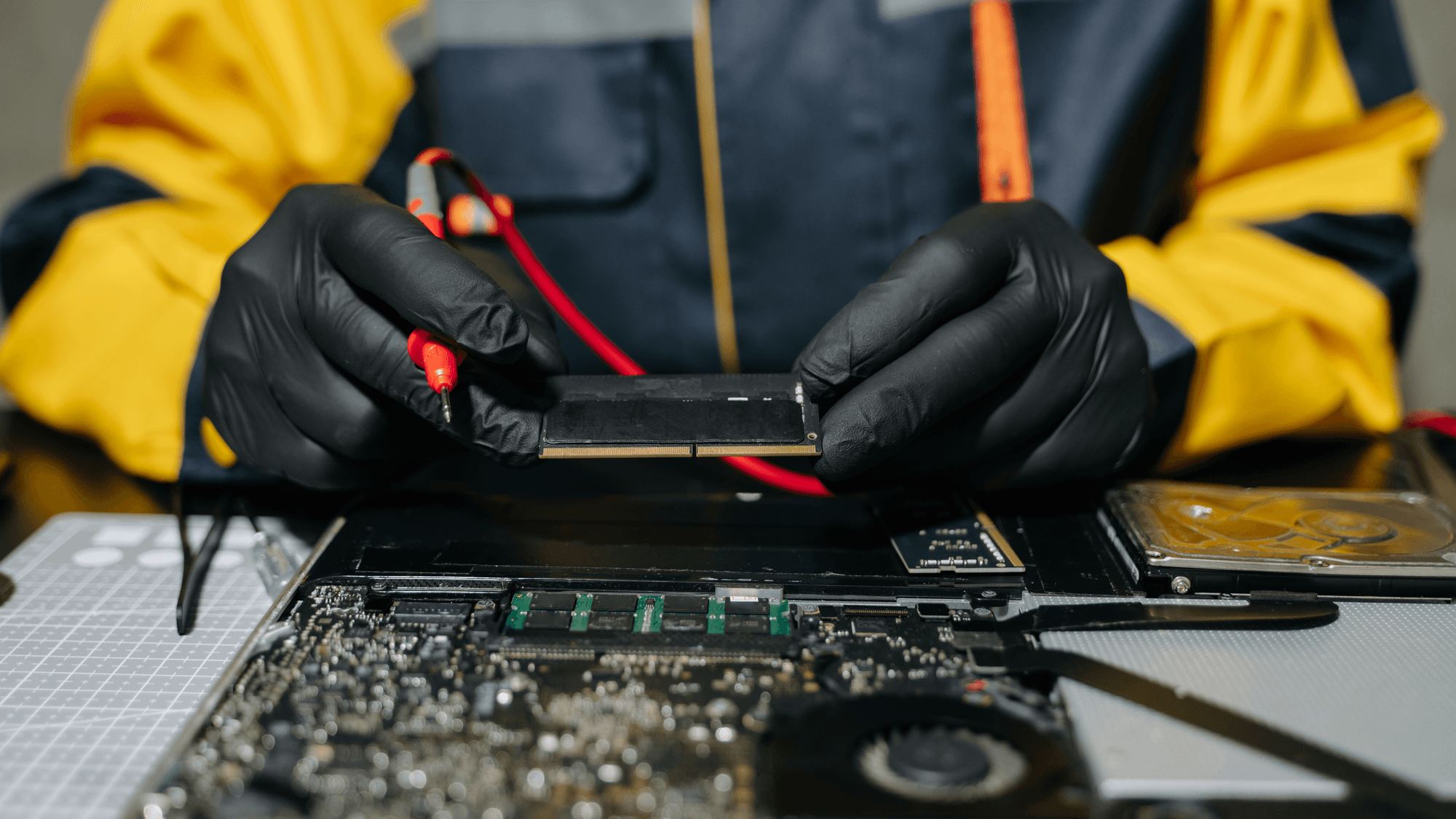
RAM stands for random-access memory. Intel describes it as high-speed, short-term memory for a computer's CPU, holding the data the processor needs for the applications and files in use. It is separate from the drive that keeps your files, and it is emptied when the device restarts or turns off.
What RAM does
Kingston's memory glossary describes RAM as short-term memory that sits between storage, meaning an SSD or hard drive, and the processor, so data can be reached quickly. Intel says RAM contains the data the CPU needs for open applications and files.
Microsoft's Windows help says RAM is faster than disks at reading and writing information. Applications and files are loaded from the slower disk into RAM so they can be accessed faster.
RAM vs storage
- RAM: holds working data for the applications and files that are open right now, per Intel.
- Storage: hard drives and SSDs are used for long-term data and file storage, per Intel.
- What survives a restart: Microsoft says the contents of RAM are lost when the device is restarted or turned off, while disks keep their contents through both.
The disk is where files are kept, and RAM is where a working copy sits while you use it. By Microsoft's description, anything held only in RAM is gone after a restart or shutdown.
DDR, DDR5 and LPDDR5X
DDR means double data rate, and in Kingston's glossary the number after DDR marks the generation. Kingston's glossary explains that DDR SDRAM transfers data on both the rising and falling edges of the clock signal, which works out to twice per clock cycle.
DDR2, DDR3, DDR4 and DDR5 are the second through fifth generations of DDR SDRAM. Kingston describes DDR5 modules as running at 1.1V, with power management on the module itself and two independently addressable 32-bit subchannels.
LPDDR adds the words low power to the name. An Intel document dated May 2025 defines LPDDR5x as fifth-generation Low Power Double Data Rate SDRAM technology, with the x standing for high frequency. Micron's May 2024 announcement of Crucial LPCAMM2 describes it as an upgradeable laptop memory form factor that uses LPDDR5X mobile memory.
Unified memory on Apple silicon
Apple uses a different term for its M1 chip. In its November 2020 announcement of the M1, Apple described a unified memory architecture that brings high-bandwidth, low-latency memory into a single pool within a custom package. Apple said the technologies inside the M1 system on a chip can access the same data without copying it between multiple pools of memory.
How to check your RAM and what to do with the number
- Windows 11 or Windows 10: right-click Start, open Settings, then select System and About. Microsoft's device information page says the Device specifications section shows the amount of RAM installed.
- Mac: choose the Apple menu, then System Settings, General and About. Apple's Mac guide says the Memory entry shows the total memory in your Mac.
If a product page lists a memory figure and a storage figure, the makers' definitions tell you which is which: the memory figure is the short-term working space, and the SSD or hard drive figure is the long-term file storage. If you are comparing laptops and one lists LPDDR5X, that points to the low-power memory type in Intel's definition. Micron describes LPCAMM2 as an upgradeable laptop form factor for that memory, so if upgrades matter to you, look for that name on the spec sheet. If you are reading about a current Mac, the term to know is unified memory, which Apple also uses on its MacBook Air (M5) spec page, and the About screen on a Mac you already own shows its total.