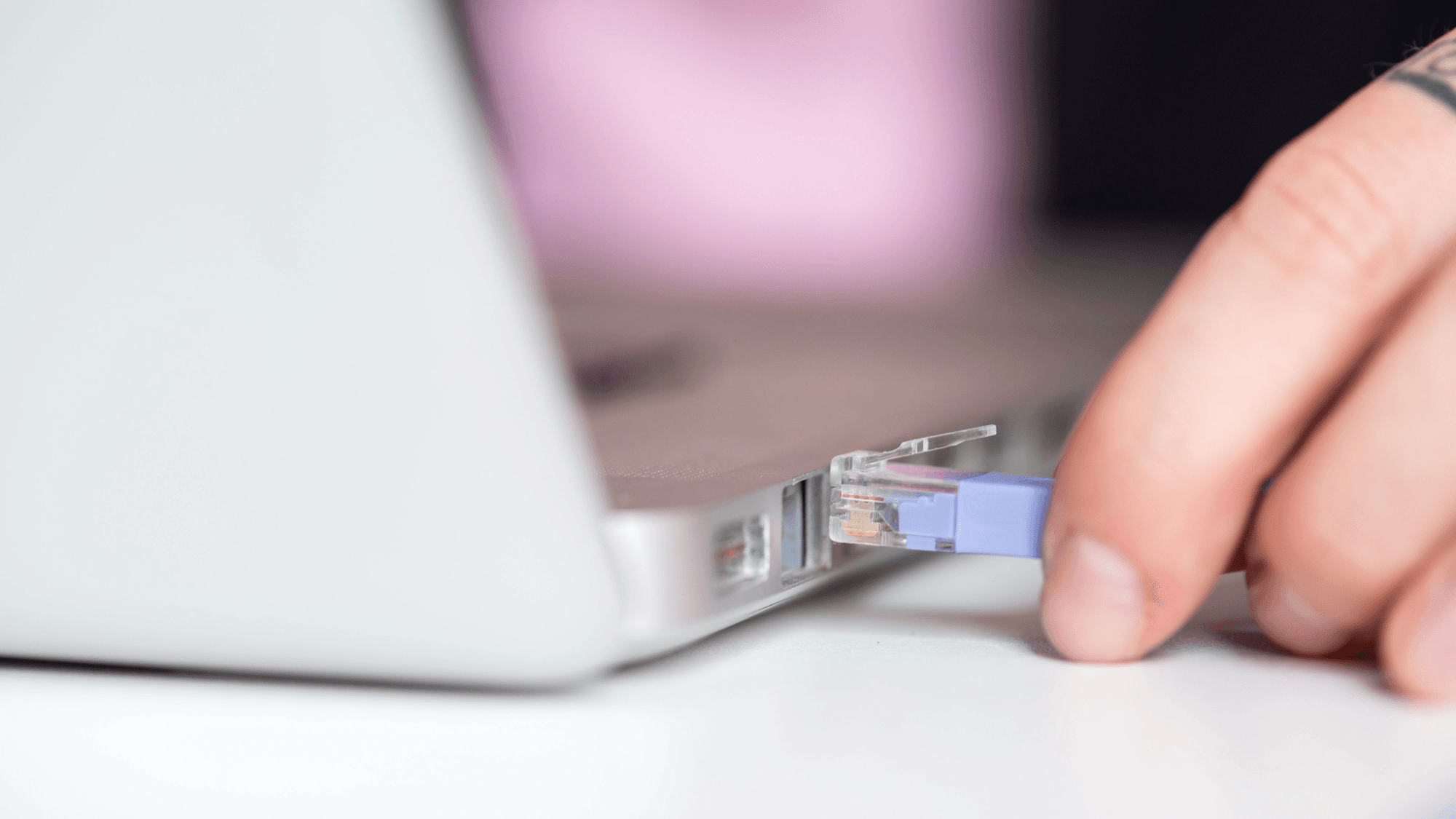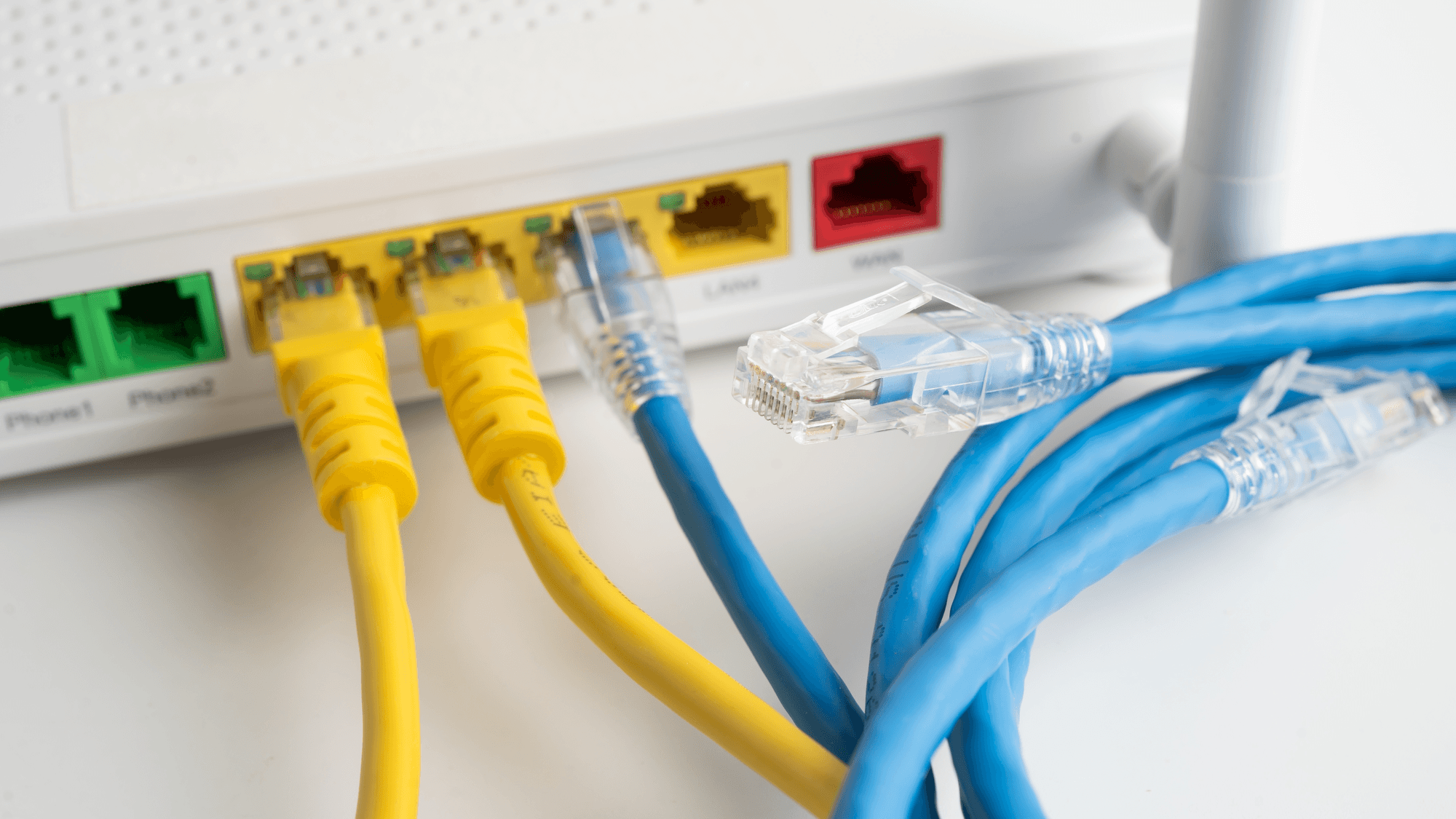
A firewall is a device or program that controls the flow of network traffic between networks or computers with different security postures. That is the definition from the National Institute of Standards and Technology (NIST). At home, a firewall can sit inside the router and on the computer itself, where Windows and macOS each include one.
How a firewall works
Department of Homeland Security guidance hosted by CISA says firewalls are used to stop unauthorized connections, or to permit only limited communication between networks or between a network and a device. Microsoft says Windows Firewall filters network traffic and blocks unauthorized access using criteria that include IP addresses, ports and application paths. TP-Link's guide for its TL-WR802N V4 router describes Stateful Packet Inspection (SPI) as tracking the state of each connection and checking that the traffic in a session conforms to the protocol.
Network firewalls and host firewalls
NIST's 2009 firewall guidelines describe network firewalls and host or personal firewalls:
- Network firewall: separates networks with different security requirements, such as the internet and an internal network.
- Host or personal firewall: runs on the computer it protects, and monitors and controls that one computer's incoming and outgoing traffic.
NIST notes that an attack sent from one computer to another inside the same network may not pass through the network firewall at all. A host firewall monitors and controls traffic for its own computer. NIST treats network address translation (NAT) as a routing technology, separate from a firewall's security functions.
The firewall in your router
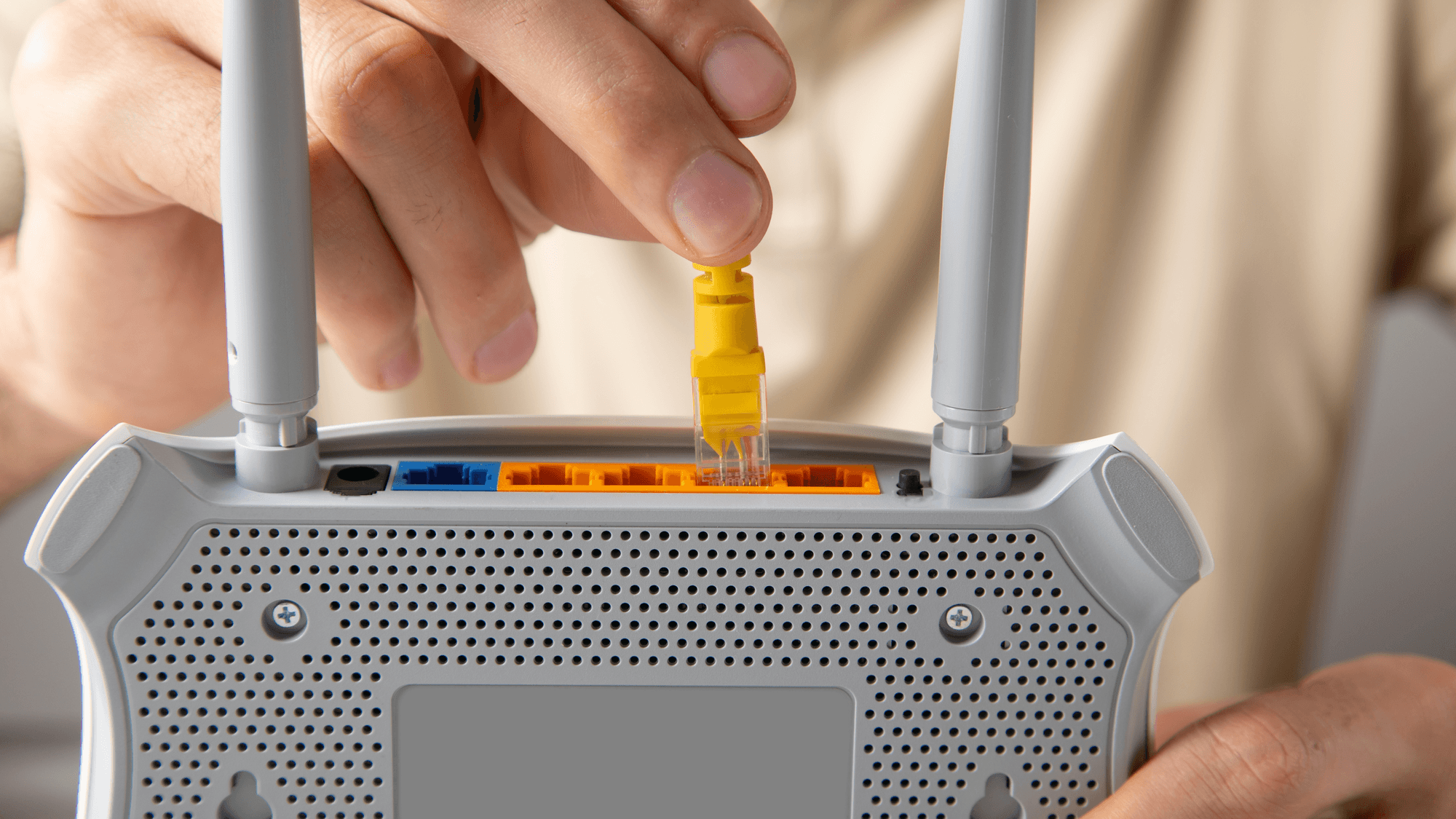
NETGEAR explains that a home router connects the home network to the internet, so the firewall function is merged into that device. It also says some firewall features are turned off by default, and that the features on offer vary by router model.
TP-Link lists the SPI firewall on the TL-WR802N V4 as enabled by default in wireless router mode. NETGEAR documents its port scan and denial-of-service protection as enabled by default, and a setting named Disable Port Scan and DoS Protection turns that protection off.
The firewall in Windows and macOS
Windows manages firewall status separately for three network profiles: domain, private and public. To check yours, open Windows Security, choose Firewall & network protection, select the profile you are connected to and look at Microsoft Defender Firewall. On means it is enabled, and the same switch turns it on. See Microsoft's Firewall and network protection page.
Apple describes the macOS firewall as preventing unwanted connections from the internet or other networks. To check it, open the Apple menu, then System Settings, Network and Firewall, where you can turn it on.
Apple documents these Mac firewall controls (see Apple's firewall settings guide):
- Firewall Options: add apps and services, then choose whether to allow or block their connections.
- Sharing services: turning on a service such as file sharing makes macOS open a specific port for it through the firewall.
- Stealth mode: unauthorized requests such as ICMP (ping) get no response, while authorized apps still get answers.
What to check at home
CISA's Federal Mobile Workplace Security guide, dated August 2024, covers home networks used for telework in its Appendix B. It calls for a router or switch with a built-in firewall. It adds that a personal software firewall and antivirus on the workstation may provide additional endpoint protection while browsing. The same guide calls for changing the router's default administrative password and, where possible, disabling management access from outside the residence.
If you own a router, start with its admin page. On the TL-WR802N V4 in wireless router mode, sign in at tplinkwifi.net, go to Security, then Basic Security, and look at Enable SPI Firewall. On the NETGEAR Nighthawk models covered by its help article, connect to the router, open routerlogin.net or routerlogin.com, sign in and select ADVANCED, then Setup, then WAN Setup to view the WAN settings. NETGEAR says firewall features vary by model, so if you own a different router, follow the maker's guide for it.
If you use a Windows PC or a Mac, run the checks above and confirm the firewall shows as on. If you need to let one app through on a Mac, Firewall Options is where you allow or block it.